
70+ Best Learning Games for Kids That Make Education Exciting
Discover the best learning games for kids that make education exciting, fun, and interactive—perfect for all ages and skill levels.


Every parent knows the tug of war between letting kids use fun websites for kids and wanting that screen time to mean something. Many sites promise fun but leave you guessing which apps actually teach counting, reading, or problem solving.
That is where Best Learning Games for Kids comes in, helping you find interactive games, STEM and literacy activities that make learning feel like play. Want quick picks for preschool games, math games, and safe learning apps that build skills and curiosity?My Coloring Pages offers 17,640+ free coloring pages you can use to reinforce letters, numbers, shapes and creative thinking while keeping kids engaged.
Summary
- More than 74% of American parents report feeling guilty about their child’s screen time, and that guilt often leads to moral bans and anxiety-driven rules rather than practical, goal-oriented choices.
- Counting minutes misses the point because children aged 8 to 12 average 4 to 6 hours of screen time per day, making outright avoidance impractical and shifting the focus to content quality.
- Short, focused educational play is effective, with evidence that children who engage with educational games at least 30 minutes a day show about a 20% improvement in cognitive skills.
- Three signals predict meaningful learning, specifically sustained curiosity, self-directed play, and skill transfer outside the app, and a simple check is whether a child can explain the activity in two sentences.
- Blunt time limits and overly complex apps backfire; coaching over three months found that games with stacked rules or menus caused shutdowns within five minutes, increasing conflict and lost learning opportunities.
- Curated, cross-checked recommendations reduce guesswork, as shown by a selection process that compiled 70+ recommended titles, referenced Wirecutter’s 50 educator-backed picks, and relied on more than 40 hours of hands-on testing.
- This is where My Coloring Pages' 17,640+ free coloring pages fits in, providing customizable printable pages that help caregivers turn short digital practice into targeted off-screen activities tied to specific literacy, numeracy, or motor goals.
Why Screen Time Guilt Is Keeping Your Kids from Educational Fun

Most parents want their kids to learn, stay curious, and feel engaged, yet they carry a private worry that any screen minute might be lazy or harmful. That guilt and confusion are real, and the smarter question is not how many minutes children log, but what kind of screen time actually helps them learn.
Why do parents feel so guilty?
This tension appears across homes and classrooms: parents want their child to use technology for skill-building, but culture frames screens as an enemy. According to Lingokids survey: more than 74% of American parents admit to feeling guilty about their child’s screen time use, that guilt is widespread, and it steers choices more than strategy. The result is anxiety-driven rules that feel moral rather than practical, which makes caretaking more exhausting and less effective.
What happens when decisions come from guilt rather than goals?
The predictable fallout looks like this: a parent bans or strictly limits all screen use, a child becomes bored or sneaks content, and both sides escalate into potential struggles that waste attention. This pattern appears across age groups and settings; when adults cut off screens wholesale, kids lose access to high-quality learning tools and parents miss teachable moments. Guilt-driven bans also push families toward passive alternatives, where a child watches videos rather than practices letter-sound matching, counting, or fine motor control.
Most parents handle this by relying on blunt time limits, because they are simple and feel safe.
That familiar approach is understandable, but it hides real costs: missed learning, more friction at transition times, and less parental leverage to direct growth. Platforms like My Coloring Pages provide a different path, offering a library of 17,640+ free coloring pages and simple customization tools that let adults tailor a single activity to literacy, numeracy, science, fine motor, or social-emotional goals, turning passive screen minutes into focused practice without extra lesson planning.
How should you judge screen time instead of just counting minutes?
If you measure screen time by content quality, you get different choices. The average child is already spending serious time with screens, since American Academy of Child & Adolescent Psychiatry, 2025: children aged 8 to 12 spend an average of 4 to 6 hours a day on screens, which means outright avoidance is impractical and often counterproductive. Treat the device like a box of classroom tools: some apps are manipulatives that teach pattern recognition and problem-solving, while others are purely entertainment. A single printable coloring page can become a counting game, a vocabulary match, or a step-by-step science diagram, depending on how the adult frames it.
What does this look like in practice?
Choose content with a clear learning scaffold. Ask, will this prompt a child to plan, predict, or explain? Can an adult nudge the activity toward a goal in two minutes? For example, use color-by-number art to practice skip counting, or a themed scene to build narrative skills by asking a child to tell a story about one character. Those small shifts convert screen-assisted activities into deliberate practice, improve focus, and reduce the authority battles that come with blanket restrictions.
A short analogy to hold in your head
Think of screens like playground equipment: a slide can teach balance and risk assessment if supervised, or it can be a source of injury if left unchecked. The design of the activity, and the adult’s intention determine the value.
That simple reframe changes everything about how you evaluate a tablet or an app.
What most people miss next, and why it matters so much.
Related Reading
- Fun Websites for Kids
- Free Drawing Websites for Kids
- Coloring Websites for Kids
- Free Coloring Websites for Kids
- Educational Websites for Kids
- Coloring Pages Websites for Kids
- Learning Websites for Kids
70+ Best Learning Games for Kids That Make Education Exciting
These games address screen-time guilt by turning passive hours into intentionally structured learning moments that build skills, confidence, and independence. Each title below pairs a clear cognitive target with mechanics that reward curiosity, practice, and small wins, so parents see progress without having to police every minute.
How these picks reduce guilt and free you up
Parents worry that screen time replaces growth, and that worry is real, persistent, and exhausting. The pattern is consistent across homes and classrooms: attention without feedback feels empty, but attention with repeated, scaffolded practice produces competence and calmer parents. Curated guides backed by 40-plus hours of testing and 50 recommendations from educators, experts, and parents make that clear, meaning you can choose tools with proven learning mechanics rather than hope. Below, each item shows what it teaches and why the game mechanics work, framed in terms of outcomes parents care about: less friction during learning, more independent practice, and tangible confidence gains.
1. My Coloring Pages

- Make custom coloring pages and coloring books with our app. My Coloring Pages turns photos or prompts into printable coloring pages and gives access to an extensive community catalog, trusted by thousands of parents.
- Why it works: designing prompts and coloring within constraints reinforces fine motor control, vocabulary, and narrative recall. For parents, printable activities reduce screen time while allowing you to target specific skills such as letter formation or color naming.
2. PBS Kids Games
- Recommended age: 2+; Cost: Free; Educational value: literacy, math, social studies, problem-solving, nature, science.
- Why it works: familiar characters and short, scaffolded challenges build repetition and provide immediate feedback, helping pre-readers practice attention and routines, making independent play more likely and easing morning or post-school transitions.
3. Math Blaster
- Recommended age: 4+; Cost: Free/$9.99; Educational value: basic arithmetic, number sense, geometry, data analysis.
- Why it works: action-based puzzles pair quick problem-solving with immediate rewards, turning timed arithmetic into a feedback loop that reduces math anxiety and boosts speed and confidence for in-class drills.
4. Prodigy
- Recommended age: 6+; Cost: Free/Premium; Educational value: arithmetic through algebra, problem-solving, data analysis.
- Why it works: role-play framing motivates repeated practice, while teacher tracking personalizes pacing; this reduces friction because kids choose to practice, and you can see where they need support without long homework battles.
5. ABCmouse

- Recommended age: 2+; Cost: $9.95/month or $59.95/year; Educational value: reading, math, science, art, music.
- Why it works: adaptive lesson paths and short activities provide measurable mastery steps, so parents notice steady progress, and young learners gain routine and independence in small, manageable sessions.
6. SplashLearn
- Recommended age: 2+; Cost: subscription tiers; Educational value: math, reading.
- Why it works: curriculum-aligned games plus progress reporting create a loop where success unlocks new content, lowering resistance to practice and giving parents clear checkpoints to celebrate.
7. GCompris
- Recommended age: 2+; Cost: Free; Educational value: wide-ranging, from math to computer skills.
- Why it works: broad activity sets let you match tasks to your child’s interest, and adjustable difficulty keeps kids in the zone of proximal development, which builds autonomy and reduces the need for constant prompting.
8. Animal Jam
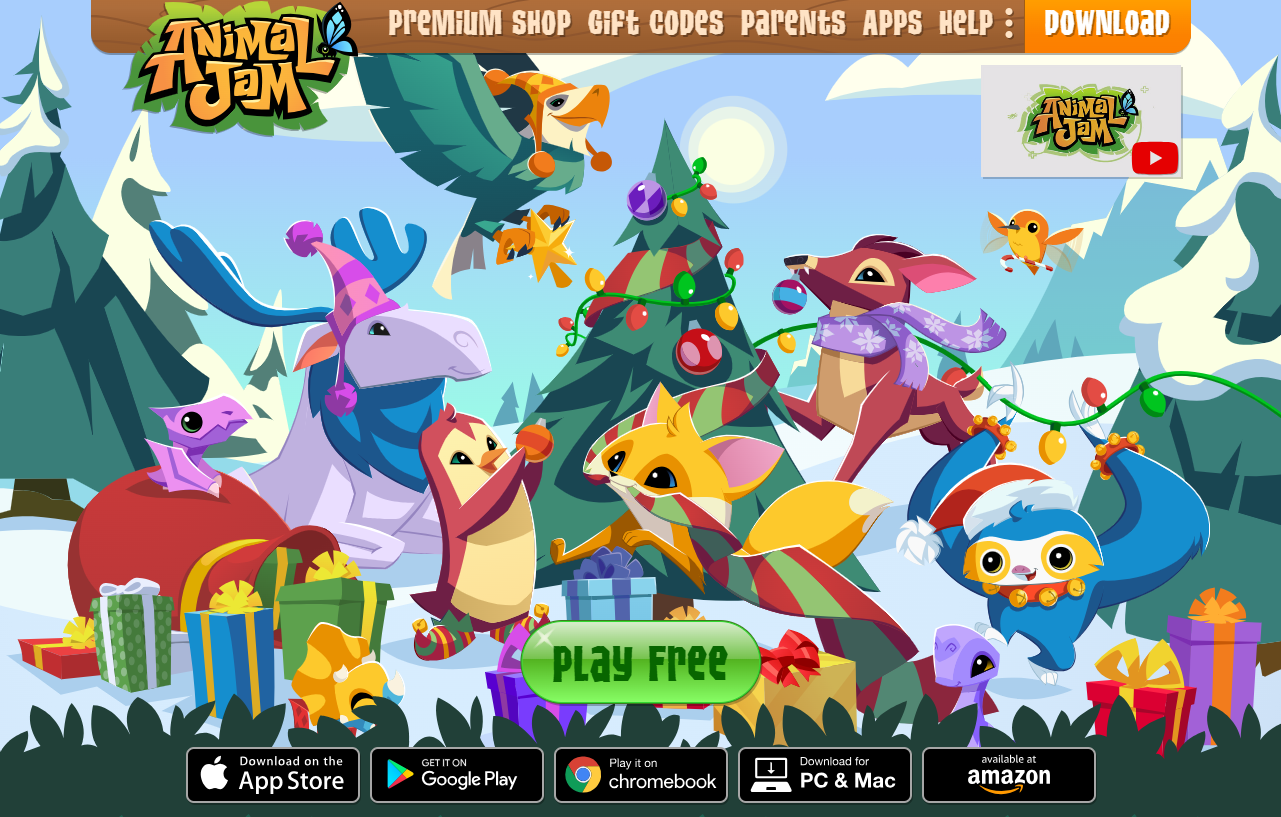
- Recommended age: 7+; Cost: Free/Subscription; Educational value: conservation, social skills, creativity.
- Why it works: an exploratory virtual world teaches social norms and wildlife facts through safe play and creative expression, helping kids practice online etiquette and problem-solving with peer interaction that feels purposeful.
9. Minecraft Education Edition
- Recommended age: 6+; Cost: $26.95; Educational value: collaboration, coding, design, environmental science.
- Why it works: open-ended building tasks require planning and iteration, which teach project sequencing and persistence, so children learn to self-manage collaborative tasks that mirror classroom projects.
10. BrainPOP
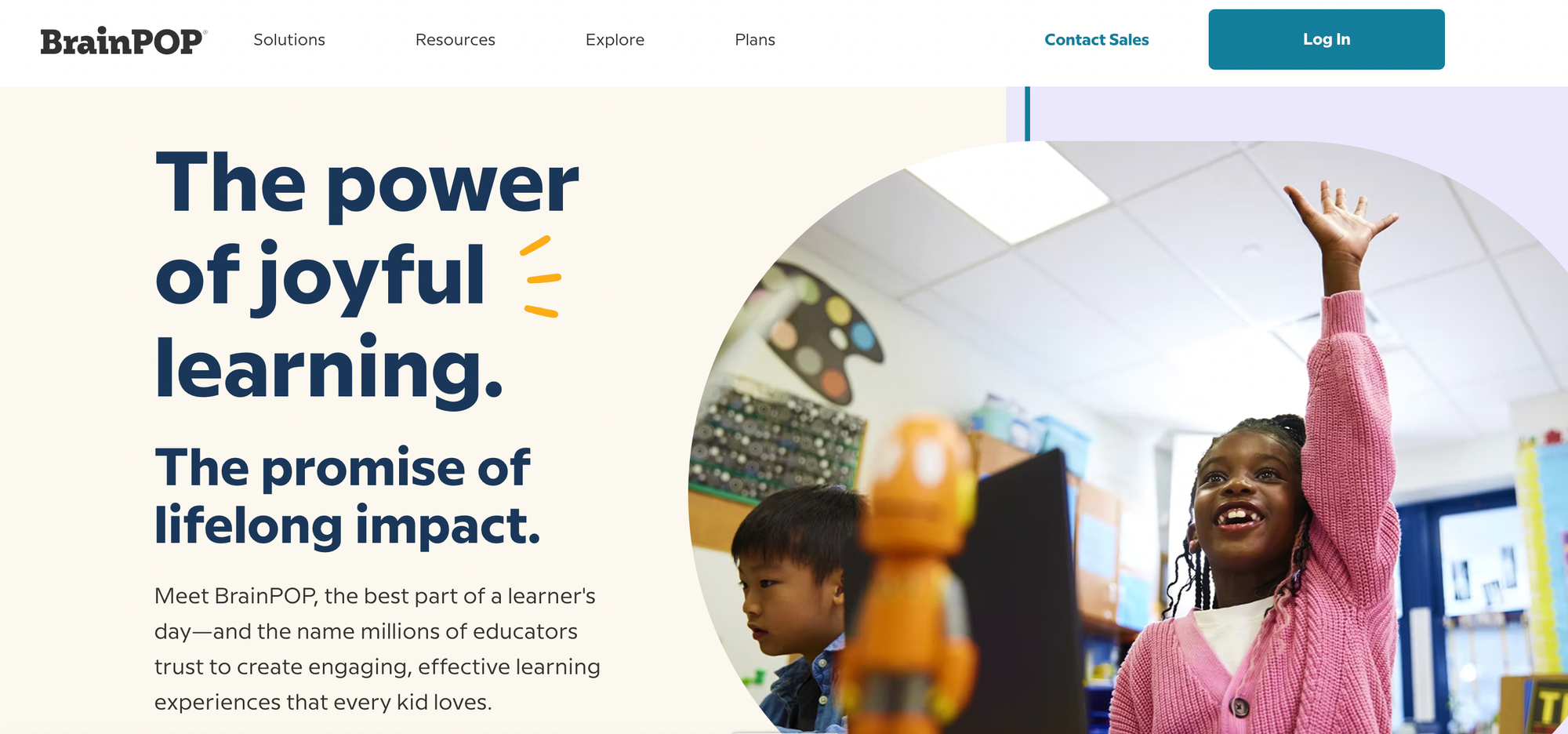
- Recommended age: 6+; Cost: subscription options; Educational value: science, social studies, math, arts.
- Why it works: animated explanations plus quizzes provide compact lessons with assessment feedback, helping kids form conceptual models and giving parents quick ways to check understanding.
11. Toca Kitchen
- Recommended age: 4+; Cost: $3.99; Educational value: creativity, motor skills, nutrition awareness.
- Why it works: open-ended experimentation invites safe trial-and-error, encouraging curiosity and cause-and-effect reasoning while offering tactile satisfaction that reduces passive consumption.
12. Stack the States

- Recommended age: 8+; Cost: $2.99; Educational value: geography, capitals, critical thinking.
- Why it works: combining trivia with physics-based stacking rewards both recall and spatial reasoning, so learning becomes a multi-skill challenge that holds attention and yields visible progress.
13. Sushi Monster
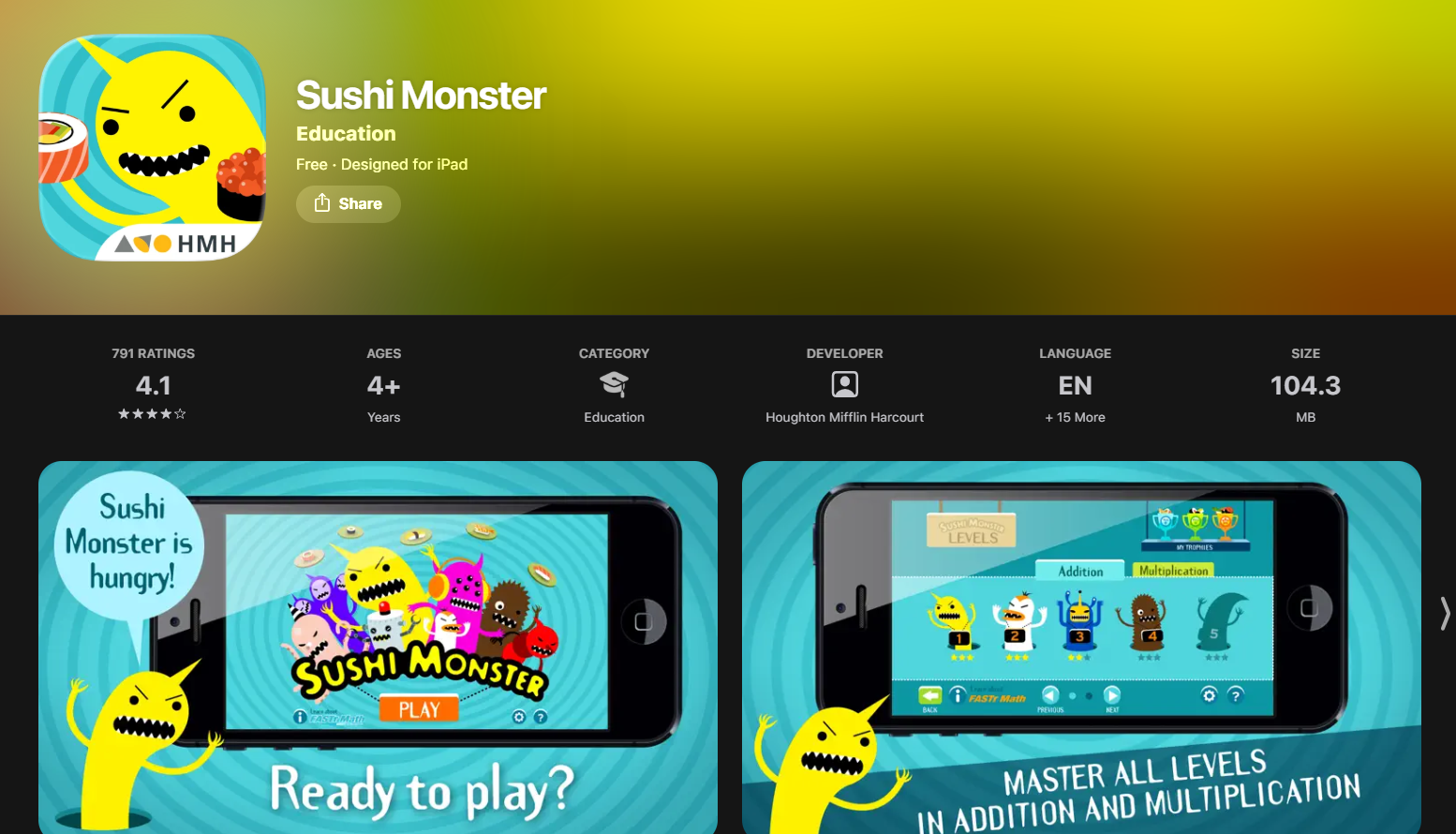
- Recommended age: 6+; Cost: Free; Educational value: addition, multiplication, problem-solving.
- Why it works: Short adaptive math rounds give instant feedback and adjust difficulty, which preserves momentum and diminishes the dread around arithmetic practice.
14. Starfall
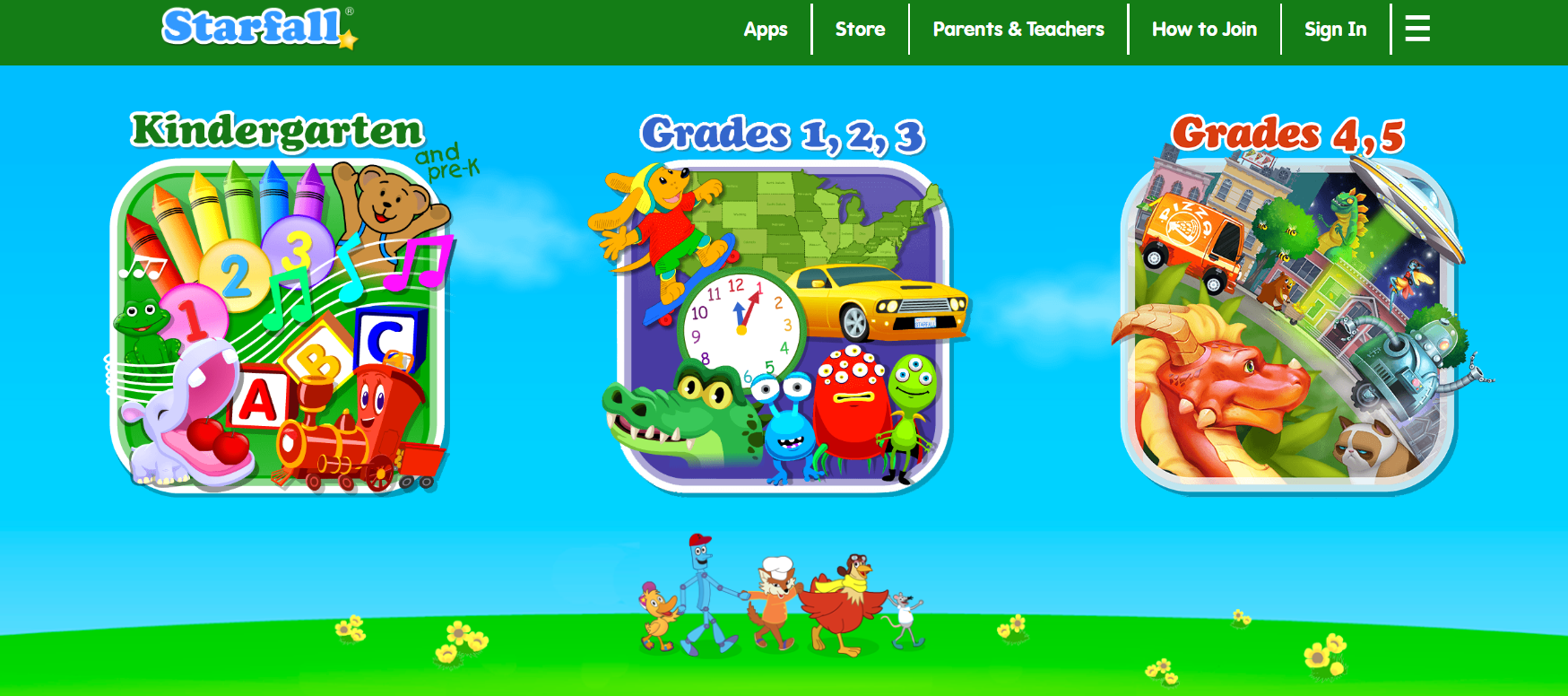
- Recommended age: 5+; Cost: Free/$35/year; Educational value: reading, phonemic awareness, phonics.
- Why it works: multisensory songs and interactive stories reinforce phonics through repetition and context, letting early readers practice decoding in low-pressure, independent sessions.
15. The Magic School Bus: Oceans
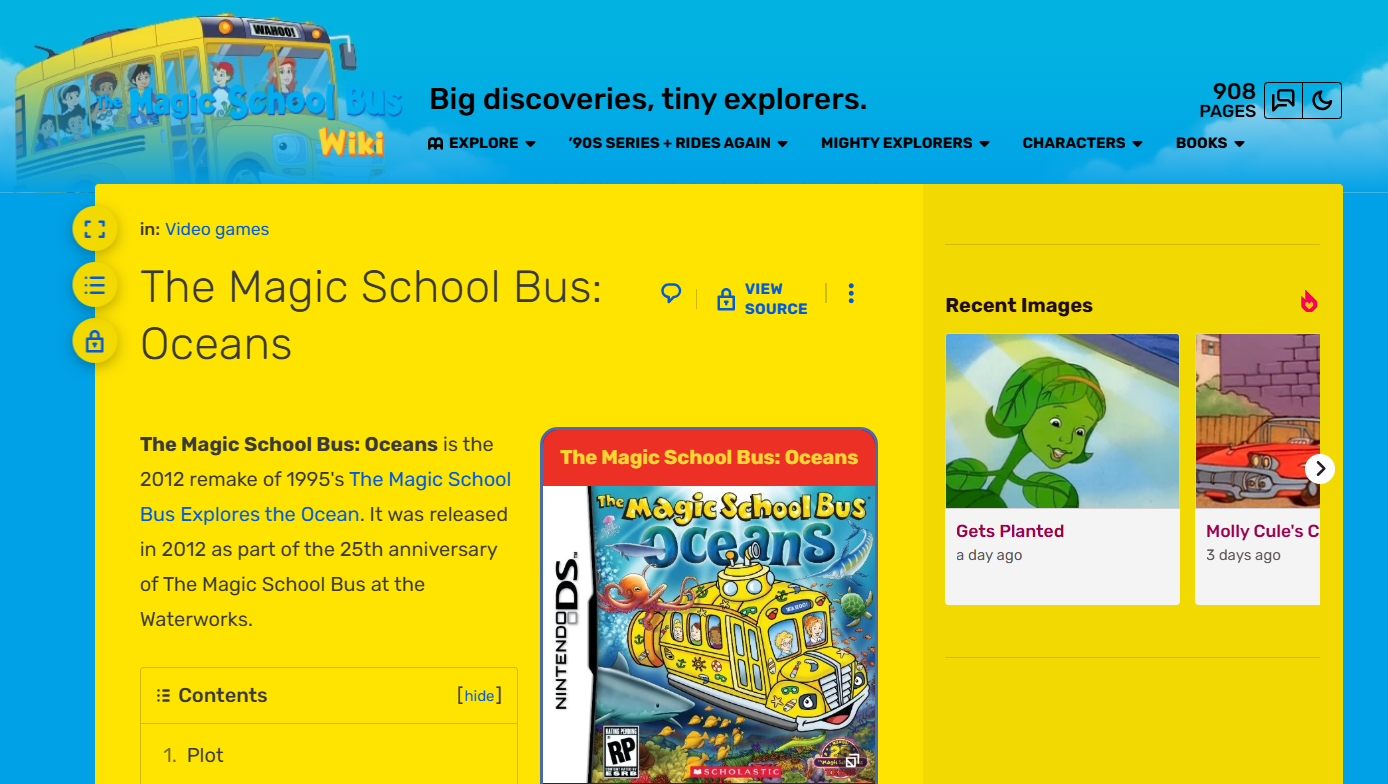
- Recommended age: 6+; Cost: Free/$28; Educational value: marine science, inquiry.
- Why it works: exploratory simulations scaffold curiosity into investigable questions, encouraging kids to test hypotheses in-game and bring that inquiry habit to real-world projects.
16. The Oregon Trail

- Recommended age: 12+; Cost: Free; Educational value: history, resource management, problem-solving.
- Why it works: simulation forces tradeoffs and planning, teaching cause and effect in narrative form, so teenagers practice historical empathy and decision analysis without dry memorization.
17. Wordscapes
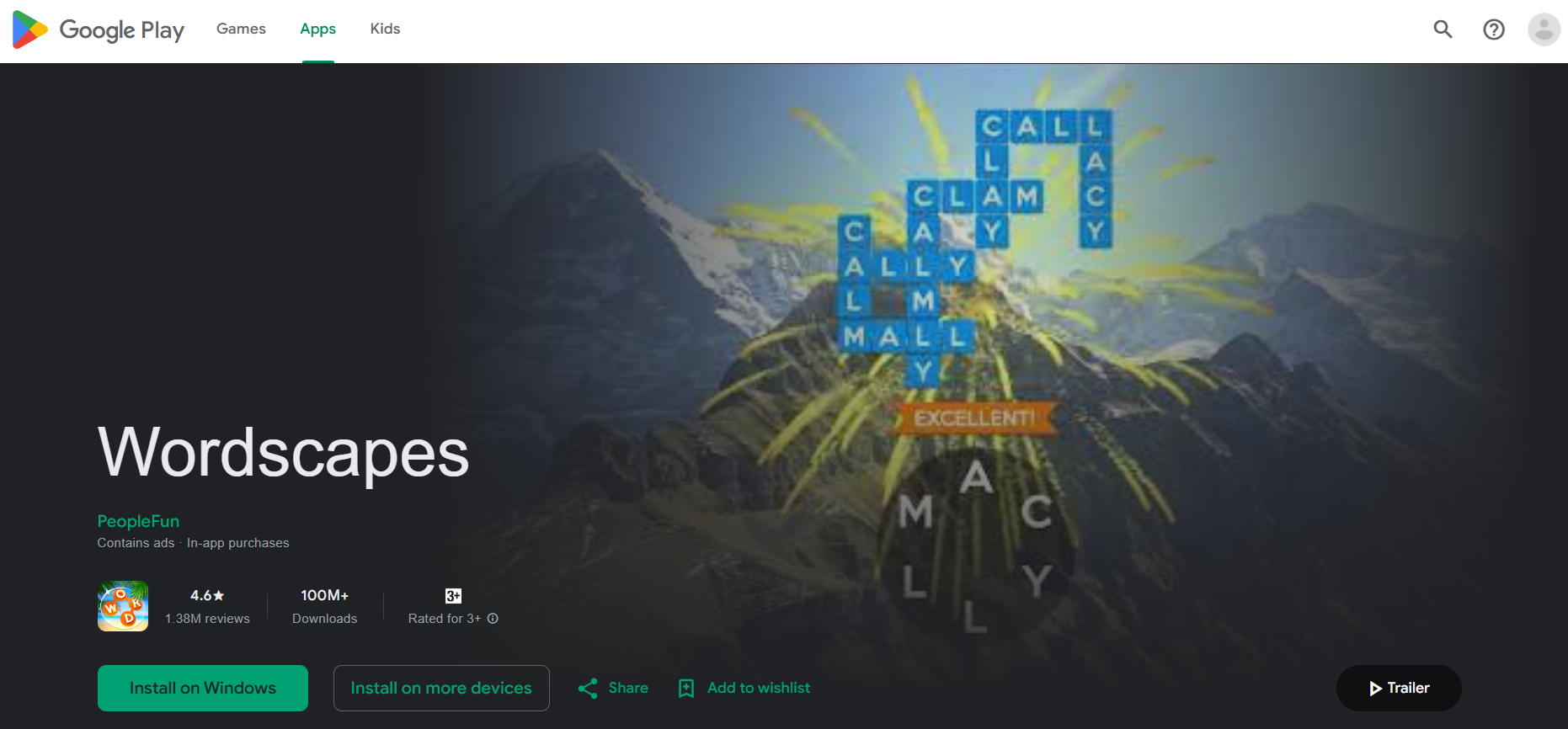
- Recommended age: 8+; Cost: Free/in-app purchases; Educational value: vocabulary, spelling.
- Why it works: puzzle pacing and levels nudge incremental vocabulary growth through spaced retrieval, making word exposure feel like a reward system and supporting independent reading fluency.
18. Eloh
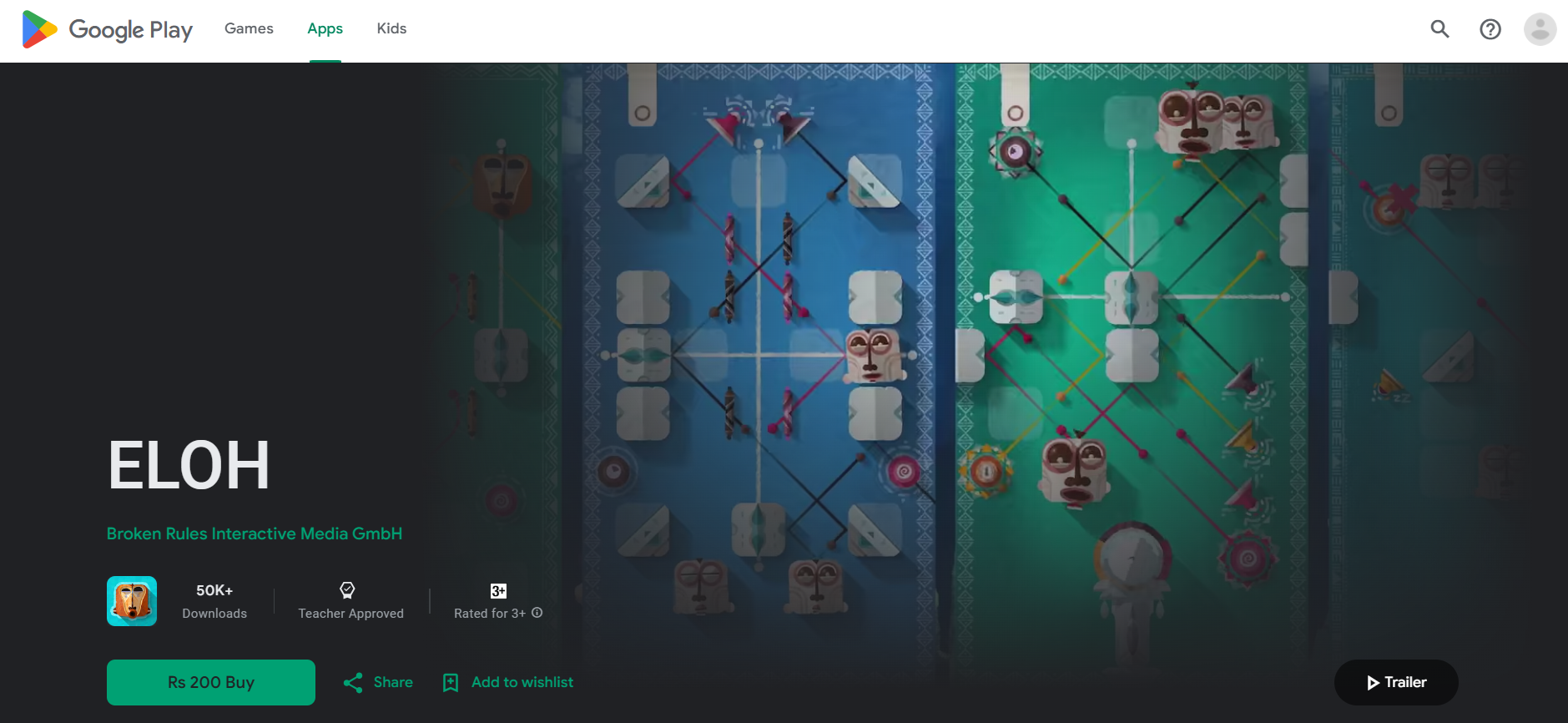
- Recommended age: 5+; Cost: $2.99; Educational value: geometry, pattern recognition, music.
- Why it works: spatial puzzles encoded as musical puzzles teach angles and reflection through play, providing calming, non-punitive challenges that improve focus and spatial reasoning.
19. Twelve a Dozen
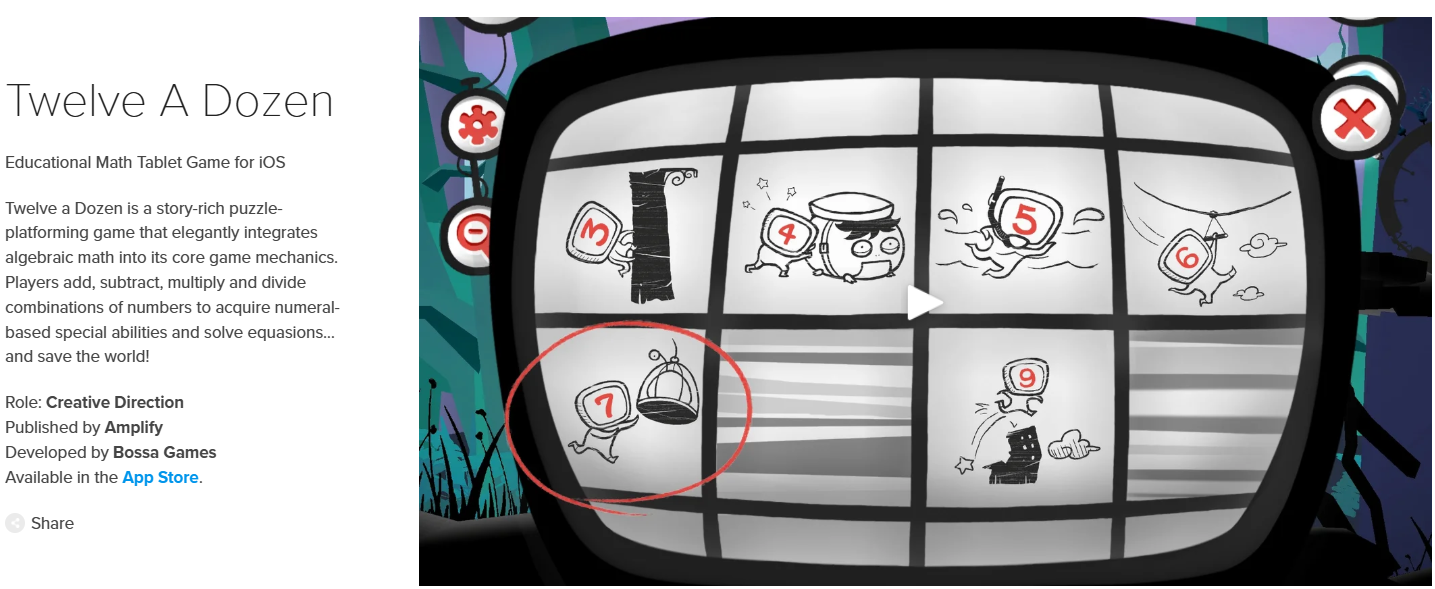
- Recommended age: 8+; Cost: Free/in-app; Educational value: number sense, logic, strategy.
- Why it works: narrative-driven math puzzles encourage children to apply arithmetic in context, strengthening flexible thinking and lowering resistance to practice because the stakes feel imaginative rather than test-like.
20. HOMER
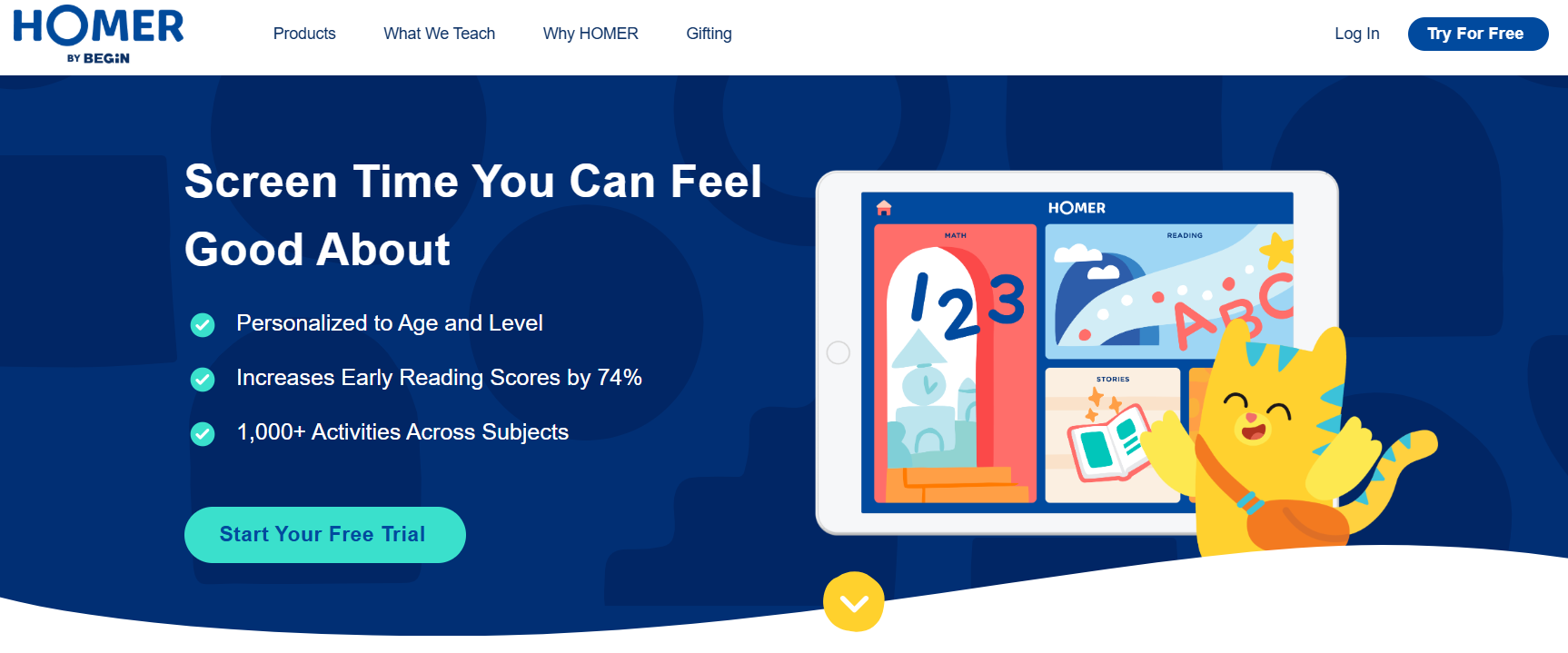
- Recommended age: 4+; Cost: $9.99/month; Educational value: reading comprehension, vocabulary.
- Why it works: lesson paths adapt to reading level and interests, producing the repetition and incremental challenge kids need to master decoding without frustration.
21. Start with Art!

- Recommended age: 7+; Cost: Free/in-app; Educational value: creativity, motor skills, critical thinking.
- Why it works: stepwise projects teach deliberate practice in visual composition, so kids learn process and critique skills that transfer to schoolwork and build independence in creative tasks.
22. Colorfy: Coloring Art Game
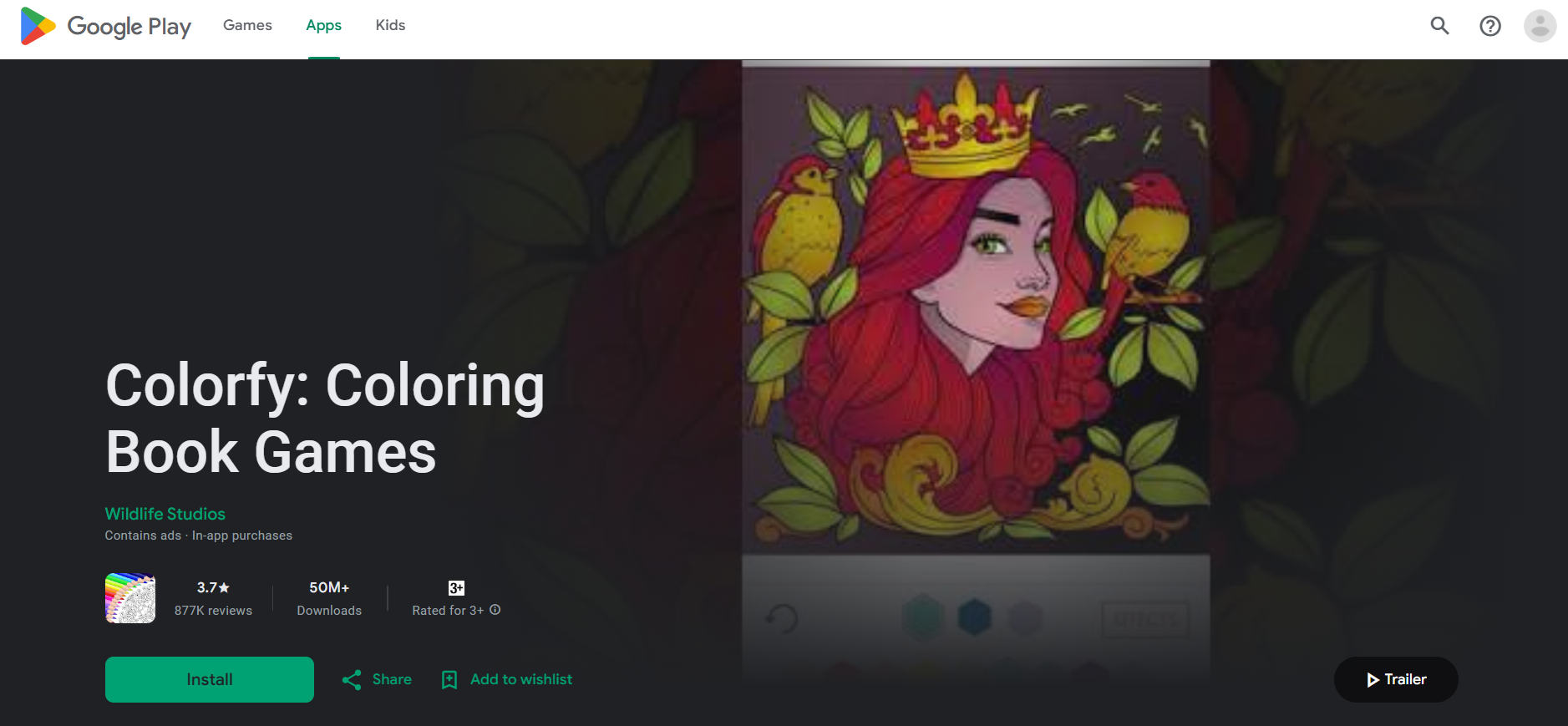
- Recommended age: 4+; Cost: Free/in-app; Educational value: color theory, motor skills.
- Why it works: color-choice constraints and galleries encourage decision-making and a sense of ownership, which supports self-directed art time and reduces arguments about what to do next.
23. Room Recess
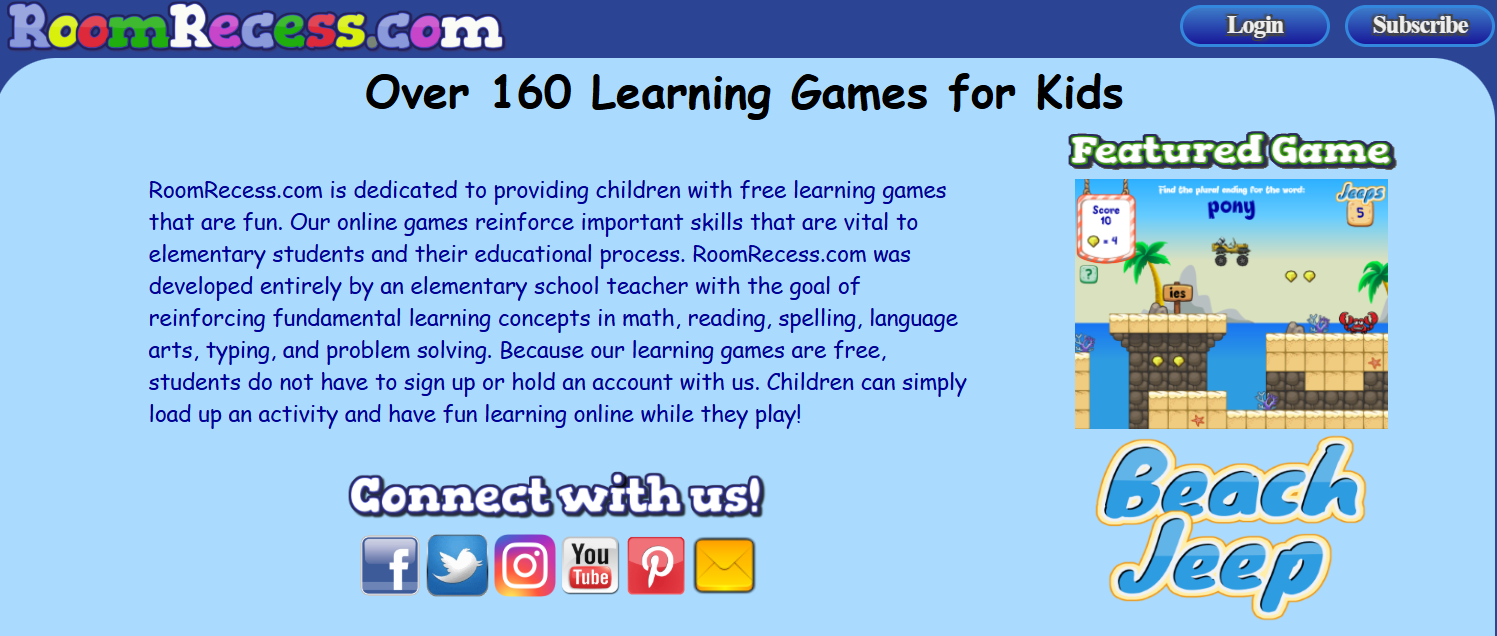
- Recommended age: 3+; Cost: Free; Educational value: core elementary subjects.
- Why it works: short, curriculum-aligned games provide targeted practice sessions that reinforce what happens in class, enabling quick, productive review without long sessions.
24. Vocabulary Spelling City
- Recommended age: 4+; Cost: Free/$35/year; Educational value: vocabulary, spelling, grammar.
- Why it works: interactive spelling cycles plus teacher-customized lists create repetition that sticks, turning weekly spelling into a game parents can schedule into homework time with measurable gains.
25. Tynker
- Recommended age: 4+; Cost: subscription; Educational value: coding, problem-solving.
- Why it works: visual coding projects present immediate cause and effect, building sequencing skills and persistence; kids gain confidence by shipping small games they can show family.
26. History for Kids: All Civilizations Learning Games
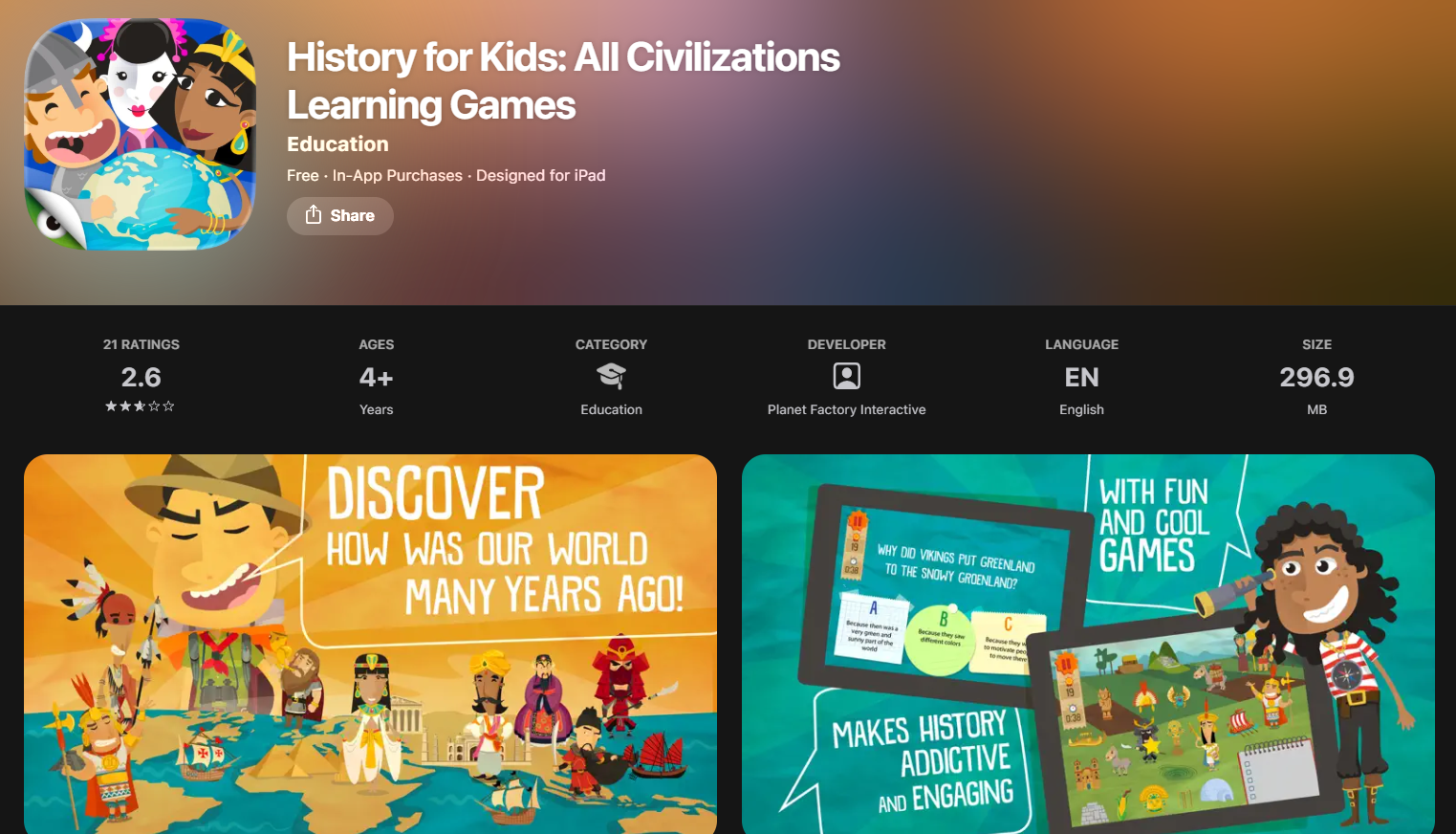
- Recommended age: 7+; Cost: Free/in-app; Educational value: culture, critical thinking.
- Why it works: multimedia timelines and scenario puzzles make chronology and cause-and-effect memorable, so children practice connecting events instead of rote dates.
27. Osmo Learning Games

- Recommended age: 3+; Cost: starter kits; Educational value: math, spelling, motor skills.
- Why it works: Tangible manipulatives slow impulsive tapping and invite collaborative play, which increases thoughtful problem-solving and makes parent-led learning sessions more productive.
28. DragonBox Series
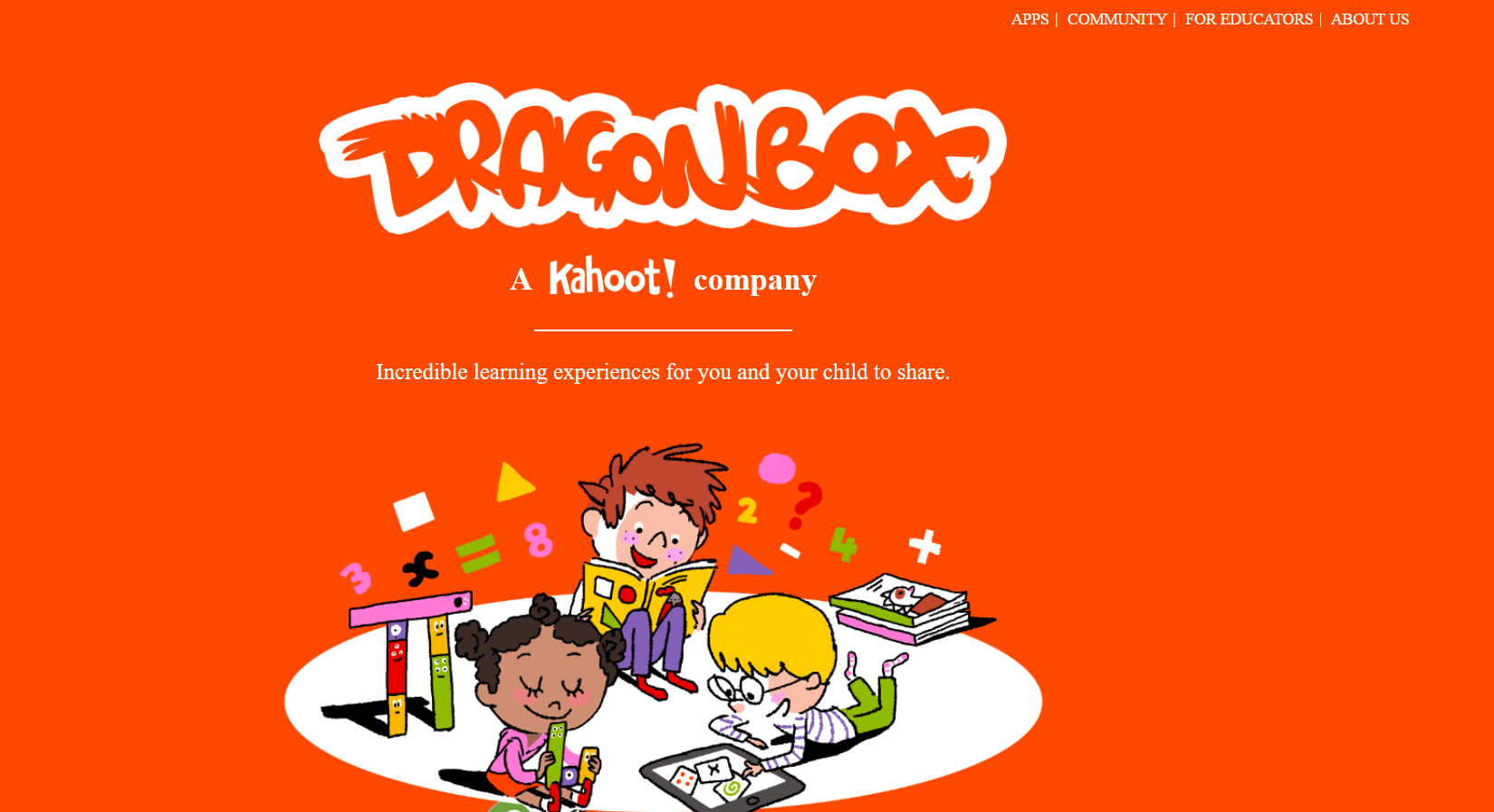
- Recommended age: 5+; Cost: paid apps; Educational value: arithmetic through algebra.
- Why it works: progressive abstraction hides formal notation until the child is ready, scaffolding conceptual understanding that reduces confusion when algebra appears in school.
29. Duolingo ABC
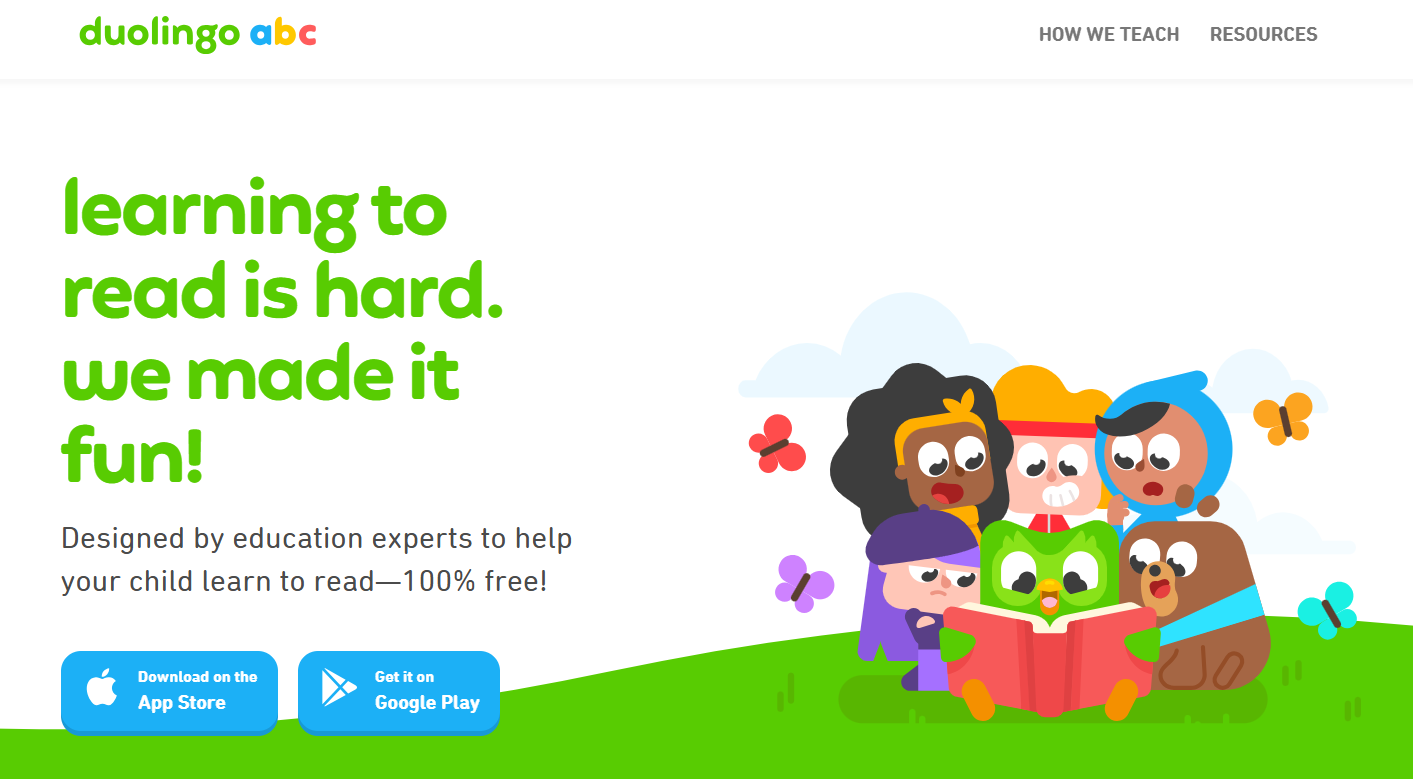
- Recommended age: 3–7; Cost: Free; Educational value: early literacy, phonics.
- Why it works: bite-sized lessons with audio support reinforce letter-sound mappings, creating confident early readers who can practice independently.
30. CodeSpark Academy
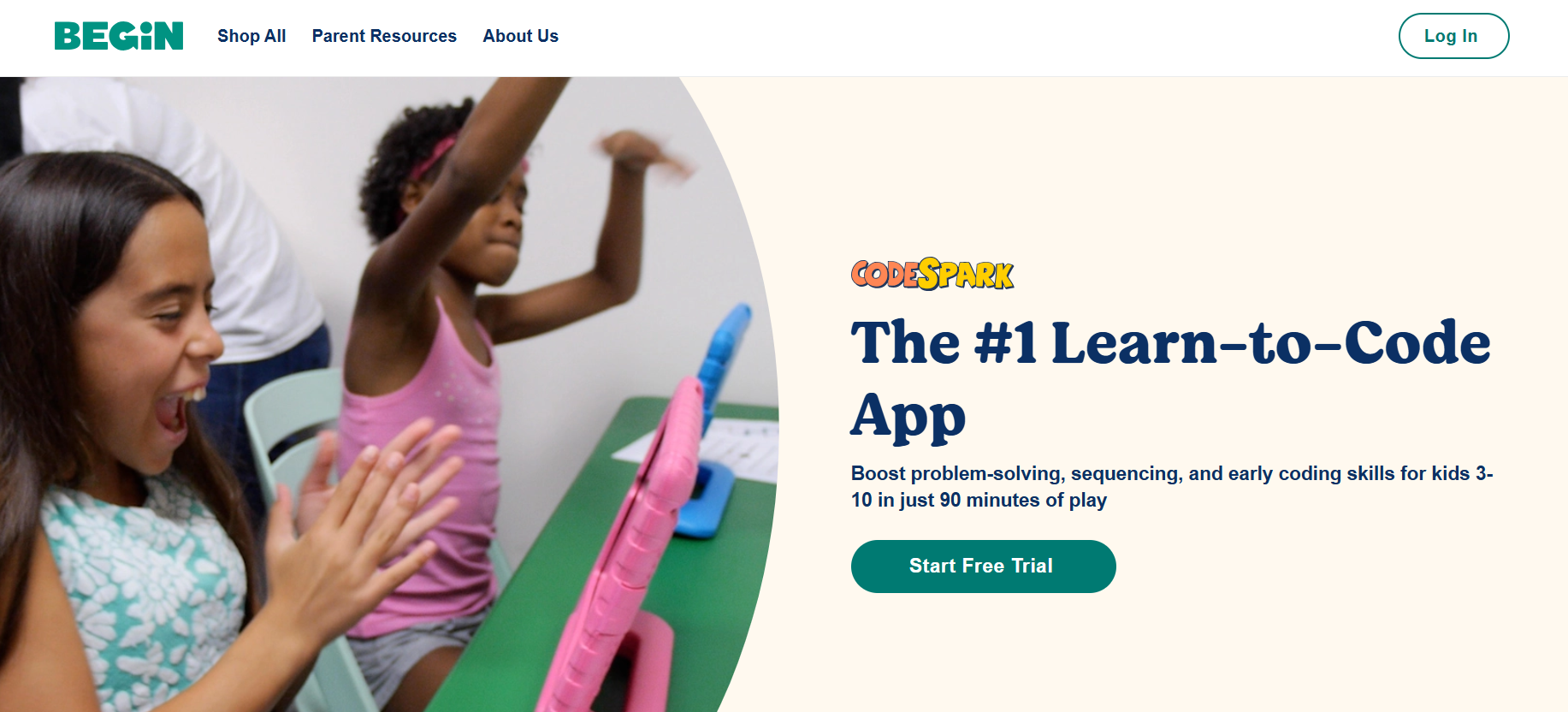
- Recommended age: 5+; Cost: Free trial/$9.99 month; Educational value: coding, sequencing.
- Why it works: wordless puzzles teach algorithmic thinking through visual sequencing, letting non-readers engage and build logic skills that reduce future frustration with text-heavy instruction.
31. Endless Alphabet
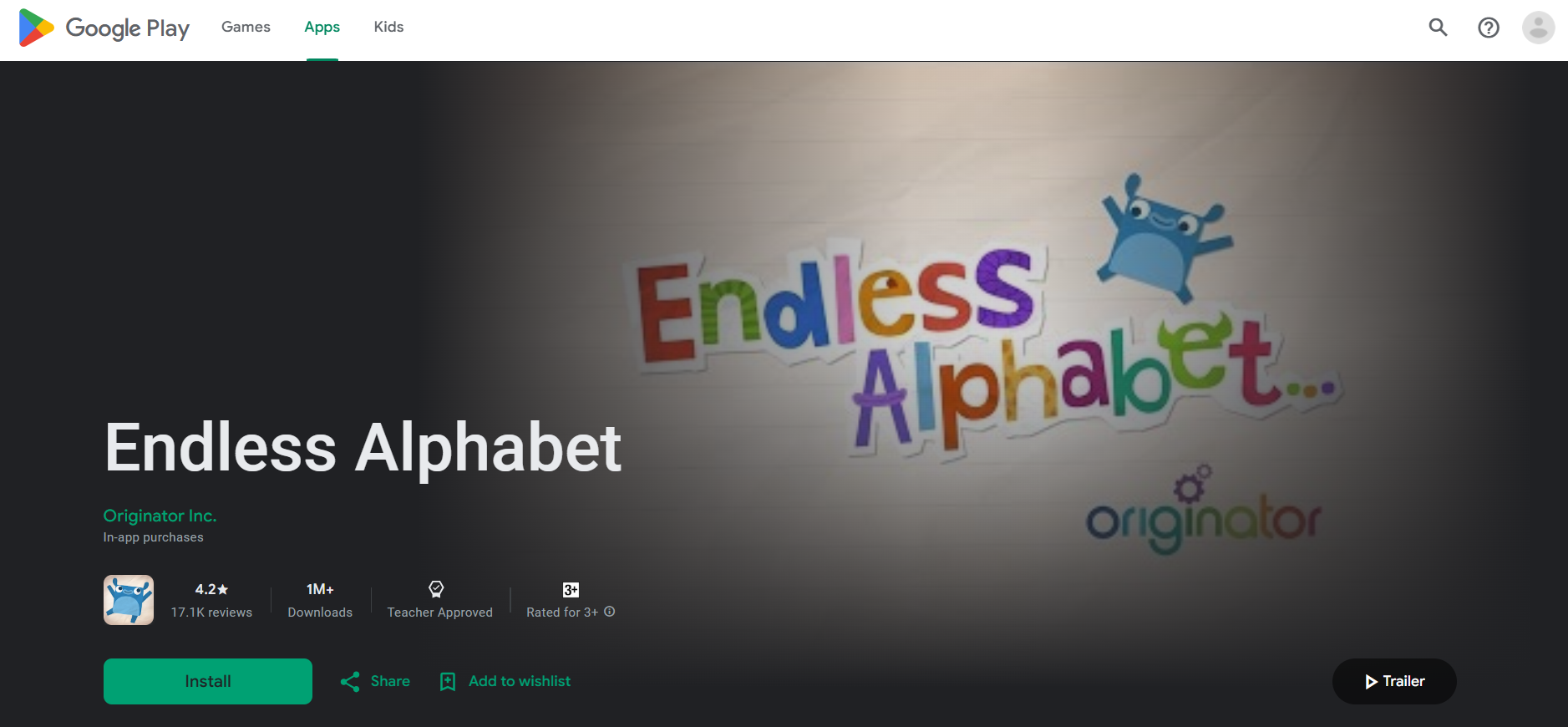
- Recommended age: 2+; Cost: $8.99; Educational value: vocabulary, phonics.
- Why it works: playful animations show words in context, which helps retention and turns early vocabulary building into a joyful habit parents can rely on.
32. Kahoot! Kids
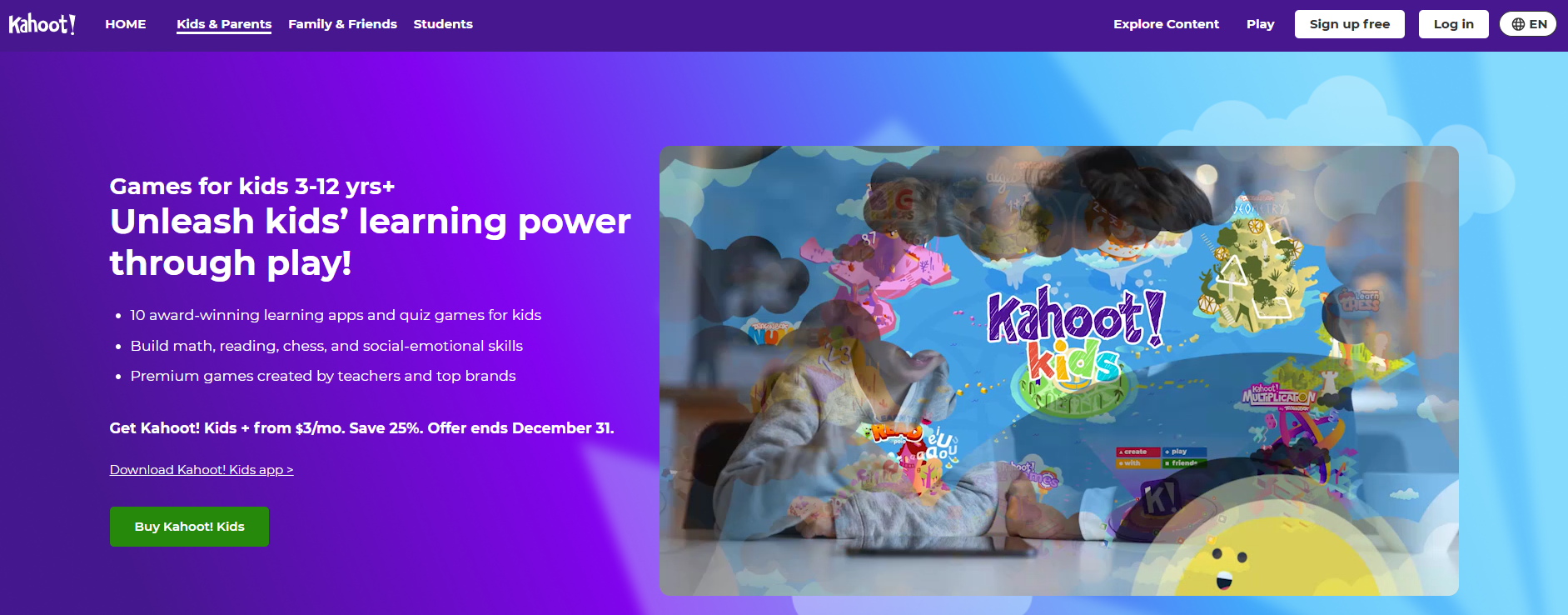
- Recommended age: 6+; Cost: Free/premium; Educational value: quizzes, STEM, literacy.
- Why it works: short competitive rounds create urgency and recall practice, and teacher-made quizzes let you align play with class goals so screen time directly supports homework.
33. Adventure Academy

- Recommended age: 8–13; Cost: $12.99/month; Educational value: core subjects, critical thinking.
- Why it works: a persistent world with quests rewards reading and problem-solving, which encourages sustained practice and social learning in a safe environment.
34. TypingClub
- Recommended age: 7+; Cost: Free/premium; Educational value: keyboarding, hand-eye coordination.
- Why it works: progressive drills plus instant metrics promote measurable improvement, so typing becomes a skill kids monitor themselves and parents can track without micromanaging.
35. Curious World
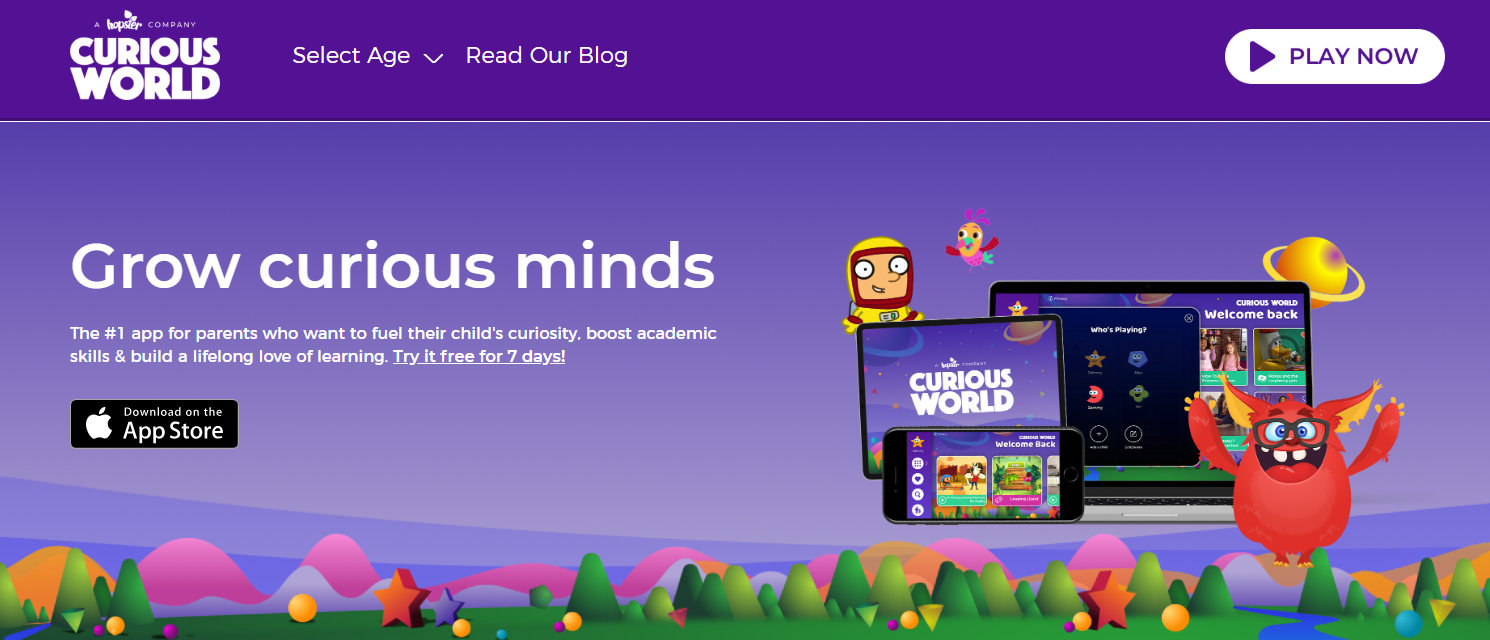
- Recommended age: 2–7; Cost: $7.99/month; Educational value: literacy, STEM, SEL.
- Why it works: curated content across domains promotes cross-modal learning and keeps young attention by shifting formats, helping children form habits of short, varied practice.
36. Lightbot
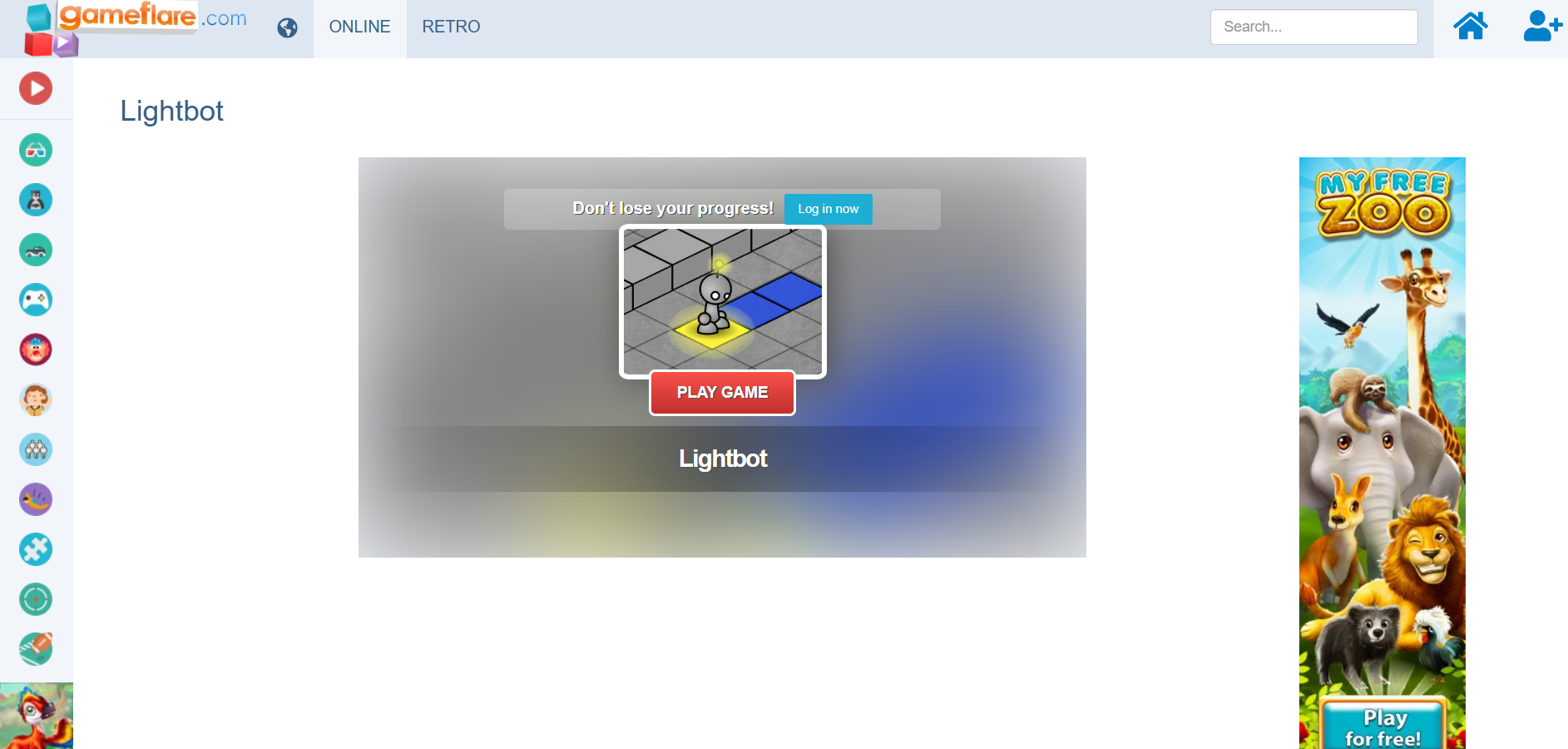
- Recommended age: 8+; Cost: paid app; Educational value: coding, sequencing.
- Why it works: visual puzzles teach computational concepts like loops through spatial reasoning, which makes early coding accessible and confidence-building before formal lessons.
37. Buzzmath
- Available: Web; Age 8–14; Cost: subscription; Educational value: middle school math.
- Why it works: Story-based problem solving ties abstract concepts to narrative goals, increasing engagement and helping students practice multi-step reasoning that improves classroom performance.
38. Start with Art! (duplicate listing, same app)
- Available: App Stores; Age: 7+; Cost: Free/in-app; Educational value: art foundations and creativity.
- Why it works: structured lessons encourage deliberate practice in art fundamentals, building transferable observation and critique skills that raise classroom participation.
39. Tate Kids
- Available: Web; Age: 6+; Cost: Free; Educational value: art appreciation, creativity.
- Why it works: museum-quality prompts and interactive quizzes cultivate visual literacy and critical observation, which supports art homework and sparks curiosity beyond screens.
40. Wallykazam! Letter and Word Magic
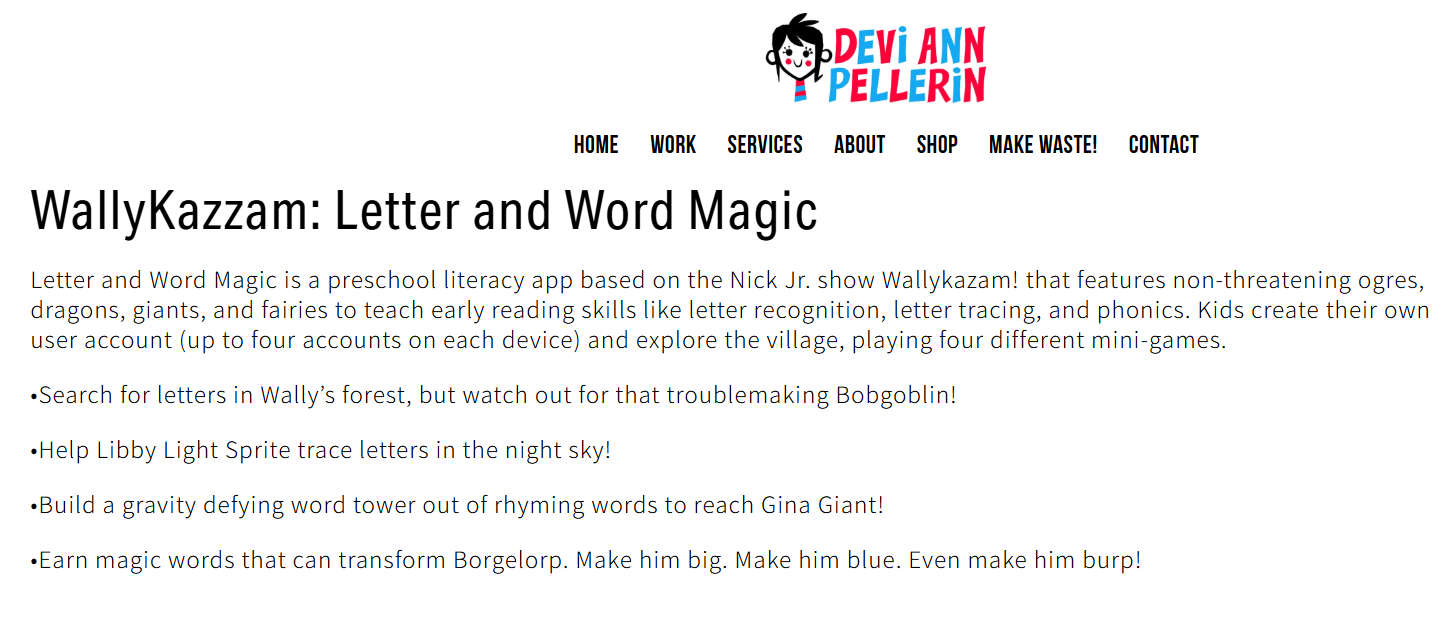
- Available: App Stores; Age: 3+; Cost: $1.99; Educational value: letter recognition, phonics.
- Why it works: character-driven activities gamify letter practice for pre-readers, helping parents convert screen minutes into structured literacy drills.
41. GoNoodle
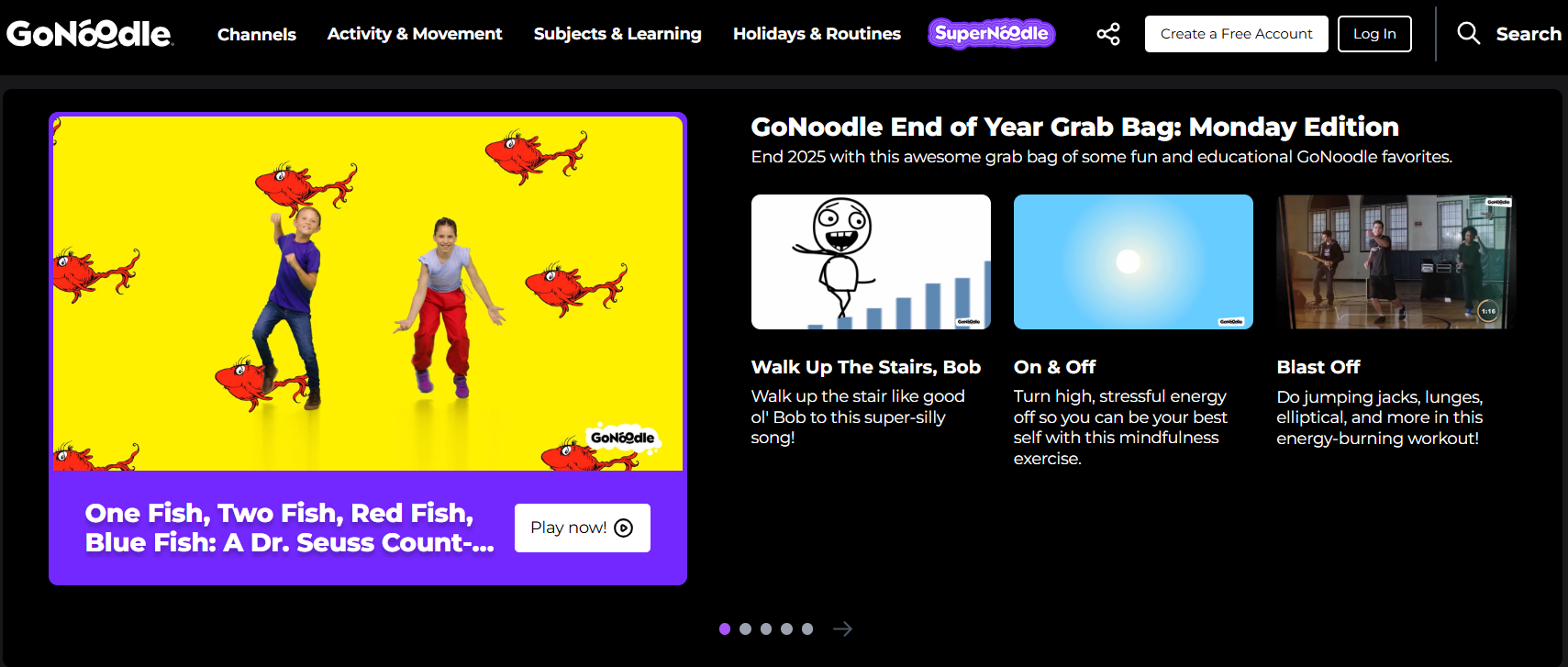
- Available: App Stores; Age: 5–12; Cost: Free/premium; Educational value: movement, mindfulness.
- Why it works: active videos break sedentary patterns and reset attention, making subsequent learning sessions shorter and more effective, which reduces the need for long battles over focus.
42. Disaster Master
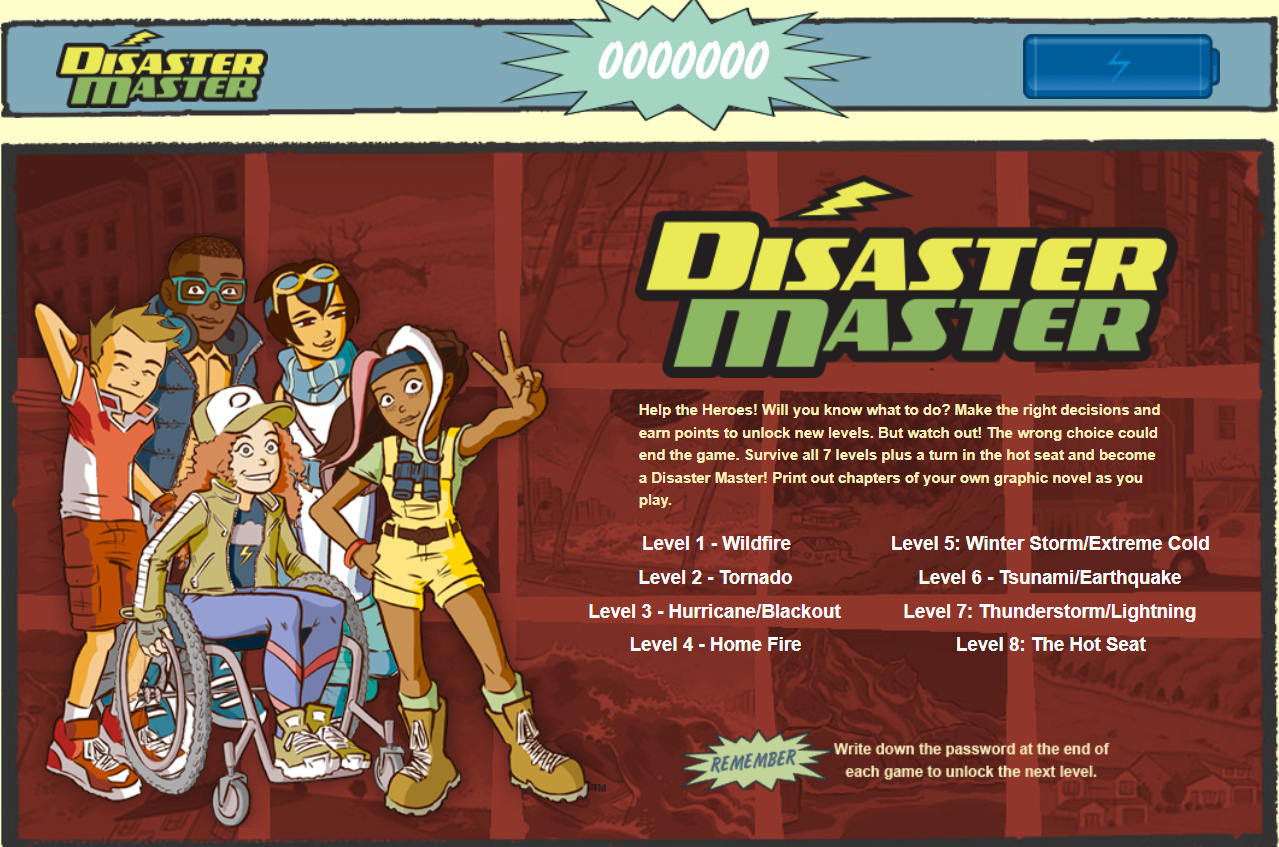
- Available: Web; Age: 4+; Cost: Free; Educational value: disaster safety, decision-making.
- Why it works: scenario-based challenges teach safety heuristics and quick decision skills, turning anxiety about emergencies into rehearsed, calm actions.
43. Camp Wonderopolis

- Available: Web; Age: 4+; Cost: Free; Educational value: science exploration.
- Why it works: experiment-based topics invite at-home follow-ups, so games seed hands-on projects that blend screen learning with tactile exploration.
44. CodeSpark Academy (duplicate)
- Available: App Stores and Web; Age: 7+; Cost: subscription; Educational value: coding fundamentals.
- Why it works: wordless scaffolds and storytelling strengthen sequencing and planning, making computational thinking accessible and self-directed.
45. iCivics

- Available: Web and App Stores; Age: 8+; Cost: Free; Educational value: civic knowledge, decision-making.
- Why it works: role-play and simulated civic tasks teach systems thinking and argumentation, which allows older kids to engage with real-world civic questions and reduces parent worry about civic literacy gaps.
46. One Globe Kids - Friends

- Available: App Store/Web; Age: 6+; Cost: Free/in-app; Educational value: cultural exchange, geography, language.
- Why it works: First-person stories humanize global perspectives and build empathy, helping parents stretch their child’s worldview without travel.
47. Civilisations AR
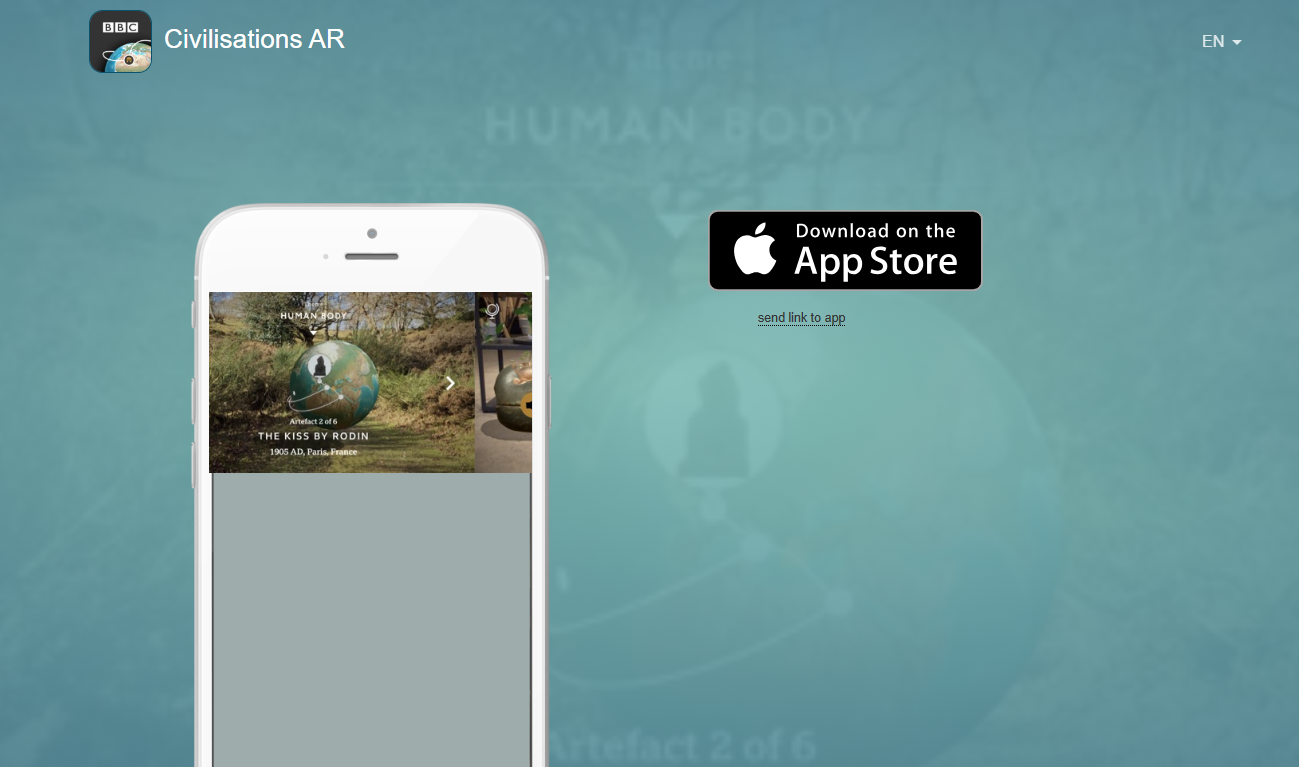
- Available: App Stores; Age: All; Cost: Free; Educational value: art history, spatial reasoning.
- Why it works: augmented reality places artifacts in your living room, creating memorable scale and context that anchor historical facts in perceptual experience.
48. National Geographic Kids

- Available: Web; Age: 6+; Cost: Free; Educational value: geography, science.
- Why it works: fact-rich quizzes and visuals build incidental learning and curiosity, letting kids self-select topics while parents trust the content quality.
49. Carmen Sandiego (Google Earth)

- Available: Web; Age: 6+; Cost: Free; Educational value: geography, deductive reasoning.
- Why it works: globe-based sleuthing requires cross-referencing clues and maps, boosting geographic literacy and analytical reasoning through narrative play.
50. Quizizz

- Cost: Free basic plan; Educational value: quizzes, differentiation.
- Why it works: teacher-created quizzes plus AI assistance save preparation time and provide actionable reports, reducing parental time spent designing practice and ensuring kids face appropriately leveled questions.
51. Matific
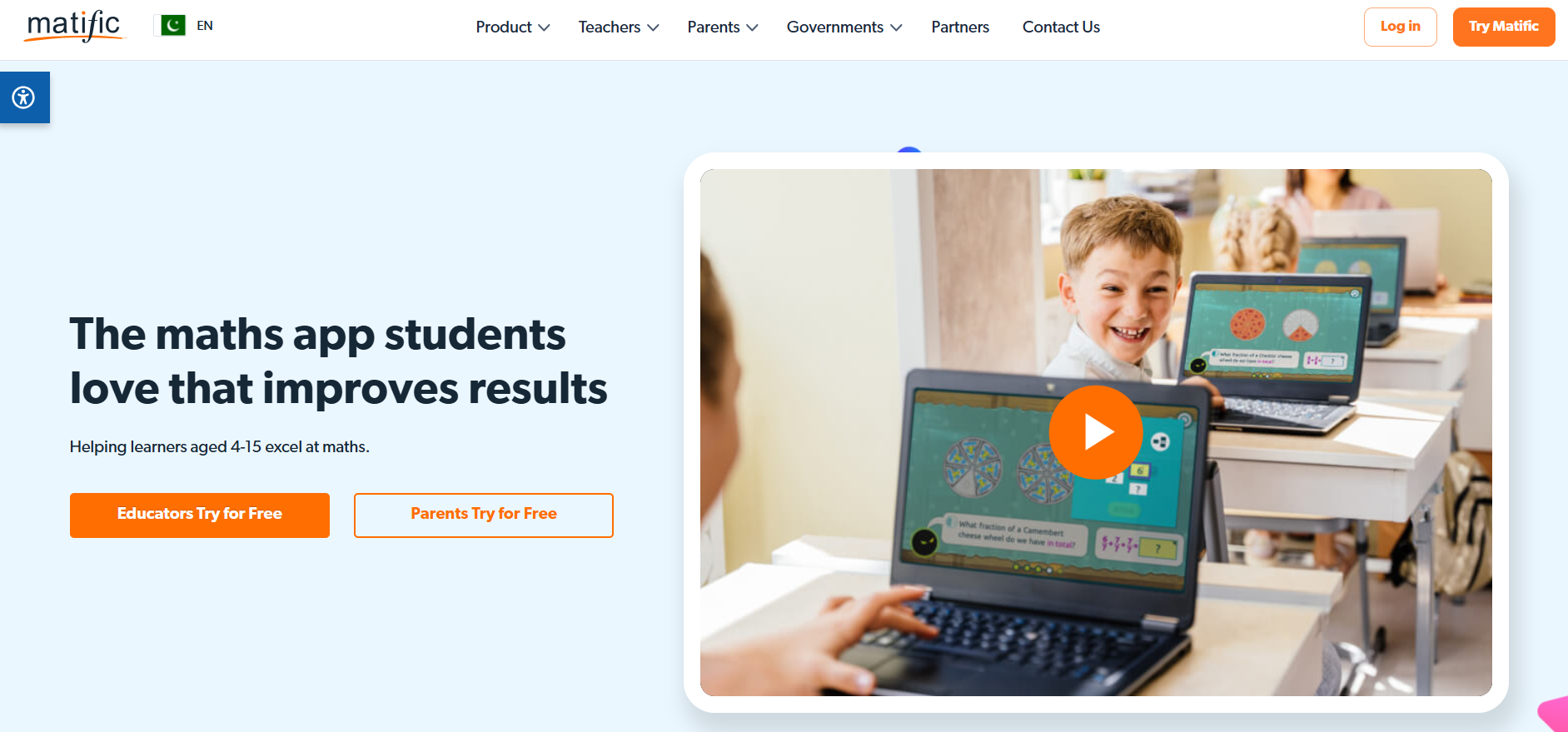
- Educational value: math games for K-9.
- Why it works: adaptive pathways keep students challenged at the right level, which builds competence and reduces math anxiety through consistent micro-practice.
52. ST Math
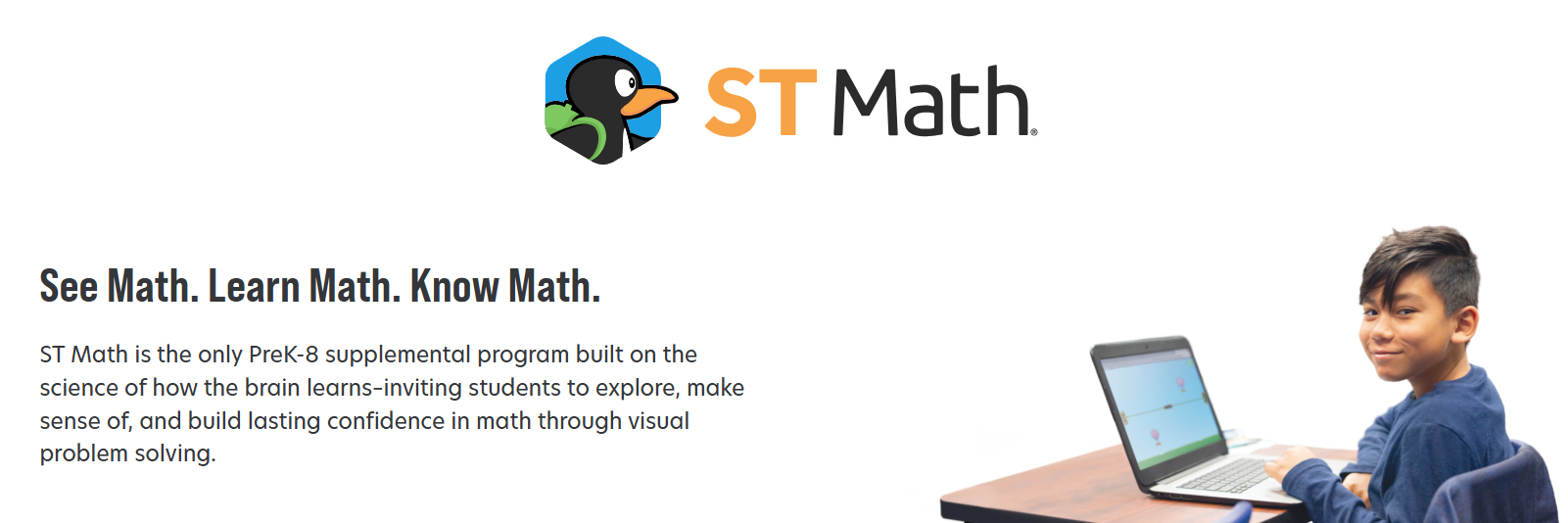
- Educational value: spatial-temporal math reasoning.
- Why it works: intuitive, language-light puzzles let students learn through experimentation and failure without embarrassment, encouraging persistence and conceptual understanding.
53. Wordwall
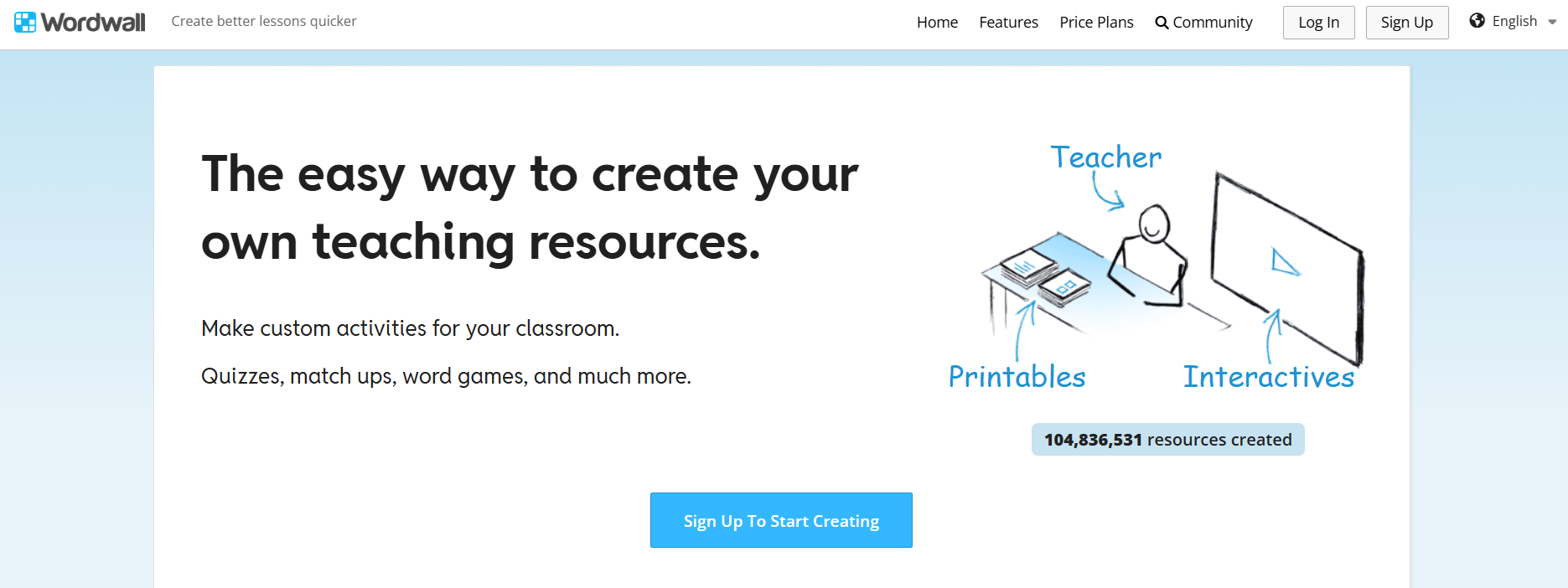
- Tool to create classroom games and printables.
- Why it works: teacher-customizable templates let you convert existing lists into multiple practice formats, reducing prep time and giving kids varied retrieval practice that maintains interest.
54. We Will Write
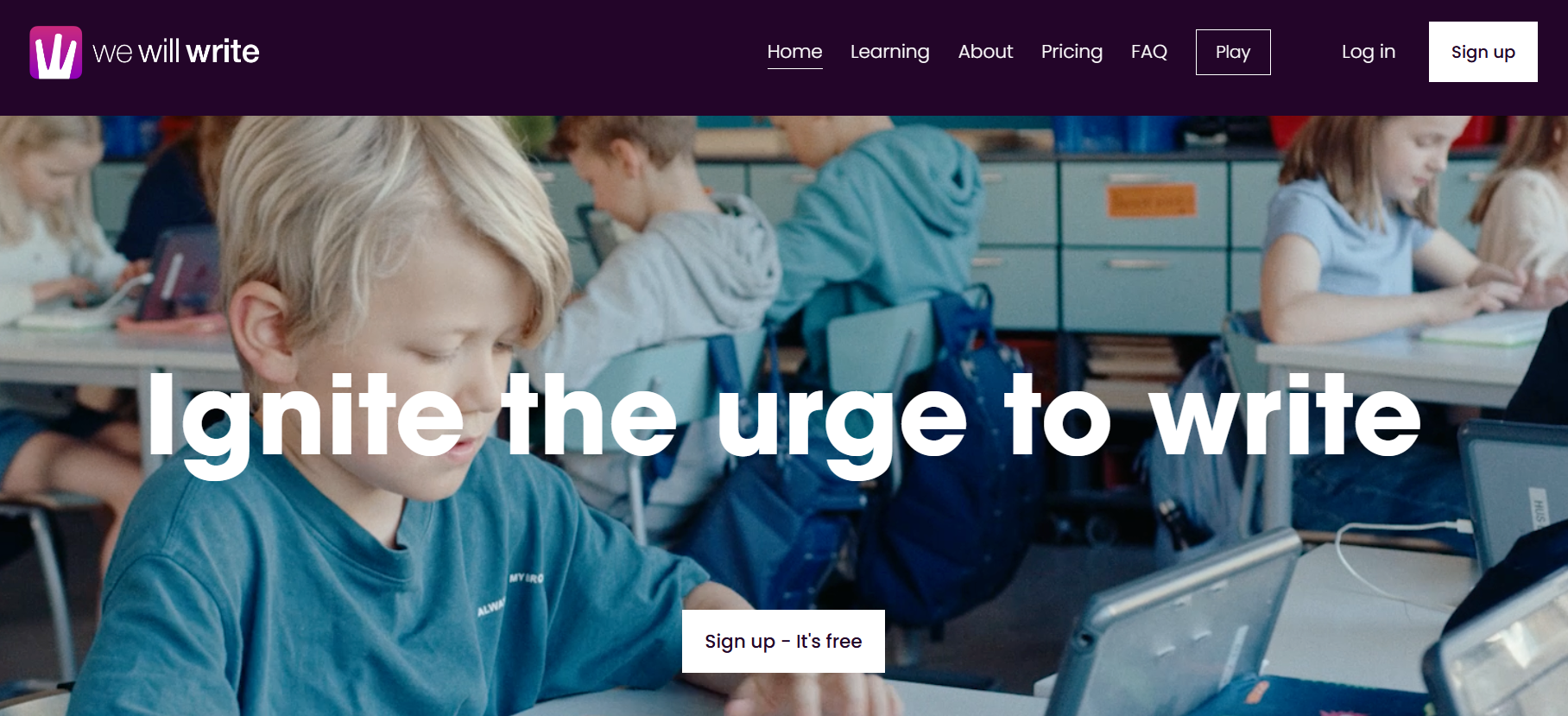
- Writing-focused competitive prompts.
- Why it works: timed collaborative composition teaches organization, persuasive structure, and revision in tiny, social bursts, so writing practice becomes a game rather than a lecture.
55. Free Rice
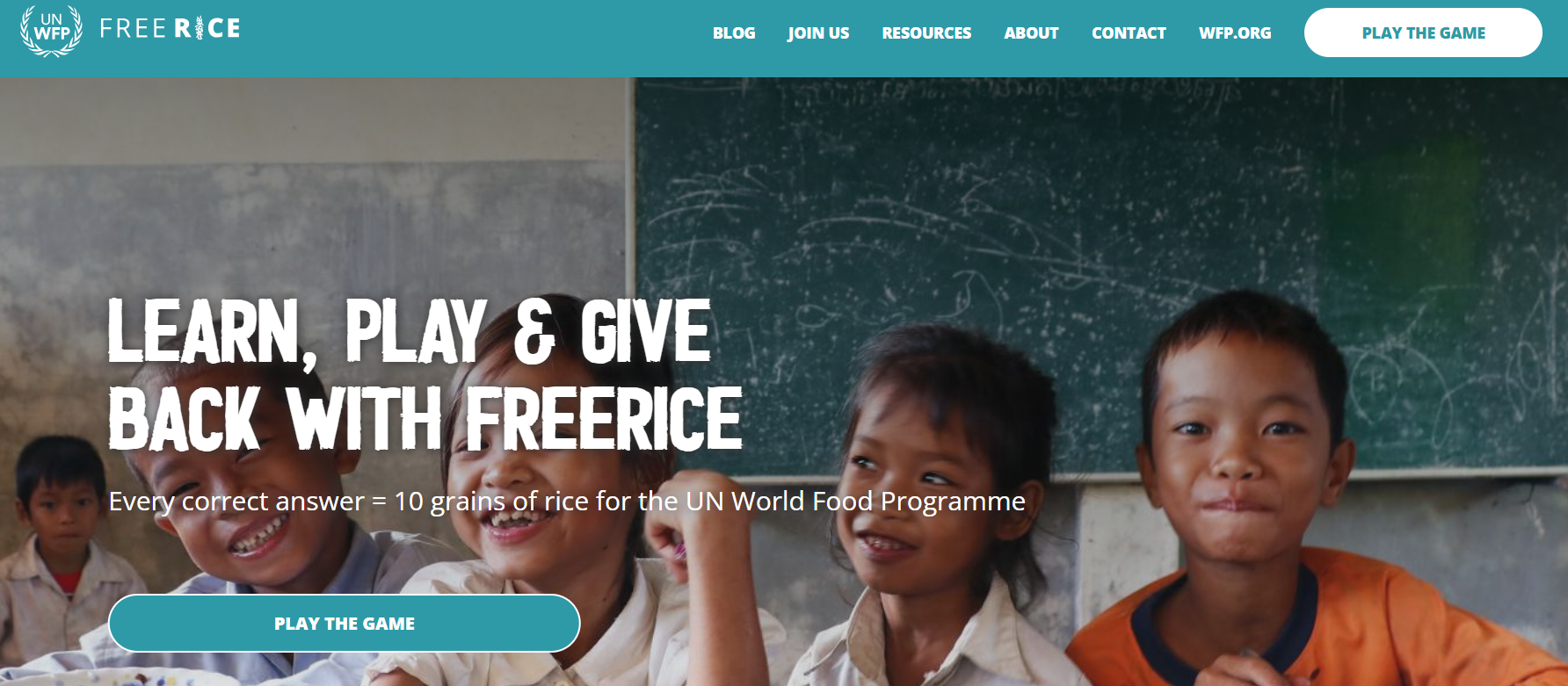
- Charity-linked vocabulary game.
- Why it works: altruistic reward plus immediate correct/incorrect feedback motivates repetition and spaced retrieval, which improves vocabulary while aligning with family values.
56. Globle

- Daily geography guessing game.
- Why it works: iterative clue narrowing rewards logical deduction and incidental learning, so short daily play builds cumulative geographic knowledge with minimal parental oversight.
57. Geniventure
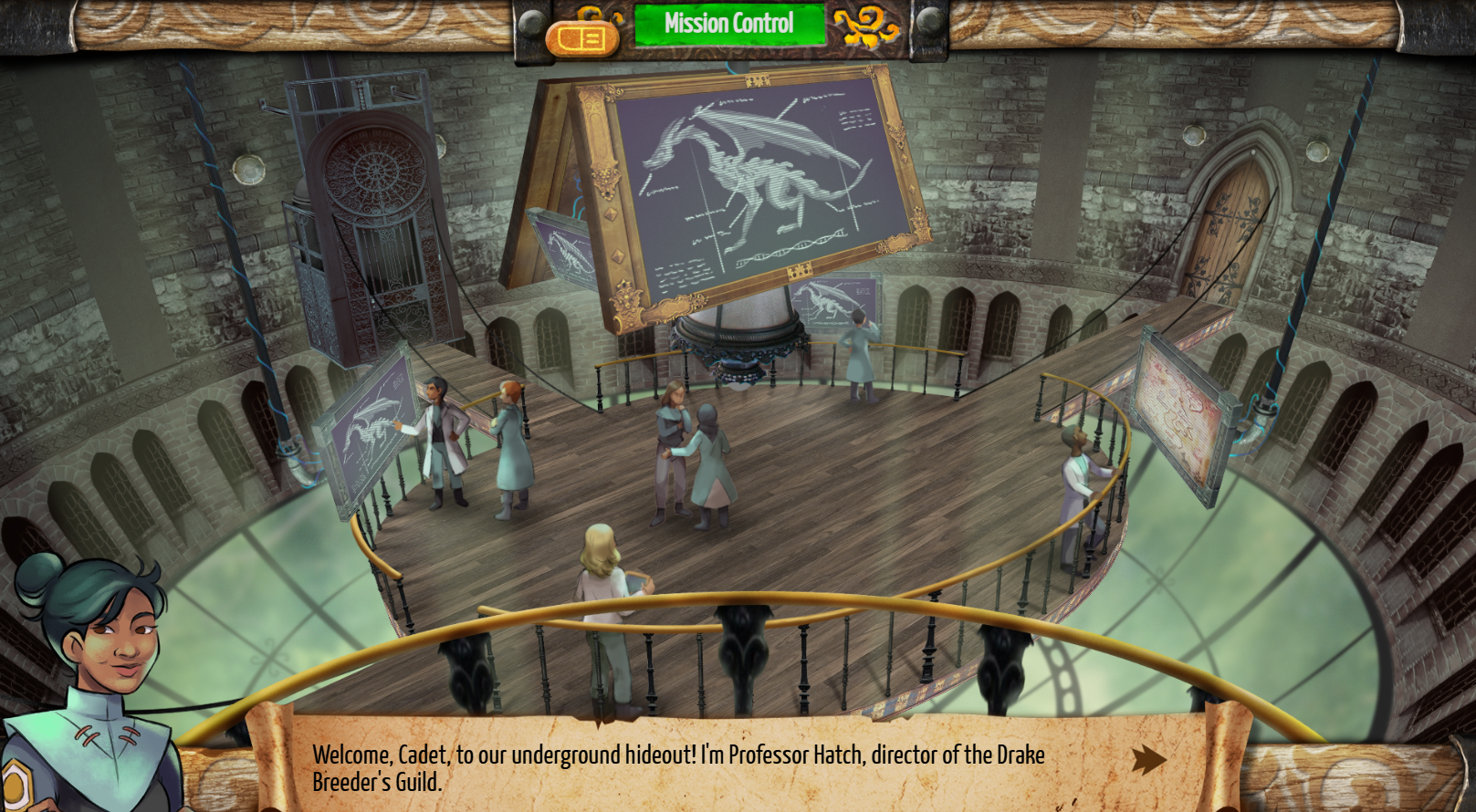
- Genetics simulation with dragons for older students.
- Why it works: inquiry-driven virtual experiments create authentic data analysis tasks, teaching heredity through exploration and giving teachers or parents clear evidence of conceptual mastery.
58. ABCMouse (duplicate)
- Full early-learning curriculum.
- Why it works: integrated lessons across domains help younger children practice a variety of foundational skills within a single, scheduled routine.
59. ABCya
- Grades pre-K to 6 free games, with premium features.
- Why it works: quick activity variety supports targeted practice for specific standards, useful for after-school reinforcement without long time commitments.
60. Adventure Academy (duplicate)
- Virtual academy for 8 to 13 year olds.
- Why it works: quest mechanics reward reading and problem solving and create peer-friendly social learning that motivates regular practice.
61. Funbrain
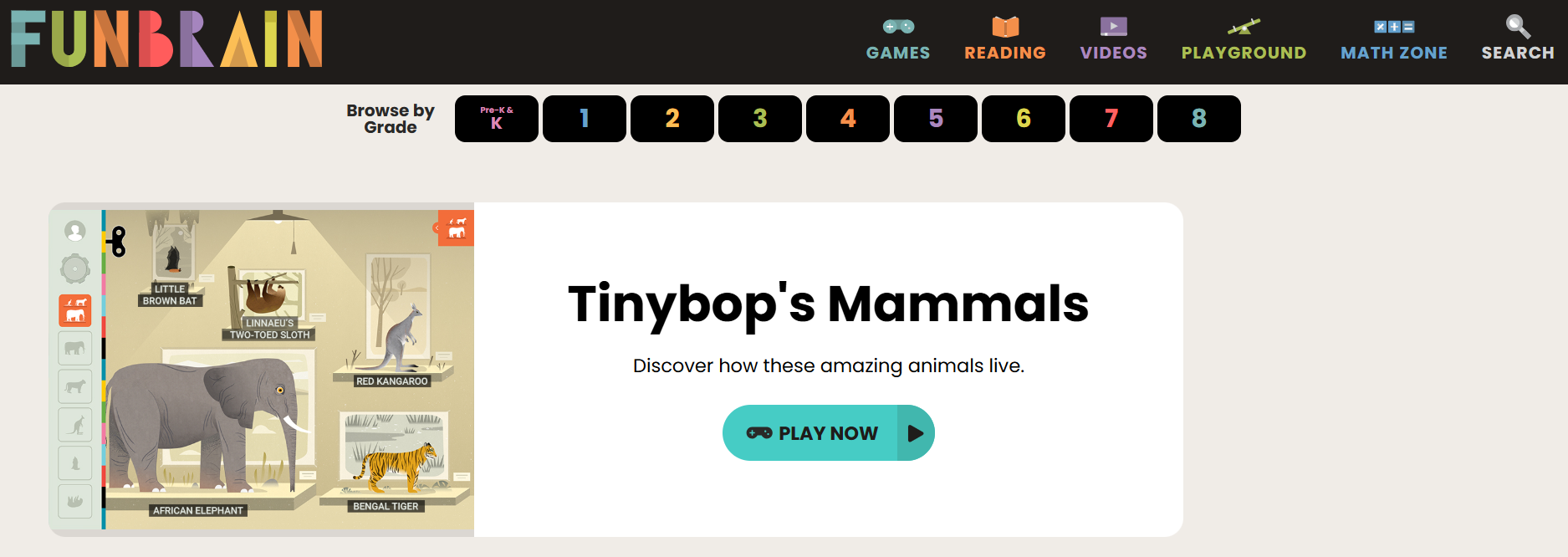
- Free assortment of games for pre-K through grade 8.
- Why it works: playful contexts for math and reading produce incidental practice and curiosity-driven exploration during short, self-directed sessions.
62. RoomRecess.com
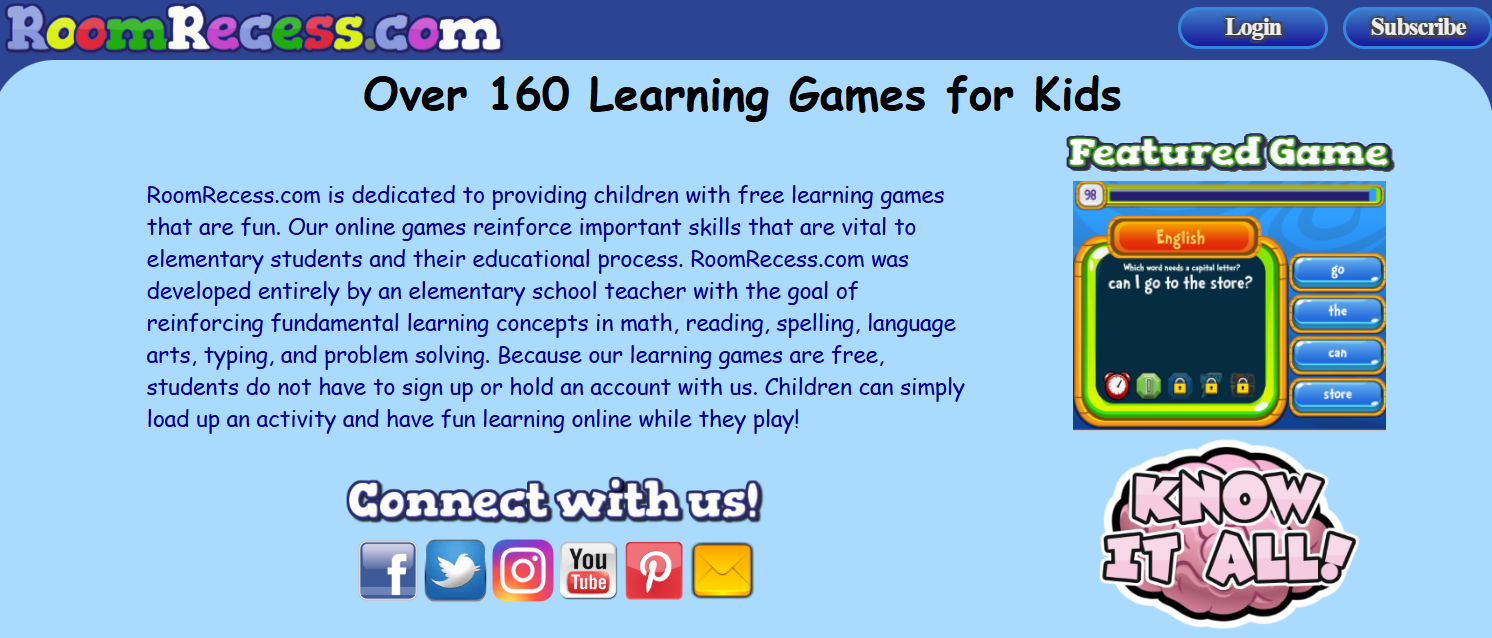
- Over 140 free educational games K-6.
- Why it works: teacher-designed activities map directly to classroom skills, making independent practice look and feel like effective review.
63. Sumdog
- Personalized math and spelling practice.
- Why it works: adaptive challenges and multiplayer modes combine individual mastery with social motivation, increasing practice frequency and resilience.
64. Turtle Diary
- Games, videos, and experiments by grade level.
- Why it works: integrated formats and printable follow-ups turn screen interactions into tactile extensions, which parents can pair with offline activities easily.
65. Conceptis Puzzles
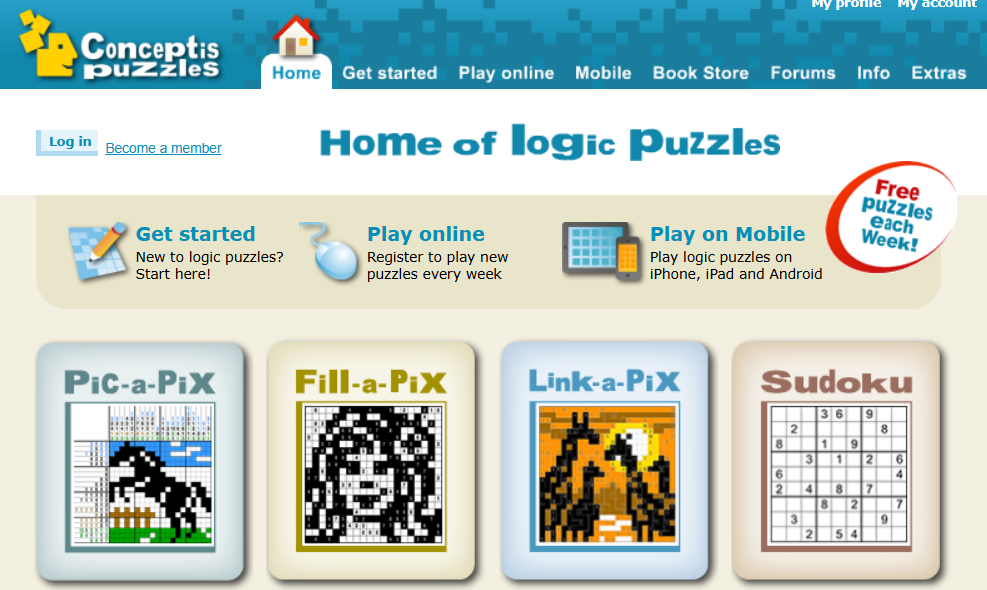
- Logic puzzles like Sudoku and Pic-a-Pix.
- Why it works: weekly fresh challenges strengthen reasoning and pattern detection, encouraging habit-forming short sessions that improve attention.
66. Conexo
- Logic-based word categorization game.
- Why it works: daily categorization puzzles sharpen semantic grouping and reasoning, which improves vocabulary networks that support reading comprehension.
67. Contexto
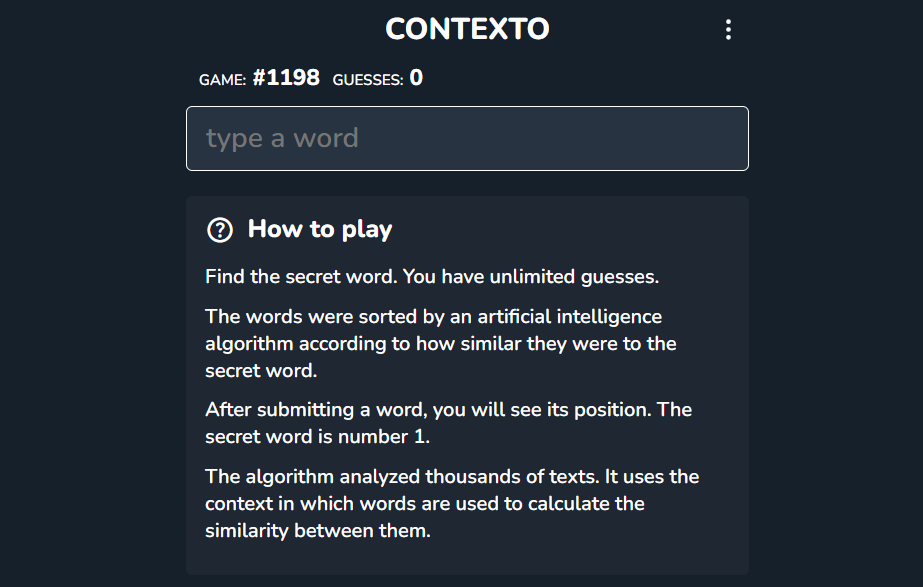
- Daily mystery word with distance ranking.
- Why it works: deduction under uncertainty teaches hypothesis testing and incremental improvement, skills that transfer to math problem solving and reading strategies.
68. Digipuzzle
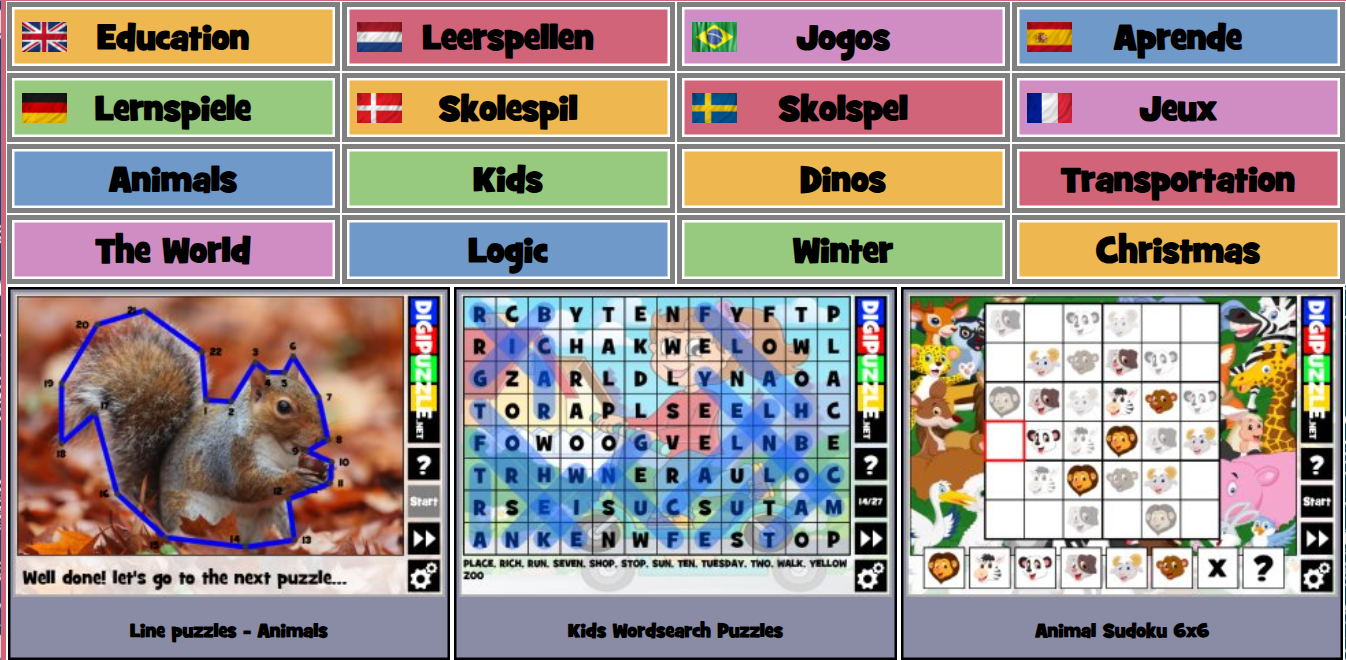
- Word searches, tangrams, dot-to-dot, seasonal puzzles.
- Why it works: varied puzzle formats exercise visual-spatial skills and pattern recognition while offering printable options for device-free practice.
69. Little Alchemy 2

- Combine elements to create new ones.
- Why it works: experimentation and combinatorial thinking strengthen causal reasoning and curiosity, encouraging kids to form and test hypotheses.
70. Lightbot and Lightbot Jr
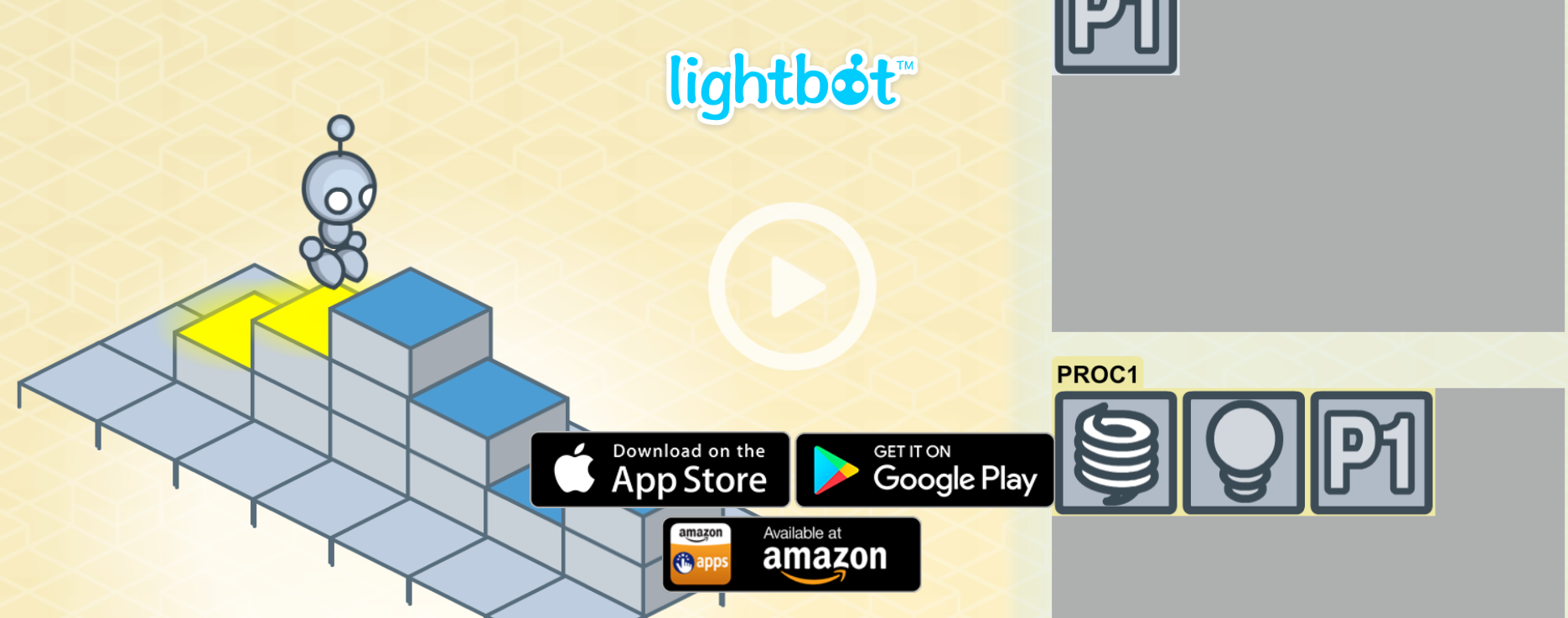
- Ages 4 to 11; Educational value: coding logic, conditionals, loops.
- Why it works: progressively complex puzzles teach programming concepts through spatial sequencing, giving kids a tangible sense of mastery as difficulty rises.
71. ScratchJr
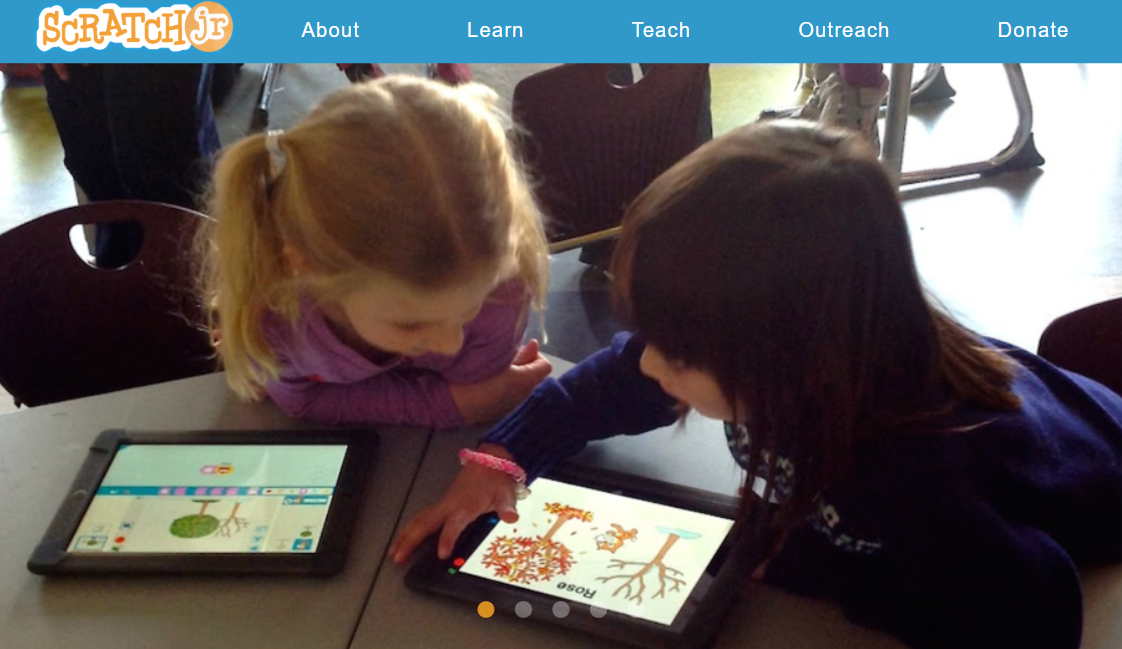
- Ages 5 to 7; Educational value: creative coding, storytelling.
- Why it works: free-form creation encourages iteration and debugging, cultivating invention and persistence in early learners.
72. Osmo Coding Awbie
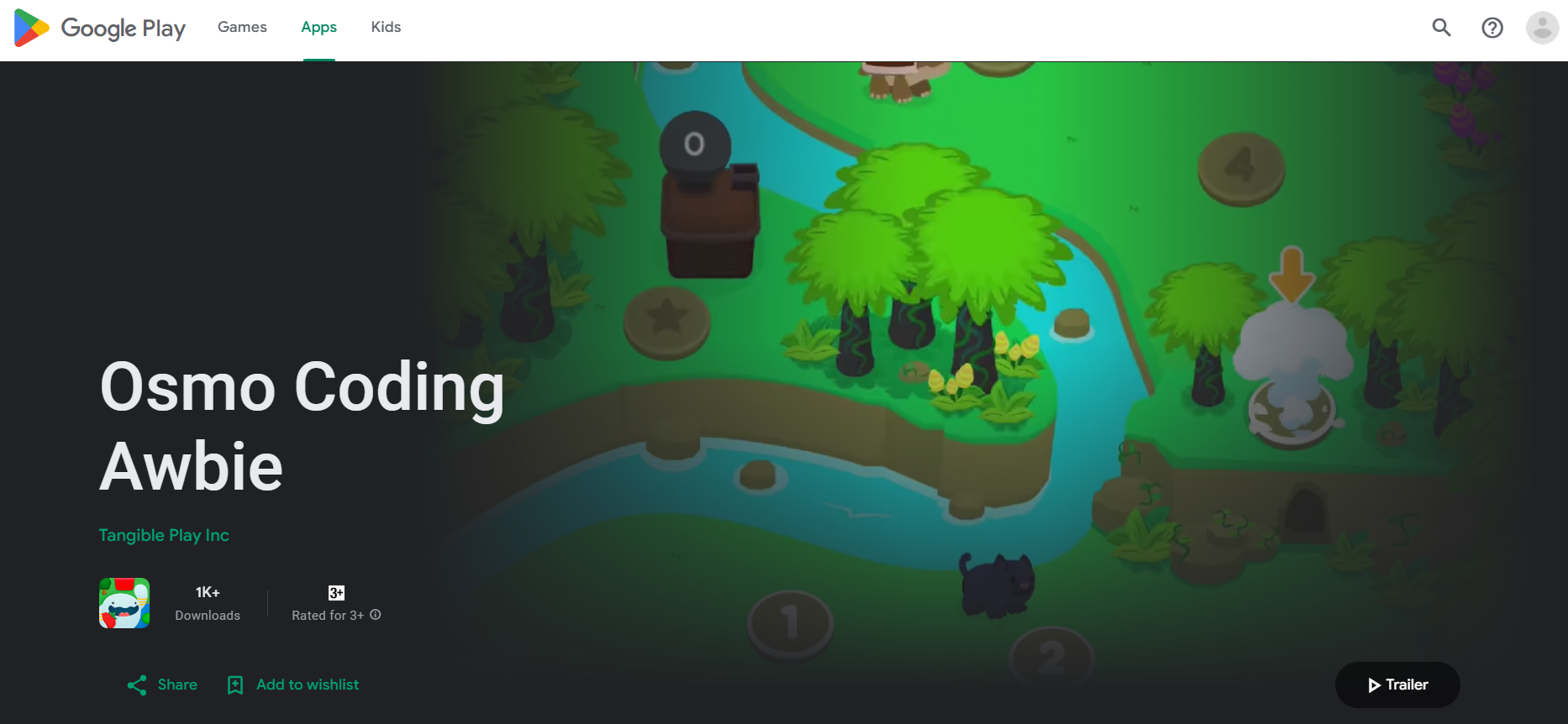
- Physical-digital coding kit for ages 5 to 12.
- Why it works: tangible pieces slow impulsive guessing and foster collaborative problem solving, which increases deliberate planning and group discussion around logic.
73. The Human Body
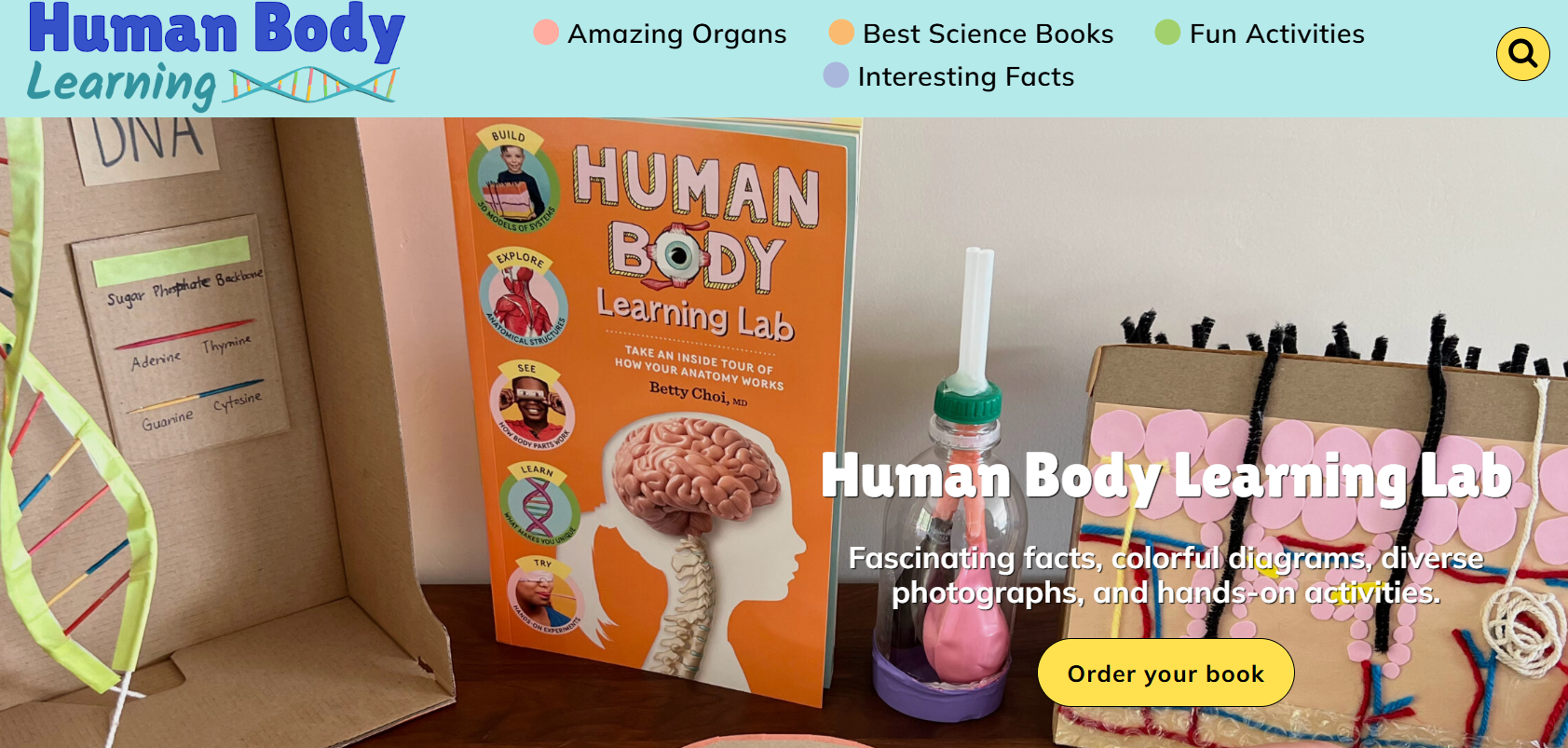
- Ages 4 and up; Educational value: anatomy curiosity.
- Why it works: immersive visuals and sound make abstract body systems concrete, sparking wonder that leads to follow-up reading and projects.
74. A Kid’s Diary
- Ages 6 to 8; Educational value: self-expression, reflection.
- Why it works: multimedia journaling teaches narrative organization and emotional vocabulary in a closed environment that helps children practice digital self-expression safely.
75. Daniel Tiger’s Grr-ific Feelings
- Ages 0 to 5; Educational value: emotional literacy, self-regulation.
- hy it works: simple, guided activities practice naming emotions and calming strategies, which translates into more independent emotional coping in daily life.
76. Epic!

- Ages 4 to 12; Cost: subscription; Educational value: wide reading library.
- Why it works: huge, age-matched selections with read-aloud support lower barriers to independent reading, building stamina and curiosity, and turning bedtime or after-school reading into an autonomous habit.
Status quo, the hidden cost, and the bridge to a better pattern
Most families default to a handful of apps because they are familiar and require no extra setup, which is understandable. That approach fragments learning, duplicates content, and forces you to babysit engagement. Platforms like My Coloring Pages, offering a large, customizable printable library, centralize targeted activities, letting parents design short, repeated practice sessions that convert screen minutes into print-and-play learning, preserving variety while reducing supervision time.
A parent note I keep returning to
This feels exhausting because parents want both calm and progress, not trade-offs; choosing games with clear feedback loops and adaptive pacing is the practical shortcut that reliably produces both.
But the real test comes when you pick tools for your child’s exact age and needs, and that is where the next choices matter most.
Related Reading
- Drawing Websites for Kids
- Best Educational Websites for Kids
- Art Websites for Kids
- Safe Websites for Kids
- List of Websites to Block for Kids
- Reading Apps for Kids
- Best Learning Apps for Kids
- Math Apps for Kids
How to Choose Age-Appropriate Learning Games for Your Child

Matching games to development is the linchpin between idle screen time and genuine practice. Give yourself simple, age-based rules and watch for three behavioral signals, and you will stop guessing and start choosing with confidence.
What should I look for with preschoolers?
For preschoolers, follow the guidance that Early childhood (Ages 3–6): Games are best seen as playful extensions of imagination. Choose activities that invite pretend, single-step problem solving, and short cycles of action plus tactile follow-up. Practical checklist: prefer 10–15 minute sessions, visuals that cue what to do next, and tools that let a child turn a digital prompt into a printed drawing or simple craft to extend play off-screen.
How do I judge early elementary choices?
Pattern recognition across classrooms shows kids ages 6–8 want controlled complexity and choice. Look for games that offer branching challenges, quick wins that scale, and collaborative options so a child can explain a rule to a sibling. A good rule of thumb: if a child can verbalize the game goal and teach it to someone else after one round, the content is at the right challenge level.
What changes for older kids?
When children are around 9 and up, prioritize projects, persistence, and transfer. Favor tasks that build toward a shareable product, require planning across sessions, or let the child export work to paper or a slideshow. Expect sessions to stretch longer, and set checkpoints where the child shows how today’s activity connects to a real-world skill.
Which mistakes derail learning?
Problem-first: Choosing games that are too advanced crushes curiosity fast; too repetitive tasks dull motivation; overly passive experiences produce short-lived attention. Watch for these red flags: frantic tapping without a strategy, frequent requests for help on basic rules, and no attempt to apply a game idea away from the device. When those appear, switch to activities that simplify goals, add a physical extension, or offer clear micro-feedback.
Which signs tell you the game is working?
I recommend watching three behaviors as living proof: sustained curiosity, self-directed play, and skill transfer. Sustained curiosity looks like repeat returns to an open-ended task without prompts for rewards. Self-directed play means the child sets the pace, explores rules, or invents variants. Skill transfer is visible when they use a strategy or phrase from the game in a real-world task, like measuring for a craft or narrating steps aloud while solving a puzzle.
A common failure pattern caregivers miss
This pattern appears across homes and classrooms: assuming childhood must be sheltered from responsibility leads to choosing overly safe, low-stakes games that produce little growth. When adults avoid challenges to keep moods calm, kids miss the satisfying tension that builds competence, and parents end up micromanaging practice because it never becomes independent.
Most families manage selection by scanning top lists and official ratings, which makes sense as a starting point, but that habit fragments effort as needs get specific. Parents often check official ratings when looking for age-appropriate games. The hidden cost is simple: familiar lists rarely let you micro-target a skill or adapt difficulty quickly, so practice either stalls or becomes parental work.
Teams and parents find that platforms like 17,640+ free coloring pages provide an alternative: they centralize thousands of printable templates with easy customization, so you can pick or make an activity that targets a single skill, change the difficulty in seconds, and move practice instantly off-screen without losing momentum. This shrinks the time you spend searching and converts vague intentions into visible artifacts you can review.
How to make a fast decision in the moment
Constraint-based thinking works well here: if your child is fidgeting and frustrated, choose a tactile extension or printable with low rule density; when they ask for a challenge, pick a multi-step printable task or a collaborative sheet to invite partners; if you need independent practice, select an activity with layered difficulty and a clear completion artifact to check later. These swaps cost minutes but preserve learning.
A simple, actionable checklist by age
- Preschool, quick rule: One clear action per turn, end with a printable extension, sessions 10–15 minutes.
- Early elementary, quick rule: Provide 2–3 paths in a task, allow choice, include a visible progress marker, sessions 15–25 minutes.
- Older kids, quick rule: Assign a multi-session project with exportable work, require a short reflection or explanation, sessions 25–45 minutes.
When to step back and let the child lead
Specific experience shows outcomes improve when adults move from curating to coaching for one week at a time: set the learning goal, offer one customization—a printable prompt, a new constraint—and then watch whether the child returns without prompting. If they do, reduce supervision; if not, add a low-friction scaffold and try again.
If you want practical proof, printouts and portfolios beat occasional screenshots; they make learning visible in small, objective ways so you can stop guessing about progress and start supporting it instead.
That simple shift exposes what most parents never expect, and the next section will make that tension feel unavoidable.
Related Reading
- Best Drawing Apps for Kids
- Best Apps for Kids
- Music Apps for Kids
- Language Learning Apps for Kids
- Best Apps for 6-Year-Olds
- Best Coding Apps for Kids
- AI Tools for Kids
Download 17,640+ FREE Coloring Pages
If you want to balance educational screen time with purposeful offline practice, My Coloring Pages lets you create custom, printable coloring pages in seconds. Simply describe what you want or upload a picture, and the app turns it into ready-to-print pages, or browse 17,640+ free coloring pages trusted by 20,000+ parents and rated 4.8/5, giving instant, no-cost options that support creativity, fine motor skills, focus, and calm, like a small bridge from tablet tasks to hands-on learning.