
37 Best Learning Apps for Kids To Make Screen Time Productive
Best Learning Apps for Kids: Discover 37 top-rated apps that turn screen time into productive skill-building sessions. My Coloring Pages adds free printables.


Parents often face the challenge of balancing screen time with meaningful learning. The best fun websites for kids can transform digital moments into opportunities for reading, math exercises, creative projects, and early coding experiences. Engaging content and interactive platforms offer games, phonics practice, and STEM challenges that build essential skills. A carefully selected approach helps turn daily tablet use into productive, hands-on learning.
Complementing digital tools with offline activities further develops fine motor skills, color recognition, and early literacy. Integrating creative play with screen experiences promotes a balanced approach to learning. This holistic strategy not only nurtures development but also reassures parents that screen time is valuable; My Coloring Pages provides tools that enrich play with 17,180+ free coloring pages.
To put these ideas into practice, our 17,180+ free coloring pages help you get started right away.
Summary
- Many so-called educational apps trade durable practice for novelty, and that matters in absolute numbers: over 70% of parents report their children lose interest in educational apps within a month, and more than 50% of such apps are abandoned after the first use.
- Truly effective apps combine curriculum alignment, brilliant adaptation, gamified incentives that support practice, clear progress signals, and parent feedback, a blend that maps to findings showing 90% of schools reported positive learning impacts when gamified education was integrated correctly.
- Actionable progress tracking and parent-teacher feedback convert fleeting engagement into measurable gains, with a Stanford study reporting that 85% of students showed reading improvement after three months of guided, data-informed app use.
- Pairing short digital sessions with an immediate offline transfer substantially increases retention, a practice backed by parents who report confidence in apps but want routines, as 75% of parents believe educational apps can significantly enhance their child’s learning experience.
- Educational apps are reaching scale, with over 50 million students using them daily, and studies show a 30% increase in learning engagement, underscoring the need for structure and follow-up to turn high reach into durable skill growth.
- Practical session design matters: treat an app session like a mini lesson, roughly 5 to 10 minutes of focused app work followed by 3 to 7 minutes of a printable transfer, so practice is repeatable, observable, and tied to a clear next step.
- This is where 17,180+ free coloring pages fit in: they offer customizable, printable follow-ups that help adults convert short app sessions into repeatable, hands-on practice for fine motor skills, early literacy, and curriculum-aligned reinforcement.
Why Do Most Learning Apps Fail to Engage Kids?
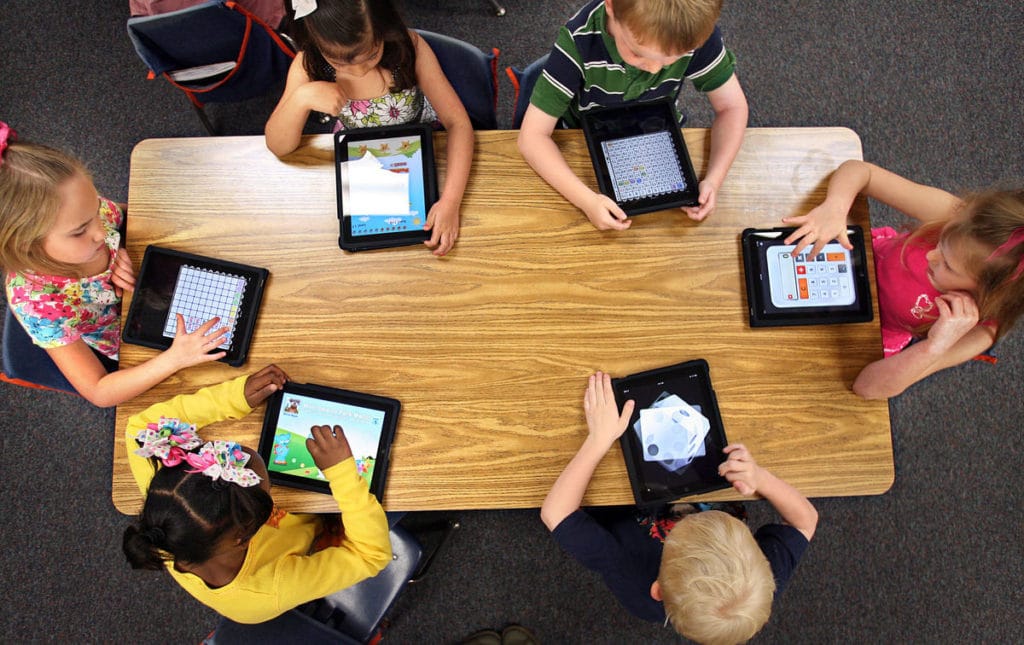
We see the problem clearly: many apps promise learning but mainly deliver short bursts of attention, not the repeated, guided practice children need to build fundamental skills.
That mismatch creates the illusion of progress without the muscle memory, phonics practice, or fine‑motor repetition that actually sticks.
Why do learning apps fail to hold attention?
They often trade lasting practice for novelty. Bright animations and quick rewards create rapid engagement; however, these hooks wear off when the underlying activities lack scaffolded difficulty, teacher input, or a clear pathway for repeated practice. It plays out like a sparkler, dazzling for a moment and then fading away; kids swipe away, moving on to the next new thing.
What false beliefs do parents hold?
Parents naturally trust the label "educational" and expect an app to do the hard work, since screens feel efficient on a busy day. That assumption makes sense, but it underestimates how much learning depends on the structure and repetition established by an adult.
As a result, parents report disappointment, and many children stop using these tools almost immediately, according to Meda Technology Blog: over 70% of parents report that their children lose interest in educational apps within a month. To support engagement, explore our 17,180+ free coloring pages designed to captivate kids' attention.
What are the real consequences?
The short list of consequences includes wasted screen time, patchy skill retention, and rising frustration for both kids and caregivers. When apps fail to turn novelty into habit, downloads become unused icons. This trend is reflected in a report from the Meda Technology Blog, which states that more than 50% of educational apps are abandoned after the first use.
Beyond the numbers, a persistent pattern emerges across homes and classrooms: novelty may win short-term engagement, but practice is essential for long-term retention.
Systems that focus on novelty often reduce opportunities to master basic skills, such as letter formation, counting fluency, and focused coloring time, which are essential for developing motor control. One engaging way to foster this practice is through our 17,180+ free coloring pages, which offer numerous opportunities to enhance motor skills and focus.
How do parents approach learning apps?
Most parents give their kids a tablet to keep them busy because it is easy and familiar. This may seem helpful at the moment, but over time, some problems emerge: broken routines, a lack of connection to lesson goals, and insufficient resources for teachers or parents. Solutions such as platforms offering 17,180+ free coloring pages provide a better way: they allow caregivers and teachers to personalize printable activities to fit lesson plans. These tools can help improve fine motor skills and literacy, turning passive screen time into engaging activities that can be repeated and evaluated at a kitchen table.
How do low-tech activities outperform empty digital novelty?
Printable coloring pages are repeatable, tangible, and easy to use. Users can trace, color, cut, and pair these sheets with a short spoken prompt. This helps people actively think about what they are doing instead of just watching. This simple method can turn a five-minute activity into cumulative practice throughout the week.
It can be easily aligned with lesson goals or IEP targets without requiring additional technology setup. The result is clear: chores, worksheets, and short sessions led by parents become the primary methods for helping students remember information.
What is the trade-off of using printables?
Balancing schedules can be exhausting, and relying on an app for teaching often leads to passive distraction. However, a small stack of tailored printables shifts this dynamic to promote intentional practice.
Related Reading
- Fun Websites for Kids
- Free Drawing Websites for Kids
- Coloring Websites for Kids
- Free Coloring Websites for Kids
- Educational Websites for Kids
- Coloring Pages Websites for Kids
- Learning Websites for Kids
What Makes a Learning App Truly Effective?

Effective learning apps combine five essential elements in one neat package: they align with what kids need to learn, adapt smartly to each child, provide game-like incentives that support practice, offer clear progress signals for parents and teachers, and create regular ways for parents to give feedback. When these elements work together, engagement shifts from mere interest to real, measurable learning. Additionally, our 17,180+ free coloring pages can be a fun way to reinforce skills creatively.
How should curriculum alignment look in a classroom-ready app?
Curriculum alignment in an app ready for the classroom should do more than just check a checklist of standards. It means connecting each activity to an evident skill, the expected level of independence, and an easy next step for adults.
Effective apps show the scope and sequence, enabling teachers to fit a short activity into a lesson plan or group students by mastery level. This approach makes assessment practical: instead of simply wondering whether a child "knows letter sounds," adults receive repeatable tasks at similar difficulty levels, ensuring that progress is measurable and can be applied to worksheets or small-group time.
What does adaptive learning do that a one-size-fits-all lesson cannot?
Adaptive systems change the problem, not the reward. They make it easier to learn when something is new, then make it more complicated as you get better. This method keeps curiosity alive while helping with practice.
Think of it like changing the weight on a barbell: doing the set is more critical than getting applause. The key parts include checking each item, using short tasks that show where we might be wrong, and setting rules that require you to get things right several times before moving on. These methods create the practice density needed to achieve durable gains.
Does gamified engagement actually produce better outcomes?
Yes, when gamification supports effortful practice instead of distracting from it. The proper mechanics connect rewards to visible progress, keep a manageable challenge, and avoid unpredictable rewards that create shallow hooks. A classroom survey cited in "How EdTech Apps Are Revolutionising Classroom Learning in 2025" found that 90% of schools reported positive learning outcomes with gamified educational apps. This shows that the proper game mechanics, when guided by teachers, can significantly improve outcomes for the whole class.
Why are progress tracking and parent feedback not optional extras?
Progress tracking turns unclear feelings into clear ideas for action. When teachers and parents identify specific trends, they can focus on exactly what to practice during a five-minute check-in. A Stanford study highlights this effect: Professor Rebecca Silverman's study reported that 85% of students improved their reading skills after using the app for three months. This finding shows how effective guided, data-driven practice is compared with passive exposure to information.
Parent feedback loops are also essential for keeping kids motivated; children notice how adults respond to their progress. This type of soft accountability helps them stay persistent and learn how to manage themselves.
How do these features support kids’ cognitive, social, and emotional growth?
Cognitively, scaffolded tasks reduce the burden on working memory and enhance retrieval practice, ultimately building fluency. For fine motor skills and early writing, short, repeated, printable tasks help build muscle memory, similar to focused digital tracing. Socially, structured apps that have cooperative tasks or prompts for sharing promote turn-taking and support language use.
Emotionally, predictable feedback and small, achievable wins nurture competence and persistence, which help to ease anxiety about new challenges.
What proof exists that these components change behavior and learning?
Beyond the school-level and controlled study numbers mentioned above, a consistent pattern emerges across districts and after-school programs. Systems that combine adaptive practice with teacher reports and simple parent prompts deliver higher retention and better interventions than novelty-first apps. When adults use data to plan three-minute follow-ups, these small changes add up to measurable skills. As a result, motivation increases when children feel a sense of competence rather than receiving random rewards.
What is a common challenge with current app integration?
Most people address this by using various apps in their routines and hoping the data will teach them. That method is understandable, but the hidden problem is a lack of connection: activities become scattered, no one adjusts for the next session, and progress slows down. Solutions such as platforms that offer 17,180+ free coloring pages and simple customization help.
They provide adults with printable, standards-aligned activities they can mark up and reuse, so practice remains consistent even when screens are unavailable.
Related Reading
- Drawing Websites for Kids
- Best Educational Websites for Kids
- Art Websites for Kids
- Safe Websites for Kids
- List of Websites to Block for Kids
- Reading Apps for Kids
- Best Learning Games for Kids
- Math Apps for Kids
37 Best Learning Apps for Kids to Boost Skills & Creativity
These 37 apps are presented so you can scan outcomes first, then decide which one fits your child’s needs and daily routine. Each entry explains what the app does, why it helps learning, and why parents can trust it. This list is created for caregivers who want clear trade-offs, not marketing copy; you’ll see the core learning outcome, age fit, and device options at a glance.
This pattern appears across household pilots and small classroom trials. Parents choose tools that are safe, genuinely educational, and easy to integrate into a busy day. They prefer apps that are structured yet flexible enough to match a child’s pace.
Educational apps now reach large numbers, with Software House reporting that "over 50 million students use educational apps daily." The same source also finds that Software House states that "educational apps have increased learning engagement by 30%." This trend highlights why parents seek both quality content and measurable engagement.
1. My Coloring Pages
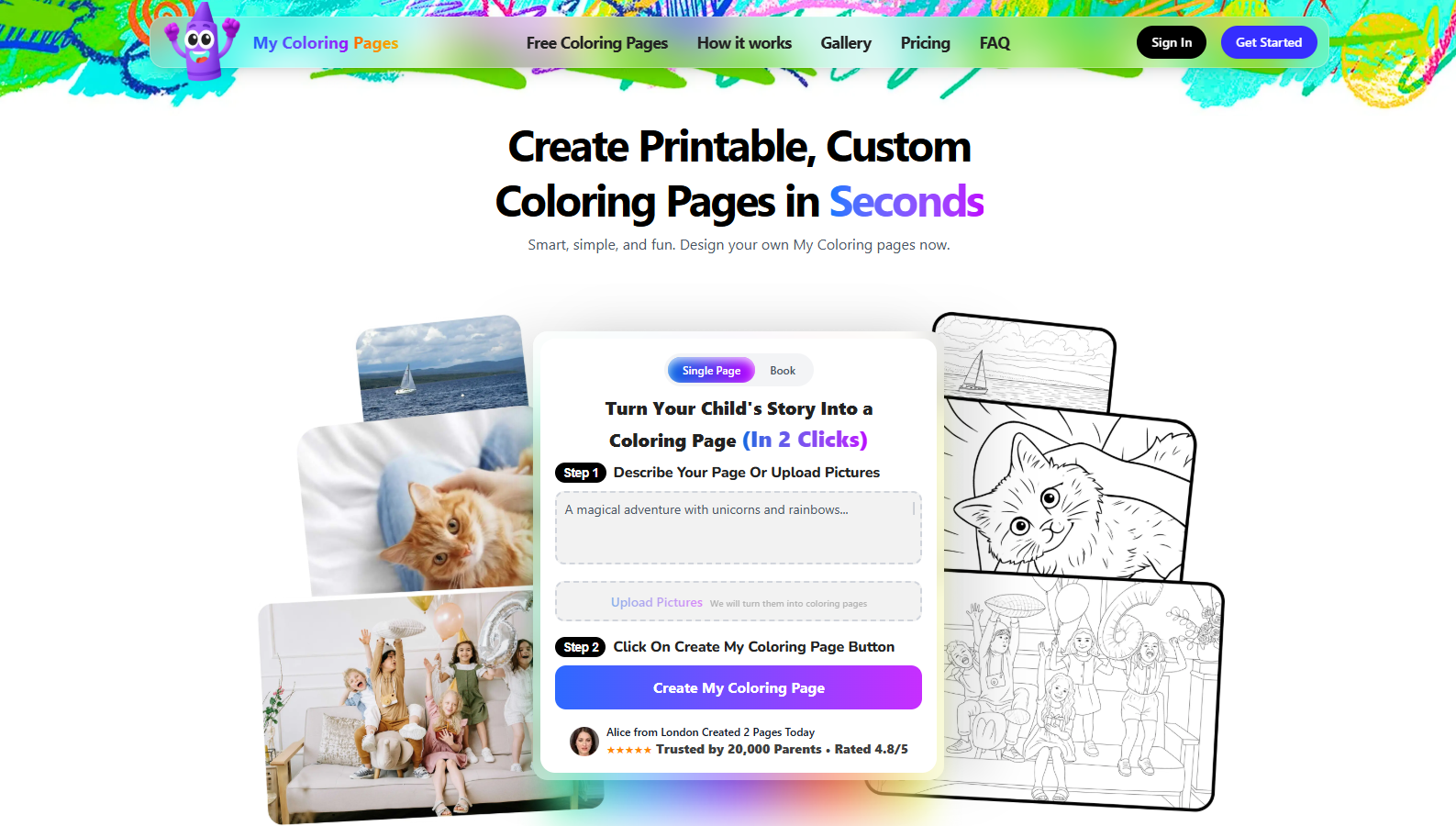
My Coloring Pages turns descriptions or uploaded photos into printable coloring pages and lets parents assemble custom coloring books, so art time becomes lesson-aligned practice rather than aimless screen minutes. It supports handwriting prep, fine-motor repetition, and creative storytelling by turning a child’s ideas into age-appropriate, printable worksheets.
- Ages: 2+
- Devices: Web, printable PDF
- Skills: Fine motor control, pre-writing strokes, creativity
2. PBS Kids Games
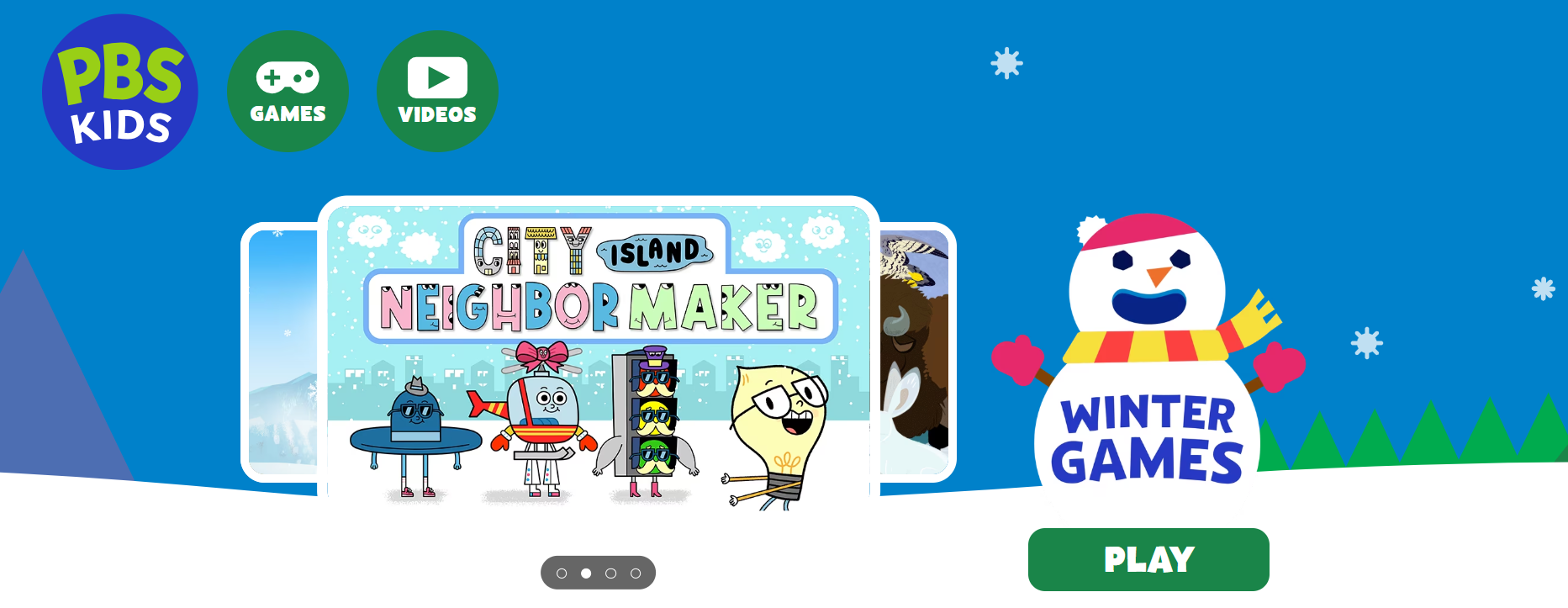
PBS Kids Games packages short, character-driven mini-games that teach early math, reading readiness, and science concepts in safe, ad-free play, helping shorter attention spans translate into repeated practice. Parental controls and simple navigation make it reliably age-appropriate, with content tied to recognizable characters that motivate persistence.
- Ages: 3+
- Devices: iPhone, iPad, Android
- Skills: Early numeracy, vocabulary, problem-solving
3. Lingokids
Lingokids uses play-first lessons and a parent dashboard to build literacy, numeracy, SEL, and curiosity through adaptive content and partner-backed modules from NASA and Oxford, keeping activities engaging and varied. The app’s structured modes let you switch between free play and focused lessons, so caregivers can control when screen time is exploratory or goal-driven.
- Ages: 2–8
- Devices: iPhone, iPad, Android
- Subjects: Literacy, math, science, SEL
4. KidsBeeTV
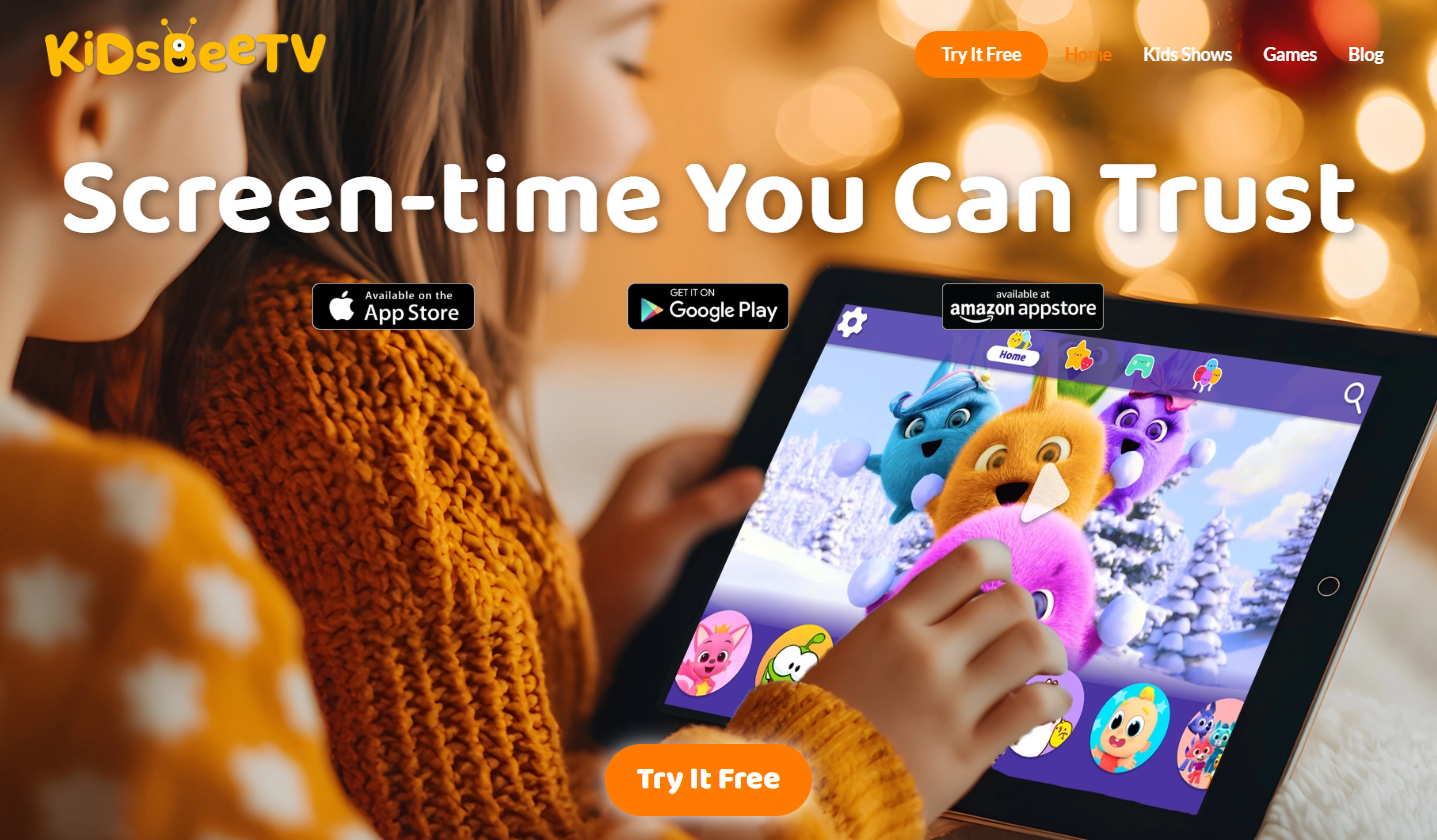
KidsBeeTV curates teacher-approved songs, stories, and games with strict parental controls and no third-party ads, so younger kids get a predictable, safe viewing experience while still being exposed to educational themes. Weekly content refreshes keep routine viewing from going stale.
- Ages: 3+
- Devices: iOS, Android
- Skills: Listening, early vocabulary, pattern recognition
5. Super Teacher
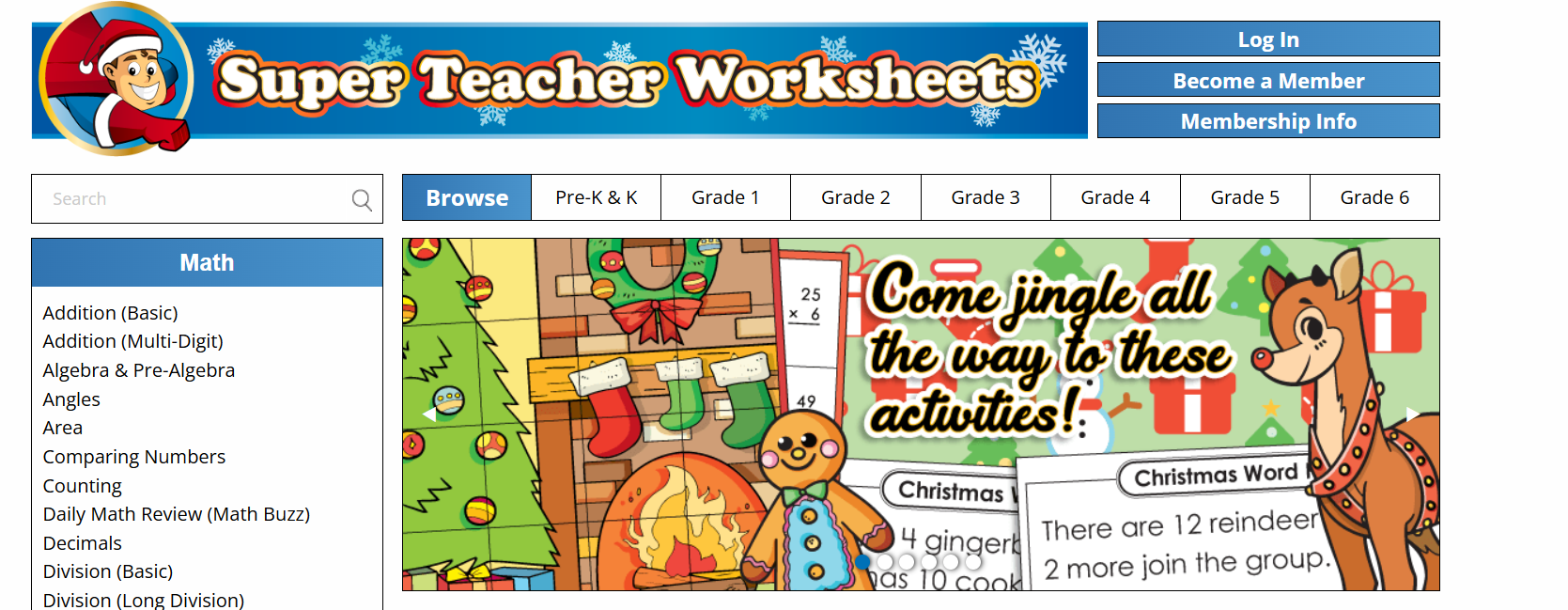
Super Teacher provides on-demand tutoring-style lessons across core subjects, paired with an extensive story library that supports social stories and creativity, making it useful when a child needs quick remediation or enrichment. The structure works well for short, coach-led sessions, and you can drop into a routine.
- Ages: 3+
- Devices: iOS, Android
- Subjects: Math, English, Science, Geography
6. Crayola Create and Play
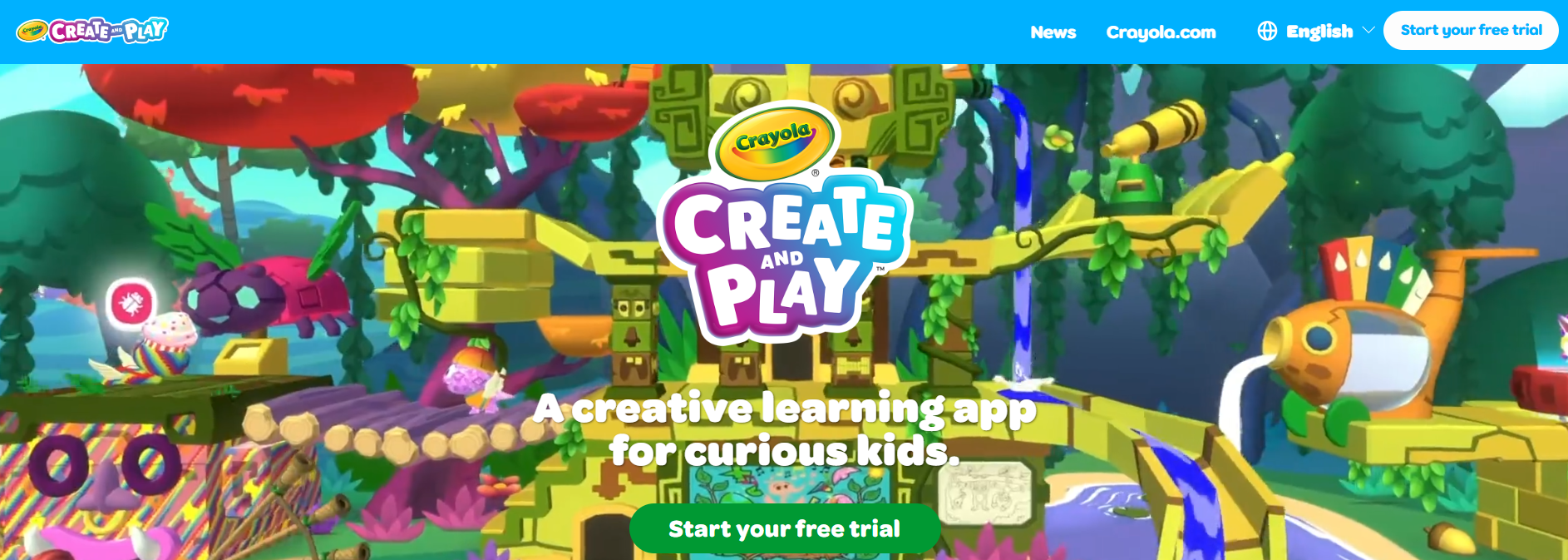
Crayola Create and Play translates familiar art materials into guided digital exercises that teach color recognition, sequencing, and drawing fundamentals while encouraging imaginative play. It’s a safe sandbox with progressive activities that support fine-motor development.
- Ages: 3+
- Devices: iPhone, iPad, Android
- Skills: Art, color theory, hand-eye coordination
7. Bimi Boo Kids Academy
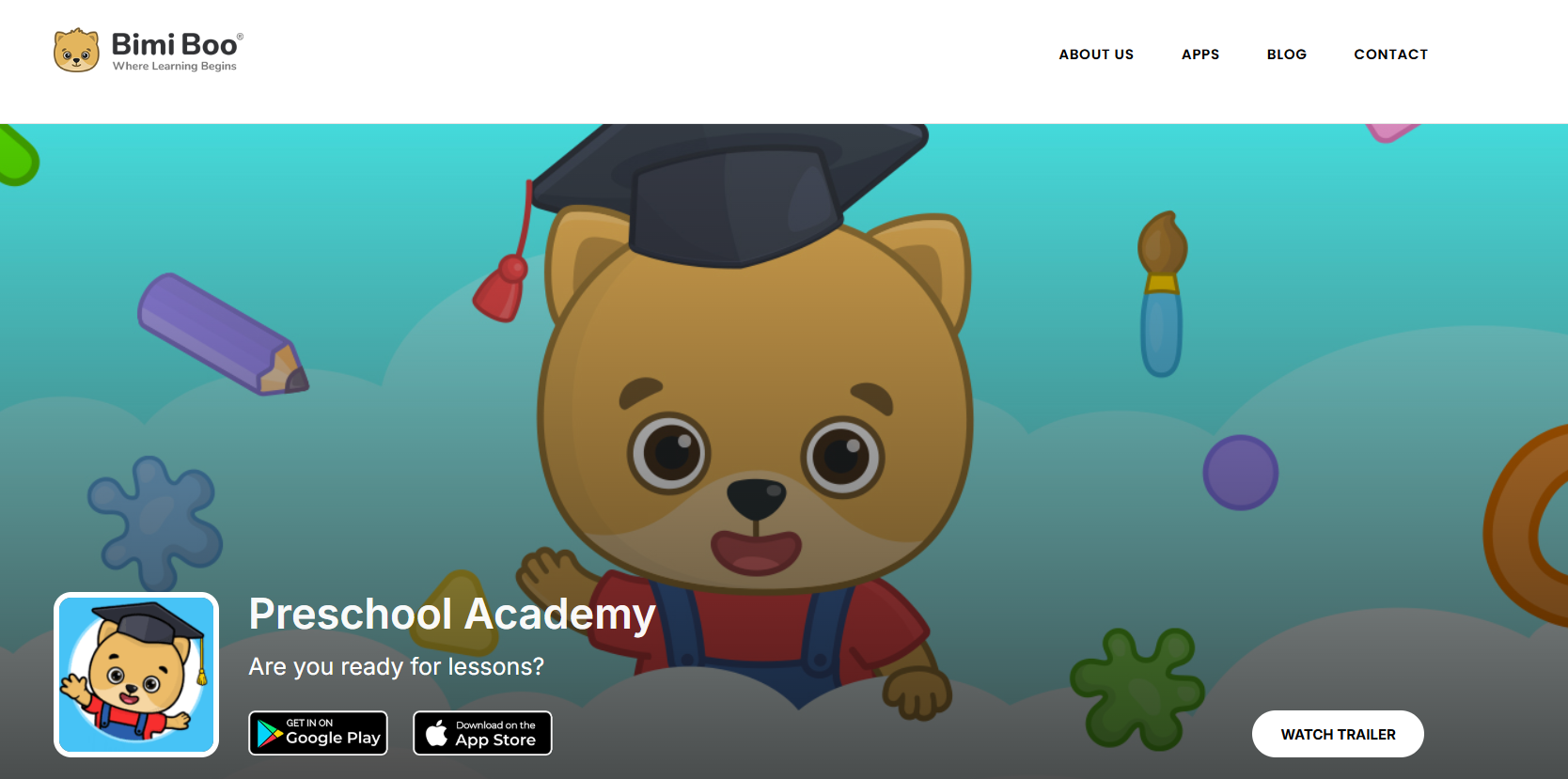
Bimi Boo packs thousands of short games that mirror preschool curricula, making it easy to slot practice into short time windows and support vocabulary, counting, and motor skills with playful repetition. The breadth of content helps parents rotate activities to avoid boredom while keeping measurable targets.
- Ages: 3+
- Devices: iPhone, iPad, Android
- Subjects: Numeracy, literacy, motor skills
8. ABCmouse.com

ABCmouse provides a sequenced early curriculum across reading, math, science, and art with clear progress indicators for parents, which helps convert occasional play into scaffolded learning. Voiced instructions mean even pre-readers can follow structured tasks independently.
- Ages: 4+
- Devices: iPhone, iPad, Android, Web
- Subjects: Reading, math, phonics, art
9. Applaydu
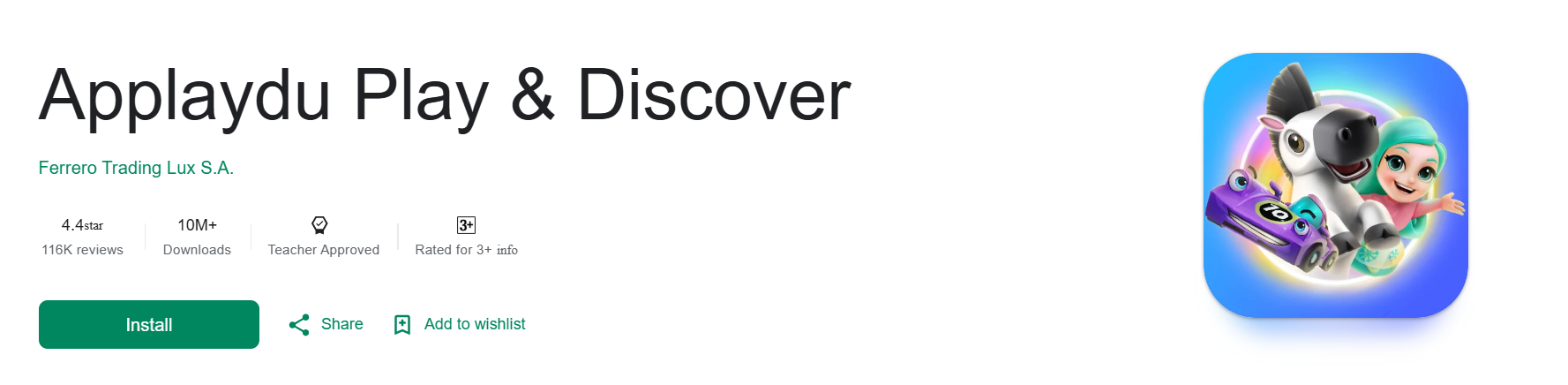
Applaydu uses augmented reality tied to physical toys to reinforce memory, rhythm, and motor coordination, adding a tactile component to digital play that strengthens multi-sensory learning. Its mini-games embed geography and music facts for gentle cross-curricular exposure.
- Ages: 3+
- Devices: iPhone, iPad, Android
- Skills: Memory, sequencing, basic geography
10. Khan Academy Kids
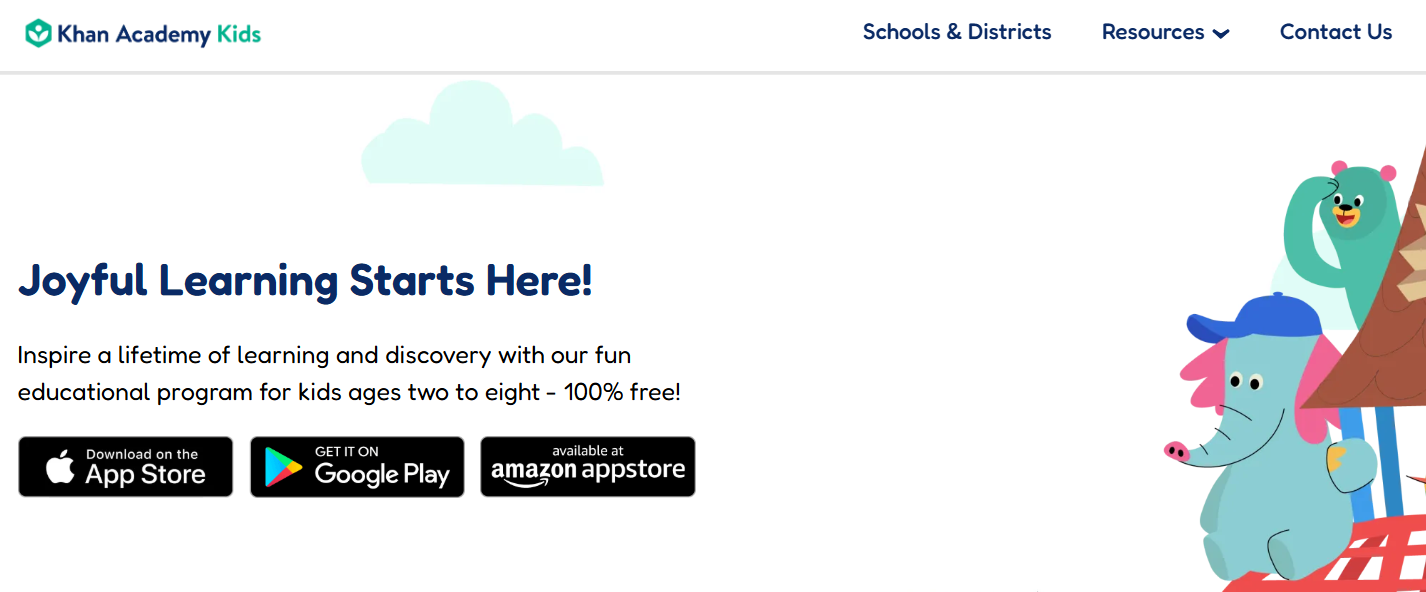
Khan Academy Kids offers free, research-informed lessons across literacy, math, and socio-emotional learning with a personalized dashboard and no paywall, making deep, long-term study feasible for families on a budget. It’s powerful when parents want curriculum-aligned practice without subscription complexity.
- Ages: 2–8
- Devices: iOS, Android, Web
- Subjects: Math, reading, social-emotional learning
11. Reading Eggs
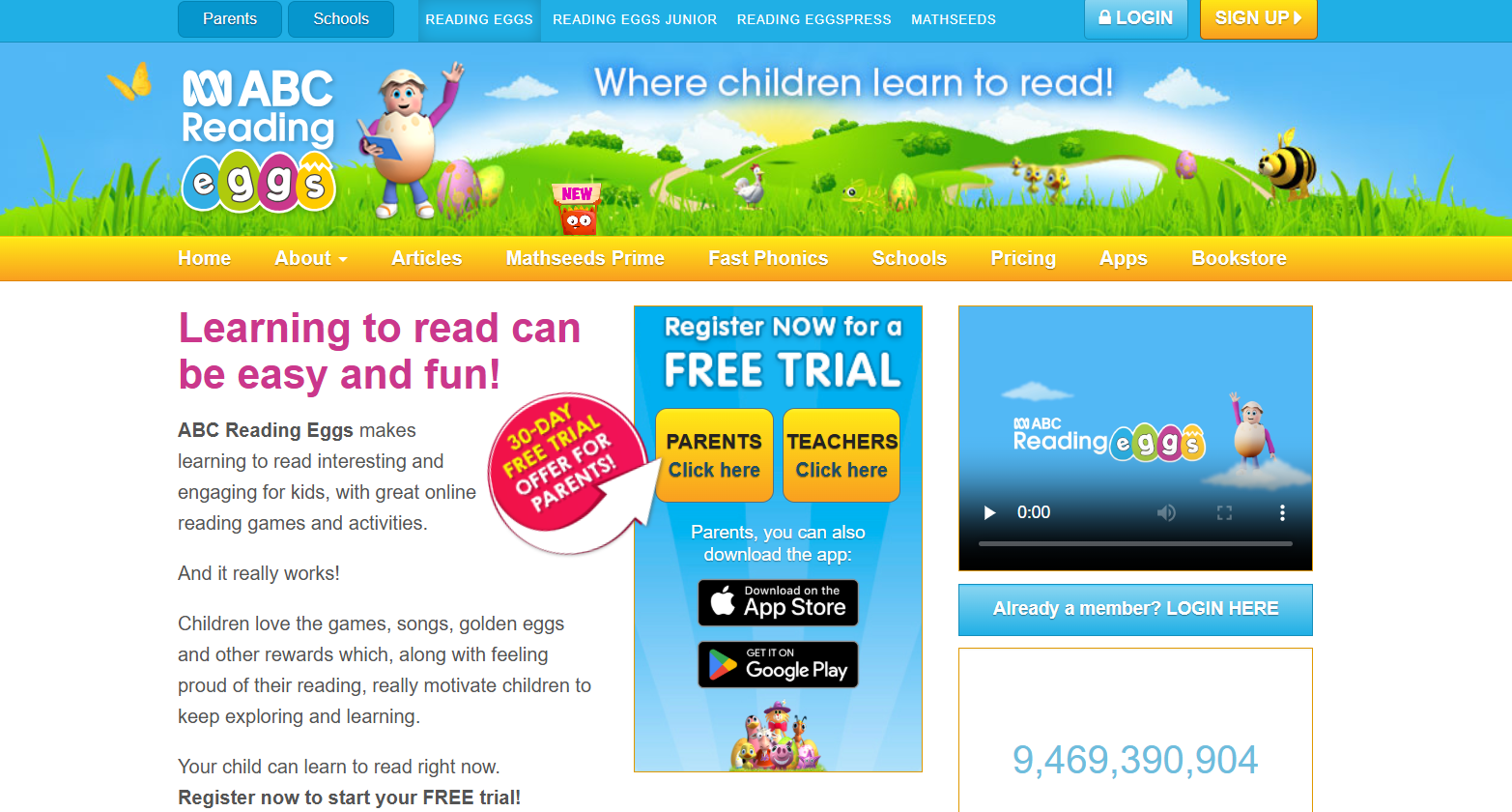
Reading Eggs combines interactive phonics lessons with thousands of leveled books, creating a coherent path from letter recognition to fluent reading. The app’s incentives and progress markers are helpful if your child responds to visible milestones.
- Ages: 4+
- Devices: iPhone, iPad, Android, Web
- Skills: Phonics, reading fluency, comprehension
12. Teach Your Monster to Read
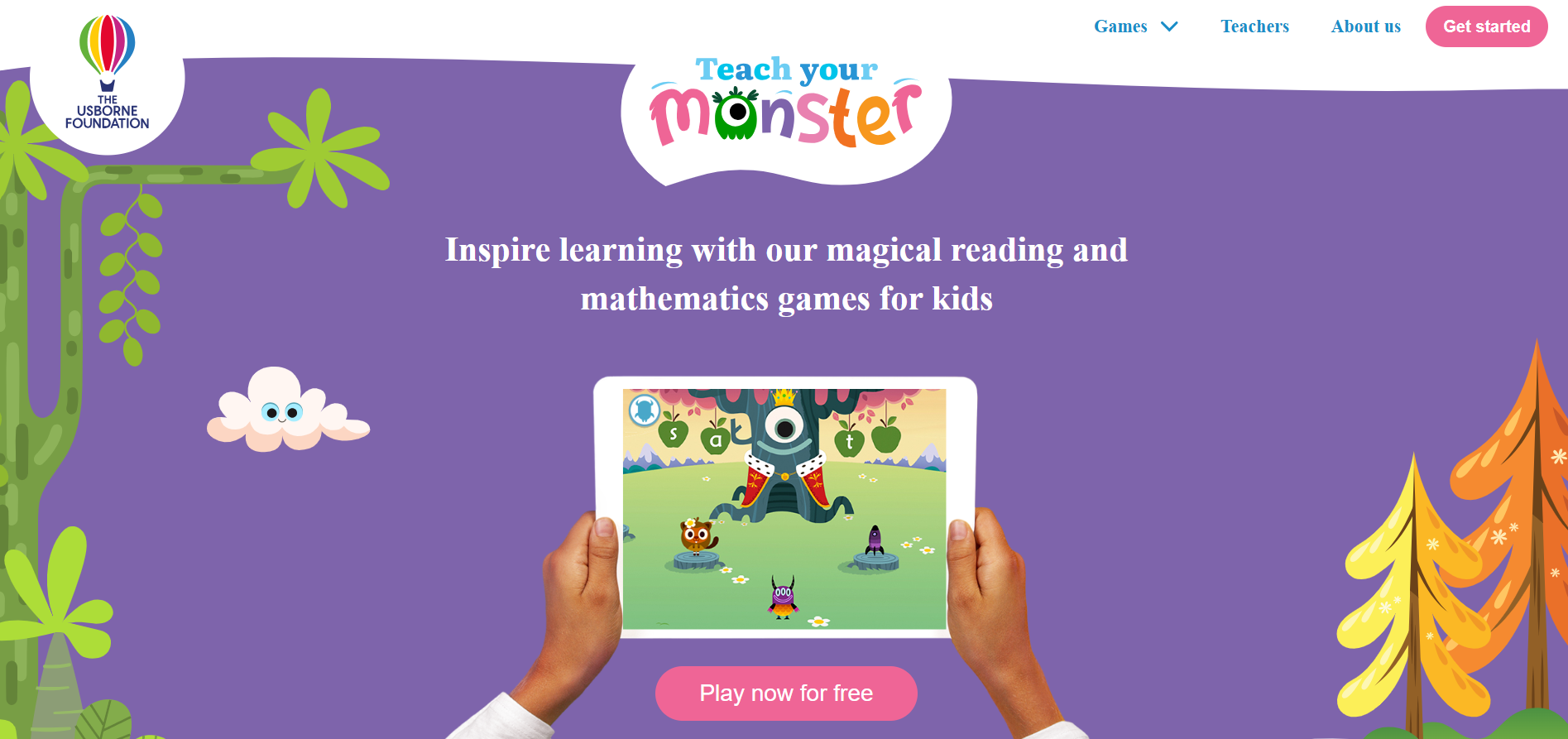
Teach Your Monster to Read uses award-winning phonics games mapped to early reading stages, making sound-letter correspondence concrete through playful characters and repeatable drills. The app’s straightforward progression keeps practice focused and measurable.
- Ages: 4+
- Devices: iPhone, iPad, Android, Web
- Skills: Phonics, decoding, sight words
13. LetterSchool
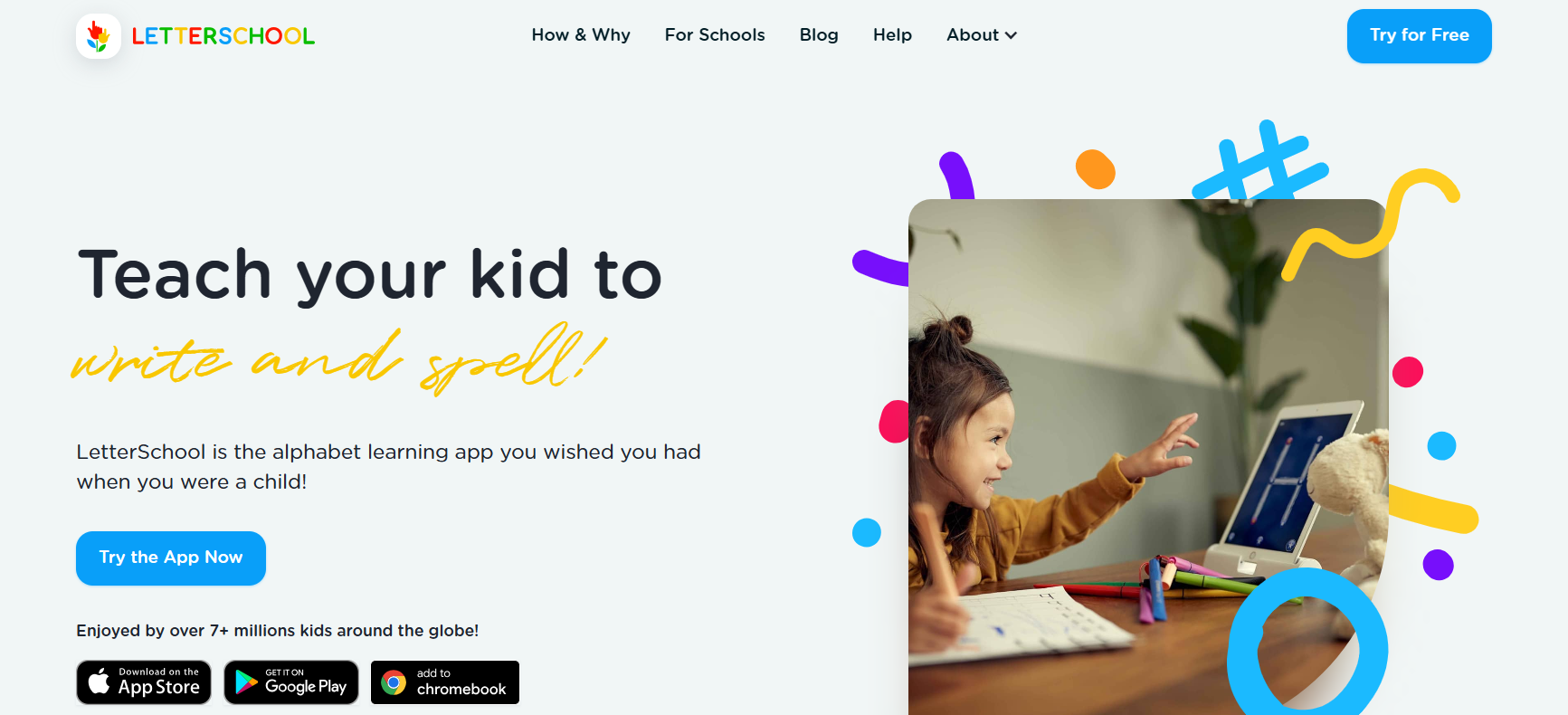
LetterSchool follows a three-step handwriting method that teaches stroke order, tracing, and independent writing with feedback and motivating animations, which helps build the motor routines behind legible letters. It’s a practical choice when you want short, daily handwriting practice.
- Ages: 4+
- Devices: iPhone, iPad, Android
- Skills: Handwriting, letter formation
14. Toca Hair Salon
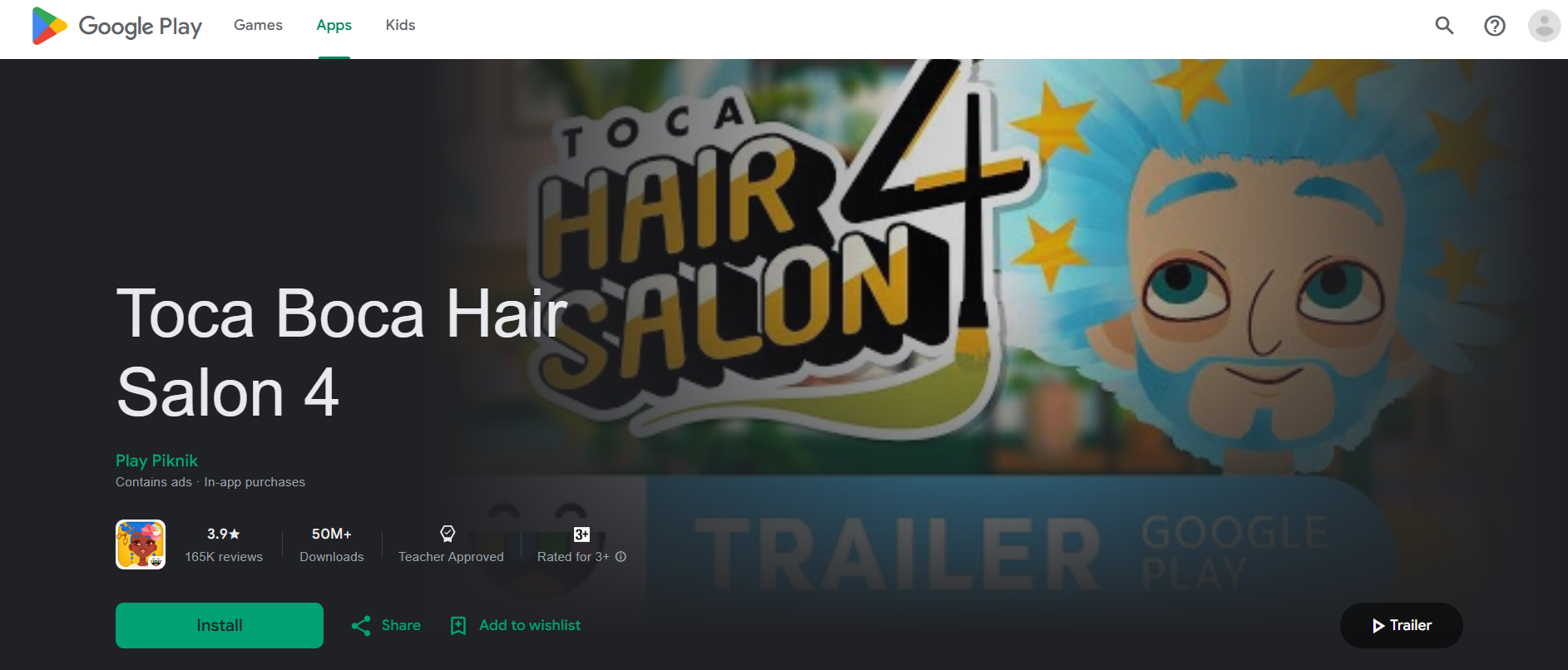
Toca Hair Salon gives kids a creative, open-ended space to experiment with hairstyles and color, supporting narrative play and fine-motor control without in-app pressure. It is best used for free-play sessions that encourage imagination rather than skill drilling.
- Ages: 4+
- Devices: iPhone, iPad, Android
- Skills: Creativity, sequencing, fine motor
15. HOMER Learning
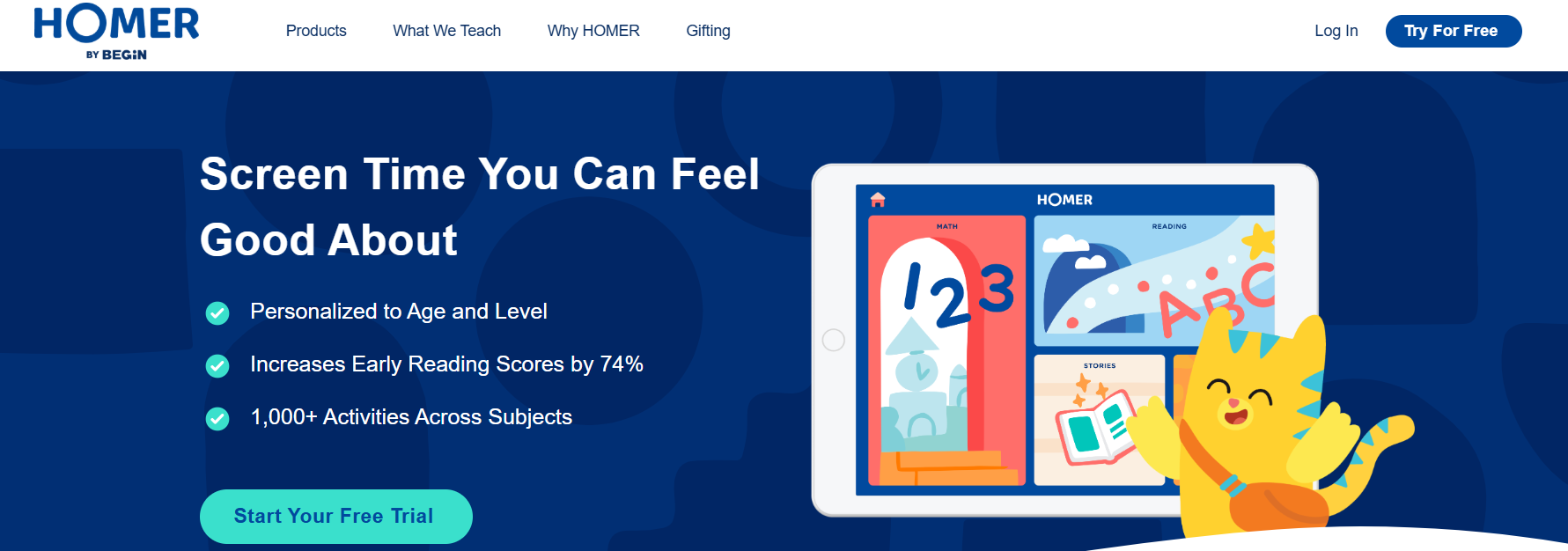
HOMER builds a personalized reading and critical-thinking path based on a short intake quiz, which keeps lessons aligned to a child’s level and interests and raises the odds that practice will stick. The personalization reduces busywork for parents by presenting the next right activity.
- Ages: Toddler to Grade 2
- Devices: iOS, Android
- Subjects: Reading, thinking skills, creativity
16. codeSpark
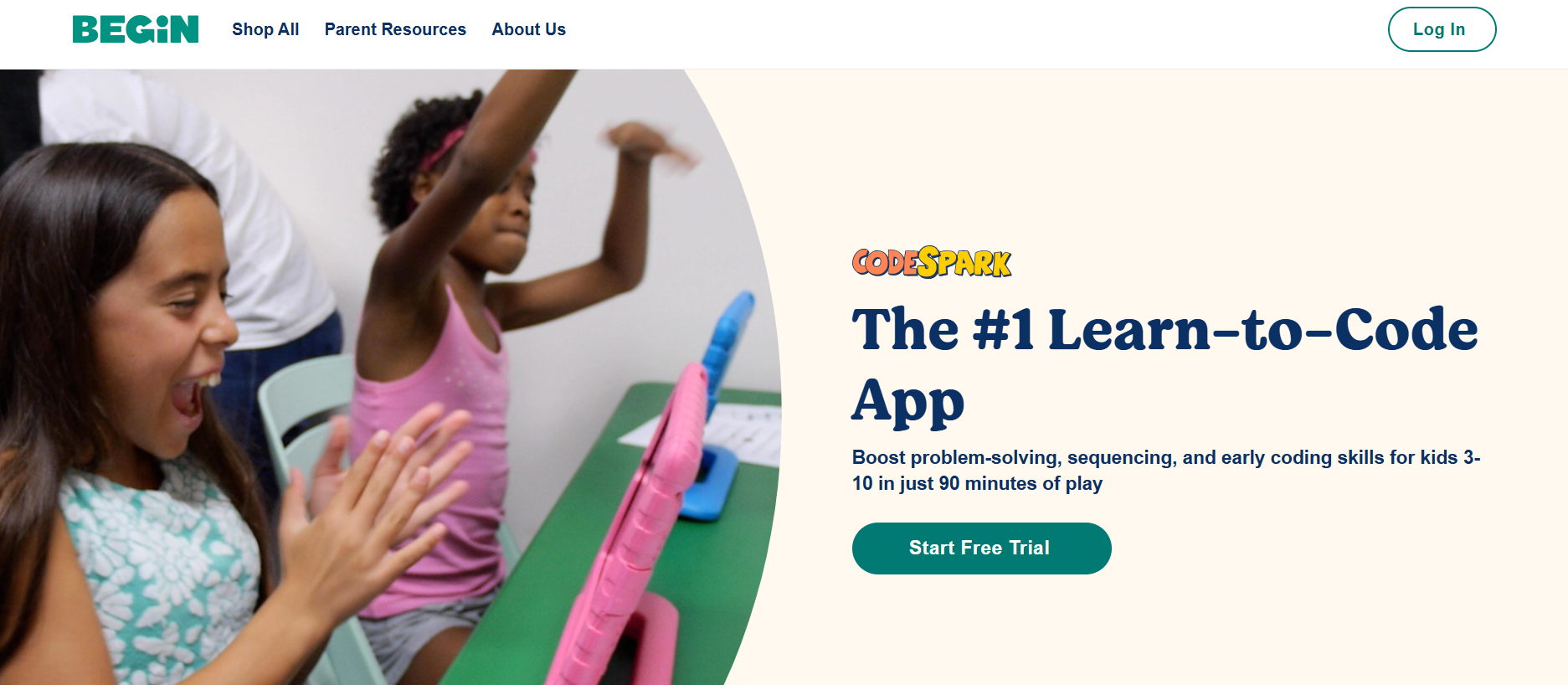
codeSpark teaches core coding concepts with a word-free interface, letting even pre-readers practice sequencing, loops, and conditionals through game-like puzzles. Short sessions boost problem-solving confidence and give early exposure to computational thinking.
- Ages: 5+
- Devices: iOS, Android
- Skills: Computational thinking, problem solving, sequencing
17. Night Zookeeper
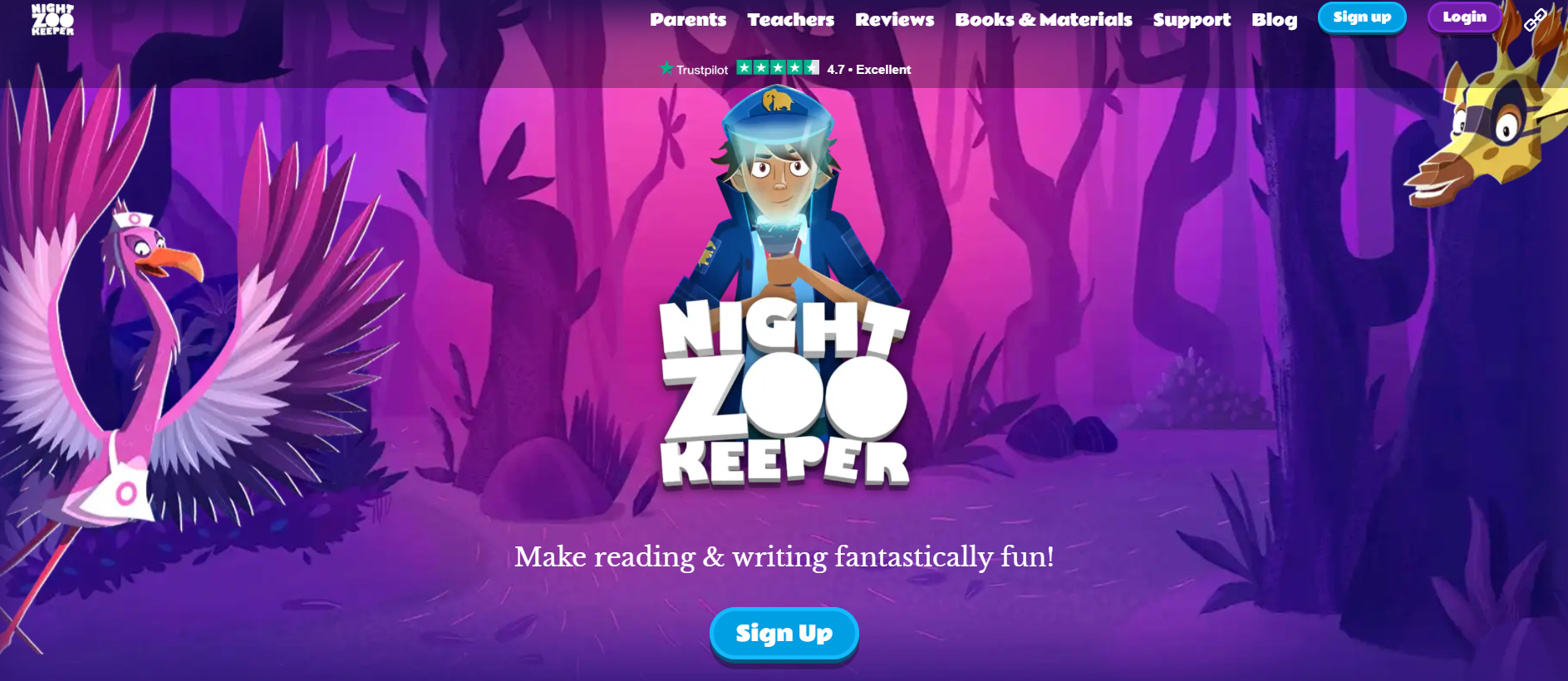
Night Zookeeper gamifies creative writing with personalized tutor feedback so reluctant writers receive scaffolded prompts and human-reviewed responses that accelerate improvement. The community features provide a safe peer-encouragement environment for sharing work.
- Ages: 6+
- Devices: Web
- Subjects: Writing, reading comprehension
18. Tynker
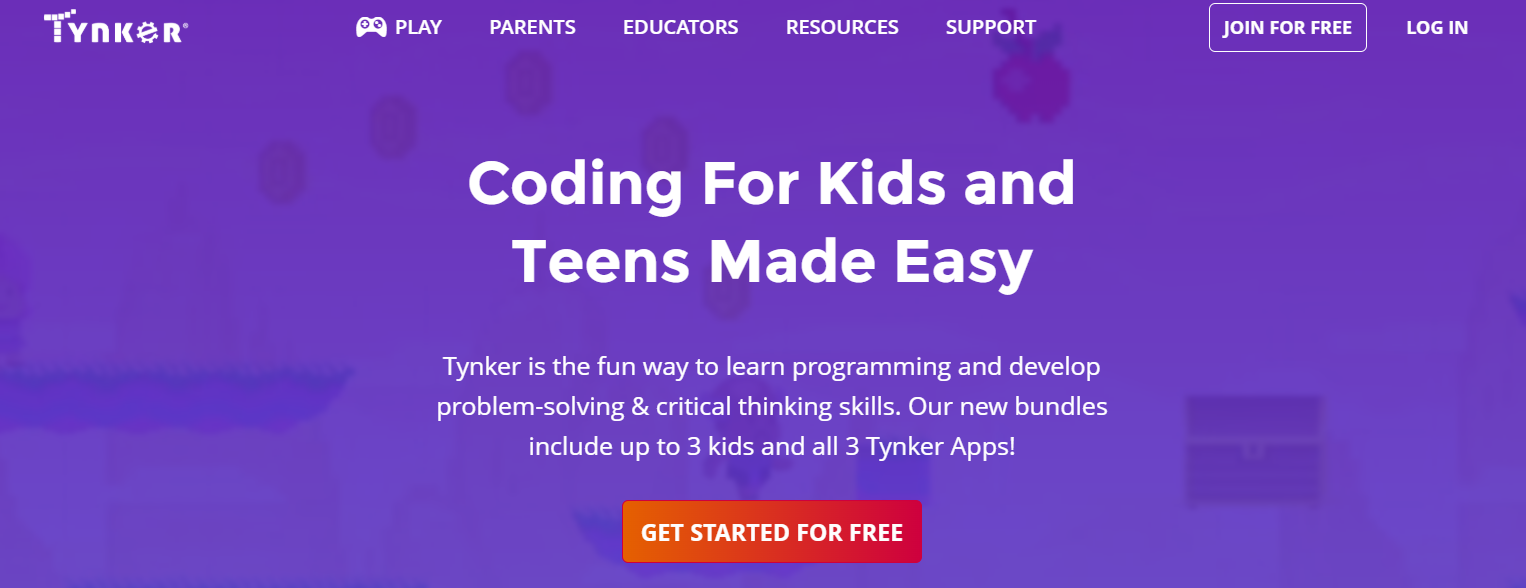
Tynker offers a layered coding curriculum that progresses from block-based logic to Python and JavaScript, which suits kids ready to move from playful tinkering to real languages and project-based learning. The course structure supports both independent learners and classroom pacing.
- Ages: 6+
- Devices: Web, iOS, Android
- Skills: Coding, CS fundamentals, game design
19. EPIC!

EPIC! supplies a massive, age-filtered e-library and offline downloads, making high-volume independent reading accessible for curious kids and busy families. The reading incentives and progress tracking help build daily reading habits.
- Ages: 2–12
- Devices: iOS, Android, Web
- Skills: Reading stamina, comprehension, vocabulary
20. Brighterly
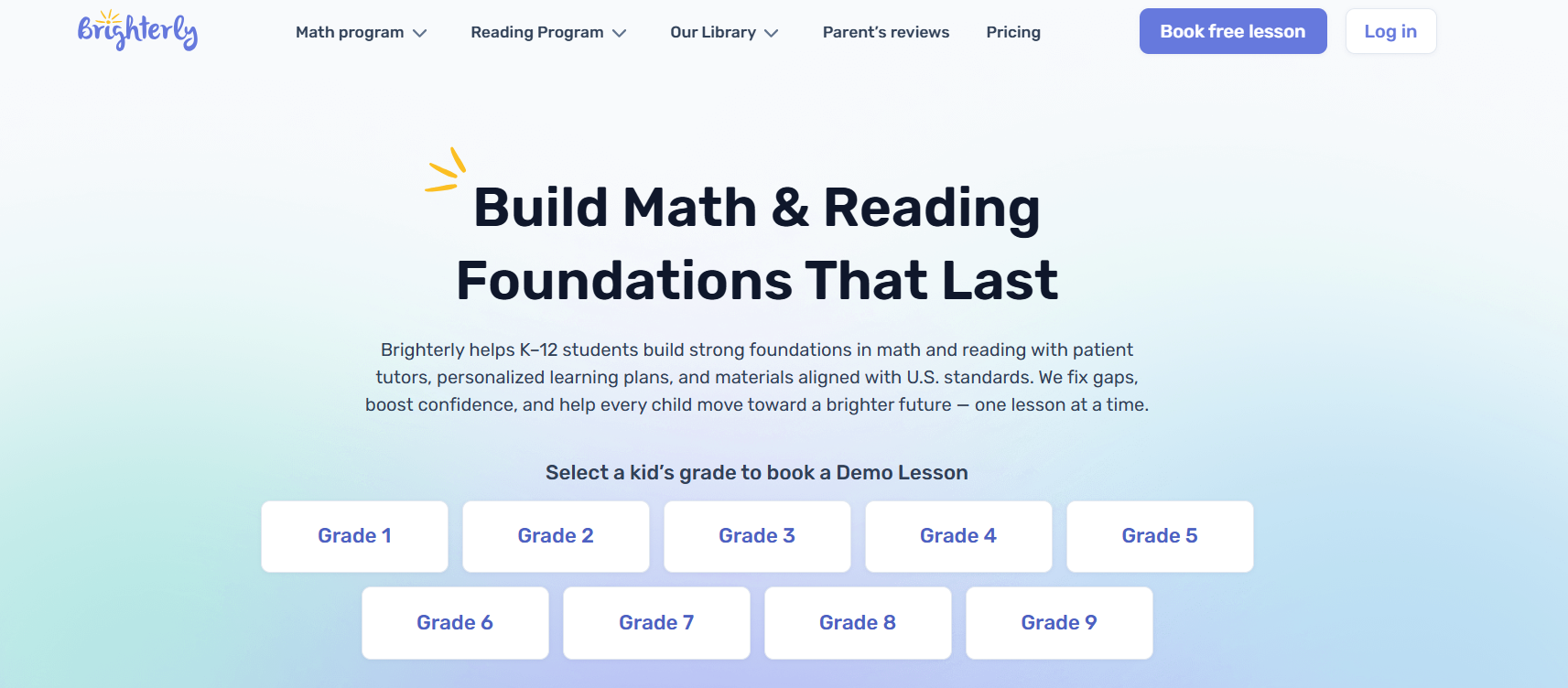
Brighterly matches your child with live math tutors for interactive, personalized lessons that focus on concept mastery rather than repetition, leading to faster gains when a child needs targeted support. Its result guarantees make it an option for parents who want measurable changes quickly.
- Ages: 5+
- Devices: Web
- Subjects: Math tutoring, curriculum alignment
21. Starfall
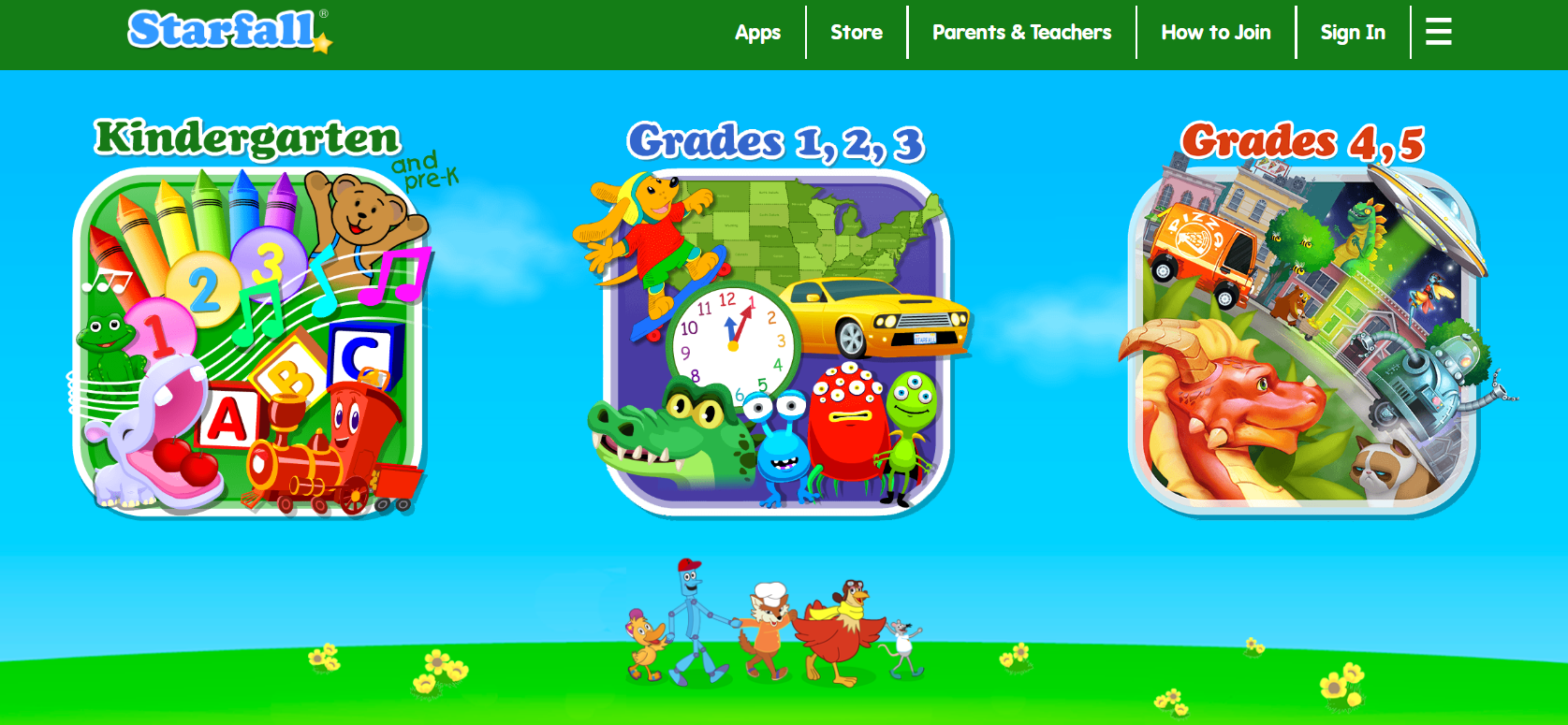
Starfall blends phonics, read-aloud stories, and simple math activities in an approachable interface that works well for early learners and homeschoolers who want short, repeatable modules. The free tier is especially useful for parents testing a routine.
- Ages: 2–5
- Devices: Web, iOS, Android
- Skills: Phonics, early numeracy, listening
22. Duolingo
Duolingo turns language practice into micro-lessons with immediate feedback, helping children build vocabulary, reading, and pronunciation through daily repetition and streak rewards. It’s most effective when used for a few minutes each day and paired with speaking practice.
- Ages: 6+
- Devices: iOS, Android, Web
- Subjects: Foreign language practice, vocabulary
23. Hopscotch
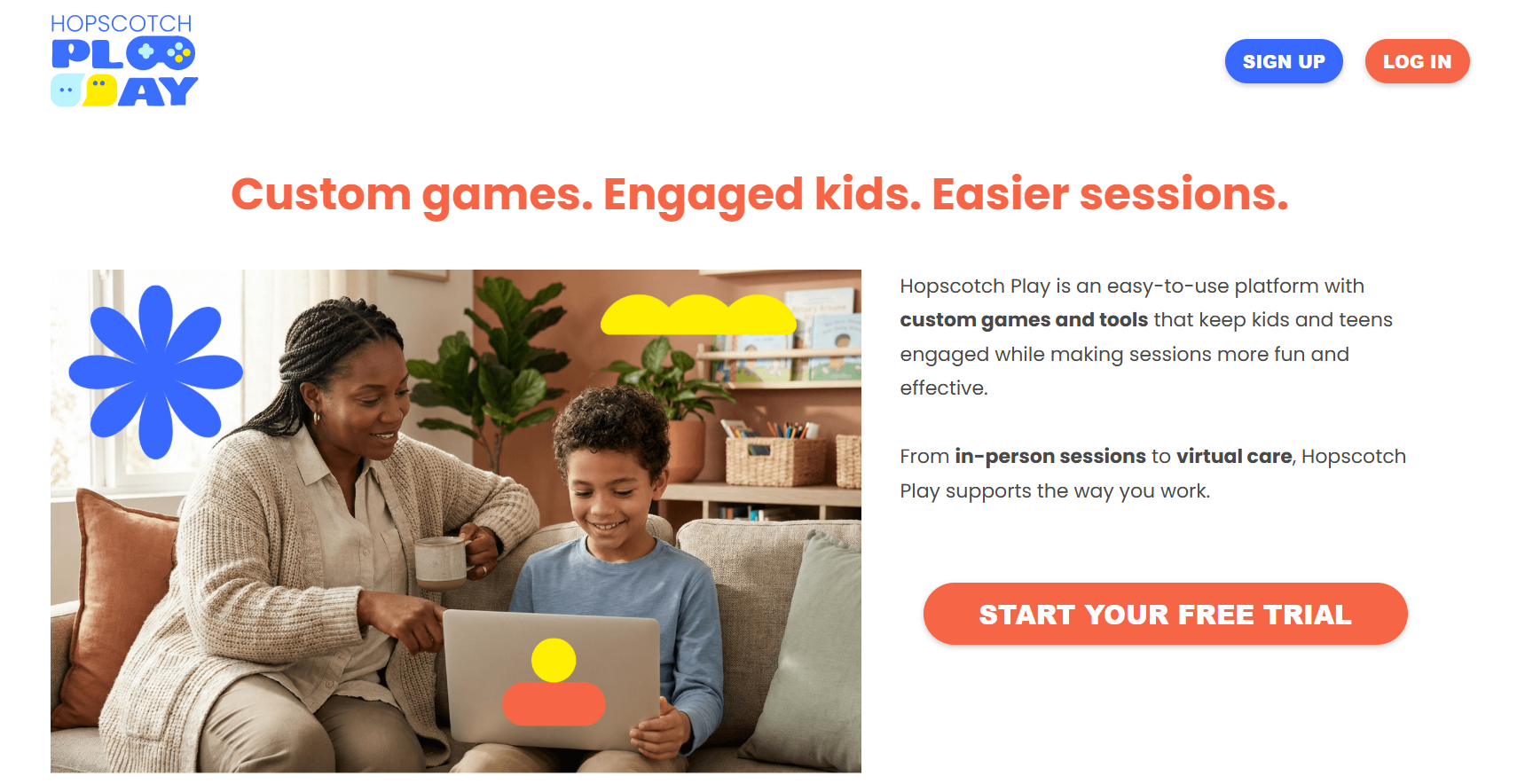
Hopscotch uses an open-ended coding environment where kids design games and animations, teaching logic and project planning while encouraging peer sharing and remixing. It suits families who want creativity and computational thinking.
- Ages: 10–16
- Devices: iPad (Apple)
- Skills: Coding logic, creative design
24. DragonBox Math
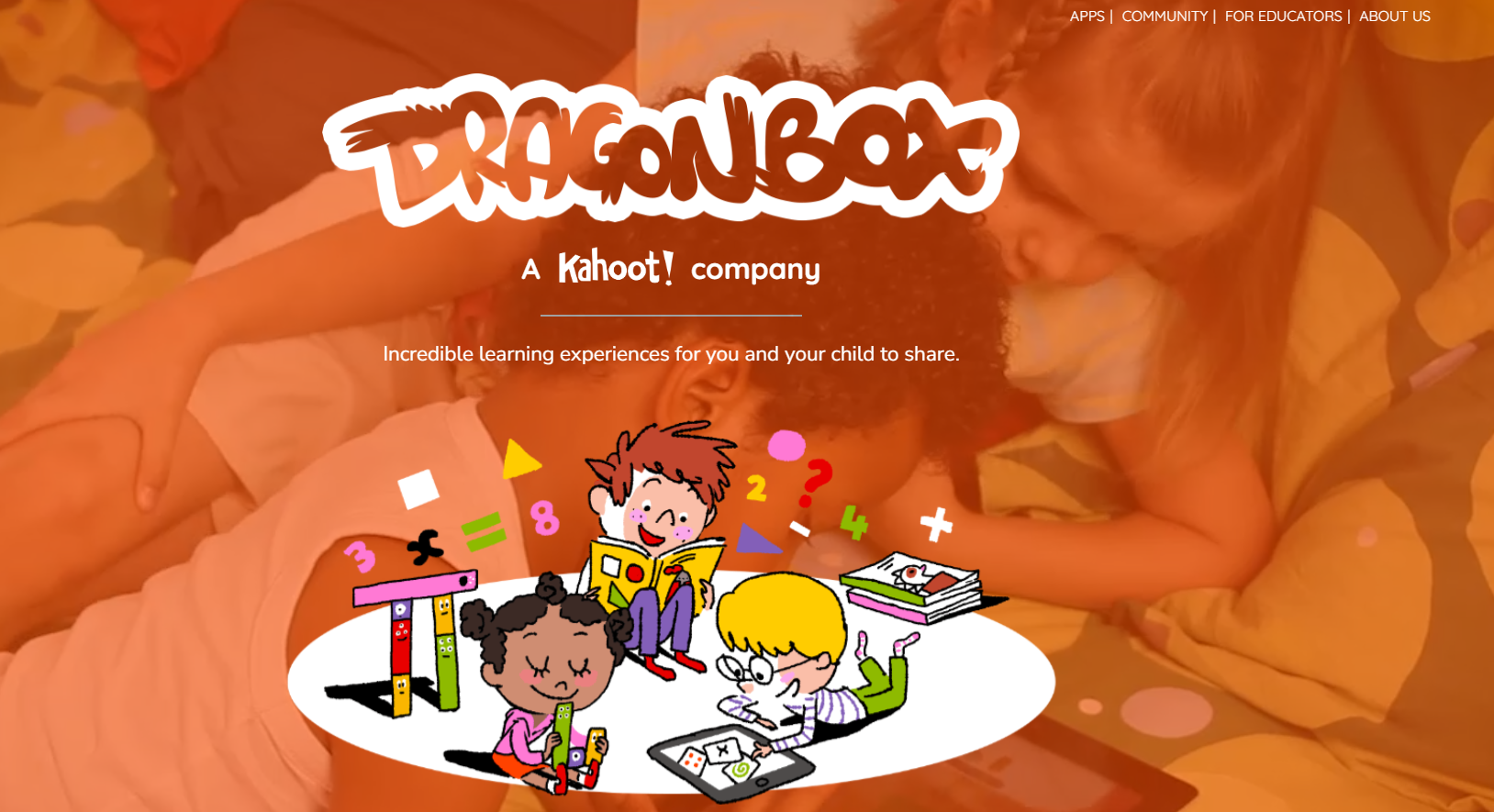
DragonBox hides formal math behind game narratives so children develop algebraic intuition and number sense through exploration; the absence of overt tests reduces performance anxiety and encourages curiosity. Use it for deep conceptual exposure rather than quick drills.
- Ages: 4–9
- Devices: iOS, Android
- Subjects: Algebra fundamentals, geometry, number sense
25. ScratchJr
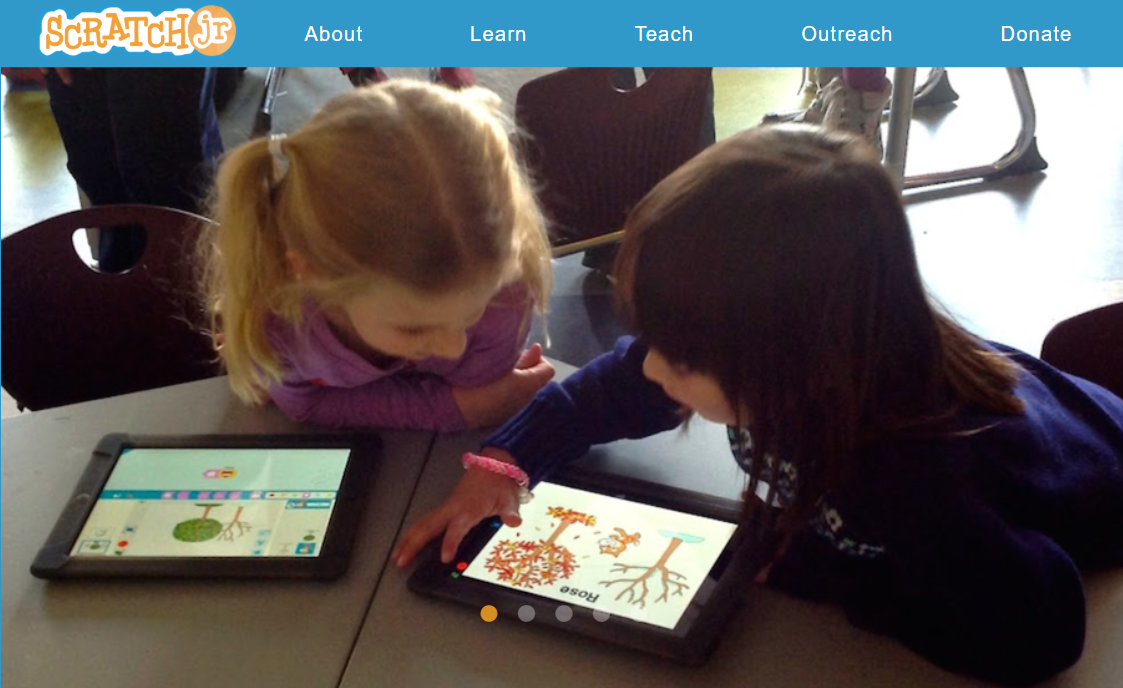
ScratchJr teaches programming basics through drag-and-drop blocks for storytelling and animation, building logical sequencing and early computational thinking without text-based complexity. It’s ideal for collaborative projects or screen-based storytime.
- Ages: 5–7
- Devices: iOS, Android
- Skills: Sequencing, creativity, storytelling
26. Spell Stage
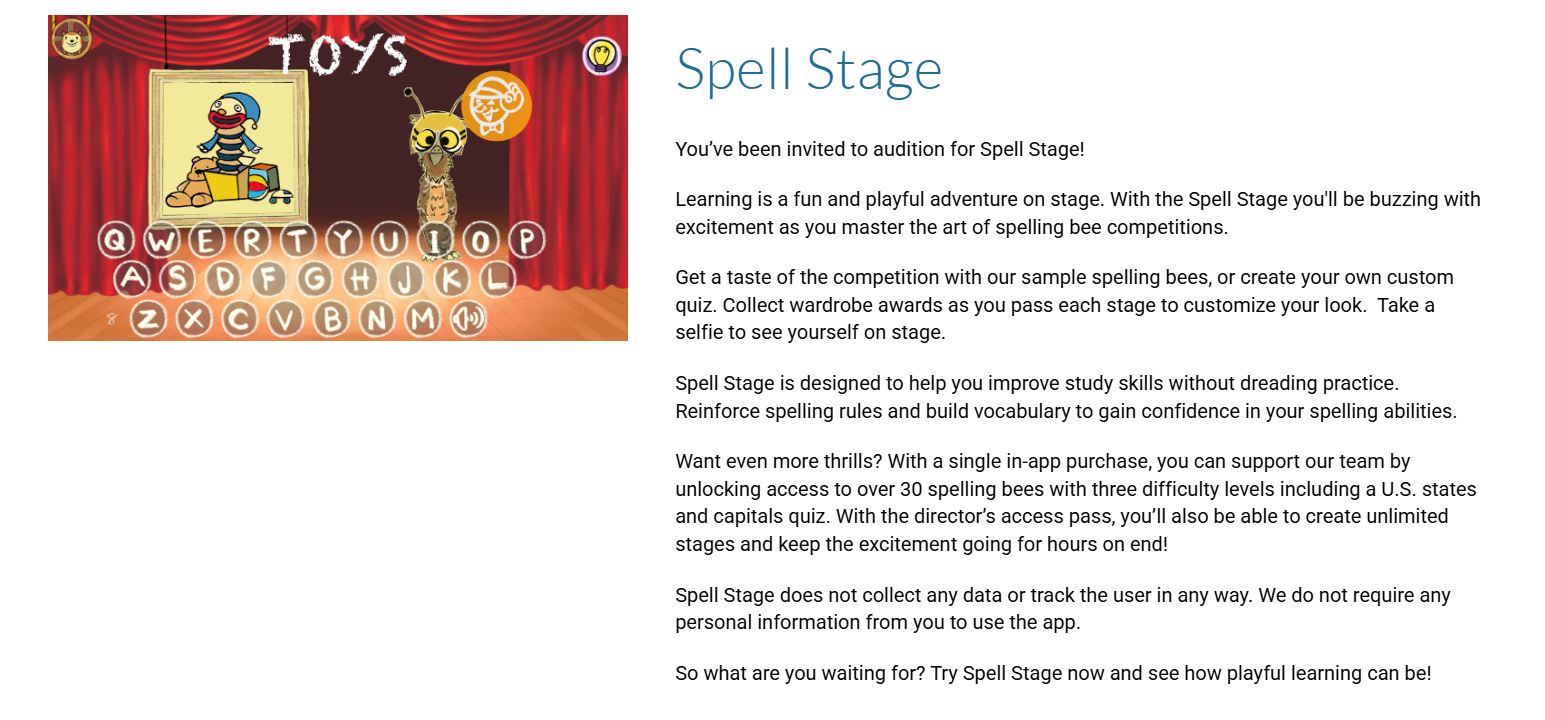
Spell Stage turns spelling practice into themed bees and quizzes, providing structured, graded practice for vocabulary mastery and test prep. Custom quizzes enable parents to target trouble words quickly.
- Ages: 6–12
- Devices: iOS
- Skills: Spelling, vocabulary, content recall
27. Prodigy Math
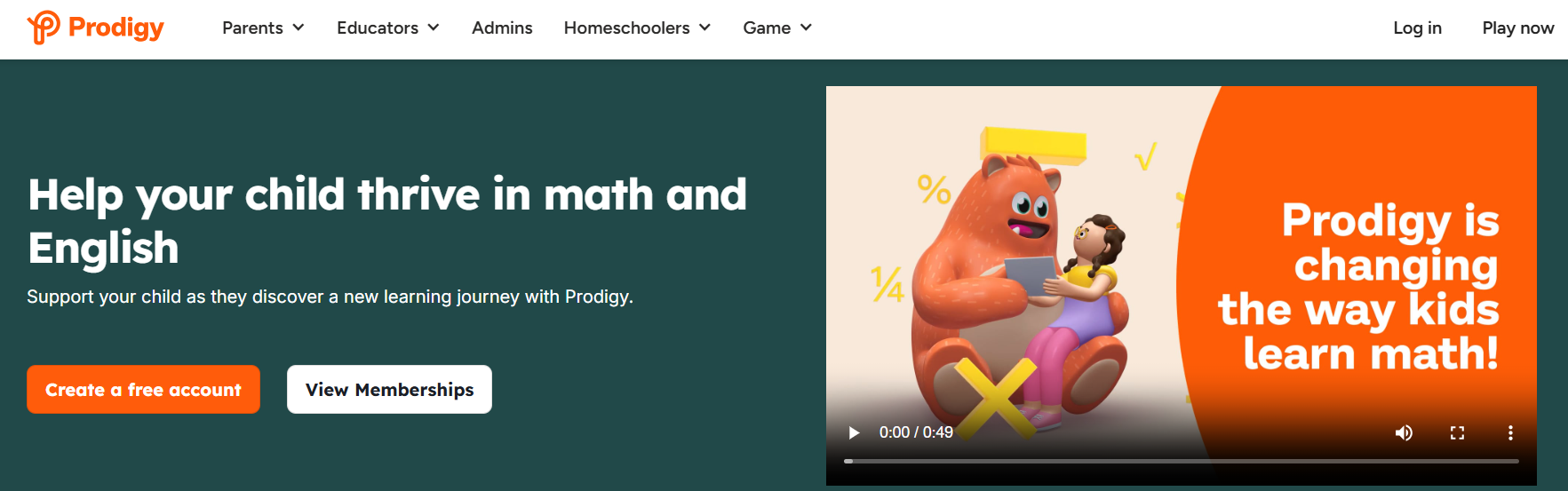
Prodigy combines curriculum-aligned math problems with RPG-style quests that reward correct answers, keeping engagement high while adapting difficulty to the player’s level. It maps well to classroom standards when you want aligned practice at home.
- Ages: 6–14
- Devices: iOS, Android, Web
- Subjects: Math, adaptive practice
28. Writing Wizard
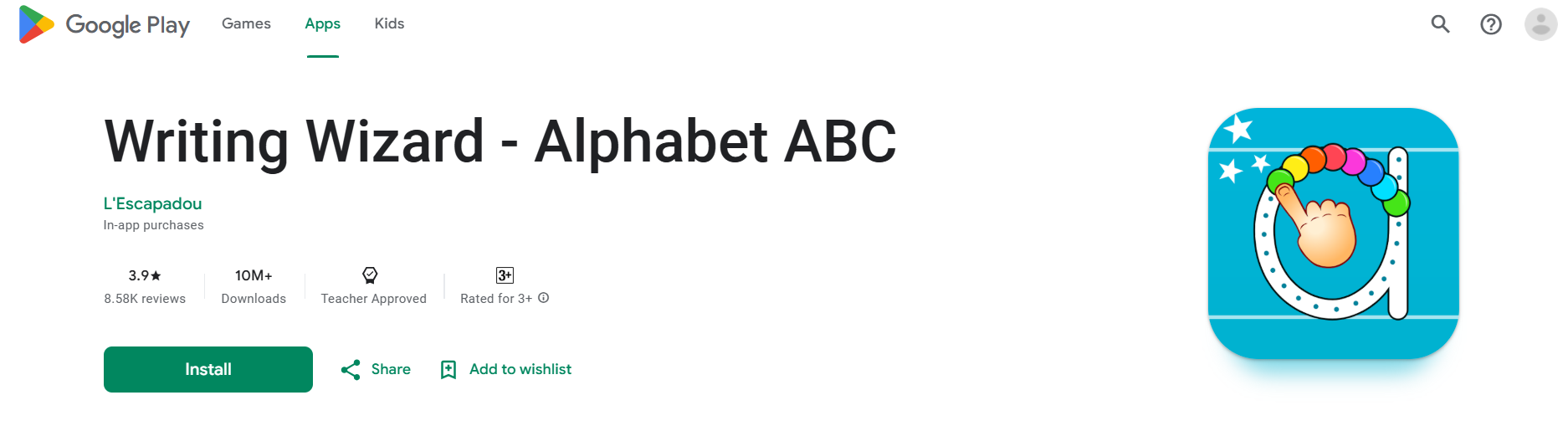
Writing Wizard uses animated tracing and printable worksheets to convert screen tracing into offline handwriting practice, supporting transfer to paper and building consistent motor patterns. The multi-language options help bilingual households.
- Ages: 3–8
- Devices: iOS, Android
- Skills: Handwriting, tracing, letter formation
29. MarcoPolo Learning
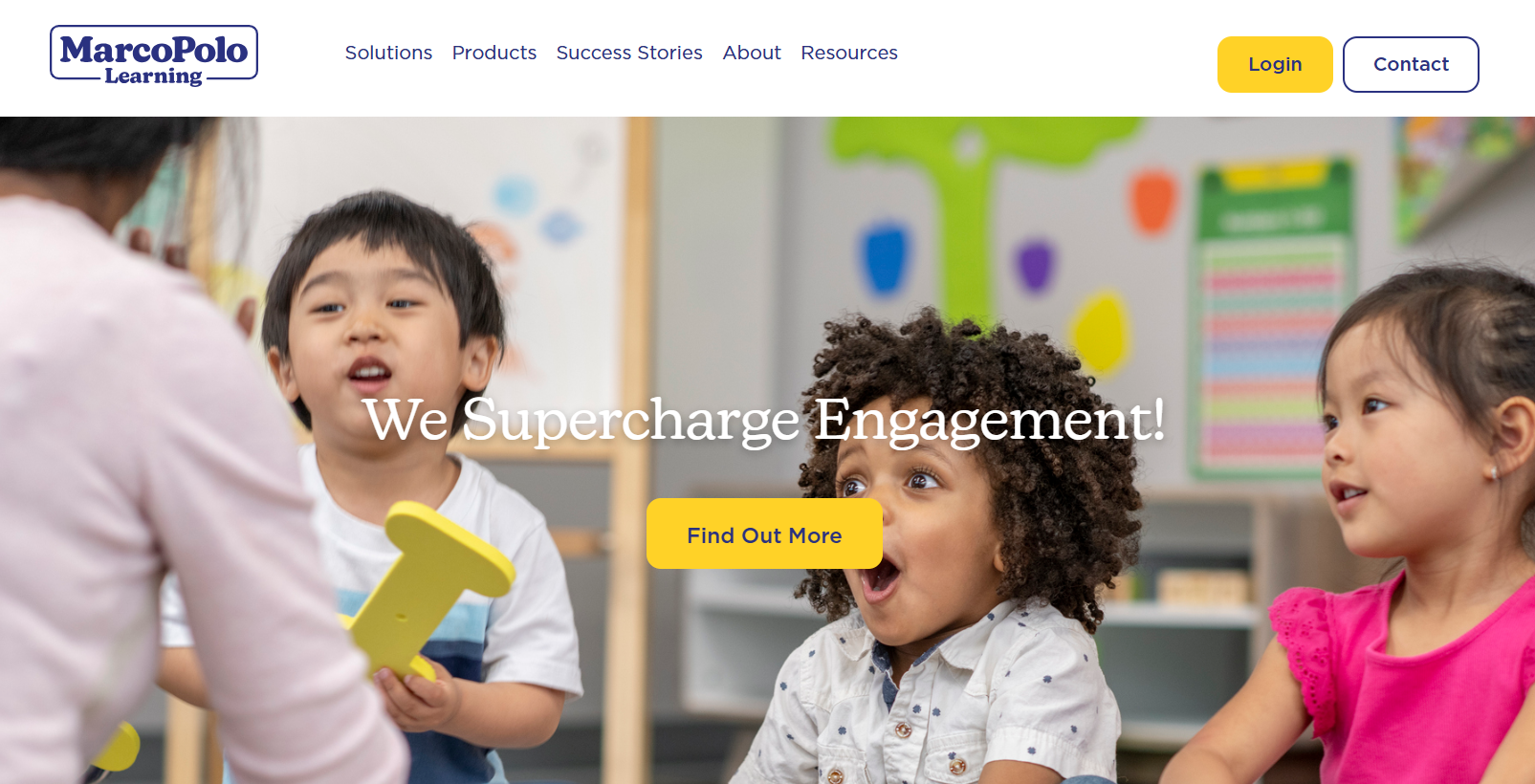
MarcoPolo Learning uses investigative, project-based activities across math, science, and social studies, with parent-visible progress tracking, making it useful for exploratory learning that still aligns with curricular goals. Short exploratory sessions translate to measurable skill gains through repeated exposure.
- Ages: 3–7
- Devices: iOS, Android
- Subjects: Math, science, social studies
30. Todo Math
Todo Math provides adaptive, game-like activities that practice core numeracy with accessibility features and daily challenges, making it reliable for short, focused practice sessions. Its progress tracking helps you know what to rehearse next.
- Ages: 3–8
- Devices: iOS, Android
- Subjects: Early math, number fluency
31. YouTube Kids
YouTube Kids offers a large selection of videos with parental controls for blocking and time limits, which is a viable option when supervised viewing is part of a mixed-media routine; expect variable quality and screen-based ads unless you subscribe. Use playlists and blocked channels to keep it purposeful.
- Ages: 2–12
- Devices: iOS, Android, Amazon
- Subjects: General, videos across science, crafts, stories
32. Seek by iNaturalist
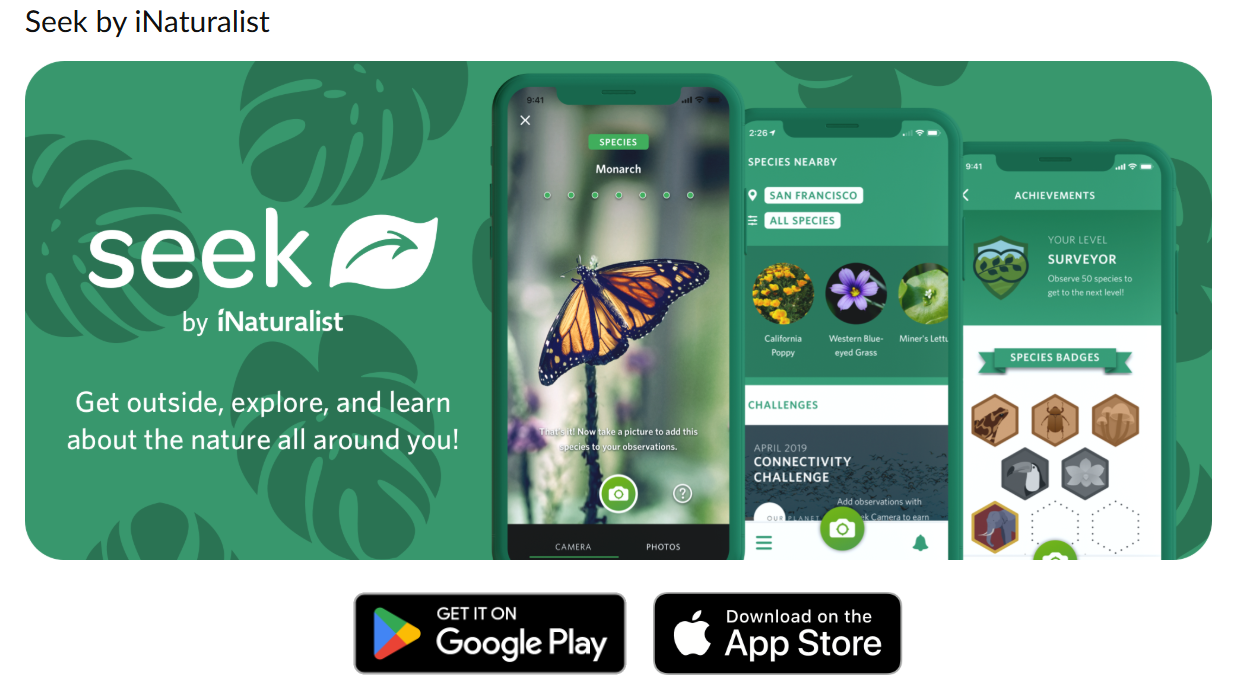
Seek turns outdoor exploration into learning by identifying plants and animals from photos and rewarding discovery with badges, which connects children to environmental science and observation skills. It’s a strong tool for hands-on nature learning.
- Ages: 8+
- Devices: iOS, Android
- Subjects: Biology, ecology, observation
33. NASA

NASA’s official app provides high-quality space imagery, video explainers, and current mission updates, offering older kids a deep, factual resource for astronomy projects and curiosity-driven study. It pairs well with guided questions from a parent or teacher.
- Ages: 7+
- Devices: iOS, Android, Amazon
- Subjects: Astronomy, STEM exploration
34. SplashLearn
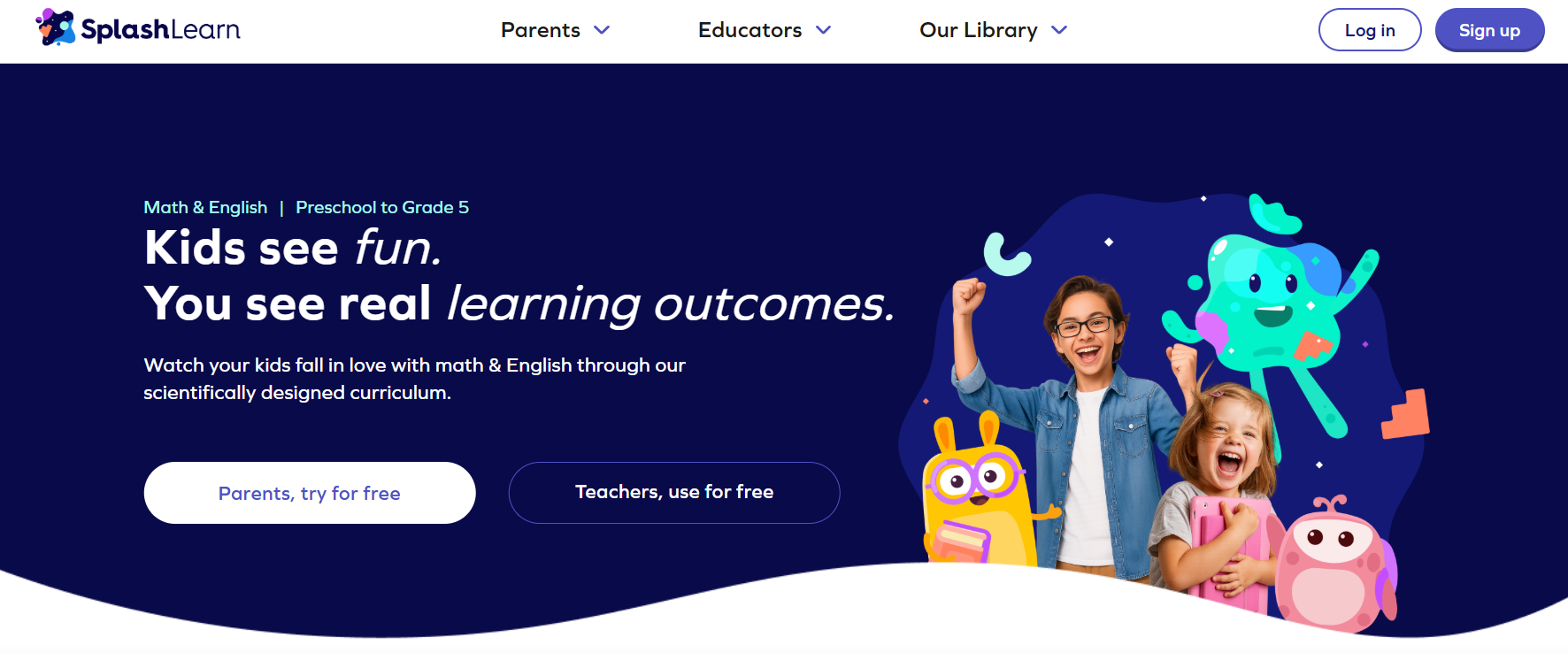
SplashLearn blends Common Core-aligned math and ELA lessons with adaptive sequences and progress reports, which help parents and teachers track mastery and assign focused practice efficiently. The short, leveled lessons are easy to fit into morning or evening routines.
- Ages: Pre-K to Grade 5
- Devices: Web, iOS, Android
- Subjects: Math, ELA, standards-aligned practice
35. CodeMonkey

CodeMonkey teaches real programming through game-driven challenges that progress into text-based languages, which is effective for kids ready to move from visual blocks to typing code. It supports both classroom curricula and self-paced learners.
- Ages: 5+
- Devices: Web, forthcoming iOS/Android apps
- Skills: Python, CoffeeScript basics, game development
36. Science 360
Science 360 aggregates high-quality science images and videos from research institutions, providing older students with a current, media-rich view of scientific advances and laboratory work. Use it when you want rigorous, topical content for project research.
- Ages: K–12
- Devices: iOS, Android
- Subjects: Science news, engineering, STEM visuals
37. Monster Math
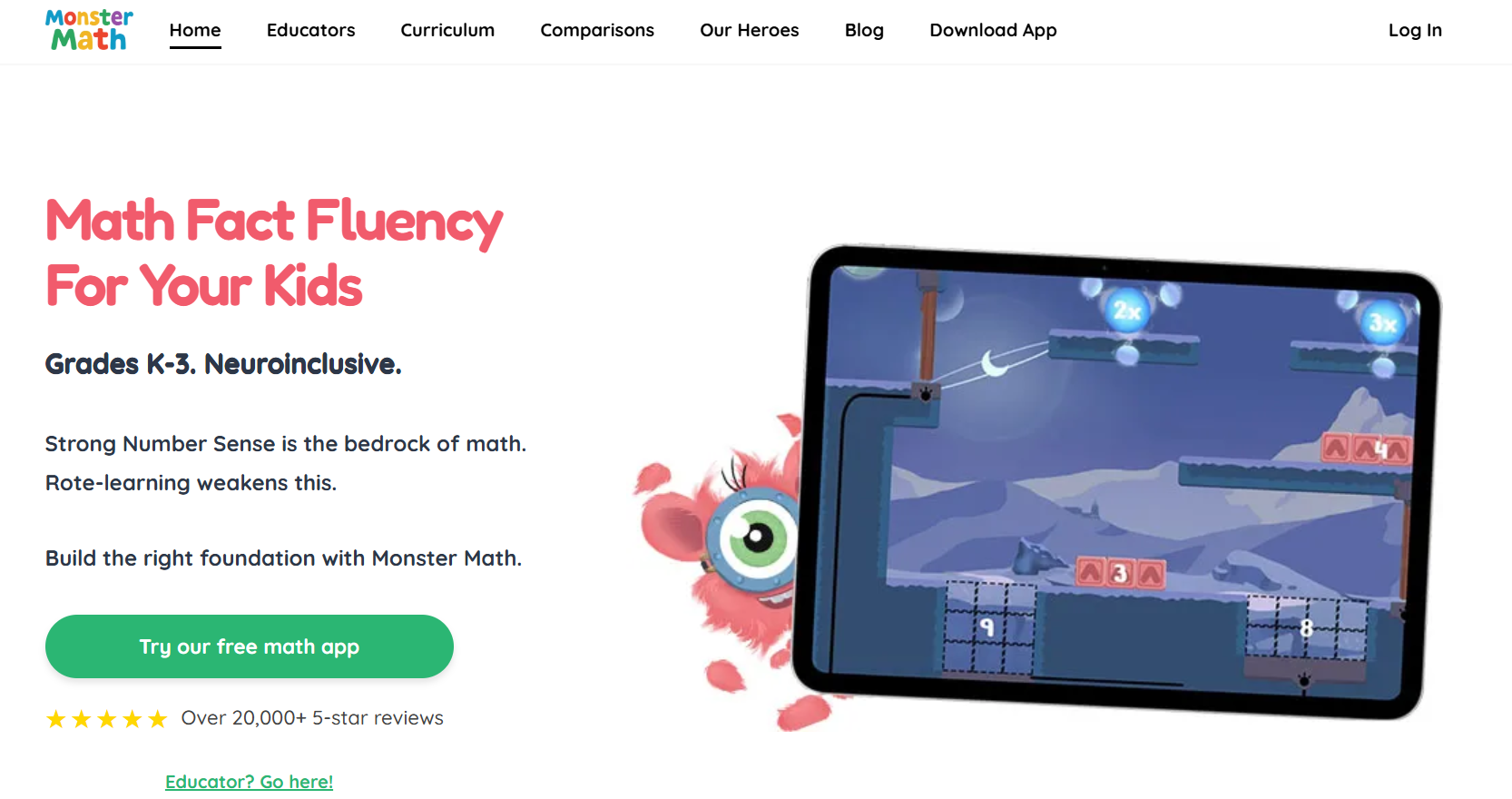
Monster Math combines story-driven adventures and neuroinclusive design to build number sense and math fact fluency without timers or sensory overload, making it especially useful for learners who need calm, consistent practice. Its curriculum alignment and distraction-free gameplay support steady progress.
- Ages: 5–9
- Devices: iOS, Android
- Subjects: Addition, subtraction, multiplication, number sense
How to choose the best learning app for kids?
This list presents the key results for each app and how well they perform in real-world use. Next, it's essential to connect these results to your child’s daily routine, attention span, and learning goals.
Understanding how small scheduling and purpose choices affect what an app actually does for a child makes choosing the right one much clearer. Exploring 17,180+ free coloring pages can also add fun and creativity to learning.
How to Choose and Use the Best Learning Apps for Your Child

Choose apps that have one clear goal, expect short daily practice, and give you learning feedback through simple reports or printable tasks. This way, screen time becomes a repeatable practice that you can do offline.
Focus on features, not just fancy designs. Look for short lesson loops, robust parental controls, an easy way to track progress, and content that guides a child toward a specific next step.
- Look for clear levels and sample tasks instead of just marketing phrases. If an app shows the exact skill a child will practice, includes a brief demo lesson, and shows what success looks like, you can decide if it’s a good fit in two minutes.
- Check the type of interaction. Toddlers need tap-and-listen activities, while preschoolers benefit from drag, trace, and short problem-solving tasks. Early readers need phonics and easy-to-read text. Match the interaction to the motor skills and attention skills you want to develop.
- Make sure to check parent controls and data access. Choose apps that let you set session length, turn off unnecessary notifications, and export a simple weekly summary to use.
Why should I set a strict session design rather than just a time limit?
When comparing outcomes across routines, the problem usually stems from unstructured use, not from total minutes spent.
Short sessions with clear goals help turn attention into skills by setting clear starting points, practice time, and steps to apply what was learned.
Think of an app session as a mini-lesson: spend 5 to 10 minutes on focused work in the app, and then do a 3 to 7-minute hands-on activity that asks the child to show or use what they learned on paper.
How do I balance screen time with hands-on practice?
Across classrooms and homes, the most effective pattern is to pair every digital activity with an offline follow-up within 10 minutes. Use the app for introductions or practice, then quickly move to a printable activity that reinforces the skill.
The printable step can be as simple as a coloring prompt that asks the child to highlight letters, count objects, or retell a short scene, turning fleeting clicks into durable rehearsal. This matters because, according to Wonjo Kids, 75% of parents believe that educational apps can significantly enhance their child's learning experience. Build a routine that makes that potential real.
How can I monitor progress without micromanaging?
Track three vital signs: how accurate the child is on key tasks, how often they practice in short sessions each week, and their ability to do the skill away from the screen. These signs are easy to notice and understand.
Plan a weekly check that lasts just five minutes: open the app’s report, review key metrics, and then ask the child to show you one paper task that demonstrates learning. This brief check helps guide your practice over the next week without requiring you to watch them all the time.
If an app does not provide data that you can export, use a simple paper log instead. Put one sticker for each successful practice session and write a note about what was practiced. This way, you get both numbers and details about progress.
How do I fold apps into daily rhythms so practice sticks?
A constraint-based approach is essential. For example, if mornings are busy, use app sessions for warm-up car rides or introductions at the breakfast table. If evenings are more relaxed, use apps as a focused pre-bed ritual along with a short family storytelling prompt on paper.
Top picks by skill
Math, goal: fluency and number sense
Zearn, Beast Academy, and MathSeeds each supply short, leveled problem sets that emphasize conceptual understanding and frequent checks for mastery; prioritize whichever gives you teacher-style pacing controls and printable practice sheets you can reuse.
Reading, goal: phonics and transfer to print
Raz-Kids, Hooked on Phonics, and RAZ-Plus focus on decodable texts and scaffolded phonics practice, which you should pair with a printable retell or letter-forming task to cement decoding into handwriting and comprehension.
Coding, goal: sequencing and computational thinking
Lightbot, Bitsbox, and Blockly-based apps teach logic with minimal reading demands, using puzzles that translate directly into offline sequencing tasks you can sketch or role-play together.
Creativity, goal: composition and expression
Procreate Pocket, Autodesk Sketchbook, and Kids Doodle encourage tool familiarity and expressive practice, but add a printable prompt each time, such as "turn this sketch into a three-sentence story," so creativity practices language and fine motor skills.
What are the challenges of using learning apps?
Most families give a tablet to a child to keep them occupied because it's quick and easy. While this works for now, it creates invisible friction: practice is fragmented; it's hard to compare progress from week to week; and skills rarely transfer to paper.
Solutions such as platforms offering 17,180+ free coloring pages help address this problem by providing customizable, printable activities linked to specific learning goals. This gives adults a fast way to turn screen practice into measurable, repeated tasks.
What can I do this week to improve usage?
- Pick one goal for the week, like letter-sound mapping or counting to
- 2. Choose an app with a short lesson loop that focuses on that goal.
- Create a two-step session: spend 5–10 minutes on the app and 3–7 minutes on a printable assignment related to that same skill.
- Use one five-minute weekly review to check one measure and one paper example, then repeat.
What is the final thought?
A final, simple truth in one image: think of apps as drills on a practice field, while printable pages serve as the playbook where the real game is learned.
This is where things get complicated, showing the surprisingly human sides of learning.
Download 17,180+ FREE Coloring Pages.
Most parents manage many learning apps and lesson plans. This situation in classrooms often makes it hard for teachers to find low-prep, curriculum-aligned printables that focus on phonics, handwriting, fine motor skills, and social-emotional learning. To help link screen time to lasting offline learning, consider using My Coloring Pages. It provides 17,180+ free coloring pages that let users create a variety of printable coloring pages and mini-books for weekly goals. This method saves prep time and provides both teachers and parents with ready-to-use activities for practice and easy assessment. Check out the 17,180+ free coloring pages available.
Related Reading
- Music Apps for Kids
- Best Apps for 6-Year-Olds
- Best Apps for Kids
- Best Coding Apps for Kids
- AI Tools for Kids
- Language Learning Apps for Kids
- Best Drawing Apps for Kids