25+ Best Music Apps for Kids To Spark Musical Creativity
Discover 25+ fun and educational music apps for kids that inspire creativity and support early musical learning across all age groups.


Finding safe, fun ways for kids to make music on a tablet can feel overwhelming. Which apps teach rhythm, offer interactive music games, or let little ones compose songs and record their voices? Fun Websites for Kids covers everything from preschool music apps and piano app simulations to ear training and simple music theory for kids, so this guide points you to the best educational apps, music learning apps, and creative play tools to help your child explore, create, and enjoy music while building fundamental musical skills.
To complement those apps, My Coloring Pages offers 17,640+ free coloring pages aligned with music themes, featuring printable instrument images, lyric sheets, and activity pages that turn listening into hands-on art and help kids explore instruments, spark song creation, and extend music education beyond the screen.
Summary
- Rigid, one-size-fits-all lessons drive dropout, not a lack of talent: 70% of children quit music lessons within the first two years, and 50% of parents report their children dislike lessons.
- Digital access is now a dominant entry point, as over 50% of children aged 5 to 12 use music apps, making app fit and control central to early musical experiences.
- Short, routine app use shows measurable benefits: 70% of parents reported improved concentration during study when using music apps, and music app use has been linked to about a 30% increase in retention for new learning.
- Keeping sessions brief and age-appropriate helps prevent burnout, with recommended durations of 5 to 10 minutes for toddlers, 10 to 15 minutes for preschoolers, 15 to 20 minutes for early elementary students, and 20 to 30 minutes for older children.
- Families churn when apps bury parental controls, lock key lessons behind subscriptions, or run out of variety, a dynamic illustrated across the article’s survey of 28 practical music apps that serve different temperaments.
- Pairing app moments with quick, offline follow-ups and printable activities reduces friction and sustains engagement, a need underscored by more than 30 million downloads of kids' music apps in 2024.
- This is where My Coloring Pages fits in: My Coloring Pages's 17,640+ free coloring pages provide printable, music-themed activity sheets that turn brief app sessions into short, off-screen follow-ups and make routine building more practical for families.
Why Traditional Music Lessons Don't Work for Every Child
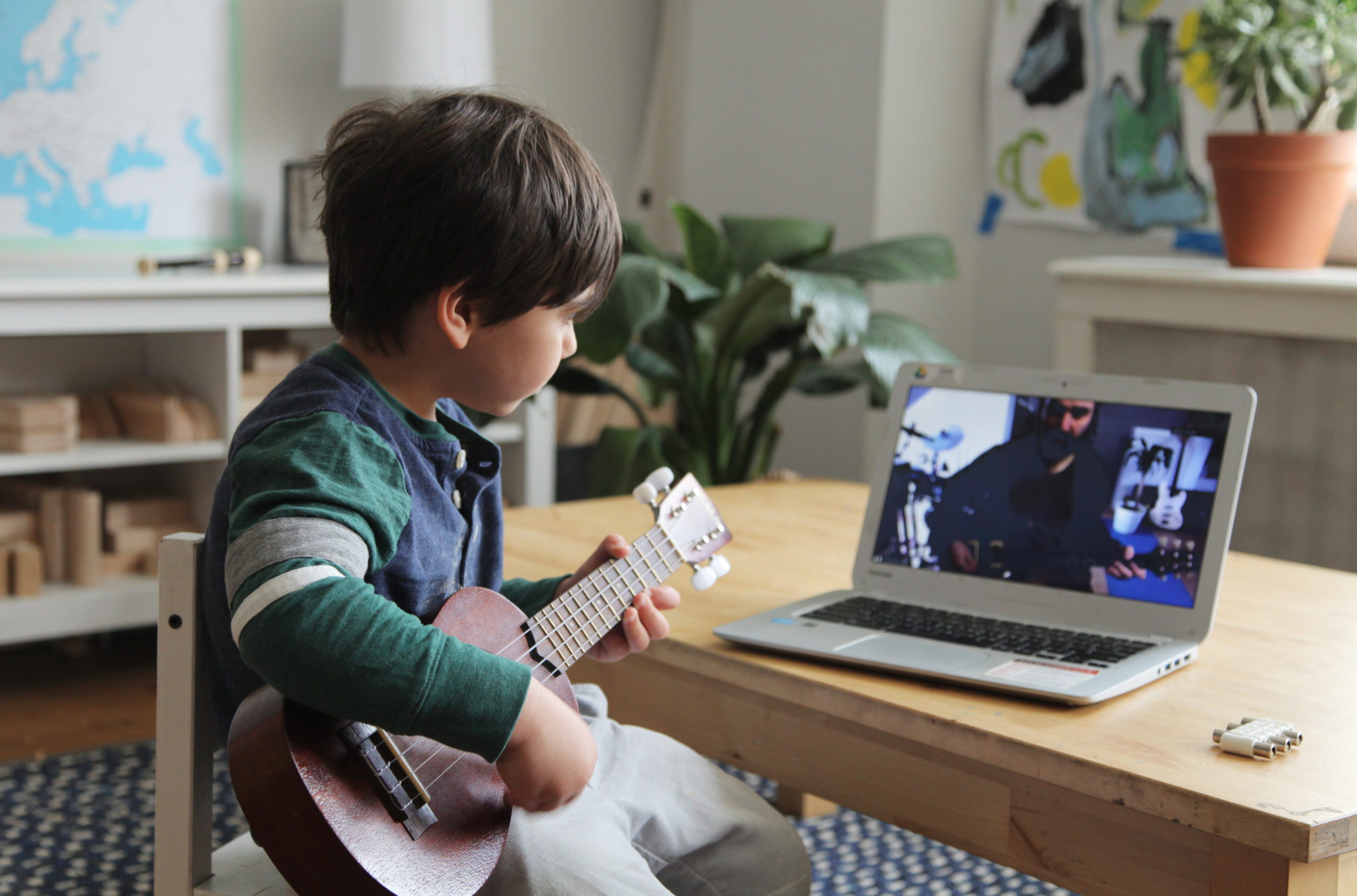
We enroll kids in music lessons because we want more than notes; we want discipline, creative thinking, and steadier confidence. What often derails those hopes is not the child, but rigid schedules, high costs, performance pressure, and teaching that treats every learner the same. When lessons mismatch a child’s curiosity, progress stalls, and curiosity turns into resistance or quitting, which is precisely the wrong signal to take as proof that a child “isn’t musical.”
Why do parents sign up in the first place?
Most parents enroll their children because they believe practice builds character and creative habits, and because music feels like a safe way to take on new challenges. That intention is sound. The familiar approach, though, is weekly private lessons plus a fixed practice expectation, and that pattern assumes time, money, and adult bandwidth that many families do not actually have.
What gets in the way of that good intention?
This challenge appears across private teachers and after-school programs: rigid schedules and high costs make lessons inaccessible or stressful, and performance pressure combined with one-size-fits-all pedagogy turns exploration into a task. Practice reminders become nags, recitals become anxiety, and what started as joy becomes a checkbox. Parents describe the exhaustion of juggling carpools, bills, and reluctant practice sessions, and that friction shows up as missed lessons and quietly fading motivation.
Does lack of early progress mean a child isn’t musical?
No. Slow or uneven progress usually signals poor fit, not poor aptitude. Think of curiosity like a small fire: it thrives on kindling that matches its size and temperament. A child who melts down during a 30-minute sight-reading drill might light up for 10 minutes of beat-making on a tablet, or for rhythm games that let them improvise. Treating talent as binary—musical or not—misses the many ways musicality manifests: rhythm, tonal instinct, mimicry, rhythmic speech, or simply an urge to make noise together.
Why do so many families quit within months?
According to Ted Gioia, 70% of children quit music lessons within the first two years, and early drop-off is further reflected in reports that Ted Gioia: 50% of parents say their children dislike music lessons, which provides evidence that the problem is systemic, not rare. Those numbers do not condemn children; they indict the entry point: too-long lessons, unclear goals, and a mismatch between what kids find playful and what adults expect.
What typically breaks in the current approach?
This pattern appears consistently when instruction prioritizes performance milestones over play. Short-term fixes, like extra practice or a stricter tutor, work until burnout sets in; then attendance drops and resentment grows. The failure point is usually process, not potential: instructors teach techniques before the child knows why those techniques matter, and parents treat practice like homework rather than a shared, joyful habit.
Most families handle music the familiar way: private weekly lessons, a practice sheet, and the hope that persistence will produce results. That method works when families have flexible schedules and consistent support, but it breaks down when lives get busy and budgets tighten, leaving progress fragmented and motivation drained. Platforms like My Coloring Pages offer an alternative, providing short, self-paced modules, gamified practice tracking, parent dashboards, and screen-time mindful design that keep sessions playful and measurable, helping families turn brief, frequent engagement into steady skill growth without the time and cost pressure.
So here is the real reframe: the obstacle is not music itself, it is how music is introduced and practiced. Start small, match the activity to the child’s immediate interests, and make progress visible in tiny wins rather than distant recitals; when you design for curiosity first, discipline and confidence follow naturally, not as punishment but as byproducts of consistent, enjoyable practice.
That sounds like the end of the problem, but the next part reveals the surprising tools that actually keep kids playing.
Related Reading
- Fun Websites for Kids
- Free Drawing Websites for Kids
- Coloring Websites for Kids
- Free Coloring Websites for Kids
- Educational Websites for Kids
- Coloring Pages Websites for Kids
- Learning Websites for Kids
25+ Best Music Apps for Kids to Spark Musical Creativity
These 28 apps provide practical pathways for kids to explore music, sing, or create at their own pace, while you maintain control over content, cost, and screen time. Below, I list each app with a short, neutral overview; a parent-focused note on safety and ease of use; two to three concise pros; one to two honest cons; pricing; and supported platforms.
Usage is already widespread, with over 50% of children aged 5-12 using music apps for learning.
1. My Coloring Pages
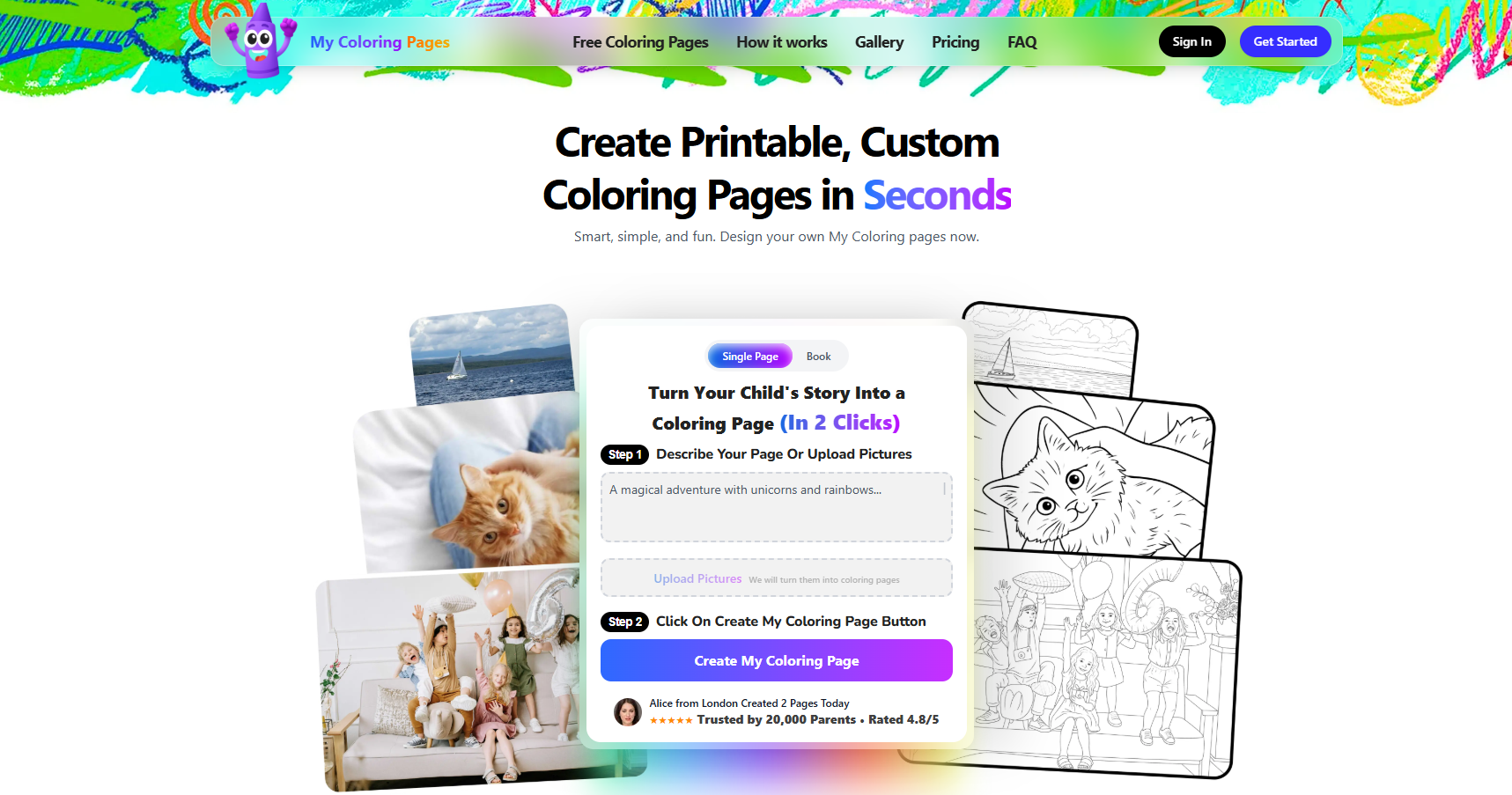
An app for creating printable coloring pages and personalized coloring books from descriptions or uploads, aimed at kids and families who want hands-on creativity away from the screen. It includes a large community gallery and templates you can print for off-screen music activities, such as lyric sheets or illustrated song prompts.
Why it works for parents
It provides an easy screen-to-paper bridge, so music-related activities can move off devices; parents can control what gets printed and tailor themes to their child’s interests for safer, curated content.
Pros
- Encourages off-screen creativity and keeps device use intentional.
- Fast customization, functional for thematic music activities or classroom use.
Cons
- Not a music-learning tool by itself.
- Printing costs add up if used frequently.
Pricing: Freemium; basic free access, printing, and premium templates available.
Platform: Web, iOS, Android (browser-friendly for printing)
2. Spotify Kids
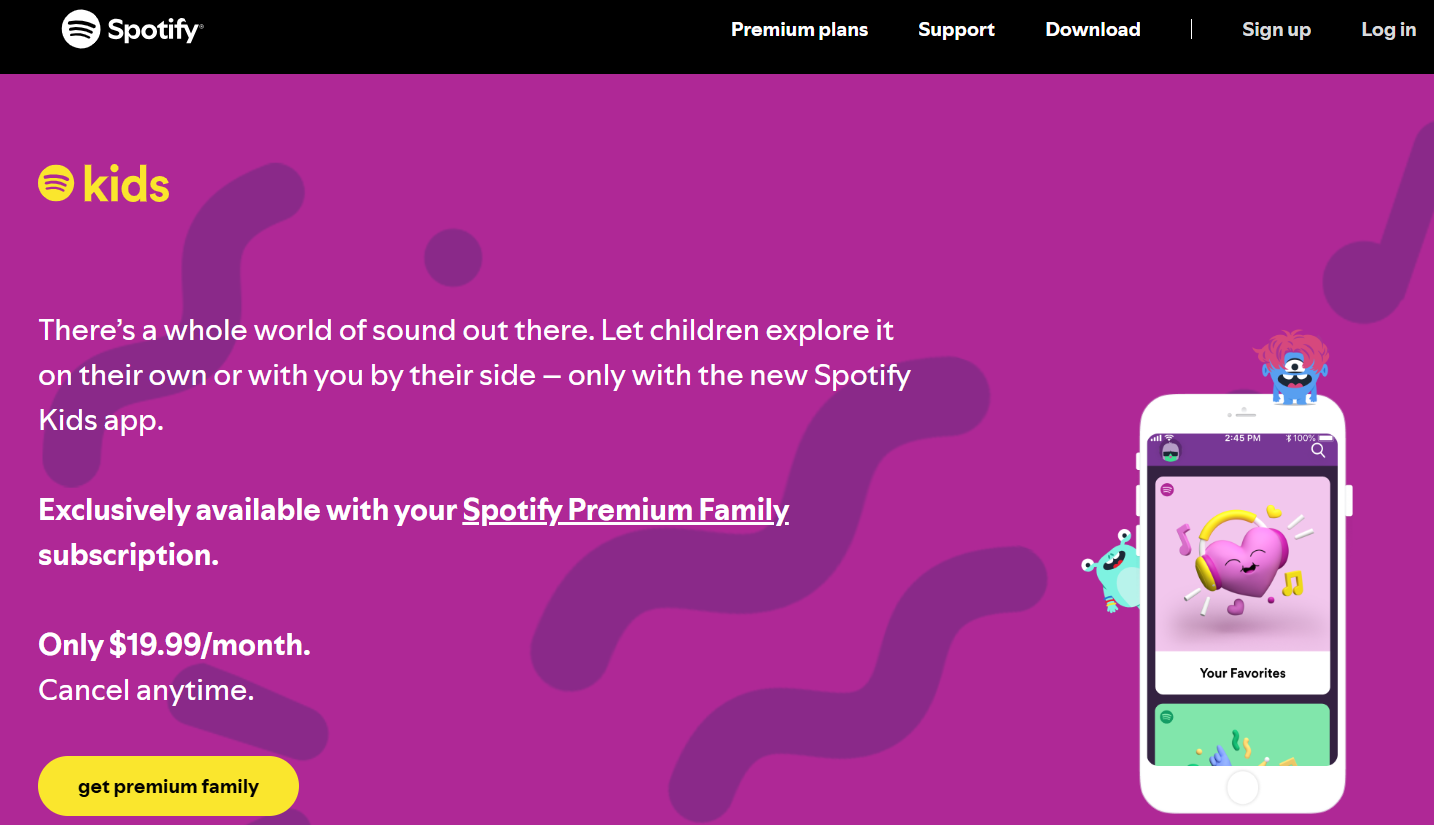
A child-safe spin on a mainstream streaming service, focused on curated playlists for young listeners across genres, best used for listening and discovery. It removes explicit content and presents age-appropriate tracks in a simple interface.
Why it works for parents
Parents get peace of mind because explicit tracks are filtered and playlists are curated. Parental control is included with the family subscription, so individual settings are straightforward.
Pros
- Strong curation minimizes exposure to inappropriate lyrics.
- A wide variety that helps with discovery.
Cons
- Smaller library than the full Spotify catalog for adults.
- No built-in instrument lessons or learning modules.
Pricing: Included with Spotify Premium Family ($9.99/month).
Platform: iOS, Android
3. Apple Music
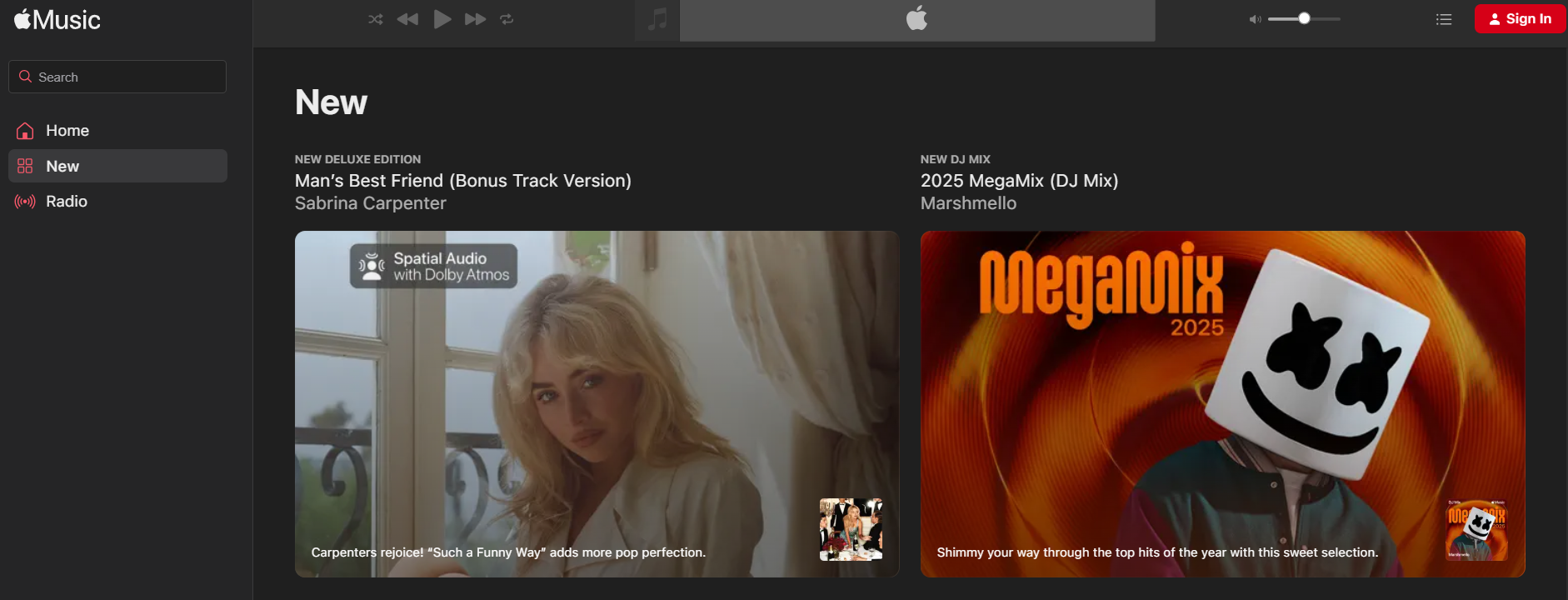
Full-featured music streaming with many kid-friendly playlists and family sharing; best for listening and broad discovery rather than active learning. Parents can enable content restrictions to block explicit music.
Why it works for parents
Content filters are robust and integrated with family controls, making it a practical option if your household already uses Apple services.
Pros
- Massive library with themed children’s playlists.
- Device-level parental controls.
Cons
- Subscription required.
- Limited interactive learning features.
Pricing: Subscription-based, typically $10.99/month (family plans and Apple One bundles available).
Platform: iOS, Android, macOS, Windows
4. Baby Mozart
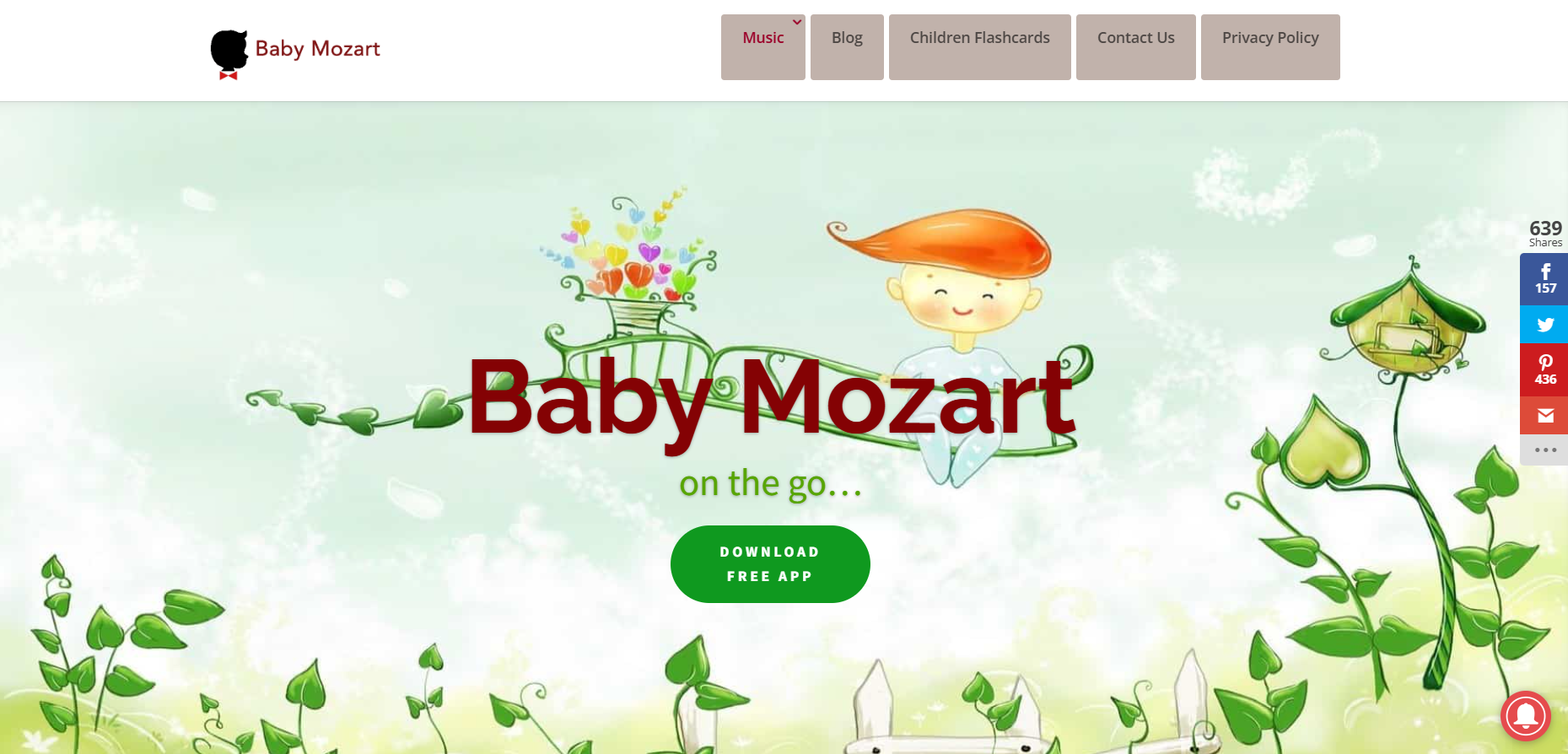
A gentle app featuring classical music, lullabies, and simple children’s songs designed for infants and toddlers to help them relax. Best for soothing and passive exposure.
Why it works for parents
The content is safe and calming, with a predictable set of pieces that make it easy to build bedtime or quiet-time routines without worrying about lyrics or ads.
Pros
- Soothing classical selections for very young children.
- Simple interface tailored to toddlers.
Cons
- Narrow focus on classical; limited variety for older kids.
- Minimal interactivity for learning.
Pricing: Free with optional in-app purchases.
Platform: iOS
5. iHeartRadio Family
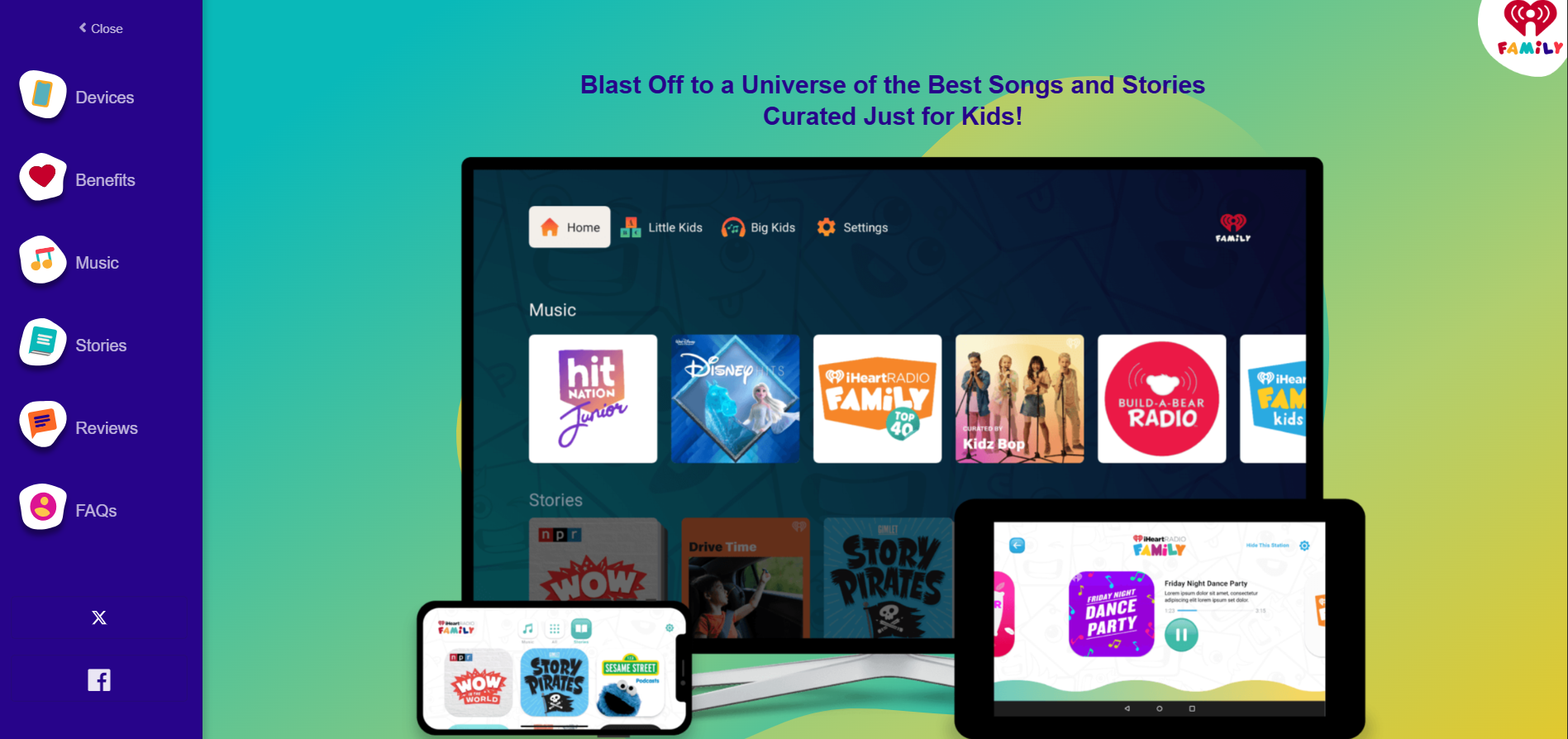
Family-focused radio stations and playlists that mix songs, stories, and kid-friendly programming for listening and family radio time. Suitable for background music and themed listening blocks.
Why it works for parents
Offers scheduled programming and kids' shows with fewer surprises, though ad exposure depends on subscription level.
Pros
- A mix of songs, stories, and live radio.
- Easy family listening across ages.
Cons
- Live radio means less control over specific tracks.
- Ads apply unless you upgrade to an ad-free tier.
Pricing: Free with ads; iHeartRadio Plus $4.99/month or All Access $9.99/month.
Platform: iOS, Android
6. Sesame Street
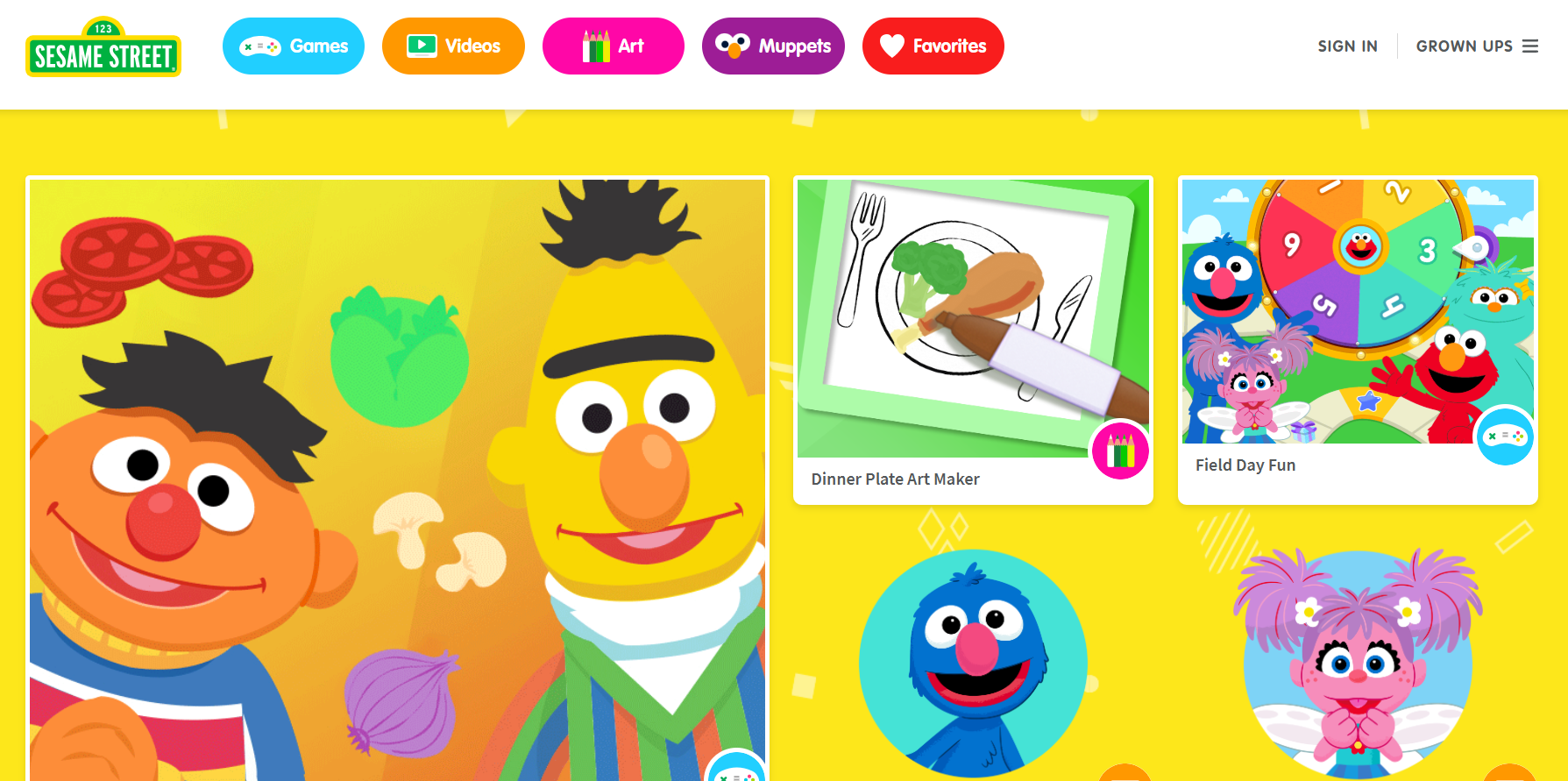
An app with songs, sing-alongs, and music activities led by familiar characters; best for preschoolers who respond to recognizable faces and repetition. Content is designed to teach basic musical concepts through characters.
Why it works for parents
Trusted IP and age-appropriate content reduce worry about inappropriate material, and sing-alongs naturally support language and rhythm development.
Pros
- Educational, character-led content that engages toddlers.
- Safe library with no explicit themes.
Cons
- Limited to Sesame Street’s catalogue and style.
- More sing-along focused than instrumental learning.
Pricing: Free with in-app purchases.
Platform: iOS, Android
7. Sago Mini Music Box
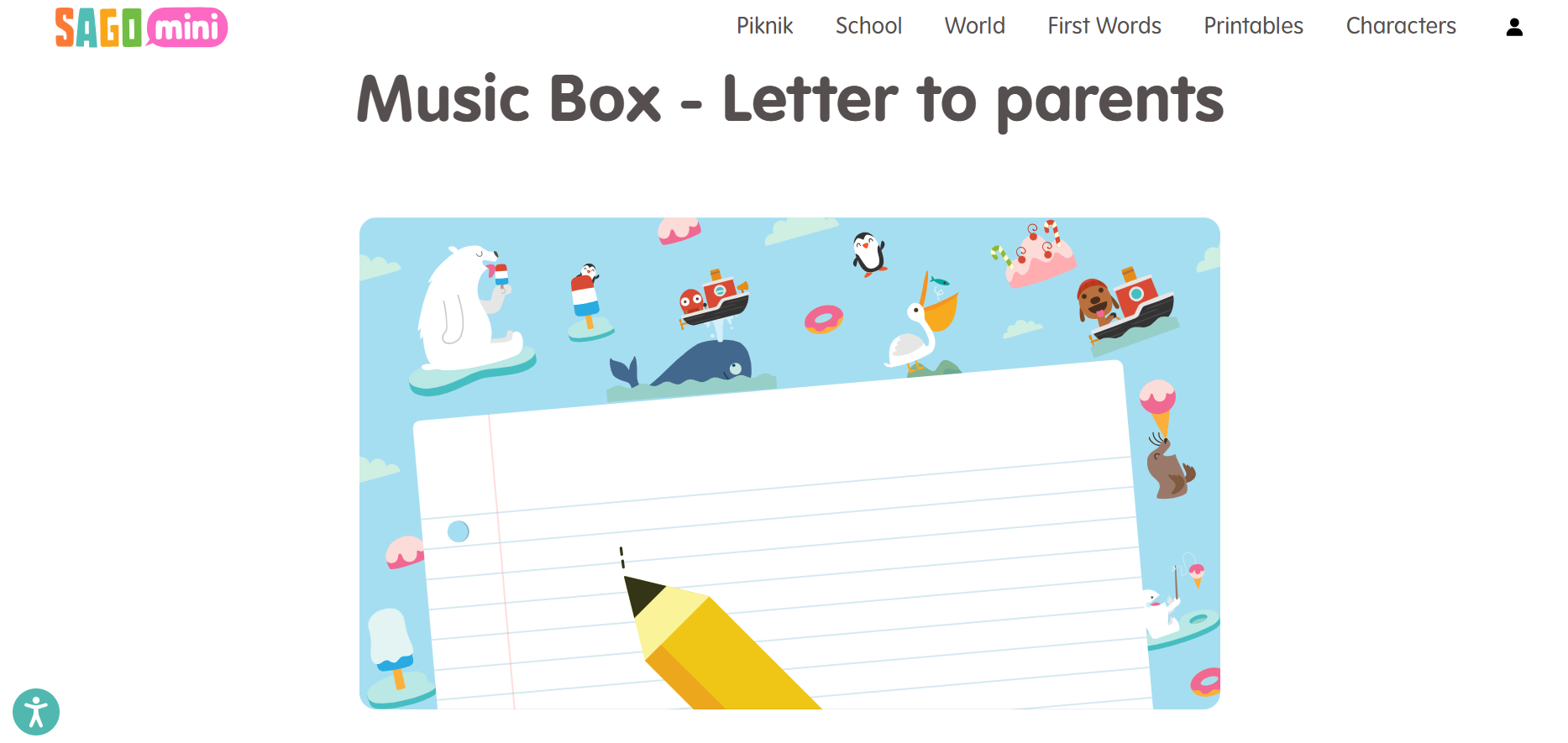
A playful, instrument-focused app for young children to tap, create, and explore virtual instruments, designed as an early introduction to sound-making and rhythm.
Why it works for parents
No ads and a simple interface make it toddler-safe; it encourages hands-on exploration without pressure to “learn” formal skills.
Pros
- Interactive, tactile play that builds musical curiosity.
- Ad-free, child-first design.
Cons
- Short-term replay value for older children.
- Smaller song library.
Pricing: One-time purchase around $3.99.
Platform: iOS, Android
8. Kids' Music
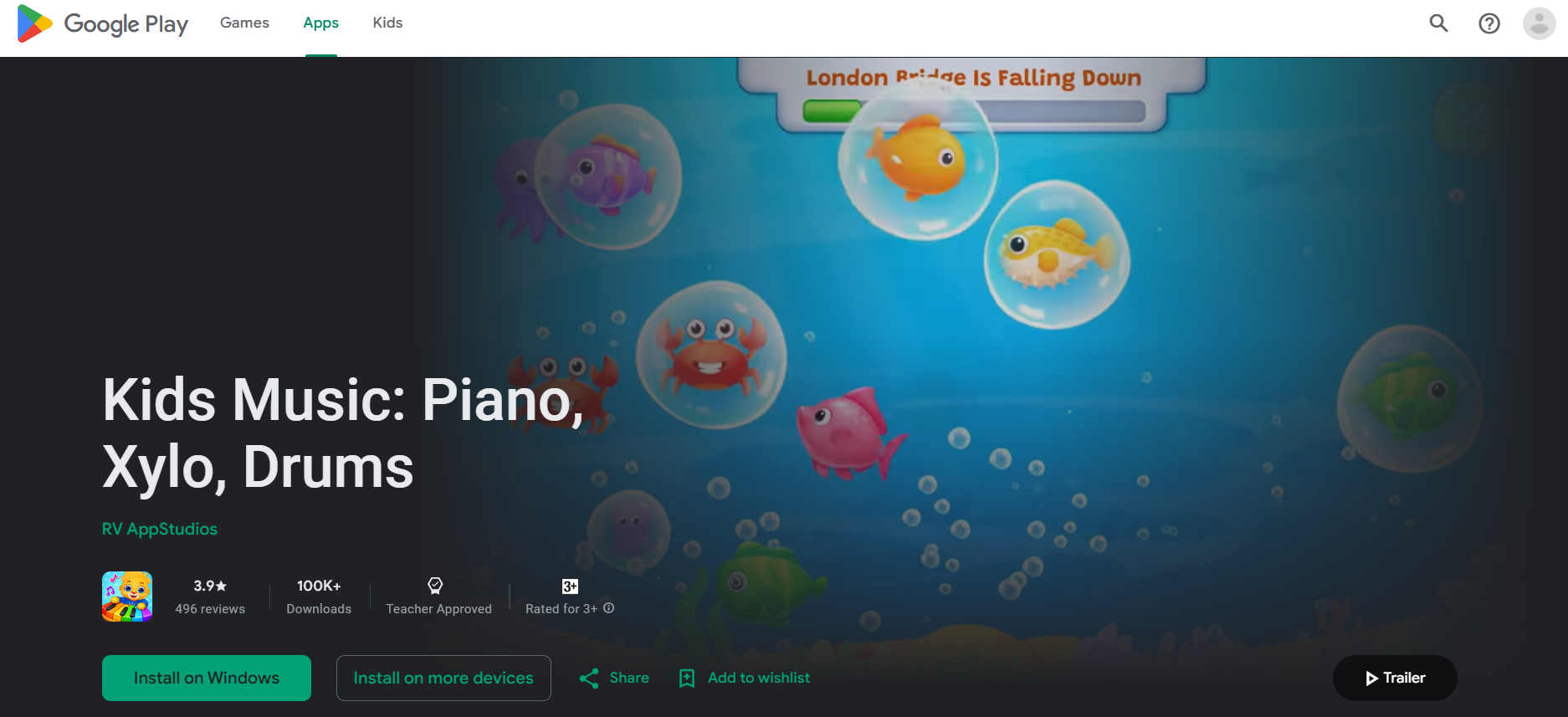
A colorful app of nursery rhymes and simple songs for early learners, combining music with basic instruction on rhythm and melody. Suitable for sing-alongs and foundational exposure.
Why it works for parents
The app’s straightforward layout makes it easy for parents to hand a device to a young child without constant navigation help, and the content is predictable and safe.
Pros
- Simple, engaging interface for preschoolers.
- Focuses on core musical elements, such as rhythm.
Cons
- Limited depth for advancing musical skills.
- Fewer instruments or interactive modules.
Pricing: Free with in-app purchases.
Platform: iOS, Android
9. YouTube Kids
A curated video app with music videos, nursery songs, and educational clips, offering parental controls and content filters to make video discovery safer for kids.
Why it works for parents
Customizable profiles and time limits give parents direct control over what their child sees, though offline access and ad exposure depend on the subscription plan.
Pros
- a wide variety and discoverability across many children’s artists.
- Strong parental control features.
Cons
- Ads and connectivity considerations, unless you subscribe to Premium.
- Content moderation still requires occasional oversight.
Pricing: Free; YouTube Premium ad-free option $13.99/month.
Platform: iOS, Android
10. Mussila Music School
A gamified curriculum teaching music reading, rhythm, and instrument basics through a playful game loop, suited for early elementary learners who need structure plus fun.
Why it works for parents
It balances pedagogy and play, offers progress tracking, and is designed to feel like games rather than drills, which keeps practice voluntary.
Pros
- Structured lessons with clear learning progression.
- Engaging, gamified experience that motivates practice.
Cons
- Full access requires a subscription.
- Younger children may prefer looser play formats.
Pricing: Freemium, subscription starts around $6.99/month.
Platform: iOS, Android
11. World Music Adventure
An exploratory app that introduces children to global music traditions and instruments, with a focus on listening and cultural context rather than performance.
Why it works for parents
It broadens musical exposure and builds cultural awareness, suitable for school-age kids curious about world sounds.
Pros
- Teaches cultural context and diverse instruments.
- Encourages listening skills and curiosity.
Cons
- Less of a fit for kids wanting pop hits or instrument practice.
- Depth varies by region and can feel academic.
Pricing: Free with optional in-app purchases.
Platform: iOS, Android
12. Learn Music

Interactive tutorials that guide kids through note reading, rhythm practice, and basic music theory in a self-paced format suitable for children ready for structured learning.
Why it works for parents
It offers clear skill progression and self-paced lessons, allowing families to fit music learning into busy schedules without live teachers.
Pros
- Suitable for building foundational reading and rhythm skills.
- Self-paced learning works with varying attention spans.
Cons
- Subscription needed for full access.
- The interface may appeal less to preschoolers.
Pricing: Free with subscription option, around $7.99/month.
Platform: iOS, Android
13. PlayKids
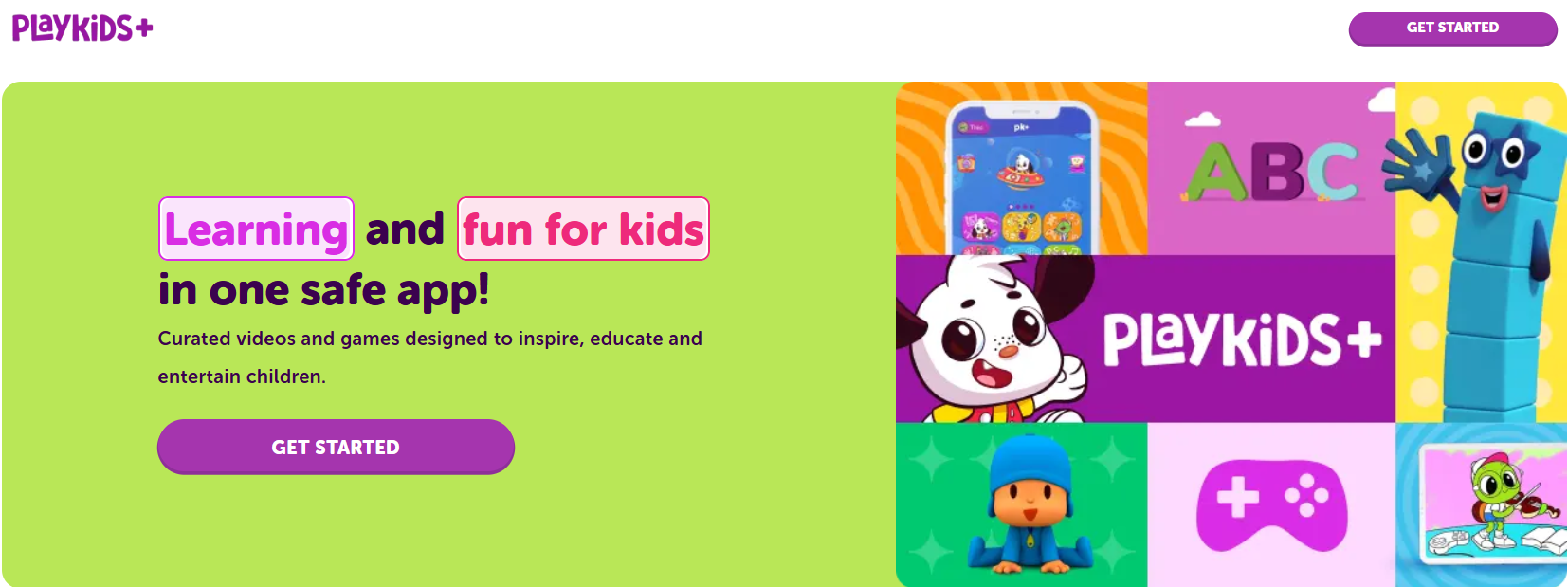
A broader kids’ content platform with a music section that mixes songs, games, and short learning activities, aimed at preschoolers through early elementary.
Why it works for parents
Strong parental controls and an ad-free environment reduce exposure risks; the app combines music with other learning content for cross-domain engagement.
Pros
- Safe, ad-free listening with family controls.
- Broad educational content beyond music.
Cons
- Music is a smaller part of a larger content mix.
- Full access requires a subscription.
Pricing: Subscription-based, around $9.99/month.
Platform: iOS, Android
14. Toca Dance Free
A creative dance and choreography app that pairs music with character animation, ideal for kids who enjoy movement and imaginative performance.
Why it works for parents
No ads and a sandbox approach mean children can be active and creative without exposure to inappropriate content, and they are encouraged to play physically.
Pros
- Promotes creativity and physical activity.
- Ad-free and child-centered design.
Cons
- Limited song library.
- Not focused on musical theory or instruments.
Pricing: Free.
Platform: iOS, Android
15. Artium Academy

A comprehensive music curriculum app offering structured courses, live 1:1 lessons, and real-time pitch and timing feedback across multiple instruments and vocal styles, targeted at children ages 5-12.
Why it works for parents
It blends human teachers with technology to drive measurable progress, plus a parent dashboard to track time and milestones, reducing uncertainty about practice quality.
Pros
- Structured, teacher-led curriculum with measurable outcomes.
- Parent dashboard for progress tracking.
Cons
- Cost and commitment required for live lessons.
- May be more formal than parents seeking casual play.
Pricing: Subscription and lesson-based pricing; varies by course and package.
Platform: iOS, Android, Web
16. Yousician

Gamified, audio-detection lessons for guitar, piano, ukulele, bass, and vocals, offering real-time feedback as kids play. Strong for beginners who want active practice.
Why it works for parents
The freemium model lets families try before committing, and the app tracks progress so you can see improvement without attending every practice session.
Pros
- Real-time note detection and feedback.
- Wide instrument support.
Cons
- A premium subscription is required for full lesson plans.
- Accuracy depends on the microphone and the environment.
Pricing: Freemium; premium plans vary from $9.99–$19.99/month.
Platform: iOS, Android, Windows, macOS
17. Hoffman Academy
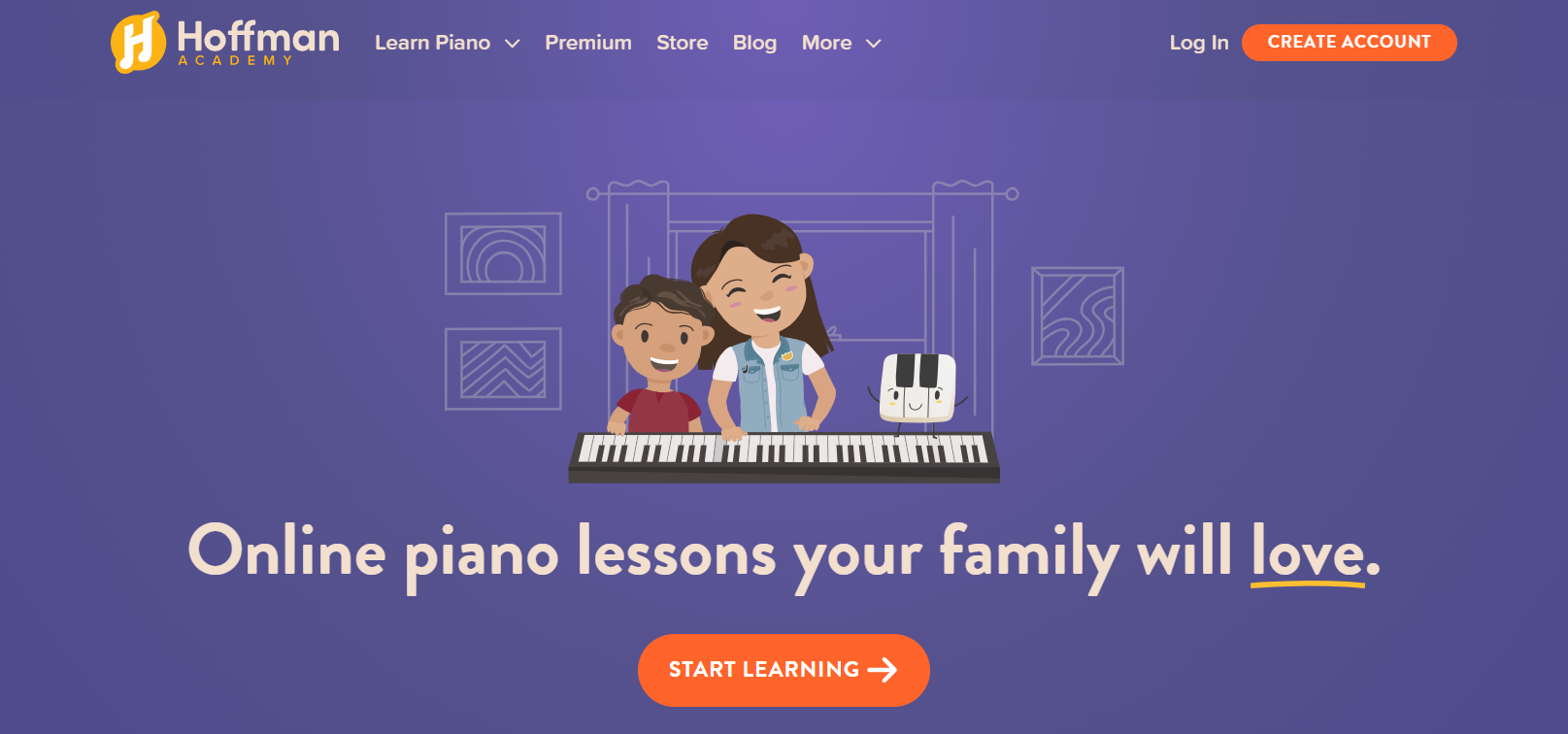
Piano-focused lessons with a calm, patient teacher-led style and a large library of free video lessons, suitable for beginners and families seeking low-pressure instruction.
Why it works for parents
The generous free content lowers the barrier to entry, and the teaching style reduces performance anxiety for kids.
Pros
- Strong free curriculum for piano beginners.
- Calm instruction that supports steady progress.
Cons
- Focused on piano; not multi-instrumental.
- Premium features are behind a subscription.
Pricing: Free content available; premium membership for extra tools.
Platform: Web, iOS
18. Mussila Music School (note: repeated entry with different emphasis)
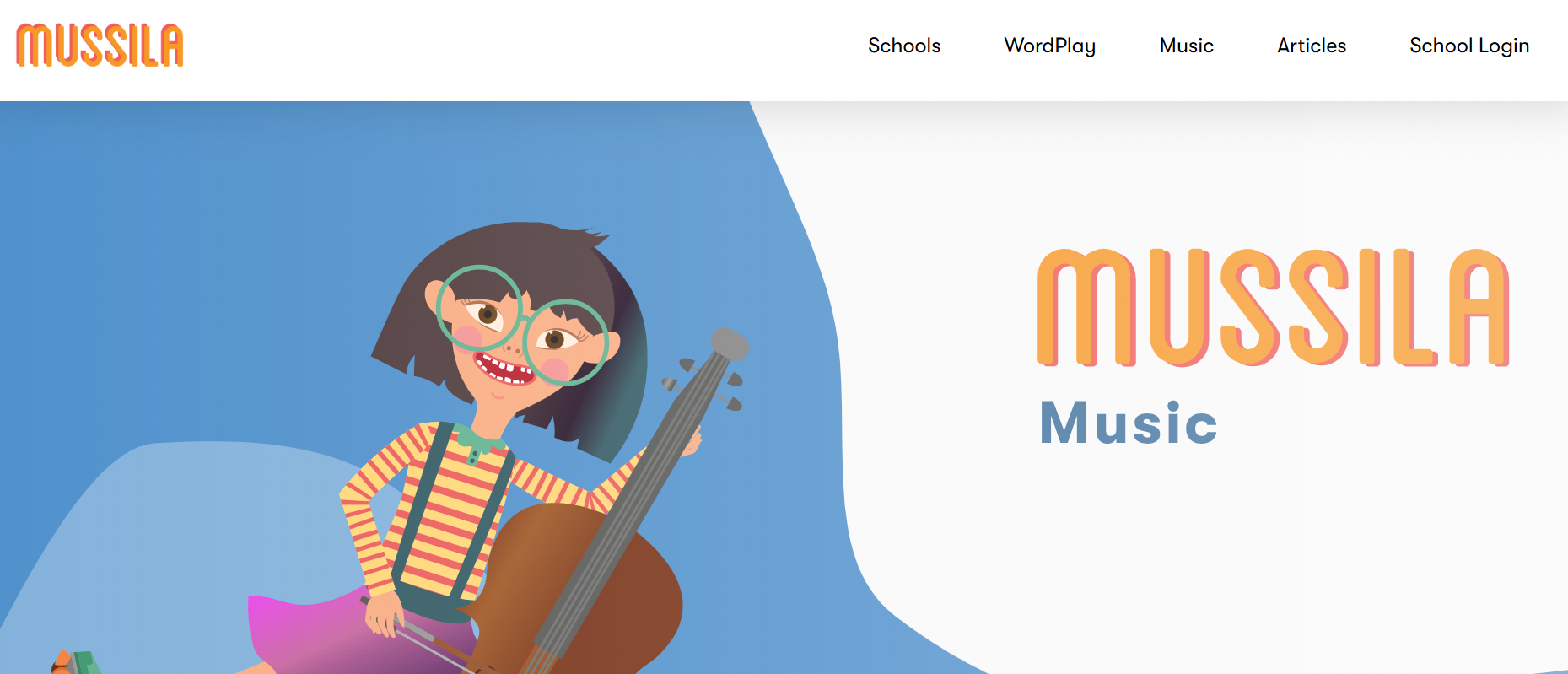
A gamified music-learning app that guides kids from discovery to creation using interactive mini-games and feedback, ideal for early learners who thrive on rewards.
Why it works for parents
Highly engaging animations and progress loops keep kids returning without pressure, and teachers have reported better retention in short daily sessions.
Pros
- Strong gamification and retention features.
- Clear learning progression with rewards.
Cons
- Subscription required for complete access.
- It may be less appealing to older, performance-focused kids.
Pricing: Freemium; subscription required for full access.
Platform: iOS, Android
19. Tongo Music
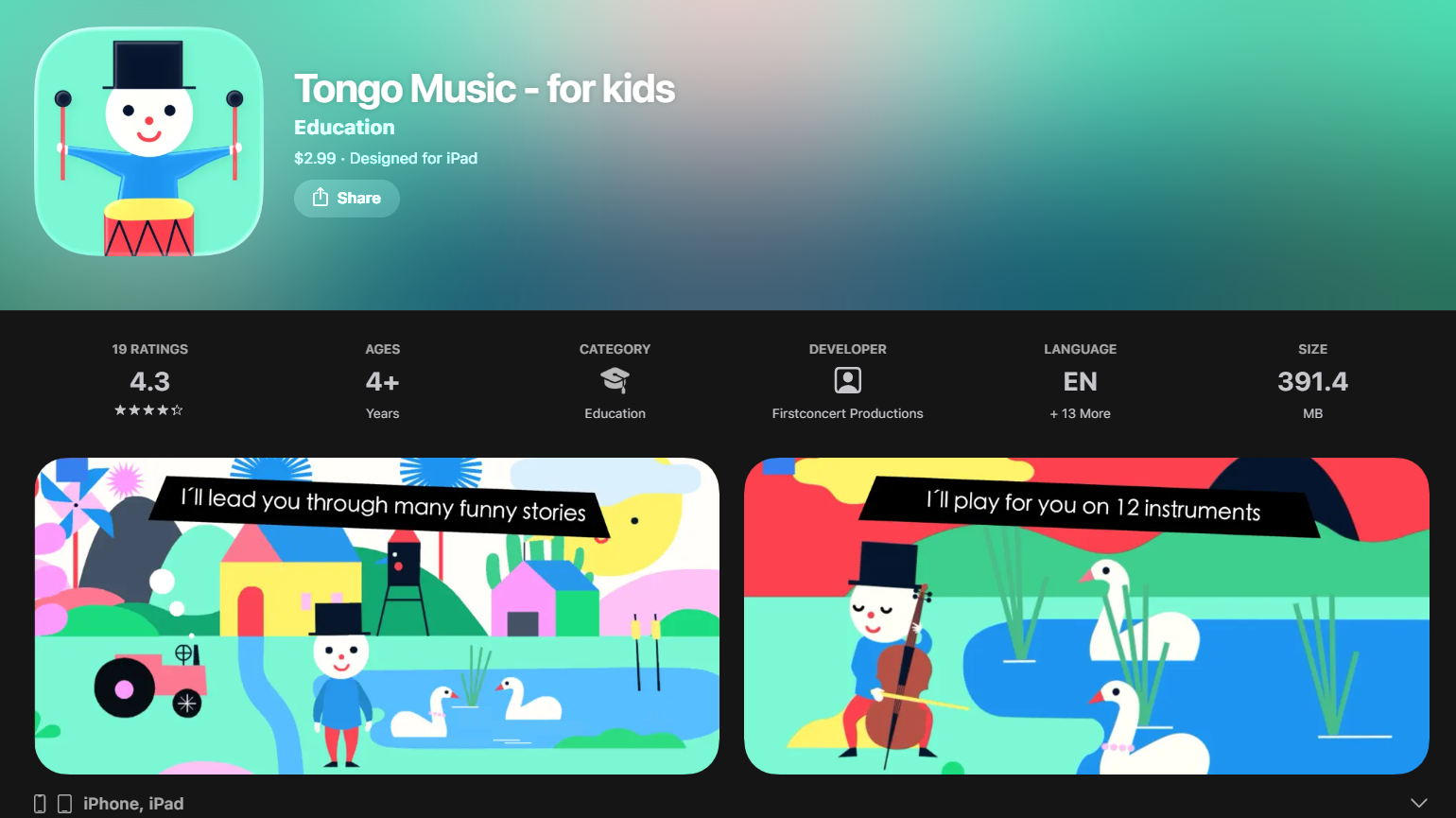
A sample-based app offering short classical excerpts and an interactive keyboard, designed to introduce notation and basic musical signs to young listeners.
Why it works for parents
Short, curated clips make classical music approachable, and the interactive keyboard gives children a hands-on way to test sounds without reading complex scores.
Pros
- Bite-sized classical samples for easy listening.
- Interactive keyboard for play-based learning.
Cons
- Narrow focus on classical forms and signs.
- Small library compared to mainstream streaming apps.
Pricing: One-time purchase, typically $2.99.
Platform: iOS
20. ABC Kids Listen
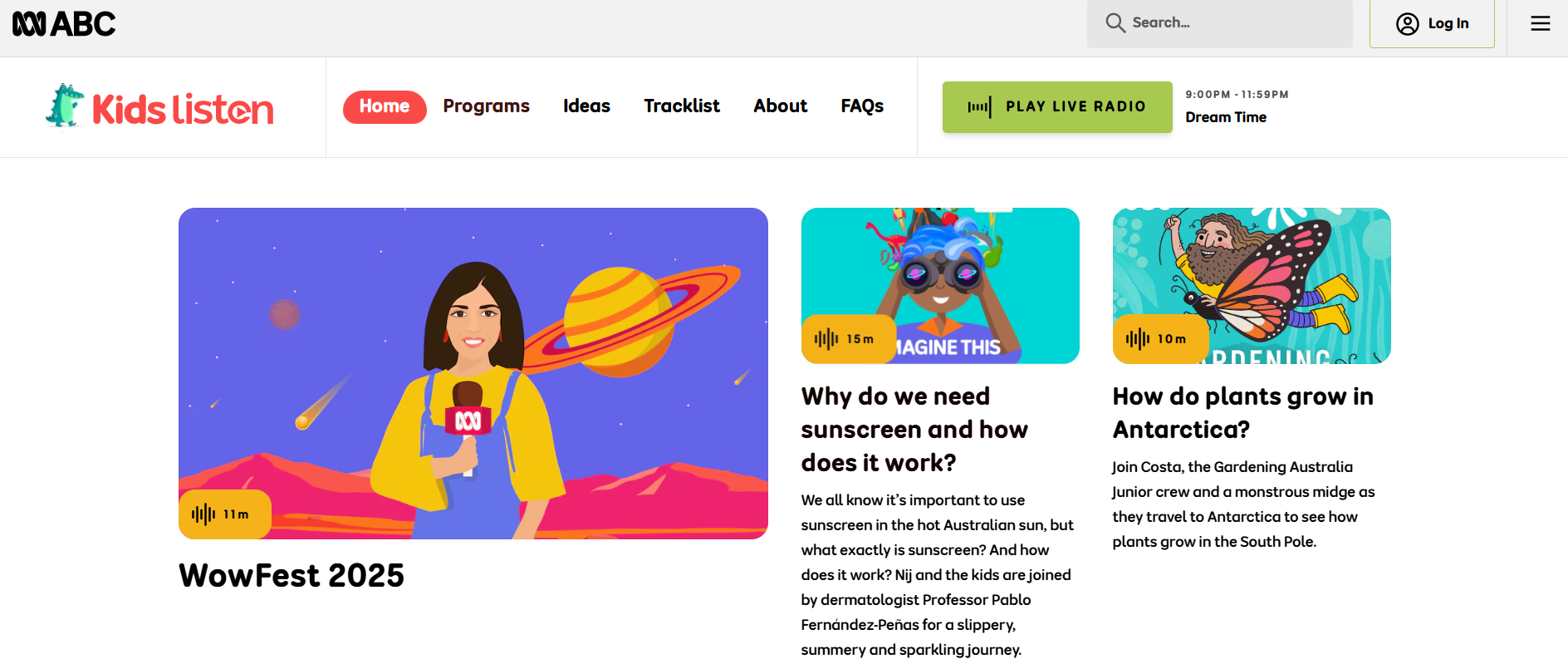
A public broadcaster app with lullabies, stories, and music programs from well-known children’s shows and ensembles, geared toward family listening and bedtime routines.
Why it works for parents
Programming is professionally produced and ad-free, offering reliable, calming content for routines without commercial pressure.
Pros
- High-quality, curated programming suitable for bedtime.
- Wide range, including instrumental and story-based music.
Cons
- Less interactive, focused on listening rather than playing.
- Content style may be more mellow than some kids prefer.
Pricing: Free.
Platform: iOS, Android, Web
21. Kinderling Kids Radio

An award-winning kids' radio app that aligns programming with daily child routines, from wake-up music to bedtime songs, aimed at reducing screen time through audio.
Why it works for parents
It provides a screen-free alternative that supports daily rhythms and encourages movement during daytime programming and calmness at night.
Pros
- Designed around children’s daily schedules.
- Screen-free content that supports activity and sleep routines.
Cons
- The audio-only format may not satisfy children who prefer visuals.
- Some specialized programs behind subscription/walls.
Pricing: Free with some subscription options.
Platform: iOS, Android
22. Google Kid Space
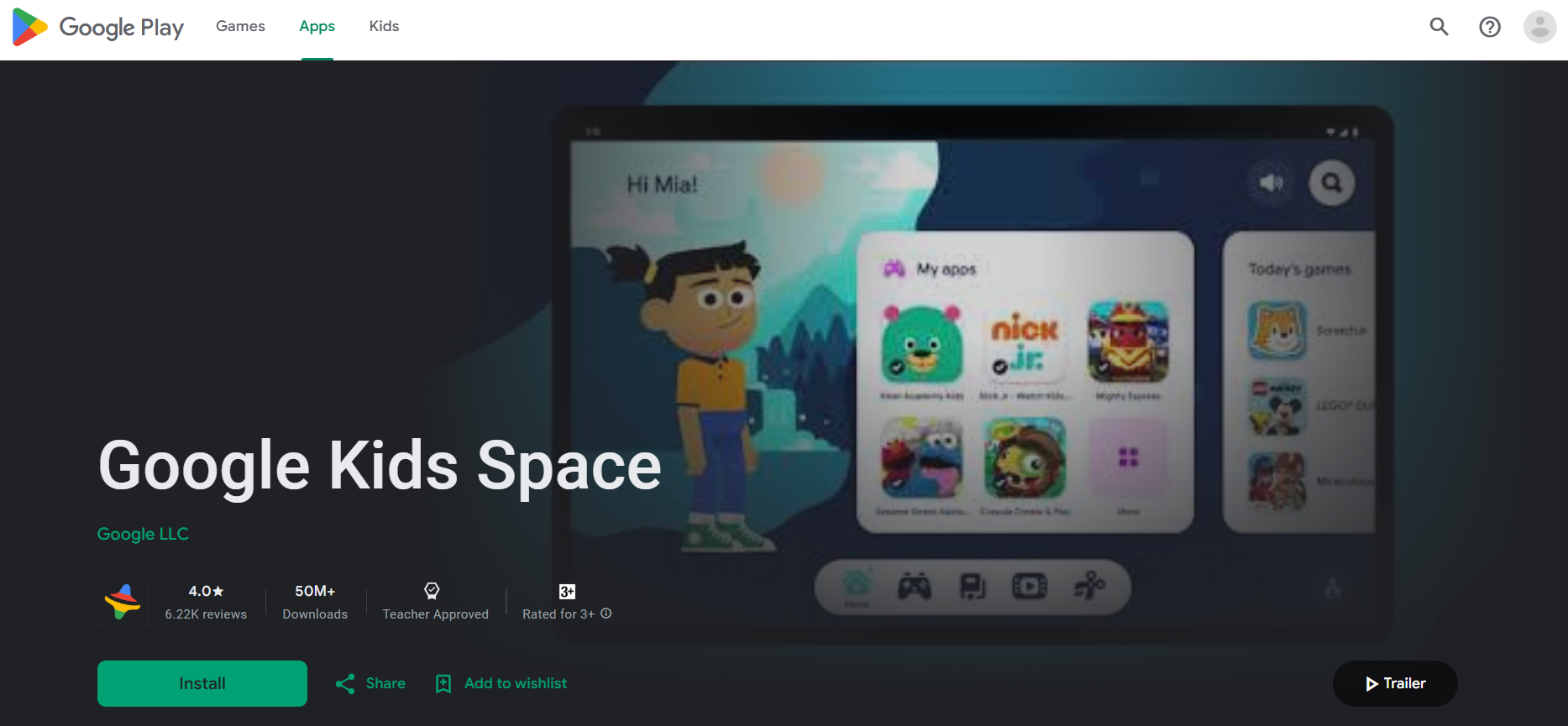
Overview: A broad Android-focused content hub with music-making features, games, and single-player musical activities for children up to around nine, intended as a safe discovery space.
Why it works for parents
Google’s content curation and platform-level safety features make it a low-risk option for Android households seeking a variety of music activities.
Pros
- Wide variety of high-quality, age-appropriate content.
- Integrates well with Android tablets and family settings.
Cons
- Android-only focus limits cross-platform families.
- Quality varies between third-party apps aggregated within the space.
Pricing: Free.
Platform: Android
23. Beat Bugs: Singalong
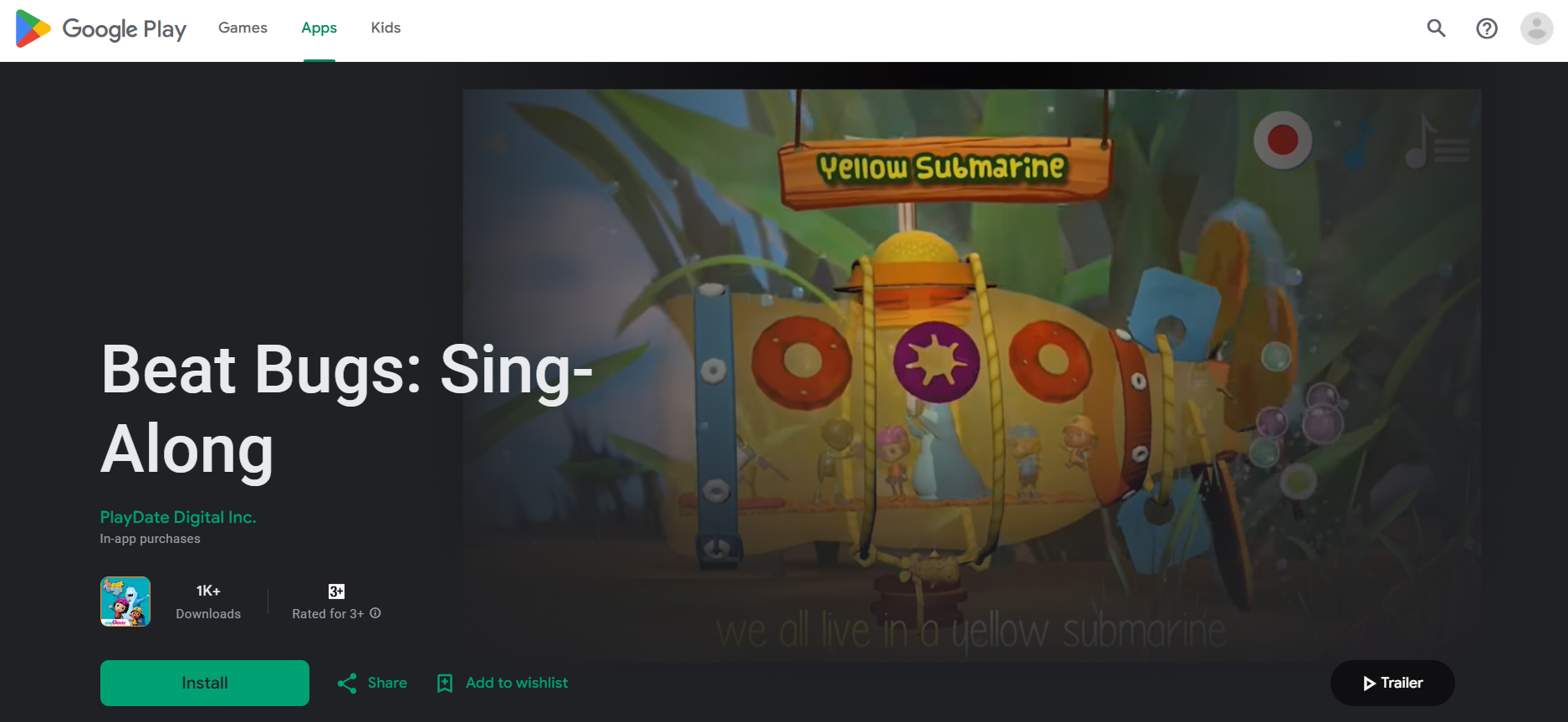
An interactive sing-along app based on a children’s show, built around Beatles songs with recording features and many interactive elements, great for performance play and singing practice.
Why it works for parents
The branded content is familiar and safe, and recording features let families capture moments without exposing kids to open sharing.
Pros
- High production value with beloved songs.
- Recording and interactive play keep kids engaged.
Cons
- Licensing limits expansion beyond the included songs.
- Not a general-purpose music-learning platform.
Pricing: Typically paid separately or included with a subscription; pricing varies by store.
Platform: iOS, Android
24. Gabb Music
A kid-safe streaming service that removes explicit content and focuses on clean, up-to-date music across genres, designed for families seeking a filtered music experience.
Why it works for parents
Tight content curation and a low monthly fee make it an appealing option for those who want current hits without explicit lyrics or mature themes.
Pros
- Clean, regularly updated library curated for kids.
- Affordable pricing after a free trial.
Cons
- Smaller catalog than mainstream services.
- Fewer interactive learning features.
Pricing: Free trial, then about $4.00/month.
Platform: iOS, Android, Web
25. Bimi Boo Baby Piano for Kids & Toddlers
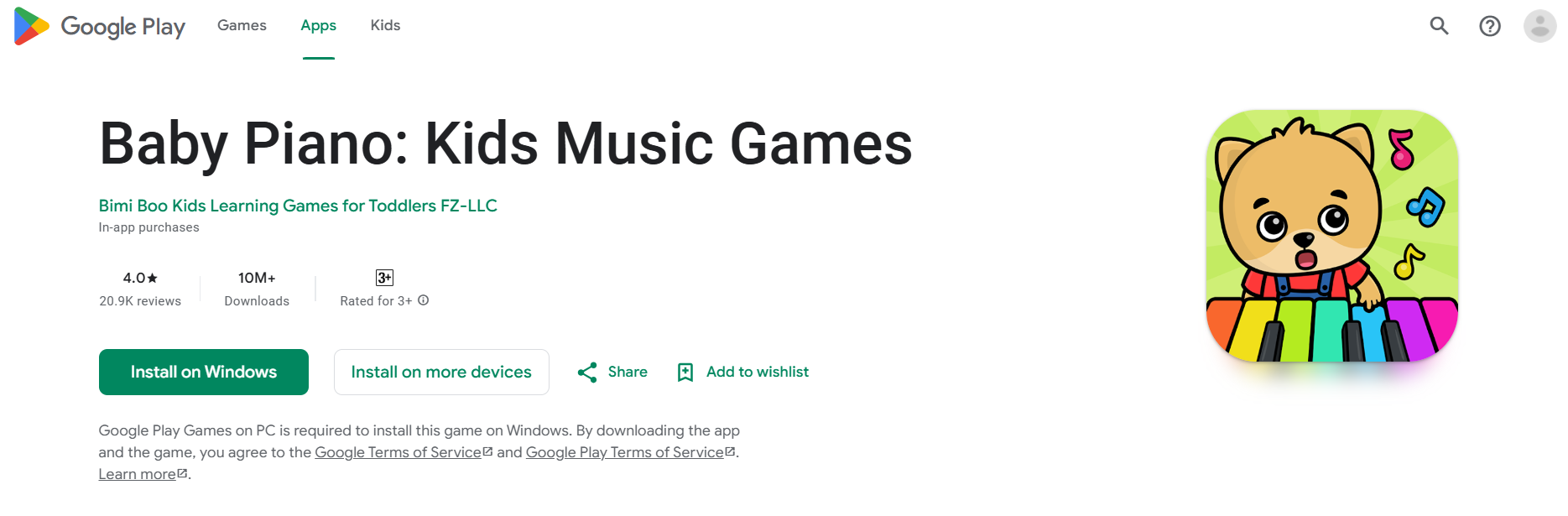
A simple, activity-driven app with five piano-based activities that teach early musical awareness, coordination, and fine motor skills for ages 1 to 6.
Why it works for parents
Very young children can use it independently, and it’s tuned to developmental needs, including options for children with varying abilities.
Pros
- Age-appropriate activities and easy interaction for toddlers.
- Supports motor and auditory development.
Cons
- Limited depth beyond early preschool skills.
- It might be too basic for older children.
Pricing: Free with in-app purchases.
Platform: iOS, Android
26. Harmony City: Learn chords
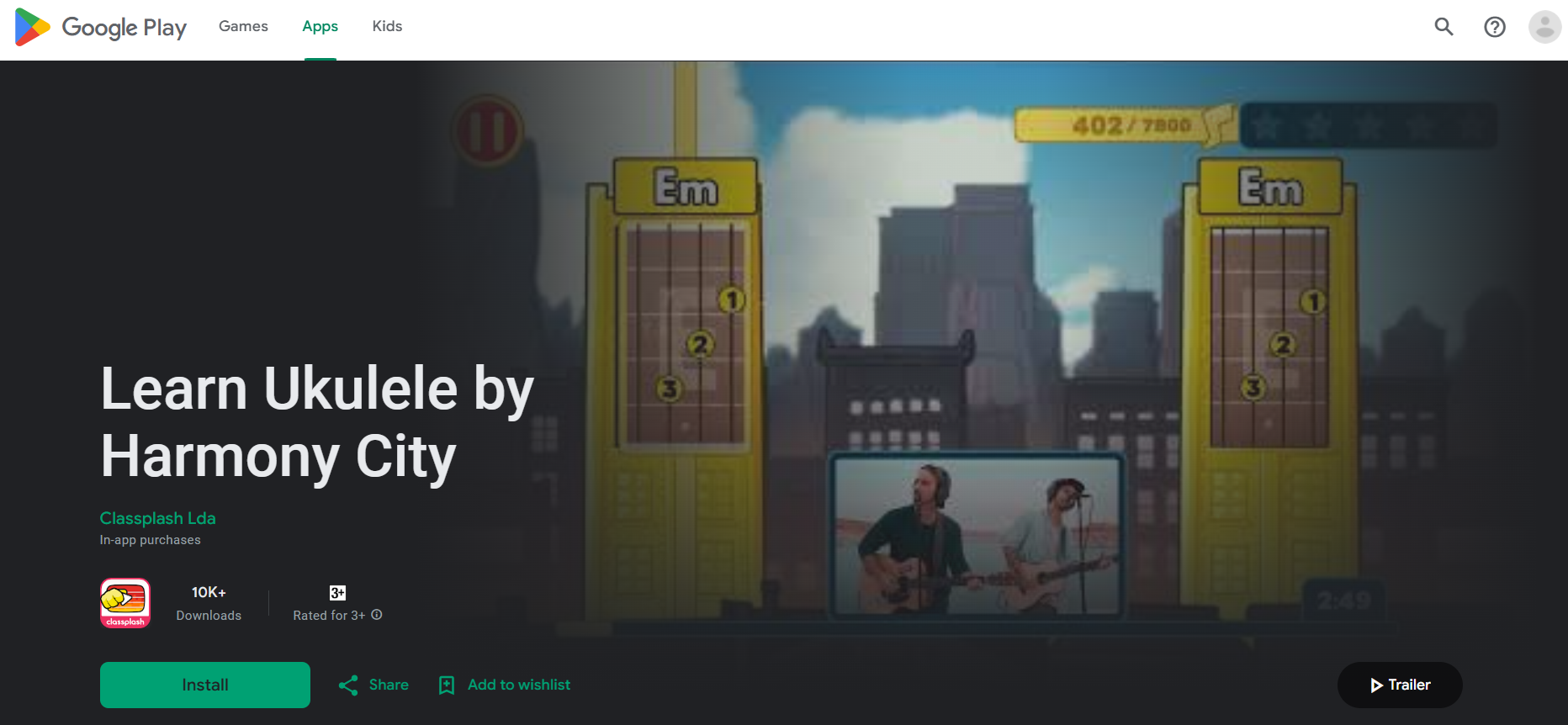
A friendly app for learning ukulele or guitar chords with video tutorials, built-in tuner, and a growing song library, suitable for beginners ages five and up.
Why it works for parents
The app’s visual tutorials and step-by-step progression remove ambiguity for home practice, and basic features are free, so families can test fit first.
Pros
- Easy-to-follow chord lessons and a tuner built in.
- Sound song library for practice.
Cons
- No collaboration features, and feedback requires headphones for accuracy.
- Subscription needed for complete catalog.
Pricing: Free with paid subscription for premium content.
Platform: iOS, Android
27. Piano Maestro by JoyTunes

An interactive piano learning app designed for kids 7 to 11, that listens to acoustic pianos or on-screen keyboards to provide sight-reading practice, coordination, and technique.
Why it works for parents
Its feedback system makes practice measurable and motivating, and classroom teachers often use it to supplement lessons.
Pros
- Real-time feedback for accuracy and timing.
- Incentives and rewards to encourage practice.
Cons
- Best experience with iPad and a real piano; limited otherwise.
- Some advanced content is behind subscriptions.
Pricing: Free with in-app purchases/subscription tiers.
Platform: iOS
28. Note Quest: Learn Piano Fast
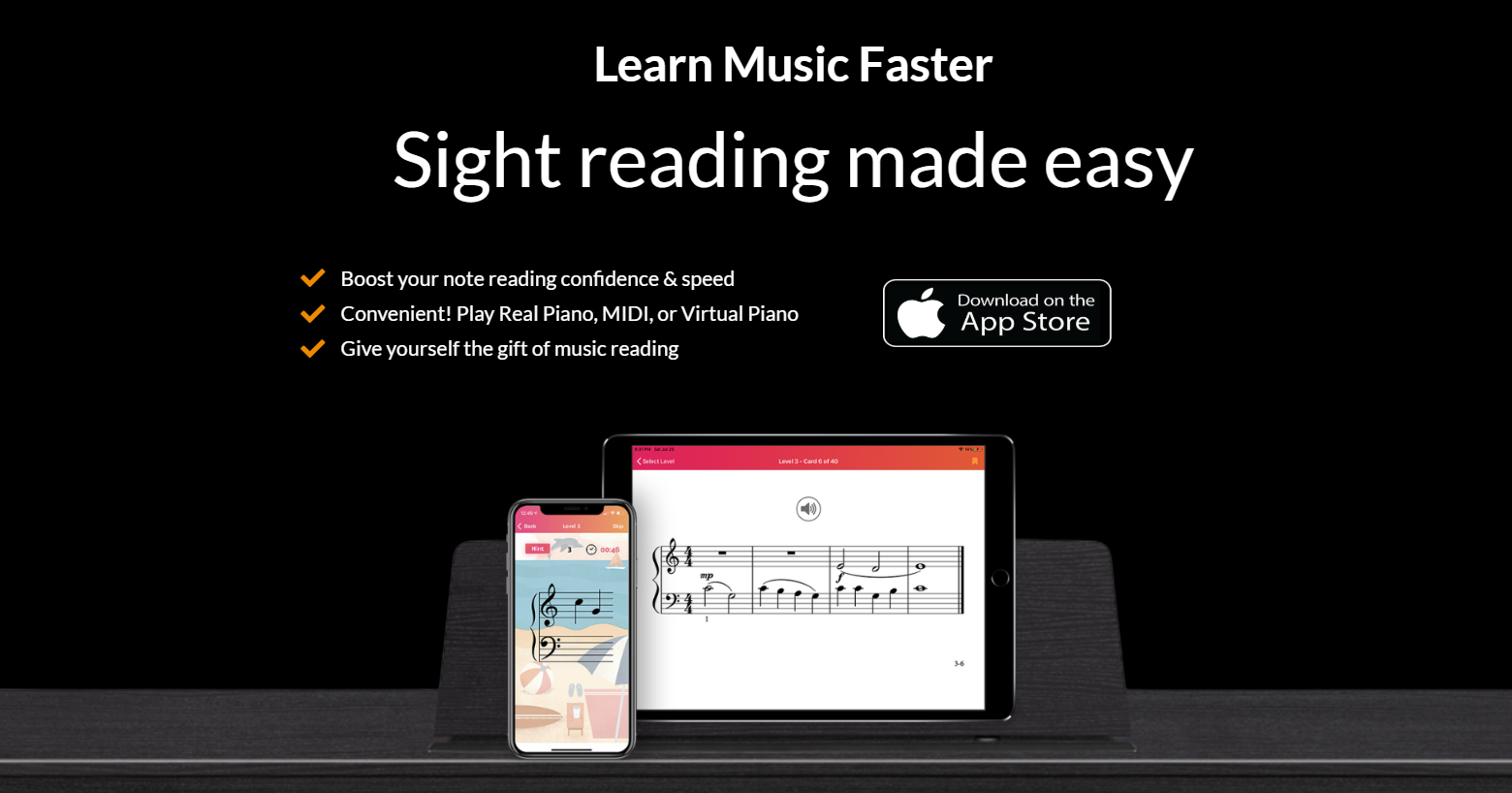
A leveled note recognition game that helps beginners learn keyboard notes and reading through progressive challenges and playful graphics, useful as a practice tool between lessons.
Why it works for parents
It’s a focused tool that builds a foundation quickly in short sessions, making it practical for families with tight schedules who want measurable progress.
Pros
- Clear, game-based progression for reading notes.
- Short sessions fit busy family life.
Cons
- Narrow scope focused on note recognition only.
- Graphics and tone geared to younger learners, less for teens.
Pricing: Free with in-app purchases.
Platform: iOS, Android
A typical pattern appears across family trials and product tests: parents are worn down by apps that hide content controls behind complex menus, lock essential lessons behind subscriptions, or offer only a few repetitive songs, leaving older children disengaged. When those conditions show up, interest drops quickly, and devices become a battleground rather than a tool.
Most families manage creative time by handing a device to a child, hoping a single app will hold their attention. That works at first, until variety or learning depth runs out and the app becomes screen noise rather than a learning tool. Platforms that help parents mix active, printable, and screen-free activities reduce that churn.
Most teams handle this by adding an off-screen option for music playback, validating the change, and seeing quieter, longer-lasting engagement. The familiar approach of constantly switching apps creates friction and wasted time. Solutions like My Coloring Pages centralize creative outputs with an extensive library of printable activities and simple customization, giving families a way to turn screen time into tactile, repeatable, music-themed activities without building new routines from scratch.
Adoption is rapid: More than 30 million downloads of music apps for kids in 2024.
Think of music apps as a sandbox with different tools: some are shovels for digging into theory, others are buckets for play; your job is to match the tool to the child’s temperament, not force every child to build the same castle.
That next step is more surprising than you expect.
Related Reading
- Drawing Websites for Kids
- Best Educational Websites for Kids
- Art Websites for Kids
- Safe Websites for Kids
- List of Websites to Block for Kids
- Reading Apps for Kids
- Best Learning Apps for Kids
- Best Learning Games for Kids
- Math Apps for Kids
How to Incorporate Music Apps into Your Child's Learning Routine
Music apps only change outcomes when you intentionally fold them into a predictable rhythm, not when you hand a device and hope for the best. Use short, purposeful blocks, anchor them in daily routines, and always pair a screen moment with a tiny off-screen follow-up so learning carries into real life.
How long should sessions be?
Keep them short and specific. For toddlers, aim for five to ten minutes; for preschoolers, ten to fifteen; for early elementary kids, fifteen to twenty; and for older kids, twenty to thirty, when appetite allows. Short sessions reduce friction and enable repetition, and they preserve curiosity by ending before boredom sets in.
When should music happen in the day?
Pick transition points that already exist, not new ones you must police. After snack time, on the ride home, as a calm-down before bed, or as a five-minute reset after homework, all work. Using the same cue each day builds a habit without nagging; a single labeled tablet or a designated playlist makes the decision out of the moment.
How do you make app time lead to fundamental music skills?
Always attach a simple offline task: clap the rhythm you heard into a notebook, sing the chorus together while standing up, or turn a recorded melody into a short movement sequence. Treat the app as a discovery tool, not the finish line. This keeps practice playful, and it trains the ear and body together so skills feel usable off-screen.
What breaks when families rely on apps without a plan?
The familiar approach is to hand a child a device and expect the app to do the heavy lifting. That works until device handoff fails, parental controls scatter across platforms, and playback drifts between phones and speakers, turning music time into a tech chore. When that happens, interest erodes, and parents spend sessions fixing settings instead of sharing music.
How can platforms help without taking over?
Most families find that tools that automate routine creation and produce ready-to-use activity packs reduce planning time and keep sessions intentional. Platforms like My Coloring Pages provide templates and offline prompts that compress setup to a click, so ten minutes become meaningful practice rather than a scramble to invent an activity.
What practical rules keep apps from competing with lessons?
- Use apps to reinforce one small skill tied to lessons, not to replace them. If a lesson focuses on rhythm, select a rhythm game and one short offline rhythm activity to do immediately afterward.
- Limit subscriptions; rotate two complementary apps to maintain novelty without subscription bloat.
- If your household mixes ecosystems, assign a single device for music to avoid playback and parental-control friction that often arises in cross-platform homes.
Does evidence back short, routine use?
Yes, listening and focused, brief practice shows measurable effects, which is why the International Journal of Applied Research in Music: 70% of parents reported that their children showed improved concentration when using music apps during study sessions. For retention, the International Journal of Applied Research in Music reports that music apps increase retention rates by 30% among children learning new subjects, so pairing app use with a short offline reinforcement session yields real dividends.
How should parents frame app time for young kids?
Make it exploration, not rehearsal. No-correction windows, two-choice activities that let kids pick a sound or song, and the ability to capture short recordings they can play back for themselves turn apps into playful labs. That removes performance pressure and invites experimentation, which is how curiosity grows into skill.
What signs tell you the approach is working?
Look for spontaneous musical play, children humming melodies from the app without prompting, requests to “do music time,” or kids choosing a playlist on their own. Those are stronger signals than neat scores on an app because they show internal motivation, not compliance.
Before I build the two-part strategic narrative you asked for, please give me the client name and one short piece of brand copy or a summary of their core product, target audience, or key differentiator so I can match tone and framing precisely.
That simple routine change sounds small, but what happens next complicates everything helpfully.
Related Reading
- Language Learning Apps for Kids
- Best Drawing Apps for Kids
- Best Coding Apps for Kids
- Best Apps for Kids
- Best Apps for 6-Year-Olds
- AI Tools for Kids
Download 17,640+ FREE Coloring Pages
I recommend My Coloring Pages: you can create custom, printable coloring pages in seconds from a description or an uploaded photo, browse 17,640+ free designs, or assemble personalized coloring books, a tool trusted by over 20,000 parents and rated 4.8 out of 5. Use coloring as a companion to music apps, because hands-on pages build fine motor control, focus, and creative expression while giving kids a screen-free way to unwind after digital learning. The extensive, varied library reduces planning friction that can keep activities stale and unsustainable, giving children multiple ways to express themselves rather than a single rigid path.