Top 25 Art Websites for Kids That Encourage Learning Through Play
Art Websites for Kids: Discover 25 top sites for printable art and creative play. My Coloring Pages helps you keep kids safe while they learn.


Children exploring online art activities can easily encounter unsafe links or disruptive ads, so trusted digital spaces are essential. Art websites for kids provide an environment where drawing tutorials, interactive coloring, and creative games combine education with play. These secure platforms offer curated art activities that let children express creativity while keeping parents at ease.
Curated sites balance engaging art projects with basic parental controls to ensure a safe digital experience. They blend creativity and security with tools that support both learning and fun. My Coloring Pages enhances creative exploration and simplifies on-screen content management by offering 16,280+ free coloring pages.
To put these ideas into practice, our 16,280+ free coloring pages help you get started right away.
Summary
- Many children treat an art site like a quick video, with 60% losing interest within the first 5 minutes. Platforms that do not deliver a printable or savable payoff see attention evaporate rapidly.
- Discovery is a structural problem: over 70% of parents find it challenging to locate engaging art websites, leading them to patch together a mix of resources rather than relying on a single reliable source.
- Curated roundups list about 25 top art websites. Yet, caregivers still extract images and screenshots because that feels immediate, a habit that scales poorly and increases prep time for themed lesson packs.
- Session design matters: for ages 3 to 7, aim for 10 to 15 minutes of guided screen time followed by 15 to 25 minutes of hands-on activity; older children can handle roughly 20 to 30 minutes of creation before switching modes.
- Simple facilitation cuts friction; for example, a two-minute demo plus an open choice significantly reduces micromanagement and preserves child ownership during activities.
- Regular, structured practice produces measurable gains: children who participate in online art classes show a 50% improvement in creative skills within six months.
- My Coloring Pages's 16,280+ free coloring pages address this by offering an extensive, printable-first library that supports short, tactile payoffs and the quick assembly of themed lesson packs.
Why Finding Art Websites That Truly Engage Kids Is Hard

Parents and teachers have limited options: sites that feel safe but dull, or flashy apps that capture kids' attention for just a few minutes, leaving adults feeling sorry for the time wasted. They need platforms that provide easy safety controls, age-appropriate content, and fundamental creative tools that let kids make, print, and keep their work. One excellent option for engaging kids is to explore our 16,280+ free coloring pages, which can offer them hours of creative fun.
What common design failures sabotage engagement?
Problem-first approaches lead to navigation issues, such as hidden tools, buttons that open new tabs, and gamified distractions that can overwhelm a child's focus. This pattern is typical in both classrooms and at home.Teachers usually look for one dependable printable for each lesson, while parents want short, calming activities. Also, layouts filled with ads create friction when needing offline copies for centers or calm-down corners; pop-ups can disrupt workflow and lead children to inappropriate links.
Why is discovery itself a barrier?
Confident stance: finding art sites that really focus on kids is surprisingly complex. That’s why over 70% of parents struggle to find engaging art websites for their kids (Kaspersky, 2025). This shows that the problem isn’t just a casual preference; it’s about the limited number of options. When resources are limited, adults often assemble activity packs from multiple sources. This can waste time, adding up to over a week of lesson planning. One excellent resource for parents is 16,280+ free coloring pages that simplify the search for creative activities.
What breaks when you do things the familiar way?
Many people find art activities by saving images from search results or taking screenshots. This method is familiar and requires no sign-up. However, when scale becomes important, issues arise: file-format mismatches, copyright questions, and the time needed to produce a themed lesson pack can add up to hours. The hidden cost includes teacher burnout and fewer meaningful creative moments for kids, rather than just a few lost minutes.
How can tools actually change the outcome?
Status quo disruption occurs when most parents and teachers manually collect printables. This approach may seem quick and manageable, but it compromises quality and wastes preparation time. As lesson needs increase, this mixed approach becomes a significant time sink and yields inconsistent learning outcomes.Platforms like My Coloring Pages, which have a simple customization tool and a collection of 16,280+ free coloring pages, allow users to create themed lesson packs or custom printable books in just a few minutes. This not only helps maintain classroom consistency but also makes customization easy.
What should you test before trusting a site?
Constraint-based guidance is essential. If you need offline, printable activities, prioritize platforms that export high-quality PDFs and support batch downloads. Web-only interactions can fail during field trips or in low-connectivity situations.
When privacy and safety matter, choose sites with precise parental controls and no third-party ad networks.If you seek developmental value, select options that offer adjustable complexity, simple layering tools, and the ability to print sequencing for projects that span multiple sessions.
How can a quick site check save time?
A quick way to judge a site, similar to checking an art cart in person, is to see whether it offers something to keep after ten minutes, rather than just a score or a sticker. That physical outcome, like a printed page or a custom coloring booklet, turns a quick click into a memorable experience and a valuable learning moment.
However, that first impression is just the start. What comes next can show the unexpected trade-offs that many parents miss.
Related Reading
- Fun Websites for Kids
- Free Drawing Websites for Kids
- Coloring Websites for Kids
- Free Coloring Websites for Kids
- Educational Websites for Kids
- Coloring Pages Websites for Kids
- Learning Websites for Kids
Top 25 Art Websites for Kids That Spark Creativity in Kids

This list features 25 top art websites for kids. Each entry includes age ranges, cost notes, and a brief review that highlights what makes each site safe, engaging, and skill-building. If you're looking for additional resources, our 16,280+ free coloring pages can be a great way to spark creativity.
1. My Coloring Pages
Age range
Preschool through adult, best for 3+ when supervised.
Cost
Free library plus paid customization/print options.
Key features
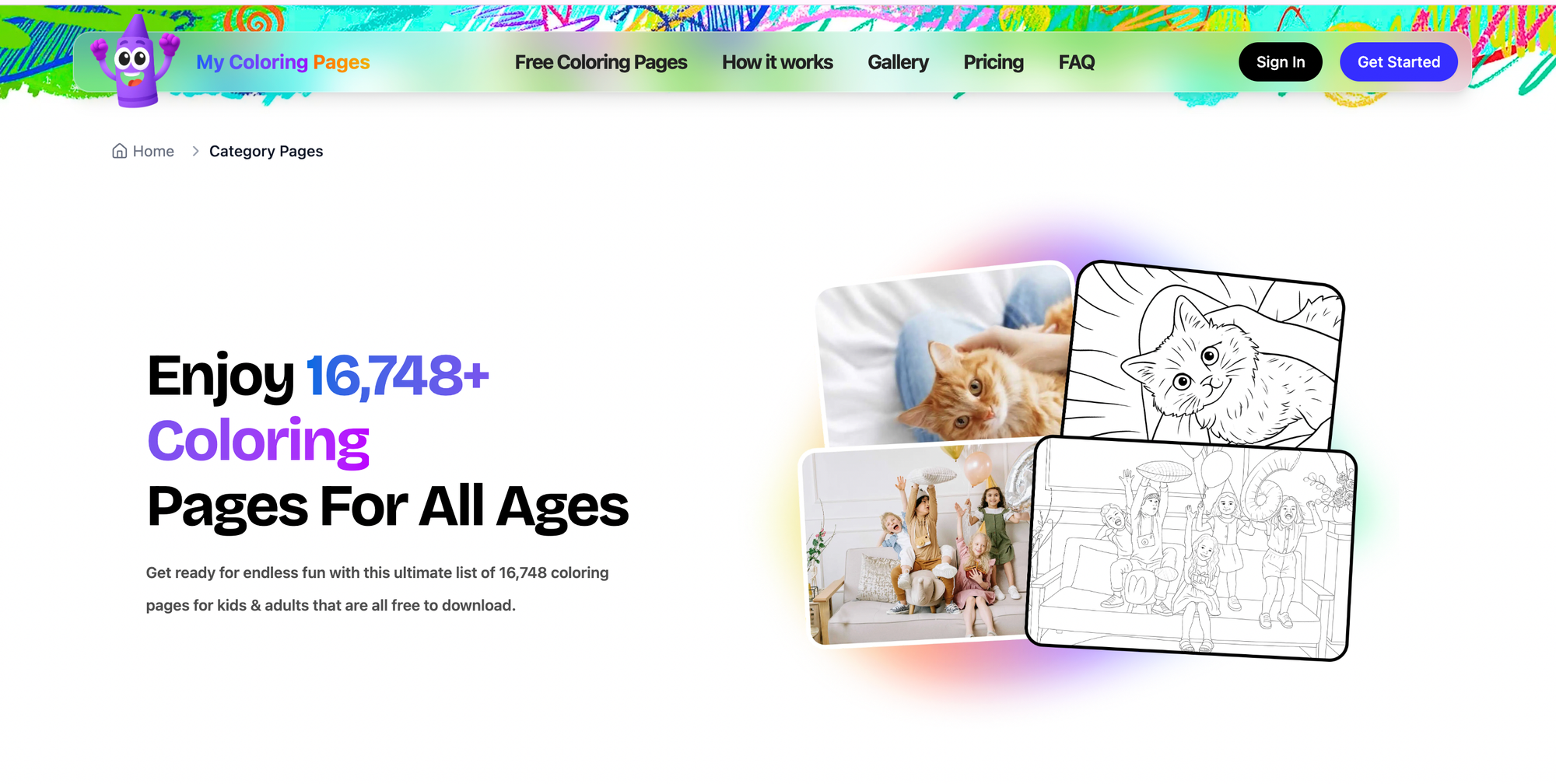
Create custom coloring pages from descriptions or uploaded photos, printable coloring books, and an extensive community library.
Mini review
Parents and teachers will appreciate how quickly you turn a child’s drawing or a holiday theme into a printable activity, which keeps art tactile and portable. It’s designed around printable outcomes, so kids get a physical result to keep, and adults keep control over content and complexity. The interface is simple enough for quick classroom prep, and customization supports differentiated learning.
2. Artsonia
Age range
K–12.
Cost
Free to use, optional paid products (prints, keepsakes).
Key features
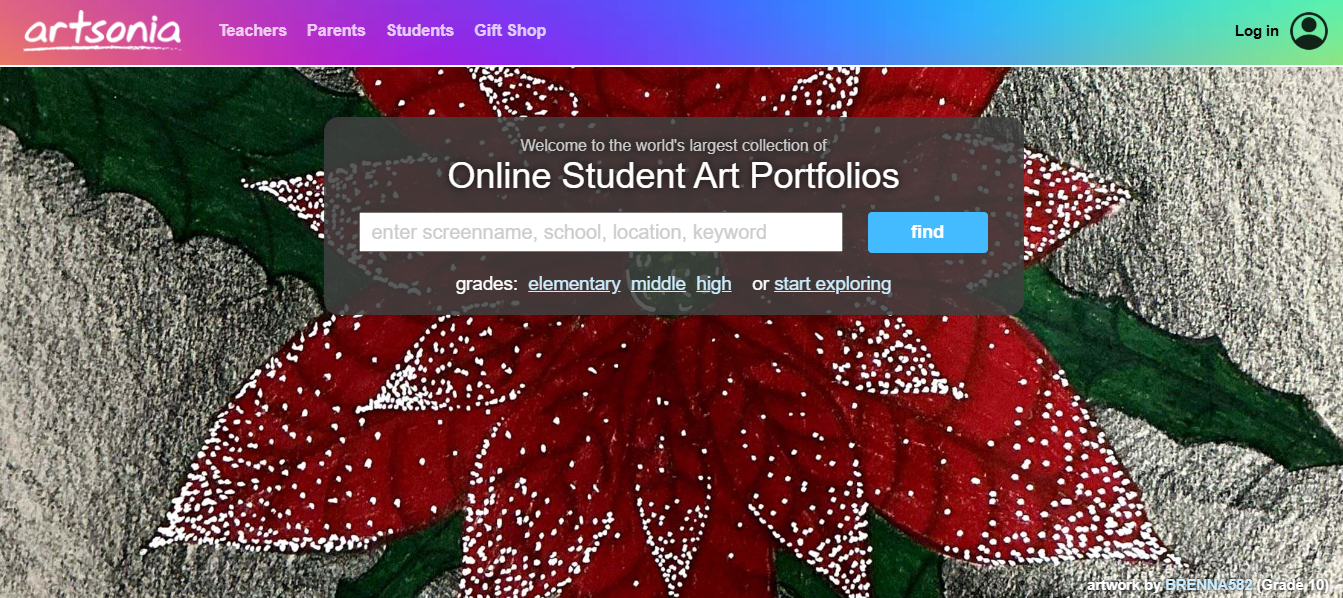
Student galleries, parental access, teacher tools for posting and tracking portfolios, and merchandise options.
Mini review
Artsonia functions like a safe, moderated gallery where kids receive supportive feedback, and families can celebrate progress. Teachers can archive work by student and create class exhibits, making it a reliable portfolio tool that doubles as a motivational system.
3. The Artful Parent

Age range
Toddlers to elementary, roughly 1–10.
Cost
Mostly free content, paid books, and premium resources.
Key features
Activity guides, project variations, sensory art ideas, parenting-focused tips.
Mini review
This site helps adults turn simple materials into thoughtful projects that build confidence, not just finished products. The instructions prioritize process over perfection, so kids learn experimentation and parents get realistic, low-prep activities.
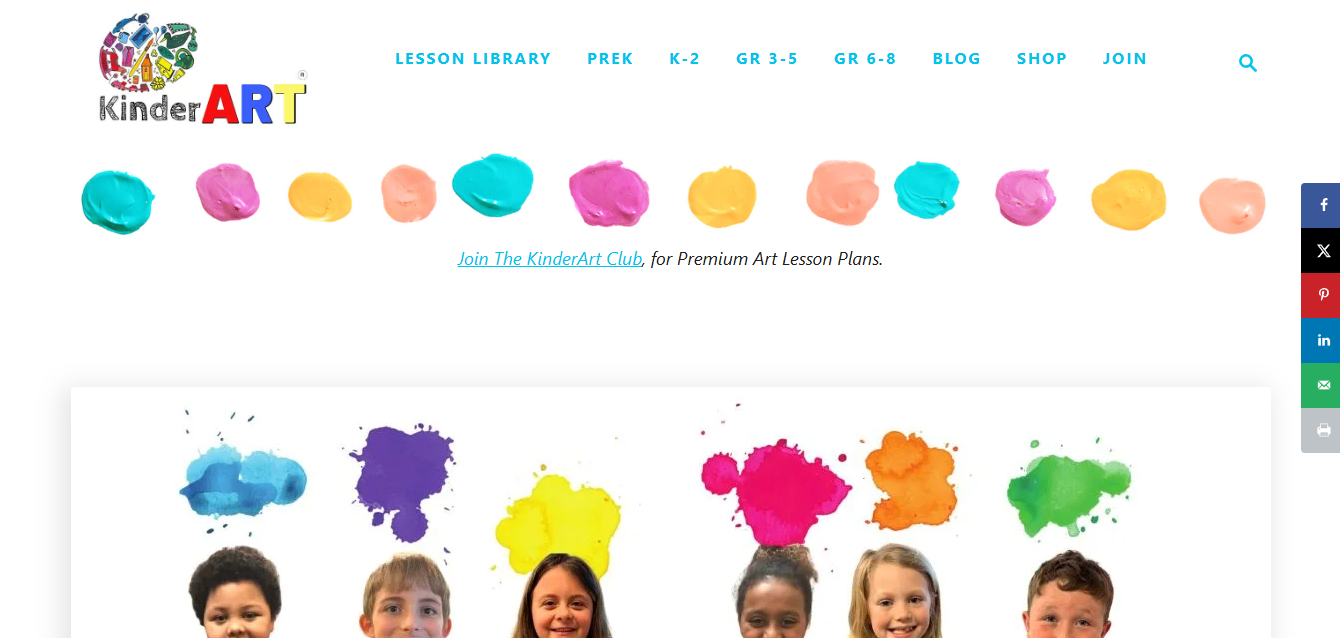
4. KinderArt
Age range
Preschool to early elementary, 3–8.
Cost
Free lessons with some paid memberships.
Key features
Lesson plans sorted by age and theme, material lists using household supplies, and printable templates.
Mini review
KinderArt is clearly designed for classroom use, with scaffolded lessons that teach techniques and vocabulary while keeping materials simple. It supports teachers who need repeatable activities that scale from independent centers to guided group work.
5. Red Ted Art
Age range
3–10.
Cost
Free tutorials, occasional kits for sale.
Key features
Step-by-step craft tutorials, seasonal projects, photo-first instructions.
Mini review
The tutorials are playful and low-cost, perfect for rainy afternoons or family craft nights. Projects promote fine motor skills and creative problem solving, and the site’s strong photo guidance keeps instructions clear for emerging readers.
6. PBS Kids

Age range
3–8.
Cost
Free.
Key features
Browser-based art activities linked to educational shows, games that reinforce art concepts, and strict content safety.
Mini review
PBS Kids pairs creative play with curriculum goals, enabling young children to practice color, shape, and story while remaining in a highly moderated environment. It’s an easy, no-friction option for short, focused art sessions.
7. Kleki
Age range
8+ (younger with supervision).
Cost
Free; no account required for basic use.
Key features
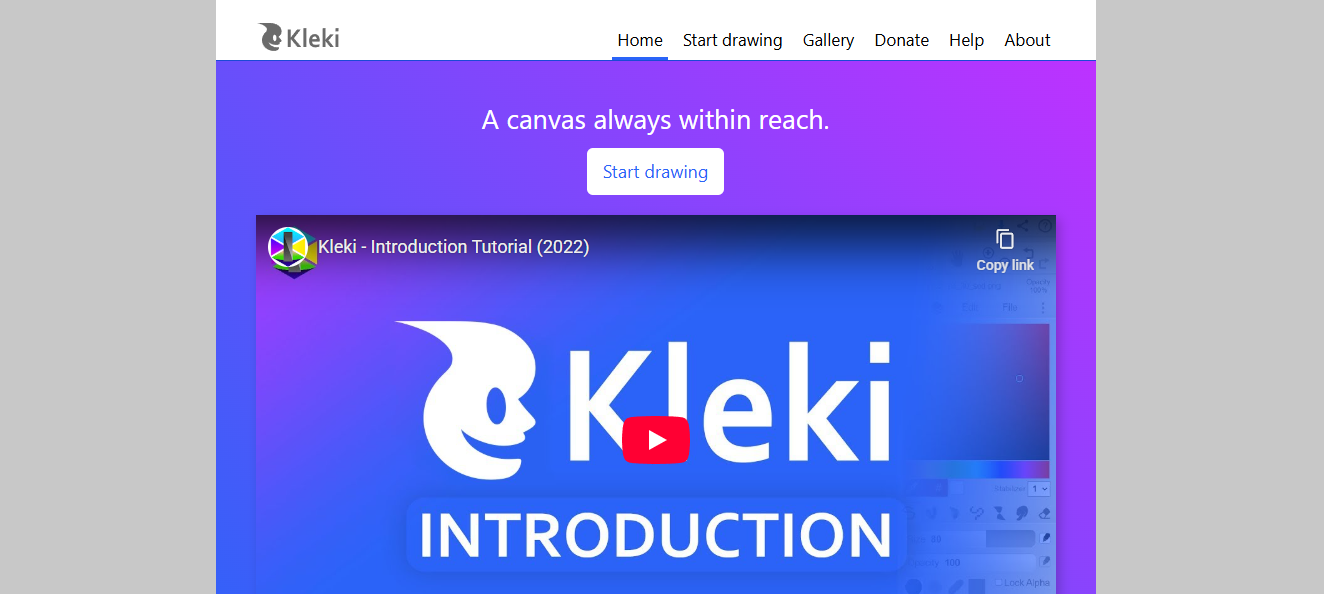
Immediate canvas, brushes, layers, save, and export.
Mini review
Kleki drops kids straight into a blank canvas with familiar brushes and color tools, reducing onboarding time. That quick start is great for kids who want to experiment with digital painting without installing apps.
8. Toy Theater
Age range
4–10.
Cost
Free.
Key features
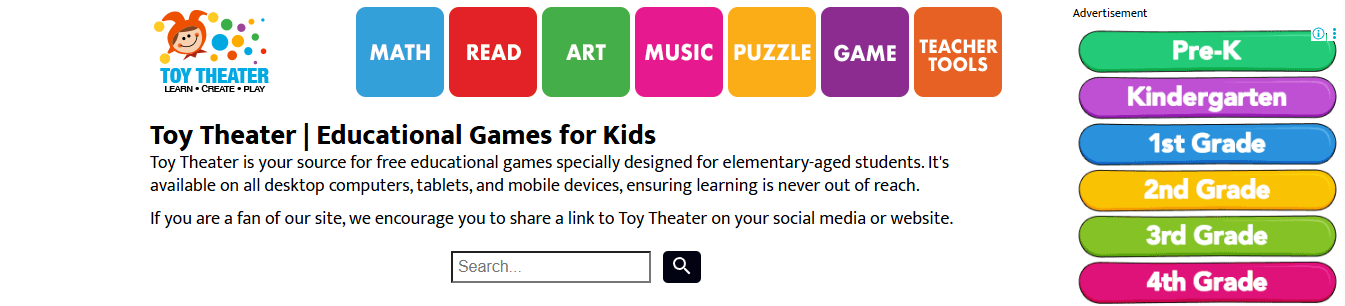
Drawing tools, 3D building activities, simple animation, and an interactive snowflake maker.
Mini review
Toy Theater combines creative play with basic design-thinking exercises, such as constructing shapes and telling short visual stories. It’s effective for classroom centers where you want short, productive activities that practice spatial reasoning.
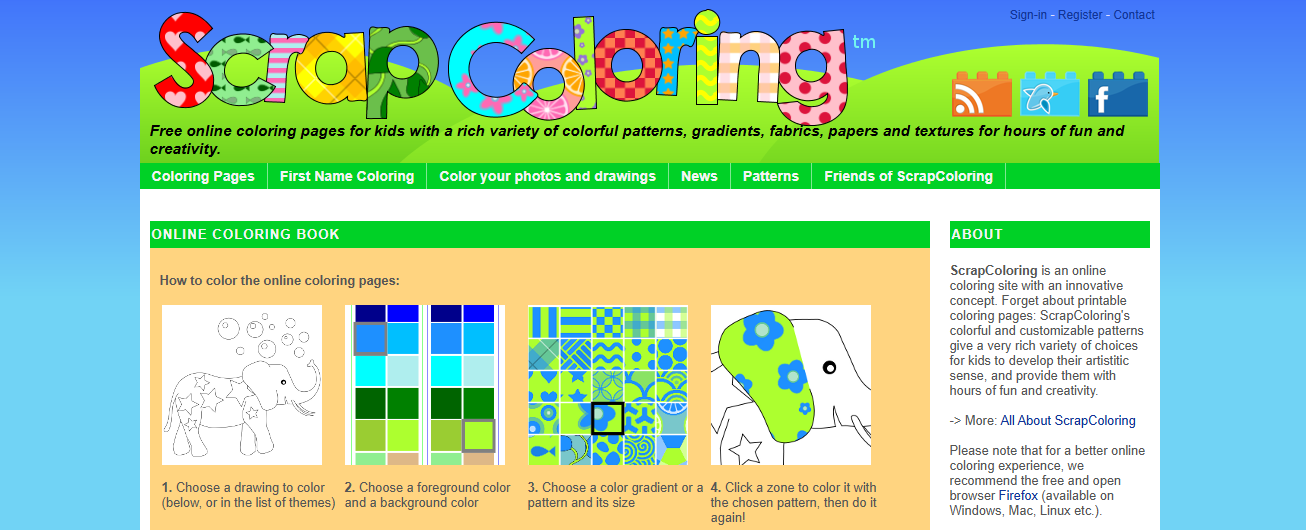
9. ScrapColoring
Age range
4–12.
Cost
Free, with options to print on merch.
Key features
Convert photos into coloring pages, pattern tools, and clip art.
Mini review
Turning family photos into coloring pages makes art personal and motivating, and the site’s export options let caregivers preserve creations on mugs or shirts. It’s a good match for projects that combine storytelling with hands-on coloring.
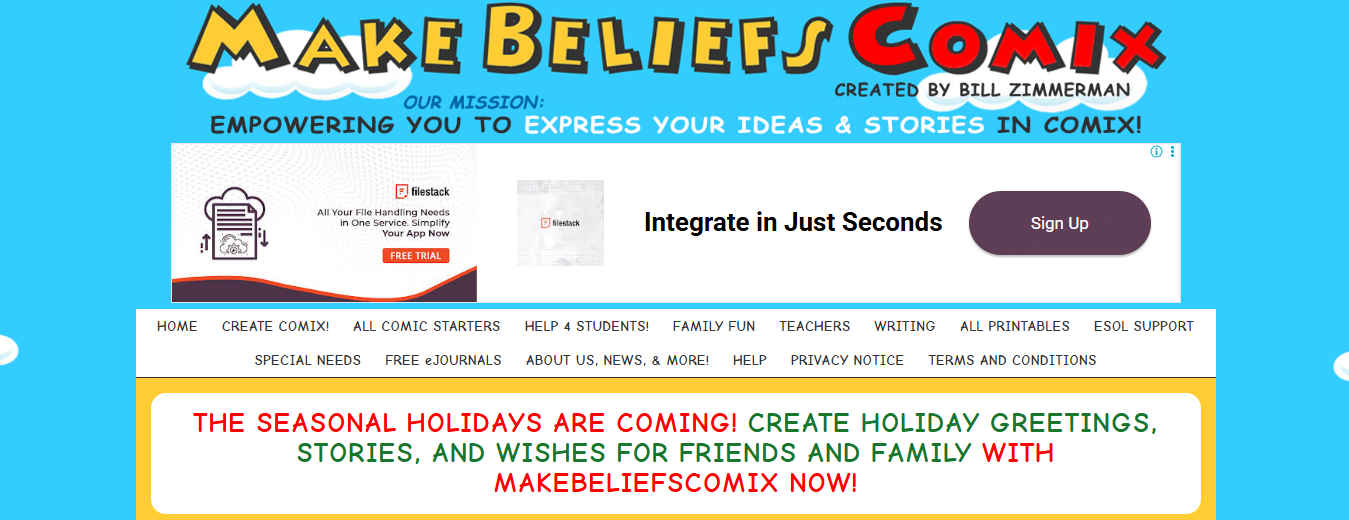
10. MakeBeliefsComix
Age range
7–14.
Cost
Free; an account is required for saving.
Key features
Drag-and-drop comic creator, prompts, printable strips, and email sharing.
Mini review
This site teaches narrative structure as kids pick characters, set scenes, and practice dialogue. Creating comics supports literacy alongside illustration skills, and the prompt bank helps writers who get stuck.
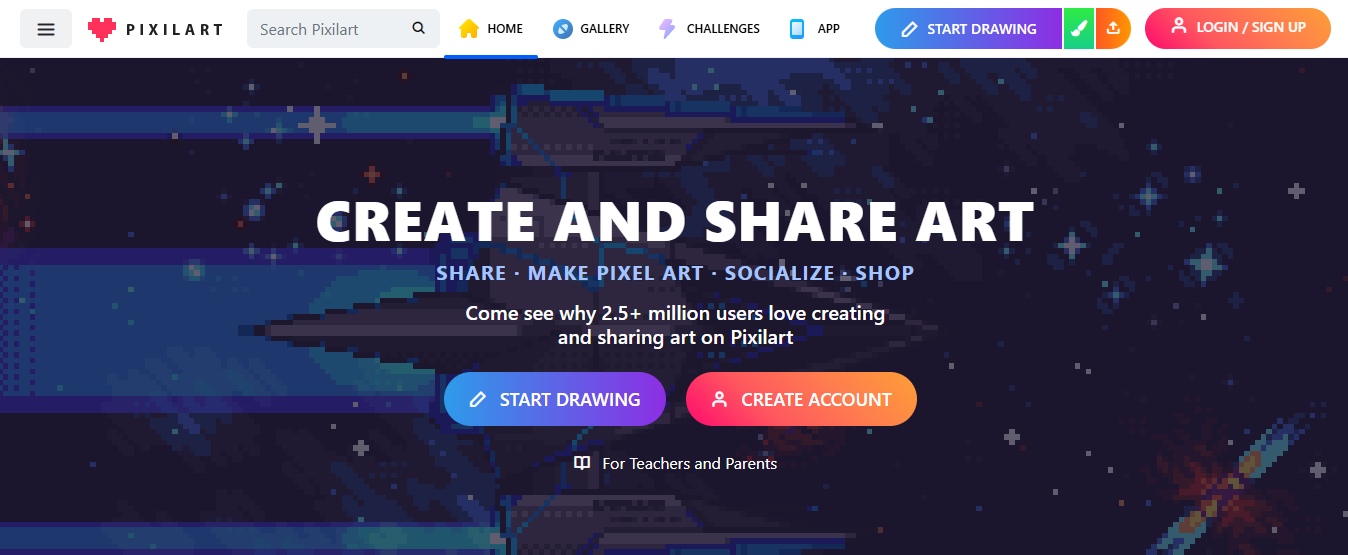
11. Pixilart
Age range
8–16.
Cost
Free basic access, optional premium features.
Key features
Pixel art editor, community sharing, mobile app, tutorials.
Mini review
Pixel art introduces precision and planning, since each pixel matters. Pixilart also includes a community component for feedback, which builds craft through gentle social accountability and collaborative projects.
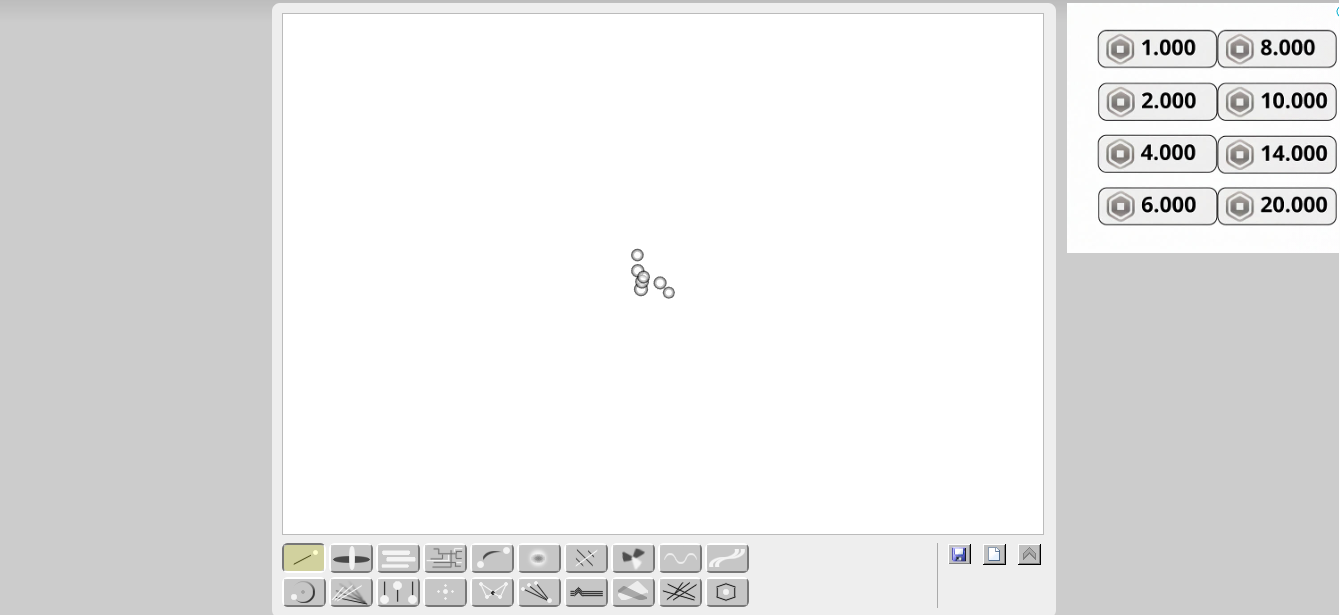
12. Bomomo
Age range
8+ for curiosity-driven play.
Cost
Free.
Key features
Single-page, generative brush tools that create abstract effects.
Mini review
Bomomo is playful and experimental, letting kids discover visual effects through tool interaction rather than step-by-step instruction. It’s excellent for sparking curiosity about composition and motion in art.
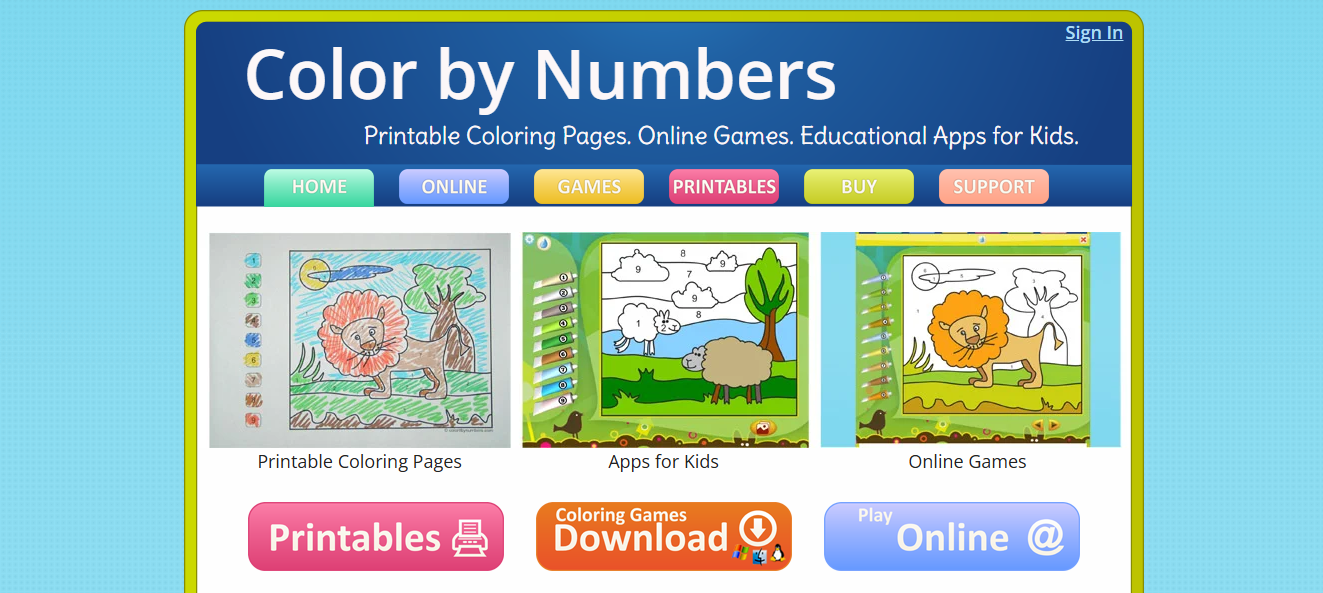
13. Color by Numbers
Age range
3–7.
Cost
Free.
Key features
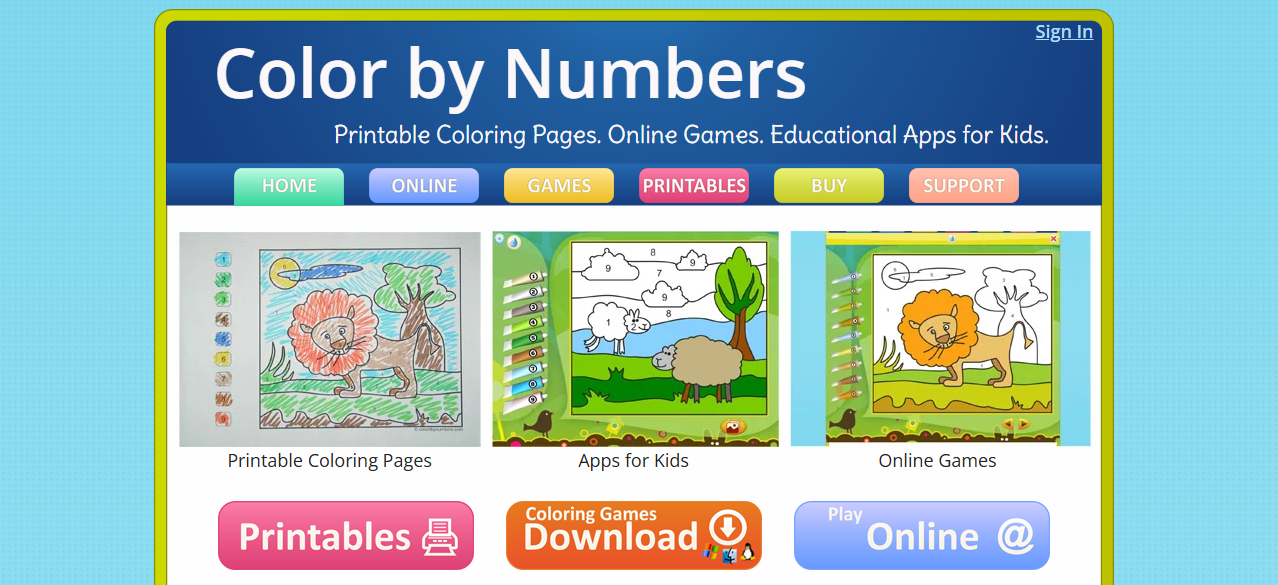
Number-to-color activities, instant correction feedback, printable pages.
Mini review
This site doubles as a color recognition and number-matching exercise, so it’s helpful for emergent numeracy while staying squarely in the comfort zone of early artists who like clear rules and predictable outcomes.
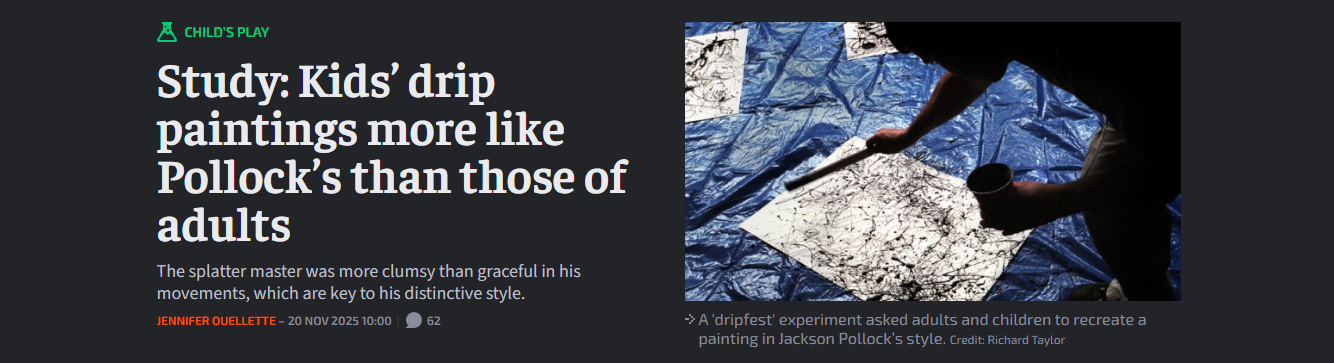
14. JacksonPollock
Age range
4+ with supervision.
Cost
Free.
Key features
Action-painting simulation that mimics splatter and drip effects.
Mini review
The simplicity encourages playful exploration of mark-making and color mixing. It’s a reminder that process-focused tools can help children overcome outcome anxiety and encourage expressive movement.
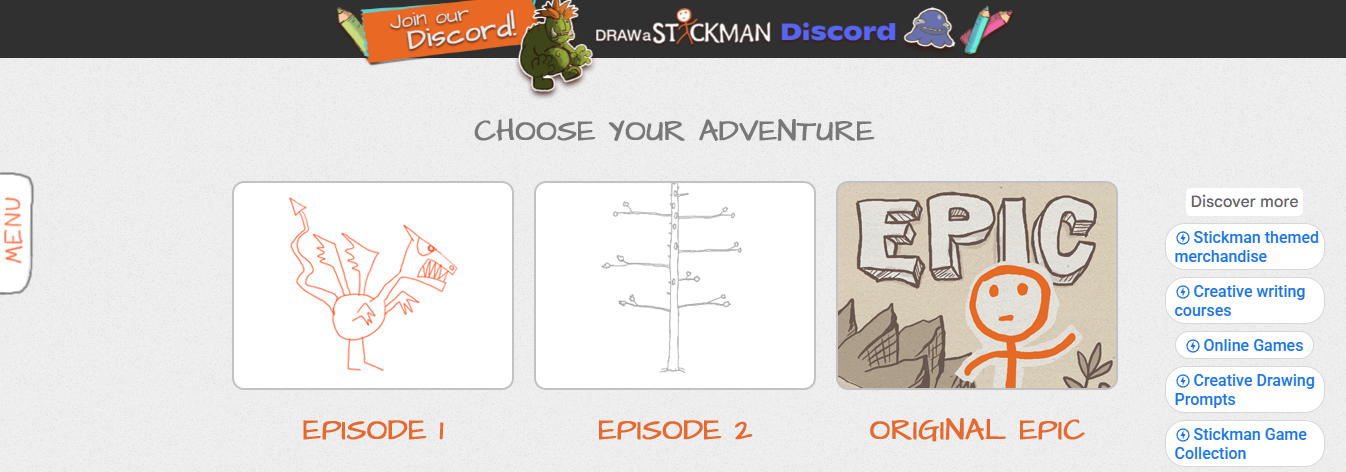
15. Draw a Stickman
Age range
6–12.
Cost
Free basic levels, paid episodes.
Key features
An interactive story game where drawings affect gameplay, and progressive challenges.
Mini review
This transforms drawing into problem-solving, as kids invent solutions by sketching items that interact with the environment. It’s both playful and logically demanding, which keeps older kids engaged longer.
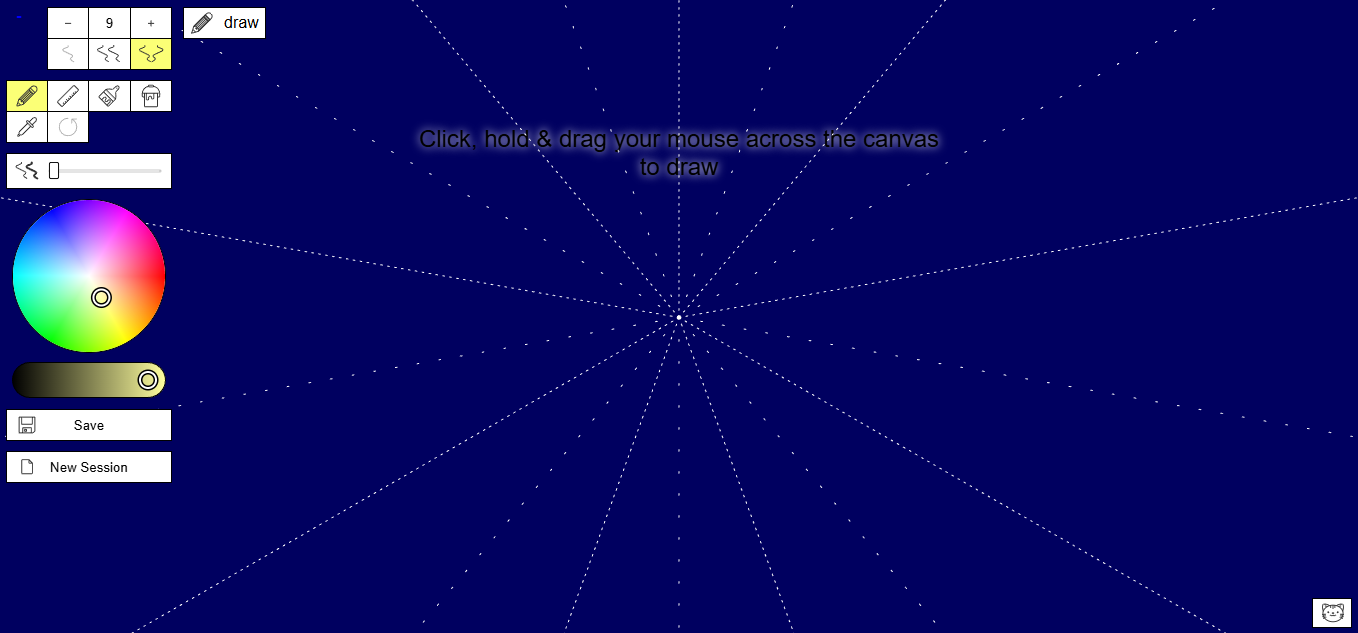
16. Mandala Gaba
Age range
7+ for pattern exploration.
Cost
Free.
Key features
Symmetry tools that mirror strokes across multiple axes, color palettes, and printable results.
Mini review
Mandala Gaba teaches symmetry and pattern recognition through hands-on creation, calming anxious kids with repetitive, predictable outputs that still allow for creative expression.
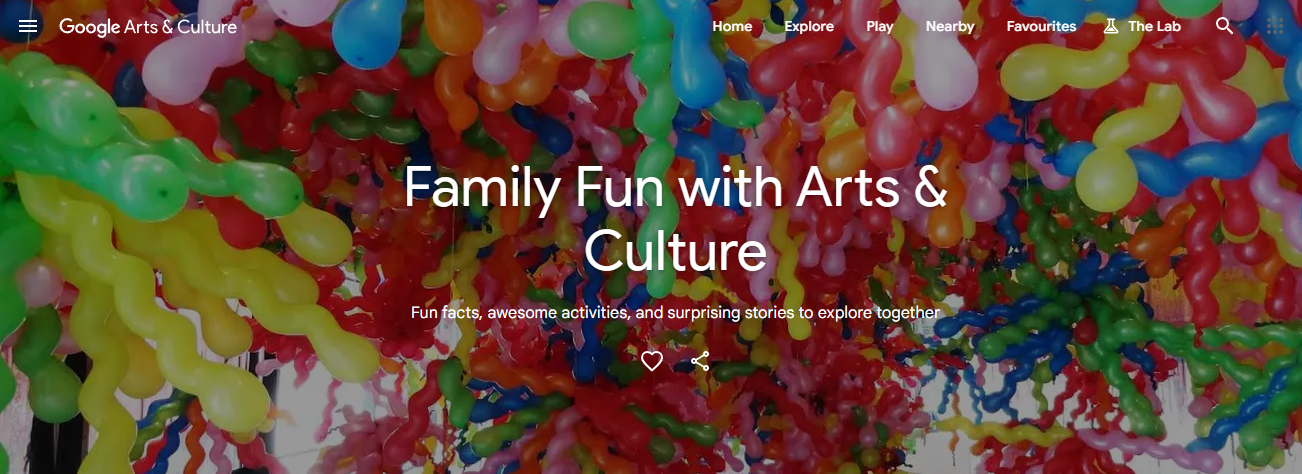
17. Google Arts & Culture (Kids content)
Age range
6+ for guided activities, all ages for viewing.
Cost
Free.
Key features
Virtual museum tours, interactive exhibits, culturally diverse coloring books, and activities.
Mini review
The platform expands context beyond the craft table, connecting projects to global art and history. It’s a rich resource when you want to turn a craft into a cross-cultural lesson, or inspire older kids with real-world artists.
18. Canva
Age range
10+ (younger with guidance).
Cost
Free tier, paid education/team upgrades.
Key features
Templates, drag-and-drop design, photo editing, and collaborative features.
Mini review
Canva teaches composition, typography, and layout in a way that’s immediately useful for school projects and simple publications. For older kids, it’s a practical bridge from art to real-world graphic design.
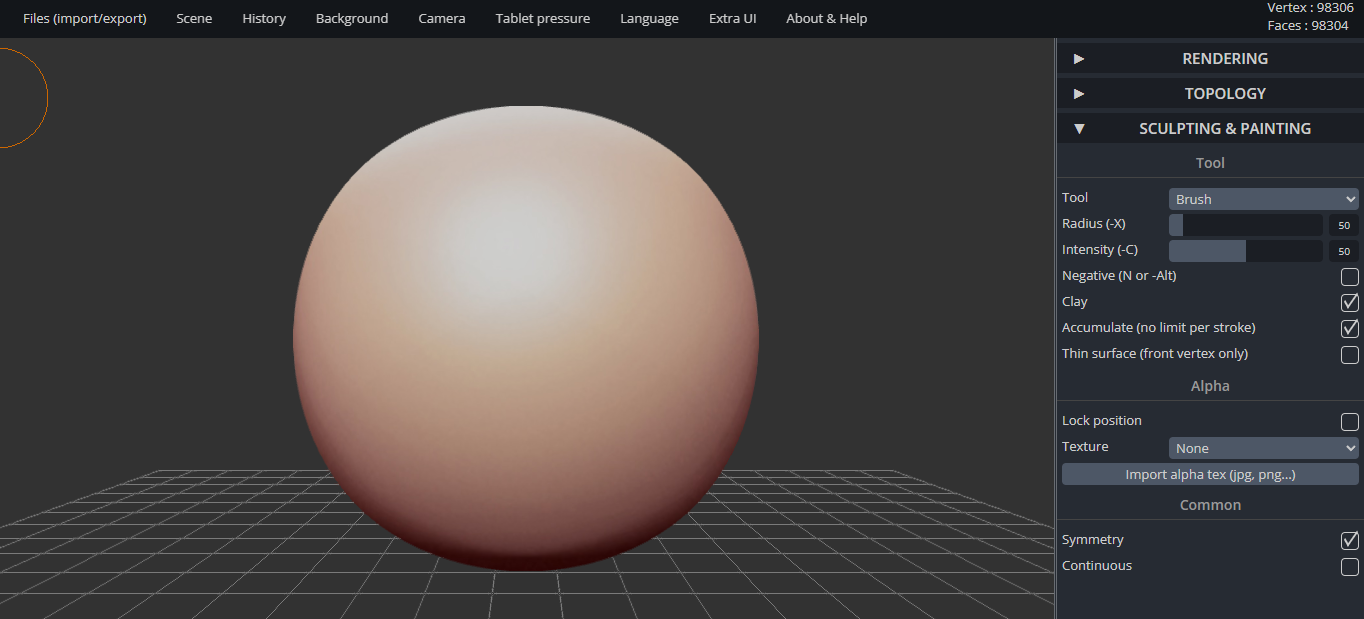
19. Sculpt GL
Age range
10+ (intermediate interest).
Cost
Free.
Key features
Real-time 3D clay sculpting tools, export options, and tutorials.
Mini review
Sculpt GL introduces tactile thinking in a digital space, asking kids to view surfaces and volumes rather than flat shapes. It’s excellent for students curious about sculpture or 3D modeling.
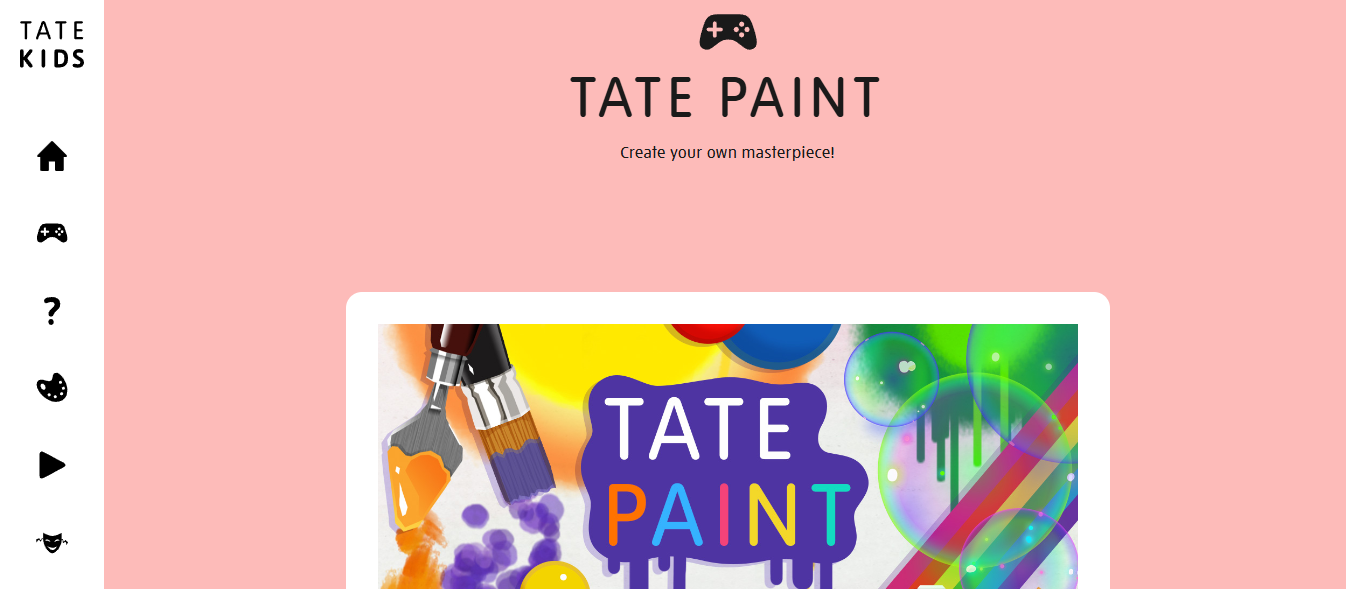
20. Tate Paint
Age range
5–12.
Cost
Free.
Key features
Virtual brushes inspired by gallery works, educational prompts, and quizzes.
Mini review
Tate Paint pairs playful tools with art history touchpoints, so kids learn technique and context in short, guided sessions. That combination supports both creativity and critical thinking.
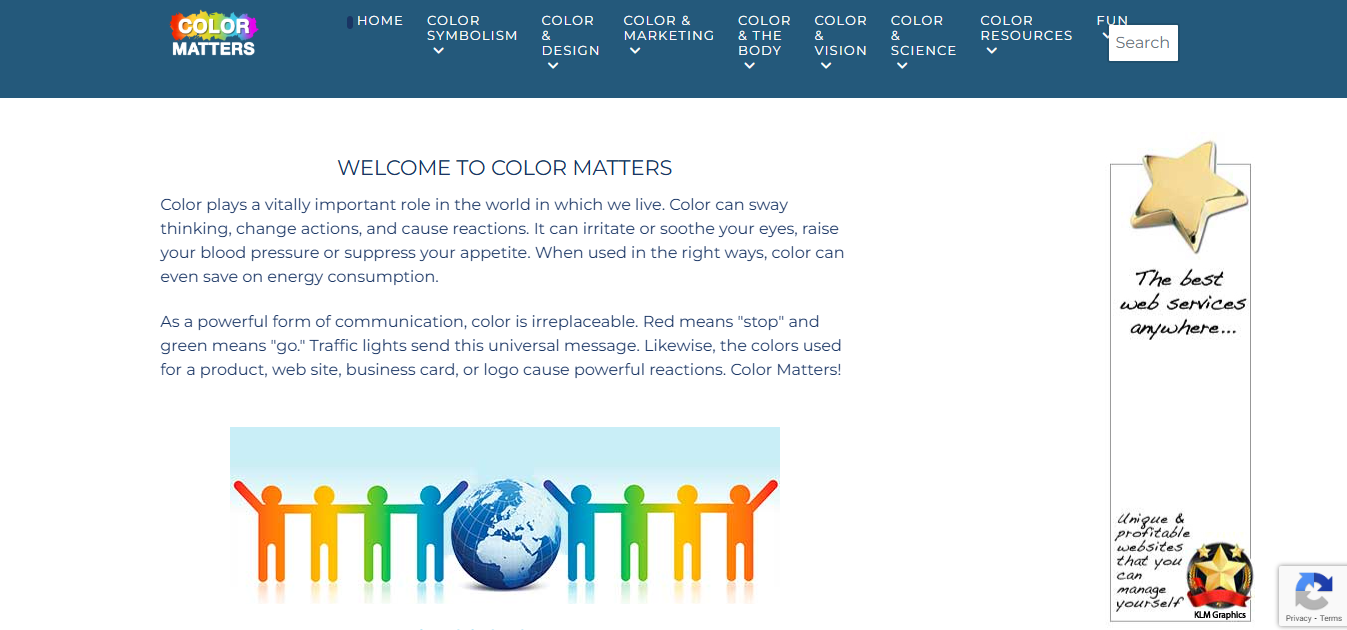
21. Color Matters
Age range
8+ for deeper color theory, younger for simple activities.
Cost
Free.
Key features
Lessons about hues, contrast, and color psychology, experiments and case studies.
Mini review
When you want to move beyond coloring for fun and explore why colors behave the way they do, Color Matters offers clear experiments and explanations that work well for classroom demonstrations or curious minds.
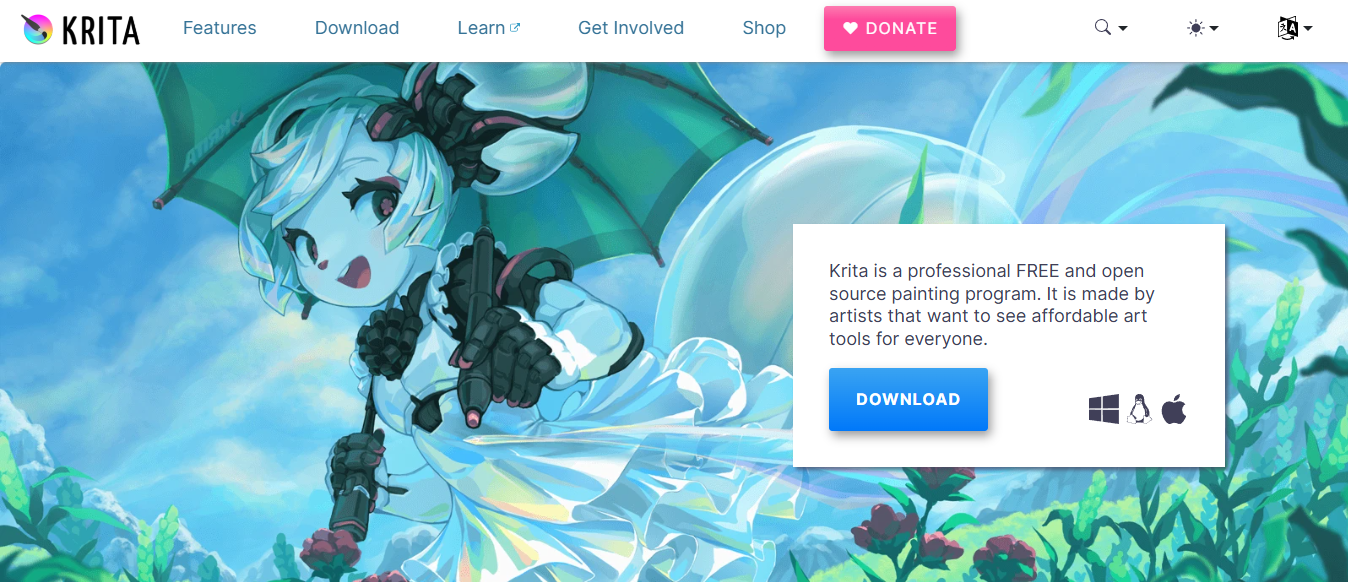
22. Krita
Age range
10+ for committed digital artists.
Cost
Free open-source software.
Key features
Brush engines, layers, pen tablet support, and animation tools.
Mini review
Krita is a grown-up digital painting package that’s powerful but approachable for motivated kids. It rewards patience and practice, and it’s an honest step toward professional tools without licensing costs.
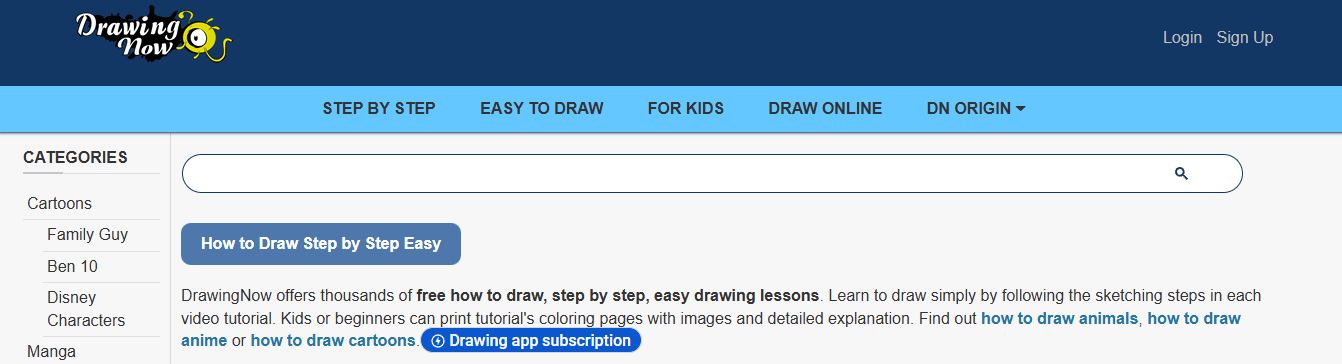
23. Drawing Now
Age range
7–14.
Cost
Free with tutorials.
Key features
Step-by-step drawing lessons, categorized by subject and skill level, and community uploads.
Mini review
The tutorial structure helps learners build skills through repetition and increasing complexity. It’s a solid choice for kids who want to improve representational drawing over time.
24. Color by Numbers
Building on earlier points about prep time and scattered resources, most adults still piece together lesson packs from screenshots and mixed sources because it feels immediate and under control. That approach scales poorly because tracking versions and producing themed printable booklets becomes a time burden. Platforms like My Coloring Pages offer a direct alternative, enabling users to convert ideas into ready-to-print pages and curated packs, so teachers and parents can achieve consistent, printable outcomes without manual stitching.
What are some best practices for using these sites?
Ensure any additional niche sites you use align with your child’s goals. Always preview content first. This practice helps caregivers make informed choices.
Why trust these curations?
Curated roundups like FeedSpot's "25 Best Kids Art Blogs & Websites" feature editor-reviewed platforms, offering a mix of high-quality options for families. Similarly, Artventure's 25 art websites for kids" provides a related list, underscoring the overlap among trusted selections and helpful lessons for learning at home.Both sources highlight sites that consistently perform well in areas such as safety, educational value, and user-friendliness.
What are the considerations for activity planning?
A quick practical note: when planning activities over a week, choose one printable-first site and one browser-based creative tool. This approach helps kids enjoy both hands-on activities and fun digital exploration, while avoiding the last-minute prep that can slow things down.
What challenges are faced in daily learning?
While it may seem straightforward, the more challenging questions about daily routines and attention control follow.These parts are often more important than any one site.
Related Reading
- Drawing Websites for Kids
- Best Educational Websites for Kids
- Safe Websites for Kids
- List of Websites to Block for Kids
- Cool Websites for Kids
- Reading Apps for Kids
- Best Learning Apps for Kids
- Best Learning Games for Kids
- Math Apps for Kids
Tips for Ensuring Kids Get the Most From Online Art Activities
Short, predictable sessions tied to a clear outcome are highly recommended. Additionally, every digital activity should end with a tactile payoff, such as a printed page or a saved sheet.Combining a visible timer, a single guiding prompt, and a quick celebration ritual helps kids turn their focus into something they can keep and show.
Determining session length and rhythm is essential. Attention patterns in both classrooms and kitchens show that young kids quickly become interested but then lose focus. For ages 3 to 7, aim for 10 to 15 minutes of guided screen work, followed by 15 to 25 minutes of hands-on coloring or collage. Older children can handle 20 to 30 minutes of creative work before needing a break.Use a visible countdown, post a two-step agenda on a card, and create predictable transitions; this predictability reduces resistance and helps children engage in meaningful work rather than just clicking.
How do you guide without taking over?
Shorter family workshops are more effective when you start with a two-minute demo, then let everyone choose what they want to do. First, show how the technique works, and then let them take control. Give them choices that impose limits while also allowing some power, such as three color palettes, two layout templates, or one compositional challenge. You can use challenge cards that get harder over time, and instead of giving corrections, ask questions.For instance, you can ask, "Which edge do you want darker?" This approach keeps learning scaffolding while ensuring they feel a sense of ownership and pride.
What’s an efficient workflow for mixing online and offline steps?
If connectivity or prep time is a problem, create a three-step micro-project: customize or sketch online, print the page on cardstock, and then add texture using crayons, watercolor, or collage.
For projects that take multiple days, change digital drafts into a bound booklet over the week, with each session introducing a new technique. Store completed work in a shallow portfolio box or on a rotating clip line. Photograph and label each piece to keep a simple digital archive that tracks progress without needing extra work.
How should you measure progress without turning art into schoolwork?
Many activities can be fun, but they might not show clear signs of improvement. You can track skill goals with simple, kid-friendly markers, like "used five different marks this week" or "told a three-part story with pictures." Taking a dated snapshot of their portfolio every two weeks can help you see specific changes.
This approach is practical because children who participate in online art classes show a 50% improvement in their creative skills within six months, and regular, structured practice leads to real gains. Treat sessions as focused practice times and keep records of the outcomes.
How do you use art to repair or strengthen family relationships?
This challenge often comes up in blended families, where uneven attention can cause problems. It's more effective to assign collaborative roles rather than giving one person a project. For example, assign each child a different job on a shared project, swap pages for completion, or create a gift page where one child designs for another.These small rituals, conducted over two to three sessions, help shift the emotional experience from competition to collaboration. Adults report calmer interactions when everyone has a clear, valued role.
What practical tools and habits save time and improve outcomes?
To improve efficiency and effectiveness, create three reusable templates: a one-page micro-lesson, a two-step printable that always prints well on standard paper, and a display-ready sheet sized for framing.Keep a simple art kit near the printer, label drawers for wet and dry media, and use sticky notes for brief prompts.
Rotating themes weekly keeps things exciting without making planning too difficult.Also, inviting children to put together a small exhibition at the end of the month turns practice into pride, which encourages them to repeat their work thoughtfully.
Can you turn these moments into habits?
That fixes routines, but the real challenge is whether you can turn these moments into habits that feel truly personal.
Download 16,280+ FREE Coloring Pages.
Try My Coloring Pages to change a quick idea into a printable keepsake. This tool lets users create custom, printable coloring pages in just seconds. This way, your child can finish using a screen and then use a real page to color and keep. Just describe what you want or upload a photo, and the app turns it into a page you can print.You can also check out 16,280+ free community designs and mix personalized pages into coloring books. The interface provides precise control over page detail and line thickness. Many parents trust it; over 20,000 users have given it a 4.8/5 rating. It offers an easy and fun way to help kids build fine motor skills, tell stories, and enjoy focused, hands-on play.
Related Reading
- Music Apps for Kids
- Best Apps for 6-Year-Olds
- Best Apps for Kids
- Best Coding Apps for Kids
- AI Tools for Kids
- Language Learning Apps for Kids
- Best Drawing Apps for Kids