
80 Best Educational Websites for Kids That Make Learning Fun
Educational Websites for Kids: Explore 80 curated sites offering age-appropriate lessons and printable activities from My Coloring Pages to boost learning.


Navigating the myriad digital platforms available for young learners can be challenging when safety and quality are top priorities. Educational websites for kids offer resources that build skills, encourage creativity, and nurture curiosity while avoiding distracting ads and inappropriate content. Reliable online platforms blend interactive lessons, STEM activities, and reading resources into experiences that are both engaging and age-appropriate.
Parents and educators benefit from curated digital environments that promote balanced learning and creative exploration. Trusted sites combine secure content with activities that foster literacy, fine motor skills, and imaginative play. Well-chosen platforms make it easier to blend educational value with entertainment. My Coloring Pages provides a vast library of 16,280+ free coloring pages that support these goals by offering printable activities to enhance learning and creative expression.
To put these ideas into practice, our 16,280+ free coloring pages help you get started right away.
Summary
- Parental safety concerns drive choices: over 60% of parents report concerns about the safety of online learning platforms, so privacy, minimal tracking, and downloadable, ad-free options become top selection criteria.
- Engagement is a separate bottleneck, as 45% of students report difficulty finding engaging educational websites, indicating that platforms need scaffolded interaction and clear feedback rather than superficial gamification.
- Curation saves time and cognitive load, as shown by the article's curated inventory of 80 vetted sites, which demonstrates how preselected resources can replace hours of link-checking and decision fatigue.
- Short, predictable routines improve learning, with recommended session structures of 20- to 30-minute focused blocks followed by 10- to 15-minute creative breaks, which match attention cycles and ease transitions.
- Daily use makes micro-routines essential: 63% of students engage in online learning activities daily, and 49% have completed some form of online learning, so consistent offline follow-ups matter more than blanket time limits.
- Printable companions and one-click customization address prep overload, reducing what can be an hour-long scavenger hunt to minutes while keeping activities aligned with specific lesson goals.
- This is where 16,280+ free coloring pages fit in: a large, searchable set of printable activities that reduce prep time and provide tactile offline extensions for focused online lessons.
The Challenge of Finding Safe and Engaging Learning Websites

Much of the internet offers learning opportunities, but it can also be a distraction. This makes finding safe, educational, and fun websites for kids a daily challenge. Parents face decision fatigue, privacy concerns, and exposure to inappropriate content. They need clear habits and effective filters that can save time while keeping their children's learning safe.One option is our 16,280+ free coloring pages, which offer a safe, creative outlet for children.
Why does this situation feel so overwhelming?
The same issue shows up at home and in classrooms: options grow faster than parents' and teachers' ability to evaluate them. As a result, many end up sticking to familiar sites or conducting quick searches that miss quality content.This results in three common problems: children encounter low-quality content, parents spend hours verifying links, and teachers struggle to align screen time with learning goals. It gets tiring when each search feels like a mini risk assessment.
Who is most at risk, and what breaks first?
Younger children may accidentally encounter content that is not appropriate for them because many websites mix ads or user-generated content with educational pages. Older kids can get bored if the content isn’t truly interactive. The main problem is usually curation, not technology. Carefully selected content appropriate for their age keeps kids interested and helps them learn, whereas random lists do not.Parents clearly discuss the emotional stress they feel, saying they must choose between freedom and safety. This choice wears them down.
What practical filters actually work?
If privacy is more important than flashy features, it's best to choose sites that minimize account creation and tracking. Choose resources that let adults download printables instead of routing kids through third-party logins.
If engagement is the priority, choose platforms that let you customize the difficulty or theme, ensuring the activity feels relevant and current. When time is a factor, reusable templates and printable activities are better than novelty apps. They help you match lesson goals in minutes instead of hours.
How do parents typically approach educational websites?
Most parents follow a familiar approach, which is understandable. Many households build playlists of bookmarked sites because it is quick and does not require new habits. This familiarity hides a cost: bookmarks can scatter, quality may drift, and updating materials for themes or age groups becomes a weekly task.Platforms like My Coloring Pages, with a library of 15,741+ free printables and a simple customization tool, give adults a single place to quickly create themed, age-appropriate printables. As a result, lesson preparation shifts from a repetitive chore to a few clicks, leading to reliable outcomes.
How do we reconcile safety with engagement?
Start by treating sites as tools, not toys. Use a small set of selection criteria every time: an explicit learning objective, age-appropriate language and art, minimal tracking or account requirements, and an option to remove ads or download offline. This constraint-based approach scales effectively.
For quick, quiet-time activities, a printable coloring page that reinforces a concept is a great choice.When seeking interactive practice, select a site with scaffolded feedback and clear progress markers, such as our 16,280+ free coloring pages, which offer numerous options for engaging learning.
What do the data and feelings reveal?
According to eLearning Statistics, more than 60% of parents are concerned about the safety of online learning platforms. This indicates that many parents want safer, better options rather than just more tools.Additionally, 45% of students report difficulty finding engaging educational websites, according to eLearning Statistics 2025. Platforms should be evaluated based on both safety and genuine engagement, not just popularity.
What is the complex tradeoff most people miss?
That simple criterion change affects how you search and what you bookmark. Yet, there is one complex tradeoff most people miss. The curiosity loop is essential. The following section reveals the specific sites and surprising categories that actually pass those filters.
Related Reading
- Fun Websites for Kids
- Free Drawing Websites for Kids
- Coloring Websites for Kids
- Free Coloring Websites for Kids
- Educational Websites for Kids
- Coloring Pages Websites for Kids
- Learning Websites for Kids
80 Best Educational Websites for Kids That Make Learning Fun

Below is a curated list of 80 educational websites for different age groups. Each entry shows where to find them, any costs involved, the main subjects or features, and highlights what makes each site fun and educational through interactive or creative elements.If you're looking for creative activities, our collection of 16,280+ free coloring pages can be a great complement to these educational resources.
Math, Early STEM, and Logic
1. My Coloring Pages
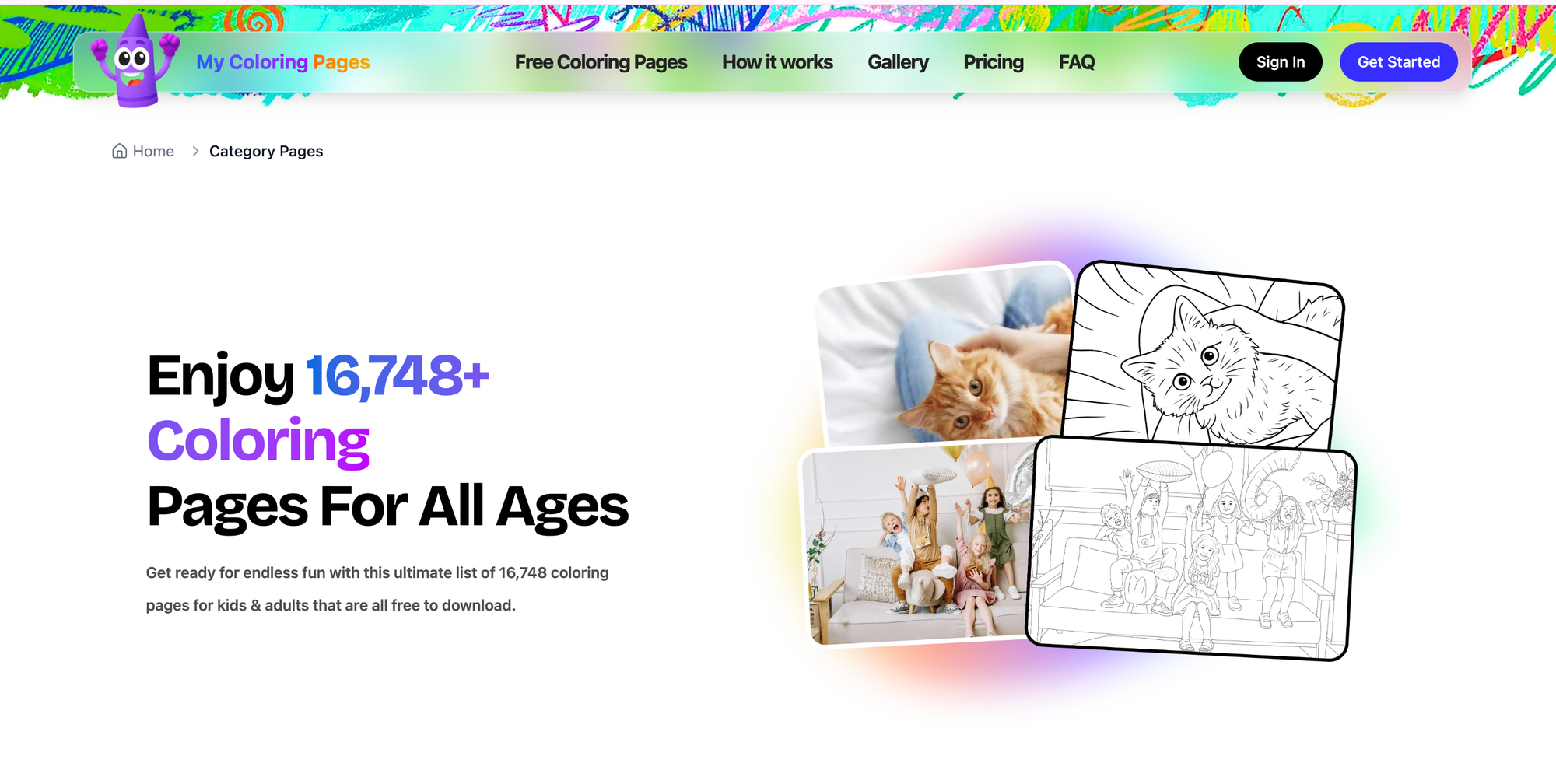
- Age: Preschool to adult. Where: Web, mobile app.
- Cost: Free (library) with optional paid features.
- Key features: Custom coloring-page generator, 16,280+ community pages, printable coloring books.
- Why it works: Adults can turn a lesson, holiday theme, or child’s drawing into a tailor-made printable in seconds, which makes learning tactile and creative while saving prep time.
2. SplashLearn

- Age: PreK–5. Where: Web, iOS, Android.
- Cost: Free content + subscription.
- Key features: Curriculum-aligned math and English games, rewards and badges, adaptive algorithm.
- Why it works: Gamified levels and immediate feedback keep kids motivated, and adaptive pacing prevents frustration while reinforcing skills.
3. Media4Math

- Age: Late elementary to middle school.
- Where: Web. Cost: Free and paid resources.
- Key features: Video explanations, interactive worksheets, teacher resources.
- Why it works: Videos break down concepts into bite-sized steps and interactive worksheets let students manipulate examples rather than just read rules.
4. Coolmath4kids
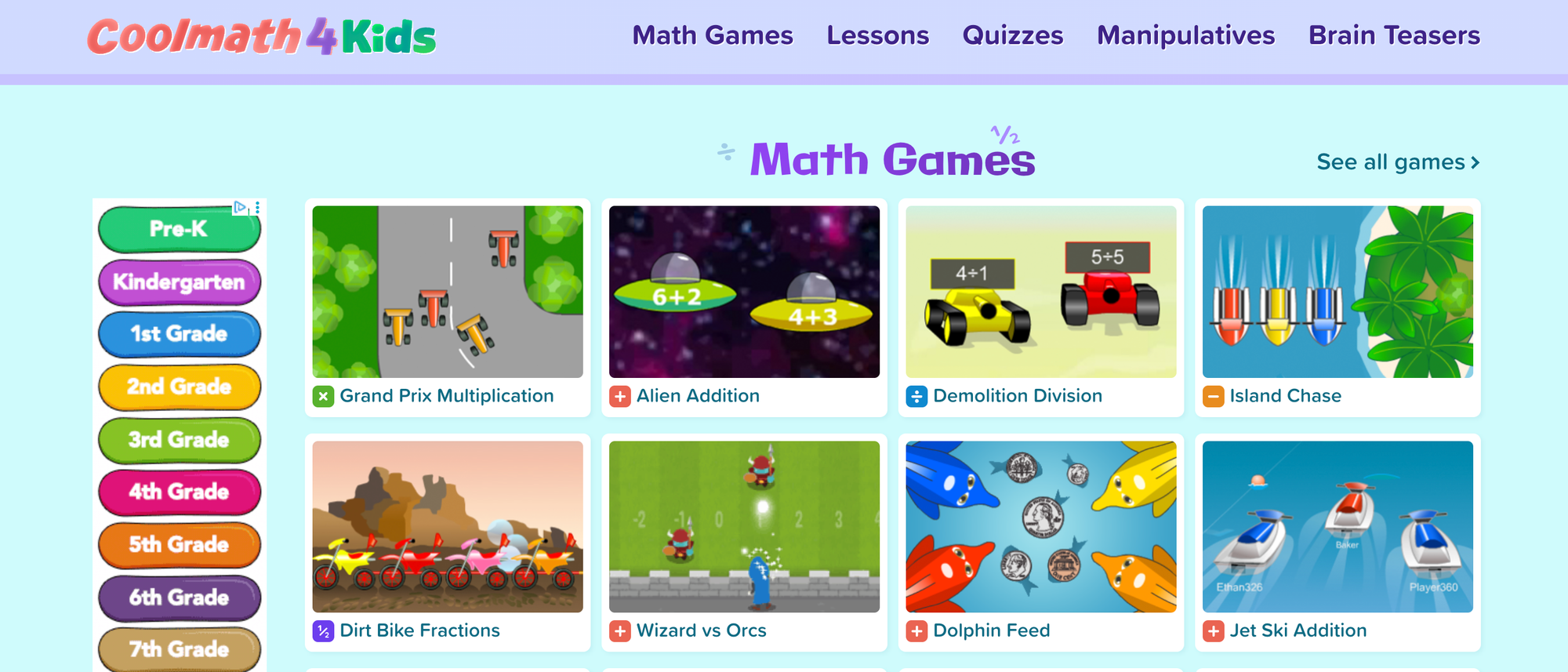
- Age: K–6.
- Where: Web.
- Cost: Free.
- Key features: Math games, puzzles, logic activities.
- Why it works: Playful puzzles turn abstract number work into challenges that feel like play, which encourages persistence.
5. Prodigy
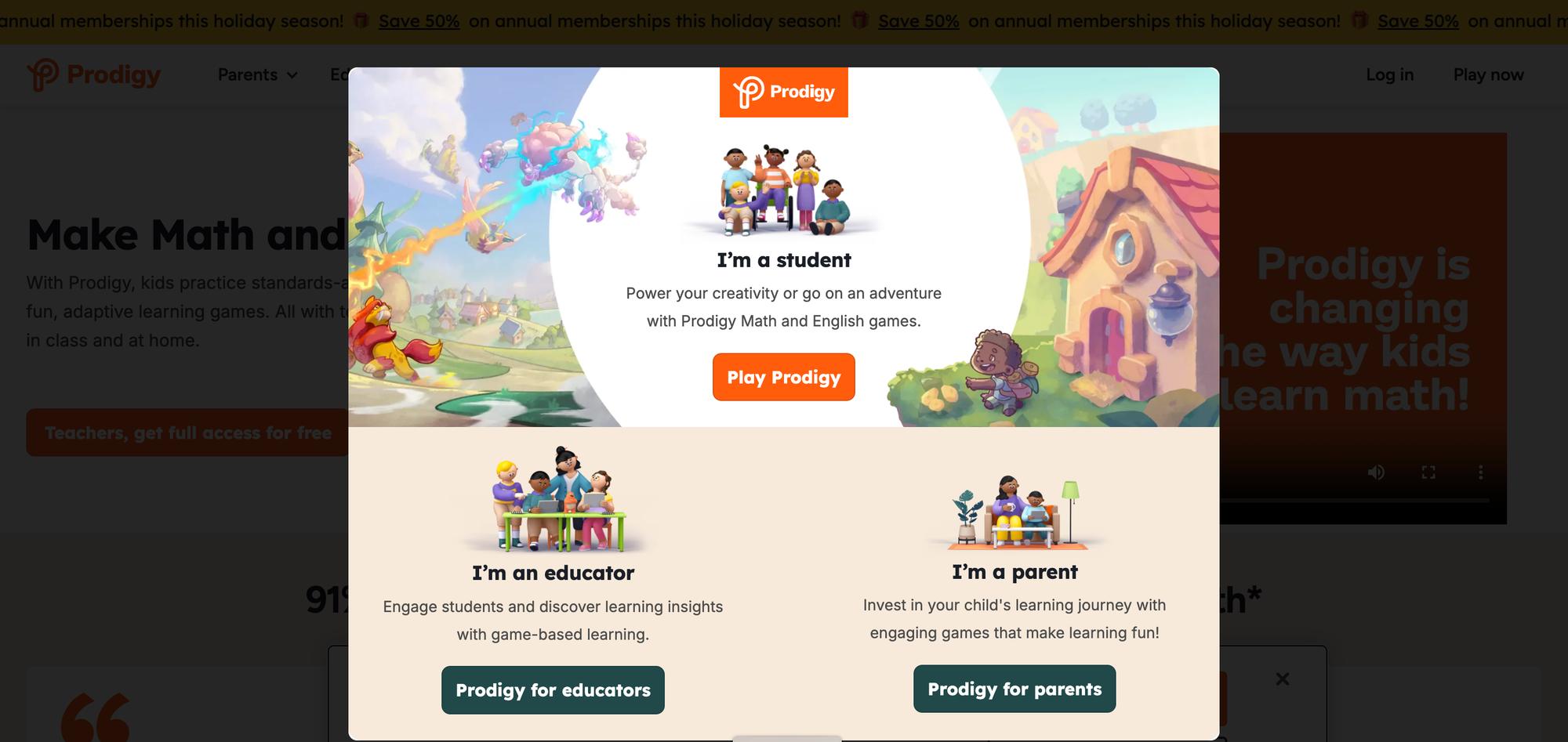
- Age: 1–8.
- Where: Web, iOS, Android.
- Cost: Free core, premium subscription.
- Key features: RPG-style math game, teacher/parent portals.
- Why it works: Students solve math problems as in-game objectives, so practice ties to imaginative storytelling and character progress.
6. Zearn
- Age: K–5.
- Where: Web.
- Cost: Free for students.
- Key features: Digital math lessons aligned to standards, built-in help, real-time feedback.
- Why it works: Short, scaffolded digital lessons pair with practice activities that model thinking, not just answers.
7. Desmos
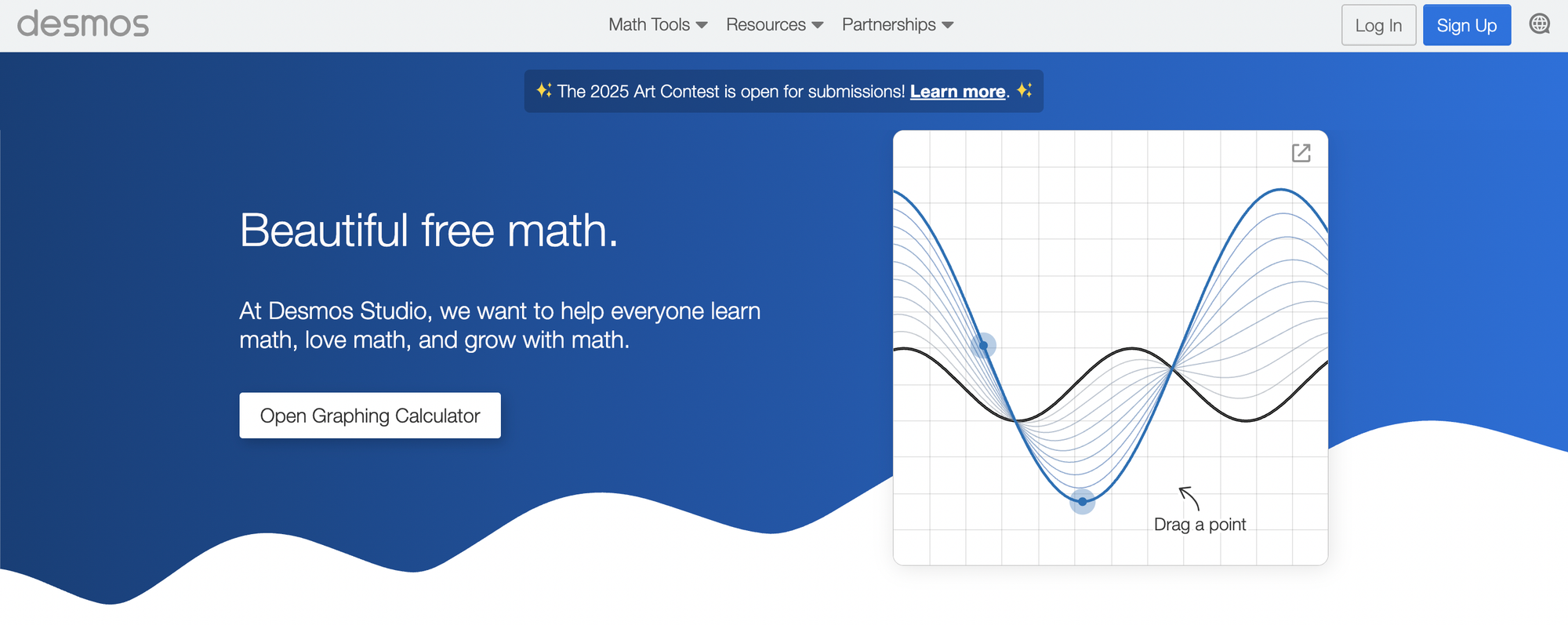
- Age: Middle school through high school.
- Where: Web, iOS, Android.
- Cost: Free.
- Key features: Graphing calculator, interactive activities, teacher-led classroom tasks.
- Why it works: Dynamic graphs and manipulatives let students see algebra and geometry change as they tweak parameters.
8. Math Playground
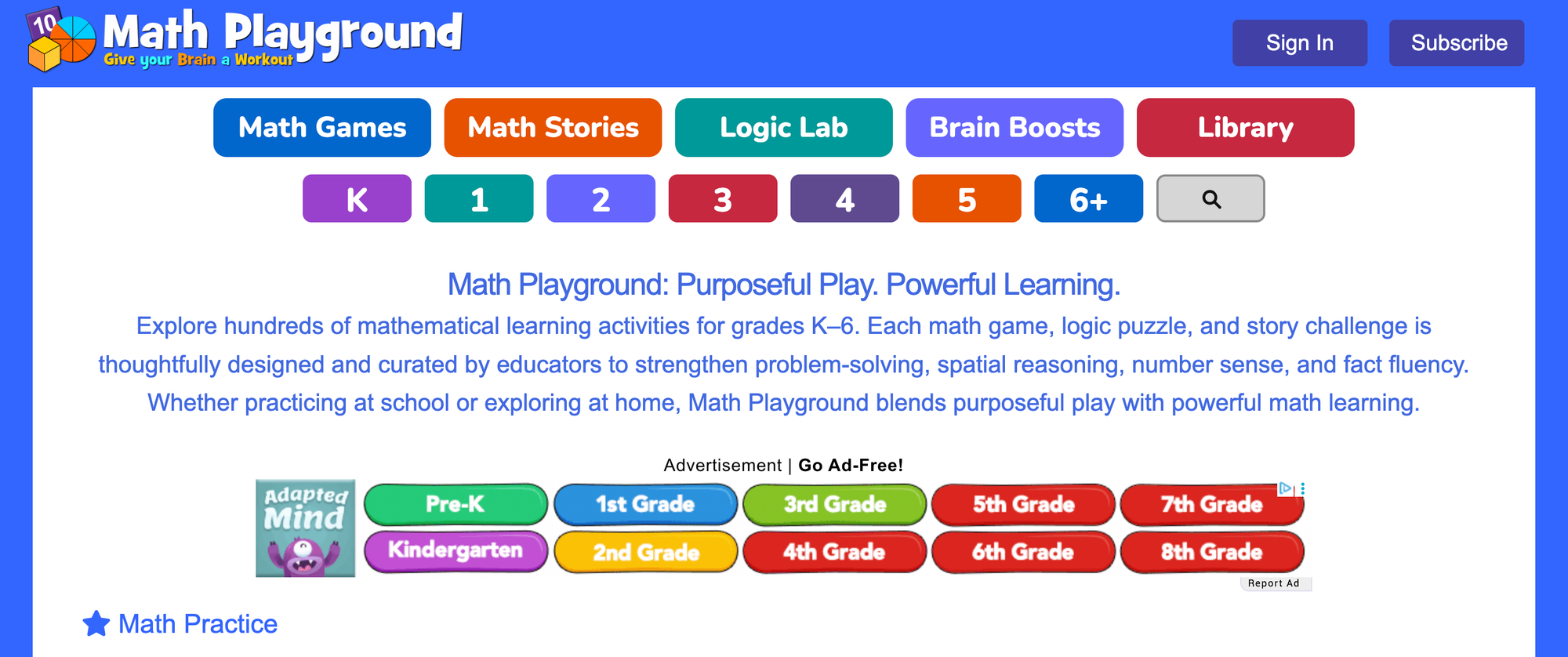
- Age: 1–6 (grades).
- Where: Web.
- Cost: Free + family/classroom plans.
- Key features: Skill games, logic puzzles, video walkthroughs.
- Why it works: Spatial puzzles and logic challenges ask kids to test ideas and learn from failure in a low-stakes environment.
9. Cool Math
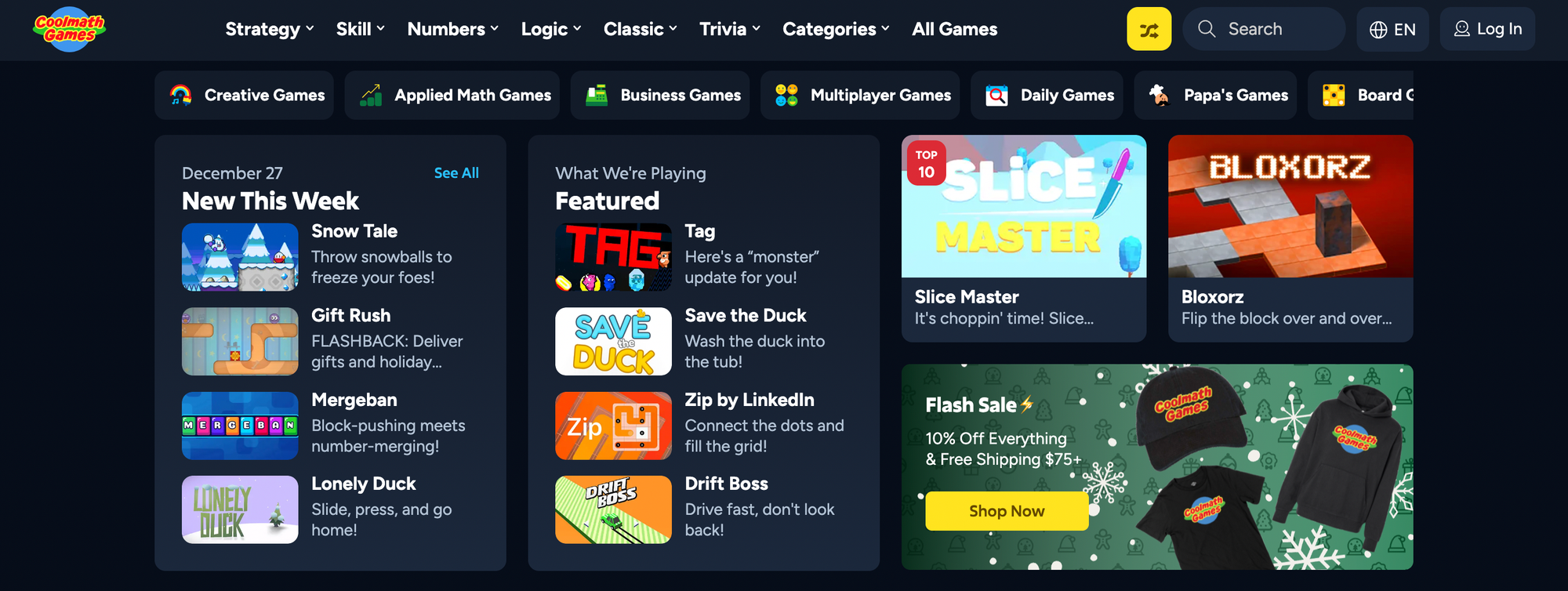
- Age: Upper elementary to high school.
- Where: Web, Android.
- Cost: Free + premium.
- Key features: Concept explanations, practice tools, games.
- Why it works: Visual, concept-driven explanations and puzzles make higher-level topics feel approachable.
10. Math Blaster
- Age: K–8.
- Where: Web, Windows, iOS, Android.
- Cost: Free core, membership options.
- Key features: Space-themed math missions, avatars, and a parent portal.
- Why it works: Combining math tasks with MMO-style rewards encourages sustained practice through narrative goals.
11. Arcademics
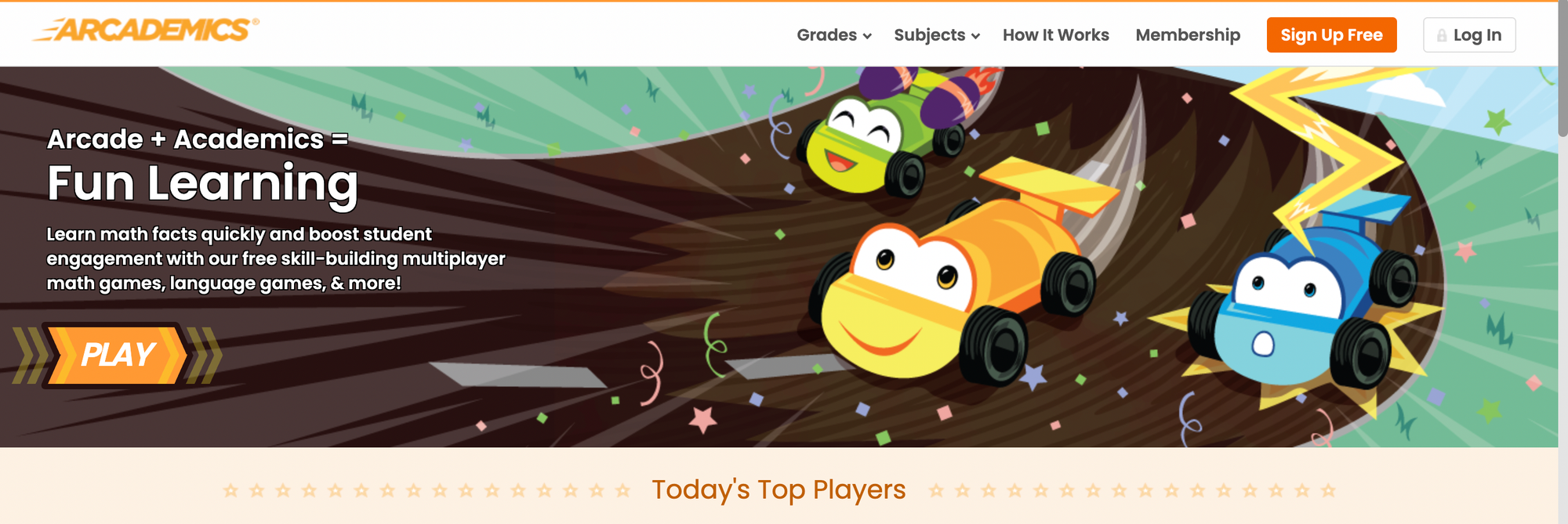
- Age: Grades 1–6.
- Where: Web, iOS, Android.
- Cost: Free + paid classroom plans.
- Key features: Multiplayer math and vocabulary games, immediate corrective feedback.
- Why it works: Live multiplayer competition adds urgency and social motivation to skill practice.
12. Mental Math Games
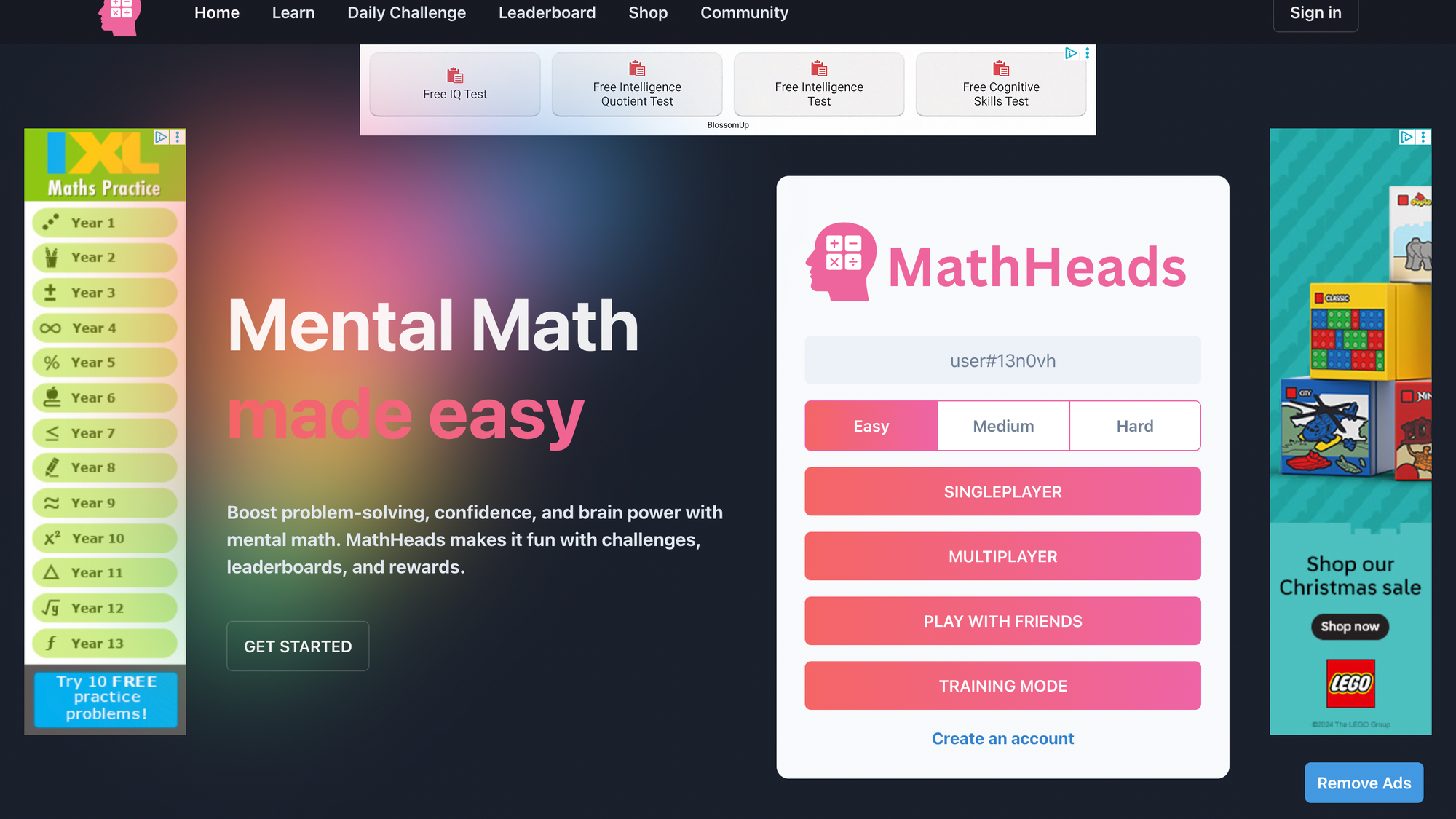
- Age: Grades 1–8.
- Where: Web, iOS, Android.
- Cost: Free core, premium upgrades.
- Key features: Adaptive practice, progress tracking, gamified drills.
- Why it works: Fast-paced, timed play strengthens recall and makes fluency feel like a game.
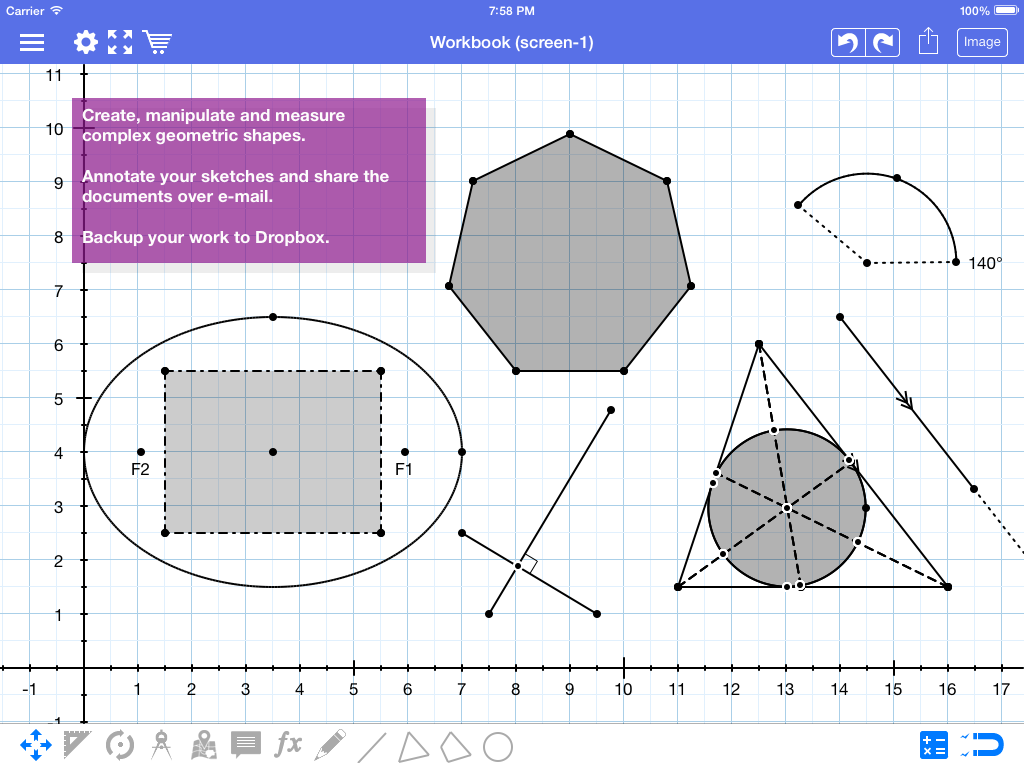
13. Geometry Pad
- Age: Middle and high school.
- Where: iOS, Android.
- Cost: Free.
- Key features: Digital geometry workbook, construction tools, zoomable canvas.
- Why it works: Hands-on geometric construction helps students visualize proofs and properties by building them.
14. Mathway

- Age: High school and higher.
- Where: Web, iOS, Android.
- Cost: Free answer, paid step-by-step.
- Key features: Scientific and graphing calculators, advanced functions.
- Why it works: Instant computation paired with optional explanations supports exploration and checking math work.
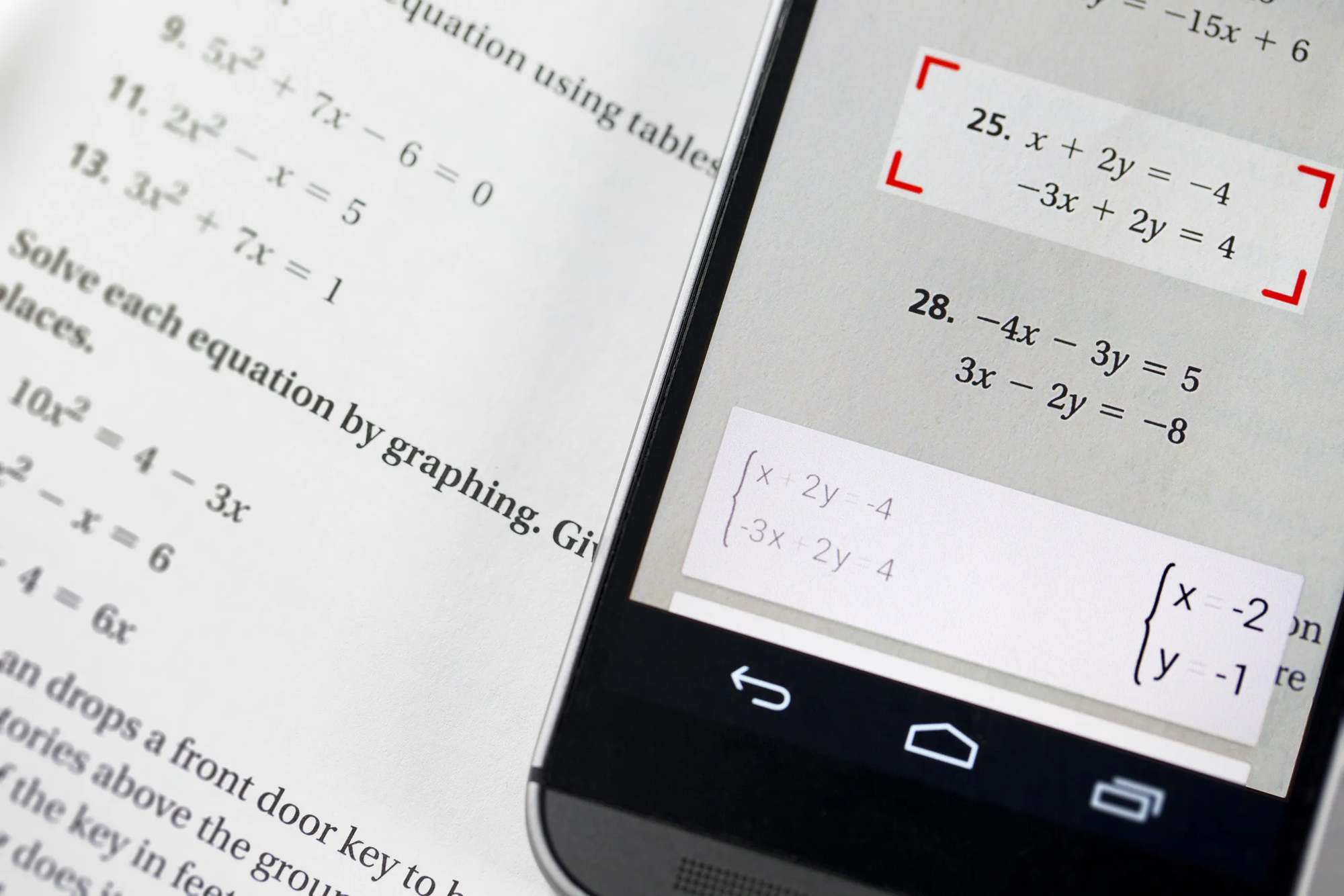
15. Photomath
- Age: Middle school to high school.
- Where: iOS, Android.
- Cost: Free core, paid features.
- Key features: Camera-scanned problem solving, animated steps, multiple methods.
- Why it works: Scanning turns homework into immediate guided walkthroughs, turning confusion into teachable moments.
16. CryptoClub
- Age: Upper elementary to high school.
- Where: Web.
- Cost: Free.
- Key features: Cryptography games, comics, cipher tools.
- Why it works: Puzzles teach logic and number sense through playful secret-message activities.
Science and Hands-On STEM
17. National Geographic Kids
- Age: 6–12.
- Where: Web.
- Cost: Free.
- Key features: Wildlife videos, facts, photography, quizzes.
- Why it works: Spectacular visuals and short video stories turn curiosity into guided exploration.
18. Smithsonian Learning Lab

- Age: K–12.
- Where: Web, iOS, Android.
- Cost: Free.
- Key features: Museum collections, create-and-share collections, educator tools.
- Why it works: Dragging museum artifacts into custom collections makes research feel like curating a personal exhibit.
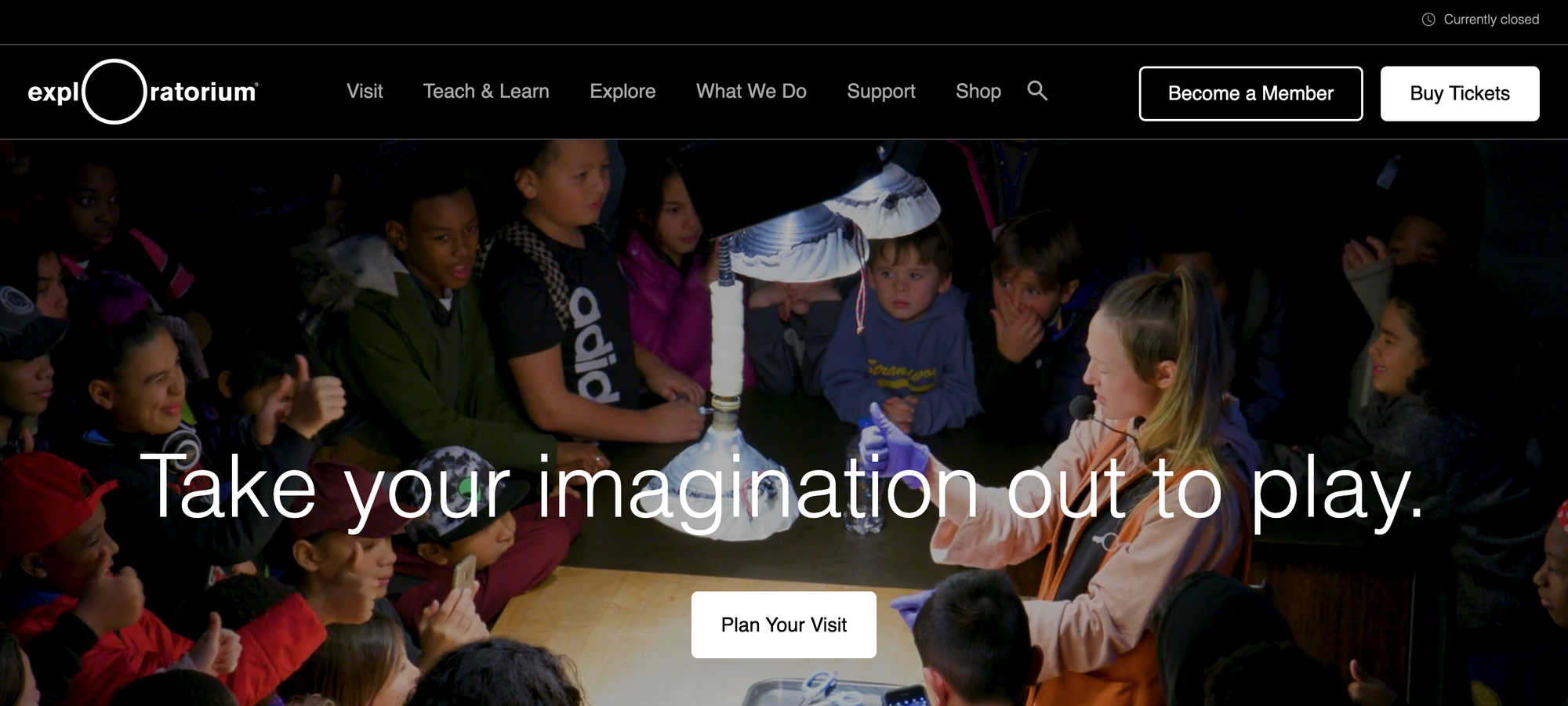
19. Exploratorium
- Age: All ages. Where: Web, mobile apps.
- Cost: Free.
- Key features: How-to science activities, video demonstrations, and interactive exhibits online.
- Why it works: Step-by-step experiments promote tinkering and hypothesis testing at the kitchen table.
20. NASA Kids’ Club

- Age: K–8.
- Where: Web, apps.
- Cost: Free.
- Key features: Space games, image galleries, STEM challenges.
- Why it works: High-quality imagery and mission-oriented activities help kids see real science careers and real data.
21. Science Buddies
- Age: K–12.
- Where: Web.
- Cost: Free.
- Key features: Project ideas, step-by-step guides, topic filters.
- Why it works: A project-matching approach helps students find doable experiments that match their interests.
22. Science Bob
- Age: Elementary and middle school.
- Where: Web.
- Cost: Free (store optional).
- Key features: Experiment videos, fair ideas, Q&A.
- Why it works: Short demo videos let kids copy experiments safely and immediately, building confidence.
23. CELLS alive!
- Age: Middle and high school.
- Where: Web. Cost: Free + paid media.
- Key features: Interactive cell models, animations, quizzes.
- Why it works: Animated microscopes and models translate invisible biology into manipulable visuals.
24. Bioman Biology
- Age: Middle and high school.
- Where: Web, apps.
- Cost: Free.
- Key features: Biology games, virtual labs, quizzes.
- Why it works: Games embed learning goals into gameplay, so students learn by doing rather than by rote.
25. Earthquakes for Kids (USGS)
- Age: 7–12.
- Where: Web.
- Cost: Free.
- Key features: Animations, science explanations, safety projects.
- Why it works: Visual timelines and simulations make geoscience practical and memorable.
26. Experiment Library (Steve Spangler)
- Age: Elementary to middle school.
- Where: Web.
- Cost: Free + kits for sale.
- Key features: Video instructions, step-by-step photos, experiment supplies.
- Why it works: Clear demonstrations paired with home-safe materials invite immediate experimentation.
27. Ology (AMNH)
- Age: K–8.
- Where: Web, iOS.
- Cost: Free.
- Key features: Games, stories, museum resources, hands-on activities.
- Why it works: Museum-quality content distilled into kid-friendly tasks invites sustained curiosity.
28. Mystery Doug
- Age: K–5.
- Where: Web, apps.
- Cost: Free.
- Key features: Short daily science videos, kid-driven question voting.
- Why it works: Students submit questions and vote, then watch concise, visual answers that match their own curiosity.
29. Planeta 42
- Age: Upper elementary to high school.
- Where: Web.
- Cost: Free.
- Key features: Subject games, downloadable and mobile-ready options.
- Why it works: Fast, topic-specific games make review feel like a challenge rather than homework.
30. National Geographic for Kids (separate portal emphasis)
- Age: 6–12.
- Where: Web.
- Cost: Free.
- Key features: Quizzes, animal profiles, video galleries.
- Why it works: Playful quizzes and vivid photo stories make scientific facts sticky.
Reading, Literacy, and Language
31. ABCmouse
- Age: 2–8.
- Where: Web, iOS, Android.
- Cost: Subscription with free trial.
- Key features: Interactive lessons, songs, and a rewards system.
- Why it works: A scaffolded path builds early literacy through repetition, rewards, and colorful animations.
32. Starfall
- Age: PreK–2.
- Where: Web.
- Cost: Free + membership.
- Key features: Phonics-first reading, animated stories, progressive lessons.
- Why it works: Phonics games turn decoding into short wins that build confidence in early readers.
33. Storyline Online
- Age: 3–10.
- Where: Web, apps.
- Cost: Free.
- Key features: Celebrity-read videos, illustration displays.
- Why it works: Professional readings with rich visuals model expressive reading and introduce vocabulary contextually.
34. ReadWorks
Age: K–12. Where: Web. Cost: Free. Key features: Reading passages, question sets, and eBooks. Why it works: Curated passages with comprehension scaffolds help teachers and parents align practice with standards.
35. ReadWriteThink
- Age: K–12.
- Where: Web, mobile.
- Cost: Free.
- Key features: Student interactives, lesson plans, writing tools.
- Why it works: Interactive templates like story maps turn writing into a sequence of small, manageable steps.
36. Fun Fonix
- Age: PreK–8.
- Where: Web.
- Cost: Free.
- Key features: Printable phonics worksheets, online phonic games, worksheet maker.
- Why it works: Teachers and parents can create exercises that match a child’s exact reading level and target gaps.
37. Seussville
- Age: 3–8.
- Where: Web, apps.
- Cost: Free + in-app purchases.
- Key features: Dr. Seuss books, videos, and games.
- Why it works: Rhyming, rhythm, and nonsense words make phonemic awareness playful.
38. BrainPOP Jr.
- Age: K–3.
- Where: Web, apps.
- Cost: Free content + paid subscriptions.
- Key features: Animated movie lessons, quizzes, and activity sheets.
- Why it works: Short, animated movies model core concepts in clear, memorable ways.
39. The Story Starter
- Age: 7–14.
- Where: Web.
- Cost: Free.
- Key features: Random story prompts, kid mode.
- Why it works: Quick prompts reduce writer’s block and invite imaginative composition that can become longer projects.
40. Highlights Kids
- Age: 4–12.
- Where: Web.
- Cost: Free.
- Key features: Puzzles, crafts, science experiments, and articles.
- Why it works: Hands-on crafts and hidden-picture puzzles build observation and language skills while providing a leisurely experience.
Status quo disruption: how adults handle printable activities (placed in the middle)
Most parents and teachers still cobble together printable activities from many sites because it feels familiar and flexible. That approach works until time is scarce and lesson aims must align precisely, then prepping becomes an hour-long scavenger hunt that saps energy. Platforms like My Coloring Pages that offer an extensive, searchable library and a one-click customization tool compress prep from hours to minutes while keeping prints age-appropriate and on-point.
History, Social Studies, and Human Geography
41. The British Museum Ancient Egypt
- Age: 7–14.
- Where: Web.
- Cost: Free.
- Key features: Images, games, stories, object-focused lessons.
- Why it works: Real artifacts with interactive guides let kids play curator and build narratives around objects.
42. Big History Project
- Age: Middle and high school.
- Where: Web.
- Cost: Free.
- Key features: Multidisciplinary videos, quizzes, badges.
- Why it works: Macro perspectives link science and history with multimedia that models integrative thinking.
43. Mission US
- Age: Middle school.
- Where: Web, downloadable games.
- Cost: Free.
- Key features: Immersive, role-play history games.
- Why it works: Students assume historical roles and make decisions that reveal consequences and context.
44. History for Kids
- Age: 8–14.
- Where: Web.
- Cost: Free.
- Key features: Kid-friendly articles, quizzes, videos.
- Why it works: Simple narratives and quizzes make complex events accessible and memorable.
45. Who HQ
- Age: 6–12.
- Where: Web, iOS, Netflix tie-ins.
- Cost: Free + paid products.
- Key features: Biography series, activity sheets, apps.
- Why it works: Narrative-driven biographies let students connect emotionally to historical figures.
46. Worldmapper
- Age: Middle and high school.
- Where: Web.
- Cost: Free.
- Key features: Cartograms by variable, facts, and trivia.
- Why it works: Resized maps force students to compare variables visually rather than rely on assumptions.
47. WhatWasThere
- Age: All ages.
- Where: Web, iOS.
- Cost: Free.
- Key features: Historical photos linked to maps and augmented reality.
- Why it works: Overlaying past photos on current views turns local history into a detective game.
48. A Book in Time
- Age: 7–14.
- Where: Web.
- Cost: Free.
- Key features: Timelines, maps, crafts, games.
- Why it works: Timelines and craft projects anchor events in time and provide kinesthetic learning.
49. National Constitution Center Interactive Constitution
- Age: Middle and high school.
- Where: Web, apps.
- Cost: Free.
- Key features: Clause-by-clause commentary, classroom materials.
- Why it works: Guided explorations of documents encourage critical reading and debate.
50. Antarctica by Shackleton 100
- Age: 8–14.
- Where: Web.
- Cost: Free.
- Key features: Virtual tours, explorer biographies, photo galleries.
- Why it works: Virtual expedition points and historic photos make exploration tangible.
General Knowledge, Encyclopedic, and How Things Work
51. HowStuffWorks
- Age: 10+.
- Where: Web.
- Cost: Free.
- Key features: Explanations, podcasts, videos, quizzes.
- Why it works: Short, plain-language explainers turn curiosity into structured knowledge that kids can use in projects.
52. Ducksters Education Site
- Age: 6–12.
- Where: Web.
- Cost: Free.
- Key features: Encyclopedic entries, quizzes, puzzles.
- Why it works: Concise articles with easy navigation support homework and quick research.
53. Rader’s Education 4 Kids Sites
- Age: Middle school.
- Where: Web.
- Cost: Free.
- Key features: Topic-specific science sites, simple graphics, embedded videos.
- Why it works: Focused mini-sites break large subjects into approachable modules.
54. Mr. Nussbaum
- Age: K–8.
- Where: Web.
- Cost: Free (teacher-paid tier).
- Key features: Interactive games, maps, and activity bundles.
- Why it works: Game-like activities and bundle themes help teachers sequence lessons with minimal prep.
55. Study Jams (Scholastic)
- Age: 3–8 and 6–8 tracks.
- Where: Web.
- Cost: Free.
- Key features: Animated math and science lessons, quizzes.
- Why it works: Short multimedia lessons model reasoning with follow-up practice that reinforces retention.
56. Fuel the Brain
- Age: Elementary.
- Where: Web.
- Cost: Free + premium.
- Key features: Mini-books, printables, games.
- Why it works: Low-cost printables and mini-books help parents convert screen time into hands-on activities.
57. The Kidz Page
- Age: 5–12.
- Where: Web.
- Cost: Free.
- Key features: Coloring pages, puzzles, and clipart downloads.
- Why it works: Printable resources and clip art create quick, themed activities that teachers can hand out.
58. Turtle Diary
- Age: K–5.
- Where: Web, apps.
- Cost: Free + subscriptions for an ad-free experience.
- Key features: Grade-based activities, videos, and assessment tests.
- Why it works: Organized by grade and topic, it supports targeted practice with printable follow-ups.
59. ShowMe
- Age: K–12.
- Where: Web, iOS whiteboard app.
- Cost: Free basic, paid plans.
- Key features: Teacher-made whiteboard videos and a wide-topic library.
- Why it works: Students can watch step-by-step problem-solving drawn live, mirroring classroom instruction.
60. Grid Club
- Age: 5–12.
- Where: Web.
- Cost: Free.
- Key features: Games, videos, cross-subject content.
- Why it works: Short video clips and games introduce topics in an upbeat, age-appropriate way.
Creative Arts and Music
61. Tate Kids
- Age: 5–12.
- Where: Web.
- Cost: Free.
- Key features: Art activities, video tutorials, and children's submissions.
- Why it works: Kids replicate and remix famous artworks, learning techniques while making their own pieces.
62. Artsology
- Age: 6–14.
- Where: Web.
- Cost: Free.
- Key features: Art history, projects, videos, and games.
- Why it works: Mixing artist stories with hands-on projects links appreciation to practice.
63. Virtual Music Instruments
- Age: All ages.
- Where: Web.
- Cost: Free.
- Key features: Virtual piano, guitar, drums, tuner.
- Why it works: Immediate auditory feedback and simple controls enable kids to experiment with rhythm and melody without instruments.
64. Chrome Music Lab (recommended addition)
- Age: 5+.
- Where: Web. Cost:
- Free.
- Key features: Interactive music experiments, rhythm, and waveform visualizers.
- Why it works: Visual representations of sound make music theory playful and exploratory.
Programming and Computer Science
65. Code.org
- Age: K–12.
- Where: Web.
- Cost: Free.
- Key features: Block-based coding, tutorials, and Hour of Code.
- Why it works: Visual blocks and game-like projects let kids create immediate results, which reinforces logical sequencing.
66. Khan Academy (programming & STEM)
- Age: 4–18.
- Where: Web, apps.
- Cost: Free.
- Key features: Video lessons, practice exercises, progress dashboards. Why it works: Short videos and practice problems allow students to pause, practice, and revisit tricky concepts.
67. Scratch (MIT)
- Age: 8–16.
- Where: Web.
- Cost: Free. Key features: Block-based programming, remixable projects, community sharing.
- Why it works: Creating stories and games rewards logical thinking with visible, shareable outcomes.
68. Tynker
- Age: 7–14.
- Where: Web, iOS.
- Cost: Free lessons + subscriptions.
- Key features: Game-like coding courses, Minecraft integrations.
- Why it works: Project-based progression makes coding skills immediately valuable for creative builds.
69. CodeCombat
- Age: 9–16.
- Where: Web.
- Cost: Free core, paid tracks.
- Key features: Real-code gameplay, multiplayer levels.
- Why it works: Players write real code to navigate game challenges, so they map challenges to concrete goals.
70. CSFirst (Google)
- Age: 9–14.
- Where: Web.
- Cost: Free.
- Key features: thematic coding clubs and step-by-step lesson plans.
- Why it works: The club-style structure and project topics hold adults' interest and provide ready-made facilitation.
Tools for Teachers and Classrooms
71. Showbie (teacher tools)
- Age: K–12.
- Where: Web, apps.
- Cost: Free + paid plans.
- Key features: Assignment workflows, feedback tools, and file sharing.
- Why it works: Streamlined submission and annotation convert paper workflows into fast digital interactions.
72. Edpuzzle
- Age: K–12.
- Where: Web, apps.
- Cost: Free + paid.
- Key features: Interactive video lessons with embedded questions.
- Why it works: Teachers turn passive videos into checkpoints that require reflection and answers.
73. Nearpod
- Age: K–12.
- Where: Web, apps.
- Cost: Free + paid. Key features: Interactive lessons, formative assessments, VR lessons.
- Why it works: Live lessons with interactive checks keep students accountable and engaged.
74. Flip (Flipgrid)
- Age: K–12.
- Where: Web, apps.
- Cost: Free.
- Key features: Short video responses, moderated discussions.
- Why it works: Student voice is amplified through short, creative video reflections that build communication skills.
75. Kahoot!
- Age: K–12.
- Where: Web, apps.
- Cost: Free + paid.
- Key features: Live quizzes, game-based learning.
- Why it works: Fast, competitive quizzes make retrieval practice lively and social.
76. Quizlet
- Age: Middle and high school.
- Where: Web, apps.
- Cost: Free + paid.
- Key features: Flashcards, learn modes, games.
- Why it works: Spaced practice and different study modes help memorize terms efficiently.
77. Read & Write (text supports)
- Age: K–12. Where: Web, extensions.
- Cost: Paid with trials.
- Key features: Text-to-speech, highlighting, and study tools.
- Why it works: Accessible reading supports let struggling readers access grade-level content.
78. CommonLit
- Age: 4–12+.
- Where: Web.
- Cost: Free.
- Key features: Library of texts, guided questions, progress tracking.
- Why it works: Paired texts and comprehension tasks scaffold close reading practice.
79. Smithsonian Tween Tribune
- Age: 8–15.
- Where: Web.
- Cost: Free.
- Key features: News stories by grade level, classroom tools.
- Why it works: Current events written for kids build civic literacy with age-appropriate context.
80. Khan Academy Kids
- Age: 2–7.
- Where: Web, iOS, Android.
- Cost: Free.
- Key features: Early literacy and numeracy activities, interactive stories, progress dashboards.
- Why it works: A playful, scaffolded experience combines mini-games and stories to strengthen foundational skills while keeping sessions short and fun.
What is the takeaway from this list?
While that was an extended inventory, the choice you make following matters more than the number of options available. The tricky part is ensuring those choices translate into focused learning rather than just another checkbox.
The following section highlights one habit parents often overlook that is critical to making online learning truly effective.
What curated resources can guide selection?
This list aligns with curated roundups like Bark's "80 Best Educational Websites for Kids" and with long-standing guides such as the Boys & Girls Clubs of Central Minnesota's "80 Best Educational Websites for Kids That Make Learning Fun". Both are useful starting points for anyone looking for trusted collections.
Related Reading
- Drawing Websites for Kids
- Art Websites for Kids
- Safe Websites for Kids
- List of Websites to Block for Kids
- Cool Websites for Kids
- Reading Apps for Kids
- Best Learning Apps for Kids
- Best Learning Games for Kids
- Math Apps for Kids
How to Ensure Your Child Gets the Most from Online Learning

Plan short, predictable sessions with clear goals. Pair each online activity with a specific offline task so that screen time leads to something physical and memorable. Use visual timers, flexible blocks, and adult guidance to ensure digital lessons feel purposeful rather than random.
How can a schedule be set that actually works for kids? Start with anchors, not strict clocks. Choose two daily anchors, like a morning story time and an afternoon hands-on activity, and then create flexible blocks in between them.For many children, a 20- to 30-minute focused block followed by a 10- to 15-minute creative break aligns with their natural attention spans and supports transitions. Make the schedule clear; use a simple checklist or picture cards for younger kids. Treat the schedule like runway lights guiding a landing, instead of a list of punishments. This way, starting tasks becomes easier, which is the most prominent challenge families face when trying to be “structured” without the right tools.
How much screen time is productive, and how do I enforce it?
Deciding the session's purpose before powering on the device is essential. If the goal is practice, choose an activity that provides feedback and set a precise measure of success. For example, aim to "complete three problems" or "color an information page and explain two facts." Use device timers that lock the next app until the child completes a short reflection, ensuring screen time ends with learning rather than abruptly stopping.According to Devlin Peck, 63% of students in the US engage in online learning activities every day. This usage has become regular, not just a fun treat. Because of how often this happens, micro-routines are more important than general time limits.
How do I guide kids through interactive features so they learn, not just click?
Model one new control at a time, then assign a small task that encourages its use. Before a session, say, "Today we will use the hint button once," and show how to use it. After children finish the task, have a quick two-question debrief: "What worked? What would you try differently?"This reflection changes simple clicking into meaningful thinking. This pattern shows up in both classrooms and homes. When adults set one clear goal and one interaction to master, engagement deepens while novelty slowly turns into skill.
How do I combine online and offline learning without losing momentum?
Treat printables as active extensions, not afterthoughts. For any screen lesson, provide a hands-on follow-up. This could include a coloring worksheet highlighting three vocabulary words, a quick experiment using kitchen items, or a scavenger hunt asking the child to find and photograph examples at home.Many families already know how to mix different formats, so this method is practical. According to Devlin Peck, 49% of students have completed some sort of online learning. In 2025, combining different learning methods builds on what they already do rather than starting from scratch. Use the offline task as proof of learning from the session; it can be put on the fridge for later discussion.
What if transitions and focus are the real problem?
If transitions fail, they may need to be shortened. Using a short, consistent signal for transition time, like a five-minute tidy-up song or a two-minute walk, can help. For neurodivergent children, flexible blocks with predictable cues are most effective. Allowing a little flexibility within strict rules, such as letting them choose one of two approved activities, can be effective.When adults set clear, limited choices and maintain steady routines, resistance declines. The child learns the pattern and focuses on the routine instead of the discomfort of change.
Which quick ritual will you try tomorrow morning to make screen time productive and calm?
Small rituals can grow into lasting habits.
Download 16,280+ FREE Coloring Pages.
Turn a lesson, story, or family photo into a hands-on learning activity in seconds with My Coloring Pages. Simply describe what you want or upload an image, and the app converts it into ready-to-print coloring pages. Alternatively, you can browse 16,280+ free community pages and put together customized coloring books for kids, adults, classrooms, or stress relief.The tools are designed to be quick and easy, trusted by over 20,000 parents, and rated 4.8 out of 5. My Coloring Pages gives you creative control to create quick lesson companions. This method replaces passive screen time with engaging activities. Don’t miss out on the 16,280+ free coloring pages available for download.
Related Reading
- Music Apps for Kids
- Best Apps for 6-Year-Olds
- Best Apps for Kids
- Best Coding Apps for Kids
- AI Tools for Kids
- Language Learning Apps for Kids
- Best Drawing Apps for Kids