
45 Really Cool Websites for Kids That Make Learning Exciting
Cool Websites for Kids offer safe, engaging learning experiences. Explore 45 top sites with hands-on printables from My Coloring Pages, and transform screen time today!


Selecting online resources that combine fun with education is essential for parents seeking safe, engaging content. Cool websites for kids blend interactive games, science explorations, and art activities to turn screen time into a dynamic learning experience. These platforms spark curiosity and build confidence through age-appropriate material and reliable safety controls.
Digital content that nurtures creativity complements academic growth in today’s fast-paced online world. Offering free printable coloring pages to enhance offline creativity, My Coloring Pages provides an engaging supplement to interactive learning experiences.
Summary
- Safety is the core challenge because kids encounter mixed-content sites that blend user posts and ads, with 70% of children aged 8 to 12 reporting exposure to inappropriate content online.
- Convenience-driven curation fragments over time, so parents who start with a few bookmarks often end up rotating two or three trusted sites to keep content age-appropriate and printable.
- Parents and children prioritize different things: 65% of parents say educational websites are most beneficial, while 45% of kids prefer interactive, play-driven sites. Pairing one learning activity with one entertaining activity, plus an offline step, balances both goals.
- Fast, practical testing limits risk: a 10-minute supervised probe or a 10 to 20-minute trial session, combined with a three-step check for clarity, feedback, and printable export, reveals whether a site genuinely supports learning.
- A repeatable selection routine reduces management costs. The article recommends a six-step process that includes defining one skill and one joy goal, vetting three candidate sites, and inspecting privacy flows before adding a site to rotation.
- This is where My Coloring Pages' 16,748+ free coloring pages fit in, providing a centralized library of printable activities that reduces bookmark fragmentation and makes it easier to shift digital time into supervised, hands-on play.
Why Finding Fun and Safe Websites for Kids Is Hard

Finding websites that are both genuinely fun and reliably safe for kids takes work, but it is possible with a clear filter. Prioritize age-appropriate content, transparent moderation, and tools that turn screen time into hands-on play. Start by acknowledging the issue, then narrow choices based on how a site supports creativity and offers print or download options for activities that can be supervised offline.
Why is picking safe, engaging sites so difficult?
The main issue is not the absence of safe content, but the excessive overlap. Websites made for kids often include commercial links, user-generated content that hasn't been vetted, and ads that aren't clearly labeled among activities that appear harmless. This mix makes quality control costly and unreliable. Parents who rely on a single bookmark soon realize that safeguards vary widely, turning simple browsing into a supervisory task rather than a moment from one page to another. This inconsistency is concerning, as Bark reports that 70% of kids aged 8 to 12 have encountered inappropriate content online. Such exposure changes simple browsing into a supervision chore instead of a moment for relaxing downtime.
What do parents typically get wrong when choosing sites?
Most families begin with convenience, looking for a flashy homepage, a popular character, or a good app store rating. While these choices might offer quick results, they often don’t work when a child’s needs change as they get older or their attention span shifts. The pattern is easy to see: a parent selects five “safe” sites, usage rises, but after a few months, the collection breaks apart.Passwords proliferate, subscription prompts creep in, and educational value declines. This breakup creates hassle at bedtime and during rainy afternoons, turning what started as simple entertainment into a problem of organization.
How should you judge a site for learning, not just distraction?
Look for three clear signs: age filters, printable resources, and visible content moderation and privacy policies. Also, look for activities that connect digital interaction to physical engagement. Choose platforms that offer downloadable, printable content; this helps move from screen activities to paper-based play, which can improve focus and creativity. Prefer sites that explain how they select content, as transparency helps predict the level of consistency needed when supervising a session.
What hidden costs come from using familiar methods?
Most families handle this with bookmarks and trial and error, which makes sense because familiar methods are quick and easy. However, over time, that approach creates a hidden cost: scattered bookmarks and inconsistent rules mean spending more time managing tabs instead of working on projects together.Platforms like 16,748+ free coloring pages change this by bringing together printable, age-specific content and allowing quick customization. This lets families replace multiple separate sites with a single, consistent workflow that generates real, offline activities.
What practical rules keep children safe while still allowing them to explore?
Establish a small test protocol: spend 10 minutes on a candidate site, check for external links, verify whether content is downloadable, and confirm there is an easy way to report or block troubling items. If the site offers printable worksheets, coloring pages, or booklets, try printing one and working on it together. This single habit shifts control back to the parent while preserving the child’s sense of choice. It can be exhausting when every digital session ends with a cleanup talk; therefore, choose sites that encourage joint work rather than solo scrolling.
How do you navigate the internet for kids?
Think of the internet for kids as a big town square, with both family-friendly areas and less safe ones. It's essential to have a map that helps you find the parks and workshops, instead of the alleys, where it's hard to keep an eye on things.The following section will provide the critical map.
What surprises most parents about safe websites for kids?
What surprises most parents is how few of those “parks” actually teach something meaningful.The following section explains which websites teach essential things and why they are important.
Related Reading
- Fun Websites for Kids
- Free Drawing Websites for Kids
- Coloring Websites for Kids
- Free Coloring Websites for Kids
- Educational Websites for Kids
- Coloring Pages Websites for Kids
- Learning Websites for Kids
45 Really Cool Websites for Kids That Spark Creativity and Learning
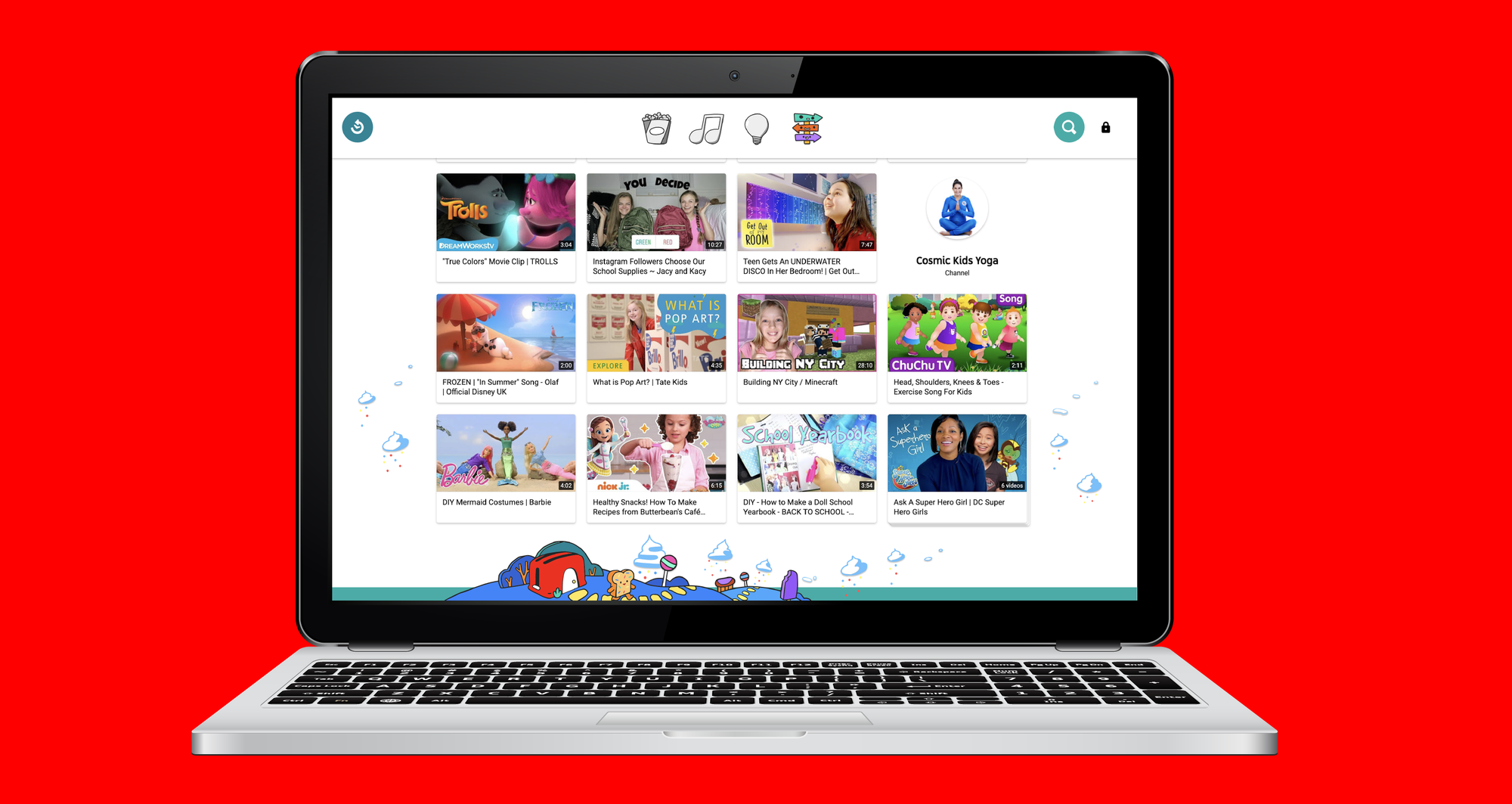
These 45 sites are organized for quick scanning. This lets you choose one that matches your kid’s age and mood and go straight to the activity. For an independent roundup to compare against, see 45 Really Cool Websites for Kids — SplashLearn Blog.
During a series of parent workshops in 2024, a clear pattern emerged. Families said they wanted resources that teach valuable skills, allow parents to maintain control, and provide real-world activities that can be printed or completed together. This feedback shaped the descriptions for each entry, focusing on what makes the site good at teaching, creating, or engaging kids in off-screen activities.
1. My Coloring Pages
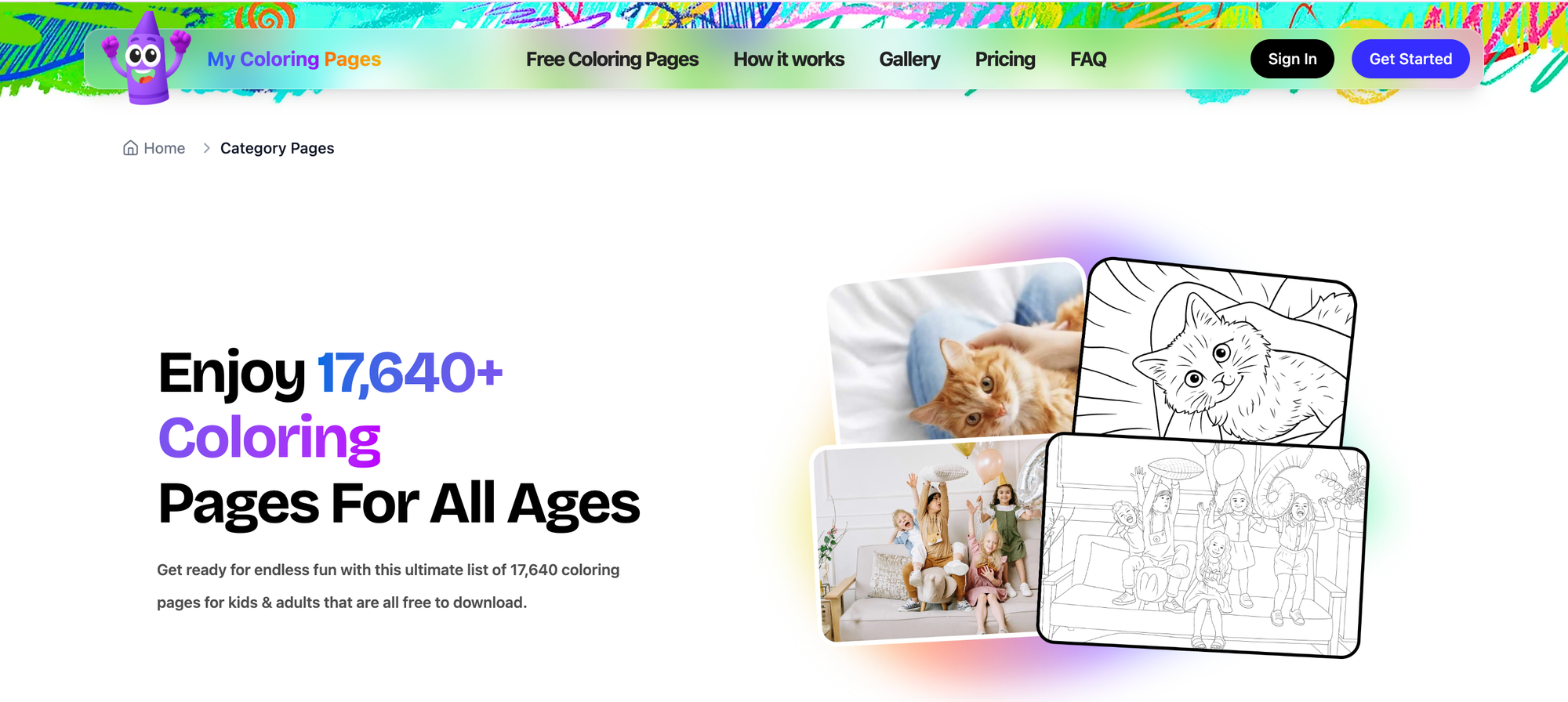
- Cost / Access info: Freemium.
- Age range: All ages.
- What makes it cool/unique: Create custom printable coloring pages from descriptions or uploads so that you can turn a favorite story or vocabulary list into a tactile activity. Parent-built ethos and simple tools keep customization low-friction.
- Example activities: Turn a character from a reading app into a coloring page; create vocabulary flash-sheet coloring books; design an illustrated story recap.
2. PEEP and the Big Wide World
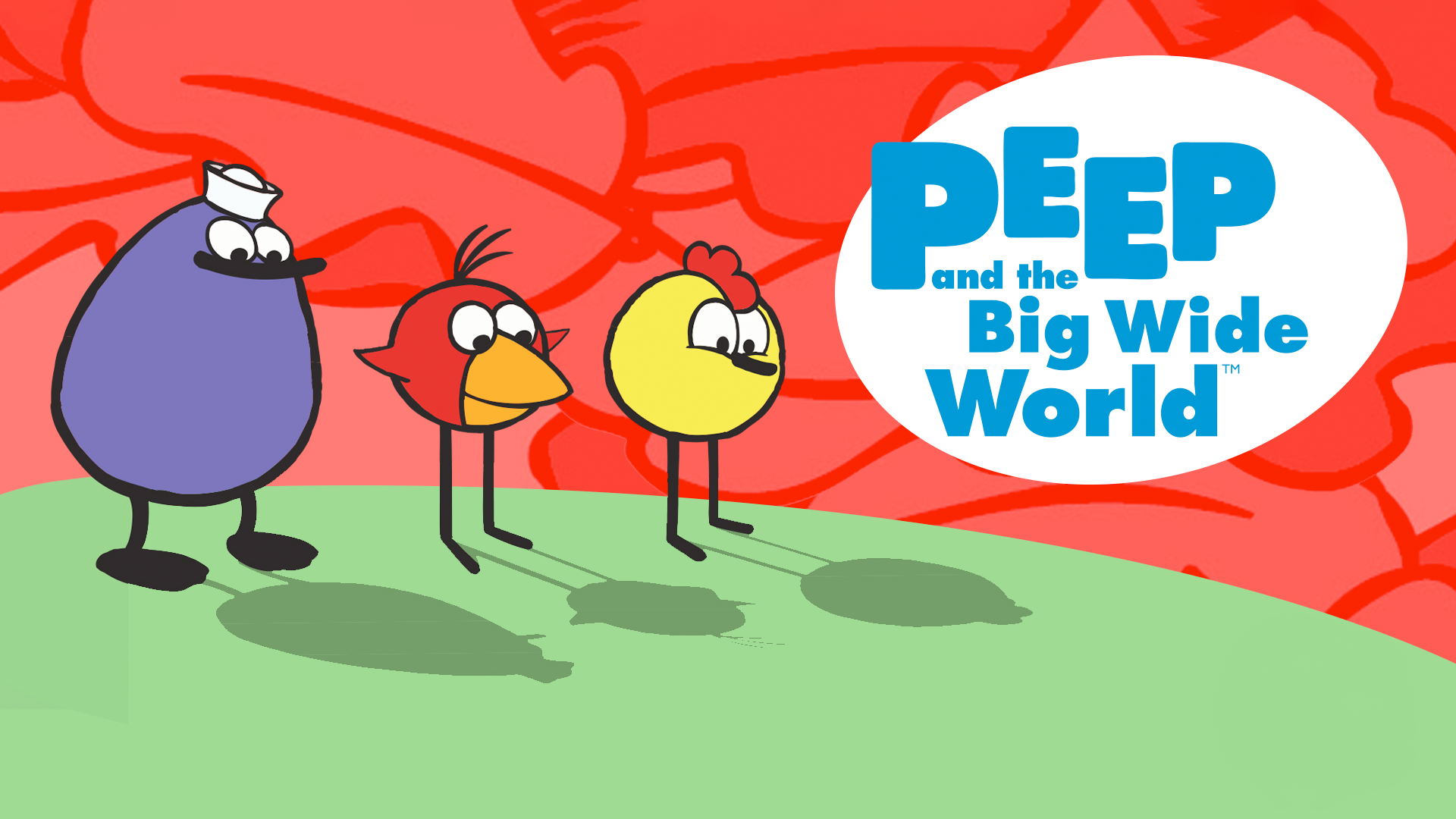
- Cost / Access info: Free.
- Age range: 3–5 years.
- What makes it unique: Short, toddler-friendly interactives with strong, parent-guided offline activities that extend learning beyond the screen.
- Example activities: Printable coloring pages paired with simple science games and parent-child exploration prompts.
3. Funology

- Cost / Access info: Free.
- Age range: All ages.
- What makes it cool/unique: A hands-on playbook of crafts, magic tricks, and kid-safe experiments that nurture curiosity and procedural thinking.
- Example activities: Build a terrarium, follow step-by-step craft tutorials, try simple kitchen science.
4. The Great Plant Escape

- Cost / Access info: Free.
- Age range: 4th–5th grade.
- What makes it cool/unique: Problem-based lessons from a university extension that integrate science, math, and observation.
- Example activities: Plant-growth observation journal, interactive worksheets on plant systems.
5. Switch Zoo: Animal Games
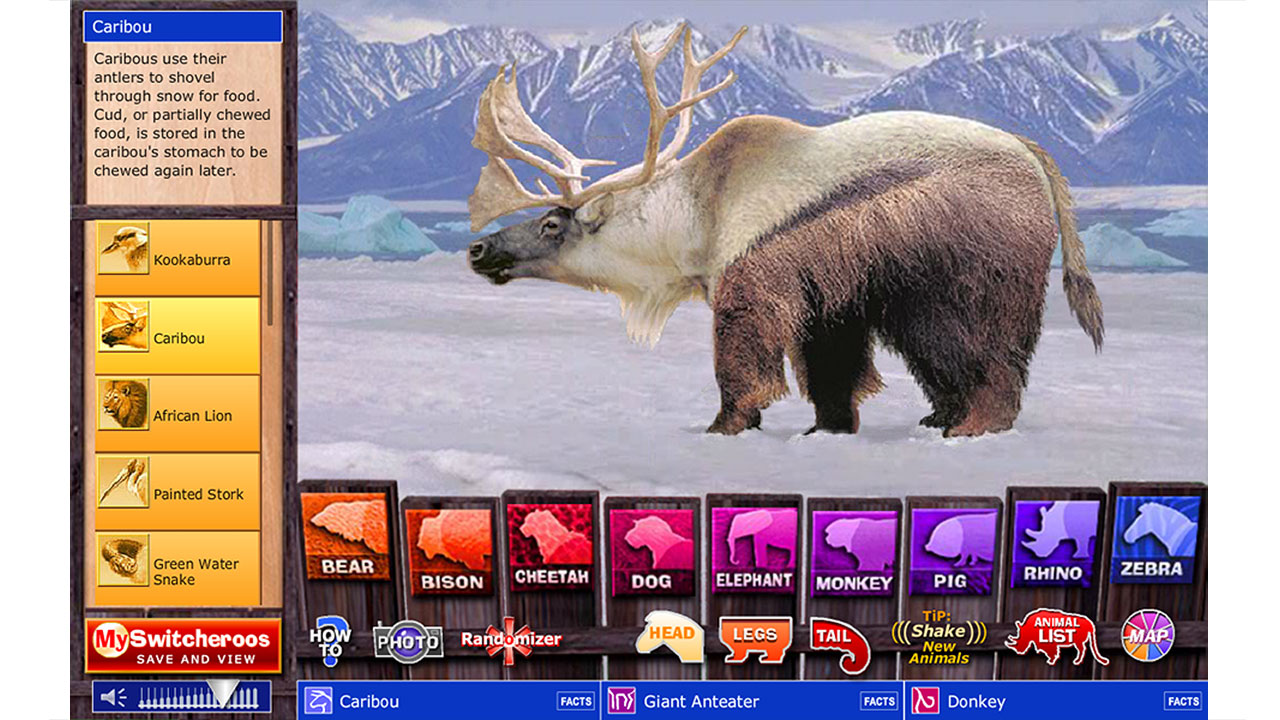
- Cost / Access info: Free.
- Age range: All ages.
- What makes it cool/unique: Creative animal-building games that teach species, habitat, and classification through playful creation.
- Example activities: Design hybrid animals, match habitats to species, and conduct a short animal-research project.
6. bubblesphere
- Cost / Access info: Free.
- Age range: All ages.
- What makes it cool/unique: Recipe-driven experiments and a child-friendly forum for sharing results, great for testing hypotheses and measuring outcomes.
- Example activities: Compare bubble recipes, record measurements, create illustrated process notes.
7. Kodable
- Cost / Access info: Freemium.
- Age range: 5–6 years.
- What makes it cool/unique: Drag-and-drop coding puzzles that map directly to sequencing and logic skills younger kids need.
- Example activities: Level-based coding missions, story-driven problem solving with guided prompts.
8. Funbrain

- Cost / Access info: Free.
- Age range: K–8th grade.
- What makes it cool/unique: Mixes engaging games with reading passages and comics, useful for linking comprehension to play.
- Example activities: Reading games tied to book excerpts, math puzzles that reinforce classroom topics.
9. Giggle Poetry

- Cost / Access info: Free.
- Age range: All ages.
- What makes it cool/unique: Interactive poem rating and wordplay activities that make rhythm and vocabulary practice playful.
- Example activities: Rate short poems, create illustrated rhyme sheets.
10. Lil’ Fingers Storybook
- Cost / Access info: Free.
- Age range: Toddlers.
- What makes it cool/unique: Big buttons and short stories tailored to toddlers, promoting early listening and word recognition.
- Example activities: Story-tracing worksheets, picture-sequence coloring pages.
11. ABCya!
- Cost / Access info: Freemium.
- Age range: K–5th grade.
- What makes it cool/unique: No-download games focused on core skills, with clear age bands and safe play that supports classroom standards.
- Example activities: Typing practice, short math-story problems, spelling games.
12. CryptoKids
- Cost / Access info: Free.
- Age range: All ages.
- What makes it cool/unique: Hands-on cipher activities that teach pattern recognition, logic, and basic cryptography concepts.
- Example activities: Create and decode secret messages, memory and logic puzzles.
13. Invention at Play
- Cost / Access info: Free.
- Age range: All ages.
- What makes it cool/unique: Promotes divergent thinking through invention challenges and virtual block play, showing kids how ideas map to prototypes.
- Example activities: Small invention prompts, design-your-own contraption sketches.
14. Chillola.com
- Cost / Access info: Free.
- Age range: All ages.
- What makes it cool/unique: Language learning through creative exchange, letting kids share poems, art, and stories while practicing a new language.
- Example activities: Short bilingual story swaps, illustrated vocabulary posters.
15. Amazing Space
- Cost / Access info: Free.
- Age range: Older children.
- What makes it cool/unique: Rich astronomy resources and Hubble imagery for older readers ready to link nonfiction reading to real data.
- Example activities: Night-sky observation logs, Hubble-image captioning challenges.
16. 4Kids.org
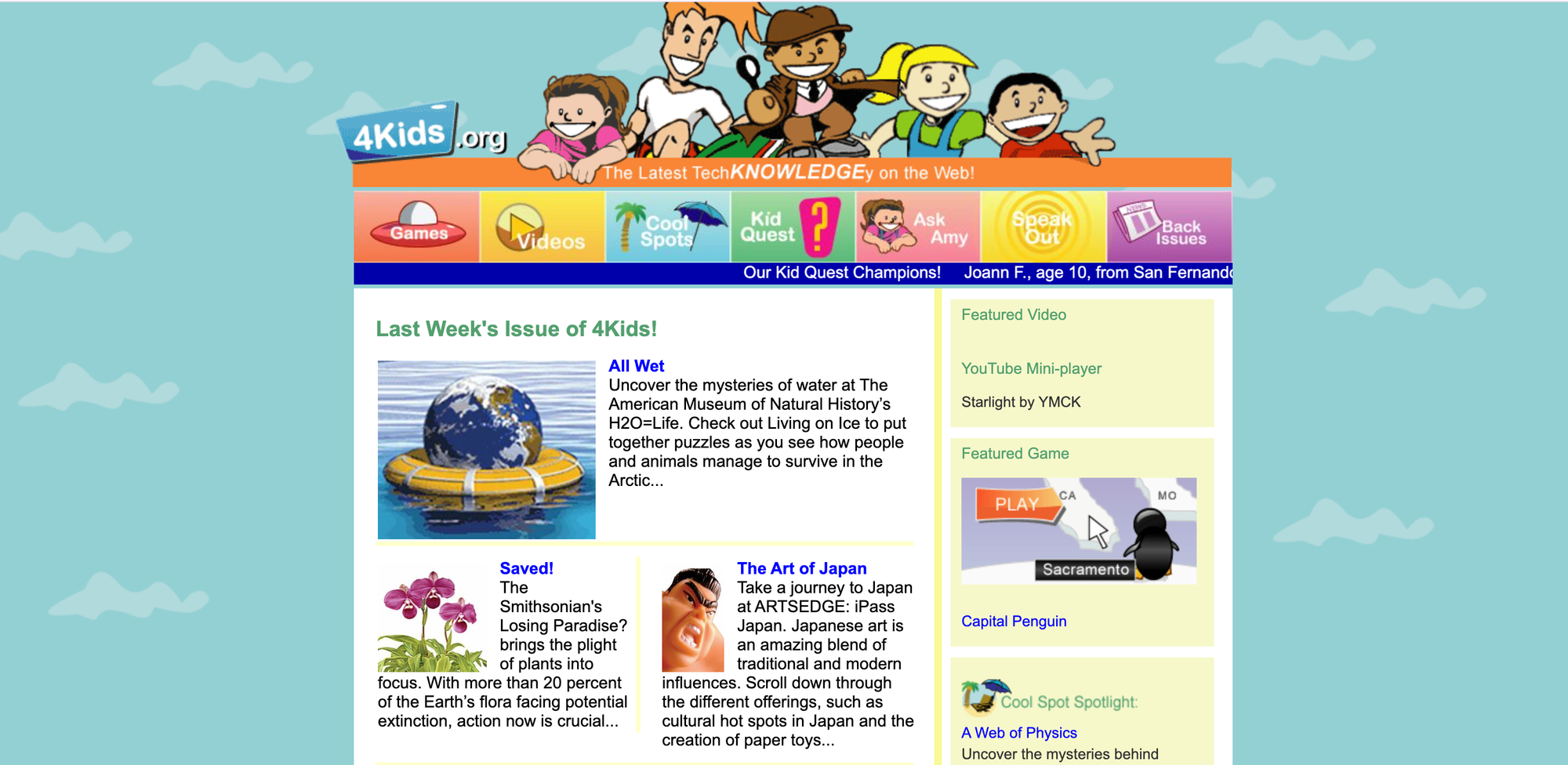
- Cost / Access info: Free.
- Age range: All ages.
- What makes it cool/unique: Kid-centered news and interactive features that invite critical thinking about current events at an age-appropriate level.
- Example activities: Kid-news reports, cool-spot reviews to build summarization skills.
17. Dance Mat Typing
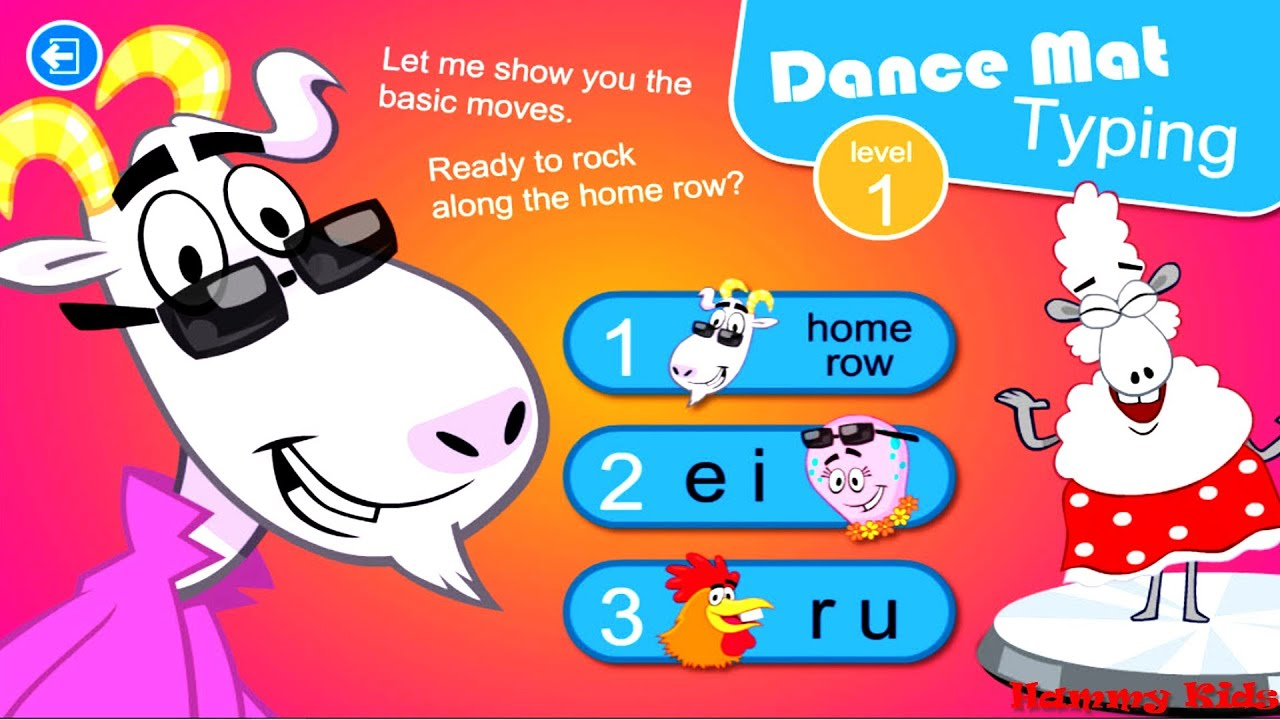
- Cost / Access info: Free.
- Age range: All ages.
- What makes it cool/unique: A playful, stepwise approach to keyboarding that prioritizes muscle memory and timed practice.
- Example activities: Timed typing exercises, keyboard games aligned to reading comprehension tasks.
18. Spy Kids
- Cost / Access info: Free.
- Age range: K–12th grade.
- What makes it cool/unique: CIA-curated puzzles, safety resources, and printable coloring pages tied to exploration and problem-solving.
- Example activities: Puzzle sequences, printable decoding activities that reinforce story clues.
When adults set up follow-up activities, the familiar path is to whitelist a handful of “safe” sites and hope the child picks something educational. That approach is comfortable, but it has hidden costs: mandatory age-verification schemes or heavy data collection make many families avoid promising sites, and that privacy tradeoff often shuts down access to creative, learning-rich tools. Solutions such as My Coloring Pages, with a parent-friendly, low-friction customization flow and clear data practices, provide a bridge by letting adults generate printable, story-linked activities without surrendering personal information, so follow-up happens quickly and privately.
19. Mr. Nussbaum
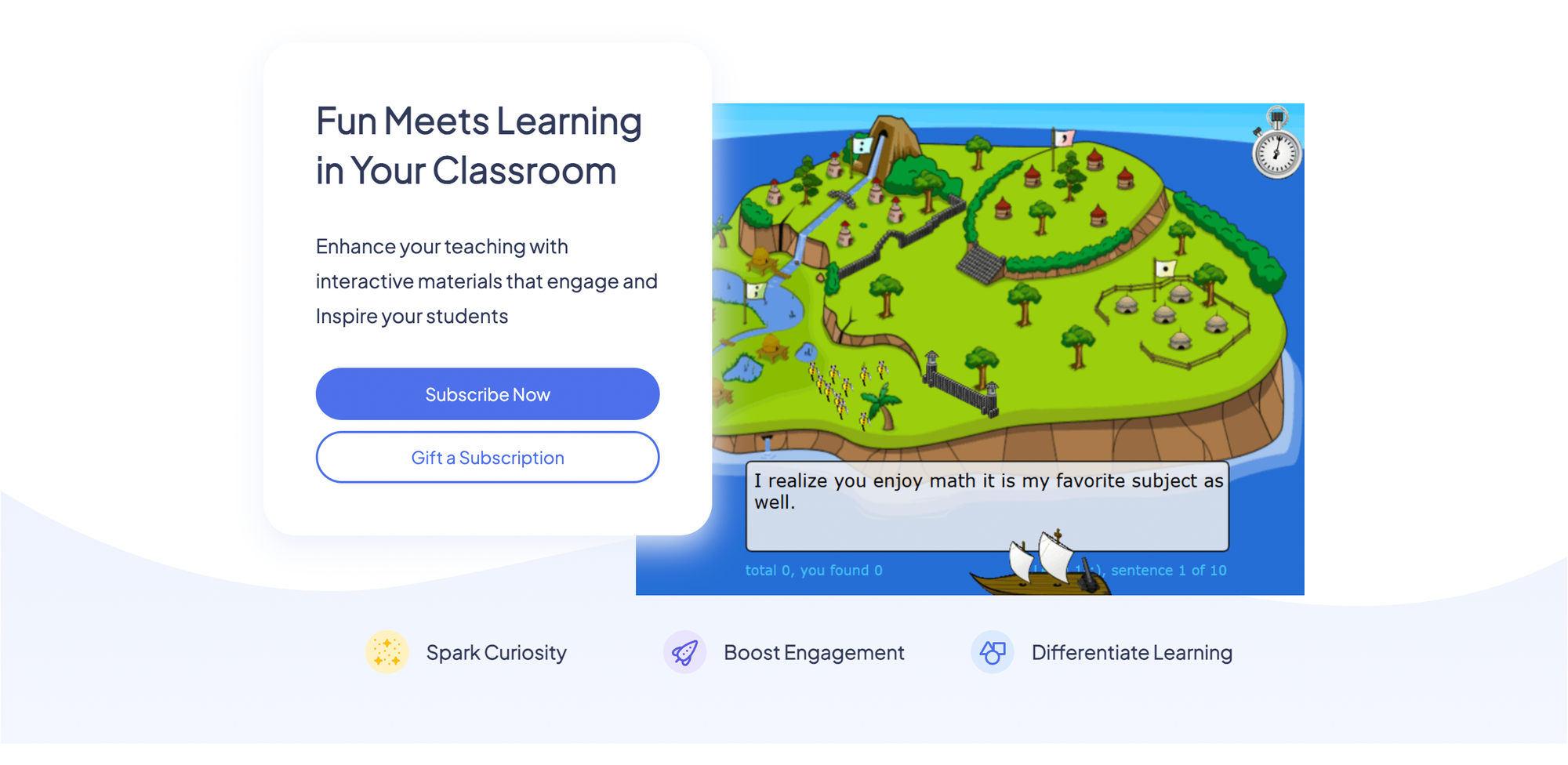
- Cost / Access info: Free.
- Age range: PreK–8th grade.
- What makes it cool/unique: A broad subject mix with classroom-aligned games and interactive lessons across history, math, and science.
- Example activities: History timeline coloring, science lab note printables.
20. BrainPOP
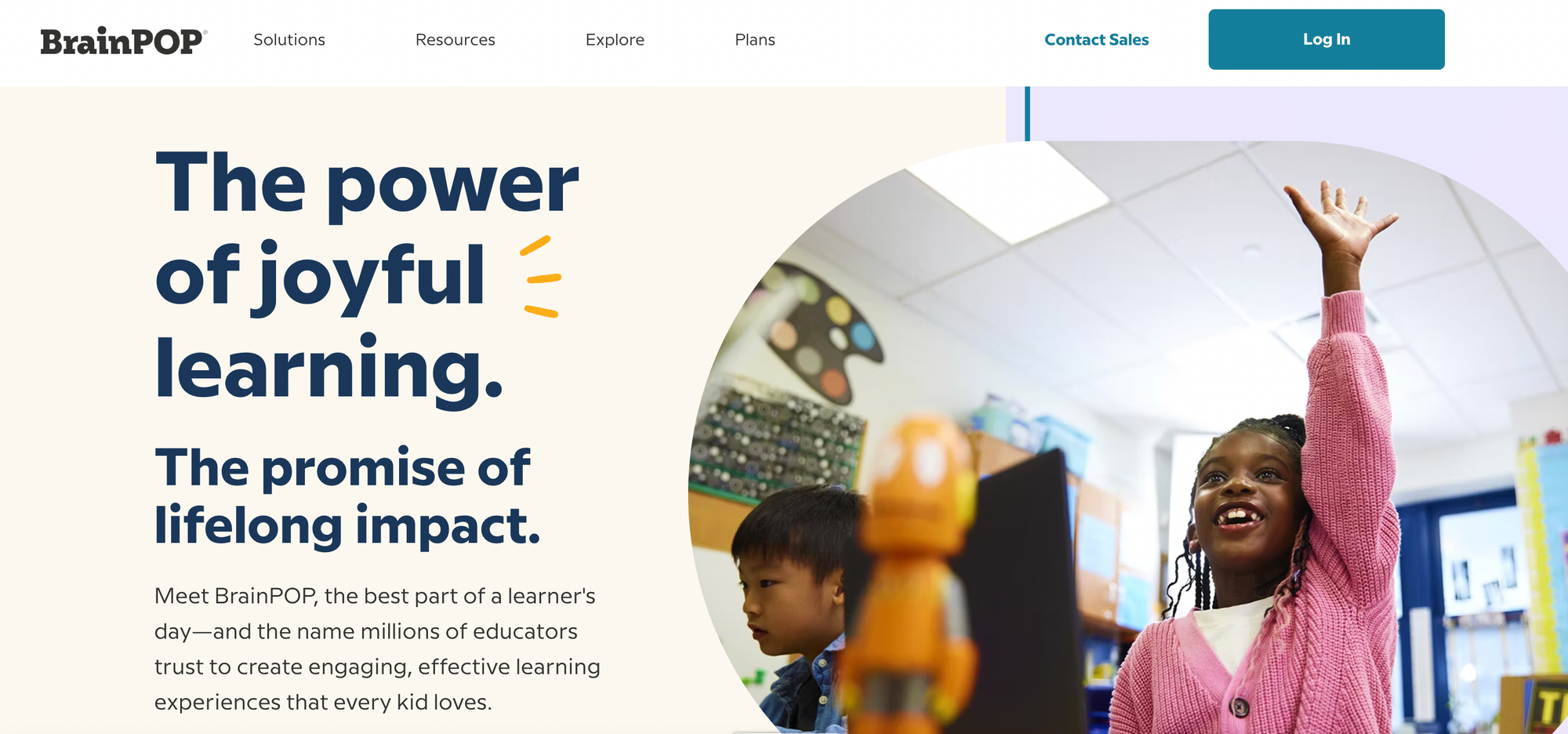
- Cost / Access info: Subscription.
- Age range: K–12th grade.
- What makes it cool/unique: Curriculum-aligned animated movies and assessment tools that map to standards and reading-topic extensions.
- Example activities: Short movie summaries, comprehension quizzes tied to the film.
21. Kids Web Japan
- Cost / Access info: Free.
- Age range: All ages.
- What makes it cool/unique: Cultural exploration with manga-style content and simple language supports for learners interested in Japan.
- Example activities: Cultural-comparison worksheets, manga captioning tasks.
22. Sesame Street
- Cost / Access info: Free.
- Age range: Young children.
- What makes it cool/unique: Trusted characters that scaffold letters, sounds, and social skills through video and printables.
- Example activities: Letter-tracing sheets, emotion vocabulary coloring pages.
23. PBS Kids
- Cost / Access info: Free.
- Age range: Young children.
- What makes it cool/unique: Program-specific games and activities that extend TV lessons into practice with clear learning targets.
- Example activities: counting workbooks and story retell coloring pages.
24. Discovery Kids
- Cost / Access info: Free.
- Age range: All ages.
- What makes it cool/unique: Science-forward interactives that make exploration feel like play, useful for non-fiction reading follow-ups.
- Example activities: Creature profiles, short science observation tasks.
25. Highlights Kids
- Cost / Access info: Free.
- Age range: All ages.
- What makes it cool/unique: Magazine-quality puzzles, stories, and art prompts converted into printable activities for at-home practice.
- Example activities: drawing challenges and simple science experiment prompts.
26. Duolingo
- Cost / Access info: Freemium.
- Age range: All ages.
- What makes it cool/unique: Short, story-driven language lessons that gamify vocabulary retention and pronunciation practice.
- Example activities Include Story translation sheets and illustrated vocabulary lists.
27. Google Earth
- Cost / Access info: Free.
- Age range: All ages.
- What makes it cool/unique: Bird’s-eye geography exploration that turns reading about places into virtual field trips and map-based projects.
- Example activities: Create a travel brochure, mark story settings on a map.
28. Solitaired
- Cost / Access info: Free.
- Age range: All ages.
- What makes it cool/unique: Card games designed to teach strategy with themed decks that introduce historical and STEM figures.
- Example activities: Build a timeline from custom deck bios, strategy task cards tied to reading comprehension.
29. Animal Jam
- Cost / Access info: Freemium.
- Age range: All ages.
- What makes it cool/unique: Moderated, educational virtual world focused on animal learning with safe social features.
- Example activities Include Habitat exploration worksheets and animal fact scavenger hunts.
30. The Happy Scientist
- Cost / Access info: Subscription.
- Age range: Young children.
- What makes it cool/unique: Engaging science demos on video that make abstract concepts tangible for younger learners.
- Example activities: recreate a simple demo and fill in lab observation sheets.
31. JumpStart
- Cost / Access info: Freemium.
- Age range: All ages.
- What makes it cool/unique: Immersive 3D learning worlds with structured skill paths across topics and grade levels.
- Example activities: Quest-based reading summaries, math-adventure worksheets.
32. Standard Deviants Accelerate
- Cost / Access info: Subscription.
- Age range: 3rd grade and older.
- What makes it cool/unique: Bite-sized, fast-paced video lessons for learners who move quickly and need compact review materials.
- Example activities Include Video-Aligned worksheets and timed recall exercises.
33. Pottermore’s Wizarding World
- Cost / Access info: Free.
- Age range: All ages.
- What makes it cool/unique: Fan-centric quizzes and lore that spark creative writing and character analysis tied to popular reading material.
- Example activities Include Character profile coloring pages and house-themed vocabulary lists.
34. Earthquakes for Kids
- Cost / Access info: Free.
- Age range: All ages.
- What makes it cool/unique: Focused hazard education with animations and data that support science fair projects and data interpretation.
- Example activities: Create an earthquake safety poster, animate a timeline of seismic events.
35. Smithsonian Education
- Cost / Access info: Free.
- Age range: All ages.
- What makes it cool/unique: Museum-grade lesson sets and the Learning Lab for creating guided, printable activities tied to artifacts and exhibits.
- Example activities: Artifact-based worksheets, photo-analysis prompts.
36. Grid Club
- Cost / Access info: Free.
- Age range: All ages.
- What makes it cool/unique: Short, varied tiles of mini-games that build quick problem-solving and vocabulary exercises.
- Example activities: Brain-challenge printables and themed matching activities.
37. Disney Jr.
- Cost / Access info: Free.
- Age range: Young children.
- What makes it cool/unique: Familiar characters that teach foundational skills through simple games and printable crafts.
- Example activities: story sequencing, coloring sheets, and memory games.
38. HowStuffWorks
- Cost / Access info: Free.
- Age range: Older children.
- What makes it cool/unique: Explanatory articles that break down complex topics into step-by-step visuals and experiments.
- Example activities: How-it-works diagrams, hands-on mini projects.
39. Exploratorium
- Cost / Access info: Free.
- Age range: All ages.
- What makes it cool/unique: Museum-quality, hands-on science activities with clear instructions and printable guides.
- Example activities: Make-and-test experiments, observation journals.
40. Hearts Game
- Cost / Access info: Free.
- Age range: All ages.
- What makes it cool/unique: Classic card play for strategic thinking and planning, paired with tutorials for beginners.
- Example activities: strategy worksheets and play-reflection prompts.
41. Starfall
- Cost / Access info: Freemium.
- Age range: PreK–3rd grade.
- What makes it unique: A phonics-first approach with songs, games, and printable worksheets, ideal for early readers.
- Example activities include phonics coloring sheets and short reading-comprehension pages.
42. Cool Math Games
- Cost / Access info: Free.
- Age range: All ages.
- What makes it cool/unique: Engaging math and logic puzzles that reinforce arithmetic and reasoning in a game format.
- Example activities: Problem-of-the-day printouts, logic puzzle worksheets.
43. Science Bob
- Cost / Access info: Free.
- Age range: All ages.
- What makes it cool/unique: Practical, easy-to-run science experiments with step-by-step directions and safety notes.
- Example activities: Chemistry experiments, physics demo write-ups.
44. Kids.gov
- Cost / Access info: Free.
- Age range: All ages.
- What makes it cool/unique: Curated government educational resources and printable activities that support civics and social studies lessons.
- Example activities: Civic vocabulary sheets, history timeline activities.
45. Fun 4 the Brain
- Cost / Access info: Free.
- Age range: All ages.
- What makes it cool/unique: Focused math drills and brain teasers with clear, printable practice that reinforce classroom computation.
- Example activities: Multiplication practice sheets, timed worksheets for quick recall.
How do families manage online resources?
Most families manage a rotating set of links because this method seems easy at first. However, as they use it more, bookmarks can get messy, login prompts pile up, and it can be hard to find one specific activity.Platforms like My Coloring Pages, which offer simple customization and an extensive free library, help connect scattered online searches to reliable, printable activities that keep creative play under parents' control.
What can one well-chosen activity do?
What surprises many parents is how quickly a single, well-chosen printable activity can turn a restless hour into a lasting memory that both parent and child will talk about.
How should you choose the following website?
This transformation raises an important question: how should you choose which site to trust next?Our extensive collection of 16,280+ free coloring pages is a valuable resource as you explore your options.
Related Reading
- Drawing Websites for Kids
- Best Educational Websites for Kids
- Art Websites for Kids
- Safe Websites for Kids
- List of Websites to Block for Kids
- Reading Apps for Kids
- Best Learning Apps for Kids
- Best Learning Games for Kids
- Math Apps for Kids
How to Choose the Right Websites That Kids Will Actually Enjoy

Select sites that match your child's abilities, interests, and your ability to supervise. Run a quick, practical test to confirm the site is a good fit before using it regularly. Focus on adjustable challenges, meaningful feedback, and clear safety rules. This will help shift screen time toward productive practice and fun play rather than just background noise.
How do I match features to developmental skills?
To align features with developmental skills, start by identifying a specific skill to develop, such as fine motor control, letter recognition, or problem-solving. Then, choose sites that clearly support that skill, offering features such as simpler modes, read-aloud options, or difficulty levels that increase as the child progresses.Think of finding the right site like finding the right pair of shoes: it should fit well now, have some room to grow into next season, and be easy to take off if it's too tight. Quickly check three essential things: is the interface straightforward, can a caregiver change the difficulty, and does the content require reading or motor skills that are too hard for the child's age?
How should I balance learning and fun so neither gets shortchanged?
Decide ahead of time what you want from a session. Then, choose a ratio that fits your child’s temperament instead of following a one-size-fits-all rule. Many parents focus on learning outcomes.According to Kaspersky research from 2025, 65% of parents believe educational websites are the most helpful for their children. So, look for clear learning goals on the site.
At the same time, nearly half of children show a strong preference for play-driven sites. Kaspersky reports that 45% of kids prefer websites that offer interactive games and activities. Use these two facts to create a simple guideline: select one activity that teaches and one that entertains, connecting them with an offline step so the entertainment supports the learning.
What separates shallow interaction from useful interactivity?
Interactivity should be considered helpful only when it develops a transferable skill. Features that look flashy, like cool animations or points that don’t make tasks harder, are just for fun and don’t help with real learning.Good interactive design provides quick, clear feedback, adapts challenges based on performance, and encourages reflection. For example, if you ask a child to explain how they arrived at a solution or try a different approach on paper, it helps them understand better.
- Feedback specificity to guide learning.
- Adaptive challenges respond to the learner's progress.
- An option to export or print results for offline follow-up, which turns a quick success into durable learning.
How do you keep safety and privacy simple without blocking access?
Parents are increasingly frustrated when websites request formal ID or collect additional personal information. This problem often occurs when new verification rules take effect, and there are usually no clear explanations of the privacy changes. Choose platforms that ask for minimal personally identifiable information, offer parental approval processes that do not ask for sensitive documents, and share a plain-language privacy summary.Test a website's signup process by reviewing exactly what information it collects; search for third-party tracker disclosures; and verify whether you can delete an account and its data. If a website's safety features are unclear, it is a warning sign and may be better to leave the site.
What step-by-step routine do I use at home to select a site?
- Define one skill goal and one joy goal for the child this week.
- Scan three candidate sites that claim to address those goals.
- Run a short supervised session in which the child spends 10 to 20 minutes trying both a learning activity and a game.
- Check for adaptive feedback and ensure there is a way to save or print the child’s work.
- Inspect the signup and privacy flow for unnecessary data requests.
- If the site passes, add it to a rotated list of two or three trusted sites and set a simple session rule, such as one learning activity followed by one creative choice. This routine keeps decisions fast and accountable.
How do you test a site quickly so you stop guessing?
Use a three-step probe that gives quick evidence. First, start a guided task and check how long it takes the child to understand the instructions. If the instructions are not clear at first, the design may be too complex.Second, monitor whether feedback helps the child correct mistakes; this indicates that the site supports learning rather than just rewarding clicks. Third, ensure there is a way to exit the browser, such as a printable worksheet, PDF export, or a downloadable image. If you can't take the activity into the real world, its long-term value is low.
What is the key to choosing well among websites?
Choosing well is less about finding the perfect site and more about creating predictable habits, setting clear goals, and using a quick test to check fit. The following section transforms one of these habits into a surprisingly strong resource.
Related Reading
- Music Apps for Kids
- Best Apps for 6-Year-Olds
- Best Apps for Kids
- Best Coding Apps for Kids
- AI Tools for Kids
- Language Learning Apps for Kids
- Best Drawing Apps for Kids
Download 16,748+ FREE Coloring Pages
The scramble between dinner and bedtime can be chaotic, especially when good intentions turn into a need for a quick, screen-free activity that really captures a child's attention. My Coloring Pages lets users create custom, printable coloring pages in seconds.
Simply describe your idea or upload images, and the app converts them into ready-to-print pages. You can also browse 16,748+ free community designs to make personalized coloring books for kids, adults, classrooms, or even stress relief. Trusted by over 20,000 parents and rated 4.8 out of 5, it’s the simplest way to spark creativity while keeping kids off screens.Try a free page and make tonight a small, screen-free win.