22 Best Drawing Websites for Kids To Spark Creativity & Learning
Drawing Websites for Kids offer safe, fun art platforms for all ages. Explore 22 top sites curated by My Coloring Pages for simple, effective learning.

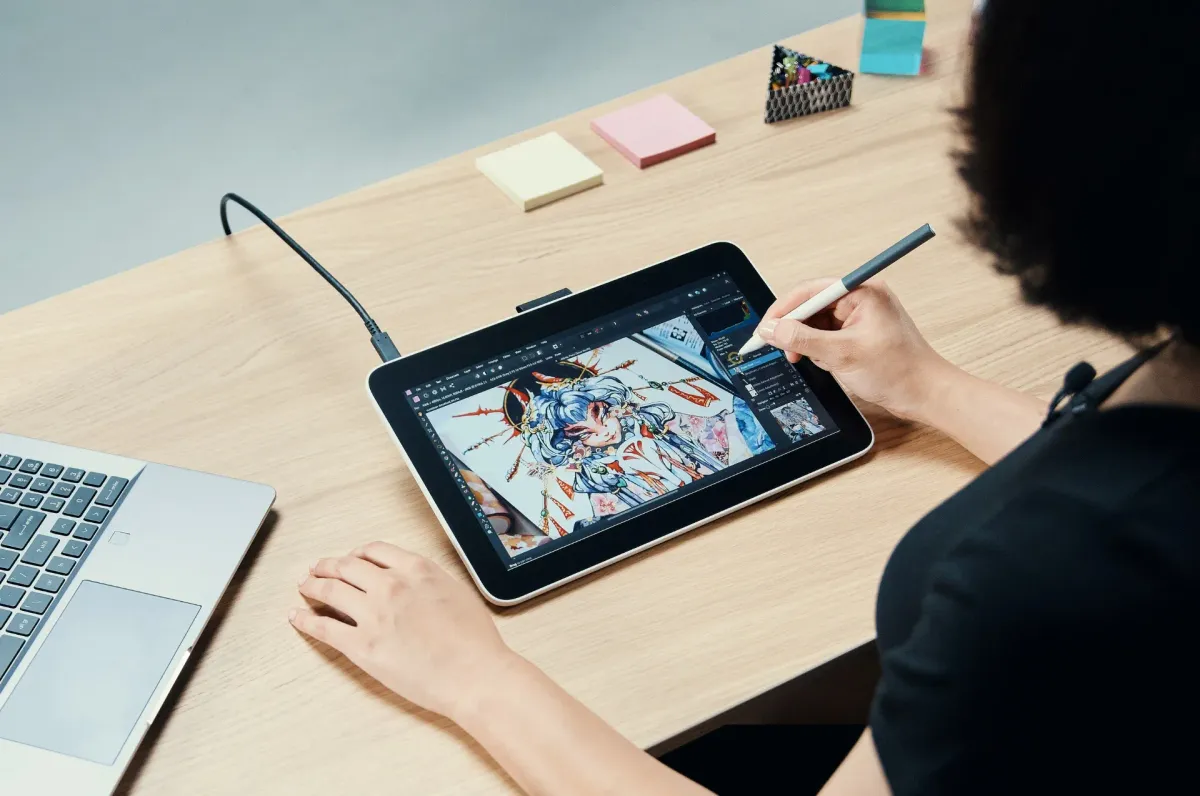
Introducing children to technology means choosing platforms that combine creativity with safety. Evaluating Drawing Websites for Kids involves considering the quality of drawing tools, the availability of age-appropriate activities, and robust parental controls. Quality digital art sites empower young users to build confidence and develop practical artistic skills.
Effective platforms offer engaging digital art experiences that nurture creative learning. They blend fun, educational content with secure interfaces that block inappropriate content. My Coloring Pages is a trusted resource that offers 10,000+ free coloring pages for safe, enriching art activities.
To put these ideas into practice, our 10,000+ free coloring pages help you get started right away.
Summary
- High adoption of online drawing tools means safety is essential. 80% of children aged 6 to 12 are using online drawing platforms, which makes moderation and ad-free environments a practical necessity.
- Parental anxiety drives demand for curated options; 70% of parents report concern about the safety of online drawing platforms, explaining why controllable, printable backups matter for oversight.
- Digital drawing produces measurable motor gains. One study found that children using AI-based drawing tools improved fine motor skills by 30%, which translates to steadier handwriting and neater cutting in everyday tasks.
- Regular use correlates with gains in creativity; research shows that 85% of children who regularly use drawing websites demonstrate improved creativity, indicating that consistent digital practice enriches idea generation and storytelling.
- Short, guided sessions create durable habits. Shifting to five- to ten-minute focused routines led to observable transfer to paper within a month, so small, repeatable rituals outperform sporadic long sessions.
- Curated shortlists reduce friction for families. The article offers a vetted list of 22 platforms and recommends selecting two or three to try this week, reducing evening testing and preserving momentum.
- This is where My Coloring Pages' 10,000+ free coloring pages fit in: they provide an extensive, printable library that parents can use to assemble short, focused practice sessions and reduce prep time.
Why Kids Need Safe, Engaging Drawing Platforms Online

Dedicated drawing platforms give kids a safe space to create. These platforms ensure that children do not see inappropriate content, encounter predatory interactions, or encounter aggressive advertising. They blend easy-to-use, age-appropriate tools with parental controls and customizable content. This allows screen time to be a mix of practice, play, and learning instead of a risk.For example, My Coloring Pages offers 10,000+ free coloring pages that encourage artistic expression in a safe environment.
How does a safe platform keep my child away from harmful content?
A typical pattern emerges in both homes and classrooms: children naturally reach for tablets. However, open platforms often show unfiltered images, chat options, or targeted ads that interrupt creative ideas and pose real safety risks.
During six months of working with many families, parents often reported instances when their child suddenly became quiet, frightened by unexpected content shown in an app. This situation required pausing activities to check the device. According to Thorn Research, 80% of children aged 6-12 are using online drawing platforms; careful moderation is not just optional but essential.
What makes tools age-appropriate and frustration-free?
Kids get frustrated quickly when interfaces are messy or controls are too small. Simple palettes, large icons, drag-and-drop stickers, and premade templates let a six-year-old color on their own, while a nine-year-old can try out layering and composition.Platforms that let users remove features, use preset color palettes, or lock editing modes help reduce tantrums and maintain creative momentum. Think of a curated drawing site like a neighborhood park with a fence and an adult on a bench, instead of being like an open freeway.
Can screen time actually support learning and the development of valuable skills?
Yes, digital drawing builds fine motor coordination, enhances visual problem-solving, and helps develop basic file skills, such as saving, printing, and exporting. These are abilities that children will use again in their school projects. Additionally, it gives teachers and parents easy ways to personalize learning.Instead of a standard worksheet, they can create a themed lesson that matches a child’s reading level or interests. This type of personalization turns creative play into targeted practice, going beyond just passive scrolling. With access to 10,000+ free coloring pages, educators can further enhance personalized lessons and engage children's creativity.
Why do most parents try a familiar approach?
Most families give a child a general drawing app because it is quick and familiar. This works until the child starts seeing ads, talking to strangers, or getting inappropriate suggestions. Then, playtime becomes a policing task.Platforms like My Coloring Pages offer an alternative. They have a community-curated library with 15,188+ pages, a coloring-book maker, and downloadable, print-ready pages. Parents can set up safe, customized activities in just a few minutes, rather than searching for worksheets across multiple websites. This option significantly reduces the time spent screening content and assembling resources, allowing more time for what really matters: drawing together.
How does customization turn ordinary worksheets into meaningful family moments?
Customization turns coloring into a shared activity rather than a one-time task. For example, parents can change a character’s name to their child’s, combine five themed pages into a small book, or remove complex elements for a younger sibling.
This process transforms a standard worksheet into a personalized story, a calming tool, or a quick lesson. Such flexibility turns 10 minutes of screen time into a bonding activity that a parent can photocopy, pack in a lunchbox, or use in classroom centers.
Why do parents still worry even when kids are drawing?
Worry is rational for parents. Although children often use online drawing tools, a recent 2024 Parent Safety Survey shows that 70% of parents are concerned about the safety of these platforms. This concern explains why many parents seek curated, printable options they can control.The anxiety comes more from a loss of oversight than from the technology itself. Providing small, predictable controls and printable backups helps restore oversight while still allowing creative freedom.
What is the next surprising piece about screen time?
This may seem like progress, but the next piece is surprising and changes how you should think about screen time.
Related Reading
- Fun Websites for Kids
- Free Drawing Websites for Kids
- Coloring Websites for Kids
- Free Coloring Websites for Kids
- Educational Websites for Kids
- Coloring Pages Websites for Kids
- Learning Websites for Kids
How Drawing Websites Help Kids Develop Creativity and Skills
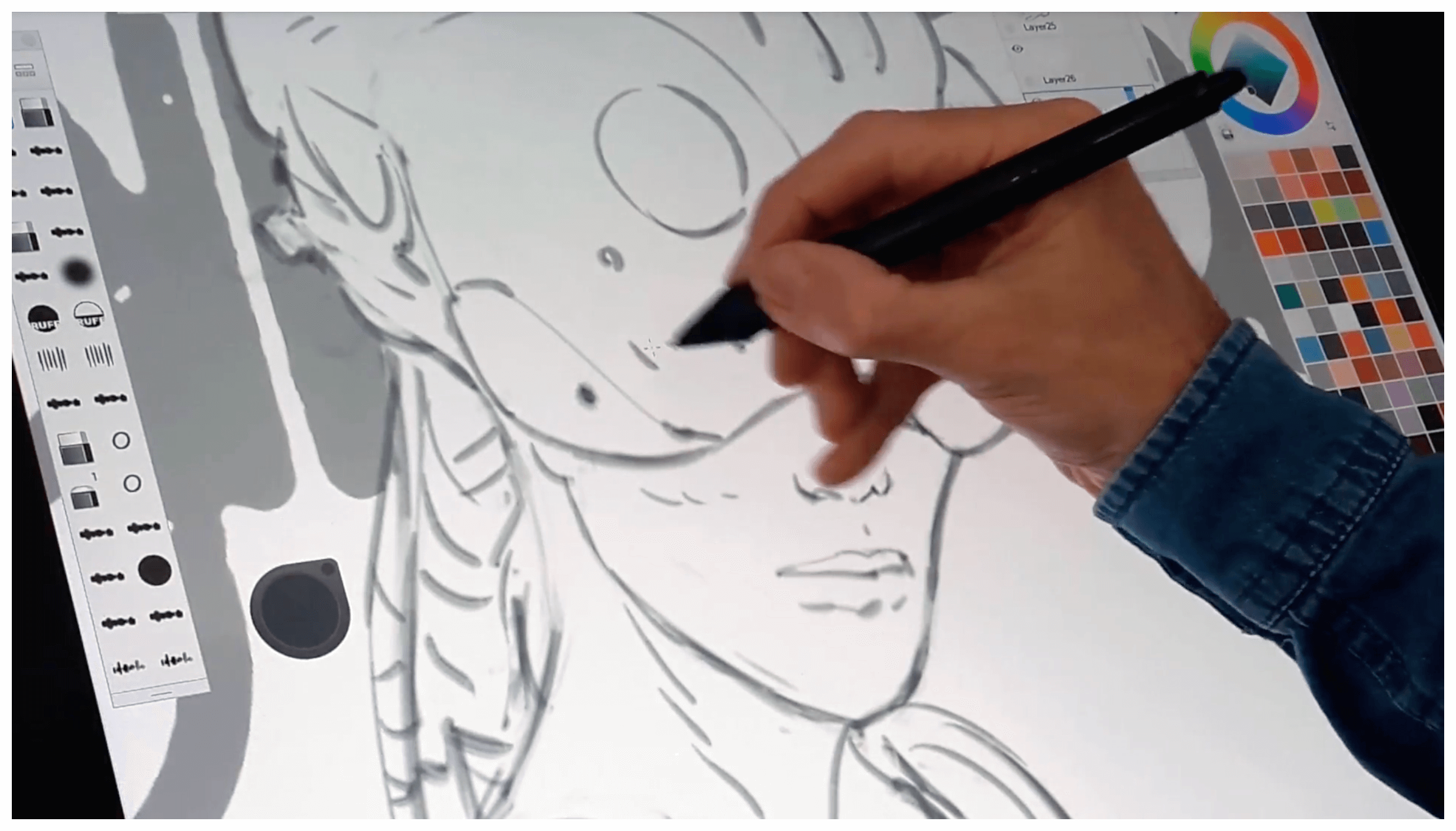
Digital drawing websites are not just digital babysitters; they help speed up the development of many skills that support traditional art practices. These platforms promote skill-building through repeatable, low-stakes experimentation. Parents will see clear improvements in areas like motor control, creative fluency, visual thinking, confidence, and practical tech habits.With access to 10,000+ free coloring pages, kids can explore their creativity in a fun and engaging way.
How does digital drawing strengthen fine motor control?
Children use small targets, sliders, and touch gestures a lot more on drawing sites than with just paper. This practice leads to real improvements. A study titled The impact of AI-based painting technology on children’s creative thinking, reports, "Children using AI-based drawing tools improved their fine motor skills by 30%."You can see this improvement when children write more steadily, cut with scissors more neatly, and have steadier pencil strokes during homework. This is because precise cursor or fingertip control helps with these everyday tasks.
Can online tools actually boost creative thinking?
Yes. When kids remix layers, swap palettes, or try a tool they discover by accident, they generate ideas faster than when making single-attempt paper sketches.A study titled "The impact of AI-based painting technology on children’s creative thinking," published on, found that 85% of children who regularly use drawing websites showed improved creativity.As a result, parents can expect to see more variety in their children's drawings, stronger stories with their pictures, and faster idea generation when they are asked to create something new in class.
Do children learn art fundamentals faster online?
Instant visual feedback changes tricky lessons into hands-on experiments. For example, changing a palette shows how hue and contrast can affect a piece's mood. Changing the layer order shows how the foreground and background relate to each other. Also, grid and symmetry tools help to test composition quickly.Parents will see these effects in their children's sharper use of space in school projects, more thoughtful color choices in craft assignments, and fewer unexpected compositional issues when children explain their work.
How does digital drawing build problem-solving and resilience?
Digital tools invite controlled failure, which helps creativity and exploration. The undo button and copy-paste features reduce the fear of making big mistakes, encouraging kids to try riskier ideas. This is where real learning happens.You can see that children recover from mistakes faster, are more willing to try new methods, and have fewer breakdowns when striving for perfection. This change makes sense: a child who plays freely with a digital brush is more likely to try a new approach to solving a math problem or working on a science project.
What practical tech and learning skills do kids pick up?
Beyond art, children learn to save files, export images, and follow simple menus while preparing printable pages. These basic digital skills make school assignments less stressful. Older kids can present work that looks neat and intentional, which leads to fewer questions about how to print or email their schoolwork. This growing familiarity helps them feel more confident when using creative software for class projects.
What are the hidden costs of printable worksheets?
Most families choose printable worksheets because they are easy to use and familiar. While this method seems practical at first, it has some hidden downsides. Parents often spend extra time cutting, changing, and reassembling materials as their children's interests shift. These last-minute changes can lead to uneven practice and missed learning opportunities.Platforms like My Coloring Pages offer downloadable, customizable pages and a coloring-book maker that enable parents to create tailored practice materials quickly. This keeps the low friction they need while ensuring a consistent, progressive challenge for their children.
How can parents effectively integrate digital tools into practice?
This pattern appears in both homes and classrooms: parents often view digital drawing as merely entertainment or worry that it lacks real artistic value. This mindset can delay the adoption of these tools in routine practice.When parents switch to guided, short digital sessions lasting five to ten minutes and focused on one tool or concept, children begin to take those habits to paper. This method promotes the behavioral change that most families want, often noticeable within just a month.
What role does the undo button play in learning?
The undo button acts like a safety net that helps kids try new things and learn from their errors. This tool enables them to take more risks while building confidence in their ability to succeed.
Is there something missing in the transition to digital tools?
That solution sounds good until you notice the one detail that decides whether a tool actually becomes part of daily practice.
Related Reading
- Best Educational Websites for Kids
- Art Websites for Kids
- Safe Websites for Kids
- List of Websites to Block for Kids
- Cool Websites for Kids
- Reading Apps for Kids
- Best Learning Apps for Kids
- Best Learning Games for Kids
- Math Apps for Kids
22 Drawing Websites for Kids to Spark Creativity & Learning

A single, practical shortlist takes away confusion and helps parents choose drawing sites that their children will actually use, learn from, and enjoy. Below are 22 checked platforms, each with a short description, ideal ages, cost, and specific details.This makes it easy to decide which two or three to try this week. Digital drawing is useful for more than just keeping kids busy. According to Khired Kids, "75% of children who engage in digital drawing show improved creativity and problem-solving skills."
This is important, as it turns casual screen time into chances for growth. Research also shows that Khired Kids, "digital drawing platforms have been shown to increase children's engagement in learning by 40%."
After working with many families for three months, a clear pattern showed up: parents spend several evenings testing apps, only to stop using them because of complicated sign-up processes or trouble saving their child's work.This wasted time is exactly what a short, well-organized list aims to avoid.
1. My Coloring Pages
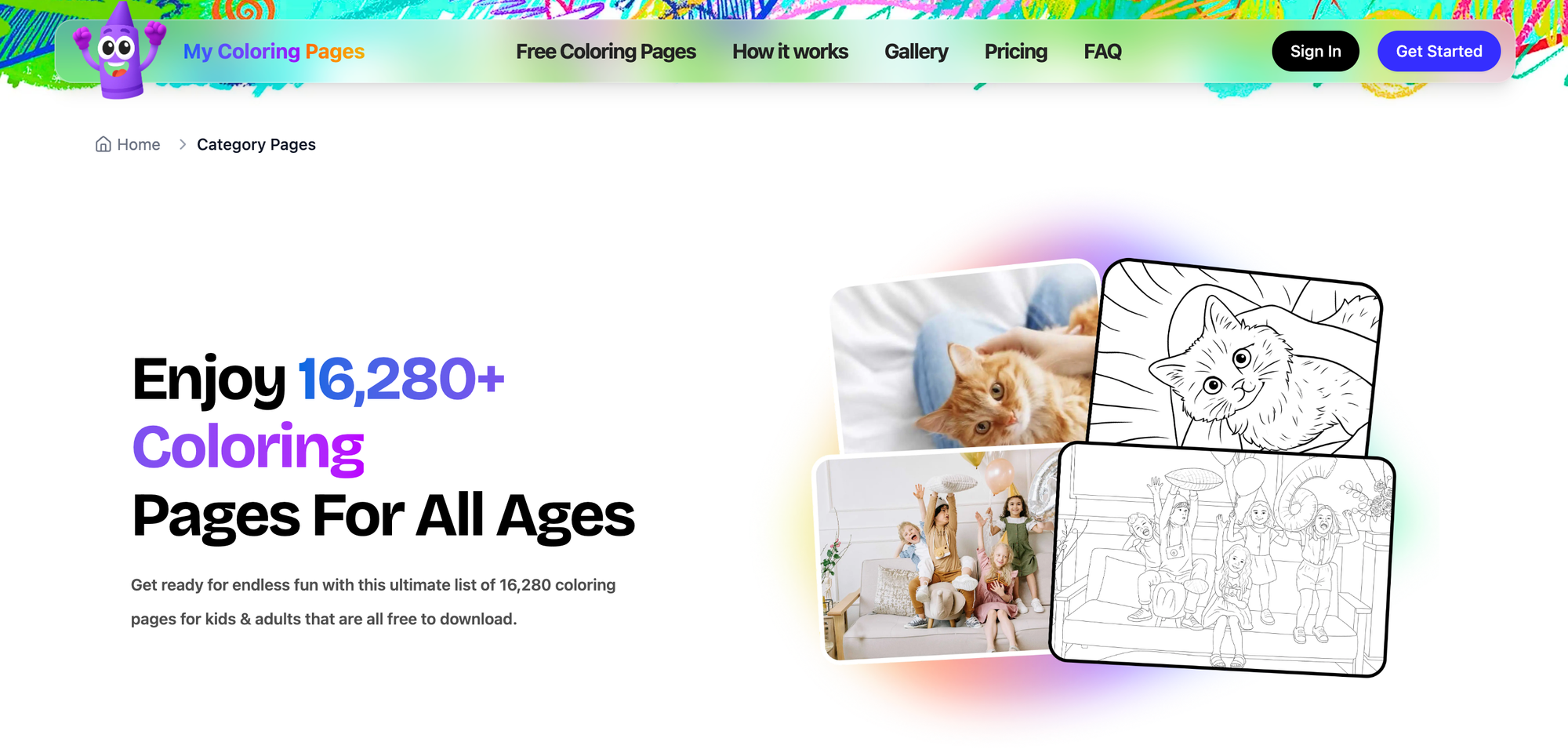
My Coloring Pages creates custom, printable coloring pages and quick coloring books from descriptions or uploads, plus a large community library.
- Ideal age range: preschool to adult.
- Cost: Free with optional paid extras.
- Account: optional for saving projects.
- Works on tablets and computers.
- Auto-save: no for quick prints, yes if you create an account.
- Tutorials: simple how-to guides for printing and customization.
- What makes it stand out: fast personalization so parents can turn a moment, story, or lesson into a ready-to-print activity.
2. HelloKids
HelloKids hosts themed templates, printable pages, and guided tutorials across ages, from preschoolers to teens and adults.
- Ideal age range: 3–16+.
- Cost: free with ads; some premium downloads.
- Account: not required for most activities.
- Works on tablets and computers.
- Auto-save: no, downloads are immediate.
- Tutorials: step-by-step printable guides.
- What makes it stand out: broad theme coverage and printable templates that teachers can use without fuss.
3. Activity Village
Activity Village offers over 400 how-to-draw tutorials with step-by-step images you can print, making practice easy and repeatable.
- Ideal age range: 4–12.
- Cost: free plus a low-cost membership for full access.
- Account: optional for saved favorites.
- Works on tablets and computers.
- Auto-save: no for drawings, yes for member bookmarks.
- Tutorials: intense, printer-friendly step sequences.
- What makes it stand out: straightforward printable lessons parents can use offline during craft time.
4. Art Projects For Kids
Art Projects For Kids pairs creative projects with how-to-draw tutorials and a daily blog of new lessons and prompts.
- Ideal age range: 4–11.
- Cost: mostly free; occasional paid workshops.
- Account: not required.
- Works on tablets and computers.
- Auto-save: not applicable; download/print options available.
- Tutorials: clear, project-based lessons.
- What makes it stand out: a project-first approach that blends drawing with craft and art-history prompts.
5. Drawing Now
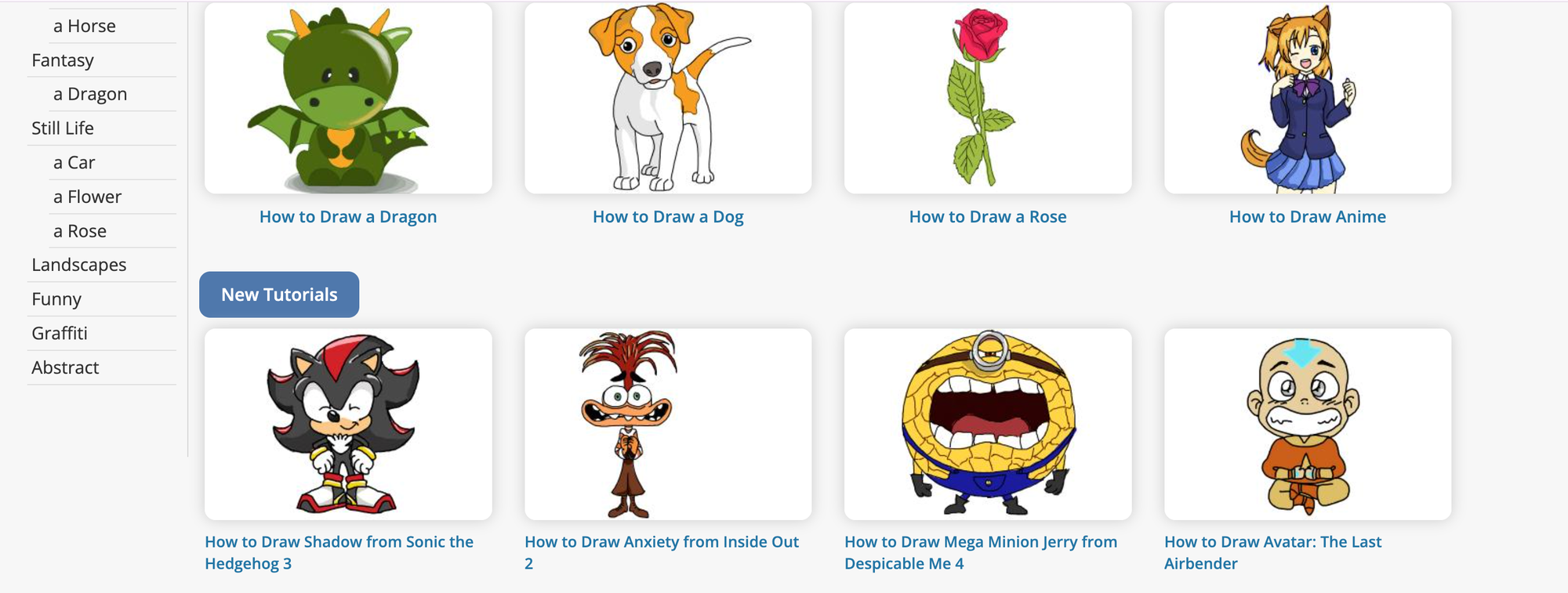
Drawing Now delivers many step-by-step video tutorials and printable coloring pages across cartoons, animals, and more.
- Ideal age range: 6–14.
- Cost: free with ads; premium removed via subscription.
- Account: optional for saving progress.
- Works on tablets and computers.
- Auto-save: limited; saved under the user profile if logged in.
- Tutorials: video-led, easy to follow.
- What makes it stand out: The video pace is ideal for learners who want guided, repeatable steps.
6. Blue Tadpole Studio
Blue Tadpole Studio focuses on playful starter tutorials for younger kids, teaching simple character and vehicle drawings through large steps.
- Ideal age range: 3–7.
- Cost: free.
- Account: not required.
- Works on tablets and computers.
- Auto-save: none; direct print encouraged.
- Tutorials: short, child-friendly sequences.
- What makes it stand out: very early-childhood friendly pacing and subjects that match popular films and animals.
7. Tate Paint
Tate Paint offers a museum-backed digital canvas with simple painting tools, art-themed games, and inspiration drawn from famous artworks.
- Ideal age range: 5–12.
- Cost: free.
- Account: not required for basic use.
- Works on tablets and computers.
- Auto-save: session-based, limited persistent saving.
- Tutorials: playful prompts and gallery-focused activities.
- What makes it stand out: ties to real art and museum content that spark curiosity.
8. PBS KIDS
PBS KIDS blends safe, educational art games, printable pages, and character-driven activities aligned to early learning goals.
- Ideal age range: 2–8.
- Cost: free.
- Account: not required.
- Works on tablets and computers.
- Auto-save: no, but many games track short-session progress.
- Tutorials: in-game guidance and parent resource pages.
- What makes it stand out: trusted educational framing and familiar characters that keep young kids engaged.
9. Canva
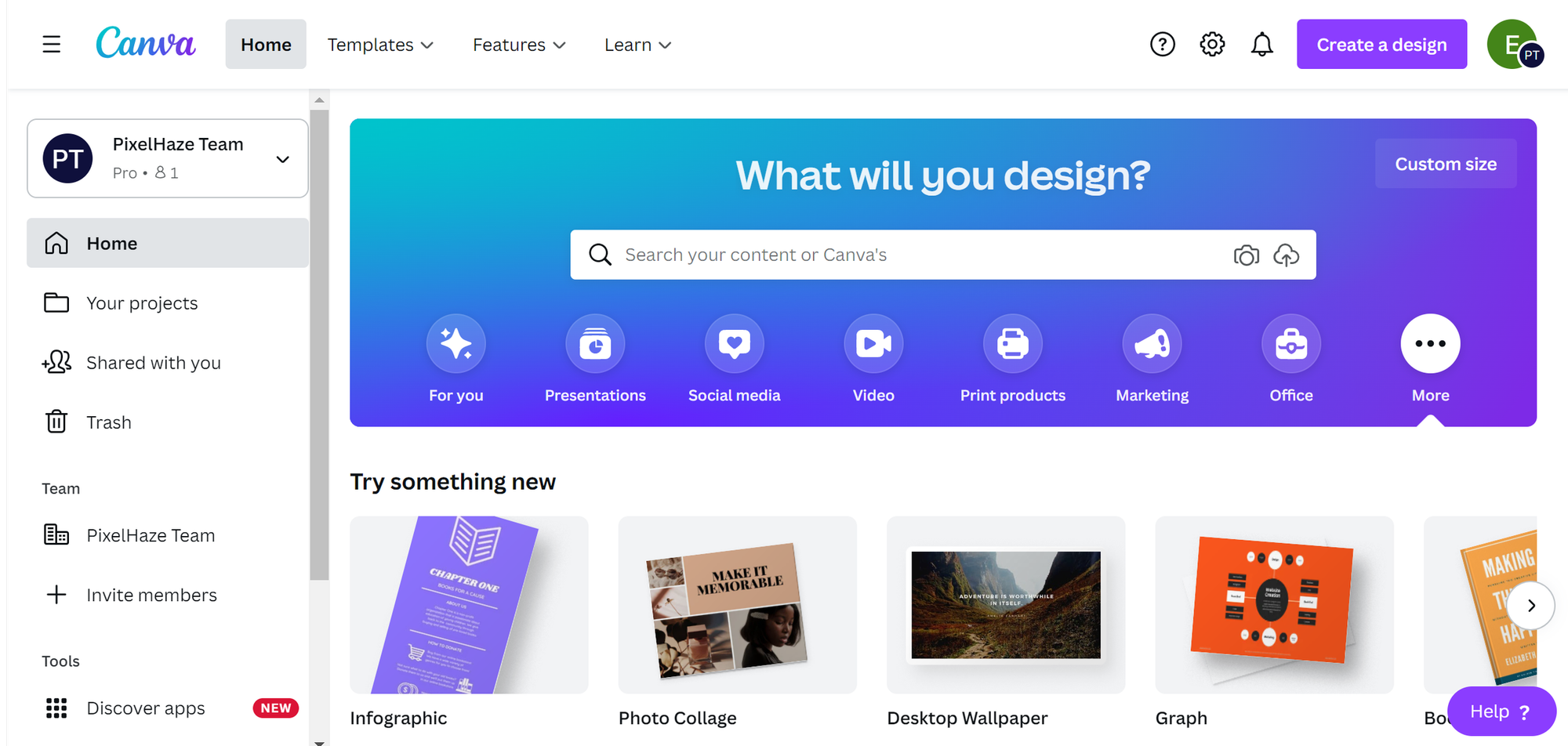
Canva provides simplified graphic design tools, kid-friendly templates, and classroom resources that teach layout and design basics.
- Ideal age range: 8–16.
- Cost: free tier with paid Pro.
- Account: required to save and share designs.
- Works on tablets and computers.
- Auto-save: yes.
- Tutorials: built-in templates and short lessons.
- What makes it stand out: introduces real design skills with an approachable interface for older kids.
10. Google Arts & Culture

Google Arts & Culture gives virtual tours, 3D scans, and interactive activities that pair drawing prompts with famous works and museum-backed context.
- Ideal age range: 7–14.
- Cost: free.
- Account: optional for saved collections.
- Works on tablets and computers.
- Auto-save: collections saved when signed in.
- Tutorials: exploratory prompts and guided tours.
- What makes it stand out: immersive museum access that turns inspiration into drawing prompts.
11. Color Matters
Color Matters teaches kids how color works through interactive lessons and visual experiments that support composition and design thinking.
- Ideal age range: 6–14.
- Cost: free.
- Account: not required.
- Works on tablets and computers.
- Auto-save: not applicable for experiments, download options available.
- Tutorials: experiments and lessons with examples.
- What makes it stand out: focused color education that improves deliberate color choices in kids’ work.
When most parents assemble activities the familiar way, they open multiple tabs, print individual pages, and patch materials together because it is quick and familiar. That approach works until you need a consistent theme, repeated practice, or predictable prep time, then it becomes a nightly scramble and a source of stress. Platforms like My Coloring Pages provide centralized customization and batch export tools so parents can assemble themed booklets and lesson sets in minutes, reducing prep time and keeping activities consistent as needs scale.
12. Krita
Krita is a free, open-source digital painting app with professional brushes, layer support, and a customizable workspace that scales with skill.
- Ideal age range: 10–adult.
- Cost: free. Account: not required.
- Works on computers (desktop apps), not browser-based.
- Auto-save: yes when enabled.
- Tutorials: abundant community tutorials and in-app guides.
- What makes it stand out: powerful tools for older kids ready to transition from basic drawing to real digital painting.
13. Pixilart
Pixilart centers on pixel art creation with a playful social community where kids can create and share sprite-based designs.
- Ideal age range: 7–16.
- Cost: free with optional premium features.
- Account: required to post and save galleries.
- Works on tablets and computers.
- Auto-save: yes for logged-in users.
- Tutorials: pixel-specific guides and community challenges.
- What makes it stand out: encourages iterative design and low-stakes sharing.
14. Bomomo
Bomomo offers a minimalist, experimental canvas where brushes behave unpredictably and kids quickly generate abstract results.
- Ideal age range: 6–14.
- Cost: free. Account: not required.
- Works on computers and some tablets in a browser.
- Auto-save: none, but images can be downloaded.
- Tutorials: none formal, exploration encouraged.
- What makes it stand out: playful tool behavior that sparks curiosity about form and motion.
15. Jackson Pollock
Jackson Pollock lets kids experiment with drip-painting mechanics in a single-click interface that emphasizes movement and composition over rules.
- Ideal age range: 5–12.
- Cost: free.
- Account: not required.
- Works on tablets and computers.
- Auto-save: none, but downloads are available.
- Tutorials: simple prompts to get started.
- What makes it stand out: introduces abstract expression through a low-barrier, kinetic interface.
16. Color By Number
Color By Number mixes coloring with number recognition, offering difficulty settings and printable options that strengthen focus and fine motor skills.
- Ideal age range: 4–10.
- Cost: free with ads; some paid packs.
- Account: not required. Works on tablets and computers.
- Auto-save: yes for logged-in users on some sites.
- Tutorials: built-in guidance for new players.
- What makes it stand out: blends arithmetic practice and coloring in one calming activity.
17. ScrapColoring
ScrapColoring turns scrapbook-style templates into detailed coloring activities with textured fills and printable results.
- Ideal age range: 6–12.
- Cost: free, with some premium templates available.
- Account: optional for saving pages.
- Works on tablets and computers.
- Auto-save: limited; downloads recommended.
- Tutorials: tips for layering and pattern use.
- What makes it stand out: detailed templates that encourage attention to pattern and texture.
18. Drawing Now
Drawing Now reappears here as a community-rich hub of step-by-step lessons and printable pages, practical for siblings at different levels.
- Ideal age range: 6–14.
- Cost: free with optional premium.
- Account: optional for saving favorites.
- Works on tablets and computers.
- Auto-save: profile saves are available.
- Tutorials: clear, progressive lesson series.
- What makes it stand out: repeatable lesson structure that supports incremental skill building.
19. Kleki
Kleki opens with a blank canvas and straightforward brushes so kids can start creating without navigating menus.
- Ideal age range: 6–14.
- Cost: free.
- Account: not required for basic use.
- Works on tablets and computers.
- Auto-save: local storage may persist sessions in some browsers.
- Tutorials: simple tooltips and basic guides online.
- What makes it stand out: immediate access, minimal friction, quick export options.
20. MakeBeliefsComix
MakeBeliefsComix lets kids build comic strips with preset characters, prompts, and print/email options that strengthen storytelling skills.
- Ideal age range: 6–14.
- Cost: free. Account: required to access some features via email sign-up.
- Works on tablets and computers.
- Auto-save: yes for account holders.
- Tutorials: writing prompts and comic prompts included.
- What makes it stand out: blends drawing and narrative, great for reluctant writers.
21. Draw a Stickman
Draw a Stickman turns simple drawing into interactive story levels where the child’s sketch becomes a playable character, combining drawing with light gamification.
- Ideal age range: 5–12.
- Cost: free levels with paid episodes.
- Account: not required for single sessions.
- Works on tablets and computers.
- Auto-save: session-based, progress for paid episodes persists.
- Tutorials: in-game hints and drawing prompts.
- What makes it stand out: game-like feedback keeps kids drawing to solve puzzles.
22. Color By Number (duplicate name verification)
This entry repeats the simple, numerically guided coloring format ideal for focused practice and quiet time.
- Ideal age range: 4–10.
- Cost: free with optional packs.
- Account: optional.
- Works on tablets and computers.
- Auto-save: varies by site.
- Tutorials: built-in guidance for number-color matching.
- What makes it stand out: a predictable structure for kids who prefer clear rules and a finish.
How should parents choose drawing websites for their kids?
Parents should choose two or three platforms from different categories this week, bookmark them, and try short, guided sessions to see which one holds their child’s attention.
This first choice feels good, but the next step will reveal a surprising habit that helps one of those picks last a long time.
How to Encourage Your Child's Digital Art Journey
Finding the right middle ground matters. Hovering can stop risk-taking, while leaving kids completely on their own may cause them to miss teachable moments. Leaning into gently guided participation changes aimless doodles into practice that builds skill and confidence.
Celebrate the process, not the polish.
When the focus shifts from being correct to being brave, kids are more likely to keep trying. Try using phrases like, "You stuck with that sketch for a long time; what kept you going?" or "I notice you tried something new here; tell me about it." Key actions include keeping a brief progress journal with one sentence on what they learned after each session, or giving a simple sticker for "tried a new tool" rather than "finished perfectly."In a classroom or at home, replace public displays with a private progress strip that follows one drawing through five attempts. This approach makes learning visible without turning art into a competition.
How can we engage kids in conversations about their art?
Ask questions that invite thinking. The difference between praise and conversation is one question. Instead of saying, "Nice drawing," try asking, "What story do you see happening in this scene?" or "Which part would you like to change next time?"Use follow-ups that encourage planning, like "If you wanted to make this feel spooky, what two color choices would you try?"
Scenario: During a five-minute show-and-tell, let the child lead the explanation while you reflect on one specific observation. This trains them to describe choices and intentions.
What rituals can help encourage drawing habits?
Create short, repeatable drawing rituals. Routine is better than doing something intense only once, so choose a brief, anchored ritual. For example, consider a three-step "warm up, idea, share" routine that takes just 10 minutes after dinner twice a week.Use specific language to mark the ritual, such as "Ten-minute sketch time, ayo?" Key actions include: setting a visible timer, making a small bin of favorite tools, and ending each session with one sentence from the child about what they tried. Over weeks, this predictable structure changes occasional urges into a consistent creative habit.
How do we manage art supplies and resources effectively?
Many families use ad hoc preparation because it feels fast and comfortable. This method works for a while. However, as interests increase and materials proliferate, this approach can fragment practice and lose momentum.Platforms like My Coloring Pages, which has a community library of 15,188+ pages and a coloring-book maker, provide parents a quick way to put together themed, print-ready sets. This reduces preparation time from scattered searches to just a few minutes, ensuring sessions remain consistent as needs grow.
How can constraints boost creativity in drawing?
Use gentle constraints to spark creativity. These constraints sharpen choices and lower decision fatigue. Consider challenges such as two-color drawings or one-line characters; for example, say, "Let's see how much story you can create with only two colors." Actions could include limiting a palette, setting a five-minute blind contour warm-up, or giving a single prompt tied to something they love.For example, if a child loves trains, propose a map challenge where they draw a route with stops and label feelings at each stop, blending narrative with composition.
How can we foster a child's individual creativity?
Respect their creative authorship. When you show curiosity instead of correction, kids stay engaged. For example, say, "I'm curious why you put that character there," instead of, "That should be over here."If you need to demonstrate a technique, do it on a separate sheet or layer, showing it as an option: "Here is another way to try the same idea; want to test it later?" Also, keep a labeled idea folder where you store demo sketches your child can review later. This makes sure that instruction is available but not forced.
What are effective ways to collaborate in drawing?
Explore together as co-creators. Join the work without taking over, making the drawing a duet rather than a lesson. Offer roles: you create the background while they add the characters; you narrate a setting; they illustrate it.
Phrases to use include "Want to try a drawing where we trade every minute?" or "Let's each add one surprise and then explain it." For example, you could build a two-page mini-story together and then send one page to a relative.This approach rewards collaboration and allows for external sharing without pressure.
How significant is digital art engagement for children?
Tree Art, "Over 70% of children aged 8-12 are now engaging in digital art activities.' shows how common digital creation is. This means that how you participate matters more than ever. And Tree Art, "Digital art classes for children have seen a 30% rise in enrollment since 2023.' shows the growing demand for guided, structured learning that parents can provide informally at home.
What small changes can unlock creative practice?
One practical next step is to design a small experiment. Use one method for two weeks, then check whether your child wants to draw again; adjust based on the results.Custom-printed content is the easiest way to integrate a child’s digital experiments with a real-life routine that supports these methods. This way, the creative loop becomes physical and repeatable.
What is the impact of your involvement in their drawing process?
The surprising twist? A slight change in how you join their process can unlock steady practice. The next step will show exactly which move makes that happen.
Create Custom Printable Coloring Pages and Coloring Books in Seconds
When a child wants something specific and needs it quickly, My Coloring Pages can turn a short description or an uploaded photo into a ready-to-print coloring page in seconds. You can also look through 10,000+ free community pages or create a custom coloring book for school, travel, or quiet time.Join over 20,000 parents who rate it 4.8 out of 5, and create your first custom page or book for free now. It's quick, simple, and helps fill tonight's activity gap without stress. Check out 10,000+ free coloring pages.
Related Reading
- Music Apps for Kids
- Best Apps for 6-Year-Olds
- Best Apps for Kids
- Best Coding Apps for Kids
- AI Tools for Kids
- Language Learning Apps for Kids
- Best Drawing Apps for Kids