54 Best Educational Websites for Kids That Make Learning Fun
Explore 54 educational websites for kids that turn screen time into learning time with fun, interactive, and age-appropriate activities.

Parents and teachers face the same problem: finding online places where kids actually learn and stay safe. Educational Websites for Kids offer lessons, interactive games, videos, and hands-on activities that build reading, math, and critical-thinking skills while keeping children's curiosity alive. This guide points you to trusted sites and simple tips to give kids access to safe content and engaging learning that builds fundamental skills and curiosity.
Ready to find high-quality, kid-friendly learning resources you can trust? My Coloring Pages supports that goal with 10,000+ free coloring pages that blend creativity with learning, strengthen fine motor skills and early literacy, and give parents easy, safe resources to add playful practice to any routine.
Summary
- Safe and effective educational sites pass five practical checks: age-appropriate content, explicit learning goals, minimal tracking and advertising, strong privacy with parental controls, and an engaging, low-cognitive-load design. And 75% of parents say strong privacy policies are essential.
- Choosing resources matters at scale, because more than 50 million children worldwide use educational websites regularly, and concise, curated lists like the 54 selected sites cut wasted trial time by providing clear age bands and formats.
- Match tools to developmental stages and scaffold complexity: use very short, guided interactions for ages two to five and progressively more difficult activities for ages six to nine. Plan two or three 15- to 25-minute sessions a day, with printable follow-ups, to turn screen time into durable skills.
- Design that supports learning favors clear visual hierarchy and interactive choices over flashy animation, and 80% of children prefer websites that offer a safe environment with parental controls, which increases sustained use and measurable learning.
- Start with a straightforward monthly outcome metric and track it over two to four weeks. While over 70% of parents believe educational websites are beneficial, only narrow, results-focused trials reveal whether a site actually improves a targeted skill.
- This is where My Coloring Pages fits in, 10,000+ free coloring pages address this by providing printable, customizable activities that keep primary interaction on-device to limit tracking while supporting fine motor practice and early literacy.
What Makes an Educational Website Safe and Effective for Kids
Finding online resources that are both genuinely educational and clearly safe comes down to five practical checks: age-appropriate content, explicit learning goals, minimal tracking and ads, strong privacy with parental controls, and engaging design that supports focus and skill-building. When a site meets those criteria, you get more than screen time; you get curiosity, tangible learning gains, and printable keepsakes that build confidence.
What should I look for to judge age-appropriate content?
The same issue surfaces in classrooms and at kitchen tables: content labeled for an age is useless if it skips scaffolding or assumes skills kids do not have. Check for grade bands or reading-level indicators, progressively difficult activities, and scaffolding cues such as step-by-step prompts or simplified versions. A good site also offers downloadable options so parents and teachers can adapt complexity on paper, which preserves focus and supports fine motor practice.
How do I know the site actually teaches something?
Look for clear learning goals tied to each activity, not just fun. Good pages list objectives such as letter recognition, counting, or color mixing, and suggest follow-up tasks you can print or do offline to reinforce learning. When teachers convert a lesson into a printable activity pack, it reduces prep friction and keeps the learning anchored in a real objective rather than a loose distraction.
Are ads and monetization safe for kids?
Most families tolerate a small banner if it does not track or redirect, but the real failure mode is invisible tracking that sells profiles. This pattern appears across policy debates and school rollouts: parents grow frustrated when age verification or ad networks require personal data that can be exposed or resold. Favor sites that explicitly minimize third-party trackers, show clear ad labeling, and separate any purchase flow behind parental approval.
How do I verify privacy and parental controls?
According to Learning Corner (2025), 75% of parents believe educational websites should have strong privacy policies to protect children's data. Read the privacy page for plain-language explanations of data retention, sharing, and whether accounts can be created without personal identifiers. Also, prefer sites with built-in parental controls and offline download options, as a hands-on approach helps parents avoid unnecessary exposure while keeping supervision practical.
Does engaging design actually support learning, or does it merely entertain?
Design that helps learning is a quiet kind of cleverness. Children do not need flashy animation to learn; they need clear visual hierarchy, low cognitive load, and interactive choices that reinforce a skill. Learning corner, 2025: 80% of children prefer websites that offer a safe online environment with parental controls, indicating that children are more likely to engage with content and learn more when they feel protected. Think of a strong site like a well-organized craft drawer, where everything has a place and a purpose, not like a toy chest dumped on the floor.
Most families handle activity creation by printing random images or stitching together worksheets because it is familiar and fast. That works at first, but as lesson plans multiply and children vary by age and ability, this approach fragments: you spend more time searching and editing, quality slips, and privacy risks rise when you pull content from unknown sources.
Platforms such as My Coloring Pages, with 14,658+ free coloring pages and a simple customization tool, offer centralized printable, downloadable activities; let parents and teachers quickly build themed packs; and keep the primary interaction on-device, so tracking exposure stays low, saving time while improving consistency and emotional payoff.
If you want a quick checklist to vet sites tonight, search for clear objectives, readable privacy statements, downloadable content, labeled ads, and simple parental controls, then test-drive a printable activity to see how it holds up in real use. That hands-on step reveals more than descriptions ever will.
That practical checklist helps, but the surprising trade-offs among safety, engagement, and classroom usability make the following choices especially revealing.
Related Reading
- Fun Websites for Kids
- Free Drawing Websites for Kids
- Coloring Websites for Kids
- Free Coloring Websites for Kids
- Coloring Pages Websites for Kids
- Learning Websites for Kids
50+ Educational Websites for Kids That Support Learning and Creativity
Below are 54 carefully selected educational websites, each labeled with cost and recommended ages, followed by a clear, parent-focused description so you can quickly pick what fits your child. More than 50 million children worldwide use educational websites regularly, according to Best Schools in Spain, underscoring the importance of selecting the right site for daily learning and family routines.
Also, parents are broadly positive about these tools: Over 70% of parents believe educational websites are beneficial for their children's education, according to Best Schools in Spain, so your choice will influence how a child spends a significant amount of study time.
When parents shop for resources, a recurring pattern appears across homes and classrooms: unclear cost and age guidance creates wasted trial time and frustration. That pattern explains why a concise list, with clear age bands and formats, helps parents make decisions that actually stick.
1. My Coloring Pages
Cost: Freemium
For Ages: Pre-K to Grade Six
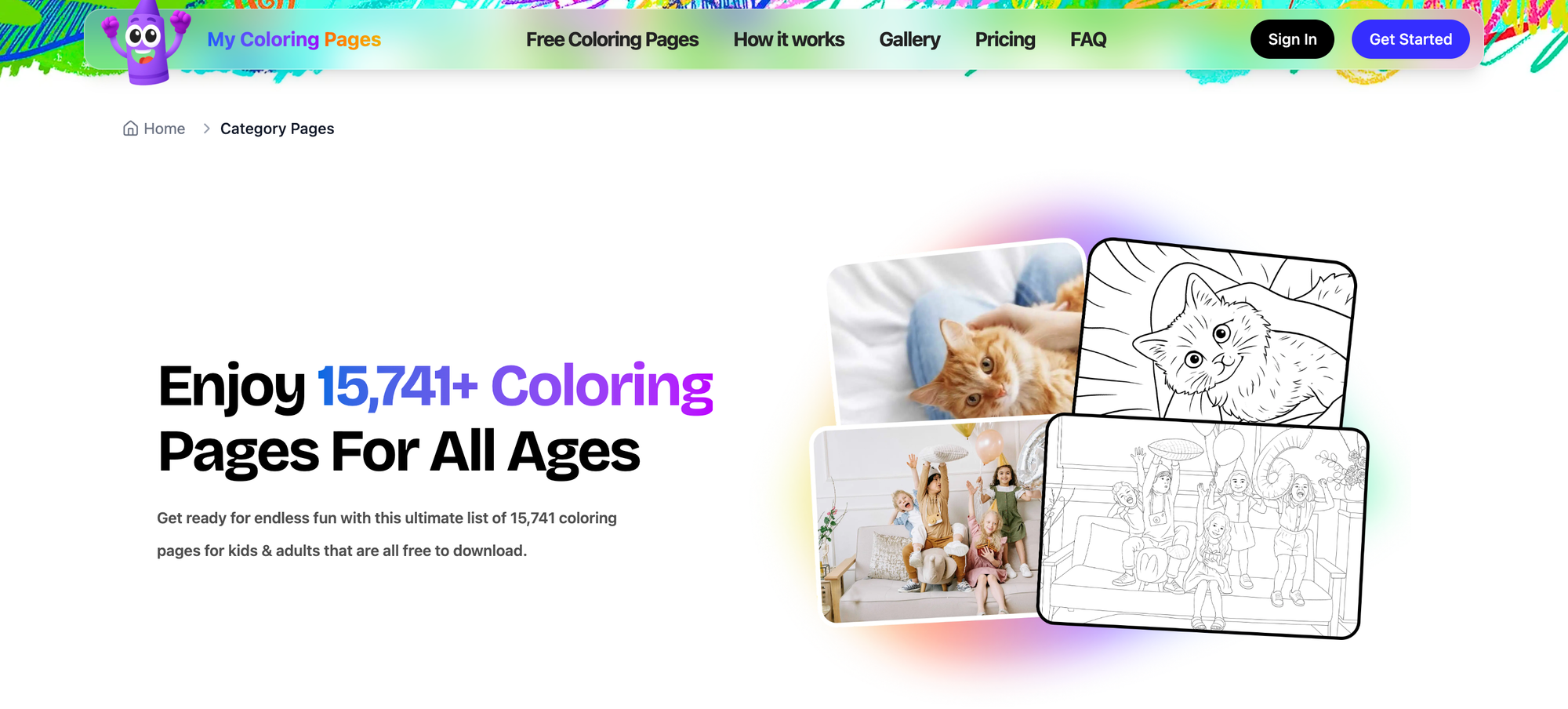
My Coloring Pages is a web tool that lets you create printable coloring pages from text prompts or uploaded images and browse a large community library. The platform supports single-page activity sheets and multi-page coloring books, useful for seasonal themes, classroom packs, or keepsakes, and offers simple editing controls to adjust complexity and line weight for different ages.
Kids gain fine motor practice, color recognition, and narrative engagement by turning stories or family photos into art. Parents and teachers benefit because the pages print cleanly for offline time and can be tailored to skill level, so you get a printable activity that aligns with a lesson or a quiet afternoon without hunting for assets.
2. Khan Academy
Cost: Free
For Ages: Pre-Kindergarten to College Students
Khan Academy provides standards-aligned lessons across math, science, history, computing, and more, with video tutorials, practice exercises, and unit mastery tracking. It mixes short instructional videos with adaptive problem sets that scaffold skills progressively, and it is organized by grade and topic for easy lesson planning.
Children benefit from a self-paced approach where mastery unlocks new content, so learners who need repetition get it without embarrassment while advanced students can move ahead. Parents can trust the platform because its structure emphasizes clear learning objectives and measurable progress rather than passive viewing.
3. Starfall Education
Cost: Free basic access, subscription for full content
For Ages: Kindergarten to Grade Five
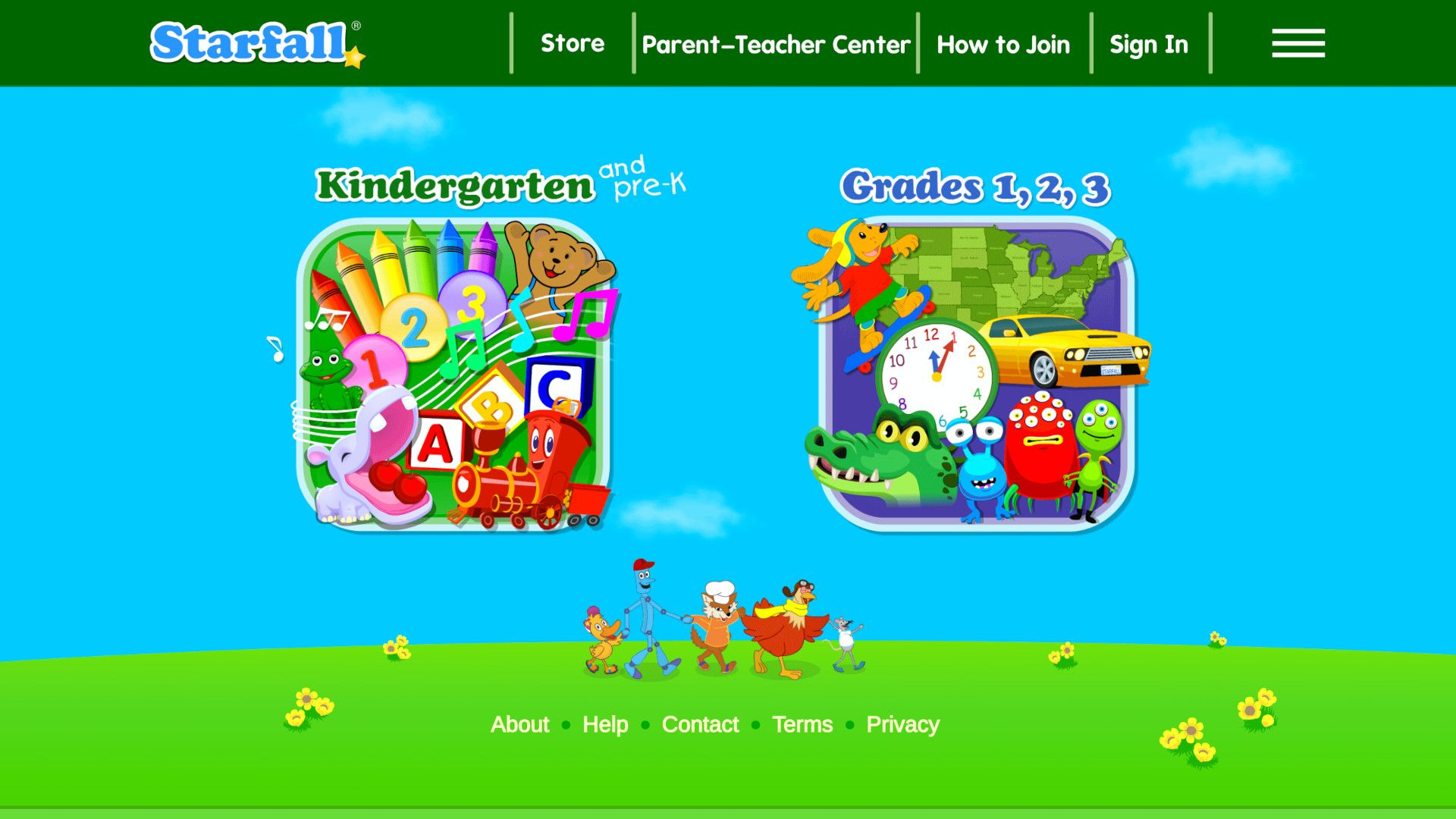
Starfall focuses on early reading and foundational literacy through game-like activities, songs, and interactive stories, plus supplemental lessons in math and languages. Content was built by educators with simple navigation, so young learners can practice phonics, sight words, and basic math with minimal adult help.
Young kids stay engaged through playful rewards and repetition that reinforce skills, while parents appreciate the straightforward layout and clear indicators of skill progression. It works well for families who want a gentle, playful route into independent reading practice.
4. PBS Education
Cost: Free
For Ages: Pre-Kindergarten to Grade Twelve
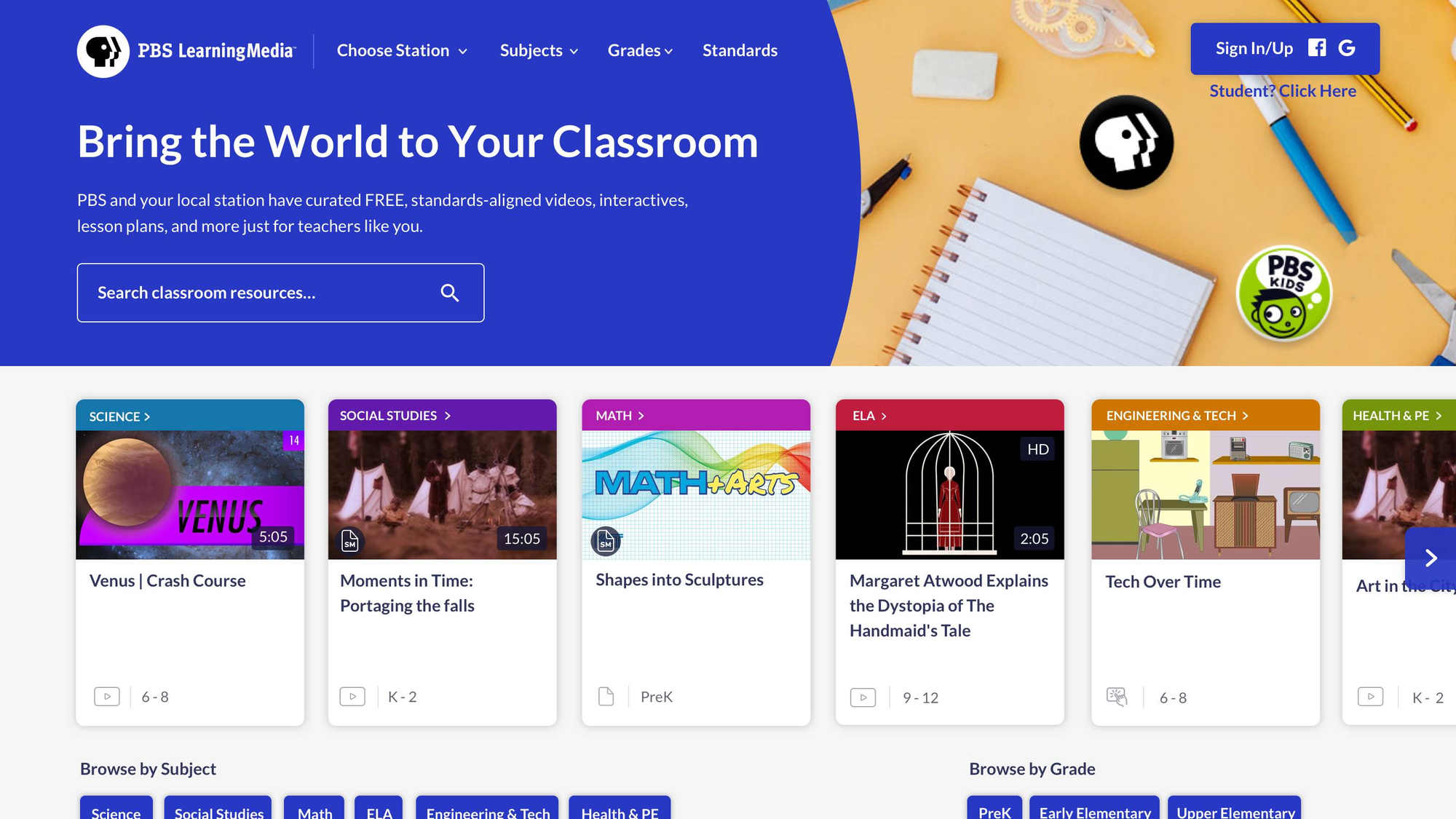
PBS Education offers curated, curriculum-aligned lesson plans, videos, and interactive activities across multiple subjects, aimed at classroom and home use. Materials are searchable by grade and standard, and include collections that group resources around themes like history or language learning.
Parents can use PBS resources to supplement school topics because the lessons state explicit objectives and often include printable extensions. The platform’s public-television roots mean the content is kid-appropriate and produced with educational oversight.
5. LogicLike
Cost: Free basic access, subscription for full access
For Ages: Kindergarten to Grade Five
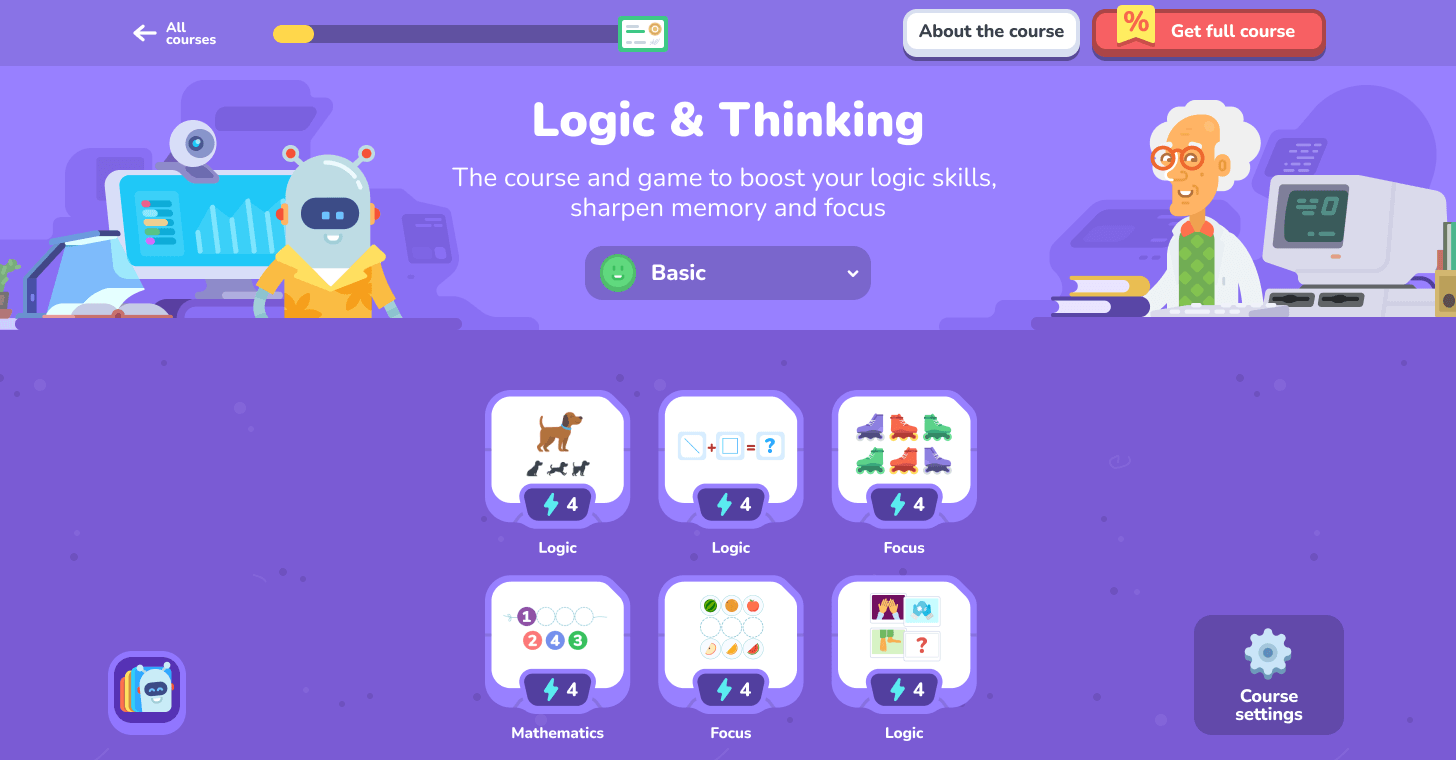
LogicLike presents logic puzzles and reasoning games that build critical thinking, pattern recognition, and problem-solving through bite-sized challenges. The interface gamifies progression with puzzles that increase in complexity, promoting persistence and cognitive flexibility.
Kids strengthen reasoning without rote memorization, which helps in math and reading comprehension later on. Parents will notice improved attention to detail and the ability to explain reasoning steps after regular short sessions.
6. Funbrain
Cost: Free
For Ages: Kindergarten to Grade Eight
Funbrain hosts a wide selection of age-appropriate math and reading games, videos, and stories, organized by grade and skill. The site blends entertainment and practice, with interactive games mapped to curriculum topics, plus online books to support reading fluency.
Because activities are bite-sized and clearly labeled by grade, kids can practice specific skills during short breaks, and parents can target weak areas like fractions or reading speed. The variety keeps motivation high, so learning sessions feel like play rather than drill.
7. ABCYa! Learning Games and Apps
Cost: Free, subscription to unlock full content
For Ages: Pre-Kindergarten to Grade Six+
ABCYa offers several hundred education games built by educators, focusing on math, literacy, typing, and logic skills with playful themes and increasing difficulty. Games are categorized by grade and subject, which helps you assign age-appropriate tasks quickly.
Children benefit from immediate feedback, playful goals, and repetition that cements classroom learning. Parents who prefer structured screen time can use grade filters and the subscription removes ads for a cleaner experience.
8. National Geographic Kids
Cost: Free
For Ages: Pre-Kindergarten to Grade Eight
National Geographic Kids provides articles, videos, maps, and interactive features about animals, geography, and cultures, often paired with hands-on activities and research prompts. The content supports curiosity-driven learning and includes clear visuals and age-appropriate explanations.
This site is excellent for project-based learning: kids can gather facts, build presentations, and complete worksheets that deepen understanding of ecosystems and world cultures. Parents can rely on reputable science and journalism standards to support research assignments.
9. Sesame Street Pre-School Games
Cost: Free
For Ages: Pre-School
Sesame Street’s online portal combines songs, games, and short videos that teach early literacy, basic math, emotional skills, and social behavior. The platform’s simple navigation and playlist features let parents curate a short, safe viewing session for young children.
Toddlers and preschoolers gain foundational language and social-emotional lessons through characters they trust, which helps transfer skills to daily routines. The content is designed for caregivers who want learning woven into playful, short activities.
10. CoolMath4Kids
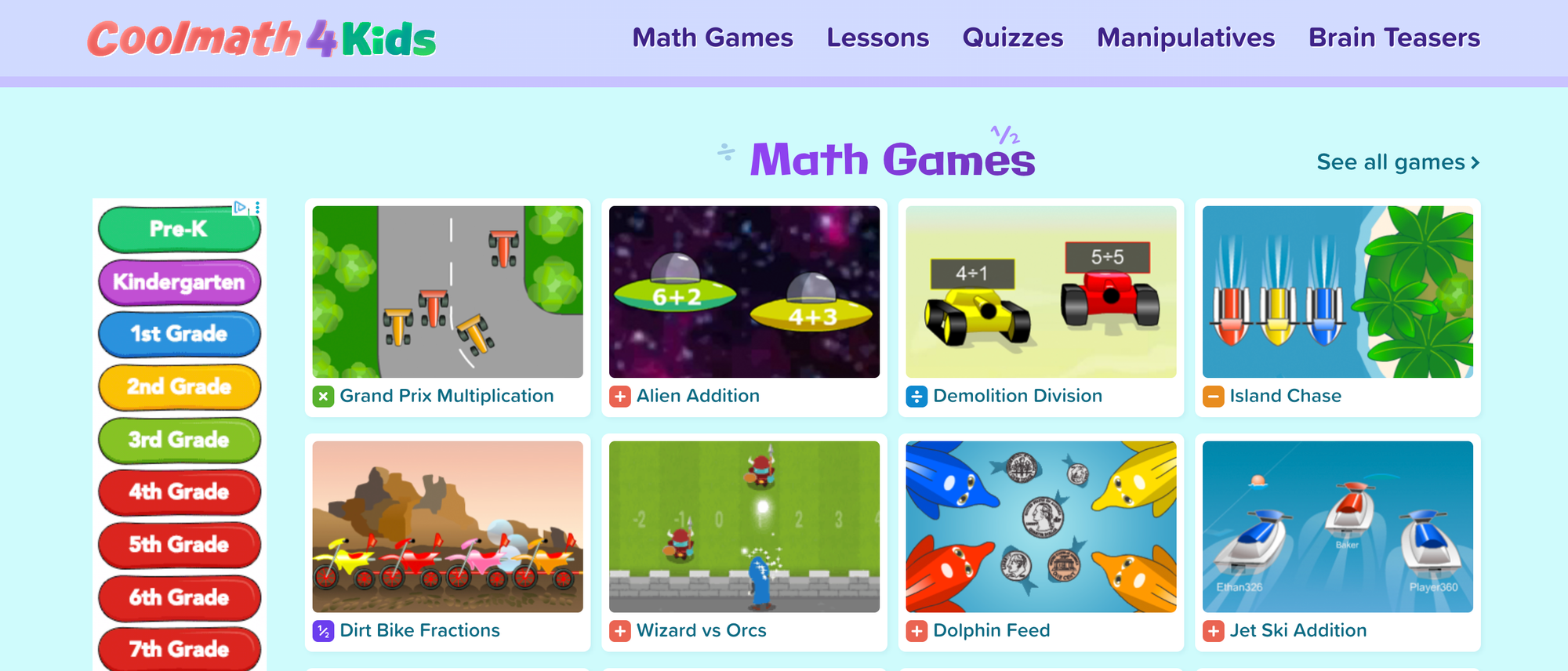
Cost: Free
For Ages: Grades One to Twelve
CoolMath4Kids hosts math games, lessons, and puzzles covering arithmetic through pre-algebra and offering printable flashcards and practice problems. The emphasis is on conceptual understanding through games and visual explanations rather than rote steps alone.
Children often develop better number sense and problem-solving stamina because games reduce anxiety and invite trial-and-error learning. Parents get a low-friction way to reinforce topics that may be frustrating in homework, with printable supports for offline practice.
11. PBS Kids | Games
Cost: Free
For Ages: Pre-Kindergarten to Grade Twelve
PBS Kids Games collects interactive activities tied to trusted PBS shows that reinforce reading, math, science, and wellness skills, searchable by grade and subject. Games are short, scaffolded, and designed for repeat play to build practice without boredom.
Because activities align with broadcast programming, children find continuity between what they watch and what they practice, which strengthens retention. Parents gain clear indicators of what each activity targets, so screen time can be purposeful.
12. ABCmouse
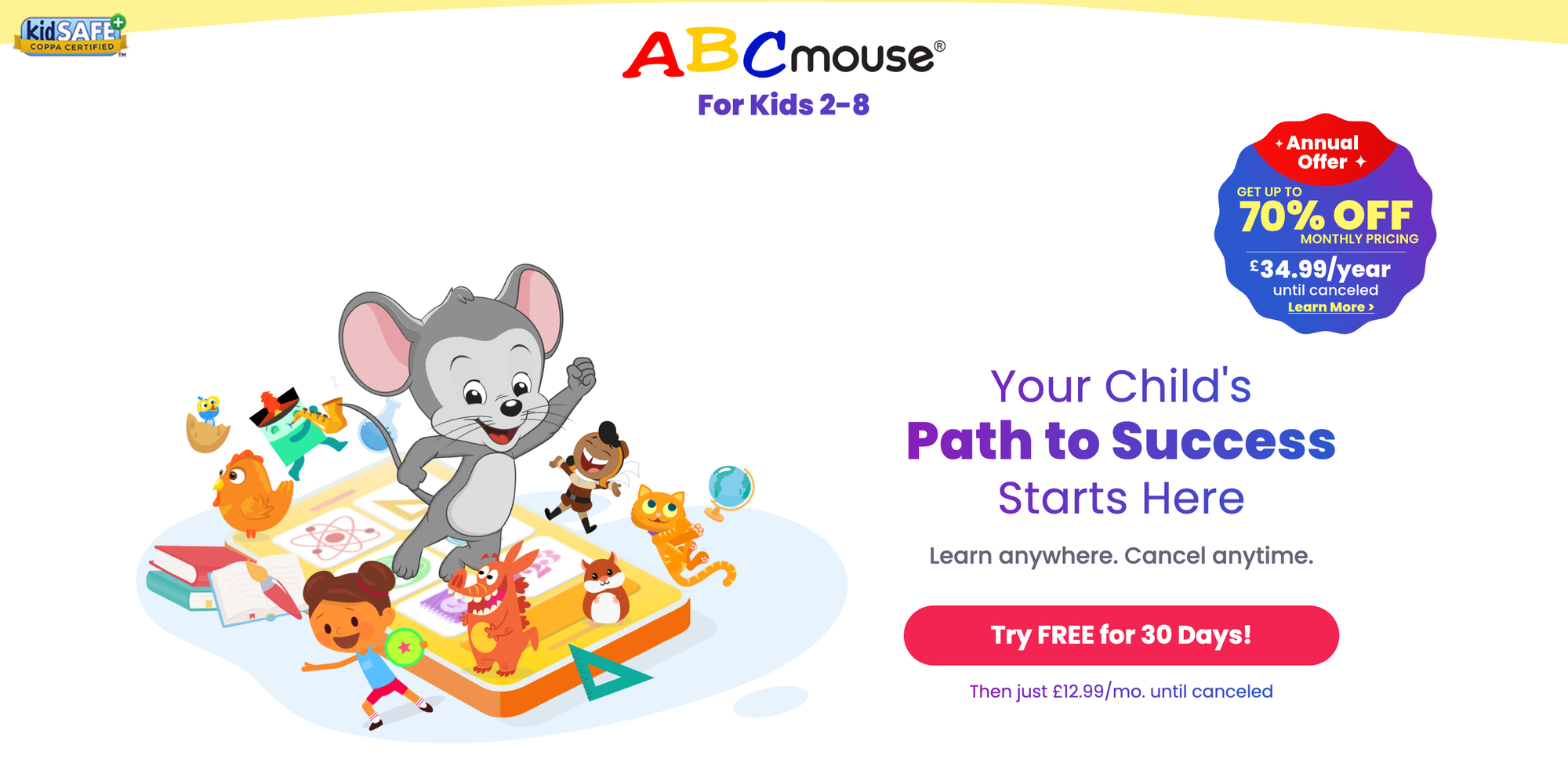
Cost: Paid subscription, free 30-day trial
For Ages: Kindergarten to Grade Two
ABCmouse features a structured learning path with ten thousand activities across reading, math, art, and science, delivered as games, stories, and interactive lessons. The step-by-step model guides learners from basic recognition to fluency with built-in rewards.
Early readers and young learners benefit from consistent scaffolding and a motivational reward system that keeps progress visible. Parents appreciate the ad-free experience and the return on time through clearly labeled learning stages.
13. Mystery Science
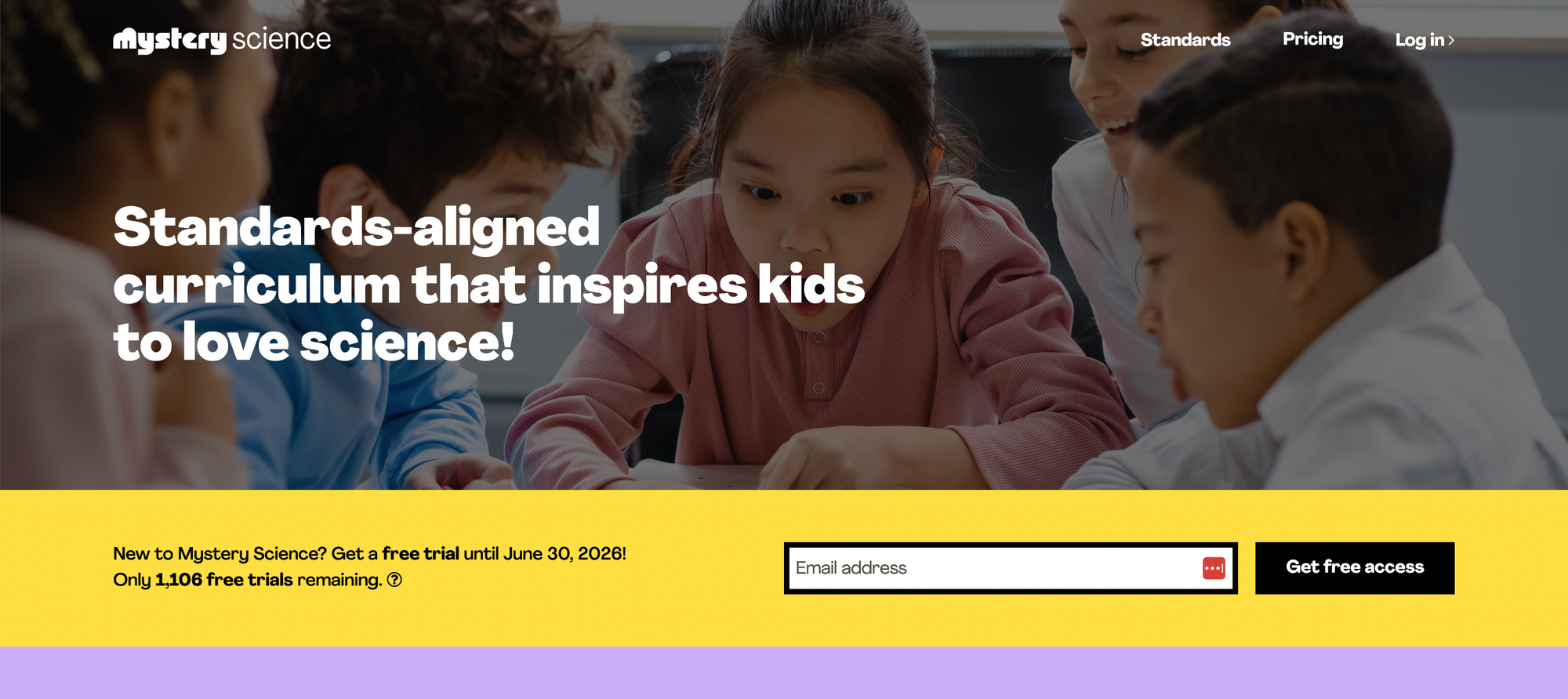
Cost: Paid annual subscription for home use
For Ages: Kindergarten to Grade Five
Mystery Science delivers standards-aligned science lessons that combine short videos, guided experiments, and written prompts to support inquiry-based learning. Lessons are designed for hands-on investigations with easy-to-source materials and clear assessment ideas.
Children engage with science through doing, which builds observational skills and hypothesis testing. For parents, the ready-made experiments cut prep time and provide safe, structured ways to practice scientific thinking at home.
14. TED Talks for Kids
Cost: Free
For Ages: Kindergarten to Grade Twelve
TED Talks for Kids curates short, inspiring presentations and demonstrations suitable for children and teens, spanning science, creativity, and social topics. Talks are bite-sized and often paired with discussion questions you can use at home.
Older children gain exposure to big ideas and role models, which can broaden horizons and spark independent projects. Parents can use talks as conversation starters to deepen critical thinking and curiosity.
15. Art for Kids Hub on YouTube
Cost: Free
For Ages: Kindergarten+
Art for Kids Hub posts step-by-step drawing and craft videos that guide children through projects from simple sketches to more advanced pieces. The host maintains a calm, encouraging tone, and videos often show a child participating, which models learning alongside a peer.
Kids gain confidence in artistic skills through incremental steps and visible mistakes corrected on camera, which reduces perfectionism. Parents get accessible family activities that require minimal prep and yield shareable creations.
16. How Stuff Works
Cost: Free
For Ages: Grade Eight+
How Stuff Works answers curious questions about science, technology, and everyday phenomena with articles, videos, and quizzes that explain mechanisms and systems. Content is more detailed, making it a solid resource for middle and high school students exploring deeper topics.
Older kids develop explanatory thinking and technical vocabulary, useful for science classes and project research. Parents can use the site to help answer tricky homework questions with clear, referenced explanations.
17. Scholastic
Cost: Free
For Ages: Pre-Kindergarten to Grade Six
Scholastic’s website offers reading resources, activity packs, and curriculum-linked guides that support literacy and classroom skills. Materials include booklists, printable worksheets, and project ideas curated for specific reading levels.
Children expand reading choice and comprehension through guided activities tied to books, while parents gain lesson-ready materials to support reading at home. The platform’s classroom origins mean the resources align with common literacy goals.
18. Old Farmer’s Almanac for Kids
Cost: Free
For Ages: Grade Two+
Old Farmer’s Almanac for Kids focuses on nature, weather, and seasonal science with hands-on activities, moon-phase guides, and simple gardening projects. The content links natural cycles to real-world observations and family-friendly experiments.
Kids learn observational science and seasonal planning, which encourages outdoor activity and stewardship. Parents get portable projects that pair well with family outings and calendar-based learning.
19. Gus on the Go
Cost: Paid app
For Ages: Pre-Kindergarten and Kindergarten
Gus on the Go is an app of short interactive language lessons, combining vocabulary practice with mini-games across many languages. Lessons repeat vocabulary in context, with touch interactions that suit young learners.
Young children build initial vocabulary and pronunciation through playful repetition and visual cues. Parents appreciate short lesson formats that slot into daily routines and foster language curiosity early on.
20. Daria — World Music for Children
Cost: Free, optional purchases
For Ages: Pre-Kindergarten+
Daria introduces instruments and music traditions from around the world with audio samples, simple craft instructions for homemade instruments, and bilingual songs. The materials invite hands-on music-making and cultural awareness.
Children gain ear-training and cultural literacy, and bilingual songs can support language learning. Parents can foster creativity with low-cost instrument projects that create shared family moments.
21. StoryPlace
Cost: Free
For Ages: Pre-Schooler
StoryPlace offers themed digital stories and related activities aimed at early literacy, with matching videos, reading lists, and printable extensions. Themes make it simple to extend a single story into multiple learning activities.
Preschoolers enjoy predictable narrative structures that support vocabulary and comprehension, while parents find thematic pathways to expand learning beyond a single session. The curated structure reduces decision fatigue for caregivers planning storytime.
22. Make Me Genius
Cost: Free
For Ages: Elementary to Middle School
Make Me Genius organizes science lessons, quizzes, and slide presentations by topic and grade level, with concise explanations and visual aids. The structure helps learners who want a straightforward, topic-focused resource.
Students gain quick conceptual overviews appropriate for supplemental review or project background. Parents can use printable slides and quizzes to reinforce classroom topics or create study checklists.
23. The KIDZ Page
Cost: Free
For Ages: Early Elementary
The KIDZ Page offers printable and online coloring sheets, math and word games, memory challenges, and mazes. It mixes screen activities with printable options for hands-on practice.
Kids who prefer tactile activities can use printed games, while screen-savvy children enjoy interactive puzzles. Parents get low-barrier resources suitable for quiet time or rainy-day activity bins.
24. NGAkids Art Zone
Cost: Free
For Ages: Elementary
NGAkids Art Zone from the National Gallery of Art provides interactive art-making tools and virtual galleries where children can create and store artwork online. It connects simple art projects to famous works to teach observation and composition.
Children learn visual analysis and creative methods by imitating and adapting canonical pieces, which builds art literacy. Parents gain museum-curated activities that introduce high-quality art concepts in age-appropriate ways.
25. BBC History for Kids
Cost: Free
For Ages: Ages 3+
BBC History for Kids presents short videos, quizzes, and interactive features about historical events, adapted for younger audiences and up. Content includes timelines and simple explanations that situate events in context.
Young learners get accessible storytelling that connects dates and people to real narratives, which makes history feel tangible. Parents can assign short clips or quizzes as springboards for family discussions or projects.
26. Storyline Online
Cost: Free
For Ages: Pre-K to Grade Four
Storyline Online features celebrated actors reading children’s books aloud with high-quality illustrations, captions, and sometimes activity guides. Each reading includes expressive narration and pacing suited to younger listeners.
Children gain listening comprehension and vocabulary exposure, and captions help link spoken words to print for early readers. Parents can use videos for quiet reading time that still promotes literacy skills.
27. Youngzine
Cost: Free
For Ages: Upper Elementary to Middle School
Youngzine is a news site for kids that mixes science, environment, and current events with peer contributions and moderated comments. Articles are written at a child-friendly level and encourage critical reading of media.
Older children develop media literacy and an understanding of civic topics, while parents can use articles to prompt conversations about news and responsible discussion. The interactive elements offer safe avenues for curious students to voice opinions.
28. Fuel the Brain
Cost: Free
For Ages: Pre-K to Grade Five
Fuel the Brain hosts printable worksheets, interactive games, and teacher guides across phonics, math, health, science, and social studies. It also allows custom mini-book creation for personalized reading practice.
Children benefit from printable practice that reinforces classroom lessons, and parents can tailor materials to current school topics. The printable focus supports hands-on review and handwriting practice.
29. Mr. Nussbaum
Cost: Free
For Ages: Kindergarten to Grade Eight
Mr. Nussbaum offers a vast collection of interactive educational games and activities across many subjects, with clear grade indicators and teacher resources. The site focuses on reinforcement through playful quizzes and simulations.
Learners improve skills through repeated, scaffolded play, and parents gain a bank of activities to rotate across subjects. The teacher-oriented organization makes it simple to pick grade-appropriate options.
30. Exploratorium
Cost: Free
For Ages: All ages
The Exploratorium’s online offerings mirror the museum's exhibits, featuring hands-on experiments, video demonstrations, and explanations of scientific concepts. Activities range from quick demos to longer investigations, often using household items.
Children engage in inquiry learning and observation, building curiosity and experimental skills. Parents can turn these activities into short home labs that model scientific thinking.
31. Turtle Diary
Cost: Free with optional premium features
For Ages: Pre-K to Grade Five
Turtle Diary supplies thousands of interactive games, videos, and printable worksheets covering math, language arts, and science, with tools for parents and teachers. Content is sortable by grade and skill for targeted practice.
Children gain focused practice in weak areas through repeated interactive exercises, while parents can print worksheets for offline review. The breadth of resources helps sustain interest across multiple subjects.
32. Fun Fonix
Cost: Free
For Ages: Early Readers
Fun Fonix specializes in phonics instruction with interactive games and printable worksheets, plus worksheet generators for tailored spelling and reading practice. Materials progress from introductory letter sounds to complex phonemes.
Children develop foundational decoding skills and spelling confidence with repeated, structured practice. Parents receive ready-to-use worksheets and simple generators to align with their child’s current learning target.
33. Seussville
Cost: Free
For Ages: Early Elementary
Seussville brings Dr. Seuss characters into themed games that teach rhyming, phonics, and seasonal lessons, often with playful interactive elements. Activities connect favorite stories to learning tasks.
Children strengthen phonological awareness and enjoy reading-related games with familiar characters, increasing engagement. Parents receive joyful literacy activities aligned with early reading milestones.
34. Tvokids
Cost: Free
For Ages: Pre-K to Grade Five
TVOkids offers on-demand educational videos and interactive games featuring engaging characters from popular children’s shows. Resources cover math, language, and science with accompanying activities.
Children benefit from familiar characters, which helps learning feel like play, and parents can use episodes and games as structured enrichment. The public broadcaster model keeps content educationally grounded.
35. NASA Kids’ Club
Cost: Free
For Ages: Elementary
NASA Kids’ Club delivers space-themed games, mission facts, and interactive projects that explain fundamental concepts in astronomy and engineering. The materials are kid-friendly and emphasize exploration.
Children cultivate interest in STEM and engineering practices through mission-based storytelling and simple simulations. Parents get factual, age-appropriate content for science projects and space-themed play.
36. Smithsonian Learning Lab
Cost: Free
For Ages: Elementary to High School
Smithsonian Learning Lab lets users build curated collections from museum resources, combining images, texts, and audio into custom lessons or unit studies. The platform supports project-based learning with primary sources.
Students develop research and curation skills while connecting artifacts to historical and scientific narratives. Parents and educators can craft richer, evidence-based lessons without having to source materials separately.
37. Study Jams
Cost: Free
For Ages: Elementary and Middle School
Study Jams provides multimedia lessons, including video tutorials, slide shows, and practice problems for core math and science topics. The content breaks down concepts into digestible, animated segments.
Children who struggle with dense explanations gain clearer, visual steps that often lead to conceptual breakthroughs. Parents can pair short Study Jams clips with follow-up worksheets to reinforce learning.
38. Grid Club
Cost: Free
For Ages: 5 to 12
Grid Club offers games and activities in literacy, geography, math, science, music, and history, built for exploratory learning. The site emphasizes curiosity-driven discovery across subjects.
Children build broad general knowledge through varied tasks, and parents can use the site for mixed-subject review sessions that feel game-like. The cross-subject approach helps children transfer skills between domains.
39. Steve Spangler Science
Cost: Free and paid kits
For Ages: Elementary to Middle School
Steve Spangler Science showcases hands-on experiments with clear video demonstrations, safety notes, and explanations of the science involved. Many projects use household items and come with troubleshooting tips.
Kids experience the thrill of experimenting and seeing principles in action, which strengthens retention and encourages further inquiry. Parents get robust safety guidance so that at-home experiments remain supervised and educational.
40. Mission US
Cost: Free
For Ages: Middle School
Mission US teaches American history through immersive, interactive missions in which students play historical roles and make choices that illustrate the period's complexity. Each mission includes supplementary teacher guides and primary-source context.
This approach deepens empathy and historical thinking because students make decisions rather than just read facts. Parents of reluctant history students often see renewed interest after a mission-based session.
41. The Happy Scientist
Cost: Free
For Ages: Elementary to Middle School
The Happy Scientist provides science explanations, experiments, and videos to make core science topics clear and accessible. Content is informal but grounded in experiments and explanations.
Children gain confidence in performing experiments and articulating results, which supports science fair projects and classroom labs. Parents appreciate straightforward guidance that keeps experiments safe yet educational.
42. Magic Tree House
Cost: Free basic features, community rewards
For Ages: 6 to 12
Magic Tree House offers interactive missions and reading challenges tied to the popular chapter-book series, with rewards for reading progress. Materials include themed missions and related activities that expand on book content.
Readers build comprehension and motivation through game-like tracking and rewards, while parents can monitor progress and encourage consistent reading habits. The tie to a book series helps bridge reading into themed learning projects.
43. DOGO News
Cost: Free
For Ages: Upper Elementary to Middle School
DOGO News publishes short, age-appropriate news stories on science, environment, and civics, along with book reviews by kids. The format encourages critical reading and provides entry points for discussing current events.
Students learn to summarize, critique, and relate contemporary issues to classroom topics, and parents can use articles to prompt discussions about media and source reliability. The student-contributed content also inspires civic participation.
44. Science Bob
Cost: Free
For Ages: 6 to 12
Science Bob provides experiment ideas, video demonstrations, and fair project tips, with an entertaining host who explains the science. The resource list includes safety notes and extension questions for deeper exploration.
Kids get hands-on, classroom-ready activities that spark curiosity, and parents receive straightforward instructions that make replicating experiments at home feasible. The humorous tone helps lower anxiety about complex concepts.
45. Grammaropolis
Cost: Free with premium options
For Ages: 6 to 12
Grammaropolis teaches parts of speech through character-based videos, songs, and games that personify grammar rules. The content uses storytelling to make abstract grammar rules more memorable.
Children remember rules better when they are tied to characters and melodies, which improves writing and editing skills. Parents gain a structured way to practice grammar through games rather than dry drills.
46. Cells Alive
Cost: Free
For Ages: Middle School and Up
Cells Alive offers interactive animations, models, quizzes, and puzzles on cell biology and processes such as mitosis, with visual tools that scale in complexity. The simulations clarify microscopic processes through manipulable visuals.
Students gain concrete mental models of cellular mechanics, which aid biology courses and lab discussions. Parents helping with homework can use the animations to bridge textbook diagrams to dynamic processes.
47. KidsReads
Cost: Free
For Ages: 6 to 12
KidsReads curates book recommendations, author interviews, and reading lists for young readers, with age and interest filters. The site helps children discover new books and supports the development of reading habits.
Readers expand their choices and find books matched to their preferences, while parents receive curated suggestions that reduce guesswork. The author also inspires kids to think about writing as a craft.
48. Google Earth
Cost: Free
For Ages: Elementary to High School
Google Earth allows students to virtually explore places worldwide with satellite views, guided tours, and layered educational content that supports geography and social studies. The platform helps visualize spatial relationships and environments.
Children build geographic literacy and map-reading skills, and parents can use missions and tours to anchor lessons about cultures and ecosystems. The visual immediacy helps complex location-based topics feel tangible.
49. DeltaMath
Cost: Free basic, paid teacher features
For Ages: Middle School to High School
DeltaMath offers problem sets and assignment-creation tools for algebra through calculus, with step-by-step solutions and hints when students answer incorrectly. Teachers and parents can assign custom problem sets and track progress.
Students learn from targeted feedback that shows where mistakes occur, enabling corrective practice instead of repeated guessing. Parents who struggle with high-school math can assign and review the same step-by-step guidance their children receive.
50. OverDrive
Cost: Free through library partnerships
For Ages: All ages
OverDrive connects library digital collections to kids, allowing them to check out e-books and audiobooks without late fees across curated children’s and young adult sections. The platform mirrors library borrowing with a digital interface.
Children gain access to a large selection of books at no cost, supporting increased reading volume and choice. Parents benefit from library-managed lending that keeps costs down and reading options up to date.
51. Scratch
Cost: Free
For Ages: 8 to 16
Scratch, from MIT, is a block-based programming environment that teaches coding concepts through visual blocks, project sharing, and remixing. It encourages creative computing by letting kids build interactive stories, games, and animations.
Students learn logical sequencing, debugging, and computational thinking while creating projects that motivate iteration. Parents can encourage STEAM skills without needing to teach syntax, because the block interface lowers barriers.
52. Toy Theater
Cost: Free
For Ages: Early Elementary
Toy Theater offers straightforward educational games in math, reading, art, and music using manipulatives and interactive tools. It's simple, colorful interface supports key-skill practice without distraction.
Young learners reinforce classroom topics through play, and parents get dependable, non-gimmicky games for short practice sessions. The hands-on digital manipulatives translate well to printed activities for offline reinforcement.
53. Storyline Online
Cost: Free
For Ages: Pre-K to Grade Four
This SAG-AFTRA Foundation site features actors reading children’s books with professional narration, captions, and high-quality illustrations. Each reading builds vocabulary and listening comprehension in a helpful format for read-aloud time.
Children benefit from expressive storytelling that models fluent reading and introduces cadence and emphasis, while captions support word recognition. Parents can use the videos for independent listening time that still supports literacy.
54. GoNoodle
Cost: Free basic, school subscriptions available
For Ages: Elementary
GoNoodle pairs short movement videos and classroom activities with academic content to boost physical activity and focus. The platform combines kinesthetic breaks with learning boosts, such as counting, pattern recognition, or language prompts.
Kids improve attention and executive function through movement that resets focus, and parents can use short sessions to break up homework or study time with purposeful activity. The format is constructive for children who need sensory input to sustain learning.
Most families manage discovery by bookmarking a few familiar sites that require no new setup. That works at first, but as children age and subjects diversify, those bookmarks fragment, progress tracking vanishes, and you waste time hunting for printable, targeted activities. Platforms such as My Coloring Pages present an alternative path, centralizing printable customization and quick creation so parents and teachers spend less time searching and more time doing.
That simple shift shortens prep, keeps activities aligned with immediate learning goals, and turns fleeting ideas into repeatable family rituals.
But what happens when you need to match a site to a specific age and skill set, without guessing or wasting trial time?
Related Reading
- Drawing Websites for Kids
- Best Educational Websites for Kids
- Art Websites for Kids
- Safe Websites for Kids
- List of Websites to Block for Kids
- Cool Websites for Kids
- Reading Apps for Kids
- Best Learning Apps for Kids
- Best Learning Games for Kids
- Math Apps for Kids
How to Choose the Best Educational Websites for Your Child’s Age
Children’s learning needs change predictably as they move from sensory play to symbolic thinking to independent problem-solving, so match sites to the skills you want them to practice and the support they still need. Prioritize active, short sessions that end with an offline follow-up or printable to turn digital moments into durable skills, and involve your child in choosing tools so usage stays motivated and manageable.
How do learning needs shift by age and stage?
From ages two to five, the brain builds attention, language, and fine motor control, so you want activities that invite hands-on, guided interaction and repetition with very short attention demands. Between ages 6 and 9, children move into structured skill-building, where tasks should include clear steps, incremental difficulty, and opportunities to practice until fluent.
From ten to twelve, they need tasks that encourage reasoning, planning, and project work, with resources that let them research, draft, and create. Think of these windows like shoe sizes: the right fit supports movement, the wrong size slows everything and causes friction.
What does balancing screen time look like in practice?
Treat digital time as a tool, not a babysitter. Use short, outcome-focused blocks, for example, two or three 15 to 25-minute sessions a day for elementary kids, separated by offline activities that apply the learning.
Prefer active interactions over passive videos, and schedule screens when the child is alert, not when they are overtired. If your child accesses a site regularly, plan a printable or hands-on follow-up immediately after the session to reinforce learning. This keeps screen moments purposeful and reduces the “did we even learn that?” frustration that wears parents out.
How do I involve my child so they actually use it?
Give kids agency with controlled choice. Offer a curated shortlist of two or three sites, let them test each for a single week, then reflect together using three quick prompts: what did you learn, what was fun, what would you change next time.
After a trial period, rotate options each month to maintain novelty and ownership. After advising families during a six-month pilot, the pattern became clear. When children helped choose and set short-term goals, engagement rose, and power struggles declined because children felt respected and parents regained predictability.
What about privacy worries and age verification?
Parents are rightly uneasy when sites demand personal data or clumsy verification, and that concern often determines whether a resource gets used at all. When a resource lets you keep the primary work off the web, or provides downloadable, print-first options, families report calmer, longer-term use. If a site requires accounts, prefer ones that allow anonymous or local-only profiles and clear, plain-language data policies so you control what stays private.
How can I align websites with school learning goals?
Map one online activity to one classroom objective each week. Pick a single skill, such as sentence structure or fraction comparison, then choose a short digital task plus a printable extension that practices the same skill in handwriting or real-world play.
Use teacher rubrics or a standards list as a checkpoint, and keep records of two or three activities that actually transferred to homework or test performance, then repeat what worked. This micro-alignment stops the scattershot approach that wastes time and erodes confidence.
Why do families still get stuck doing things the old way?
Most parents test sites ad hoc because it is familiar and requires no new setup, which works until kids are juggling subjects, skill levels, and privacy concerns; then, fragmented bookmarks and inconsistent practice create more stress than help.
Platforms such as My Coloring Pages offer a different path: they let families quickly convert lesson goals into printable activity sets, provide simple customization so complexity matches ability, and keep interaction primarily on-device to limit unnecessary tracking, reducing prep time and preserving privacy while keeping activities functional across ages.
How do you measure whether a site is actually helping?
Set one simple metric per month: either a skills checkpoint, such as reading five new sight words, or a behavior goal, like independently starting a 15-minute practice session twice a week.
Track that outcome across two to four weeks. If the site delivers steady, measurable improvements or makes scheduling practice easier, keep it. If not, retire it. This narrow, results-first mindset prevents tool creep and saves time.
A short analogy to guide choices
Matching a child to a website is like teaching them to ride a bike with training wheels: you start by giving support and a clear goal, then remove scaffolds only when skill and confidence converge, and you always stay nearby until they can steer on their own.
Parents quickly grow tired of guessing; practical habits make the difference, and some choices you make now will shape how willingly your child learns next year.
Related Reading
- Music Apps for Kids
- Best Apps for 6-Year-Olds
- Best Apps for Kids
- Best Coding Apps for Kids
- AI Tools for Kids
- Language Learning Apps for Kids
- Best Drawing Apps for Kids
Create Custom Printable Coloring Pages and Coloring Books in Seconds
We know families need simple, printable learning activities that feel personal and actually save time. My Coloring Pages is an educational website for kids with 10,000+ free coloring pages and a fast customization tool that turns a short prompt or an uploaded photo into ready-to-print pages for lesson packs, calm-down corners, or keepsake books. Try it for a week, build a themed printable set in minutes, and see how it buys back prep time while keeping kids engaged away from screens.