24 Free Drawing Websites for Kids Parents Can Trust
Discover the 24 best free drawing websites for kids. From step-by-step guides to digital canvases, find safe tools parents will love.


Finding safe, simple places for kids to draw online is a daily puzzle for parents juggling screen time, creativity, and online safety. Free drawing fun websites for kids give children tools to sketch, color, and learn without cluttered menus, complicated sign-ups, or intrusive ads. This article outlines trusted online drawing tools, printable coloring sheets, kid-friendly art games, and safety tips, so you can let kids explore their creativity through free, easy-to-use drawing websites you can trust. Ready to find browser-based drawing sites and art activities that match your rules and your child's interests?
To meet that need, My Coloring Pages offers 10,000+ free coloring pages organized by age and theme, so children can color on-screen or on paper, and parents can select pages without creating an account. These printable sheets and simple digital art tools pair well with browser-based drawing sites to support art projects, preschool drawing practice, and longer creative sessions.
Summary
- Parental concern is high: 85% of parents are worried about free apps for kids. Research shows that 70% of free drawing websites lack adequate security measures, so safety and clear data policies must be explicitly stated before adoption.
- Adoption is broad but fragmented: more than 500,000 children have used free drawing websites, and the article reviews 24 curated options, indicating that families and classrooms sample many sites rather than relying on a single workflow.
- Personalization and print-ready outputs correlate with learning gains: 90% of parents report improved children’s art skills when guided practice and repeatable templates are available.
- Age-appropriate toolsets matter: 50% of children aged 6 to 8 prefer interactive drawing tutorials, so sites should offer toggleable complexity and scaffolded lessons to keep that cohort engaged.
- Practical session design beats feature bloat, with a recommended rhythm of 5 to 10 minutes of focused, guided drawing followed by open-ended coloring to sustain attention and build skills.
- Classroom and home efficiency hinge on printable exports and large lesson libraries, for example, collections with over 420 step-by-step drawing tutorials, which cut prep time and reduce the need to reformat assets across tools.
This is where My Coloring Pages fits in, as 10,000+ free coloring pages address the need for fast, printable, age-appropriate activities that reduce prep time and support personalization.
What Makes a Free Drawing Website Safe and Fun for Kids
A strong free drawing website for kids marries open-ended creative tools with deliberate safety choices:
- Simple, delight-first interfaces and adjustable complexity for older children
- Plus explicit privacy protections and little or no advertising.
Expect toddler-friendly palettes and big, forgiving brushes on one end, more precise vector tools and layering for older kids on the other, and environments that reward play and experimentation without pressure.
What Balances Creativity and Safety?

Pattern recognition shows two things at once:
- Creative freedom works when constraints are gentle.
- Safety works when it is obvious.
Give younger kids a single visible toolbar and a handful of friendly stickers so they explore without getting lost; give older kids toggleable toolsets, undo history, and export-to-print so their experiments become keepsakes or classroom handouts.
The Emotional Payoff Matters
Parents and teachers tell us that personalization sparks longer attention and more meaningful finished work because a child coloring their own photo or a classroom mascot is actively creating, not just consuming a template.
How Should Tools Change With Age and Learning Goals?
If the child is learning fine motor skills, favor thick-to-thin brushes, zoom, and printable templates that convert a digital sketch into an A4 coloring sheet. When the goal is storytelling or curriculum integration, favor layerable scenes, text labels, and exportable PDFs that teachers can drop into lesson packets.
This choice matters because a one-size-fits-all drawing playground often leads to boredom for older kids and confusion for the very young; modular toolsets keep the same valuable site across ages without adding friction.
How Do You Judge Privacy, Security, and Advertising?
This is where design meets policy. Look for explicit data rules, minimal data collection, no third-party trackers, and an advertising policy that either prohibits ads or keeps them strictly contextual and vetted.
Those checks are not optional because parents are concerned. Smart Tales Survey found that 85% of parents are worried about the safety of free apps for kids, a clear signal of high demand for vetted experiences.
The risk is real:
The Cyber Safety Report shows that 70% of free drawing websites for kids lack adequate security measures, meaning many free services do not meet baseline expectations for protecting children or their data.
What Breaks When You Rely on Free Generic Sites?
The familiar approach is to open a free drawing site because it requires no setup and looks fun. That works at first, but the hidden cost quickly becomes apparent:
- Templates repeat
- Customization is limited
- Advertisements creep in
- File exports are low quality or missing
Forcing parents or teachers to spend extra time recreating or editing assets for printing. As those small tasks multiply, the promised convenience becomes wasted minutes and lost classroom time.
How Can Solutions Change That Friction Without More Complexity?
Most families and classrooms need speed, clarity, and customization, not another subscription puzzle. Platforms like My Coloring Pages offer a bridge.
The familiar, instant access of free drawing websites, paired with deep customization and print-ready exports that produce usable templates in seconds, cuts the friction teachers and parents face when turning on-the-fly ideas into handouts or craft projects. The result is less time fighting file formats and more time on purposeful creative play.
What Signals Show a Site Supports Meaningful Personalization?
Look for export-to-PDF, image-to-line-art conversion, community-shared templates with version control, and in-browser cropping and simplification tools that produce clear, printable outlines. These features let you transform a quick sketch or family photo into a targeted learning activity, which is precisely the behavior parents prize because it turns passive screen time into shared creative work.
It’s exhausting to watch a good idea stall because a site won’t let you print or customize; what comes next is where we see surprising trade-offs and the real choices that matter.
Related Reading
- Fun Websites for Kids
- Coloring Websites for Kids
- Free Coloring Websites for Kids
- Educational Websites for Kids
- Coloring Pages Websites for Kids
- Learning Websites for Kids
Top 24 Free Drawing Websites for Kids
These 24 entries are concise, practical recommendations you can use right away, with the specific drawing experience, best ages, standout features, and any free-version limitations clearly highlighted.
Read each item as a quick verdict:
- What does it feel like to sit down with the site?
- Who will get the most from it?
- What to watch for when you want printable, age-appropriate results.
This challenge is evident among parents and in classrooms. People want more than a name and a slogan; they need clear expectations for the drawing experience and the age fit so that time at the screen is useful, not wasted. That pattern explains why you focused each entry on the hands-on workflow a child starts, the tools they use, and what a parent or teacher will need to make the output durable for crafts or lessons.
1. My Coloring Pages
What it is, and why it matters:
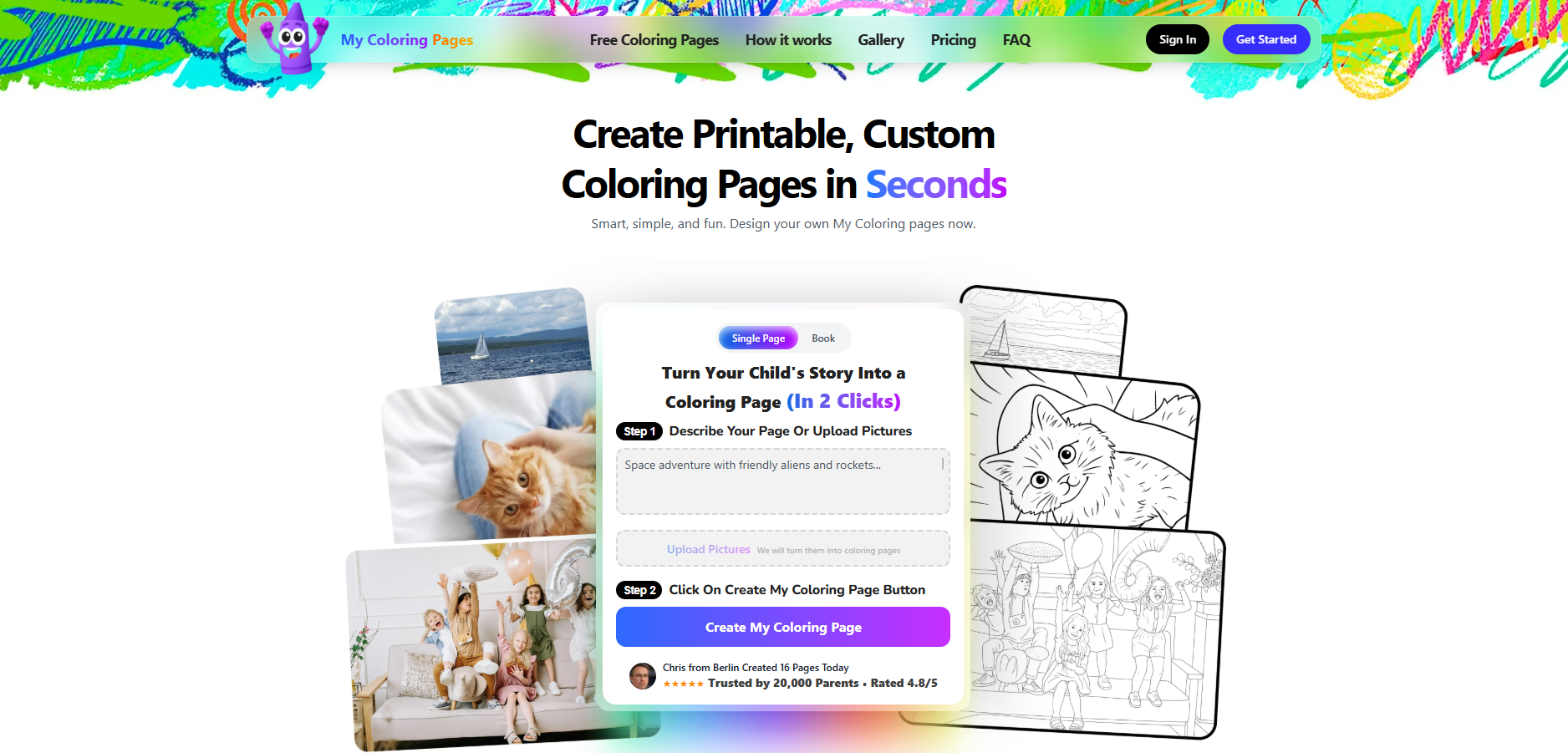
- A rapid, customization-first tool for turning descriptions or uploads into ready-to-print coloring pages and full coloring books.
Drawing experience:
- Converts photos or text prompts into crisp line-art in seconds, plus an extensive community library to remix.
Best ages:
- Preschool through middle school, with templates scaled for fine-motor practice or classroom projects.
Why kids enjoy it:
- Personalized pages make story characters and family photos instantly playable, keeping attention and sparking pride.
Standout features, limits:
- Deep customization, batch book creation, and high-quality PDF export.
- Free features are generous, but advanced templates and some community bundles may require sign-in or small fees.
2. Kleki
What it is, and why it matters:
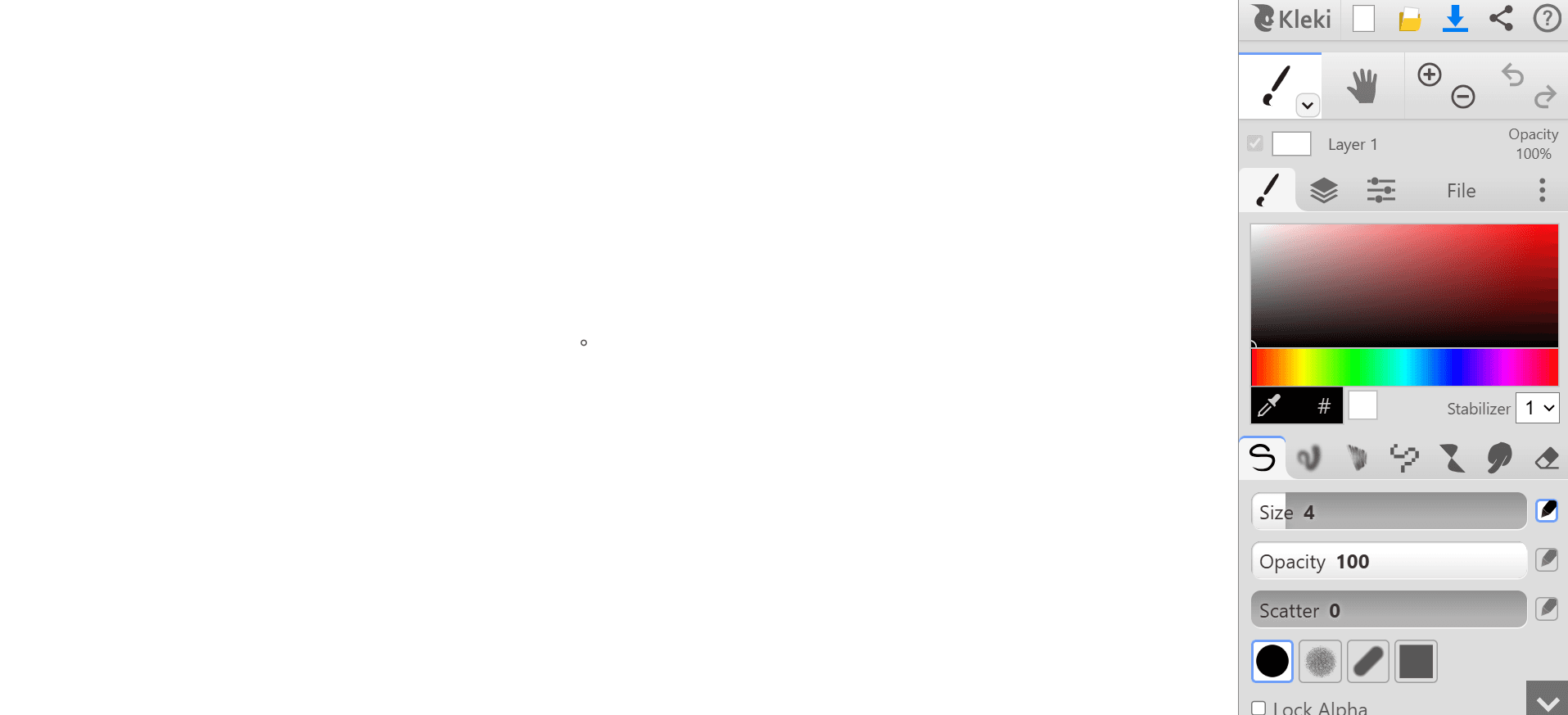
- A lightweight, browser-first digital canvas that opens to a blank page without menus blocking the view.
Drawing experience:
- Freehand brushes with pressure-free smoothing, color pickers, and layer support for simple compositing.
Best ages:
- 7 and up, especially kids ready to experiment with brushes and blending.
Why kids enjoy it:
- Instant start, pleasing brush motion, and the ability to save images for printing or sharing.
Standout features, limits:
- Good brush variety and stability controls.
- No built-in lessons, so younger children may need parental guidance.
3. Toy Theater
What it is, and why it matters:
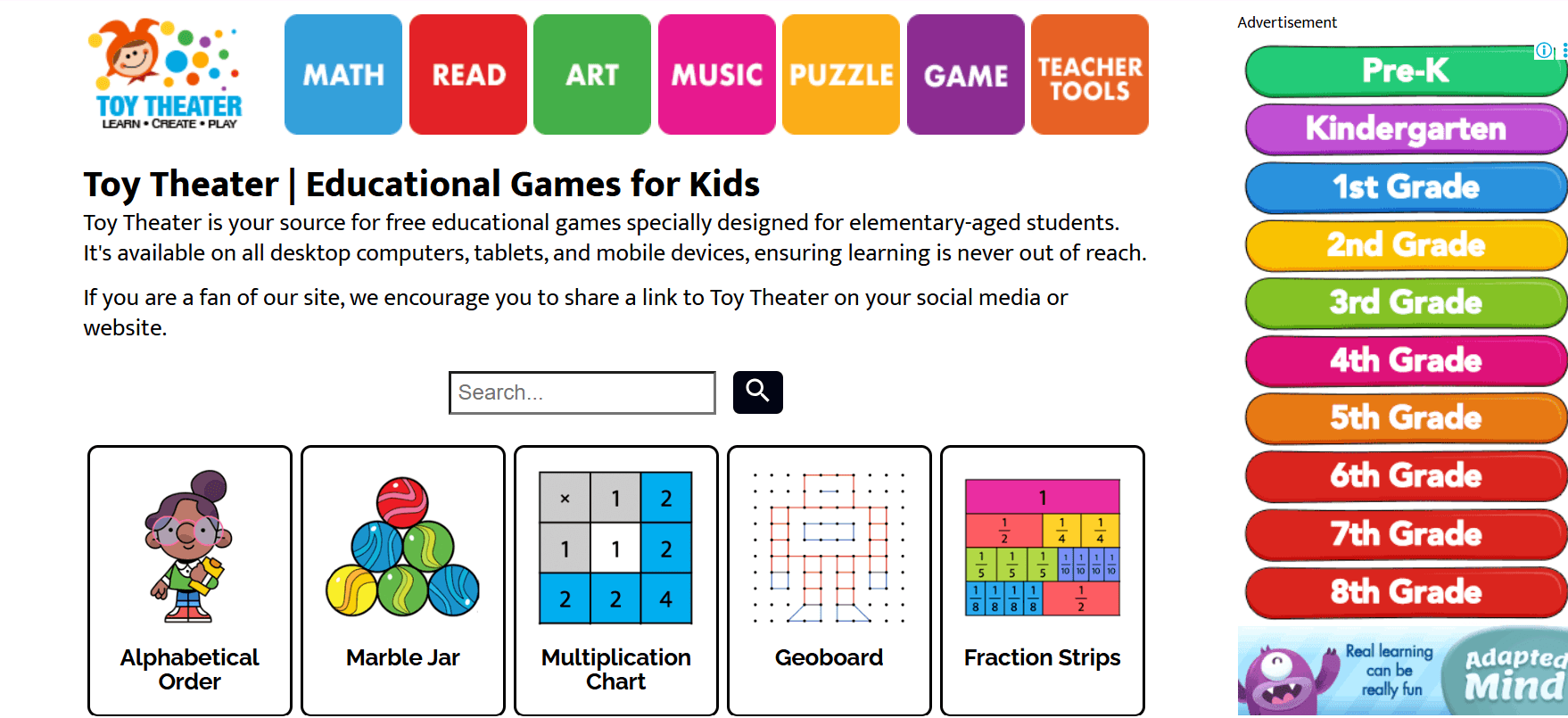
- A hub of creative mini-tools that mix drawing, simple animation, and playful construction.
Drawing experience:
- Doodle pad, snowflake builder, 3D block builder, and frame-by-frame cartoon makers.
Best ages:
- 5 to 10, with activities matched to short attention spans and exploratory play.
Why kids enjoy it:
- The site feels like a digital craft table with many distinct stations to try.
Standout features, limits:
- Multiple creative modes encourage cross-skills learning.
- Site navigation includes non-art games, so parental direction helps younger children find the art section.
4. ScrapColoring
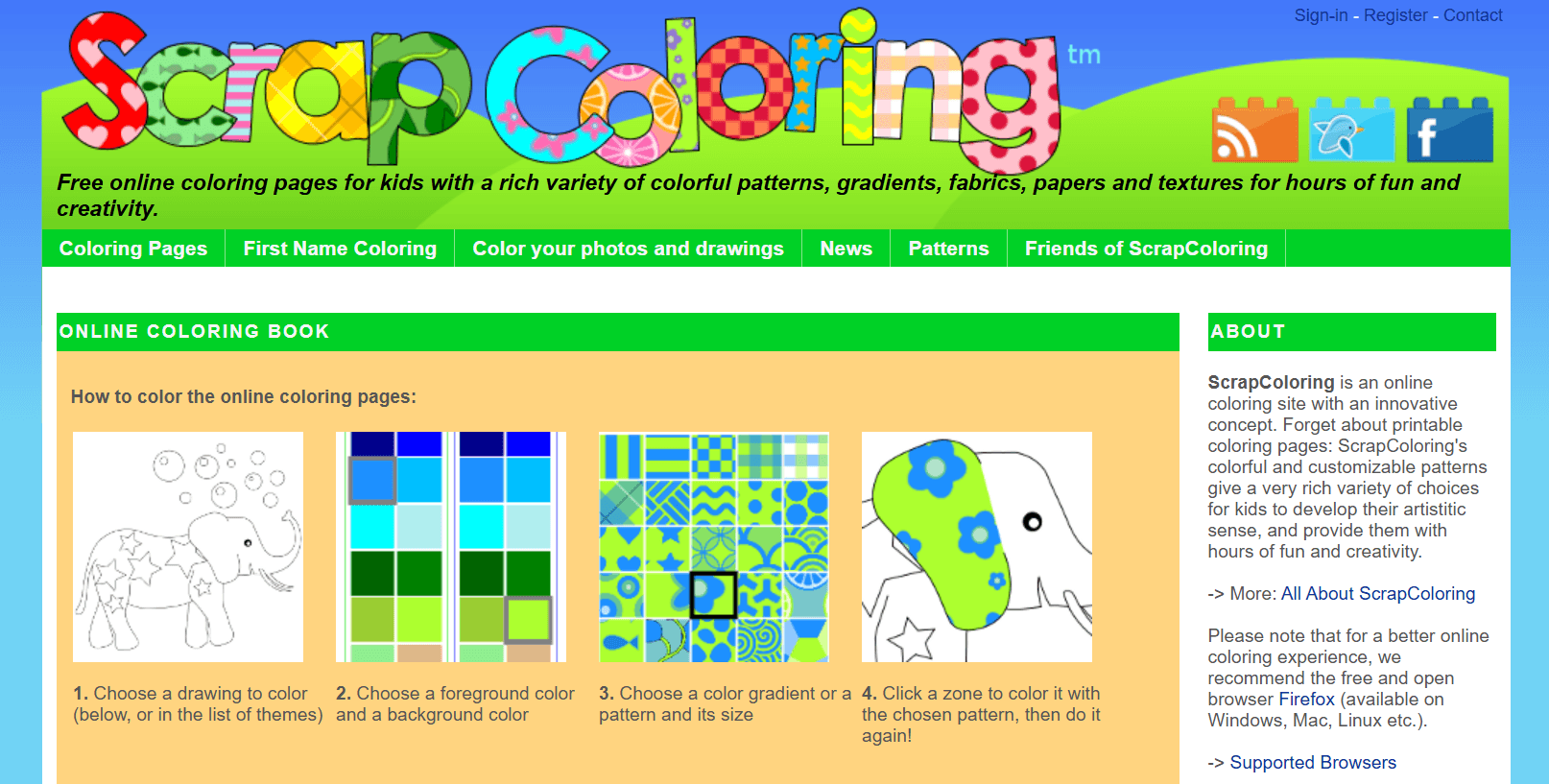
What it is, and why it matters:
- A free, printable-focused coloring page generator that converts uploads into simplified color areas.
Drawing experience:
- Upload a photo or sketch, use color-fill tools, save as background images, or print for offline coloring.
Best ages:
- 3 to 9 for coloring, older kids for pattern design and product mockups.
Why kids enjoy it:
- Seeing their photo or pet turned into a coloring sheet makes the craft personal and shareable.
Standout features, limits:
- Exports valuable print assets and merchandise mockups.
- Advanced customization for product printing may need account setup.
5. MakeBeliefsComix
What it is, and why it matters:
- A story-first comic strip builder with drag-and-drop characters and prompts to spark narrative drawing.
Drawing experience:
- Choose characters, panels, dialogue bubbles, and background scenes to compose a short comic.
Best ages:
- 6 to 12, ideal for early writers and storytelling practice.
Why kids enjoy it:
- The immediate narrative payoff, plus quirky characters and printable strips to mail to friends.
Standout features, limits:
- Suitable for literacy-linked art projects; requires an email account to save or email comics for ongoing use.
6. Pixilart (pixel art entry)
What it is, and why it matters:
- A community-centered pixel editor for creating, sharing, and learning pixel art techniques.
Drawing experience:
- Grid-based drawing, palette management, and simple animation frames.
Best ages:
- 8 and up, especially kids who enjoy retro games and sprite design.
Why kids enjoy it:
- The satisfying click-by-click craft of pixel work, the thriving gallery for feedback, and mobile app compatibility.
Standout features, limits:
- Strong community and easy export to PNG or GIF; finer vector exports are not available because the focus is pixel fidelity.
7. Bomomo
What it is, and why it matters:
- An abstract play space where brushes have kinetic behaviors, producing organic, algorithmic art.
Drawing experience:
- The toolset includes motion brushes that swirl, splatter, and repeat to create abstract patterns.
Best ages:
- 6 and up, useful for freeform creative sessions and sensory exploration.
Why kids enjoy it:
- Unpredictable, evolving marks that feel magical and reduce the pressure to draw “right.”
Standout features, limits:
- Immediate creative results with low friction; lacks stepwise tutorials for technique development.
8. Color by Numbers (site)
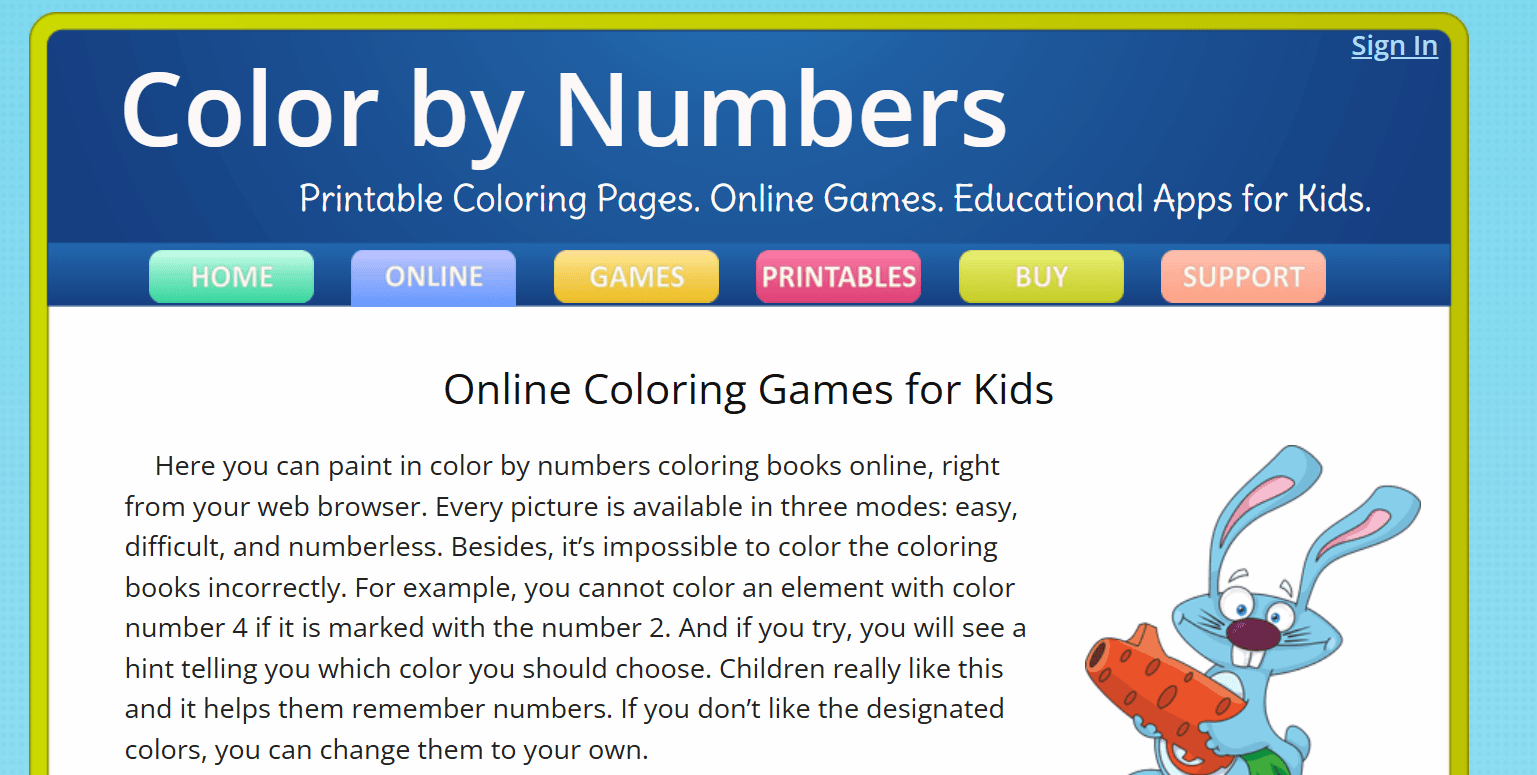
What it is, and why it matters:
- A guided coloring tool that pairs color values with numbers to teach numeric recognition through art.
Drawing experience:
- Fill regions by matching numbers to a palette, with instant correction feedback.
Best ages:
- 3 to 7, especially early learners practicing number-color mapping.
Why kids enjoy it:
- It’s satisfying and game-like, with clear goals and visible progress.
Standout features, limits:
- Educational scaffolding and graded difficulty levels; creative freehand tools are minimal because the format is structured.
9. JacksonPollock (splat art)
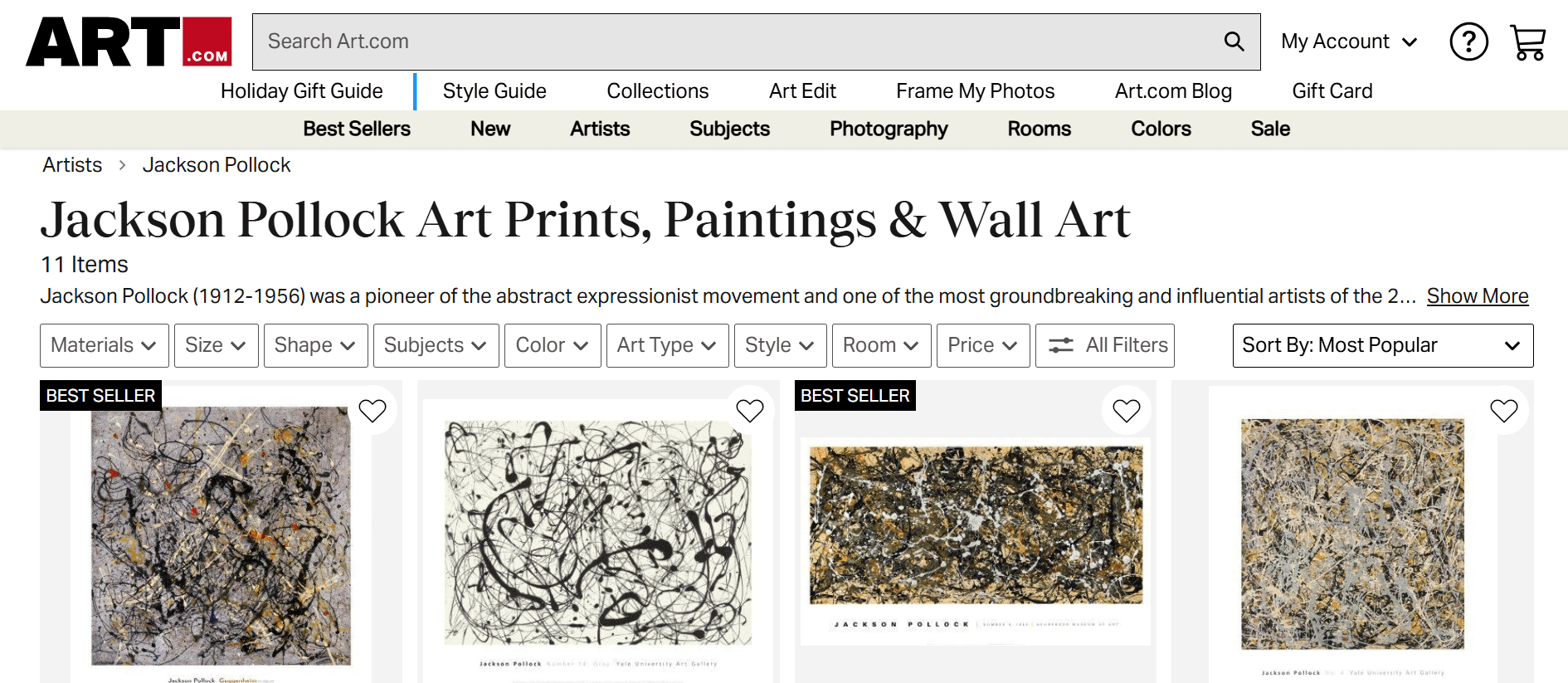
What it is, and why it matters:
- A playful splatter canvas that mimics action painting with no instruction required.
Drawing experience:
- Move the cursor to create drips and splashes, producing abstract canvases quickly.
Best ages: 4 and up, suitable for open-ended exploration and sensory sessions.
Why kids enjoy it:
- The instant, messy result feels liberating, and it takes minutes to produce gallery-worthy abstracts.
Standout features, limits:
- Pure spontaneity, great for idea generation; download options are basic and not lesson-driven.
10. Draw a Stickman
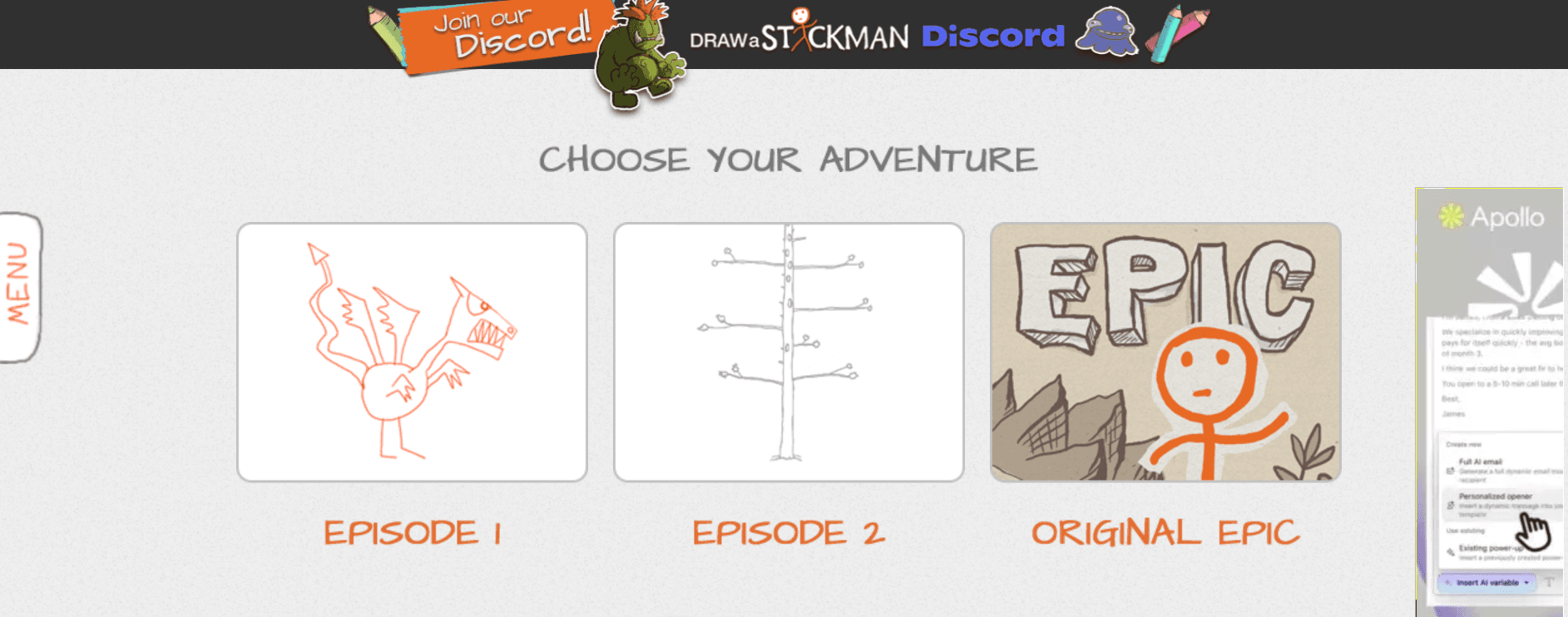
What it is, and why it matters:
- A guided, story-driven game where your drawings become game tools and characters.
Drawing experience:
- Create a stick figure, then draw items during play to solve puzzles and move the story forward.
Best ages:
- 5 to 10, ideal for children who enjoy interactive narratives and basic problem-solving.
Why kids enjoy it:
- The cause-and-effect feedback is immediate and entertaining; drawing becomes part of gameplay.
Standout features, limits:
- Level-based fun and replayability; later episodes may be behind a paywall for full access.
11. Drawspace

What it is, and why it matters:
- A lesson library authored by artists and educators with printable lessons and structured skill progression.
Drawing experience:
- Step-by-step exercises that teach techniques from basic shapes to value and texture.
Best ages:
- 8 and up, or younger kids with adult guidance for technique practice.
Why kids enjoy it:
- Clear tasks and visible improvement, which keep motivated learners engaged.
Standout features, limits:
- Strong curriculum and printable material; some advanced lessons may be more text-heavy and suited to older learners.
12. Art for Kids Hub
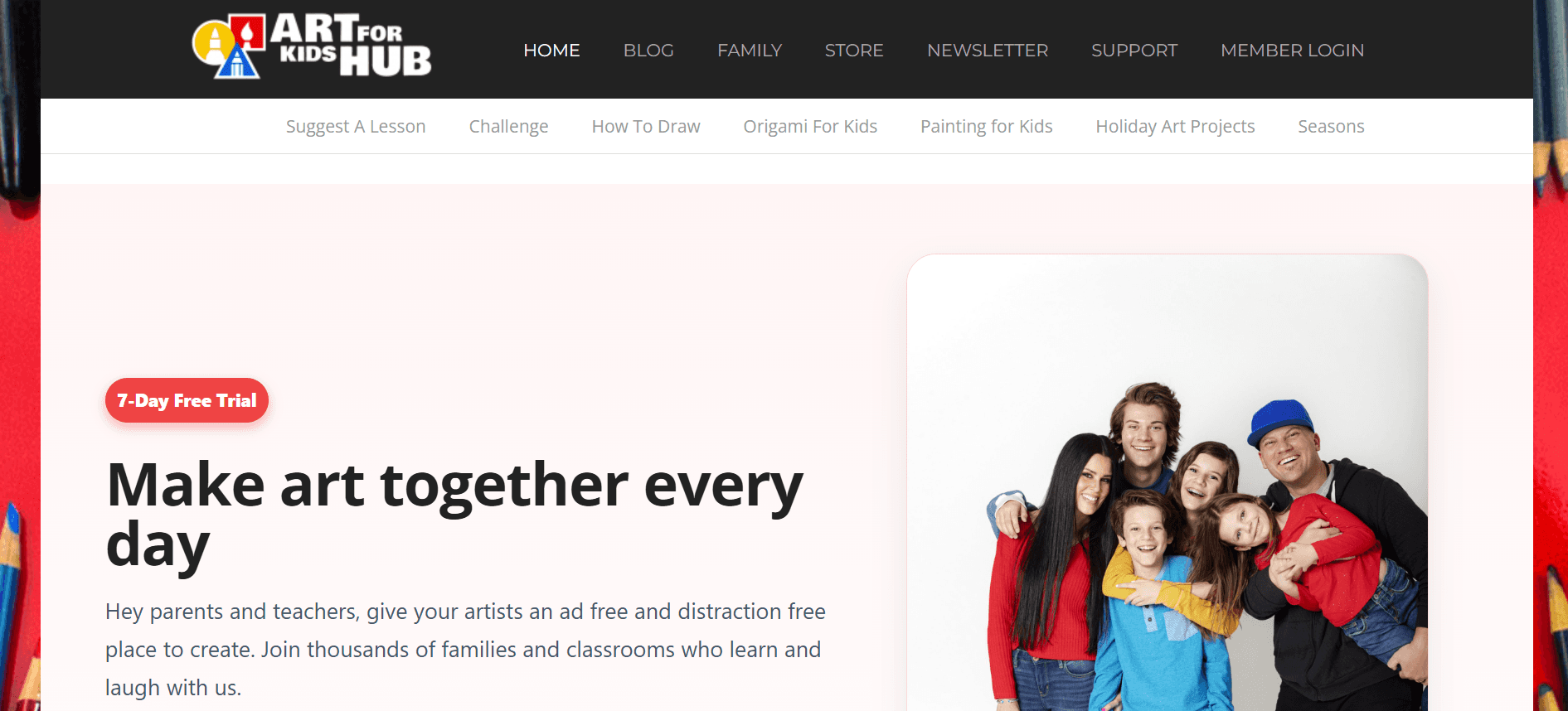
What it is, and why it matters:
- An extensive video library of approachable, camera-led drawing lessons for kids and families.
Drawing experience:
- Follow-along video tutorials with a parent-child host format and supply lists.
Best ages:
- 4 to 12, with videos paced for family drawing sessions.
Why kids enjoy it:
- The personable hosts make lessons feel like a living-room class, and students like copying the step-by-step demos.
Standout features, limits:
- Massive variety and video pacing; not optimized for printable conversion, since the primary medium is video.
13. Hello, Kids
What it is, and why it matters:
- A broad collection of tutorials and video guides covering holidays, characters, and thematic drawing.
Drawing experience:
- Visual guides and printable templates with a wide range of themes.
Best ages:
- 5 to 12, adaptable by selecting more straightforward or more complex tutorials.
Why kids enjoy it:
- The themed focus is great for seasonal projects and party activities.
Standout features, limits:
- Plenty of printable templates and themed content; lesson depth varies by tutorial.
14. Activity Village
What it is, and why it matters:
- A British site with over 420 step-by-step drawing tutorials, built for classroom ease.
Drawing experience:
- Sequential diagrams that break complex forms into child-friendly steps.
Best ages:
- 4 to 9, strong for primary classrooms and morning activities.
Why kids enjoy it:
- Predictable, scaffolded steps build confidence as the drawing forms appear piece by piece.
Standout features, limits:
- Downloadable PDFs and lesson-ready activities; some material requires membership for full access.
15. Blue Tadpole Studio
What it is, and why it matters:
- A library of printable PDFs and step-by-step instructions ideal for primary classrooms.
Drawing experience:
- Clear diagrams and printable practice sheets that teachers can set as independent centers.
Best ages:
- 5 to 8, aligned with early-elementary fine-motor progression.
Why kids enjoy it:
- Familiar topics and printable practice make skill-building feel achievable.
Standout features, limits:
- Classroom-ready PDFs and low-prep activities; the site is PDF-focused, not an interactive web canvas.
16. PBS KIDS
What it is, and why it matters:
- A trusted educational platform combining art activities with curricular content and kid-safe design.
Drawing experience:
- Interactive art mini-games, printable coloring pages, and character-themed projects aligned to learning goals.
Best ages:
- 3 to 7, with media tie-ins that hold attention and teach fundamentals.
Why kids enjoy it:
- Beloved characters and familiar show-based prompts make activities feel relevant.
Standout features, limits:
- High safety standards and educational design; creative tools are simple to match younger audiences.
17. Canva (Education-friendly use)
What it is, and why it matters:
- A versatile design tool with education templates, simple drag-and-drop controls, and collaborative options.
Drawing experience:
- Template-based creation, stickers, and easy layout tools for posters, storyboards, and simple art projects.
Best ages:
- 8 and up, particularly useful for older kids learning layout and design principles.
Why kids enjoy it:
- Immediate visual polish, stickers, and the ability to mix images and text creatively.
Standout features, limits:
- Powerful templating and export options
- The free tier is robust, but some premium features are paywalled.
18. Google Arts & Culture

What it is, and why it matters:
- A museum-in-your-browser with interactive tours, high-resolution artwork, and kid-focused experiences.
Drawing experience:
- Exploration-driven activities, color hunts, and 3D artifact views that inspire replicated drawings.
Best ages:
- 7 and up, perfect for projects that pair art history with creative response.
Why kids enjoy it:
- Zooming into a Van Gogh brushstroke or walking a gallery virtually makes art feel immediate and exciting.
Standout features, limits:
- Incredible reference material and virtual tours; not a drawing editor, so use it for inspiration and follow up elsewhere.
19. Color Matters
What it is, and why it matters:
- An educational resource focused on color science, psychology, and playful experiments.
Drawing experience:
- Games and lessons about hue, contrast, and the emotional language of color.
Best ages:
- 8 and up, for kids curious about why color choices matter in design and art.
Why kids enjoy it:
- Interactive color experiments, and the “aha” of seeing how colors change mood.
Standout features, limits:
- Strong conceptual learning; not intended for freehand drawing practice.
20. Krita
What it is, and why it matters:
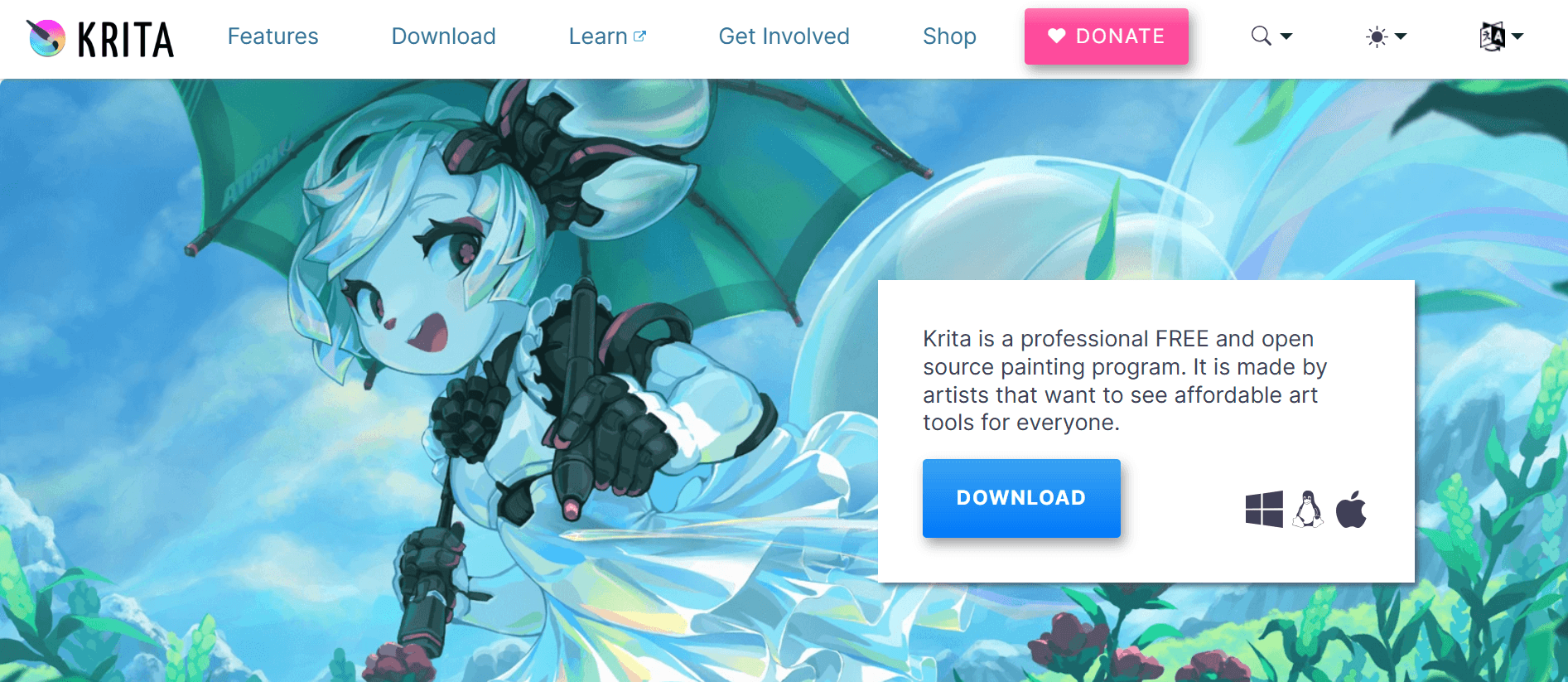
- A full-featured, open-source digital painting application suited for serious young artists and classroom labs.
Drawing experience:
- Layers, brush engines, stabilizers, and animation tools that mirror professional workflows.
Best ages:
- 10 and up, or younger students under instruction who are ready for advanced digital painting.
Why kids enjoy it:
- The creative depth scales with skill, enabling motivated students to grow into more complex projects.
Standout features, limits:
- Powerful toolset and free desktop installs; steeper learning curve, so plan guided lessons for classroom rollout.
21. Pixilart (Second Listing For Emphasis On Community Features)
What it is, and why it matters:
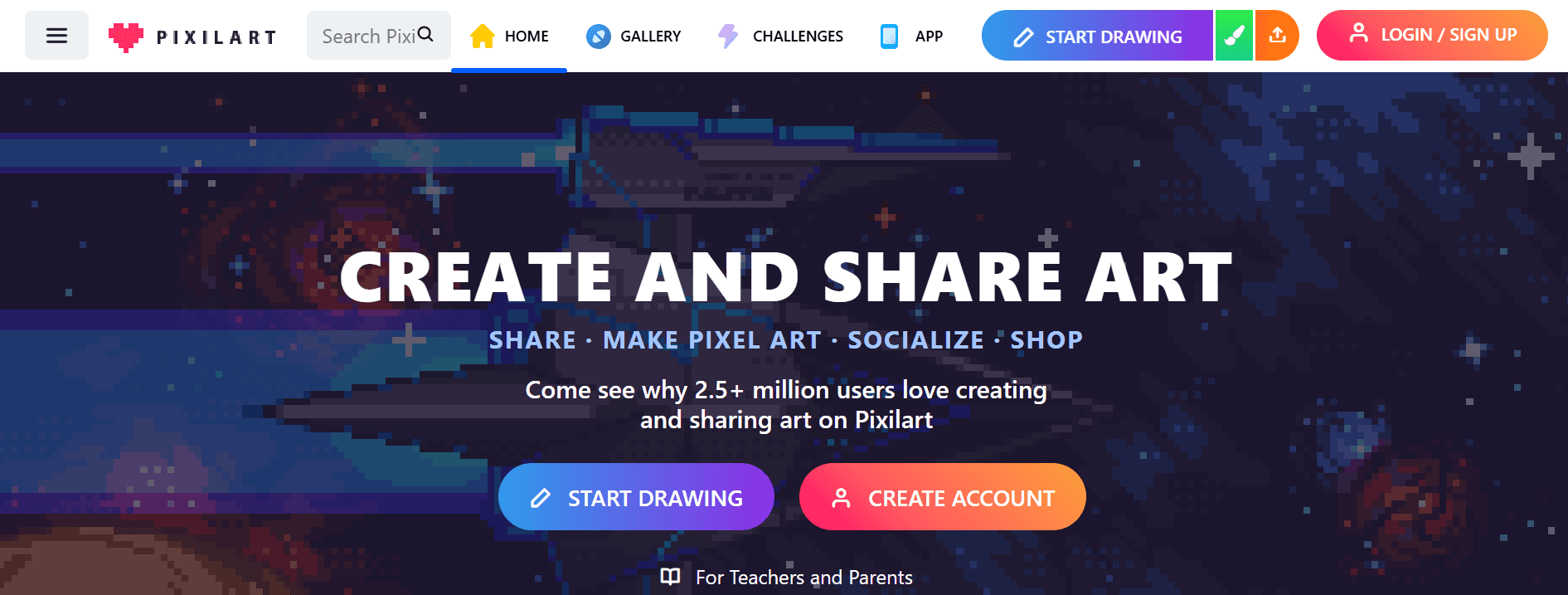
- A pixel art platform with social features, timed challenges, and easy-to-use editors that encourage sharing.
Drawing experience:
- Frame-based animation, drawing tools tailored to pixel constraints, and a gallery for feedback.
Best ages:
- 8 and up; excellent for collaborative projects and game art clubs.
Why kids enjoy it:
- Community recognition and simple contests keep the practice loop tight.
Standout features, limits:
- Community moderation makes it safer, but open sharing means teacher supervision can be helpful for younger users.
22. Bomomo (Repeat Emphasis on Kinetic Play)
What it is, and why it matters:
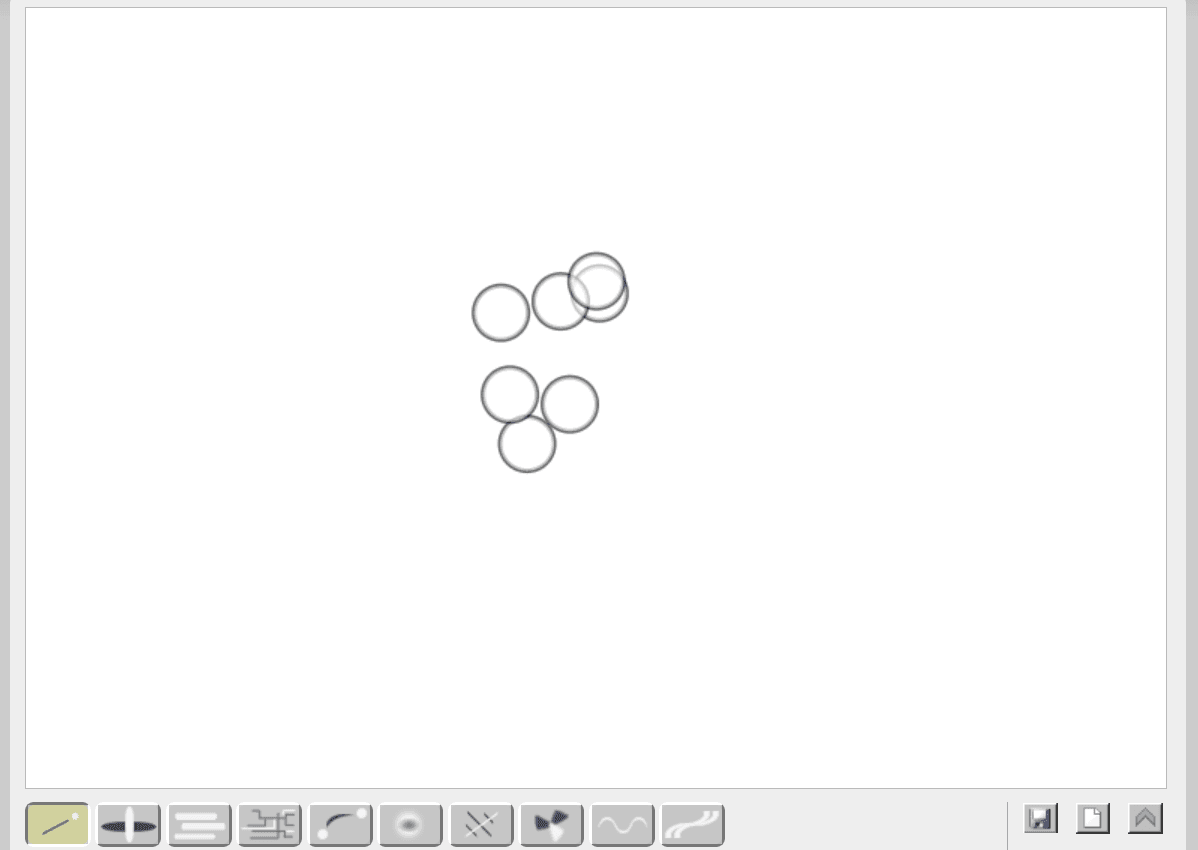
- A minimalist, kinetic canvas for making abstract, flowing artwork quickly.
Drawing experience:
- Motion-driven brushes that respond to cursor movement, producing layered, complex effects.
Best ages:
- 6 and up for freeform exploration and rapid ideation.
Why kids enjoy it:
- The tools feel alive and reward curiosity more than precision.
Standout features, limits:
- Exports for keepsakes; tutorial content is sparse so it is best used as a creative warm-up.
23. Color By Number (Second Listing Focusing on Structure)
What it is, and why it matters:
- A structured coloring system that teaches careful attention to detail through number-coded palettes.
Drawing experience:
- Guided region-filling with progressive difficulty and themes ranging from simple animals to complex mandalas.
Best ages:
- 3 to 9 for number recognition and concentration training.
Why kids enjoy it:
- A sense of achievement when a structured picture comes together without guesswork.
Standout features, limits:
- Excellent for quiet, focused practice; not a freehand sketching tool.
24. Drawing Now
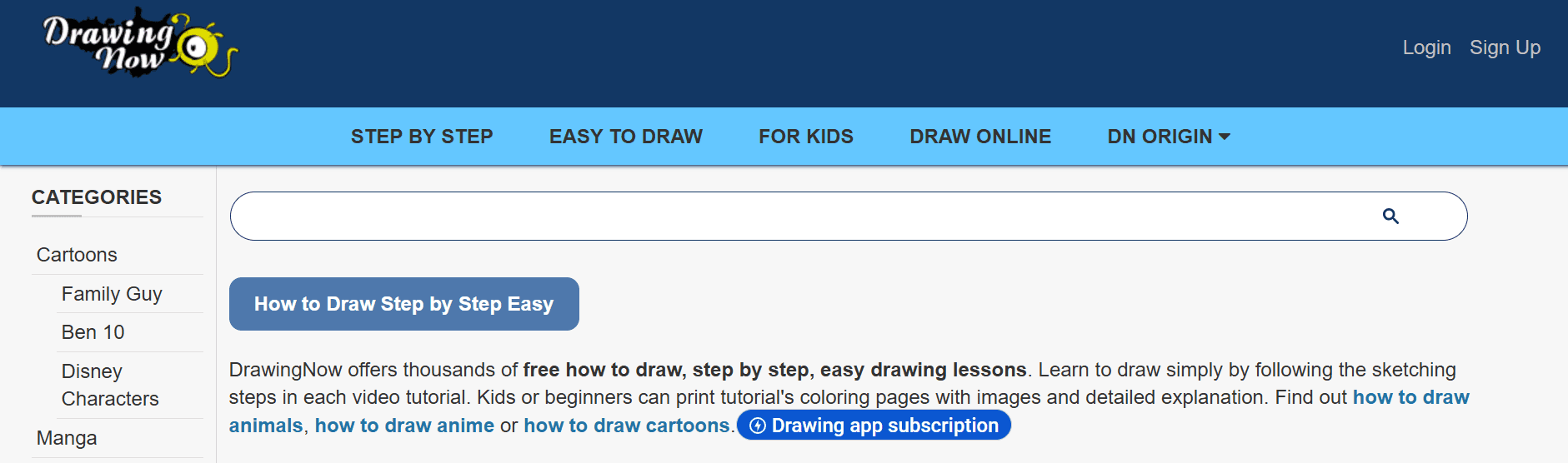
What it is, and why it matters:
- A lesson-driven hub with step-by-step tutorials and a supportive community for sharing progress.
Drawing experience:
- Sequential instruction from basic shapes up to more elaborate characters and scenes.
Best ages:
- 7 and up, suitable for steady skill development and portfolio pieces.
Why kids enjoy it:
- The guided progression feels like leveling up, and sharing creations encourages continued effort.
Standout features, limits:
- Good breadth of lessons and a community to post in; some advanced lessons assume prior technique.
Mid-List Note on How People Currently Work, and a Better Option
Most families stitch together several sites to meet different needs because it is familiar and low-cost. Still, as activities scale, the approach becomes time-consuming and inconsistent, with lesson plans, printables, and themed units spread across bookmarks and downloads. That fragmentation slows teachers and parents as they reformat images, match age-appropriate complexity, and create handouts.
Platforms like My Coloring Pages provide a single place to produce customized, print-ready pages from photos or descriptions, plus an extensive community library and quick exports, which reduces the time spent juggling assets and keeps the creative flow in the moment.
Adoption and Outcome Signals That Matter
Adoption is broad, with over 500,000 children using these drawing websites. Little Red Window suggests that many families and classrooms sample free drawing tools before settling on a workflow.
Parents also report clear learning gains, with 90% reporting improved children's art skills. Little Red Window which indicates that guided practice and repeatable lessons translate into visible progress for most children.
A Final Practical Note About Picking Between These Options
- If you need a single, low-friction session that yields a keepable print, choose generators and template-heavy sites.
- If your goal is to grow technique and skills, choose lesson libraries, video tutors, or desktop apps that scale with ability.
That tradeoff will determine whether you use a site for ten minutes of free play or for a month-long skill track.
That solution looks tidy, but what most parents discover next is both personal and surprising.
Related Reading
- Drawing Websites for Kids
- Best Educational Websites for Kids
- Art Websites for Kids
- Safe Websites for Kids
- List of Websites to Block for Kids
- Cool Websites for Kids
- Reading Apps for Kids
- Best Learning Apps for Kids
- Best Learning Games for Kids
- Math Apps for Kids
How to Choose the Right Drawing Website for Your Child’s Age and Skill Level

Match the right site to your child by thinking like a coach. Select activities that align with their fine-motor stage, appetite for structure, and comfort with screens, then move them up the ladder as skills and interests grow. Start with a low-friction option that yields printable results quickly. Monitor how the child responds over a few sessions, then add interactive lessons or more advanced tools as curiosity and control increase.
How Do I Choose By Developmental Stage?
For toddlers and early preschoolers, favor bold shapes, large fill areas, and printable templates that let small hands practice staying inside the lines; these reduce frustration and make success visible. For ages 6 to 8, lean into guided, step-by-step experiences, as half of children in that bracket prefer interactive drawing tutorials.
Art Connects Us, which means structured demos and click-to-learn steps, will hold attention and teach repeatable techniques. For older kids who want refinement, offer tools that support layering, undo history, and high-resolution print exports so digital experiments translate into keepsakes or classroom handouts.
What Balance Should I Strike Between Lessons And Free Play?
Treat lessons as scaffolding, not a curriculum trap. Short, focused tutorials teach a technique or trick; free play lets kids apply it and feel ownership.
Rotate the two during a single session:
- Five to ten minutes of guided drawing followed by open-ended coloring.
- Remixing preserves momentum and builds confidence.
If a child resists step-by-step lessons, shrink the lesson to a single, visible goal, like drawing one eye or a simple hand, so mastery happens in minutes, and the reward is immediate.
How Do I Factor In A Child’s Comfort With Digital Tools?
- If a child struggles with clicks, menus, or saving files, provide a simplified workflow that ends with a printed sheet they can hold.
- If they already navigate screens well, introduce tools that enable them to export, share, and iterate, so their practice becomes tangible.
A good test:
If setup takes longer than the child’s attention span, simplify the configuration. For classroom rollouts, pilot with a small group for one week, measure how many students complete an assignment independently, and iterate.
From Fragmented Tools to Streamlined Classroom Workflows
Most parents and teachers patch together multiple free drawing websites because that approach feels familiar and low-cost, and it works at first. But as lesson plans and printing needs multiply, tasks such as reformatting images, matching difficulty to age, and producing classroom-ready PDFs fragment into lost minutes and uneven quality.
Platforms like My Coloring Pages provide a bridge, converting uploads or prompts into printable, customizable coloring pages in seconds, maintaining a community library and print-ready exports. Hence, teachers and parents spend less time fixing files and more time on the activity itself.
What Practical Steps Should I Take This Week?
- Observe two sessions and note what engages the child for at least 10 minutes.
- Choose one simple, printable template to use twice, adjusting line thickness or detail between tries.
- If interest persists, add one interactive tutorial next week and compare engagement.
For classrooms, prepare two versions of the same sheet, one simpler and one more detailed, and let students self-select so you learn their readiness without a formal assessment.
Why Enjoyment and Confidence Should Guide Your Choices
Skills follow interest. When a child finishes a page they helped design, they return more often and take on more challenging tasks.
Prioritize quick wins and personalization over technical perfection, and treat mistakes as experiments rather than failures. Think of the workflow like tuning a radio to a clear station, not fixing the transmitter; once the child hears the signal, practice comes naturally.
A Small Classroom Story
A teacher switched from a complex drawing app to a simpler, printable workflow and found that, in one week, students spent more time coloring and less time asking for help because the output matched what they could physically hold and complete.
Consider the child’s developmental stage, appetite for structure, and comfort with digital tools; start with simpler, printable platforms and introduce interactive tutorials or advanced tools as interest and control grow, remembering that enjoyment and confidence matter more than technical polish.
The next step reveals a surprisingly fast way to turn a single idea or photo into a stack of ready-to-print pages in seconds, and it changes how you use screen time.
Create Custom Printable Coloring Pages and Coloring Books in Seconds
The critical difference for busy homes and classrooms is whether art sits ready to use or becomes another late-night project. Try My Coloring Pages, with 10,000+ free coloring pages, as a practical fallback to assemble a rotating stash of printable activities for school nights and quiet moments, swapping frantic screen babysitting for ten-minute, hands-on coloring sessions the family can actually look forward to.
Related Reading
- Music Apps for Kids
- Best Apps for 6-Year-Olds
- Best Apps for Kids
- Best Coding Apps for Kids
- AI Tools for Kids
- Language Learning Apps for Kids
- Best Drawing Apps for Kids