61 Learning Websites for Kids To Make Screen Time Educational
Discover 61 learning websites for kids that make screen time fun and educational, perfect for curious minds of all ages.


Every parent knows a tablet can keep kids occupied, but how often does that time really teach something valuable? Finding the right Learning Websites for Kids that combine safe interactive learning, reading games, math practice, coding for kids, and science activities is more complicated than it looks.
This guide outlines practical ways to transform children's screen time into productive learning experiences that build fundamental skills, boost confidence, and prepare them for academic success without constant parental supervision or guilt about digital device use.To help with that, My Coloring Pages offers 10,000+ free coloring pages that pair art practice with letter tracing, number recognition, printable worksheets, and themed lessons. Hence, kids build fine motor skills, literacy, and focus while you step back.
Summary
- Clear selection criteria make screening easier: evaluate content based on active participation, explicit skill progression, immediate feedback, and creative output. Note that 70% of parents believe educational screen time can be beneficial.
- Adaptive feedback is critical to measurable learning because new guidelines recommend dedicating roughly 50% of screen time to educational content, making adaptive systems that tune difficulty and provide instant hints especially useful.
- A curated roster reduces wasted trial time, with the article offering a vetted list of 61 tested websites organized by subject, age range, and learning approach to speed match and avoid setup surprises.
- Printable follow-ups are the practical bridge from screen to hands-on work, for example, pairing a 20-minute focused app session with an offline task that takes under five minutes to prepare preserves gains and makes practice repeatable. Bracketing sessions and fixed rituals cut conflict, with simple timers and a two-week adoption window turning stop/start negotiations into procedural transitions that reduce evening arguments.
- Social co-learning and one tangible artifact per session increase retention. For instance, a weekly "project swap," where each child presents one printed page they created, converts solitary screen lessons into shared, memorable outcomes.
- This is where My Coloring Pages fits in: 10,000+ free coloring pages address this by supplying ready-to-print follow-ups and templates that convert short digital lessons into tangible artifacts with minimal prep.
What Makes Screen Time Educational vs. Just Entertainment?

Parents often feel guilty because they cannot tell whether a video or app is actually teaching anything, and that uncertainty leads to poor screen time choices. Clear, simple criteria change that: when you judge content by four practical signals, you can pick experiences that genuinely build skills and feel confident about the time your child spends learning.
What makes a screen activity actively educational rather than just attractive?
Active participation versus passive watching
The first test is engagement that forces the child to do something, not just watch. Real learning requires choices, predictions, or actions from the learner. An adaptive math game asks a child to solve a problem, choose a strategy, and then try a new level.
A cartoon about numbers layers fun characters over facts, but leaves the child to absorb rather than practice. Think of it as the difference between riding a bike and sitting on a motorcycle in the yard; the motion looks similar, but only one builds balance.
How do you know content will actually move a child forward?
Skill progression with measurable objectives
Look for explicit learning goals and a visible path from easy to harder tasks. Good apps and sites map short-term objectives, such as mastering addition facts up to 20, then using those facts to solve two-step word problems.
That path lets you check progress in minutes, not vague impressions after a week of viewing. When objectives are explicit, you can tie screen sessions to printable follow-ups—coloring pages that require labeling parts of a plant after a science module, for example—so the screen time converts into offline practice.
Does the activity respond to the child’s current level?
Immediate feedback and adaptive difficulty
Educational systems should tell the child when they succeed, and change the challenge so boredom or frustration never stalls learning. Adaptive interfaces provide immediate corrective feedback and nudge difficulty just enough so the child stays in that sweet spot between struggle and mastery.
Contrast an adaptive math game that shortens question time or offers a hint sequence with a cartoon that never checks whether the child understands a single concept. That loop of try, get feedback, and try again is how real learning cements.
Is the child creating something, or merely consuming?
Creative output and problem-solving requirements
The strongest screen activities demand an original product: a written response, a recorded explanation, a designed solution, or a drawing that applies a concept. Those outputs let you assess understanding directly rather than infer it from attention span. A storytelling app that asks kids to build a three-part narrative, then prints a storyboard to color, forces synthesis; a flashy number song does not.
This pattern appears across homes and classrooms: parents feel frustrated and rushed, and guilt accumulates because many choices look educational on the surface but do not produce skills. That emotional pressure is real, and it often leads parents to default to passive options because they seem easier to manage.
Platforms like My Coloring Pages, with 15,188+ free pages and a straightforward customization tool, provide a practical bridge, letting caregivers convert targeted screen lessons into printable practice and keepsakes that reinforce learning while reducing the guesswork.
Why should we trust educational screen time in the first place?
The demand for helpful screen resources is rising, and this trend is shaping sensible guidelines. 70% of parents believe that educational screen time can be beneficial for their children's learning — S4 Study Skills, which confirms broad parental openness to well-designed digital learning. Alongside that, new recommendations suggest that 50% of screen time should be dedicated to educational content, according to new guidelines — S4 Study Skills, a practical target that encourages families toward a healthier balance between enrichment and entertainment.
How this looks in practice: an adaptive math game versus a cartoon about numbers
An adaptive math game will present a single subtraction problem, wait for the child to answer, then immediately show whether the answer is correct, offer a hint if needed, and alter the next issue to maintain challenge. It records accuracy and time on task, so you can see where to pause and practice offline with a matching printable worksheet. A cartoon about numbers might teach counting with catchy songs and bright visuals, which is fine for exposure, but it will not measure mastery, tune difficulty, or create a traceable skill path. Use both types, but choose the game for targeted skill work and the cartoon for low-stakes exposure.
A simple checklist you can use right now
- Does the activity require the child to act rather than just watch?
- Are short-term learning goals visible and measurable?
- Does the system give quick, meaningful feedback and adjust difficulty?
- Does the child produce a usable offline product, such as a drawing, answer, or worksheet?
If the answer is yes to most of these, the screen time is likely productive; if not, treat it as entertainment.
A quick analogy to keep this practical: passive videos are like leaves blown by the wind, visually interesting but easy to forget; interactive learning is like planting a seed, with measurable growth you can tend and harvest.
That simple distinction changes how you pick resources, and the next section will put that clarity into action.
Related Reading
- Fun Websites for Kids
- Free Drawing Websites for Kids
- Coloring Websites for Kids
- Free Coloring Websites for Kids
- Educational Websites for Kids
- Coloring Pages Websites for Kids
61 Best Learning Websites for Kids
Parents are wasting hours hunting for good platforms, only to find poor content, hidden costs, or age mismatches after they set everything up. This vetted roster removes that friction by grouping 61 tested websites by subject, age range, and learning approach, so you can find a fit quickly and reliably. Use the short descriptions and transparent pricing to match a child, not a marketing pitch.
How did we organize this to save time?
Which question should you ask first?
Ask what you want the child to do, not what the platform promises, then pick by age and learning approach; that keeps trial time short and reveals mismatches fast.
Why trust this list?
This collection draws from curated roundups, including the SplashLearn Blog and recent expert picks from PCMag, so you’re not hunting randomly.
1. My Coloring Pages
Target age: All ages (preschool through adult)
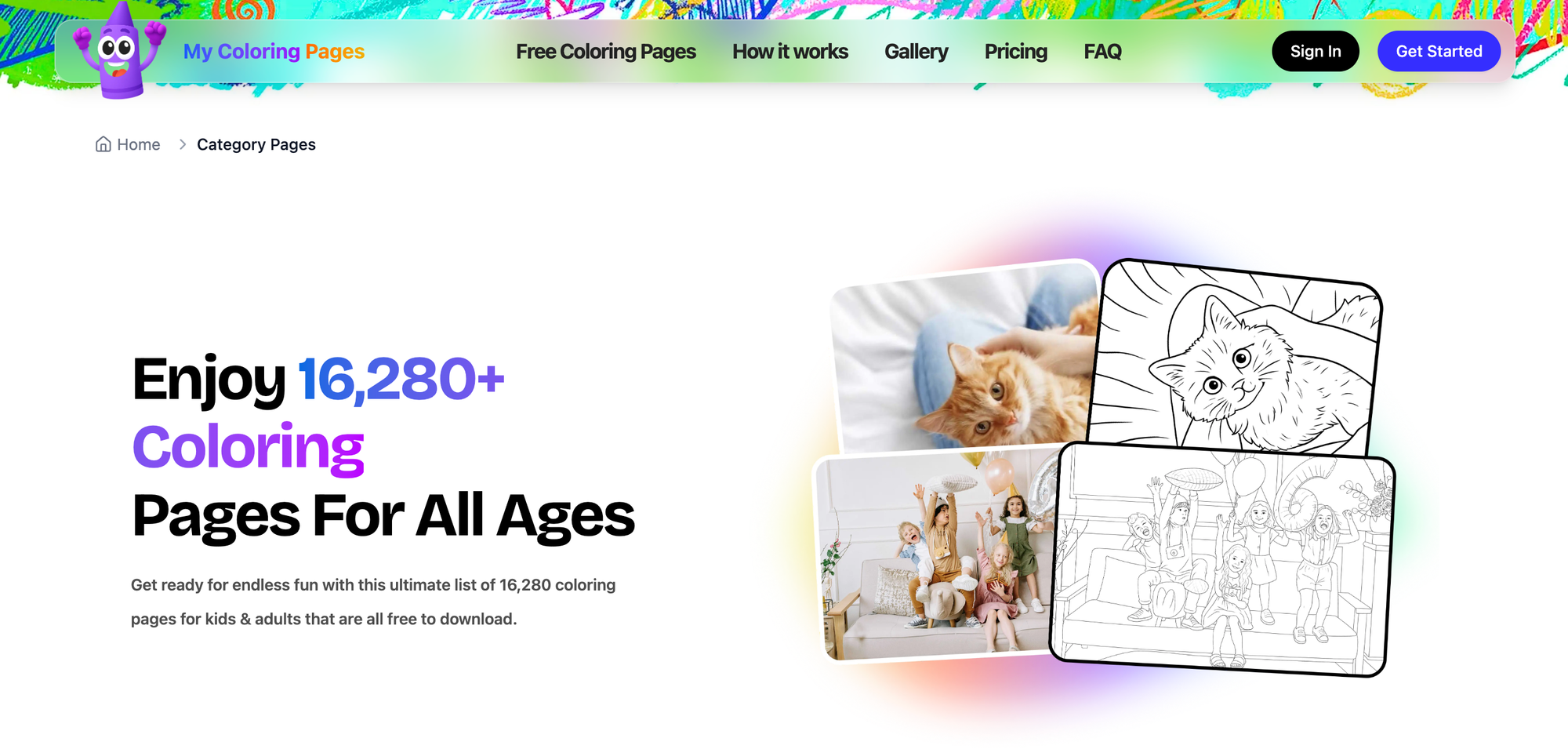
My Coloring Pages turns descriptions or photos into printable coloring pages in seconds and hosts 15,188+ community designs, making it easy to create calming activities, class materials, or family keepsakes. The platform emphasizes simple customization, enabling parents and teachers to turn ideas into hands-on practice without learning new software.
- Quick custom pages, instant print: create from a text prompt or image upload.
- Massive library: thousands of ready-made pages for holidays, science, and stories.
- Educational uses: printable worksheets, labeling activities, and skill-building tasks.
- Pricing: Free access to 15,188+ community pages; premium customization features available via subscription (check site for billing tiers).
2. SplashLearn
Target age: 2–11 years
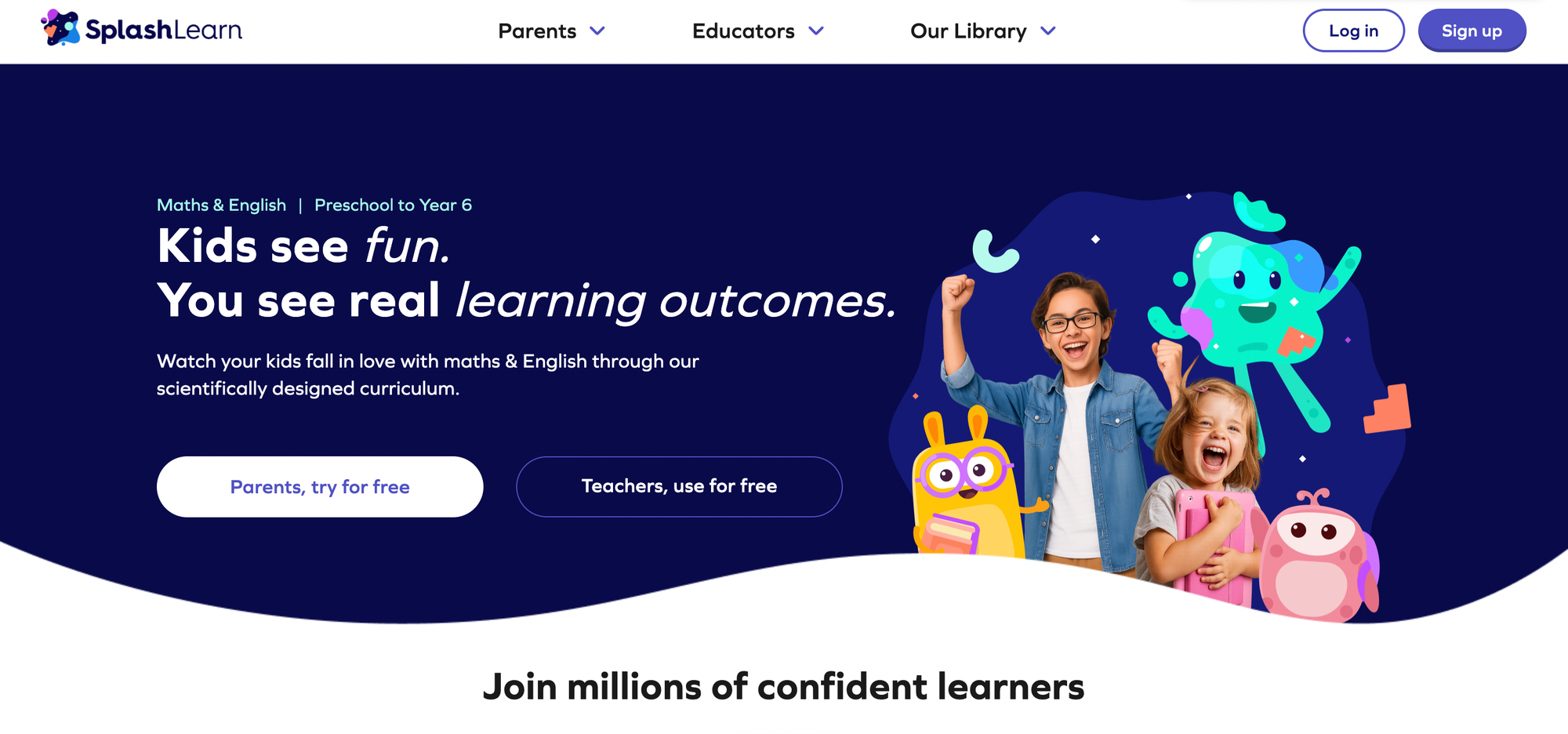
SplashLearn offers 10,000+ interactive math and reading activities that adapt to each learner, with a focus on practice and immediate feedback rather than passive viewing. It pairs measurable skill progression with parental reports so you can see whether time turns into learning.
- Tailored learning paths: adapt to pace and ability.
- Comprehensive math and reading coverage, from counting to problem-solving.
- Progress dashboards for parents with actionable insights.
Pricing: Free 7-day trial, then subscription plans start at $7.49 per month billed annually.
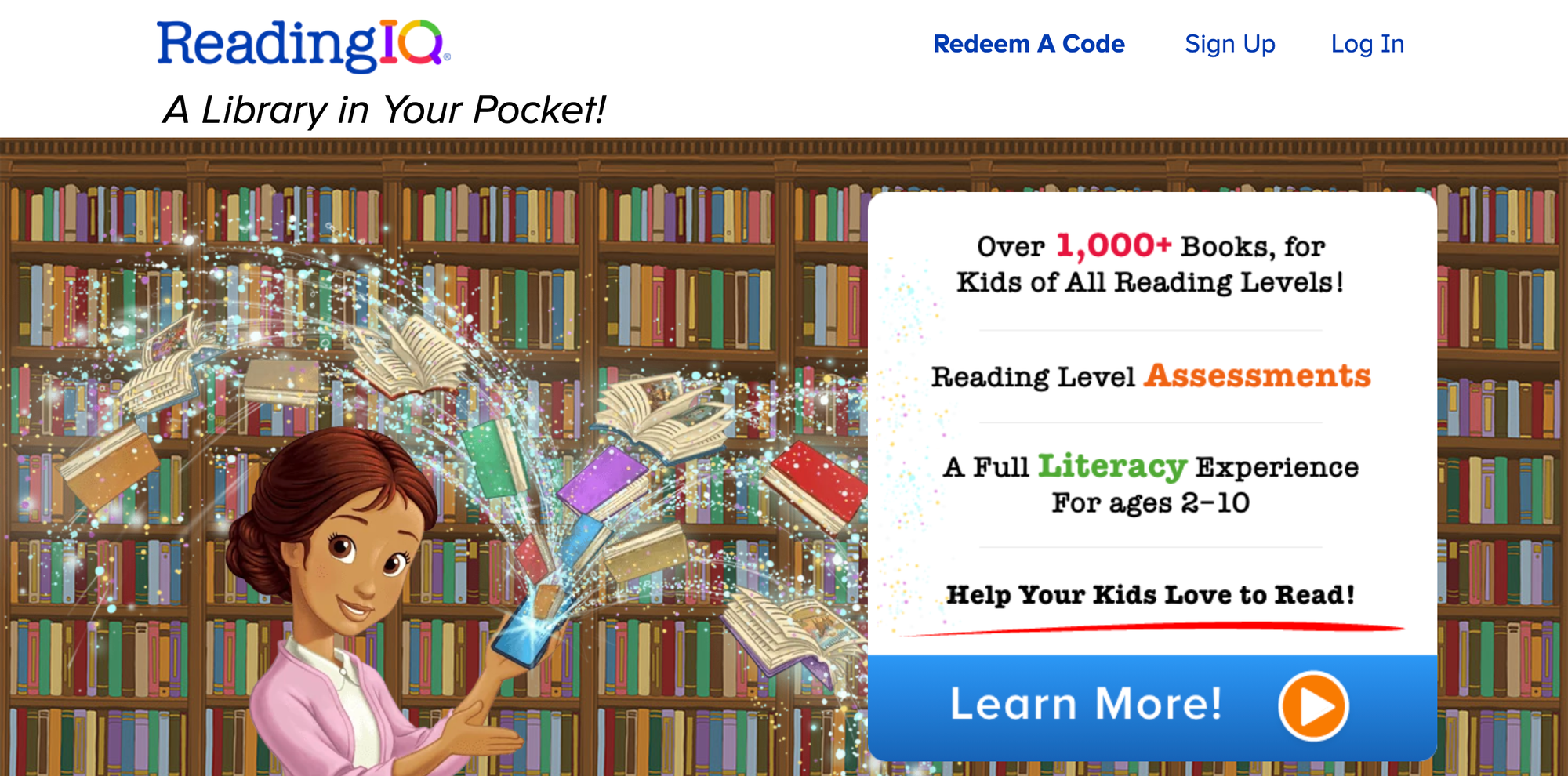
3. Reading IQ
Target age: 2–12 years
Reading IQ is a leveled digital library with professionally recorded audiobooks and tracking to improve comprehension and fluency over time. It supports reading development by matching books to ability and monitoring growth.
- Extensive, leveled library with read-to-me and audiobooks.
- Progress tracking and recommendations by level.
- Supports vocabulary building and comprehension.
- Pricing: $7.99 per month.
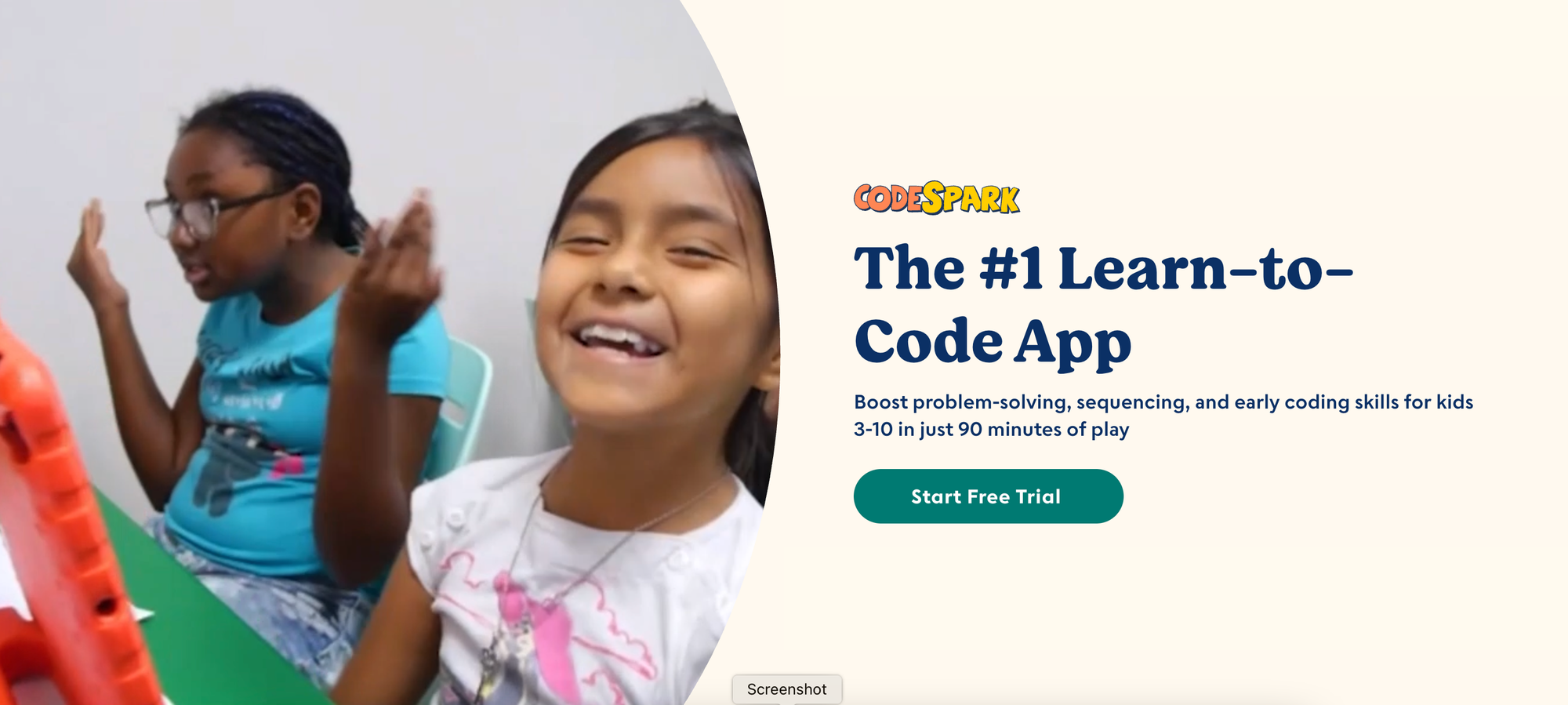
4. CodeSpark
Target age: 7+ years
CodeSpark teaches coding logic through playful puzzles and self-directed projects, translating abstract programming concepts into interactive problem-solving. It’s designed to keep learning independent and exploratory while building computational thinking.
- Game-like curriculum with stepwise challenges.
- Encourages creative application of code concepts.
- Self-directed play is suitable for independent practice.
- Pricing: $9.99 per month.
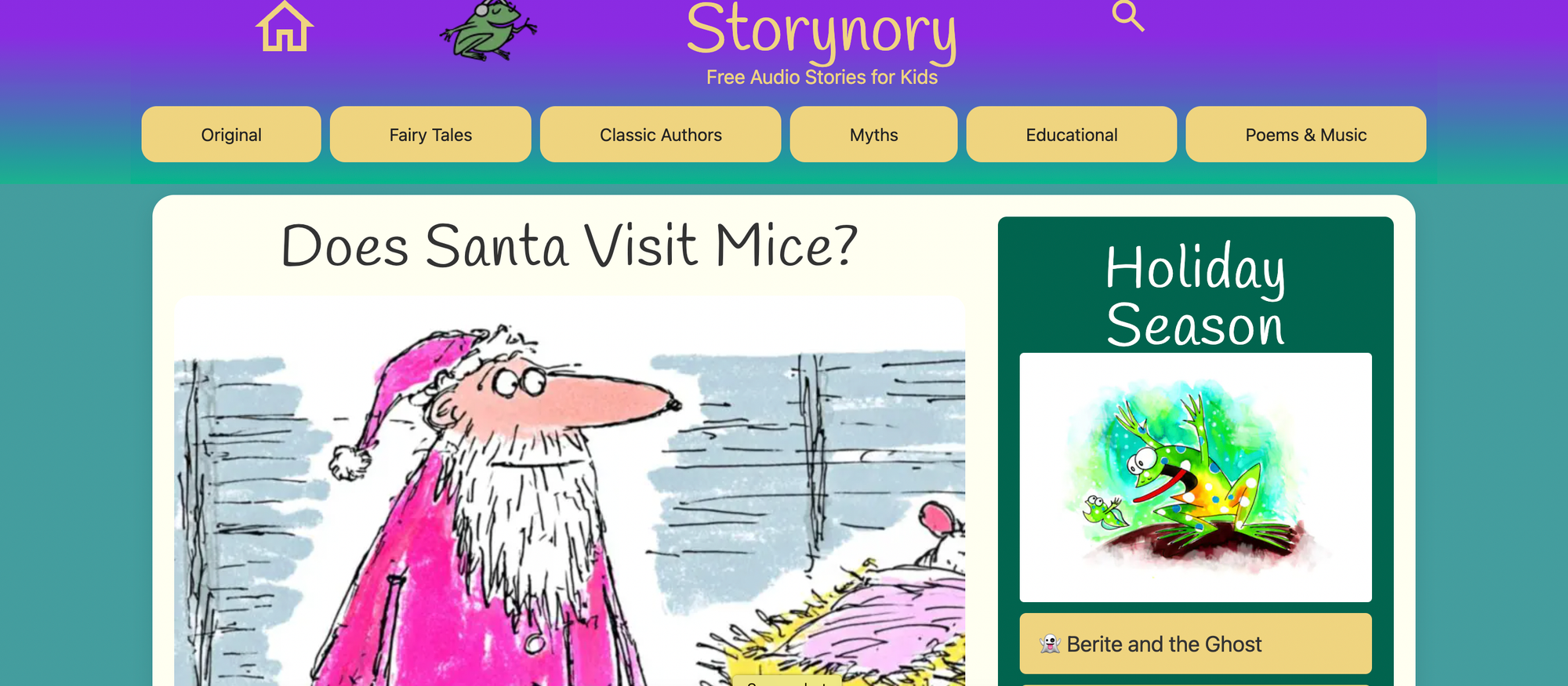
5. Storynory
Target age: 3+ years
Storynory offers free audio stories that build listening skills, imagination, and narrative understanding through high-quality recordings of classic tales and original stories. It’s a low-friction way to increase literacy exposure without additional screen time.
- Richly narrated audio stories and fairy tales.
- Free access with notable titles for young listeners.
- Good for car rides, bedtime, and auditory learners.
- Pricing: Free.
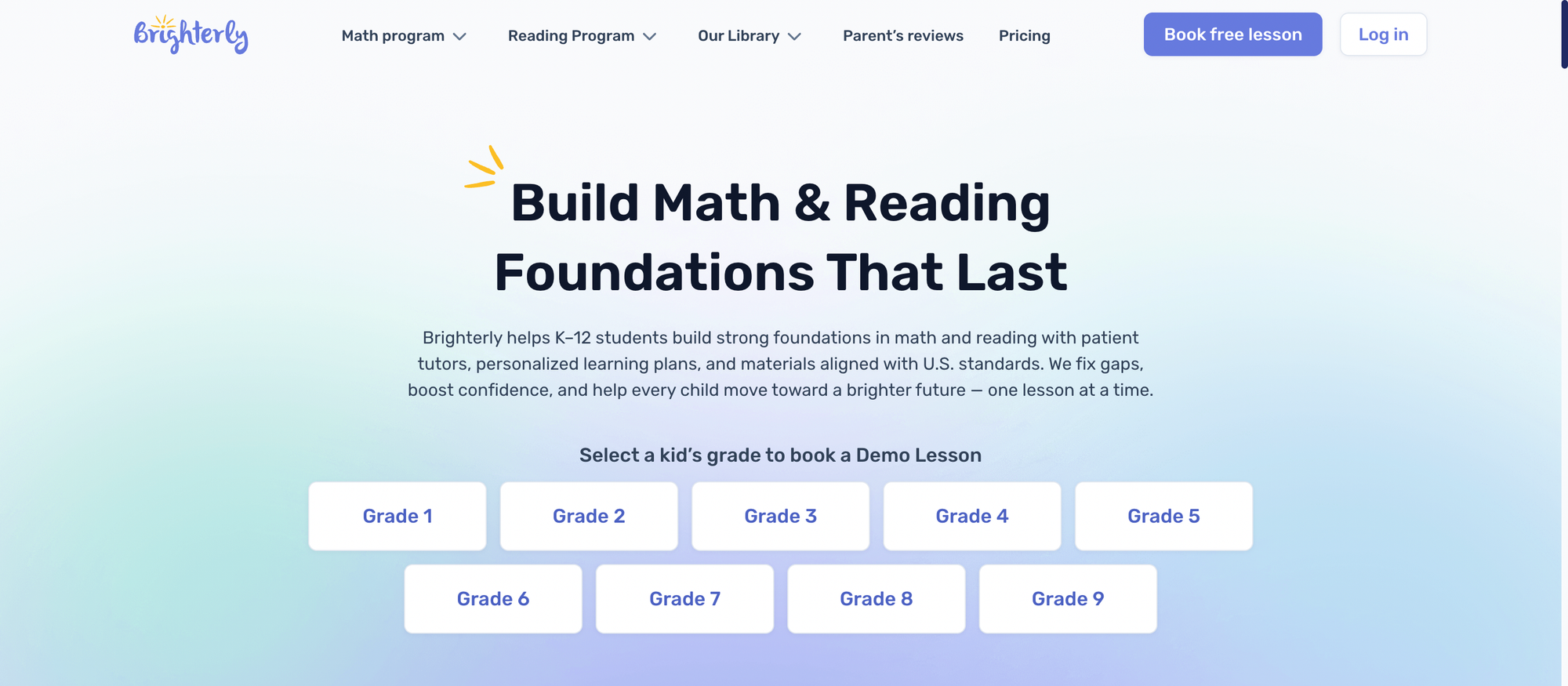
6. Brighterly
Target age: 6–14 years
Brighterly pairs one-on-one math tutoring with a curriculum aligned to common standards, with a focus on building confidence and grade-level mastery. Tutors use interactive tools to keep sessions active and measurable.
- Personalized one-on-one instruction.
- STEM-forward curriculum aligned to standards.
- Confidence-building approach with targeted lessons.
- Pricing: Plans start from $30 per session or package; check provider billing.
7. Scholastic Kids
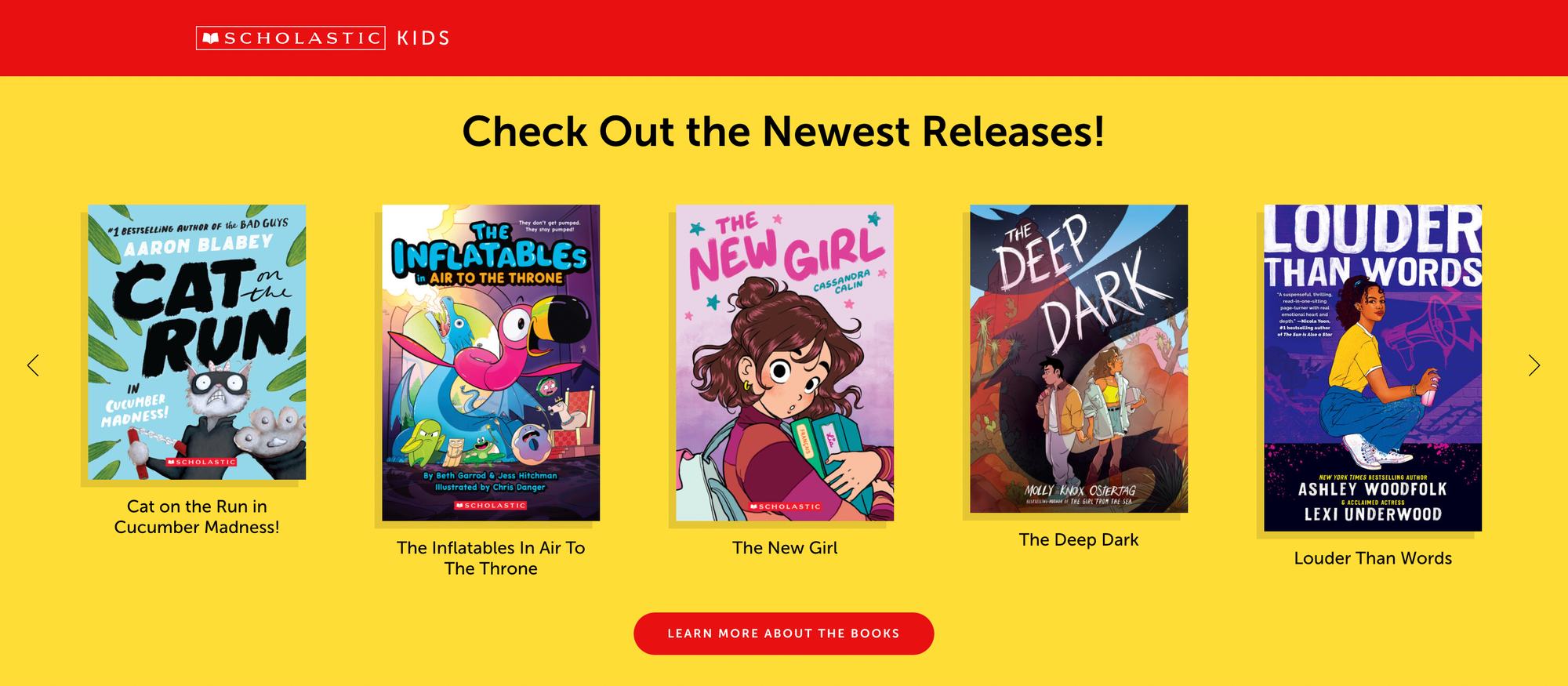
Target age: 7–12 years
Scholastic Kids combines reading resources with interactive games and community features tied to popular book series to make sustained reading feel social and fun. It supports classroom and home reading engagement.
- Book-based activities and comprehension games.
- Community and themed reading events.
- Teacher resources and printable materials.
- Pricing: Free.
8. Mystery Science
Target age: 7–12 years
Mystery Science provides short, hands-on science lessons that emphasize investigation and simple experiments students can do at home or in class. Lessons are designed to spark curiosity and introduce scientific thinking.
- Short, inquiry-led lessons with experiments.
- Video prompts plus printable materials.
- Standards-aligned content for structured learning.
- Pricing: $99 per year for home learners.
9. PBS Kids
Target age: 3+ years
PBS Kids combines videos, games, and interactive activities, anchored in trusted educational characters, to teach early literacy, math, and social-emotional skills. The content is curated to be both safe and learning-focused.
- Character-driven learning that reinforces core skills.
- Free games, videos, and printable guides for parents.
- Research-backed early learning orientation.
- Pricing: Free.
10. Curious World
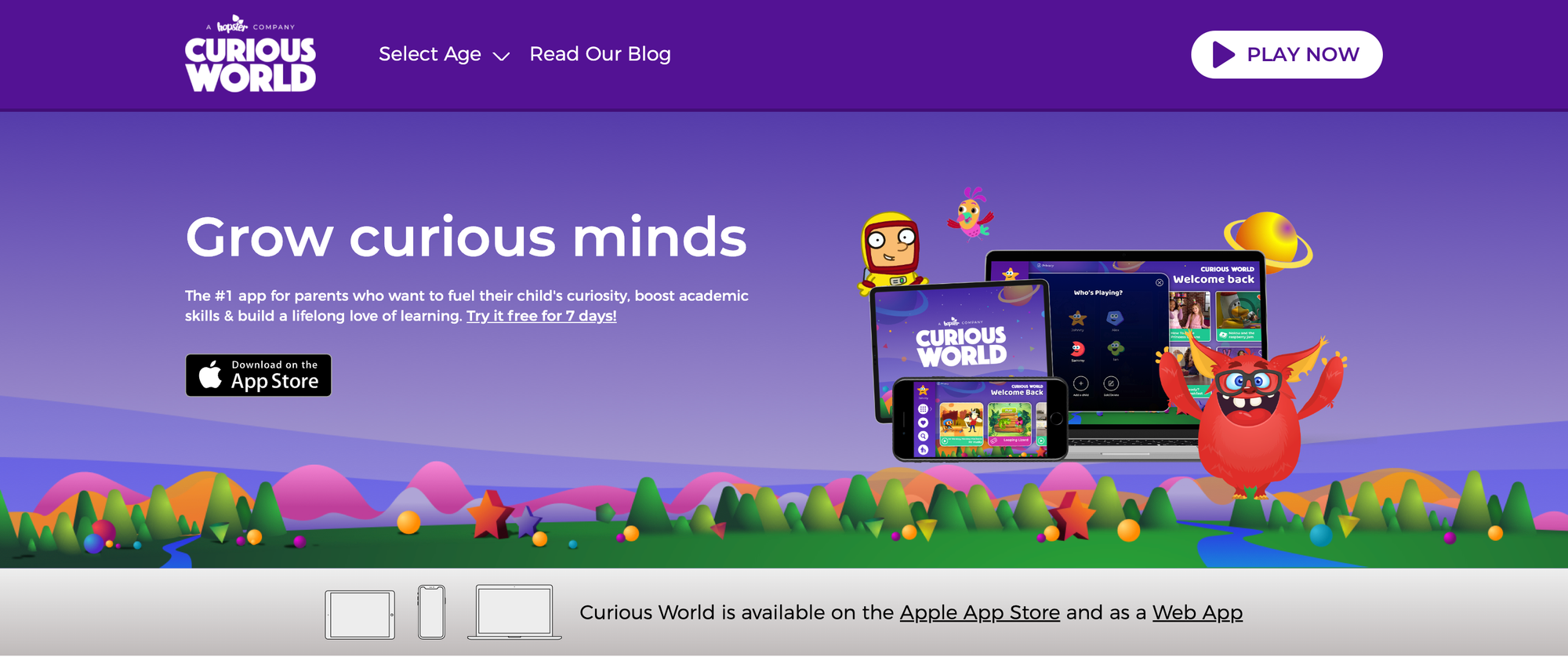
Target age: 2–7 years
Curious World offers gamified learning across eight lesson areas with a focus on play-based academic readiness. Its activities emphasize early literacy, numeracy, and creative play through short, guided sessions.
- Gamified lessons across multiple domains.
- Short sessions are suitable for young attention spans.
- Parental progress reports and recommendations.
- Pricing: $7.99 per month.
11. Rosetta Stone

Target age: 5+ years
Rosetta Stone uses immersive audio and speech recognition to teach languages through contextual practice rather than explicit grammar drills. It emphasizes listening and speaking skills, progressing in difficulty.
- Immersive, multisensory language learning.
- Speech recognition and feedback.
- Structured progression across levels.
- Pricing: $11.99 per month.
12. Time for Kids
Target age: 5+ years
Time for Kids adapts news stories to age and grade level, helping children understand current events through accessible language and read-aloud options. It encourages critical thinking about the world.
- Grade-appropriate news with audio options.
- Spanish language support and classroom guides.
- Engaging current events for student discussion.
- Pricing: Free.
13. Code-A-Kid
Target age: 8+ years
Code-A-Kid teaches practical coding skills for game and app creation, with modules that include Minecraft and Roblox modding to connect learning to familiar platforms. It’s for kids ready for project-based, applied coding.
- Project-driven lessons targeting real-world tools.
- Modules for game design and app creation.
- Scaffolded learning for intermediate coders.
- Pricing: Starting at $49 per month.
14. Matific
Target age: 4–11 years
Matific uses short math games and visual activities to reinforce core math skills, with curriculum-aligned progressions that make skill gaps obvious and fixable. It’s a focused practice tool for building fluency.
- Animated math games for concept practice.
- Curriculum alignment and progress tracking.
- Activities that emphasize reasoning over rote drills.
- Pricing: $4.99 per month.
15. Cambly
Target age: 5+ years
Cambly provides live tutors for conversation practice, emphasizing practical speaking and listening skills across all ages. It’s best when the goal is interactive language use rather than structured lesson plans.
- On-demand live tutoring with native speakers.
- Conversation-focused practice to build fluency.
- Flexible scheduling for busy families.
- Pricing: Plans typically start at around $40 per month; check the tutor package billing.
16. LeapFrog Academy
Target age: 4+ years
LeapFrog Academy blends curricular activities across subjects with lessons on social-emotional skills, using characters and short activities suited for early learners. It’s designed for gentle, rounded early education.
- Broad early-learning curriculum and health/wellness content.
- Short, engaging lessons that suit young attention spans.
- Family-friendly progress features.
- Pricing: $7.99 per month.
17. Kodable
Target age: 5+ years
Kodable teaches foundational programming concepts through child-friendly narratives and puzzles that scaffold thinking for both beginners and early elementary students. It uses playful characters and clear progression.
- Block-based learning aligned with coding concepts.
- Sequential lessons from basics to applied ideas.
- Classroom and family modes for group use.
- Pricing: $7.99 per month.
18. Ask Dr. Universe
Target age: 3+ years
Ask Dr. Universe answers kids’ science questions with articles, videos, and printable worksheets, making curiosity-driven inquiry accessible and safe. It’s a solid place to turn a child’s "why" into a short learning moment.
- Kid-friendly Q&A format with experiments.
- Printable activities and visuals for hands-on follow-up.
- Free science resources and explainers.
- Pricing: Free.
19. Hooked on Phonics
Target age: 5+ years
Hooked on Phonics uses phonics-focused lessons and read-along activities to build early decoding skills and reading confidence. Lessons are short and structured for progressive gains.
- Phonics-first approach with guided practice.
- Read-aloud features and leveled books.
- Structured lesson progression for fluency.
- Pricing: Plans starting from $1 per month for introductory offers.
20. Brainscape
Target age: 8+ years
Brainscape uses spaced-repetition flashcards to help kids retain facts across subjects, and lets users create and share their own decks for targeted review. It’s effective for vocabulary, math facts, and test prep.
- Spaced repetition algorithm for efficient review.
- Custom and shared flashcard decks.
- Progress tracking and mastery metrics.
- Pricing: $5 per month for premium features.
21. National Geographic Kids
Target age: 5+ years
National Geographic Kids offers videos, quizzes, and articles on animals, geography, and natural science, designed to spark curiosity through high-quality visuals. It’s an excellent supplement for nature study.
- High-quality photos and videos about animals and places.
- Quizzes, trivia, and short reads for exploration.
- Free classroom and home resources.
- Pricing: Free.
22. Funbrain
Target age: 3+ years
Funbrain delivers games and reading content that align to Pre-K through Grade 8, mixing entertainment with measurable practice in math and literacy. Its simple interface helps kids engage independently.
- Grade-based games and books.
- Focus on math, reading, and problem-solving.
- Free, ad-safe educational environment.
- Pricing: Free.
23. Science News for Students
Target age: 7+ years
Science News for Students publishes current science stories with age-appropriate explanations, encouraging kids to connect classroom topics to real-world discoveries. It promotes critical reading and science literacy.
- News-format science articles with accessible language.
- Topics from the environment to technology.
- Free access and teacher resources.
- Pricing: Free.
24. Ology
Target age: 5+ years
Ology provides science content organized by -ology topics like zoology and archaeology, with interactive features and experiments for hands-on learning. It makes specialized fields approachable for young learners.
- Themed content by scientific discipline.
- Activities and explainers for at-home experiments.
- Visual, kid-friendly explanations.
- Pricing: Free.
25. NASA Kids’ Club
Target age: 6+ years
NASA Kids’ Club offers space-focused games and mission content that introduce astronomy and engineering concepts through interactive play. It’s a great free resource for budding space fans.
- Mission facts, games, and basic space science.
- Printable activities for offline extension.
- Trusted, science-based content from NASA.
- Pricing: Free.
26. TED Talks for kids
Target age: 5+ years
TED Talks for kids curates short, inspiring talks that introduce big ideas in kid-friendly ways and promote curiosity and public speaking skills. Children can sample diverse perspectives and role models.
- Short, high-quality talks on science and culture.
- Stimulates curiosity and critical thinking.
- Use for prompts in discussion or projects.
- Pricing: Free.
27. Edcafe AI
Target age: Classroom use, adaptable for multiple ages
Edcafe AI automates lesson planning, quiz creation, grading, and even student-facing AI tutors, letting teachers and parents save prep time while delivering interactive content. It generates materials and delivers assignments directly to student devices for flexible use.
- AI Slides Generator for quick lesson decks.
- Auto-generated quizzes and an assignment grader.
- YouTube-to-Quiz and custom AI chatbot support student queries.
- Pricing: Varies by plan; free or trial options may be available—confirm billing on site.
28. Prodigy Math
Target age: Grades 1–8
Prodigy Math wraps standards-aligned math practice in a fantasy game where students solve problems to progress and earn rewards, keeping motivation high while tracking mastery. It integrates classroom standards to ensure practice is meaningful.
- Standards alignment for grades 1-8.
- Adaptive math practice with rewards and quests.
- Free basic accounts with teacher tools.
- Pricing: Free basic account; Pro and Premium family plans available monthly or annually.
29. CoolMath Games
Target age: 8–12 years (CoolMath4Kids for younger)
CoolMath Games offers logic- and math-based puzzles in a playful arcade format, with sections such as Strategy, Skill, and Logic to match interests and learning goals. Its CoolMath4Kids subsite targets early arithmetic.
- Categorized game library for targeted practice.
- Logic and strategy games that develop reasoning.
- Kid-friendly CoolMath4Kids for younger learners.
- Pricing: Free.
30. Bedtime Math
Target age: 3–9 years
Bedtime Math turns short real-world stories into nightly math challenges, creating a family ritual that builds numeracy alongside routine. It’s ideal for low-stress daily practice and parent-child interaction.
- Story-based math problems for family play.
- Short prompts suited for nightly routines.
- App available for convenient access.
- Pricing: Free; app available.
31. Arcademics
Target age: 5–12 years
Arcademics provides multiplayer, arcade-style math and language arts games that encourage friendly competition and repeated practice to build speed and accuracy. It supports classroom play and home practice.
- Multiplayer mode for class or peer play.
- Fast-paced games to build fluency.
- Basic free access with premium analytics.
- Pricing: Free basic access; premium plans for families and schools.
32. ABCmouse
Target age: 2–8 years
ABCmouse offers a structured early-learning path with thousands of activities that adapt to progress and reward milestones designed to build foundational skills in reading, math, and the arts.
- Extensive curriculum with a game-like path and rewards.
- Phonics-based reading and leveled activities.
- Trackable progress and printable materials.
- Pricing: $15 per month; 30-day free trial available.
33. Khan Academy Kids
Target age: 3–7 years
Khan Academy Kids is a free app that delivers high-quality lessons in literacy, numeracy, and social-emotional skills through engaging characters and interactive activities. It’s entirely free, making it highly accessible for families and classrooms.
- Free, research-backed early learning content.
- Playful characters guide structured lessons.
- Offline-friendly activities and printable resources.
- Pricing: Free.
34. Reading Eggs
Target age: 3–13 years
Reading Eggs uses phonics, songs, and interactive books to develop early reading skills through an adaptive curriculum that grows with the child. It also includes Mathseeds for numeracy.
- Phonics-based progressive lessons.
- Interactive games and leveled readers.
- Adaptation to ability for sustained growth.
- Pricing: $10 per month with free trial options.
35. Epic!
Target age: 5–12 years
Epic! gives kids access to 40,000 books and audiobooks, letting teachers assign reading lists and track engagement to build sustained reading habits. It’s a library-first model for curious readers.
- Massive digital library with read-to-me books.
- Educator access is free; family subscriptions are available.
- Curated collections and assignments for classrooms.
- Pricing: Free for educators; parents $14 per month after 7-day free trial.
36. Starfall
Target age: 3–8 years
Starfall teaches phonics and early literacy through animated songs and stories that progress into sentence building and comprehension, with basic math content included. Its simple UI suits young learners practicing foundational skills.
- Phonics-first, progressive literacy content.
- Animated songs and emergent-reader activities.
- Printable resources and teacher support.
- Pricing: Free basic version; membership $35 per year for full access.
37. Wonderopolis
Target age: 6–14 years
Wonderopolis answers daily "wonders" with accessible explainers, vocabulary, and discussion prompts that invite families to explore topics together and extend learning offline. It’s a curiosity-first resource.
- Daily wonders that explain real questions.
- Built-in vocabulary and discussion guides.
- Free, inquiry-based content for families and teachers.
- Pricing: Free.
38. Smithsonian Learning Lab
Target age: 8+ years
Smithsonian Learning Lab unlocks millions of artifacts and media from museums, letting students explore primary sources and teachers build custom lessons. It’s designed for inquiry and project-based learning.
- Extensive primary-source collections for research.
- Tools to create lessons and collections.
- Supports inquiry-driven projects and presentations.
- Pricing: Free.
39. Science Bob
Target age: 6–12 years
Science Bob offers hands-on experiments, videos, and project ideas parents can run at home to turn questions into tactile investigations. It supports curiosity and practical science skills.
- Step-by-step experiments and video demos.
- Q and A and classroom-friendly ideas.
- Encourages family science with safe materials.
- Pricing: Free.
40. CodeMonkey
Target age: 5–14 years
CodeMonkey teaches real coding using CoffeeScript and Python through an adventure-style interface, guiding students from block logic to text-based programming with clear progression. It’s designed for both classroom and home learners.
- Real-code practice with guided challenges.
- Bridges block-based to text-based languages.
- Curriculum suitable for K–8 computer science.
- Pricing: 7-day free trial; $7 per month for annual plans.
41. Scratch
Target age: 8–16 years
Scratch from MIT uses block-based programming to let kids create animations, games, and stories, while a global community shares projects and feedback to inspire creativity and collaboration.
- Drag-and-drop coding for creativity and storytelling.
- Strong community for sharing and remixing projects.
- Free and widely used in classrooms.
- Pricing: Free.
42. Tynker
Target age: 5–14+ years
Tynker offers tiered pathways from visual block coding to Python and JavaScript for advanced learners, including Minecraft and game development modules to make skills tangible and motivating.
- Clear progression from blocks to text languages.
- Project-based learning and theme modules.
- Classroom-friendly lesson plans and assessments.
- Pricing: Free basic access; full content starts at $12 per month.
43. PBS Design Squad
Target age: 8–14 years
PBS Design Squad encourages engineering thinking through DIY projects, challenges, and videos that focus on hands-on design and problem-solving with teacher resources for classroom integration.
- Engineering challenges with step-by-step builds.
- Video demos and classroom activities.
- Emphasis on design thinking and creativity.
- Pricing: Free.
44. Time for Kids (entry duplicate with a different age range earlier)
Target age: 8–14 years
Time for Kids provides a classroom-ready news platform with lesson guides and age-tuned articles for grades that need structured current-events content. It helps develop media literacy and critical reading.
- Teacher guides, discussion prompts, and adaptable lessons.
- Age-appropriate reporting and classroom tools.
- Pricing: Some content is free; full access typically costs $3.75 per student.
45. TED-Ed
Target age: 8+ years
TED-Ed pairs short animated lessons with questions and supplementary material to spark deeper classroom or family discussion on science, history, and ideas. It supports project-based extensions and presentation practice.
- Curated videos plus discussion and quiz integrations.
- Lesson customization for classroom use.
- Encourages student-led talks and projects.
- Pricing: Free.
46. ABCya!
Target age: Grades K–6
ABCya! Provides curriculum-aligned games across grades, featuring teacher-created content, with a focus on engagement and clear skill targets for elementary learners.
- Grade-level games designed by educators.
- Covers math, reading, typing, and logic.
- Classroom and home-friendly interface.
- Pricing: Free basic access; premium subscriptions unlock ad-free content.
47. Highlights Kids
Target age: 6–12 years
Highlights Kids extends the magazine’s puzzles and activities into an online hub of brain teasers, crafts, and reading that build reasoning and creativity in bite-sized sessions.
- Puzzles, crafts, and interactive problem-solving.
- Light-hearted, brain-training content for independent play.
- Kid-safe and ad-light environment.
- Pricing: Free.
48. TypingClub
Target age: 7+ years
TypingClub uses gamified lessons, progress tracking, and certificates to help kids build touch-typing speed and accuracy through short, daily practice sessions.
- Structured lessons with badges and certificates.
- Tracks speed, accuracy, and progress over time.
- Teacher and classroom reporting available.
- Pricing: Free basic access; premium plans offer advanced analytics.
49. Sesame Street
Target age: 2–5 years
Sesame Street pairs beloved characters with short interactive videos and games that teach early literacy, numeracy, and social-emotional learning in a trusted, calming format.
- Character-driven, developmentally appropriate content.
- Resources for families on early learning and routines.
- Low-pressure exposure to core skills.
- Pricing: Free.
50. Better Kids – Wisdom: The World of Emotions
Target age: 4–8 years
Wisdom uses play-based adventures to develop emotional literacy, empathy, and problem-solving through guided scenarios that teach emotion recognition and coping strategies.
- Interactive journeys teaching emotional vocabulary.
- Play-based reinforcement of empathy and regulation.
- Parental dashboards for monitoring progress.
- Pricing: Free with in-app purchases starting at $35 per account.
51. Media4Math
Target age: Varies by content, typically grades K–8
Media4Math supplies dynamic math lessons, videos, and real-world applications designed to make mathematics relevant and engaging for classrooms and home learners.
- Video lessons and interactive practice options.
- Resources aligned to classroom needs and standards.
- Support for teachers with supplemental materials.
- Pricing: Free basic content; premium subscription options available—check site for billing details.
52. (Reserved entry - not provided)
Target age: Varies
- Note: Entry 52 was not specified in source materials; confirm the missing resource before acting.
- Pricing: Please refer to the original list or site for details.
53. Duolingo
Target age: Generally 7+ years and up; child-friendly modes exist
Duolingo offers bite-sized language lessons with gamified practice, adaptive review, and streak-based motivation, helpful for supplemental language exposure.
- Short daily lessons that reinforce vocabulary and grammar.
- Adaptive review and practice for retention.
- Wide language selection for global families.
- Pricing: Free basic tier; Duolingo Plus removes ads and offers offline downloads with subscription billing.
54. Lingokids
Target age: Early learners, preschool through early elementary
Lingokids teaches languages through songs, games, and video content, with parent dashboards to track progress and encourage play-based fluency.
- Playful, child-first language curriculum.
- Progress reports and parent controls.
- Multiple language options, including English and Spanish.
- Pricing: Subscription-based; check the site for trial and billing cycles.
55. LogicLike
Target age: Kindergarten to Grade 5
LogicLike focuses on puzzles and logic games that strengthen critical thinking and problem-solving in the early elementary grades, with teacher-friendly structures.
- Logic puzzles across math and reasoning topics.
- Progressive difficulty suited for young learners.
- Resource sets for classroom use.
- Pricing: Free basic access; subscription required for full content.
56. Mystery Science (home use variant)
Target age: Kindergarten to Grade 5
This entry highlights Mystery Science’s home curriculum, which offers standards-aligned investigations, videos, and assessments tailored for homeschooling, with strong hands-on components.
- Home-focused lessons with experiments and e-books.
- Short videos and writing prompts for flexibility.
- Assessment options to check comprehension.
- Pricing: $119 per year for home use.
57. How Stuff Works
Target age: Grade 8+
How Stuff Works answers everyday and complex questions with detailed explanations, making it great for older kids curious about science, technology, and culture.
- In-depth articles and videos that explain mechanisms.
- Cross-topic coverage from science to society.
- Puzzles and quizzes to reinforce learning.
- Pricing: Free.
58. Old Farmer’s Almanac for Kids
Target age: Grade 2+
Old Farmer’s Almanac for Kids connects children to the natural world with moon-phase guides, planting tips, and seasonal activities that teach observation and practical science.
- Month-by-month nature guides and kid-friendly content.
- Gardening tips and simple recipes to practice skills.
- Historical continuity that links past and present.
- Pricing: Free.
59. Gus on the Go
Target age: Pre-K and Kindergarten
Gus on the Go uses interactive lessons and games to introduce vocabulary in over thirty languages, making early language learning playful and scaffolded.
- Ten interactive lessons per language with vocabulary review.
- Games and printables for extended practice.
- Special free access for endangered language versions.
- Pricing: $3.99 for a one-time purchase per language app.
60. Daria — World Music for Children
Target age: Pre-K and up
Daria explores instruments and songs from global traditions, offering audio examples and do-it-at-home crafts to build cultural awareness and musical skills.
- Audio samples of world instruments and songs.
- Craft guides to recreate instruments at home.
- Multilingual songs that support language learning.
- Pricing: Free with optional paid materials.
61. StoryPlace
Target age: Preschoolers
StoryPlace organizes stories and activities by theme to help preschoolers begin literacy journeys with matched videos, activities, and reading lists that extend each tale.
- Thematic story collections with activity tie-ins.
- Designed to build early literacy and routine reading.
- Parental resources for early literacy strategies.
- Pricing: Free.
Most parents start with trial signups, then learn the truth: setup takes time, and hidden fees or mismatched ages surface after hours of effort. This pattern appears across family and classroom settings: time invested in onboarding often doubles when credentials, subscriptions, or classroom permissions need correction.
The familiar approach is to try a handful of popular apps and juggle invoices, which works for a week but fragments routines and wastes prep time. Solutions like My Coloring Pages centralize printable follow-ups and customizable materials, turning one-off screen lessons into reusable, offline learning moments that save set-up time and preserve continuity.
Bookmarking plan and next step:
Pick three to five sites from different categories—one for reading, one for math, and one for hands-on science or creativity—and bookmark them to try this week. Quick trials reveal fit faster than long reviews.
That solution seems tidy, but the more complex question is what to do with all that screen-based work when it starts to crowd out play, sleep, or family time.
Related Reading
- Drawing Websites for Kids
- Best Educational Websites for Kids
- Art Websites for Kids
- Safe Websites for Kids
- List of Websites to Block for Kids
- Cool Websites for Kids
- Reading Apps for Kids
- Best Learning Apps for Kids
- Best Learning Games for Kids
- Math Apps for Kids
How to Balance Screen-Based Learning with Other Activities

Intentional integration beats the pendulum of overuse or rigid bans by turning digital lessons into measurable, multi-sensory routines that reduce guilt and conflict while improving retention. Use five concrete strategies that make screen time feed hands-on learning, not replace it, and you’ll see calmer transitions and clearer skill growth within days.
How do I pair a screen topic with a complementary offline activity?
Match the learning target, not the medium. If a reading app teaches sequencing, follow it with a short, scripted play in which the child performs the story and then illustrates three key scenes on printed pages. For coding lessons, do an unplugged logic puzzle set with index cards and a string to map sequences.
For a digital art tutorial, have the child mix paint to match the on-screen palette, then paint a small canvas that becomes a page in a homemade art zine. Make a two-step checklist for every session: 1) one printable prompt that asks for a physical output, 2) one short reflection the child writes or dictates, so the digital moment always produces something tangible.
Why bracket time, and how do you stop negotiating every minute?
Treat sessions as fixed experiments with clear start and stop rules. Use short blocks, plain timers, and two-choice rituals, for example, “20 minutes on the app, then 25 minutes outside or the art table.” If a child resists stopping, offer a brief completion ritual rather than bargaining, such as earning a sticker for finishing the offline follow-up. When parents adopt this for two weeks, transitions become procedural instead of personal, which cuts evening arguments and preserves predictable routines.
When should we schedule movement breaks to help learning?
Plan micro-breaks that align with cognitive cycles, not whim. A helpful rule is five minutes of movement after roughly 20 minutes of focused work, with activities that reinforce the lesson: act out a math word problem by physically measuring steps, or do a short dance that labels parts of the life cycle after a science video. If a child gets hyperfocused, use an external cue, such as a tablet alarm or an app that flashes an animated mascot, so the break is enforced without daily debate.
How can social co-learning look at home without it feeling forced?
Make family learning collaborative and generational. Assign teach-back roles in which the child explains the lesson to an adult or sibling, then builds a simple artifact together, such as a recipe card, map, or a storyboard to color. Host a weekly “project swap” in which each child presents a printed page they created from a screen lesson and explains one thing they learned. These rituals convert one-off screen moments into social proof of learning and create memory anchors that last beyond the device.
How do I connect digital lessons to real-world applications so skills stick?
Translate pixels into practice through short, concrete tasks. After a science module on plant growth, plant one seed in a labeled cup and use a printable tracker for daily observations. After a language lesson, write and color a postcard to a relative using vocabulary from the session. Think of the screen as a recipe card, and the offline activity as cooking the meal: the taste is what cements the memory.
Most families handle offline follow-ups ad hoc because it is familiar and requires no new tools, but that improvisation fragments learning and doubles prep time as lesson counts increase. As workloads increase, half-measures become the default: a great digital lesson is watched once, then shelved because the follow-up takes more than 10 minutes to prepare. Platforms like My Coloring Pages, with 15,188+ free pages and a simple customization tool, give families ready-made printables and templates that turn a single screen lesson into a reproducible hands-on activity, cutting prep friction and keeping follow-ups consistent.
What does a practical daily rhythm look like?
- 8:30–8:50 AM: focused literacy app, then 10 minutes writing a two-sentence summary on a printable journal page.
- 9:00–9:10 AM: movement break that practices spelling with hopscotch tiles.
- 2:00–2:30 PM: digital art tutorial, then 30 minutes mixing paints to reproduce the palette on canvas, adding the finished piece to a printable mini-gallery.
- 6:00–6:20 PM: family project time, where one child teaches the group a fact learned that day, and everyone colors an illustrated takeaway sheet.
This schedule keeps screen learning short, always follows with hands-on work, and reserves motion and family connection as non-negotiable parts of the loop.
This pattern appears consistently across homes and classrooms: when conversion from screen to hands-on demands more than a few minutes of prep, it is skipped, which creates guilt and erodes routine. If your constraint is time, pick one high-value follow-up that takes under five minutes to prepare and repeat it; if your constraint is attention, shorten the digital block and lengthen the offline practice so learning becomes active rather than passive.
Printable follow-ups are the practical bridge parents need because they remove the friction of inventing activities on the fly and make outcomes visible, consistent, and shareable. Families find that ready-to-print templates and customization tools supply the structure and speed missing from ad hoc strategies, turning a 20-minute digital lesson into a memorable, multi-sensory session that the child and family can revisit.
Half the work is logistical, the other half is emotional: parents want evidence that time mattered, and kids want to show what they made. The easiest way to satisfy both is a short, repeatable habit where every screen session ends with a printed artifact that the child can hold, explain, and display.
But the trickiest change, the one that actually makes habits stick, is not what you do next; it is how you make the follow-up effortless and automatic.
Create Custom Printable Coloring Pages and Coloring Books in Seconds
We all need a fast, dependable way to turn a screen lesson into a tactile learning moment. Consider My Coloring Pages, which transforms a short description or photo into a ready-to-print coloring page in seconds and offers 10,000+ free coloring pages to browse. For busy parents and teachers seeking consistent classroom activities, calming practice sheets, or personalized coloring books for kids and adults, platforms like My Coloring Pages offer simple customization and printable learning resources, and are trusted by more than 20,000 parents with a 4.8 out of 5 rating.
Related Reading
- Music Apps for Kids
- Best Apps for 6-Year-Olds
- Best Apps for Kids
- Best Coding Apps for Kids
- AI Tools for Kids
- Language Learning Apps for Kids
- Best Drawing Apps for Kids