
35 Incredible Reading Apps for Kids That Inspire a Love of Reading
Reading Apps for Kids: Discover 35 curated websites merging digital reading with printable activities. My Coloring Pages boosts literacy now!


Parents often face challenges balancing engaging screen time with educational activities that foster early literacy. Educational platforms, including reading apps for kids, convert everyday moments into learning opportunities by combining interactive visuals with simple storytelling. These tools build vocabulary and fluency while gently steering children toward a lifelong love of books.
Innovative solutions blend entertainment and education by incorporating phonics games, interactive narratives, and clear learning objectives into digital experiences. This approach gives children the confidence to explore language skills and manage screen time effectively. My Coloring Pages offers 16,280+ free coloring pages, providing practical resources to complement literacy development and creative exploration.
To put these ideas into practice, our 16,280+ free coloring pages help you get started right away.
Summary
- Most sites prioritize attention over learning, and 70% of kids aged 8 to 12 have encountered inappropriate content online, making attention-first design a significant safety and learning risk.
- Sixty percent of parents are concerned about their children’s online safety, and this risk aversion often leads families to abandon otherwise promising educational resources.
- Adult priorities still tilt toward learning: 65% of parents say educational websites are most beneficial, while 45% of kids prefer sites with interactive games. Successful tools must marry clear learning goals with playful mechanics.
- Low-friction handoffs matter because if generating a printable follow-up takes longer than 5 minutes, the site fails the screen-to-paper test recommended by the article for reliable practice.
- Compelling interactivity should follow a 60/40 learning-to-fun split, use choice-feedback-iteration loops, and offer scaffolded difficulty so play maps directly to measurable skills.
- Curated, tested resources reduce search time, which is why the article provides a vetted list of 45 parent-friendly websites to pair short reading sessions with targeted, hands-on follow-ups quickly.
- This is where 16,748+ free coloring pages fit in: they enable quick creation of printable, story-linked activities that reinforce vocabulary, reading comprehension, and calm story-time routines.
Why Finding Fun and Safe Websites for Kids Is Hard

Finding websites that are both engaging and safe for kids involves two main things: content that aligns with learning goals and easy ways for adults to turn online reading into hands-on activities. Without these features, convenience is traded for risk, and kids lose out on the thinking skills that come from carefully planned follow-up activities. For those seeking engaging, educational content, 16,280+ free coloring pages are available to enhance creative learning.
Why is it so hard to find these sites?
The failure point is familiar: most sites are built to capture attention first, education second, and moderation third. That design choice matters because exposure is common, not rare; Bark reports that 70% of kids aged 8 to 12 have encountered inappropriate content online, which explains why a single click can undo an hour of curated reading.
Algorithms surface what keeps kids scrolling, not what reinforces vocabulary or story recall from reading apps, so you end up with flashy interaction and weak learning signals.
How does this feel for parents and teachers?
It’s exhausting when promising sites become time sinks or geometry-free substitutes for authentic learning. This pattern shows up in both homes and classrooms. Adults try a few "kid-friendly" sites for a week and then discontinue use.The content is often trivial, too commercial, or doesn’t match what the child saw in their app. It’s no surprise that Bark's research shows that 60% of parents are concerned about their children’s online safety. This worry significantly affects how risk-averse people pick tools and activities.
What’s the familiar approach, and where does it break down?
Most parents deal with this by using the most popular reading apps and the first recommended companion sites because it's quick and feels safe. This method works until options increase and follow-through stops, leaving children with disconnected screen time and weak memory.Platforms like My Coloring Pages, with over 16,748 community-curated pages and easy customization tools, offer a solution by helping adults turn a digital story into printable activities. These activities strengthen vocabulary, comprehension, and story recall, sustaining learning while making preparation easier.
How should you evaluate candidate sites?
- Does the site offer printable or downloadable activities that align with reading app themes, such as vocabulary lists, comprehension questions, or story sequencing? These features turn passive reading into active practice.
- Are parental controls straightforward to find, rather than hidden in settings? It's important to have visible rules for moderation, content tagging, and simple blocking tools.
- Is the content educator-aligned, shown by tags, age groups, or sets created by teachers? Community-curated libraries become more trustworthy when contributors and moderators are named.
- Are privacy and data collection practices minimal and easy to understand? Sites that avoid third-party tracking and clearly explain their data retention practices are better.
- Can an adult quickly customize a worksheet or coloring sheet in under five minutes to accompany a specific story or reading app activity?
What is the Quick Vet Parents Test?
To run the quick vet parents test, open the site on your phone and look for an activity that aligns with a book your child has read recently. Try to create a printable page within five minutes. If it takes longer, the site fails the screen-to-paper test. If the activity reinforces one new word or includes only one comprehension question, you have likely found a keeper.
What changes with safe site finding?
Finding safe, useful sites is less about filtering everything and more about creating predictable handoffs between digital reading and practice you can do in real life.This approach changes how you evaluate every new link you find.
The decision on how to link screen time to paperwork will become much clearer in the next section.
Related Reading
- Fun Websites for Kids
- Free Drawing Websites for Kids
- Coloring Websites for Kids
- Free Coloring Websites for Kids
- Educational Websites for Kids
- Coloring Pages Websites for Kids
- Learning Websites for Kids
45 Really Cool Websites for Kids That Spark Creativity and Learning

We selected 45 tested, parent-friendly websites so you can match a child’s reading app session with a quick, hands-on follow-up that reinforces vocabulary, comprehension, or story themes. You can also check out our 16,280+ free coloring pages to spark creativity and learning.
This list is practical, age-banded, and designed for fast scanning, drawing on resources such as "45 Really Cool Websites for Kids" from the SplashLearn Blog. Use the short activity suggestions to turn screen time into paper-and-pencil practice in under five minutes.
1. My Coloring Pages

- Cost / Access info: Freemium.
- Age range: All ages.
- What makes it cool/unique: Create custom printable coloring pages from descriptions or uploads so that you can turn a favorite story or vocabulary list into a tactile activity. Parent-built ethos and simple tools keep customization low-friction.
- Example activities: Turn a character from a reading app into a coloring page; create vocabulary flash-sheet coloring books; design an illustrated story recap.
2. PEEP and the Big Wide World
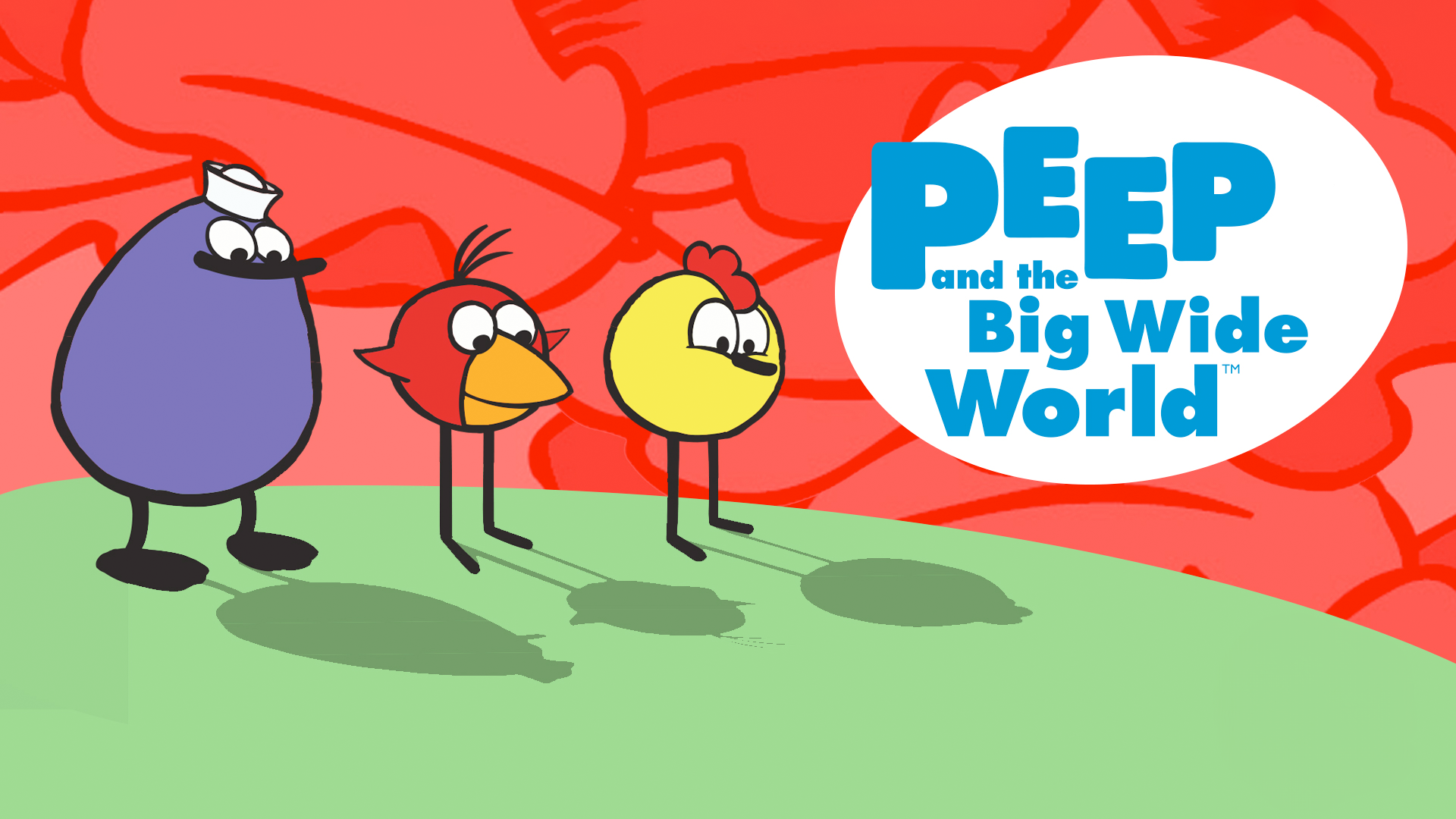
- Cost / Access info: Free.
- Age range: 3–5 years.
- What makes it cool / unique: Short, toddler-friendly interactives with strong parent-guided offline activities that extend learning beyond the screen.
- Example activities: Printable coloring pages tied to simple science games, parent-child exploration prompts.
3. Funology
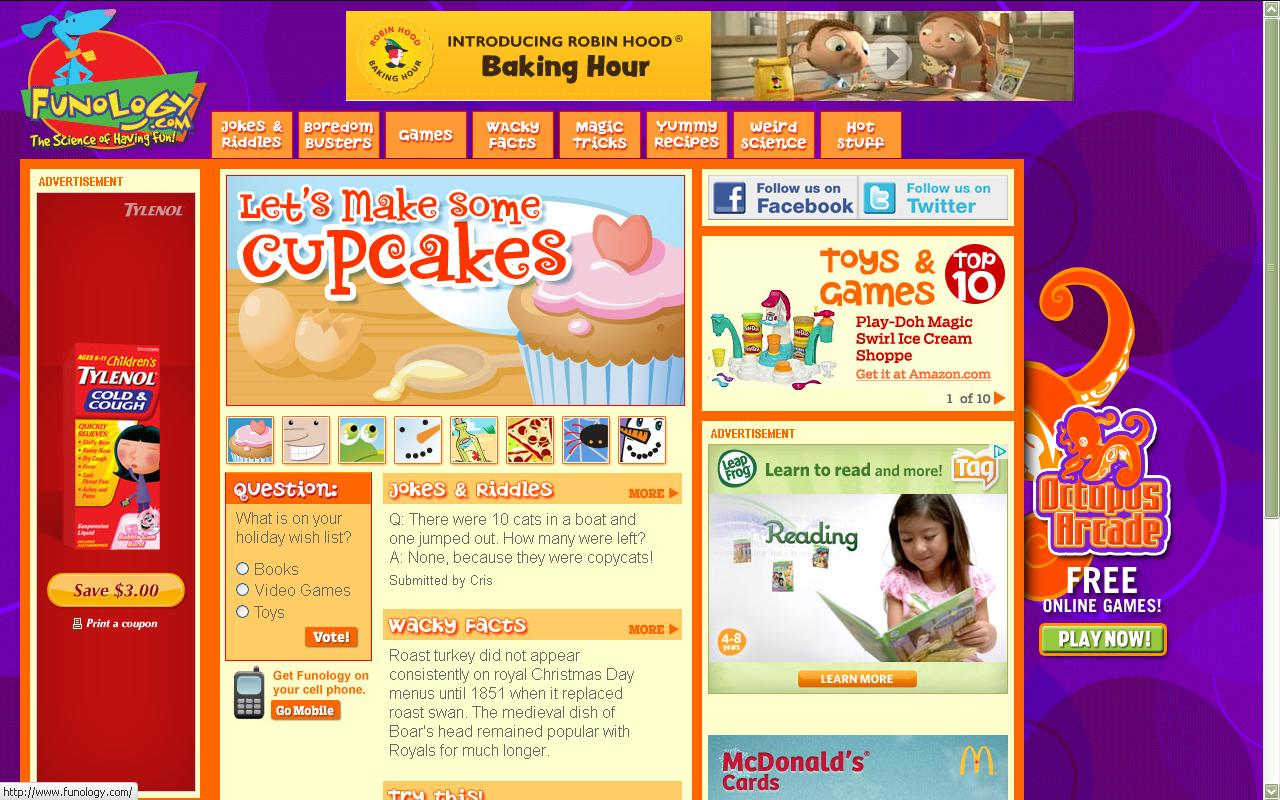
- Cost / Access info: Free.
- Age range: All ages.
- What makes it cool/unique: A hands-on playbook of crafts, magic tricks, and kid-safe experiments that nurture curiosity and procedural thinking.
- Example activities: Build a terrarium, follow step-by-step craft tutorials, try simple kitchen science.
4. The Great Plant Escape

- Cost / Access info: Free.
- Age range: 4th–5th grade.
- What makes it cool/unique: Problem-based lessons from a university extension that integrate science, math, and observation.
- Example activities: Plant-growth observation journal, interactive worksheets on plant systems.
5. Switch Zoo: Animal Games
- Cost / Access info: Free.
- Age range: All ages.
- What makes it cool/unique: Creative animal-building games that teach species, habitat, and classification through playful creation.
- Example activities: Design hybrid animals, match habitats to species, and conduct a short animal-research project.
6. bubblesphere
- Cost / Access info: Free.
- Age range: All ages.
- What makes it cool/unique: Recipe-driven experiments and a child-friendly forum for sharing results, great for testing hypotheses and measuring outcomes.
- Example activities: Compare bubble recipes, record measurements, create illustrated process notes.
7. Kodable

- Cost / Access info: Freemium.
- Age range: 5–6 years.
- What makes it cool/unique: Drag-and-drop coding puzzles that map directly to sequencing and logic skills younger kids need.
- Example activities: Level-based coding missions, story-driven problem solving with guided prompts.
8. Funbrain
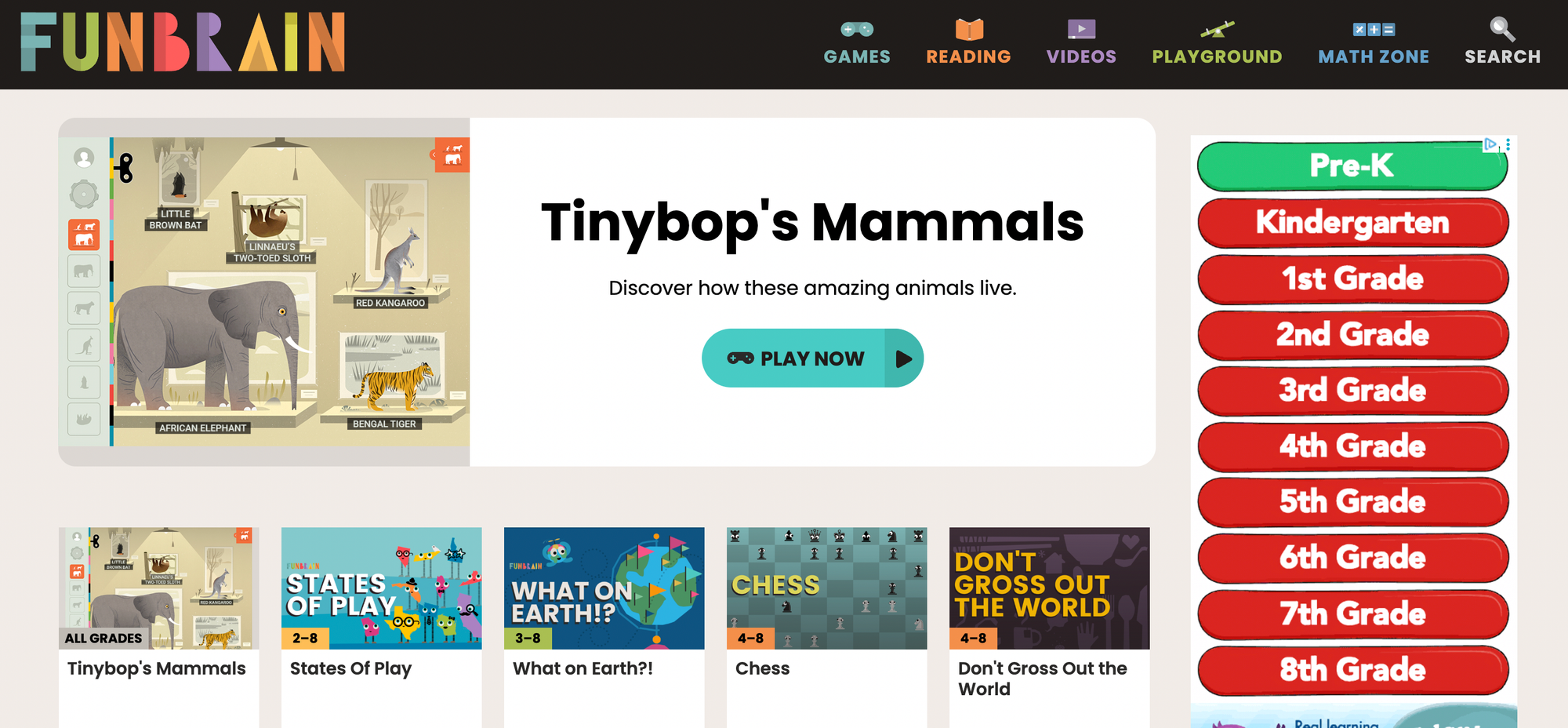
- Cost / Access info: Free.
- Age range: K–8th grade.
- What makes it cool/unique: Mixes engaging games with reading passages and comics, useful for linking comprehension to play.
- Example activities: Reading games tied to book excerpts, math puzzles that reinforce classroom topics.
9. Giggle Poetry

- Cost / Access info: Free.
- Age range: All ages.
- What makes it cool/unique: Interactive poem rating and wordplay activities that make rhythm and vocabulary practice playful.
- Example activities: Rate short poems, create illustrated rhyme sheets.
10. Lil’ Fingers Storybook
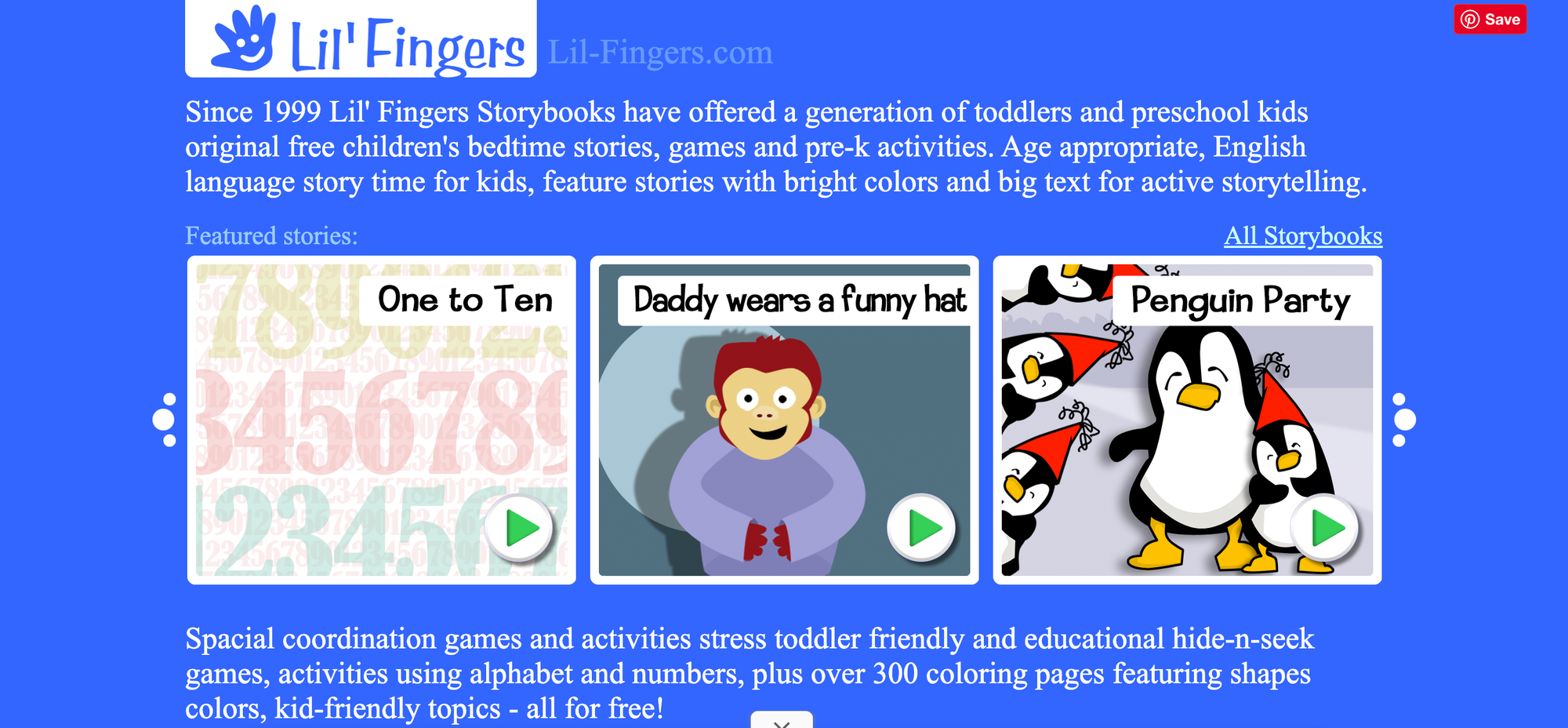
- Cost / Access info: Free.
- Age range: Toddlers.
- What makes it cool/unique: Big buttons and short stories tailored to toddlers, promoting early listening and word recognition.
- Example activities: Story-tracing worksheets, picture-sequence coloring pages.
11. ABCya!
- Cost / Access info: Freemium.
- Age range: K–5th grade.
- What makes it cool/unique: No-download games focused on core skills, with clear age bands and safe play that supports classroom standards.
- Example activities: Typing practice, short math-story problems, spelling games.
12. CryptoKids
- Cost / Access info: Free.
- Age range: All ages.
- What makes it cool/unique: Hands-on cipher activities that teach pattern recognition, logic, and basic cryptography concepts.
- Example activities: Create and decode secret messages, memory and logic puzzles.
13. Invention at Play
- Cost / Access info: Free.
- Age range: All ages.
- What makes it cool/unique: Promotes divergent thinking through invention challenges and virtual block play, showing kids how ideas map to prototypes.
- Example activities: Small invention prompts, design-your-own contraption sketches.
14. Chillola.com
- Cost / Access info: Free.
- Age range: All ages.
- What makes it cool/unique: Language learning through creative exchange, letting kids share poems, art, and stories while practicing a new language.
- Example activities: Short bilingual story swaps, illustrated vocabulary posters.
15. Amazing Space
- Cost / Access info: Free.
- Age range: Older children.
- What makes it cool/unique: Rich astronomy resources and Hubble imagery for older readers ready to link nonfiction reading to real data.
- Example activities: Night-sky observation logs, Hubble-image captioning challenges.
16. 4Kids.org
- Cost / Access info: Free.
- Age range: All ages.
- What makes it cool/unique: Kid-centered news and interactive features that invite critical thinking about current events at an age-appropriate level.
- Example activities: Kid-news reports, cool-spot reviews to build summarization skills.
17. Dance Mat Typing
- Cost / Access info: Free.
- Age range: All ages.
- What makes it cool/unique: A playful, stepwise approach to keyboarding that prioritizes muscle memory and timed practice.
- Example activities: Timed typing exercises, keyboard games aligned to reading comprehension tasks.
18. Spy Kids
- Cost / Access info: Free.
- Age range: K–12th grade.
- What makes it cool/unique: CIA-curated puzzles, safety resources, and printable coloring pages tied to exploration and problem-solving.
- Example activities: Puzzle sequences, printable decoding activities that reinforce story clues.
When adults set up follow-up activities, the familiar path is to whitelist a handful of “safe” sites and hope the child picks something educational. That approach is comfortable, but it has hidden costs: mandatory age-verification schemes or heavy data collection make many families avoid promising sites, and that privacy tradeoff often shuts down access to creative, learning-rich tools. Solutions such as My Coloring Pages, with a parent-friendly, low-friction customization flow and clear data practices, provide a bridge by letting adults generate printable, story-linked activities without surrendering personal information, so follow-up happens quickly and privately.
19. Mr. Nussbaum
- Cost / Access info: Free.
- Age range: PreK–8th grade.
- What makes it cool/unique: A broad subject mix with classroom-aligned games and interactive lessons across history, math, and science.
- Example activities: History timeline coloring, science lab note printables.
20. BrainPOP

- Cost / Access info: Subscription.
- Age range: K–12th grade.
- What makes it cool/unique: Curriculum-aligned animated movies and assessment tools that map to standards and reading-topic extensions.
- Example activities: Short movie summaries, comprehension quizzes tied to the film.
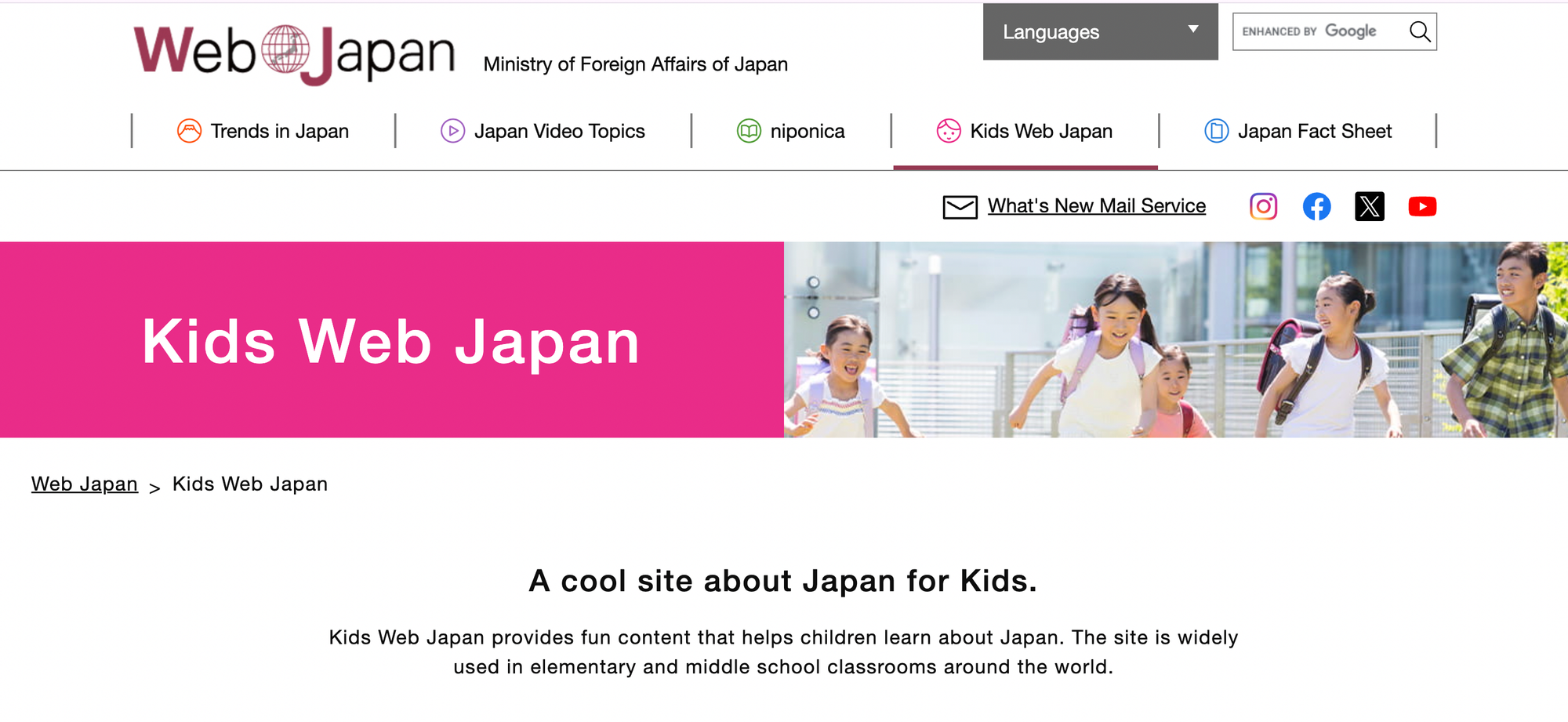
21. Kids Web Japan
- Cost / Access info: Free.
- Age range: All ages.
- What makes it cool/unique: Cultural exploration with manga-style content and simple language supports for learners interested in Japan.
- Example activities: Cultural-comparison worksheets, manga captioning tasks.
22. Sesame Street
- Cost / Access info: Free.
- Age range: Young children.
- What makes it cool/unique: Trusted characters that scaffold letters, sounds, and social skills through video and printables.
- Example activities: Letter-tracing sheets, emotion vocabulary coloring pages.
23. PBS Kids
- Cost / Access info: Free.
- Age range: Young children.
- What makes it cool/unique: Program-specific games and activities that extend TV lessons into practice with clear learning targets.
- Example activities: counting workbooks and story retell coloring pages.
24. Discovery Kids
- Cost / Access info: Free.
- Age range: All ages.
- What makes it cool/unique: Science-forward interactives that make exploration feel like play, useful for non-fiction reading follow-ups.
- Example activities: Creature profiles, short science observation tasks.
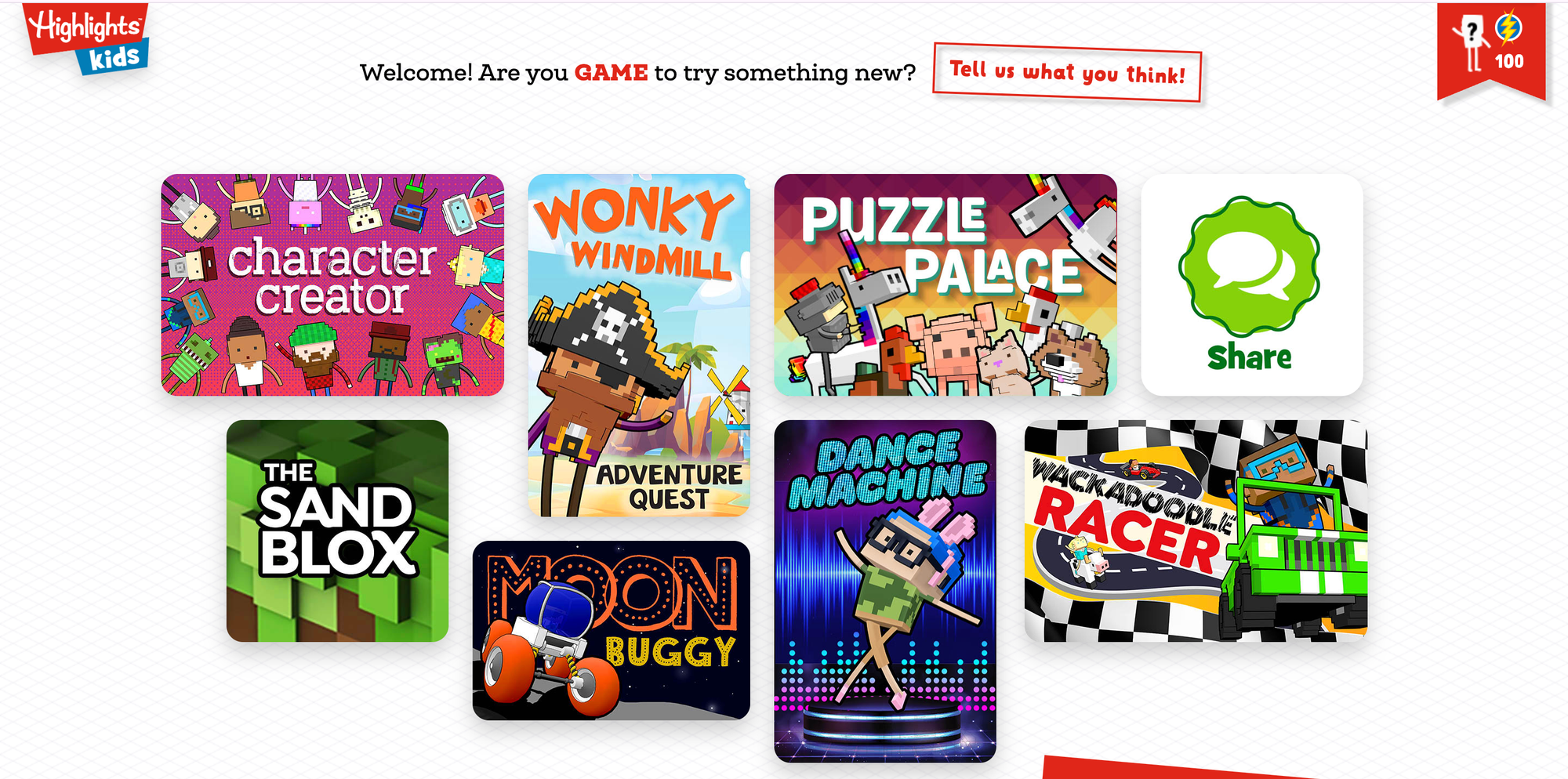
25. Highlights Kids
- Cost / Access info: Free.
- Age range: All ages.
- What makes it cool/unique: Magazine-quality puzzles, stories, and art prompts converted into printable activities for at-home practice.
- Example activities: drawing challenges and simple science experiment prompts.
26. Duolingo
- Cost / Access info: Freemium.
- Age range: All ages.
- What makes it cool/unique: Short, story-driven language lessons that gamify vocabulary retention and pronunciation practice.
- Example activities Include Story translation sheets and illustrated vocabulary lists.
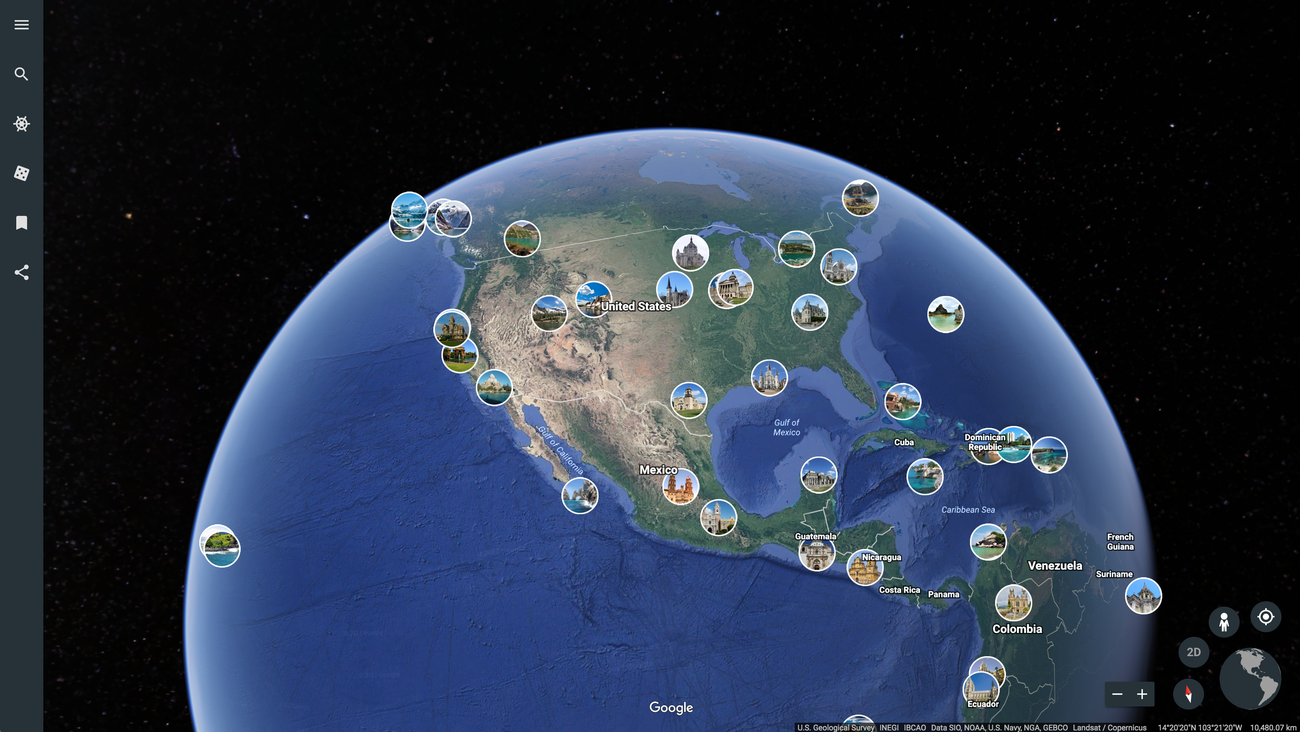
27. Google Earth
- Cost / Access info: Free.
- Age range: All ages.
- What makes it cool/unique: Bird’s-eye geography exploration that turns reading about places into virtual field trips and map-based projects.
- Example activities: Create a travel brochure, mark story settings on a map.
28. Solitaired

- Cost / Access info: Free.
- Age range: All ages.
- What makes it cool/unique: Card games designed to teach strategy with themed decks that introduce historical and STEM figures.
- Example activities: Build a timeline from custom deck bios, strategy task cards tied to reading comprehension.
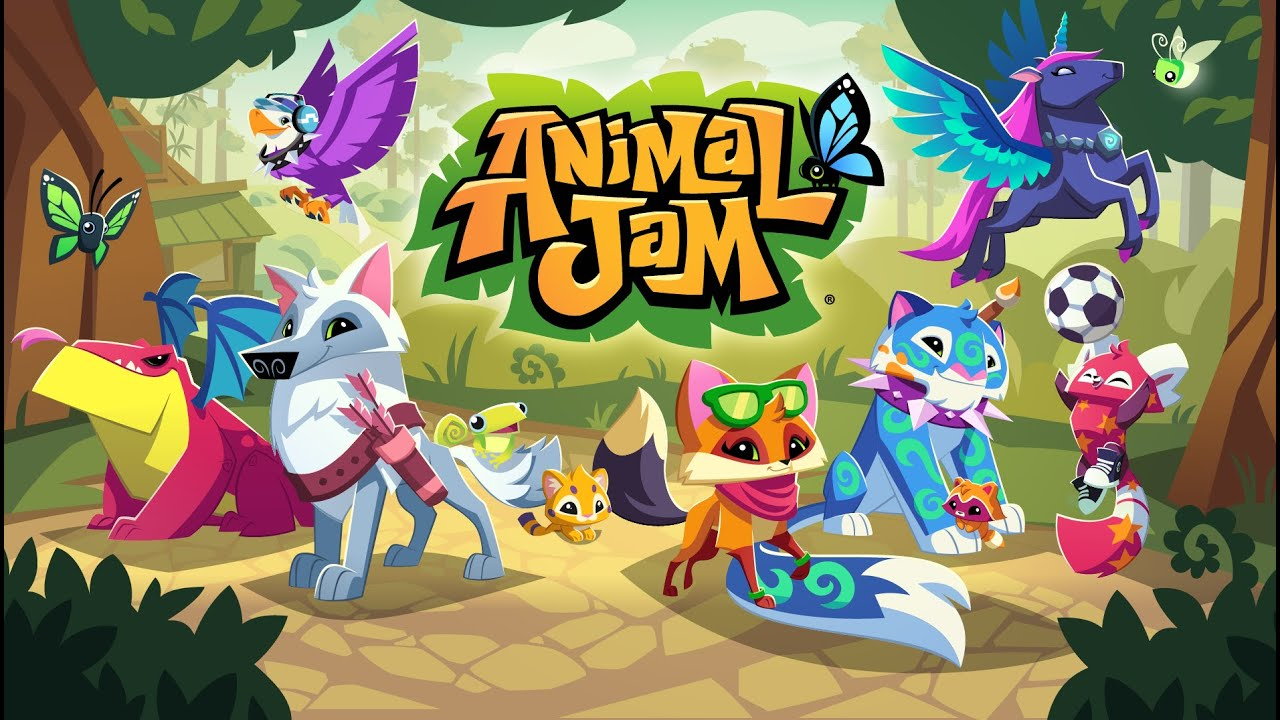
29. Animal Jam
- Cost / Access info: Freemium.
- Age range: All ages.
- What makes it cool/unique: Moderated, educational virtual world focused on animal learning with safe social features.
- Example activities Include Habitat exploration worksheets and animal fact scavenger hunts.
30. The Happy Scientist
- Cost / Access info: Subscription.
- Age range: Young children.
- What makes it cool/unique: Engaging science demos on video that make abstract concepts tangible for younger learners.
- Example activities: recreate a simple demo and fill in lab observation sheets.
31. JumpStart
- Cost / Access info: Freemium.
- Age range: All ages.
- What makes it cool/unique: Immersive 3D learning worlds with structured skill paths across topics and grade levels.
- Example activities: Quest-based reading summaries, math-adventure worksheets.
32. Standard Deviants Accelerate
- Cost / Access info: Subscription.
- Age range: 3rd grade and older.
- What makes it cool/unique: Bite-sized, fast-paced video lessons for learners who move quickly and need compact review materials.
- Example activities Include Video-Aligned worksheets and timed recall exercises.
33. Pottermore’s Wizarding World
- Cost / Access info: Free.
- Age range: All ages.
- What makes it cool/unique: Fan-centric quizzes and lore that spark creative writing and character analysis tied to popular reading material.
- Example activities Include Character profile coloring pages and house-themed vocabulary lists.
34. Earthquakes for Kids
- Cost / Access info: Free.
- Age range: All ages.
- What makes it cool/unique: Focused hazard education with animations and data that support science fair projects and data interpretation.
- Example activities: Create an earthquake safety poster, animate a timeline of seismic events.
35. Smithsonian Education
- Cost / Access info: Free.
- Age range: All ages.
- What makes it cool/unique: Museum-grade lesson sets and the Learning Lab for creating guided, printable activities tied to artifacts and exhibits.
- Example activities: Artifact-based worksheets, photo-analysis prompts.
36. Grid Club
- Cost / Access info: Free.
- Age range: All ages.
- What makes it cool/unique: Short, varied tiles of mini-games that build quick problem-solving and vocabulary exercises.
- Example activities: Brain-challenge printables and themed matching activities.
37. Disney Jr.
- Cost / Access info: Free.
- Age range: Young children.
- What makes it cool/unique: Familiar characters that teach foundational skills through simple games and printable crafts.
- Example activities: story sequencing, coloring sheets, and memory games.
38. HowStuffWorks
- Cost / Access info: Free.
- Age range: Older children.
- What makes it cool/unique: Explanatory articles that break down complex topics into step-by-step visuals and experiments.
- Example activities: How-it-works diagrams, hands-on mini projects.
39. Exploratorium
- Cost / Access info: Free.
- Age range: All ages.
- What makes it cool/unique: Museum-quality, hands-on science activities with clear instructions and printable guides.
- Example activities: Make-and-test experiments, observation journals.
40. Hearts Game
- Cost / Access info: Free.
- Age range: All ages.
- What makes it cool/unique: Classic card play for strategic thinking and planning, paired with tutorials for beginners.
- Example activities: strategy worksheets and play-reflection prompts.
41. Starfall
- Cost / Access info: Freemium.
- Age range: PreK–3rd grade.
- What makes it unique: A phonics-first approach with songs, games, and printable worksheets, ideal for early readers.
- Example activities include phonics coloring sheets and short reading-comprehension pages.
42. Cool Math Games
- Cost / Access info: Free.
- Age range: All ages.
- What makes it cool/unique: Engaging math and logic puzzles that reinforce arithmetic and reasoning in a game format.
- Example activities: Problem-of-the-day printouts, logic puzzle worksheets.
43. Science Bob
- Cost / Access info: Free.
- Age range: All ages.
- What makes it cool/unique: Practical, easy-to-run science experiments with step-by-step directions and safety notes.
- Example activities: Chemistry experiments, physics demo write-ups.
44. Kids.gov
- Cost / Access info: Free.
- Age range: All ages.
- What makes it cool/unique: Curated government educational resources and printable activities that support civics and social studies lessons.
- Example activities: Civic vocabulary sheets, history timeline activities.
45. Fun 4 the Brain
- Cost / Access info: Free.
- Age range: All ages.
- What makes it cool/unique: Focused math drills and brain teasers with clear, printable practice that reinforce classroom computation.
- Example activities: Multiplication practice sheets, timed worksheets for quick recall.
What is the key consideration when choosing educational sites?
This list offers practical pairings that turn a short reading session into meaningful practice without requiring much preparation or compromising privacy.The following section outlines the surprising decision most parents overlook when choosing sites that children will enjoy.
Related Reading
- Drawing Websites for Kids
- Best Educational Websites for Kids
- Art Websites for Kids
- Safe Websites for Kids
- List of Websites to Block for Kids
- Cool Websites for Kids
- Best Learning Apps for Kids
- Best Learning Games for Kids
- Math Apps for Kids
How to Choose the Right Websites That Kids Will Actually Enjoy

Choose websites that align with three key factors: your child's developmental stage, their interests, and what they can explore independently with minimal guidance. Start with a quick, hands-on evaluation of the website's content, interactivity, and safety. After identifying good options, establish predictable routines to ensure follow-up work is handled effectively. For example, offering 16,280+ free coloring pages can be a fun, engaging way to keep them occupied.
How do I match a site to an individual's age, interests, and skills?
How do I match a site to an individual's age, interests, and skills? Key steps include:
- Step 1: Age-band scan. Look for clear labels like preschool, early reader, or upper elementary here. Open three sample pages and read them out loud. If the words seem one to three grade levels above your child, save it for guided play, not for solo time.
- Step 2: Interest mapping. Ask your child two quick questions: Which character would they pick from this page, and what would they want to make or do with it? If they provide specific answers, the site has interesting hooks; vague or blank responses indicate generic, forgettable content.
- Step 3: Skill fit. Watch one minute of interaction. Is the child solving problems, predicting outcomes, or just tapping? Choose sites that require active choices to help them practice, rather than passively watching.
What balance of education and entertainment actually works?
What balance of education and entertainment actually works? Favor a 60/40 split where the main activity has a clear learning goal, while the fun parts reward that goal. For example, if the goal is to build vocabulary using a reading app, the site should allow the child to label or illustrate three new words, with cheerful rewards.
- If a site is primarily games, consider whether each game aligns with a specific skill, such as decoding, sequencing, or remembering facts.
- If you can't explain the skill in a straightforward sentence, it usually gives more importance to entertainment than education.
How should you evaluate interactivity, quickly and reliably?
To evaluate interactivity quickly and reliably, consider the following elements:
- Check the interaction loop. Good interactivity prompts a choice, provides immediate feedback, and invites iteration. In contrast, poor interactivity repeats the same animation until you click away.
- Prefer sites with scaffolded difficulty. Tasks should gradually demand more language or reasoning. This pattern keeps practice productive and prevents frustration.
- Watch for distracting mechanics. Elements like random rewards or infinite scrolling prioritize engagement over learning. If a child keeps retrying without improvement, these mechanics may be masking a weak learning signal.
What safety checks should I run before handing over a device?
- Privacy and data. Confirm the site states what it collects, whether accounts are optional, and if third-party trackers are present. If the tracking language is unclear, move on.
- Moderation and ad policy. Verify that visible moderation rules, age-appropriate ad labeling, and whether user chat or uploads are sandboxed with approvals are in place.
- Pay walls and purchases. Create an account yourself and scroll to purchase paths. If buying flows are easy to trigger, restrict access, or skip the site.
- Technical safeguards. Use a child profile on the device and limit browser permissions. Then test the site in that profile for two minutes.
What is a practical selection checklist to use?
- Open the homepage, find the age band, and click on two sample activities, timing each for three to four minutes. Does the child stay engaged with purpose?
- Read aloud any instructions, then ask your child to repeat them in their own words. If they can do this, it demonstrates understanding.
- Scan the footer and privacy page for data and ad disclosures. If disclosures are missing or unclear, disqualify the site.
- Try the most interactive feature to determine whether it requires a single choice or a short sequence of decisions. Favor the latter option.
- Decide whether to use it for guided time, independent practice, or keep it as a future resource.
When do standard parenting habits break down?
When standard parenting habits break down, several factors often contribute to the chaos. This pattern is evident in both family routines and classrooms: adults tend to choose the most visible, seemingly kid-friendly sites because they are easier.However, as the number of options increases, consistency may weaken, and essential follow-up practices often go unaddressed. This common approach may work at first, but it eventually leads to pockets of wasted time when a single click triggers distractions rather than the skill practice intended.
How do parents and kids view educational websites?
Most parents prefer meaningful practice over flashy tricks. According to Kaspersky research: 65% of parents believe that educational websites are the most beneficial for their children. This shows that adults prioritize learning outcomes over fun.On the other hand, kids are attracted to play. The same research shows that Kaspersky research: 45% of kids prefer websites that offer interactive games and activities. This difference underscores the need to identify sites that combine learning and play.
How can families make follow-ups reliable?
Many families tend to stick with familiar routines because they don't require new systems. However, this familiarity comes at a cost: lost learning momentum and frequent rework when activities fall short.Platforms like My Coloring Pages offer a different path. They enable adults to quickly create tailored, printable follow-ups that align with a reading app’s vocabulary and story points. This reduces time spent searching for the next best step and keeps the learning loop going.
What quick parental rules can reduce friction?
- Rule 1: Create a single onboarding routine. Choose two trusted sites, test them once a month, and switch between them instead of looking for new ones every week. Predictability wins.
- Rule 2: Concentrate on one goal for each session. Before the child goes on a site, state one goal aloud, such as “Find three new words” or “Describe the problem and solution.” This makes play purposeful.
- Rule 3: Spend five minutes on micro-reflection. After a session, ask one question to help remember. Small rituals like this help retain information better than simply increasing screen time.
What is an analogy for site selection?
Think of your site selection as choosing a field trip: you check the guide, the route, and if the kids will do something meaningful when they get there.The best site is not always the most exciting; it is the one that provides a straightforward take-home task and allows the child to complete it with pride.
What is the overlooked decision in plans?
The one overlooked decision is where most plans quietly fail. This problem will become clear in the following steps.
Download 16,748+ FREE Coloring Pages
My Coloring Pages lets users make custom, printable coloring pages in seconds. Just describe what you want or upload a photo, and our app changes it into a ready-to-print page. Users can also look through 16,748+ free community pages to create personalized sets and coloring books for kids, adults, classrooms, or stress relief.Trusted by over 20,000 parents and rated 4.8 out of 5, this tool makes it easy for kids to move from reading apps to practicing vocabulary, phonics, story recall, and reading comprehension without screens. Create a custom page now and print it for immediate use. Check out our 16,280+ free coloring pages.
Related Reading
- Music Apps for Kids
- Best Apps for 6-Year-Olds
- Best Apps for Kids
- Best Coding Apps for Kids
- AI Tools for Kids
- Language Learning Apps for Kids
- Best Drawing Apps for Kids