36 Best Safe Websites for Kids That Make Screen Time Worthwhile
Safe Websites for Kids: Discover 36 curated sites for ad-free, engaging learning and play. My Coloring Pages guides parents to safe, screen-smart choices.

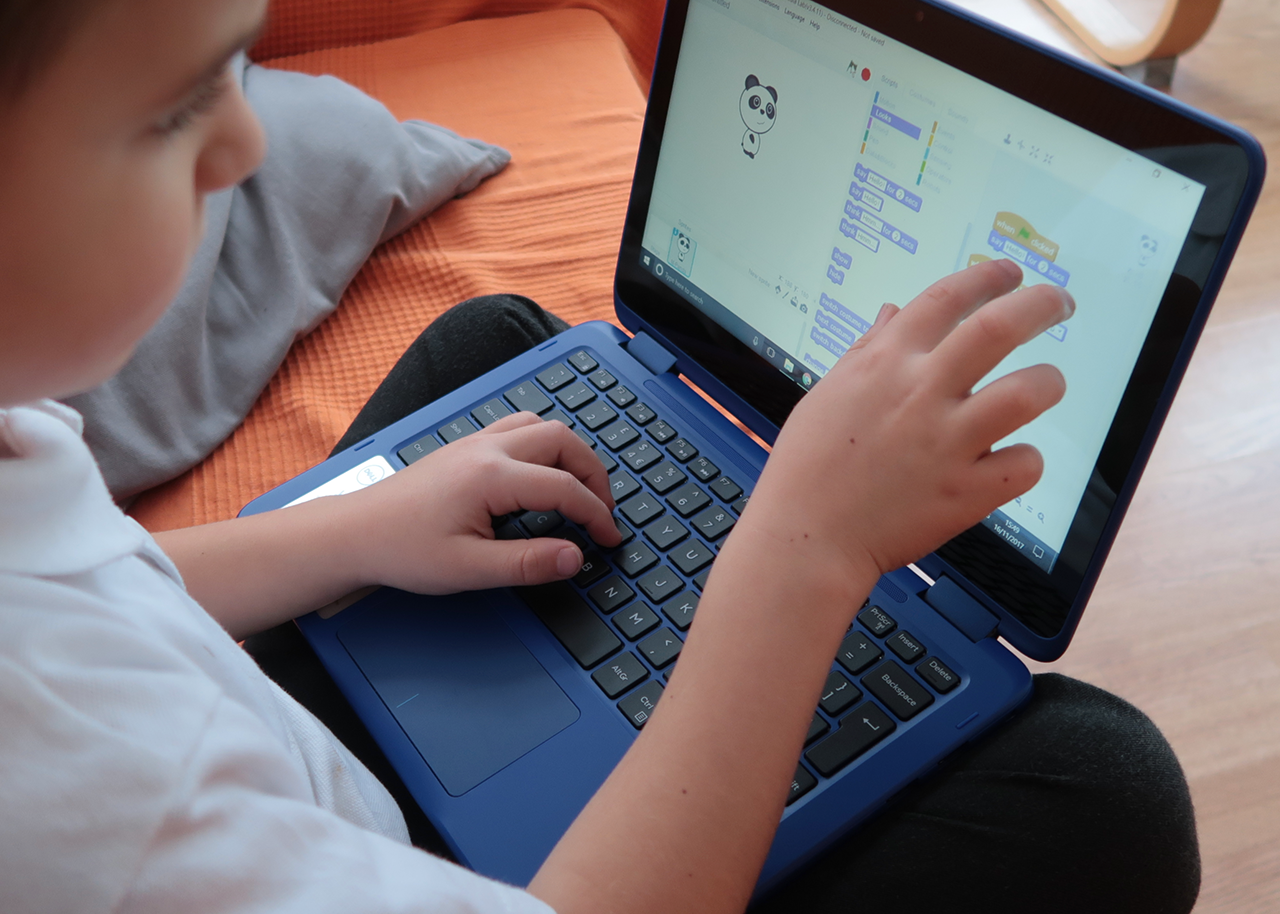
Providing age-appropriate online experiences that are both safe and enriching remains a priority for many families. Parents seek safe websites for kids that combine strong privacy measures with ad-free content and real learning opportunities. Reliable digital environments can transform screen time into a chance for growth and creative discovery.
Thoughtful use of parental controls and content filters helps in achieving a balanced mix of fun and education. Carefully selected online resources ensure that every moment spent on digital media is both engaging and beneficial. My Coloring Pages enhances constructive screen time by offering 16,280+ free coloring pages that spark creativity and support focused play.
To put these ideas into practice, our 16,280+ free coloring pages help you get started right away.
Summary
- Colorful, child-focused homepages can mask unsafe ad networks, autoplay redirects, and weak filters. 70% of children aged 9 to 16 have encountered harmful content online, making routine checks essential.
- Social and community features without strong human moderation increase emotional risk, with the European Commission finding that 1 in 3 children experienced cyberbullying in 2025.
- Shifting some screen time to printable, offline activities reduces unpredictable exposure. For preschool through early elementary students, the article recommends two 20- to 30-minute creative periods per day as a practical structure.
- Ongoing maintenance beats one-off setup, so schedule brief reviews, for example, a 10-minute monthly check to update filters, renew passwords, and preview new apps before allowing use.
- Adopt simple monitoring habits aligned with business practices, as 75% of companies use social monitoring tools. Organizations that respond see about a 20% increase in satisfaction, illustrating the value of timely, focused parental responses.
- Prefer publisher-produced or institution-backed resources when accuracy and predictability matter, and the article’s curated roundup lists 36 trusted sites categorized by age and supervision style to simplify selection.
- This is where My Coloring Pages 16,280+ free coloring pages fit in, offering an extensive, printable, adult-curated library that lets caregivers preview and print low-risk activities to reduce exposure to third-party ads and unpredictable user content.
The Hidden Risks of Unvetted Online Content for Children
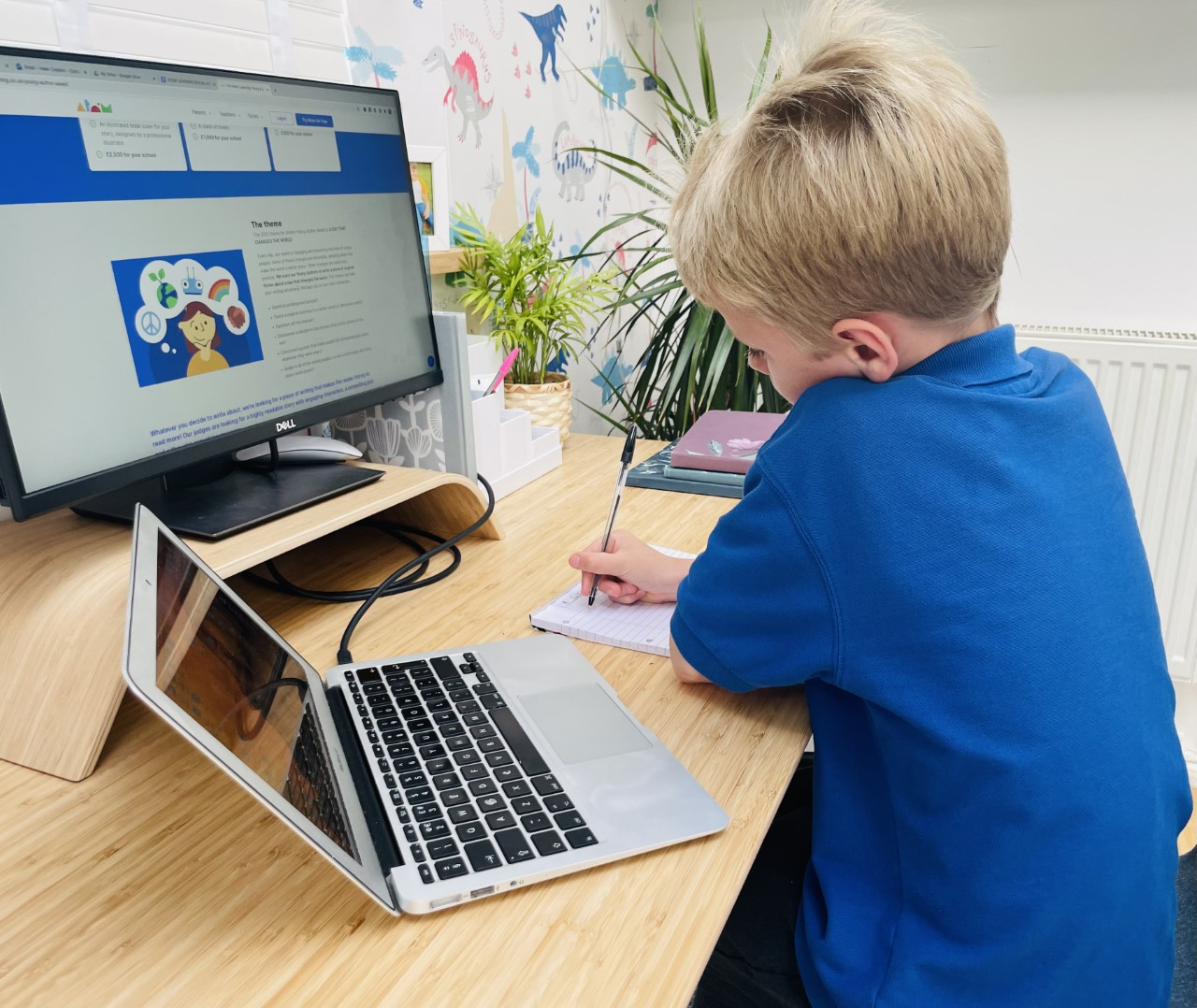
Not every site that looks kid-friendly really is. A colorful design and cartoon mascots can mask poor moderation, misleading adult-targeted ads, and content that overstimulates rather than educates. Parents need practical checks more than panic.This section talks about the specific risks, common failures, and easy habits that help restore control while keeping creative play alive. To get your kids involved in safe and engaging activities, consider our collection of 16,280+ free coloring pages that encourage creativity and fun.
What real risks hide behind a colorful homepage?
A cheerful landing page can hide ad networks that show inappropriate banners, autoplay videos that lead to unsafe pages, or weak search filters that return adult or violent content. According to the European Commission, 70% of children aged 9-16 have seen harmful content online, as noted by BBC News. This statistic shows that these risks happen often, not just in shady corners of the web. This is important because even a little exposure can have profound effects on young kids, who usually click on a link before an adult can step in.
How often do moderation and community features actually protect kids?
Sites that allow users to post, comment, or share require active, human moderation to stay safe. If we only depend on algorithms, harmful posts and grooming attempts can get through. Also, when moderation comes from the community, the risk of cyberbullying increases significantly. A report from the European Commission found that 1 in 3 children had experienced cyberbullying in 2025. This statistic shows how social features, without appropriate safeguards, can turn what should be a learning moment into a source of emotional harm.
Why do careful parents still get burned by 'safe' sites?
This challenge arises in classrooms and family groups: a common shortcut is to trust a bright, child-focused site because it looks professional. However, the hidden cost is the time spent vetting sites and the emotional toll of doubting every click. It can be exhausting when an hour of planned activities is disrupted by an inappropriate image in a site’s search results.Similarly, a teacher’s carefully chosen resource might include third-party ads that ruin the lesson. The issue remains the same: while design sells trust, effective governance must earn it.
How do most parents handle safety checks?
Most parents handle safety checks through quick spot checks, which are fine until they aren't enough. Parents typically take a few minutes to review a site before allowing their children to use it. This method doesn't need special tools and fits into a busy schedule. However, this approach works well at first.As children explore more sites, the time required increases, which can lead to errors. Links can change, ad partners can switch, and a site that was safe yesterday might not be secure today. Platforms like My Coloring Pages give adults direct control over content. They let adults create, preview, and print age-appropriate coloring pages from an extensive, organized library. This significantly reduces time spent checking resources and lowers exposure to third-party ads and unexpected user content.
What quick, high-value checks actually foil most problems?
Start with three simple tests that take less than five minutes. First, turn off autoplay and watch for unexpected redirects. Next, search for common keywords your child might use and review the first three results to ensure they are appropriate. Finally, check whether the site's content is hosted directly or sourced from unknown third-party sources.
Also, check for clear, up-to-date moderation policies and ensure there’s an easy way to report content.For a simple option that reduces uncertainty, printable, adult-curated content avoids many of these problems because the adult controls the final material the child uses.
How can parents assess a kid’s homepage?
Think of a glossy kids’ homepage as a toy store window: attractive displays invite exploration, but parents still need to open the door and check the shelves. The choices that parents make can significantly affect a child's online experience during the week. The list that follows will make those trade-offs suddenly clear and vital.
Related Reading
- Fun Websites for Kids
- Free Drawing Websites for Kids
- Coloring Websites for Kids
- Free Coloring Websites for Kids
- Educational Websites for Kids
- Coloring Pages Websites for Kids
- Learning Websites for Kids
Top 36 Safe Websites for Kids That Support Creativity, Learning, and Fun

I’ve put together clear, parent-friendly notes on 36 trusted kid sites to help you find the right fit for your child’s age, learning goals, and supervision style. This list complements other curated roundups, such as ClassPoint, 36 websites, and Bark, 36 safe websites. It focuses on what each site teaches, why students like using it, and how adults can help ensure learning is secure.This challenge comes up in classrooms and family groups: parents and teachers want control and predictability. Therefore, I note whether a site is best used with an adult nearby or is suitable for kids to explore on their own. For some creative fun, consider exploring our 16,280+ free coloring pages as a fantastic resource for your little ones.
1. My Coloring Pages
What it offers
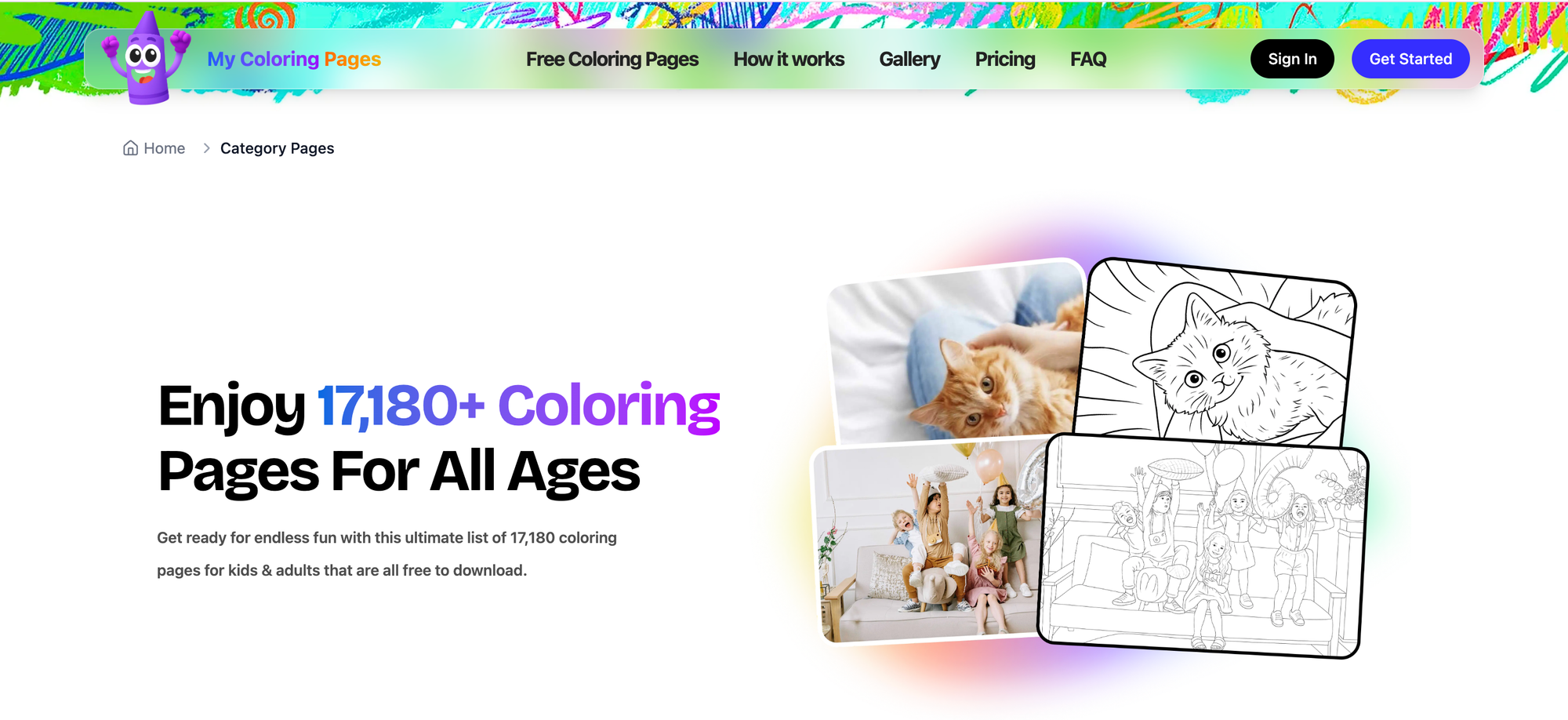
A custom coloring-page generator that converts descriptions or uploads into printable pages, plus a searchable library of more than 16,280 community-created designs. Formats are simple PDFs you can print or compile into personalized coloring books for home or classroom use.
Why kids engage and how to use it
Kids like seeing their own ideas become art, and the immediate printable output keeps the activity offline and focused. Because adults can preview and choose pages, it’s ideal for independent quiet time for preschool to early elementary kids, or guided lessons where you tailor imagery to a learning objective.
Safety and suitability
The site’s value is control, not randomness; caregivers decide what reaches the child, which reduces exposure to unexpected content and third-party feeds. Use it when you want screen-smart creativity that transitions to tactile play.
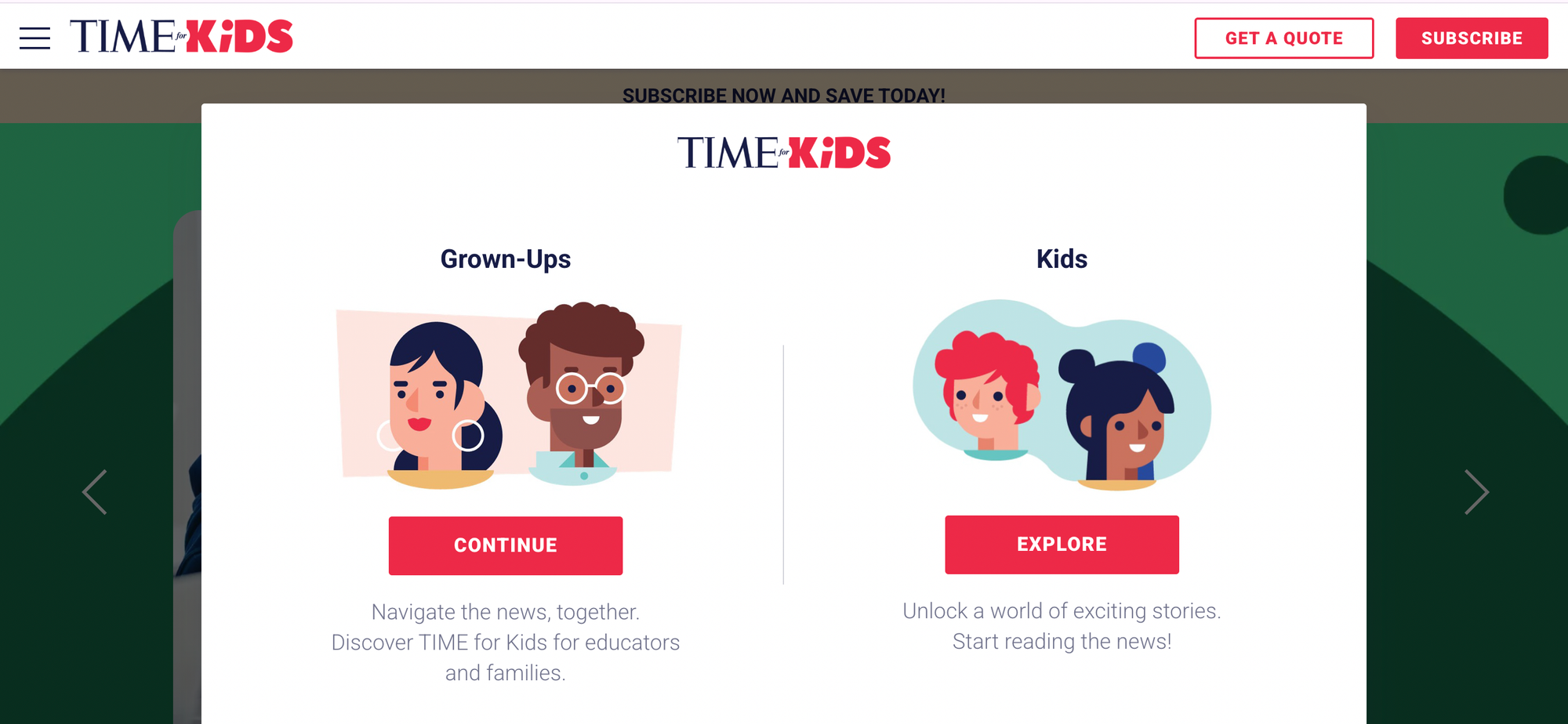
2. Time for Kids
What it offers
News and current events stories rewritten at kid reading levels, plus classroom-ready activities and discussion prompts tied to real-world events.
Why kids engage and how to use it
Short, age-appropriate articles and vibrant photos make complex topics digestible, strengthening reading comprehension and civic awareness for grades 3 to 8. Best used alongside a read-aloud or post-article conversation to help children parse nuance.
Safety and suitability
Editorially produced content targets young readers and avoids sensational framing, making it classroom-friendly. Use it for homework support, debate prep, or family conversations about the news.
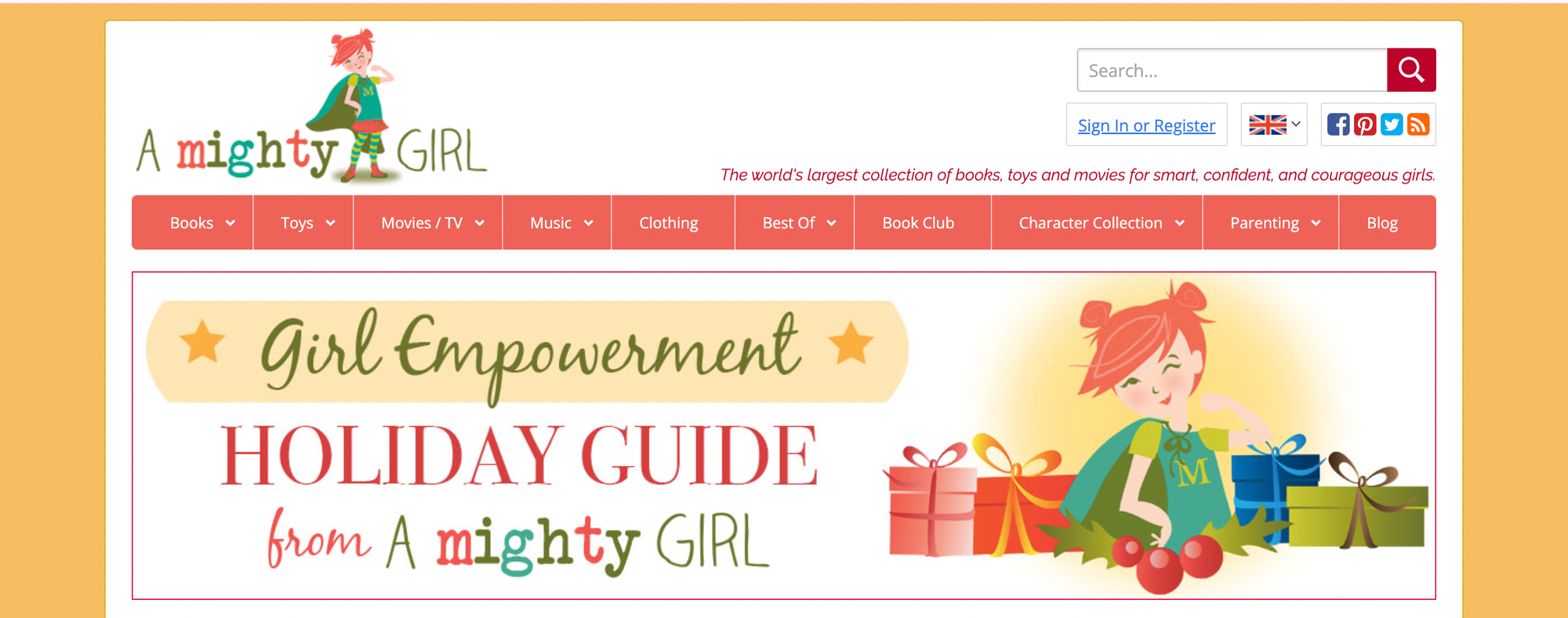
3. A Mighty Girl
What it offers
A curated catalog of books, toys, and media that emphasize empowering, diverse female role models across ages.
Why kids engage and how to use it
The site’s recommendations help caregivers find high-quality storylines and characters that resonate with girls seeking representation or strong protagonists. Browsing is best done by adults who can filter by age and theme, then gift or assign reading.
Safety and suitability
Products are reviewed and selected for positive messaging rather than trending appeal so that parents can trust the picks for ages from toddlers to teens. Use it as a shopping and reading guide resource rather than a free-play site.
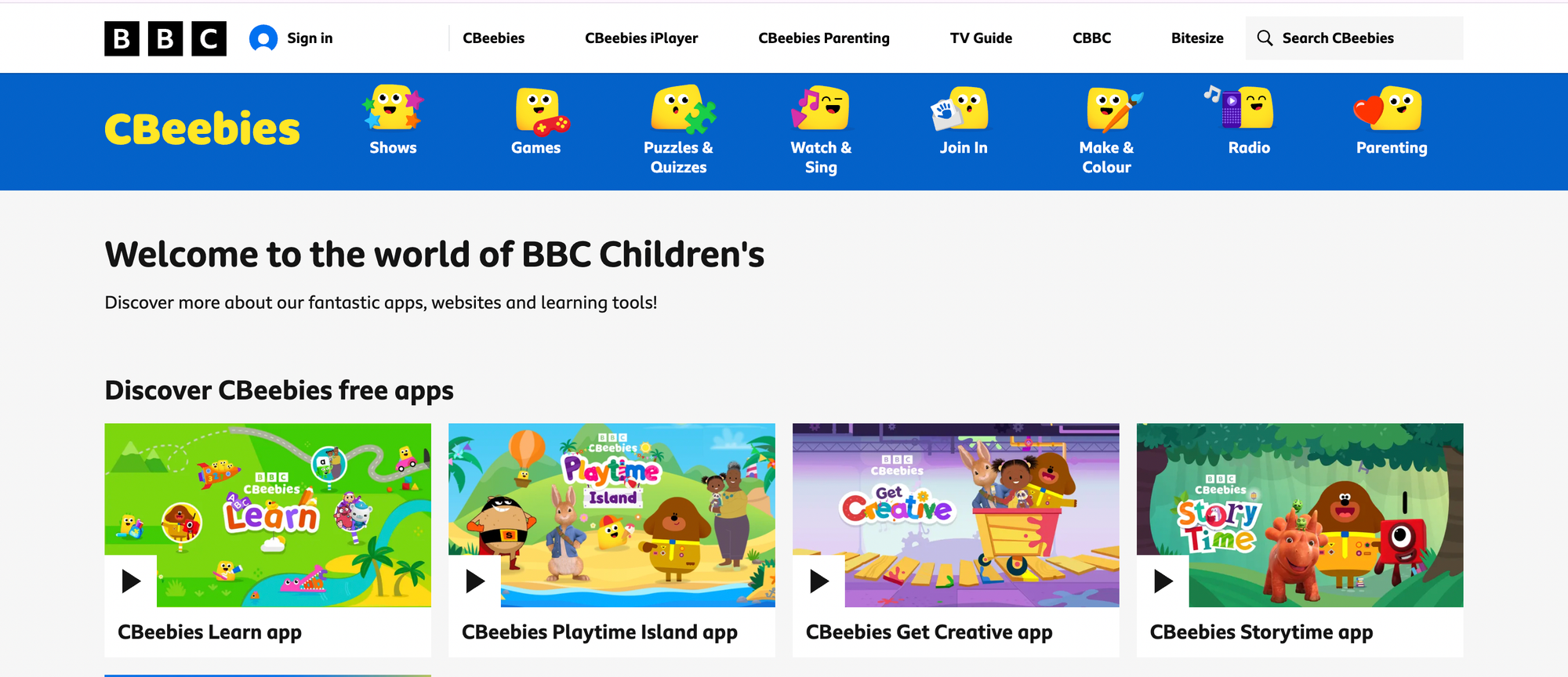
4. BBC Kids
What it offers
A Canadian-hosted hub for BBC Kids programming, with clips, games, and episode guides drawn from British children’s shows.
Why kids engage and how to use it
Familiar characters and short interactive games reinforce vocabulary and listening skills, valuable for kids who enjoy British humor and storytelling, roughly preschool through elementary. Let younger kids explore supervised; older kids can watch short clips independently.
Safety and suitability
The content is broadcaster-produced, ad-light, and the games are tied to show narratives, reducing the risk of unexpected links. Use it for gentle screen time and cross-cultural exposure.
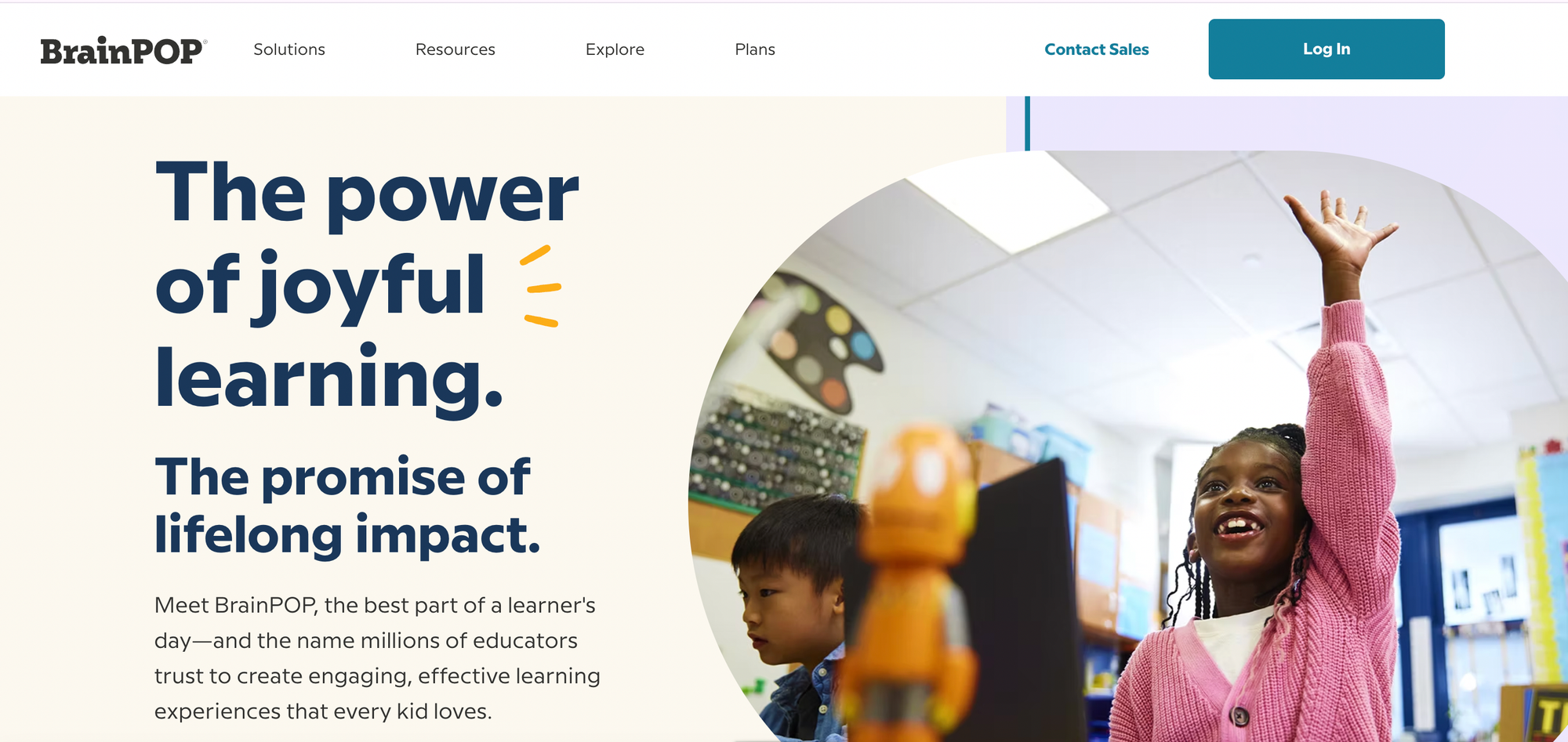
5. BrainPOP
What it offers
Animated lessons, quizzes, and activities across science, social studies, English, math, and more, aligned to grade-level standards from K through 12.
Why kids engage and how to use it
High-quality animations and recurring characters frame concepts in memorable ways, and embedded quizzes let educators track comprehension. Subscriptions unlock full libraries, but free offerings still demonstrate lesson structure—best used as a supplement to classroom instruction.
Safety and suitability
Curriculum-aligned, professionally produced content means reliable accuracy and age-appropriate pacing. Use it for flipped-classroom lessons or targeted remediation with teacher oversight.
6. build (Build with Chrome)

What it offers
A virtual Lego-style environment developed with Google Chrome that lets users explore an existing, large world of user-built structures.
Why kids engage and how to use it
Freeform building and discovery tap into spatial reasoning and creativity without the physical cleanup. It’s engaging for hobbyists and older children who want exploratory play with no construction constraints.
Safety and suitability
Because the site now restricts new creations, it serves as a sandbox for exploration without user-generated publishing, reducing moderation needs. Allow independent play for older kids; supervise younger ones for navigation assistance.
7. Canadian Geographic Kids

What it offers
Nature and geography articles, games, and an interactive atlas focused on Canada’s wildlife, geography, and cultures.
Why kids engage and how to use it
Striking photography and regional stories make conservation and geography relatable for grades K to 8, and educators can assign short reading tasks or atlas activities. Use it for project research and to deepen place-based learning.
Safety and suitability
Content originates from a reputable publisher with educational aims, so facts are reliable and age-appropriate. It’s a strong, independent research tool for older elementary students.
8. CBC Kids
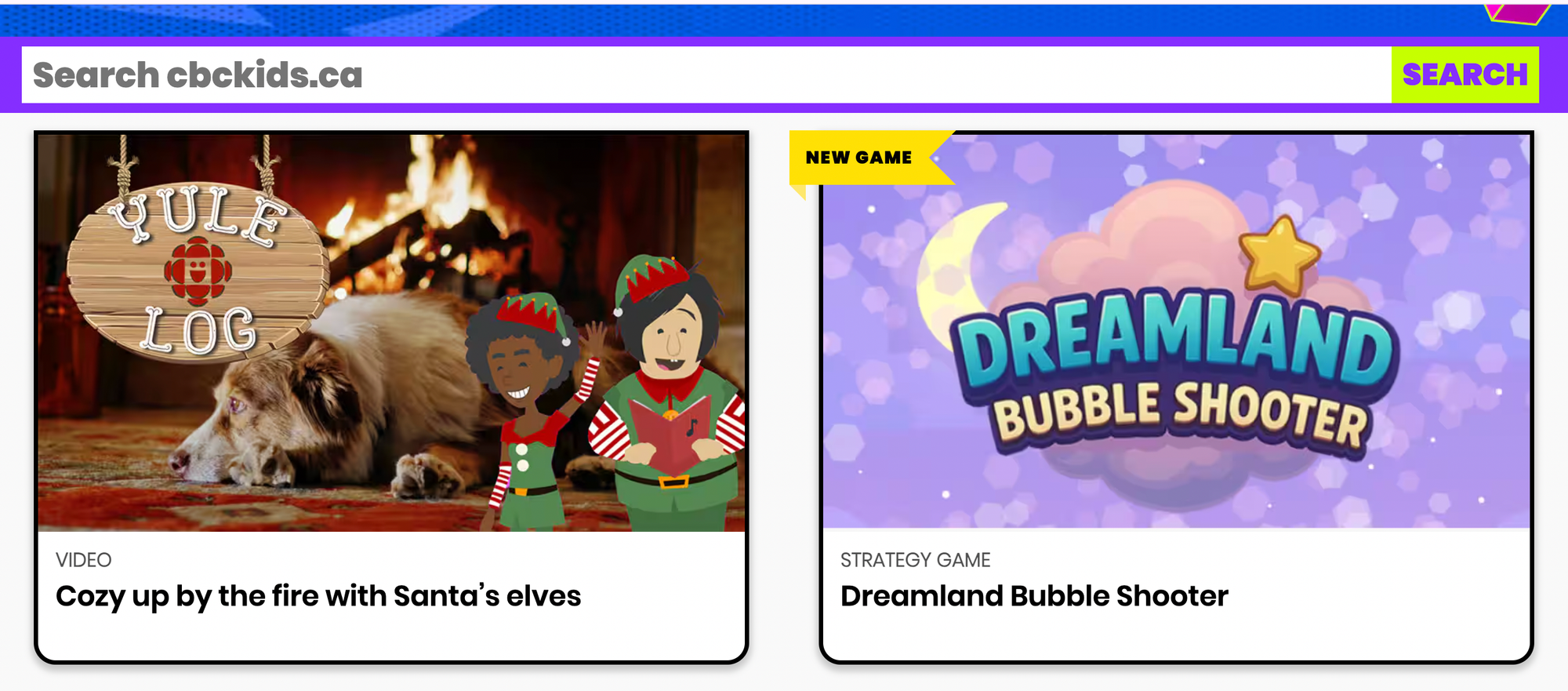
What it offers
Videos, games, and character-led activities tied to CBC’s children’s programming, crafted for preschoolers and early elementary kids.
Why kids engage and how to use it
Short-form videos and character-driven games reinforce basic literacy and social-emotional lessons, keeping sessions brief and purposeful. Let preschoolers explore with light supervision; plan guided activities for structured learning.
Safety and suitability
National broadcaster standards keep content appropriate and ad-controlled. Use it for calm, supervised screen breaks.
9. Disney Junior
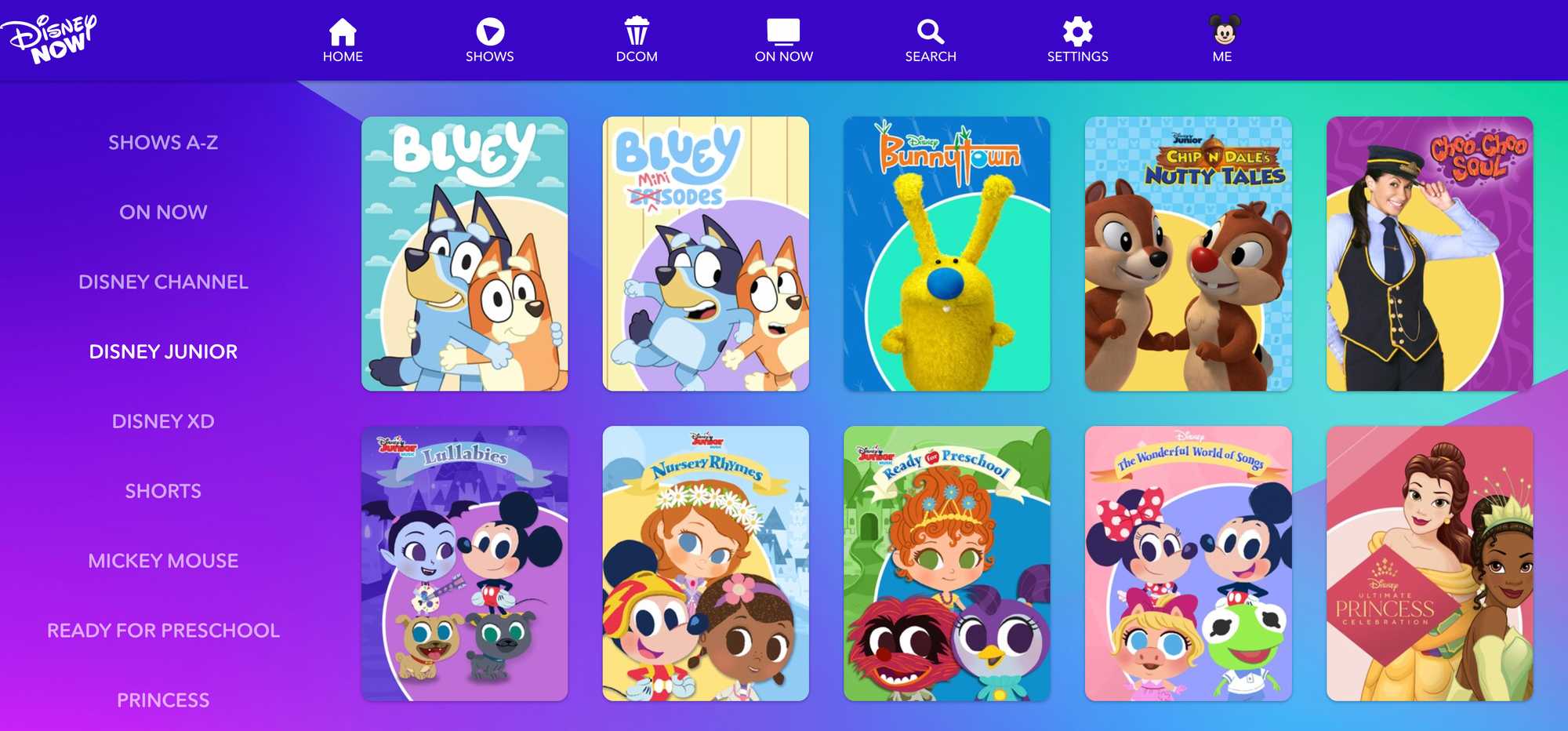
What it offers
Interactive games and video clips featuring Disney Junior characters, with simple play mechanics and storytelling elements for preschoolers.
Why kids engage and how to use it
Bright visuals, recognizable characters, and short episodes hold attention and teach early social and problem-solving skills. Parents should limit session length and consider guided viewing to reinforce lessons.
Safety and suitability
Content targets very young children and is produced by a major studio, offering predictable quality and child-focused design. Best for supervised, short-duration play.
10. DOGO News
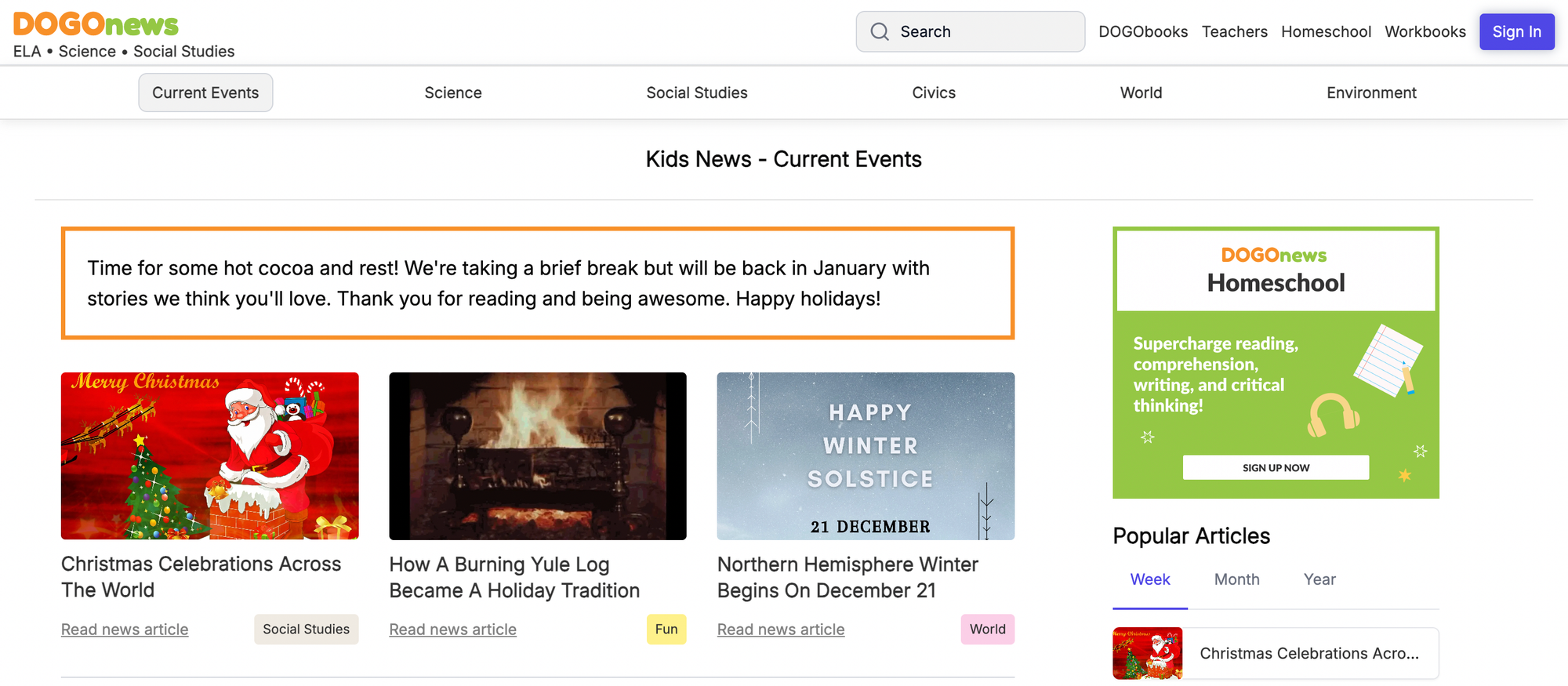
What it offers
News stories and articles written specifically for children, with clear explanations and age-appropriate topics for middle-grade readers.
Why kids engage and how to use it
The site connects kids to world events while teaching critical reading and summarization skills; classroom teachers can assign articles with comprehension questions. Students in grades 4 to 8 benefit most when paired with discussion prompts.
Safety and suitability
Editorial oversight creates reliable, non-sensationalized content, making it suitable for research and homework. Use it as part of a structured assignment rather than free exploration.
11. Doodle.ly
What it offers
A minimalist digital sketchpad that lets kids draw and optionally publish their creations or export them to mobile apps.
Why kids engage and how to use it
The instant-tools approach encourages sketching and visual experimentation without complexity, making it enjoyable for all ages, especially teens and tweens. Encourage older children to manage sharing settings; younger ones should use it locally on a device.
Safety and suitability
Because sharing is optional, the platform can be kept private. Parents should review sharing policies if social features are enabled. Treat it as a creative tool that supports independent practice.
12. EcoKids

What it offers
Green-themed games, activities, and action projects designed to teach elementary-aged children about the environment and conservation.
Why kids engage and how to use it
Hands-on challenges, interactive quizzes, and project guides make sustainability tangible for grades 2 to 6, and the Take Action features connect online learning to real-world behavior. Use it for cross-curricular projects and community initiatives.
Safety and suitability
Content is education-first and focused on positive action, suitable for classroom units and family projects. Best used with adult guidance for outdoor or community activities.
13. Funbrain
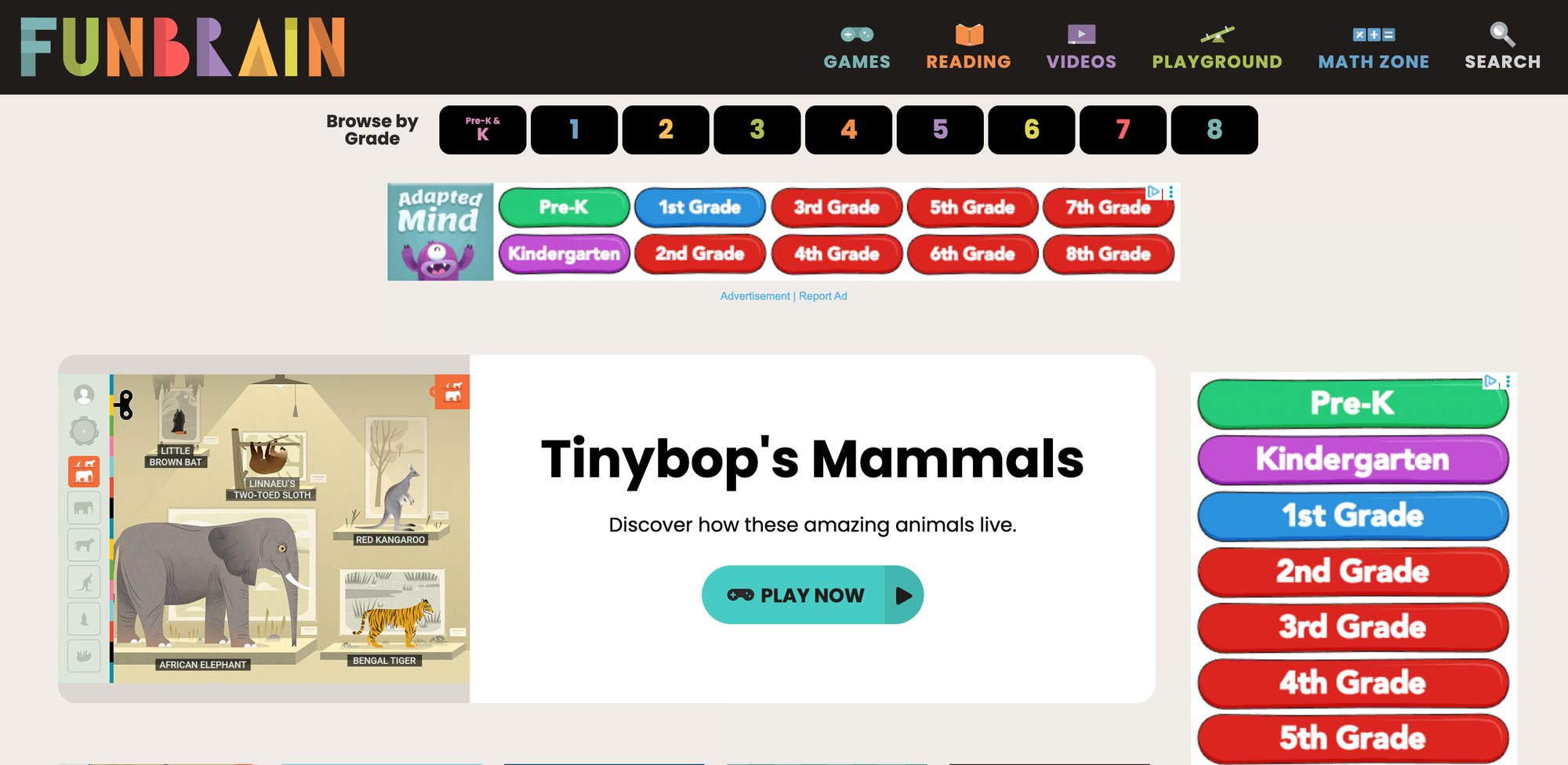
What it offers
Math and reading games, comics, and interactive books that loosely align with grade-school skills.
Why kids engage and how to use it
Gamified practice disguises drill work, motivating students to repeat skills while tracking progress through levels, which works well for grades K to 8. Use it as independent practice for foundational skills, with occasional check-ins from caregivers.
Safety and suitability
The site is ad-controlled and designed for school use, so it is generally safe for unsupervised short sessions. Recommend setting time limits and rotating activities to avoid overuse.
14. Funology
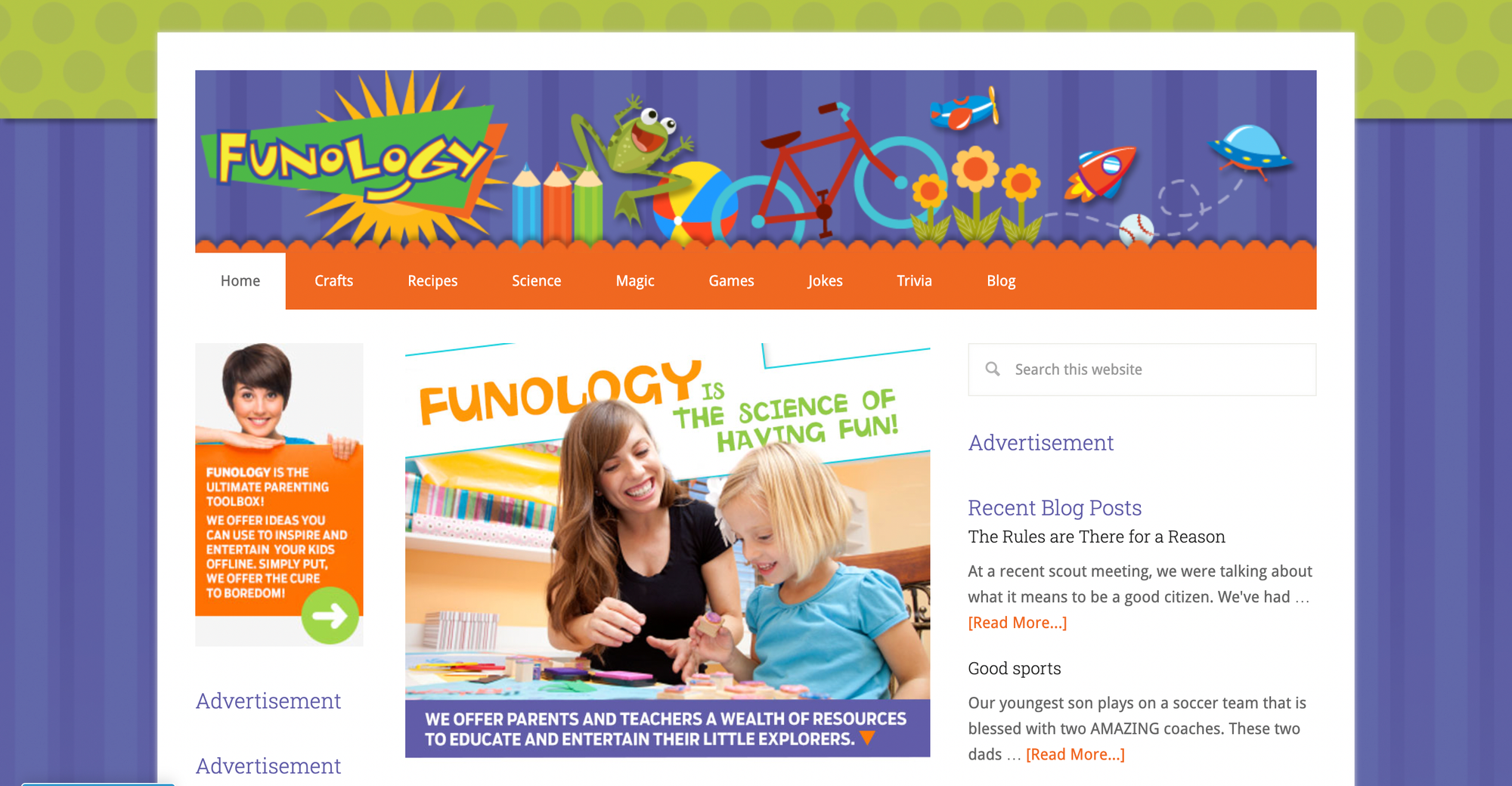
What it offers
Crafts, recipes, science experiments, jokes, and magic tricks are designed to be parent-led family activities.
Why kids engage and how to use it
Clear step-by-step instructions make it easy to turn screen ideas into hands-on experiences, ideal for rainy days or family nights. Parents should plan activities ahead and supervise materials like heat or sharp tools.
Safety and suitability
The site targets adult-child collaboration, so safety notes and parental cues are expected. Use it for guided, interactive learning moments rather than solo browsing.
15. HowStuffWorks

What it offers
In-depth explainers and articles on how everyday objects, science, and technologies function, often pitched at older kids and teens.
Why kids engage and how to use it
Detailed explanations and real-world examples satisfy curiosity and support independent research for middle and high school students. Use it as a reference for project-based learning with adult help to vet complex topics.
Safety and suitability
Not designed strictly for children, but the factual content is robust and practical for older learners who can evaluate nuance. Recommend supervised use for younger teens when tackling sensitive or advanced subjects.
16. KidsReads
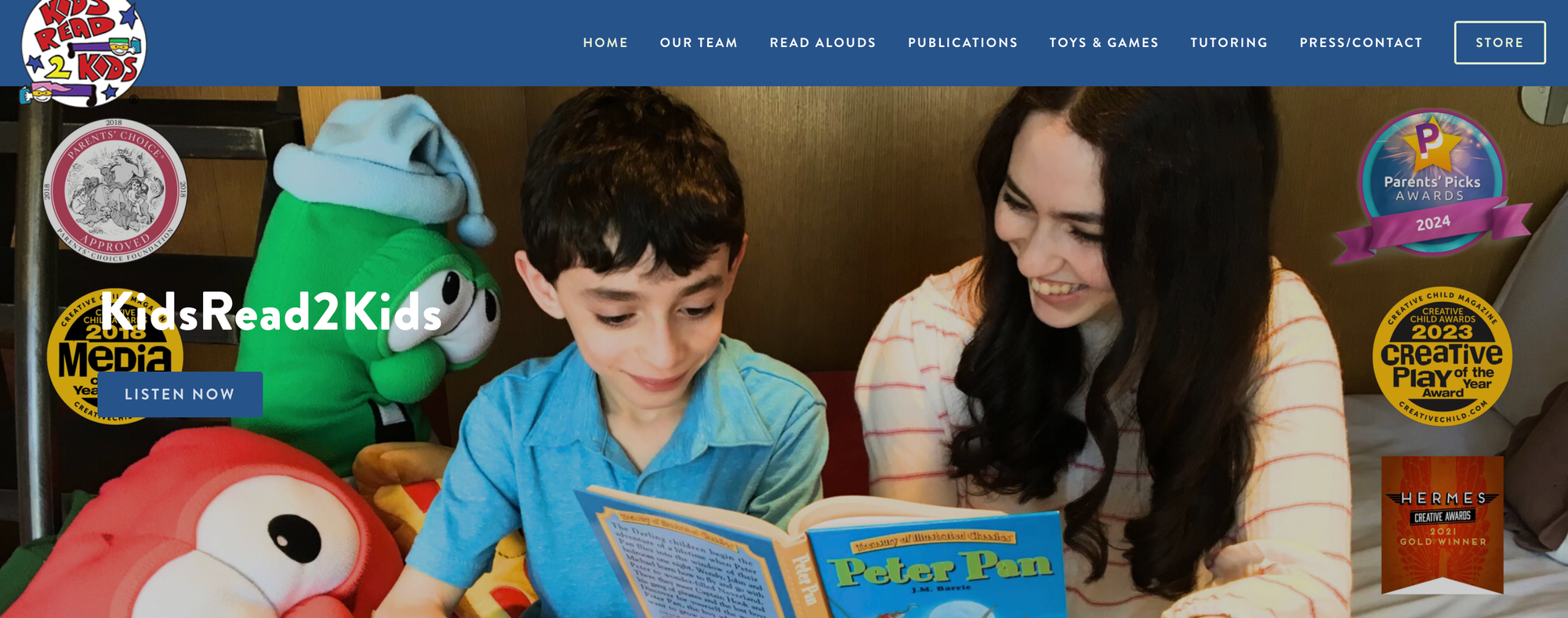
What it offers
Book reviews, author interviews, reading lists, and contests tailored to young readers.
Why kids engage and how to use it
Peer-style book talk and reading recommendations help budding readers discover new titles and develop critical reading habits, suitable for grades 2 through 8. Parents can use the site to curate age-appropriate reading lists for independent reading time.
Safety and suitability
The editorial focus on children’s literature ensures content is safe and age-appropriate. Use it to build reading programs and summer reading goals.
17. Knowledge Kids
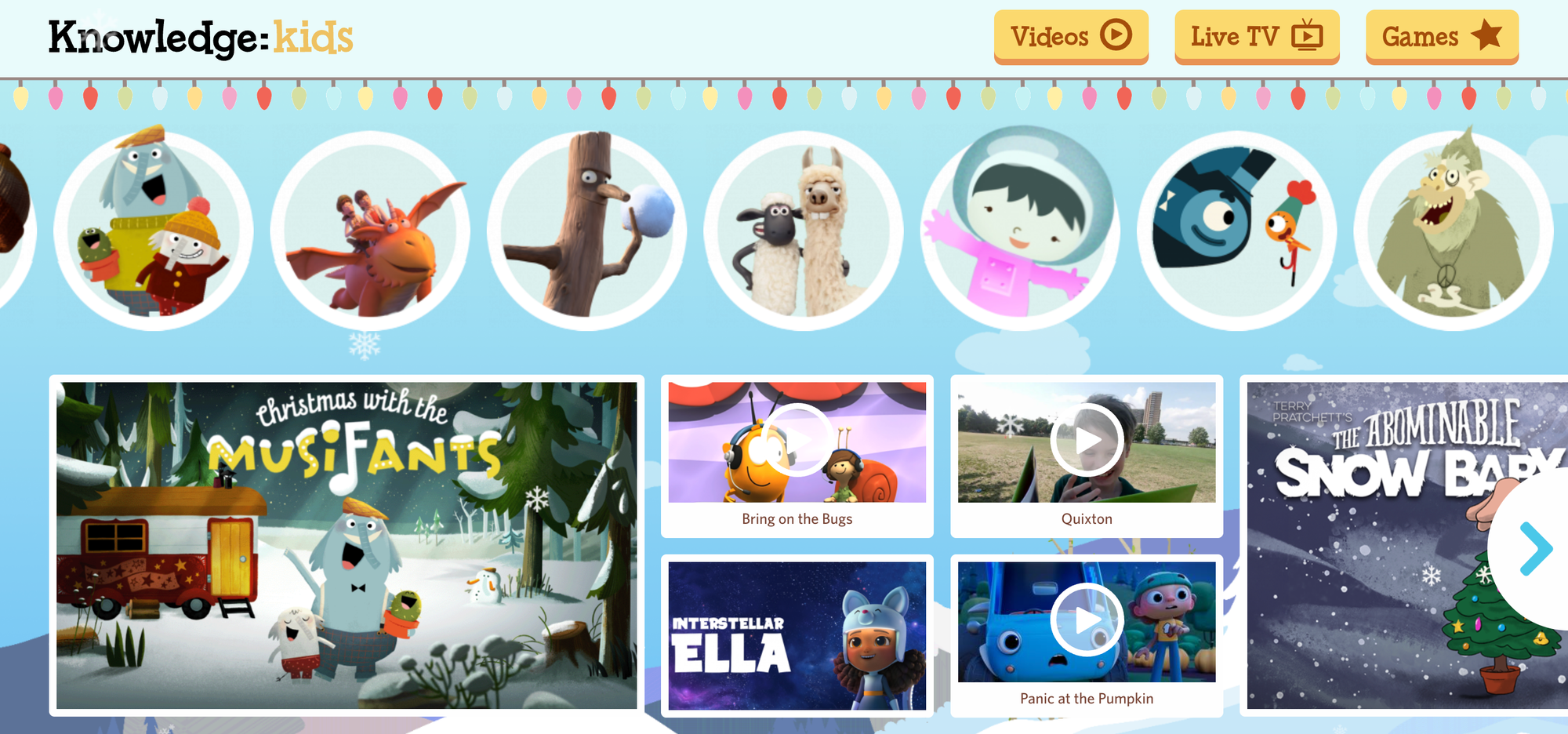
What it offers
Short videos, games, and activities produced by a public broadcaster for preschool and kindergarten-aged children.
Why kids engage and how to use it
Gentle pacing and simple interactivity mirror early childhood routines, supporting foundational skills like letter recognition and basic numeracy. Best used in short, scheduled sessions that align with toddlers' attention spans.
Safety and suitability
Public-broadcast quality and child-development awareness ensure content is suitable for the youngest audiences. Ideal for caregiver-led viewing.
18. NASA Kids’ Club

What it offers
Space- and science-themed games, activities, and learning modules for audiences of all ages interested in astronomy and engineering.
Why kids engage and how to use it
Hands-on simulations and simple experiments spark curiosity about STEM careers and planetary science, and are appropriate for elementary through middle school students. Use it as the kickoff to a science unit or project.
Safety and suitability
Content is from a government agency and is accurate and child-appropriate, making it reliable for schoolwork and projects. Encourage follow-up activities to translate interest into research skills.
Status quo disruption paragraph (placed here as a bridge)
Most parents and teachers use round-the-clock browsing and ad-filtering as their safety habit because it is familiar and requires no new workflows. That approach works at first, but as activity scales across classrooms and home routines, managing bookmarks, lesson relevance, and printable assets becomes a time sink and a source of unpredictability. Platforms like 16,280+ free coloring pages let adults generate, preview, and print curated content on demand, reducing vetting time while keeping materials consistent and classroom-ready.
19. National Geographic Kids
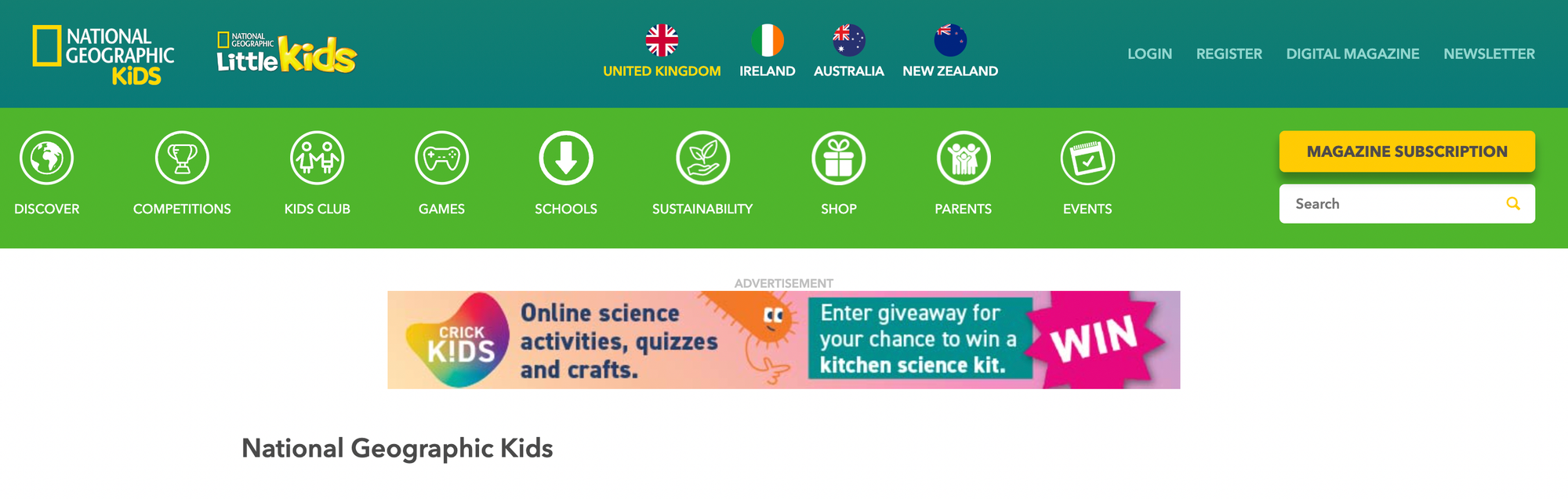
What it offers
Photography-rich articles, videos, and games about animals, geography, and cultures, with a Little Kids section for ages 3 to 8.
Why kids engage and how to use it
The visual storytelling draws kids into science and world history, supporting projects and thematic units for elementary grades. Use it for guided research and to spark project questions.
Safety and suitability
Editorial standards and precise age segmentation make it trustworthy for classroom and independent exploration. Recommend teacher-selected pages for research assignments.
20. NFB Kids’ Movies

What it offers
A catalog of short films and animations from the National Film Board of Canada, curated for children.
Why kids engage and how to use it
Short films introduce storytelling, visual literacy, and documentary styles that older kids can analyze for media studies. Watch together and discuss narrative techniques or themes.
Safety and suitability
Films are curated and produced by a public institution to ensure quality and appropriate content. Use it for classroom film units or family viewing.
21. Owl Kids
What it offers
Blogs and resources tied to Chirp, Chickadee, and Owl magazines, including crafts, recipes, and kid-targeted articles.
Why kids engage and how to use it
Magazine-style formats and ongoing series build reading habits and interest, making them ideal for early elementary readers. Parents can subscribe to magazines or use blog posts for weekly activities.
Safety and suitability
Publisher-controlled content and familiar brands make it suitable for child readers. Use it as an extension of print subscriptions and guided reading.
22. PBS Kids
What it offers
Games and interactive content featuring PBS characters, with a focus on early literacy, math, and problem-solving for preschool and early elementary children.
Why kids engage and how to use it
Research-based design and beloved characters support skill-building play that aligns with early learning goals. Use it as structured screen time with specific learning targets.
Safety and suitability
The public broadcaster’s content is education-first and ad-minimal, though some video access is region-restricted and recommended for supervised independent practice and classroom centers.
23. Pottermore (Wizarding World)
What it offers
An archive of Harry Potter universe material, interactive features, and reading-adjacent lore that appeals to fans.
Why kids engage and how to use it
Profound lore, character details, and quizzes engage older children and teens who love extended-world exploration. Best used with older readers who can separate fandom exploration from school research.
Safety and suitability
Official content is controlled and family-friendly, but deeper fandom spaces can include spoilers and mature discussions—so guide younger fans. Use it as a reading-comprehension companion for older children.
24. Science Bob
What it offers
Step-by-step science experiments, project ideas, and fair-ready demonstrations with explicit materials and safety notes.
Why kids engage and how to use it
The hands-on focus makes abstract concepts concrete and provides teacher-friendly instructions for grades 3 to 8. Always supervise experiments and preview hazardous steps.
Safety and suitability
The site emphasizes safe practice and clarity, but adult oversight is required for experiments involving heat or chemicals. Use it to structure laboratory-style lessons.
25. Sesame Street
What it offers
Video clips, games, and printable activities designed for preschoolers to support literacy, numeracy, and social skills.
Why kids engage and how to use it
Familiar characters and short segments match early attention spans and model social-emotional learning. Parents should pair play with talk prompts to maximize learning.
Safety and suitability
Trusted public-television content and preschool focus make it ideal for very young children. Use it as caregiver-guided viewing and activity time.
26. Sports Illustrated Kids
What it offers
Sports news, interviews, puzzles, and games geared to young sports fans, with accessible reporting and athlete profiles.
Why kids engage and how to use it
Current events plus athlete stories teach media literacy and sportsmanship, engaging middle graders who follow sports. Use it to encourage reading through interest-based content.
Safety and suitability
Editorial oversight ensures content remains age-appropriate, though sports topics may address controversial issues—preview if relevant. Let older kids browse independently, younger ones with guidance.
27. Starfall
What it offers
A systematic phonics and early reading program with interactive games, stories, and practice modules for emergent readers.
Why kids engage and how to use it
Structured progression and repetitive reinforcement help children master letter sounds and decoding, ideal for K to grade 2. Use it for focused literacy intervention or home practice.
Safety and suitability
Pedagogically sound and ad-free in many versions, Starfall is classroom-tested. Best used as part of a guided literacy routine with adult or teacher check-ins.
28. Treehouse (Treehouse TV)
What it offers
Video clips, games, and printable activities linked to preschool shows, with simple play mechanics and themed content.
Why kids engage and how to use it
Familiar show characters make transitions from screen to craft straightforward and engaging for preschoolers. Use it as short, supervised entertainment that ties into offline play.
Safety and suitability
Produced by a children's network with age-appropriate content and minimal external linking. Use for calm, supervised screen breaks.
29. TVO Kids
What it offers
Educational games, videos, and custom apps produced by TV Ontario, many of which are curriculum-aligned and designed for young learners.
Why kids engage and how to use it
Original educational games and apps provide challenge and scaffolded learning for ages 2 to 11, and teachers can integrate specific titles into lessons. Use it as a direct classroom resource to target specific skills.
Safety and suitability
Institutional production and curriculum orientation make content reliable and classroom-ready. Best used with teacher selection.
30. Virtual Museum (Canadian Museum Network)
What it offers
Interactive, multimedia exhibits and primary-source displays from museums across Canada, geared toward older children and teens.
Why kids engage and how to use it
Rich artifacts, timelines, and depth make it an excellent resource for research projects and history units for grades six and up. Encourage source evaluation and citation practices when students use it.
Safety and suitability
Curated by cultural institutions, the content is academically reliable and suitable for school assignments. Use it as a structured research tool rather than casual play.
31. PebbleGo
What it offers
A leveled research database for K to 3 students, with articles, read-aloud audio, and simple multimedia on animals, science, and social studies.
Why kids engage and how to use it
The reading-level matching and audio support let emergent readers research independently, perfect for library time and early report writing. Use it within guided research stations or for homework scaffolding.
Safety and suitability
Designed for young learners and school licensing, it is controlled and reliable. Best used for monitored independent research.
32. Ducksters
What it offers
Kid-friendly encyclopedic entries on history, science, and biographies with simple language and embedded quizzes.
Why kids engage and how to use it
Clear explanations and end-of-topic quizzes make it a practical starting point for elementary research and social studies projects. Use it as an initial reference, then guide students to primary sources for deeper work.
Safety and suitability
The content is targeted to children and useful for classroom assignments, though confirming with additional sources is good practice. Encourage cross-checking for higher-grade research.
33. GetEpic (Epic)
What it offers
A vast digital library of books, videos, and quizzes sorted by age and reading level, designed for school and home reading.
Why kids engage and how to use it
Personalized recommendations and read-aloud features support independent reading and research in grades K to 5. Teachers can assign reading lists and track student progress.
Safety and suitability
Classroom licensing and curated collections make it a controlled environment; parents can set time limits and profiles. Ideal for independent reading practice within a supervised account.
34. Wonderopolis
What it offers
Daily “Wonders” that answer curious questions with accessible explanations, photos, and links to activities for elementary students.
Why kids engage and how to use it
The single-question focus lowers cognitive load and makes curiosity manageable, perfect for morning routines or short research sparks. Use it for quick warm-ups and to inspire deeper projects.
Safety and suitability
Content is aimed at children and is classroom-friendly; link choices are curated. Best used as a daily discovery tool with follow-up tasks.
35. Padlet
What it offers
A flexible collaborative board where teachers and students can post notes, links, images, and multimedia for research projects.
Why kids engage and how to use it
Visual, drag-and-drop organization mirrors bulletin boards and supports group research, brainstorming, and project management across grade levels. Use it with clear posting rules and teacher-moderated boards.
Safety and suitability
Padlet’s privacy and moderation settings let educators control sharing and publication, making it classroom-safe when configured correctly. It is a teacher-powered tool best used with adult oversight.
36. San Diego Zoo
What it offers
Virtual field trips, habitat tours, animal fact pages, and educator resources that let students explore wildlife and conservation online.
Why kids engage and how to use it
High-quality videos and species pages create immersive learning for elementary and middle school students; the content pairs well with science units. Use it to support research projects and virtual zoo visits.
Safety and suitability
Content is produced by a respected institution and formatted for classroom use and age-appropriate learning. It is a safe, controlled resource for guided student research.
What are the final notes on choice and use?
A few final notes on choice and use: pick sites that match the specific skill you want to build, and prefer publisher-produced or institution-backed content when accuracy and consistency are essential. This list helps adults quickly determine whether a site is best suited to independent practice, guided exploration, or parent-led activities. This helps to reduce everyday planning friction.
What changes about online safety for kids?
The next part significantly changes how to keep kids safe online.
Related Reading
- Drawing Websites for Kids
- Best Educational Websites for Kids
- Art Websites for Kids
- List of Websites to Block for Kids
- Cool Websites for Kids
- Reading Apps for Kids
- Best Learning Apps for Kids
- Best Learning Games for Kids
- Math Apps for Kids
Best Practices for Monitoring and Guiding Online Activity

Give your family clear rules and simple tools to help them check in instead of just monitoring. Set firm limits that match your child's age.Combine device controls with brief co-viewing times, and teach kids how to make safer choices. This way, their independence can develop along with responsibility.
What specific rules should I set first?
Start with three basics: daily screen time, approved activities, and device-free zones for meals and sleep. For preschool and early elementary students, limit screen time to short, predictable blocks, such as two 20- to 30-minute creative periods each day. For older children, offer longer blocks linked to chores or homework.Keep the rules written and visible. Make sure to apply consistent consequences, and think of rule-setting as establishing a new routine rather than a one-time effort.
Which controls actually reduce risk without stifling learning?
Focus on controls that give adults preview power and ensure predictable outputs.Examples include account age filters, chat controls set to friends-only or off, app purchase approvals, and router-level content filters.
When parents feel overwhelmed by their surroundings, the best strategy is to simplify rather than completely switch everything off. Choose one device-level tool for time limits, one network filter for blocking known categories, and a single reporting method to receive alerts without needing to monitor every click. This constraint-based approach keeps maintenance low while preserving essential structure.
How do I co-view in a way that builds trust rather than resentment?
Co-view briefly and with purpose, rather than as a surveillance ritual. Ask a child to show you one thing they built or drew. Follow up by asking what they liked and what surprised them.Praise their good choices and turn any mistakes into mini labs: review the page together, identify what felt unsafe, and agree on one fix before they return to play. This pattern of short, focused co-viewing helps build responsibility and reduces the urge to hover, as children learn you will intervene thoughtfully, not punitively.
Why does ongoing monitoring matter, and how do I do it without getting obsessive?
This pattern appears in homes and schools: rules set in place can become outdated, and children quickly find loopholes as they learn. Monitoring should be seen as ongoing maintenance. Schedule a 10-minute monthly review to update filters, reset passwords, and review new apps or websites your child is interested in.For daily monitoring, use gentle listening along with occasional spot checks. This method is preferable to real-time surveillance, which can erode trust and often doesn't work as children get older.
What mistakes should I avoid in terms of blocking?
Many people default to blanket blocking because it feels quick and thorough. While this approach may work at first, as children grow older, it can lead to problems, hidden tasks, and missed learning opportunities. Platforms like My Coloring Pages provide a better solution by giving adults direct control over content.They allow adults to preview and print pages selected by parents at any time. This reduces time spent following site updates and limits exposure to third-party content.
What do I say when I talk to my kid about mistakes online?
A confident stance is more effective than uncertainty. When addressing a problem, identify the behavior, describe the observed consequences, and propose a clear next step. For instance, suggest restoring access after a co-review, setting a time limit, or requiring a preview before sharing.This method helps regain control and fits with how teams fix processes in different areas. It focuses on corrective coaching rather than blanket bans, supporting children as they grow and mature.
How can I borrow professional monitoring habits without turning home into a call center?
Adopt the logic, not the tools. According to Sprinklr Blog, 75% of businesses use social media monitoring tools to track brand mentions, and organizations treat listening as routine. Parents can mirror this by setting simple alerts, a shared family log of concerns, and quick weekly check-ins.
Responsiveness matters: according to Sprinklr Blog, companies that respond to customer inquiries on social media see a 20% increase in customer satisfaction. This translates at home to the idea that timely, respectful replies from caregivers increase trust and cooperation.
What metaphor helps to explain monitoring to my child?
Think of rules and previews as a garden fence, not a cage; they are designed to guide growth while allowing room to explore.
Related Reading
- Music Apps for Kids
- Best Apps for 6-Year-Olds
- Best Apps for Kids
- Best Coding Apps for Kids
- AI Tools for Kids
- Language Learning Apps for Kids
- Best Drawing Apps for Kids
Download 16,280+ FREE Coloring Pages
Printable coloring pages provide a safe, screen-smart alternative to unrestricted browsing. They help kids sharpen focus, stretch their imagination, and enjoy tactile, offline play. For instance, My Coloring Pages allows users to describe their desired designs or upload photos. In seconds, it transforms them into ready-to-print, age-appropriate pages or personalized coloring books from a curated library of 16,280+ free designs, which are trusted by over 20,000 parents and rated 4.8/5.
Access 16,280+ free coloring pages.