15 Best Online Learning Platforms for Kids
Best Online Learning Platforms for Kids ranked by My Coloring Pages. Find top picks that make learning fun and effective.

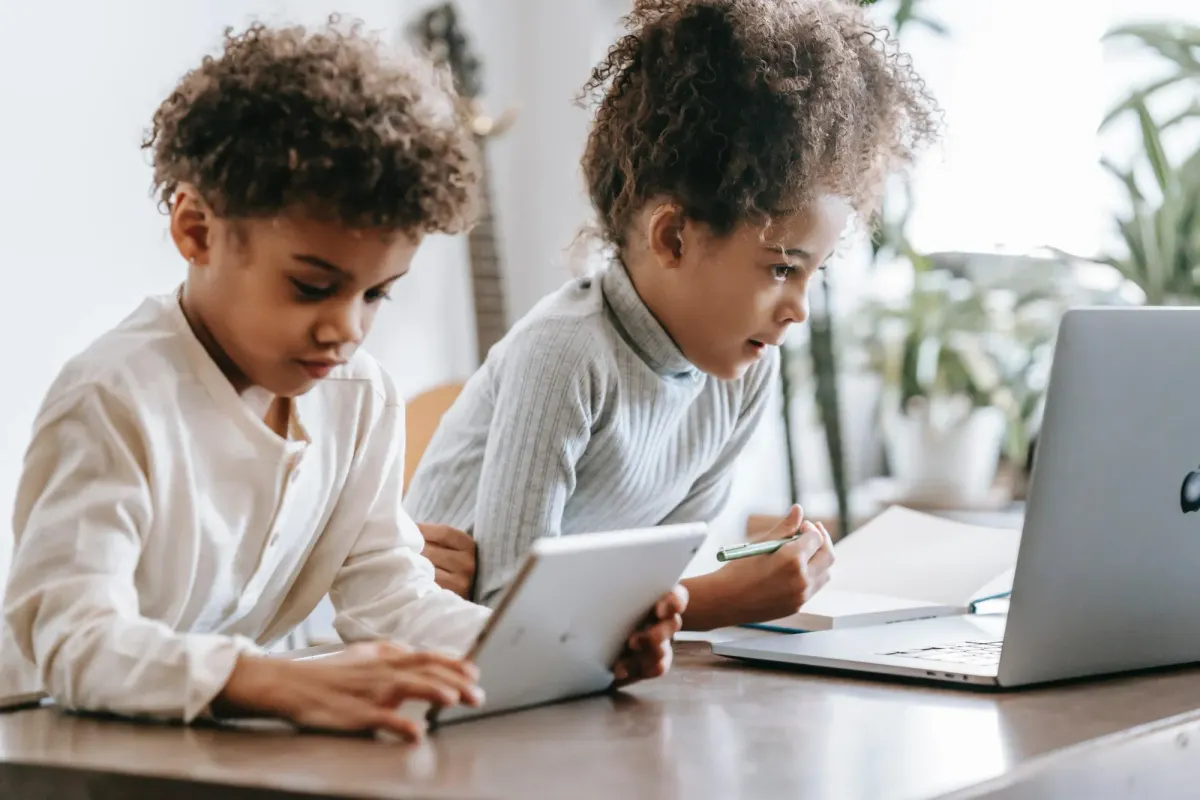
Kids learning looks different today than it did even five years ago. Parents are no longer limited to textbooks and flashcards. The best online learning platforms for kids now combine interactive lessons, educational games, and creative activities that hold a child's attention across subjects like math, reading, science, and art. Finding the right mix of tools can turn daily learning into something children actually look forward to.
Personalization plays a big role in keeping kids engaged, and materials tailored to a child's specific interests tend to produce better results than one-size-fits-all resources. A child who loves animals or space is far more likely to stay focused when the content reflects those interests. Parents looking for flexible, interest-driven materials can download 75,000+ free customized worksheets from My Coloring Pages to support creativity and core skills at the same time.
Table of Contents
- Is Online Learning Beneficial for Kids?
- Importance of Online Learning for Kids
- 9 Reasons Online Learning is Preferred for Modern Education
- How to Engage Kids in Online Learning in 17 Ways
- 15 Best Online Learning Platforms for Kids
- Which Online Learning Platform Should You Choose?
- Don’t Choose Another Learning Platform Until You Know What Problem You’re Solving
Summary
- Online learners retain 25 to 60 percent more material compared to 8 to 10 percent in traditional classroom settings, according to Astria Learning. That gap does not come from the technology itself. It comes from what the technology enables: revisiting content, practicing at the right moment, and engaging through formats that match how a specific child processes information.
- Research from Drexel University's School of Education found that online learning takes 40 to 60 percent less time than traditional classroom settings. That efficiency is not about rushing. It reflects the time saved when students are not waiting for peers to catch up or sitting through unnecessary reviews.
- A K-12 meta-analysis covering 116 effect sizes found no meaningful achievement gap between web-based distance learning and traditional classroom instruction. That finding dismantles the assumption that a physical classroom is automatically superior. Outcomes depend on whether the child is retrieving, applying, and correcting during the session, not the setting.
- Virtual school enrollment has remained steady five years after hitting the mainstream during the COVID-19 pandemic, according to EdSurge. Families who tried online learning and found it valuable did not walk away when classrooms reopened. Sustained enrollment reflects real satisfaction from families who experienced structured, intentional online education and chose to stay.
- Most children who struggle with a concept are not struggling with the concept itself. They are struggling with the particular way it was explained. When children encounter a concept through multiple representations, such as visual animation, interactive practice, and verbal explanation, retention improves significantly compared to single-format instruction. Changing the format before concluding a concept is too hard resolves most comprehension problems faster than repeating the same explanation.
- Practice without feedback is one of the more quietly damaging patterns in education. A student who works through problems and receives corrections the following day has spent that time reinforcing the incorrect method. Online platforms that offer real-time feedback change the loop from "attempt, repeat, eventually discover the mistake" into "attempt, notice, correct, try again," which is the loop that actually produces durable skill.
- My Coloring Pages' Download 75000+ Free Customized Worksheets addresses the gap between online lessons and offline retention by letting parents and teachers generate topic-specific printables tied to exactly what a child is learning, so the concept does not disappear the moment the screen closes.
Is Online Learning Beneficial for Kids?
Online learning works when it is designed to make students think actively. The delivery method matters less than whether the student is retrieving information, applying it, correcting mistakes, and creating new things during that time, not passively watching.
🎯 Key Point: The format of learning matters far less than whether students are actively engaged: retrieving, applying, and building rather than passively consuming content.
💡 Tip: When evaluating an online program for your child, ask whether it includes real interaction, feedback loops, and hands-on application. These are the true markers of an effective digital classroom.
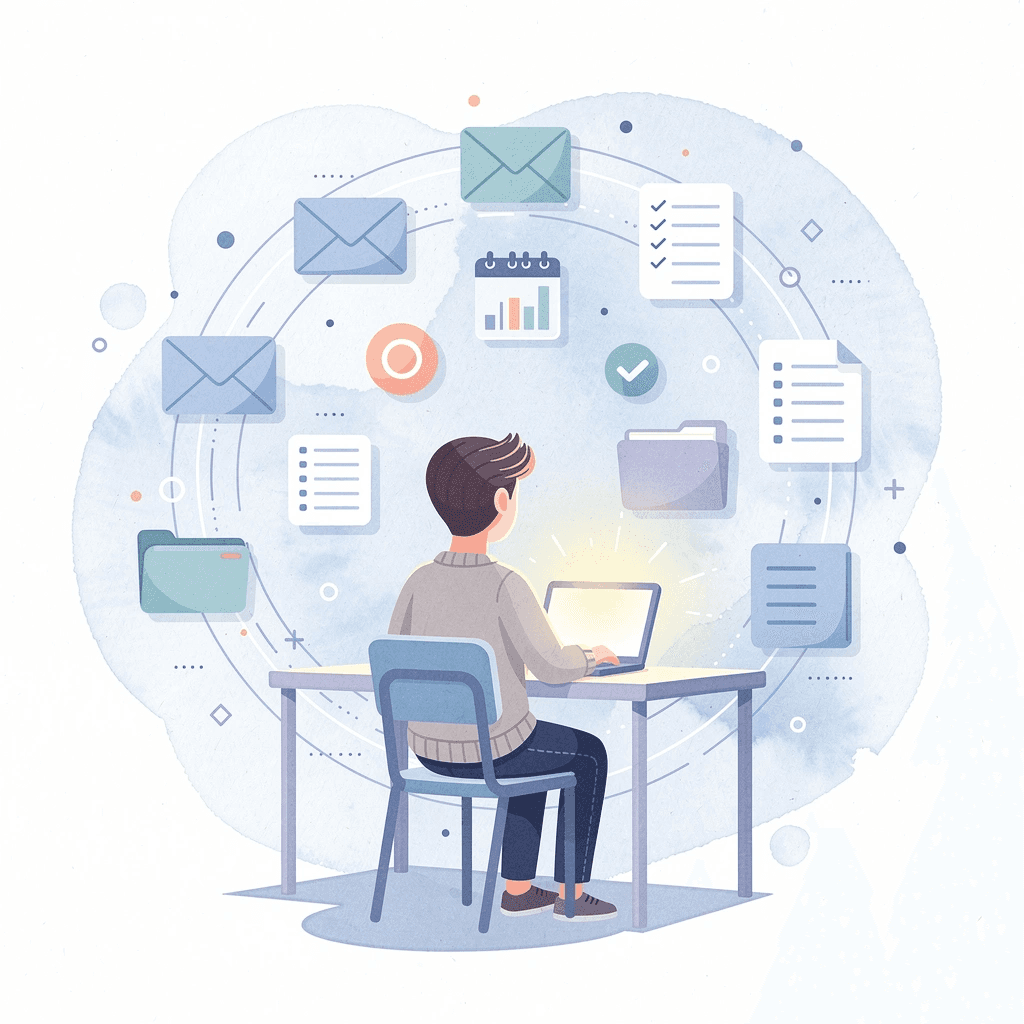
According to California Online Public Schools, the online education market has grown by 900% since 2000. Well-designed digital learning, when organized around real interaction and feedback, produces real results. A K-12 study that looked at 116 different research findings found no real difference in achievement between web-based distance learning and traditional classroom instruction — showing that a physical classroom is not automatically better.
"A K-12 study examining 116 different research findings found no real difference in achievement between web-based distance learning and traditional classroom instruction." — California Online Public Schools
Factor | Online Learning | Traditional Classroom |
|---|---|---|
Market Growth | 900% since 2000 | Stable |
Achievement Outcomes | Comparable | Comparable |
Interaction Quality | Depends on design | Depends on teacher |
Flexibility | High | Limited |
🔑 Takeaway: The 900% growth in online education isn't just a trend — research across 116 studies confirms that well-structured digital learning delivers outcomes just as strong as traditional schooling, proving that environment alone does not determine success.
What separates useful screen time from wasted screen time
The failure point is usually passive consumption. A child who watches a 40-minute instructional video and clicks "next" is not learning meaningfully, no matter how polished the platform is. But a child who makes a prediction, receives explanatory feedback, corrects a mistake, and applies the concept to a new problem engages in real thinking. Here, the medium is almost beside the point. The screen is simply how the lesson gets delivered. The instruction does the real work.
Does the learning material connect to what a child already cares about?
Most parents use printable worksheets or workbooks for screen-free learning. Generic worksheets rarely connect to a child's existing interests, causing kids to lose focus quickly. Our platform at Download 75,000+ Free Customized Worksheets lets parents and teachers create materials built around a child's specific interests, from space exploration to favorite animals. When children see their own world reflected in learning material, they engage longer.
What does sustained enrollment in online learning actually signal?
EdSurge reports that virtual school enrollment has remained stable five years after becoming popular during the COVID-19 pandemic. The steady enrollment suggests families are satisfied with structured, intentional online education and have chosen to keep their children enrolled.
When does online learning benefit kids and when does it fall short?
Online learning works well for kids when built around active participation, quick feedback, and materials that connect to their genuine curiosity. It fails when it substitutes movement for meaning, animations for real instruction, or badges for understanding. The format matters less than the quality of thinking it demands from students.
Related Reading
Importance of Online Learning for Kids
Online learning addresses a fundamental problem in traditional education: the assumption that all children learn at the same speed and in the same way. When a child doesn't understand something in class, the teacher continues anyway, leaving struggling learners behind. Online learning keeps the opportunity to understand open after the lesson ends, allowing every child to master the material.
"The core advantage of online learning is that it refuses to leave any child behind — it keeps the door to understanding open long after the classroom bell has rung." — Key Insight
🎯 Key Point: Traditional education assumes a one-size-fits-all pace, but online learning breaks that mold by letting children learn at their own speed and on their own terms.
💡 Tip: If your child struggles to keep up in a traditional classroom, online learning offers a powerful alternative. Lessons can be paused, rewound, and revisited as many times as needed for full understanding.

Why does the same explanation fail some children?
The failure point is usually not the child but the format. Research consistently shows that children who encounter a concept through multiple modalities—visual animation, interactive practice, and verbal explanation—retain it far better than those learning from a single format. A child who cannot understand fractions from a textbook paragraph may grasp them immediately through an interactive model that lets them drag and split shapes. That is not a learning disability; that is a design problem with how the material was delivered.
What can parents do when re-explaining stops working?
Most parents re-explain the lesson themselves, which works until they reach the edge of their own knowledge or patience. The child often needs a different explanation, not the same one repeated louder or slower. Our Download 75000+ Free Customized Worksheets helps by letting parents and teachers generate printable, topic-specific materials that match what a child is working on, turning frustration into targeted, hands-on learning beyond the screen.
What happens when curiosity has nowhere to go?
When instruction pace doesn't match a child's readiness, disengagement follows: whether the child is ahead and bored or behind and lost. Online learning platforms built around adaptive practice and self-directed exploration let children stay in motion, no matter where the class is on any given day.
Why does unanswered curiosity expire so quickly in children?
Curiosity also expires if ignored. When a seven-year-old becomes fascinated by how rockets work or why the ocean is salty, "we'll cover that later" teaches children their questions are inconvenient. Online learning transforms that moment into a starting point, connecting a child's specific interest to structured content, interactive tools, and follow-up activities that sustain understanding.
What is the most lasting skill online education can build?
This shift from learning as something you receive to learning as something you pursue may be the most lasting skill that online education can build.
9 Reasons Online Learning is Preferred for Modern Education
Online learning is preferred in modern education because it solves structural problems that classroom instruction has carried for decades. The real advantage is flexibility that meets individual needs, which a single room with thirty students and one fixed schedule cannot fully deliver.
"The shift to online learning isn't just a trend — it's a structural correction to an education model that was never built for individual flexibility." — Modern Education Insight
Traditional Classroom | Online Learning |
|---|---|
Fixed schedule for all students | Flexible timing tailored to the individual |
One pace for thirty+ learners | Self-paced progression |
Single location required | Learn from anywhere |
Limited instructor access | On-demand resources available 24/7 |
Rigid curriculum delivery | Personalized learning paths |
🎯 Key Point: The core reason online learning dominates modern education is simple — it replaces a one-size-fits-all model with a system that adapts to individual needs, schedules, and learning speeds.
💡 Tip: If you're evaluating online learning platforms, prioritize those that offer self-paced modules, 24/7 access, and personalized feedback — these are the features that directly address the structural gaps of traditional education.
1. Why retention numbers tell a more honest story
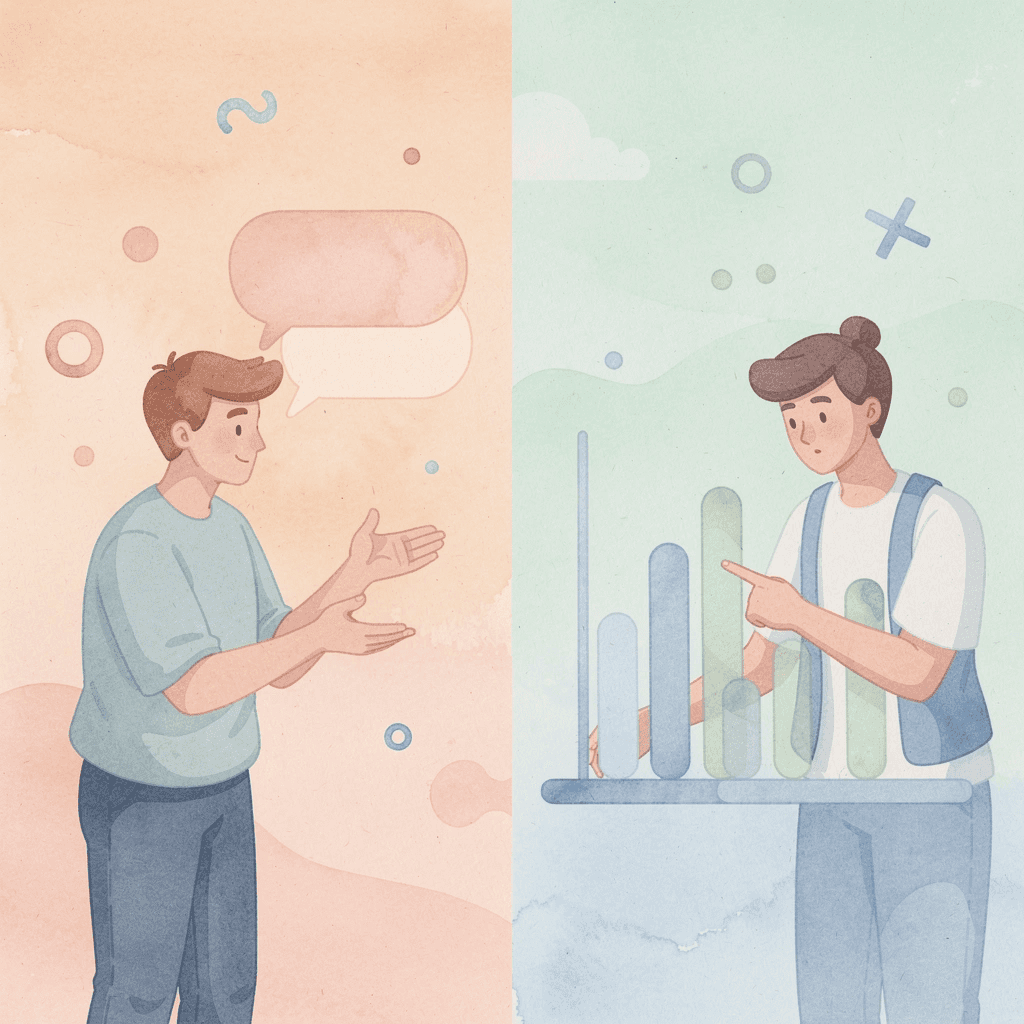
According to Astria Learning, online learners retain 25 to 60 percent more material compared to 8 to 10 percent in traditional classrooms. This gap stems not from technology itself, but from what it enables: revisiting content, practicing at optimal times, and learning through formats matched to each child's understanding. Retention comes from what a learner does with material, not from seeing it. When a child replays an explanation, tries an interactive model, and tests themselves before moving forward, they do the thinking work that builds strong understanding, not short-term recognition.
2. The speed problem nobody talks about enough
A common frustration: lessons end whether or not students understand the concepts. One missed concept weakens the foundation, making every subsequent lesson harder to trust. Drexel University's School of Education reports that online learning requires 40 to 60 percent less time than traditional classroom settings. This efficiency stems from eliminating time spent waiting for peers to catch up, sitting through unnecessary review, or learning material at the wrong pace.
3. What geography still costs students
The failure point is usually invisible until a family encounters it directly. A child develops a genuine interest in animation, marine biology, or advanced logic, and local options simply don't exist. Traditional education is built around what is available within a reasonable commute, and for millions of students, that radius is narrow. Online learning platforms for kids dissolve that constraint. A student in a small town can access structured courses in subjects that no nearby school teaches, connecting their specific curiosity to real instructional content.
4. When one format is the only format
Most children who struggle with a concept struggle with the way it was explained, not the concept itself. A paragraph that confuses a visual learner becomes clear when an animation shows the idea in motion. A verbal explanation that disappears from memory sticks when a simulation makes the process tangible.
What happens when parents search for alternatives on their own?
Most parents search for YouTube videos or printable worksheets after school, cobbling together alternatives from whatever is available online. Tools like My Coloring Pages take a different approach: instead of offering a fixed library, they let parents and teachers generate custom coloring pages and printable activities built around what a child is learning, turning a lesson concept into something tangible a child can color and revisit.
5. Feedback that arrives before the mistake becomes a habit
Practice without feedback is quietly damaging. A student works through twenty problems, gets them back the next day marked wrong, and has spent an evening reinforcing the incorrect method. The correction arrives too late to interrupt the habit being formed. Online platforms built for kids offer real-time feedback and instant grading that surface errors as they happen. This transforms the loop from "attempt, repeat, eventually discover the mistake" to "attempt, notice, correct, try again": the loop that produces skill rather than effort.
6. Self-direction is a skill, not a personality trait
Structured education follows a predictable pattern: the teacher assigns, the student completes, and the teacher evaluates. The student responds rather than initiates. While this delivers content effectively, it builds little ability for independent learning, the skill that matters most after formal schooling ends. Online learning environments, especially for younger learners, shift this dynamic. A child who learns to ask "what do I need next?" and finds it builds something durable beyond any single subject. That habit becomes the foundation for every skill they'll need in a world changing faster than any curriculum can keep up with.
7. Digital literacy is not the same as screen time
Watching entertainment on a screen differs from using technology purposefully. A child who spends years watching screens might not know how to find trustworthy information, evaluate sources, organize digital projects, or collaborate using online tools. Online learning platforms build digital skills through everyday use. Navigation, file management, digital communication, and organized research become embedded in how you interact with the platform, providing essential practice for a world where these competencies matter.
8. Access should not require rearranging everything
Traditional education requires families to organize their lives around fixed schedules, commutes, and physical locations. For families managing work schedules, health challenges, or distance from quality institutions, this friction proves significant. Asynchronous access and schedule flexibility remove the requirement that learning happen at a specific time and place, making education available to more children.
9. The curiosity that outlasts the school day
Curiosity does not wait for the bell. A child who wonders how volcanoes form or why a song sounds sad pursues that question immediately. What happens in that moment determines whether curiosity becomes a habit or gets trained out of them. Online learning keeps that door open. A child can follow a question to a structured resource, an interactive tool, or a creative activity without waiting for permission or a scheduled lesson. That accessibility reinforces a critical belief: their curiosity is worth following. But knowing why online learning works is only half the picture.
How to Engage Kids in Online Learning in 17 Ways
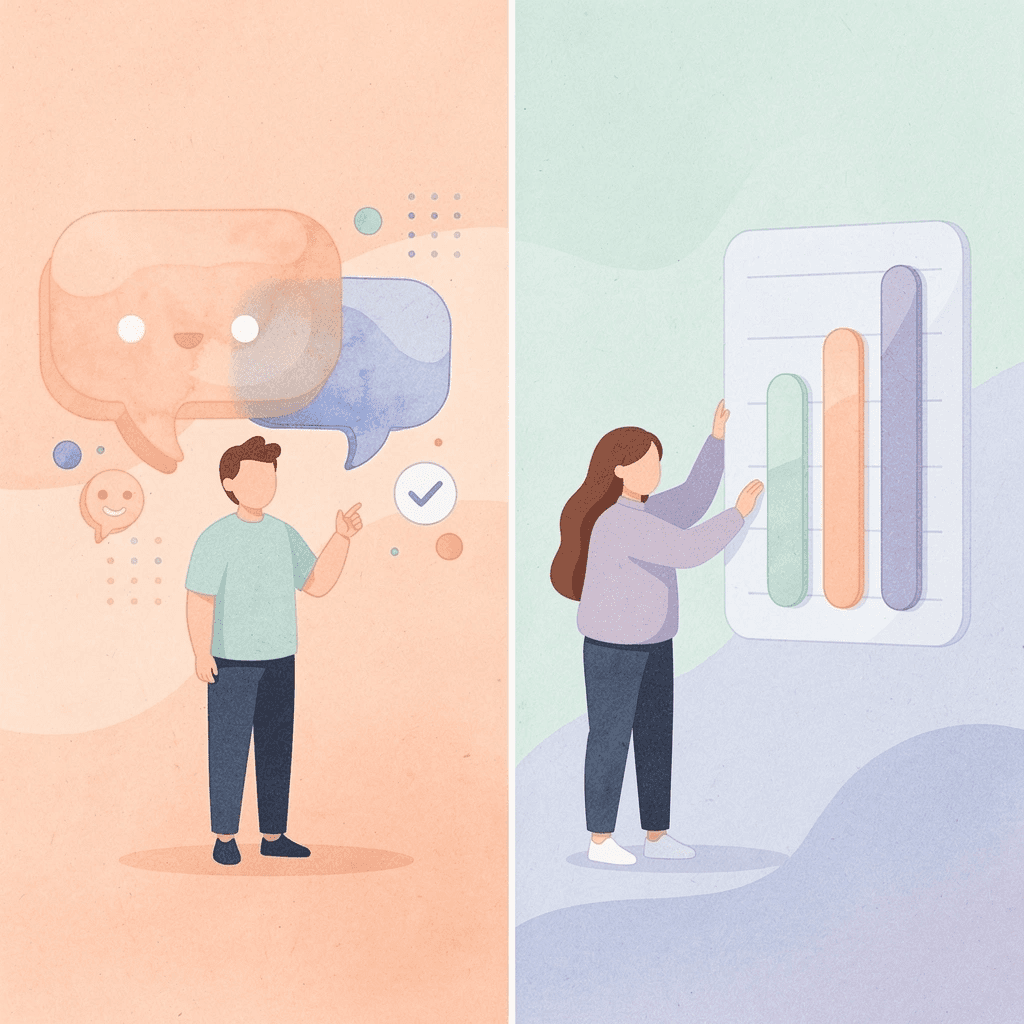
Getting kids involved in online learning means they need to actively participate: children should be doing something, not just watching. The difference between helpful digital learning and passive screen time is whether the child thinks, responds, or creates.
"The difference between passive screen time and active digital learning is engagement — children who think, respond, and create during online sessions retain far more than those who simply watch." — Learning Science Principle
Passive Screen Time | Active Online Learning |
|---|---|
Watching without responding | Thinking and responding in real time |
No creative output | Creating something during the session |
Zero interaction | Asking questions and solving problems |
Low retention | Higher engagement and memory retention |
💡 Tip: Before any online learning session, give your child a specific task — a question to answer, a drawing to make, or a problem to solve. This instantly transforms passive watching into active participation.
🎯 Key Point: The single most important factor in kids' online learning is whether they are actively engaged — thinking, responding, or creating — rather than passively consuming content.
✅ Best Practice: Always ask your child what they did (not just what they watched) after an online learning session. This simple habit reinforces active learning behaviors and helps you spot passive screen time before it becomes a pattern.
1. Let Them Pause Instead of Forcing Them to Keep Up
You lose one of the biggest advantages of online learning if you treat a recorded lesson like a live classroom. If your child looks confused, pause and ask: "Which part stopped making sense?" Replay that section, try another example, then let them continue. The learning sequence should move from confusion to pause to revisit to practice to understanding, not from confusion straight into the next concept while the video continues. Online learning's flexibility works only if you use it.
2. Keep Online Lessons Active
Every few minutes, your child should do something with the information, not receive it passively. They might predict an answer, solve a question, explain aloud, draw a diagram, write one sentence, or demonstrate the concept offline. After a science video, ask: "What do you think will happen before they show the result?" After a maths explanation: "Pause it. You try the next one." This shift transforms the screen from a delivery tool into a starting point. The child still must do the learning. The platform creates the opportunity.
3. Use Another Explanation When the First One Doesn't Work
If your child doesn't understand a video or lesson, try a different approach before replaying it. Switch to an animation, visual diagram, different teacher, physical demonstration, or simpler example. Modern educational platforms offer multiple explanations of the same concept: use them. The issue is usually not your child's ability, but a mismatch between how the concept was presented and how they process information. Change the format before deciding the concept is too difficult.
4. Turn Immediate Feedback Into a Conversation
When an online activity marks an answer wrong, ask: "Why do you think it marked that wrong?" Read any platform explanation together, then have the child explain the correction back to you. Feedback becomes educational when the child understands what changed and why, not just what the correct answer was. This cycle—attempt → feedback → identifying the mistake → understanding why → changing strategy → retrying—transforms a simple correction into learning.
5. Use Their Interests to Decide What They Learn Online
Online education offers more than standard curriculum. If your child loves space, find astronomy lessons. If they love animals, find wildlife science. If they love gaming, find coding or game design resources. Their interest becomes the reason to keep learning, shifting the conversation from "you need to study" to "I want to know how this works." Once a child experiences learning as something that answers their own questions, motivation becomes less dependent on adults constantly supplying it.
6. Let Online Learning Lead Into Something Offline
The laptop should not always be the final destination. Use this pattern: learn online, then do something offline. Learn about plants, then plant a seed. Watch a bridge-building lesson, then build one. Learn fractions, then use them while cooking. Most parents keep the entire learning session on screen because it feels contained and easy to monitor. But this habit trains children to treat digital content as complete in itself, when it works best as a prompt for real-world application. The screen becomes the starting point, not the whole activity.
7. Use Shorter Learning Blocks Instead of Long Screen Marathons
If your child has been staring at a lesson for 45 minutes but stopped learning it 20 minutes ago, extra screen time isn't helping. Use manageable blocks instead: a short lesson, five practice questions, an offline activity, then review later. Watch for signs that they've mentally checked out: random clicking, constant tab switching, guessing without thinking, or repeatedly asking when it will end. Continuing longer won't improve learning.
8. Give Them Small Choices
Instead of deciding every part of the learning session, offer limited choices. "Do you want to start with science or maths?" "Do you want to watch the explanation or try the quiz first?" The adult still sets necessary boundaries, but small choices shift the child from passive recipient to active participant in their learning. Children who feel ownership over their learning sessions stay engaged longer and resist less. This design change measurably improves cooperation.
9. Gradually Make Them Responsible for Their Own Progress
At first, you might need to open the platform, pick the lesson, set the timer, and check progress. Over time, give your child more responsibility: they choose between two tasks, check what needs to be done, plan the order, then finish and review work independently. Online learning builds self-management skills beyond subject knowledge. Self-direction grows stronger while subject content fades.
10. Use Progress Tracking to Identify Problems, Not Pressure Kids
If the platform shows your child consistently struggles with fractions, spelling, or a particular type of equation, use that information specifically. Say: "Fractions seem to be where things get harder. Let's work on that." Not: "Your math scores are terrible." Progress tracking should help adults answer "what needs support?" not simply "how high is the score?" Data without interpretation is pressure in disguise.
11. Keep the Difficulty Challenging but Winnable
A child who gets every answer right away learns little. A child who gets almost everything wrong may stop trying. The best learning happens in the middle—at "this is hard, but I think I can do it." If the platform lets you use different levels, change them. If not, help students through worked examples, pictures, or easier practice first, then gradually reduce that support. The goal is a challenge, then hard work, then success. When children fail repeatedly and think "I'm bad at this," they stop believing they can learn—a mindset far harder to reverse than to prevent.
12. Let Kids Ask Questions the Internet Doesn't Answer for Them
Online learning can train children to search first and think second. Reverse that sometimes. Before searching, ask: "What do you think?" If your child asks why the moon changes shape, have them predict first, then research it, then compare their guess to what they find. This sequence—question, guess, research, comparison, new understanding—keeps technology from replacing the thinking that should precede the answer. The goal is to make children better thinkers, not faster searchers.
13. Why does human interaction still matter in online learning?
Online learning should not mean a child with a laptop and no human interaction. Build in chances for your child to ask a teacher questions, discuss what they learned with you, work with classmates, or explain something to a sibling. If your child misunderstands something, talking with a real person reveals it faster than another 20 minutes of clicking.
What happens when adults step back too early?
Most families treat online learning as standalone, requiring no adult involvement once it begins. This works when a child reviews material independently, but fails when confusion leads to practicing incorrectly in silence. Online learning works best when technology expands access to learning without removing people from the process.
14. Ask Them to Teach You What They Learned
At the end of a session, ask: "Can you teach this to me in two minutes?" If they understand it, they should be able to explain the basic idea through drawing, demonstration, verbal explanation, or concrete example. This requires retrieving information, organizing it, and explaining it—much harder than recognizing the correct answer in a quiz.
Why does turning learning into creative output make it stick?
Creative tools prove useful here. Families using our Download 75000+ Free Customized Worksheets find that asking a child to draw what they learned—whether the water cycle, a math concept, or a story—transforms passive learning into something concrete. Converting knowledge into visual or creative output forces the thinking that makes information stick.
15. Don't Let Rewards Become the Only Reason They Learn
Gamified platforms can be useful, but if the child only asks, "How many points do I get?" the reward becomes more important than the learning. Use game features as support, then ask: "What did you figure out?" "Which part was difficult at first?" "What can you do now that you couldn't do yesterday?" Help the child notice progress itself. The long-term goal is "I learn because understanding something feels useful and satisfying," not "I learn because the app gives me stars." Internal motivation sustains learning when the app is closed, points stop, and nobody is watching.
16. Build a Simple Routine Around Online Learning
Online learning's flexibility is useful, but "you can do it whenever you want" can easily become "I'll do it later." Create a simple structure: check tasks, choose priority, complete the lesson, practice, explain what you learned, finish. The exact routine can differ by child, but the important part is combining flexibility with predictable expectations. The critical difference is not how rigid the schedule is, but whether the child knows what is expected before the session starts and what done looks like when it ends. Without that clarity, flexibility becomes drift, and drift becomes avoidance.
17. Turn Online Learning From Screen Time Into Active Learning
Digital education works only when learning is intentional. Stop when confused. Try a different approach if one explanation doesn't work. Use progress data to identify skills needing development. Have children predict, answer, explain, build, or create instead of passively watching or reading.
What does active engagement with online lessons actually look like?
Turn online lessons into offline experiments, drawings, projects, or practice. Gradually transfer responsibility for choosing, organizing, and completing lessons. Connect learning to subjects children care about. Maintain involvement from teachers, parents, peers, and real conversation.
Why does the distinction between screen engagement and learning engagement matter?
The goal isn't keeping kids on screens; it's engaging them with the learning that happens through the screen. That difference determines whether a child grows through digital education or simply sits in front of it.
Related Reading
- How To Make Learning Fun For Kids
- Free Learning Websites For Kids
- Best Online Learning Platforms For Kids
15 Best Online Learning Platforms for Kids
1. My Coloring Pages
Best for
- turning online learning into offline creativity
- visual learning
- storytelling
- children who struggle with blank-page activities
One weakness of online learning is that it can easily become:
watch → click → watch something else.
My Coloring Pages provides a useful bridge away from that passive cycle.
Instead of simply giving your child another piece of content to consume, ask:
“What would you like to create from what you just learned?”
For example, after learning about:
- space → create an astronaut exploring another planet.
- dinosaurs → generate a prehistoric scene.
- ocean animals → make an underwater habitat.
- a story → create a scene involving the characters.
- history → turn a historical setting into a coloring activity.
You can describe the idea or upload an image and turn it into a printable coloring page. You can also choose from 75,000+ free coloring pages when your child needs an easier starting point.
But the important part is the learning sequence:
Learn something online → child chooses what they want to create → My Coloring Pages produces the starting outline → print it → child colors, adds details, labels elements, or explains the scene.
That directly tackles several online-learning problems.
Too much passive screen time?
The screen becomes the starting point, and the activity continues offline.
Does the child depend on adults to tell them what to make?
Ask the child to come up with the idea.
Does a blank page make them say, “I can't draw that,” immediately?
The generated outline removes the technical starting barrier without making all the creative decisions.
Want to know whether they understood the lesson?
Ask them to explain what they included and why.
For example:
“You learned about animal habitats. Create an animal in its habitat, then add three things it needs to survive.”
Now the process becomes:
online information → retrieval → creative decision → offline activity → explanation/application.
That is why My Coloring Pages belongs on this list. It is not a replacement for structured maths, reading, or science instruction. Its role is to solve one of online learning's biggest weaknesses: helping children do something with what they learned instead of immediately consuming the next piece of content.
2. Khan Academy Kids
Best for:
Free early learning and children who need a playful introduction to academics. Khan Academy Kids is designed for children ages 2–8 and includes interactive activities, books, videos, and lessons covering early literacy, reading, writing, language, maths, social-emotional learning, and creative play. The family app is free, with no ads or subscriptions.
Why it makes this list:
Younger children can disengage when online education feels too much like formal schoolwork.
Khan Academy Kids changes:
sit through lesson → complete worksheet
into:
story/game/activity → practice foundational skill → continue at an appropriate level.
It is especially useful when you want structured early learning without making a preschooler sit through long online lectures.
3. ABCmouse
Best for
Parents who want one structured early-learning curriculum instead of collecting dozens of separate apps. ABCmouse is designed primarily for ages 2–8 and covers reading, maths, science, social studies, art, and music through a structured learning path, games, books, videos, puzzles, songs, and other activities. Its current program includes more than 13,000 learning activities, with personalized progression in reading and maths.
Why it makes this list
Too much freedom online can create another problem:
“What should my child actually do next?”
ABCmouse provides:
large amount of online content → structured path → child knows what comes next → skills progress rather than random app-hopping.
That can help parents who want flexibility without removing structure completely.
4. Prodigy
Best for
children who resist traditional maths practice. Prodigy Math combines an online fantasy game with curriculum-aligned, adaptive maths questions for grades 1–8. Its questions adjust based on progress, while parents and teachers can use reports to identify areas where students are struggling. Prodigy also offers English content for younger grades.
Why it makes this list
Repetition matters in maths, but:
“Do another 20 questions.”
can quickly destroy motivation.
Prodigy changes:
practice feels repetitive → child avoids it
into:
game gives reason to continue → maths questions become necessary for progression → repeated practice happens inside the activity.
The game should support the maths rather than become the only reason for playing, but it can help children who need more practice without another traditional worksheet.
5. SplashLearn
Best for
Interactive maths and reading practice for younger learners. SplashLearn provides maths and reading resources from Pre-K through Grade 5, including interactive activities, virtual manipulatives, assessments, and topic-specific learning tools.
Why it makes this list
Abstract concepts can become frustrating when children only see:
numbers and symbols on a page.
Interactive tools such as number lines and manipulatives can change:
abstract explanation → confusion
into:
visual representation → manipulate concept → practice → connect it back to the symbols.
That makes it useful when your child understands better by seeing or interacting with a concept rather than simply hearing another explanation.
6. IXL
Best for
Identifying specific learning gaps instead of vaguely saying a child is “bad at” a subject. IXL provides a comprehensive K–12 curriculum with more than 20,000 skills across subjects including maths, language arts, science, social studies, and Spanish. Its platform includes personalized recommendations, diagnostic tools, real-time analytics, and targeted practice.
Why it makes this list:
One of the problems we discussed earlier is:
“My child is struggling with maths.”
That statement is too broad to fix.
IXL can help shift:
general poor performance → identify specific weak skill → targeted practice → monitor progress.
Instead of giving a child more random maths questions, parents and teachers can focus more precisely on where understanding begins to break down.
7. BrainPOP
Best for
children who understand difficult concepts better through stories, animation, and multiple representations. BrainPOP Jr. serves approximately grades K–3, while BrainPOP primarily targets grades 3–8. Its lessons start with animated explanations and extend into activities where children discuss, practice, apply, and create with the concept.
Why it makes this list
Sometimes the problem isn't:
“My child cannot understand science.”
It's:
“This particular textbook explanation isn't working.”
BrainPOP can provide another route:
complex concept → visual narrative → discussion/practice → application.
That directly supports the advantage of online education we established earlier: one explanation failing does not mean the learner has failed.
8. Outschool
Best for
Children who need real teachers, discussion, niche subjects, or interests their local school does not offer. Outschool offers online classes for learners ages 1–18, including live small-group classes and self-paced options. Subjects range from traditional maths, science, and language arts to coding, engineering, art, music, dance, gaming-related topics, and other niche interests.
Why it makes this list
One downside of self-paced platforms is that a child can become:
confused → keep clicking → remain confused
without actually talking to somebody.
Outschool offers another model:
interest or difficulty → choose relevant class → interact with teacher/learners → ask questions → receive human support.
It also directly addresses geography:
Your child can be interested in something even if nobody nearby teaches it.
9. Code.org
Best for
Turning kids from technology consumers into technology creators.
Code.org provides computer-science learning across K–12. Its elementary CS Fundamentals program combines online and “unplugged” activities for roughly ages 4–11, while older students can progress into programming, AI, games, apps, web development, and other computer-science concepts.
Why it makes this list:
There is an enormous difference between:
child knows how to use technology
and:
child knows how to make technology do something.
Code.org can turn:
screen → consume somebody else's game
into:
screen → understand logic → write instructions/code → create game, animation, or app.
That directly supports the digital-literacy goal of modern education.
10. Epic!
Best for
children who need more reading choice. Epic describes itself as a digital library for children 12 and under, with more than 40,000 books, audiobooks, and learning videos from over 250 publishers.
Why it makes this list
Sometimes reading becomes:
“Read the book your teacher assigned.”
and reluctant readers conclude they simply dislike reading.
A large digital library allows another approach:
Child dislikes one book → choose another topic → find something connected to their interests → independent reading becomes more appealing.
That can be particularly useful for children who happily read about:
- sharks
- football
- space
- mysteries
- Minecraft
but resist whatever happens to be on the classroom reading list.
11. Reading Eggs
Best for
children who need structured reading support matched more closely to their current ability. Reading Eggs offers reading and maths programs for children roughly ages 2–13, with separate pathways for early learning, beginning readers, older readers, phonics support, and maths. The company specifically recommends choosing a program based on the child's current reading ability, not simply chronological age.
Why it makes this list
Children can disengage when the material is:
far too easy → boredom
or
far too difficult → repeated failure.
Reading Eggs helps address:
one-size-fits-all material → select level/program matching actual skill → practice from appropriate starting point → progress from there.
That makes it useful when your child's reading level doesn't neatly match what their age alone would predict.
12. Adventure Academy
Best for
older elementary children who enjoy exploration and game-world learning. Adventure Academy is designed for children approximately ages 8–13 and combines an online multiplayer-style world with educational content in maths, science, language arts, and social studies. Children encounter lessons through games, quests, videos, books, and other interactive activities.
Why it makes this list
Some older children outgrow preschool-style educational apps but still find ordinary drill practice boring.
Adventure Academy provides:
academic activity → larger quest/world → reason to explore and continue → learning embedded within an experience.
It can therefore bridge the gap between:
“educational apps feel babyish”
and:
“all I want to do online is play games.”
13. Mystery Science
Best for
Moving science learning off the screen and into hands-on investigation. Mystery Science provides standards-aligned science resources for K–5, including short mini-lessons and longer lessons built around questions, investigations, and hands-on activities. Many activities use ordinary classroom or household materials.
Why it makes this list:
This directly addresses one of the biggest concerns about online education:
“My child is just watching things.”
Mystery Science can create:
interesting question → short online explanation → prediction → hands-on investigation → observation → discussion.
So the laptop doesn't contain the entire lesson.
It launches something the child physically investigates.
14. National Geographic Kids
Best for
Curiosity-driven learning about animals, nature, science, geography, history, and the world. National Geographic Kids currently offers kid-oriented articles, animal information, science and exploration videos, quizzes, puzzles, games, and activities.
Why it makes this list
Online learning should not always begin because:
“You have homework.”
Sometimes it should begin because:
“Wait—why does that animal do that?”
National Geographic Kids supports the curiosity → investigation side of online education.
A parent can extend it:
child discovers animal → reads/watches → asks another question → researches → draws habitat/builds model/explains fact.
That helps online learning become something children pursue because they're interested, rather than only something assigned to them.
15. PBS KIDS
Best for
younger children who engage better through familiar characters and play-based digital activities. PBS KIDS provides online games and videos built around its children's programming, with games covering a variety of playful skills and topics.
Why it makes this list
For young children, formal online lessons can lose their attention quickly.
Familiar characters and playful activities can create an easier entry point:
familiar story/character → child wants to interact → game requires participation → learning happens through play rather than prolonged passive instruction.
Parents can strengthen this by asking children to show, explain, draw, or recreate something from the activity afterward instead of immediately opening another game.
Which Online Learning Platform Should You Choose?
Don't choose based on which platform has the longest feature list.
Choose based on the problem.
- Your child needs foundational early learning → Khan Academy Kids or ABCmouse.
- Maths practice becomes a daily battle → Prodigy or SplashLearn.
- You need to identify exactly where they're falling behind → IXL.
- Reading needs more structured support → Reading Eggs.
- They need more books they actually want to read → Epic.
- One explanation isn't making sense → BrainPOP.
- They need real teacher interaction → Outschool.
- They love screens but mostly consume content → Code.org can turn technology into creation.
- They need science to become tangible → Mystery Science.
- They are naturally curious about animals and the world → National Geographic Kids.
- They need playful early digital learning → PBS KIDS.
- They've outgrown younger learning apps but love game worlds → Adventure Academy.
- You want online learning to turn into an offline creative activity → My Coloring Pages.
That gives you a much stronger selection process:
Identify learning problem → choose platform that solves it → use the relevant feature → observe what the child actually does → keep it if engagement and understanding improve.
Not:
“This platform is popular → subscribe → hope it works.”
And remember the quality test from earlier:
What does my child actually have to do while using this platform?
The strongest online platform is one that gets them to:
think, retrieve, answer, ask, practice, create, receive feedback, correct, investigate, or apply.
Because the goal isn't to find the platform that keeps your child on a screen the longest.
It's finding one that gives them a better way to reach understanding—and, whenever possible, gives them something useful to do after the screen switches off.
Don’t Choose Another Learning Platform Until You Know What Problem You’re Solving
Choosing the right platform starts with one honest question: what is actually getting in the way of your child's learning right now? More apps don't fix a focus problem, and a prettier interface doesn't fix a comprehension gap. Match the tool to the specific obstacle, not to the longest feature list or highest rating.
"More apps do not fix a focus problem, and a prettier interface does not fix a comprehension gap. Match the tool to the specific obstacle."
If the real problem is that online lessons disappear the moment the screen closes, try using My Coloring Pages to bridge that gap. A child who describes what they learned, turns it into a personalized printable from our 75,000+ free customized coloring pages, and explains the finished page back to you has retrieved, applied, and communicated the idea in their own words — something no quiz can replicate.
🎯 Key Point: The best learning platform isn't the one with the most features — it's the one that directly addresses your child's specific learning obstacle.
The Problem | The Wrong Fix | The Right Fix |
|---|---|---|
Focus issues | More apps | Fewer, targeted tools |
Comprehension gaps | Prettier interface | Active recall + explanation |
Lessons not retained | More screen time | Offline, physical reinforcement |
Passive learning | Longer videos | Create, explain, communicate |
⚠️ Warning: Choosing a platform based on star ratings or feature lists instead of your child's specific obstacle is one of the most common — and costly — mistakes parents make.

This sequence—learn online, recall offline, create something physical, explain it out loud—is where digital education stops being passive and starts producing retention that shows up later. Each step forces the brain to retrieve information, apply it creatively, and communicate it in their own words. What happens after the screen turns off matters most.
💡 Tip: Use My Coloring Pages as the offline bridge in your child's learning loop, transforming passive screen time into active, lasting retention.
Related Reading
- Ai Learning App Kids
- Abc Learning For Kids