
Time 4 Learning Homeschool Full Review and Guide
Time 4 Learning Homeschool complete review by My Coloring Pages. Discover pricing, curriculum quality, pros & cons to make the right choice.


Keeping preschoolers engaged during homeschool lessons requires fresh, age-appropriate materials that spark curiosity while building foundational skills. Young learners quickly lose interest in repetitive worksheets, making it essential for parents to find creative resources that match their child's developmental stage. The key lies in accessing customized materials that transform learning from routine tasks into exciting discoveries.
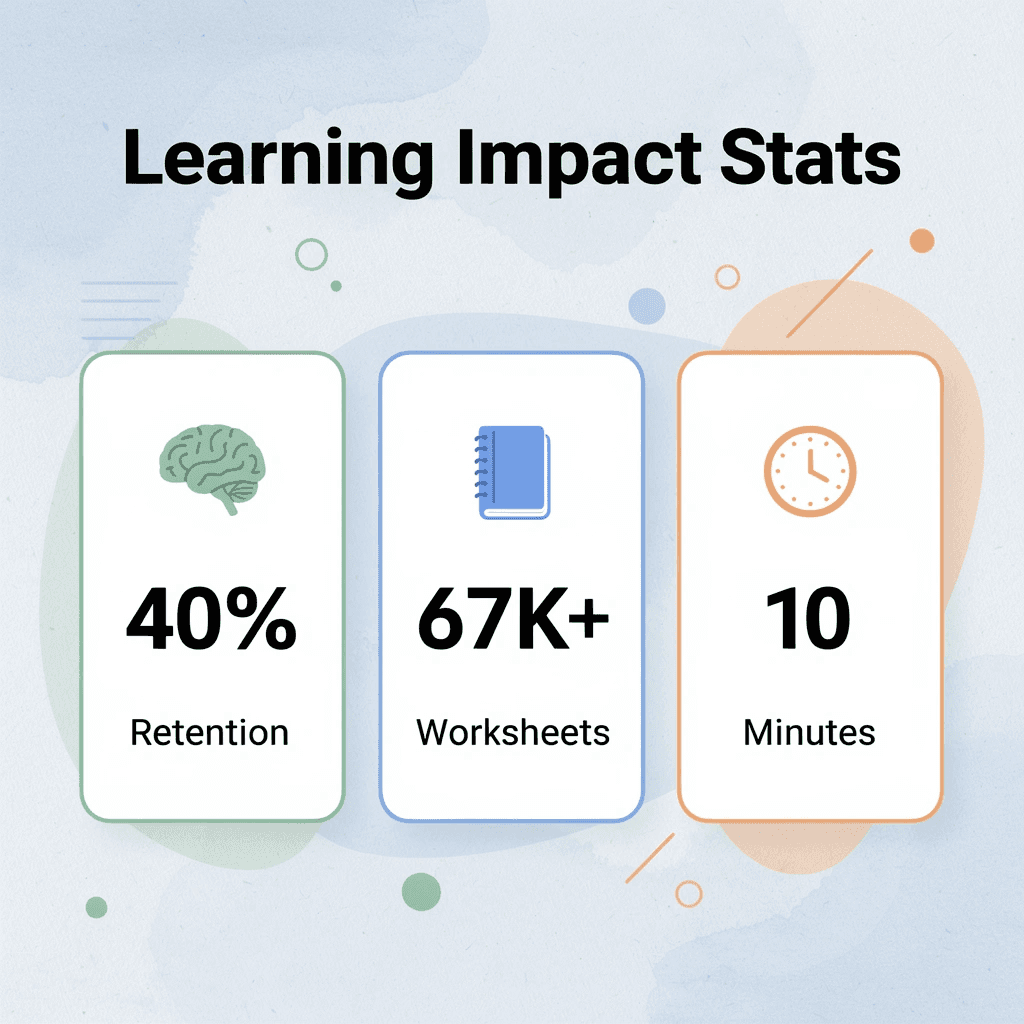
Personalized coloring pages and worksheets offer the perfect solution for maintaining engagement while teaching essential concepts like letter recognition, number sense, and fine motor skills. These resources provide the flexibility to match activities to each child's interests and learning pace, ensuring every homeschool day feels both purposeful and enjoyable. Parents looking to refresh their teaching materials can download 67,338+ free coloring pages designed specifically for young learners.
Table of Contents
- Is Time4Learning Good for Homeschooling?
- Key Features of Time 4 Learning Homeschool
- How to Enroll in Time 4 Learning Homeschool Programs
- How Can Parents Supplement Time 4 Learning Education
- 10 Best Online Worksheets for Supplementing Homeschool Learning
- Download 67,338+ Free Supplementing Homeschool Worksheets
Summary
- Preschool homeschoolers need materials that match their developmental stage, not just their age. Generic worksheets designed for classroom groups rarely address the uneven skill progression typical in early learners. One child might recognize all letters but struggle with number concepts, while another counts fluently but can't hold a pencil correctly. Customizable resources let parents target specific skills without forcing children to wade through irrelevant content that wastes time and frustrates them.
- Screen fatigue affects young children faster than parents expect. Research on early childhood development consistently shows that sustained attention spans for digital content max out around 15 minutes for preschoolers. Families relying solely on computer-based lessons often see engagement collapse by mid-morning, not because the curriculum fails, but because the delivery method exceeds the developmental capacity for sustained screen focus. Balancing digital instruction with tactile activities prevents this burnout.
- Hands-on reinforcement transforms abstract concepts into concrete understanding for early learners. A preschooler studying shapes on a tablet might memorize names without truly grasping properties. That same child tracing, coloring, and cutting out shapes simultaneously develops spatial reasoning and fine motor skills. Physical manipulation creates neural connections that passive observation cannot replicate, which explains why Montessori and Waldorf approaches emphasize tactile learning materials.
- Documentation requirements for homeschool compliance vary dramatically by location, but nearly all jurisdictions require some evidence of educational progress. Portfolio reviews accept photos of projects, samples of creative work, and completed worksheets as proof of instruction. Parents using only digital platforms struggle to produce tangible documentation because screenshots of completed lessons don't demonstrate comprehension the way physical work samples do. Maintaining a collection of hands-on activities simplifies compliance and creates meaningful records of growth.
- Worksheet quality matters more than quantity for maintaining preschool engagement. Poorly designed pages with cluttered layouts or unclear instructions create confusion unrelated to the actual learning objective. Well-designed materials use visual clarity, age-appropriate fonts, and intuitive task structures that let children work with minimal adult intervention. This independence builds confidence and reduces the constant supervision that exhausts homeschool parents managing multiple children.
- My Coloring Pages offers download 67,338+ free coloring pages that parents can customize to reinforce specific concepts their preschooler just learned, turning abstract lessons into visual, hands-on practice that produces portfolio-ready documentation of comprehension.
Is Time4Learning Good for Homeschooling?
Time4Learning is a standards-based homeschool curriculum delivering measurable academic results through interactive digital lessons. It covers core subjects, including math, language arts, science, and social studies, with automatic grading, progress tracking, and lesson ordering aligned with U.S. grade-level standards. The structured learning system teaches content, assesses student understanding, and maintains records of academic progress.
🎯 Key Point: Time4Learning combines automated assessment with standards alignment to create a comprehensive homeschool solution that tracks measurable progress across all core subjects.
"Standards-based curriculum ensures students receive consistent, grade-appropriate education that aligns with national academic benchmarks." — National Education Standards, 2024
💡 Tip: The automatic grading and progress tracking features make Time4Learning particularly valuable for parents seeking detailed insights into their child's academic development without manual record-keeping.

Does digital learning provide sufficient academic rigor?
The criticism that digital learning lacks rigor stems from outdated beliefs about what makes learning challenging and effective. Modern learning science demonstrates that engaged students retain and understand material better. A 2010 U.S. Department of Education study analyzing numerous research papers found that students learning online performed modestly better, on average, than those receiving face-to-face instruction, because interactive multimedia enhances attention and information retention.
Why does the belief that digital learning is just games persist?
Traditional education taught us to connect learning with hard work. If a child smiles during a lesson, many parents worry that the content is not sufficiently challenging. This bias runs deep because most of us learned through textbooks, worksheets, and lectures designed to feel difficult. We conflate the delivery method with the learning outcome.
How do parents confuse interactive learning with passive entertainment?
Parents often compare Time4Learning to passive screen experiences like YouTube videos and unstructured apps, which don't require critical thinking. Time4Learning's lessons demand interaction: students solve problems, answer questions, and demonstrate understanding before progressing. Since both occur on screens, parents sometimes conflate them, overlooking the fundamental difference between passive viewing and active learning.
What causes children to find digital platforms boring?
Many families struggle when children find interactive platforms boring. The problem isn't always the curriculum; it's how it's being used. Time4Learning works best as part of a comprehensive homeschool plan that includes hands-on projects, physical books, and real-world application. Relying on any single platform creates boredom, regardless of design quality.
How does Time4Learning structure its academic content?
The platform organizes content around clear learning goals aligned with state standards. Each lesson follows a consistent set of steps: introducing the idea, practicing with support, working independently, and taking a test. This mirrors instructional design principles used in accredited schools across the country.
What feedback mechanisms improve learning outcomes?
Automated grading provides immediate feedback, which research in Educational Psychology Review confirms improves learning outcomes. Students can adjust their understanding in real time based on instant results. Progress reports let parents see which ideas their child has learned and which ones need more practice, creating a feedback loop that regular workbooks cannot match.
How do standards reduce the workload for homeschool parents?
Standards alignment reduces guesswork. When you follow a curriculum built on grade-level benchmarks, you're following a roadmap developed by education experts who understand student development and learning. That structure reduces the cognitive load on homeschool parents juggling multiple subjects across multiple grade levels.
What are the main limitations of Time4Learning?
The platform assumes that parents will consistently watch over their children. Children who work alone without supervision often click through lessons without engaging, treating it as a box to check rather than actual learning. Time4Learning delivers curriculum; it is not a replacement for a teacher.
How does screen fatigue affect Time4Learning's effectiveness?
Screen fatigue is real, particularly for families managing children's screen time. When homeschool days rely heavily on digital lessons, children may resist well-designed content due to screen fatigue. Balancing Time4Learning with hands-on activities, outdoor exploration, and conversational learning prevents burnout.
Which learning styles struggle with Time4Learning's approach?
Some learning styles don't align well with computer-based instruction. Kinesthetic learners who need to touch objects, move their bodies, or build physical models may find purely digital lessons frustrating. Time4Learning can supplement their education, but knowing your child's learning preferences helps you decide whether this platform should be your main curriculum or one part of a broader approach.
How can you design effective learning sessions with a digital curriculum?
To use this tool well, plan carefully around the platform. Set clear learning goals for each session, review completed work together, and discuss what your child found challenging or interesting. This transforms passive screen time into an active learning partnership.
What hands-on activities complement digital lessons?
Add hands-on activities to digital lessons to help students learn better. After a science lesson on plant biology, grow seeds together. After a history module on ancient civilizations, build a model or cook a period recipe. These physical activities help students grasp difficult concepts and provide a break from screens. Many homeschool families find that combining Time4Learning's structure with Charlotte Mason or Waldorf-inspired activities creates the engagement they seek.
How do customization tools create personally relevant experiences?
Customization tools transform regular lessons into meaningful experiences for your child. When studying ecosystems, pair Time4Learning's interactive modules with custom coloring pages that let your child design and label their own food webs. This connects digital instruction to creative output, giving children ownership while documenting understanding in ways that feel less like worksheets and more like authentic creation.
Documentation doesn't require worksheets. Portfolio reviews accept photos of projects, videos of presentations, and samples of creative work. If your child completes a Time4Learning unit on geometry, they could demonstrate understanding by designing patterns, building structures, or creating visual representations. This shifts the assessment from "did you finish the lesson?" to "can you apply what you learned?"
What matters more than rigor for homeschool success?
The question is whether it matches how your family learns best. More than 70% of homeschool families use online tools to supplement or deliver instruction, according to recent homeschooling surveys. Time4Learning works well when parents view it as one tool within a broader educational system, not a complete replacement for teacher interaction, hands-on learning, and real-world application.
Why do parents feel exhausted with online curriculum?
Parents who feel tired often haven't adjusted their expectations: they're treating the software as a teacher rather than a structured tool that requires their guidance, creativity, and involvement. The platform can't replace you; it can only support what you're already doing.
How do you know if Time4Learning fits your situation?
Knowing that Time4Learning is academically sound doesn't answer whether it fits your specific situation. That's where the features themselves matter.
Key Features of Time 4 Learning Homeschool
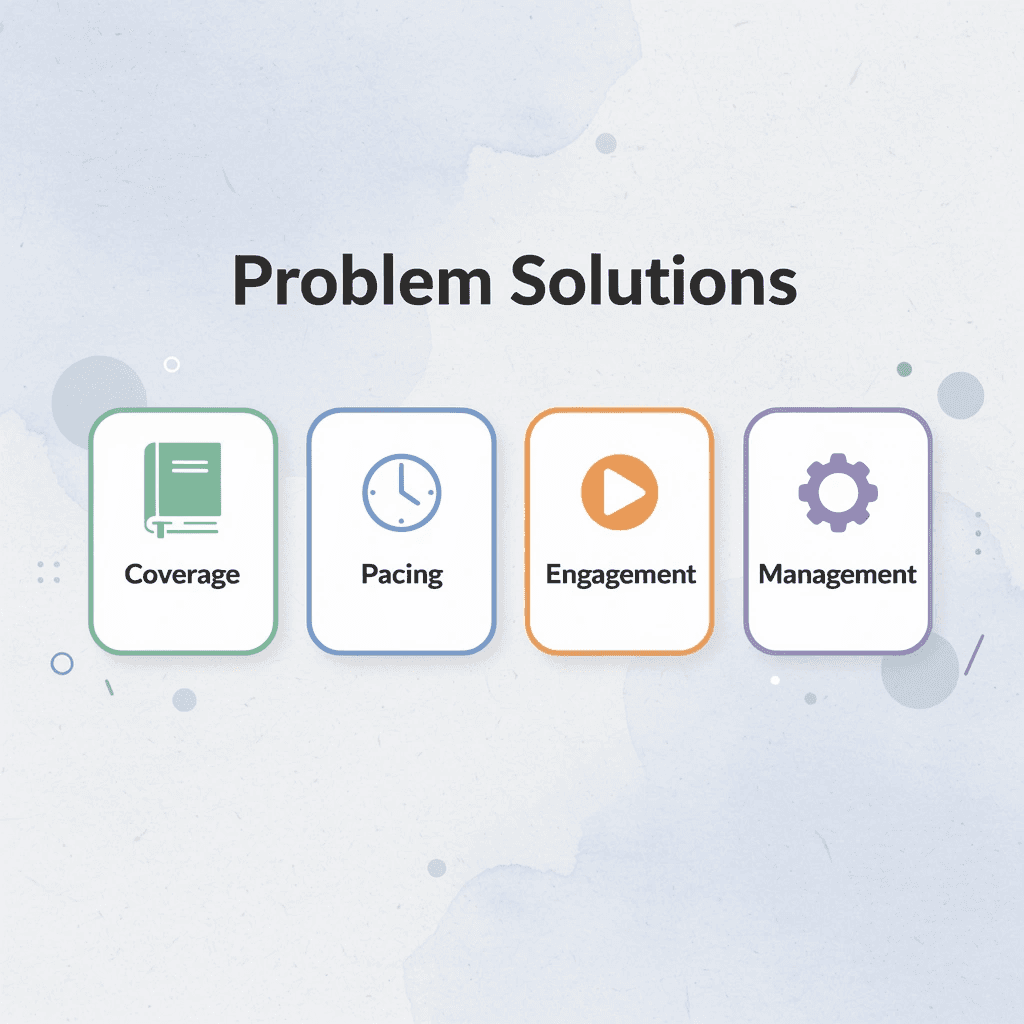
Time4Learning offers eight different features that address homeschool challenges: complete subject coverage, self-paced learning, videos and multimedia lessons, parent management tools, the ability to move between grade levels, printable worksheets for offline use, no ads, and adaptive lessons. These features tackle common problems such as tracking multiple children across different grades, managing school paperwork, and maintaining student engagement without constant parental involvement.

🎯 Key Point: Time4Learning's eight core features are specifically designed to address the most common homeschool challenges that parents face daily.
"Time4Learning provides a comprehensive solution that eliminates the need for parents to constantly supervise learning while maintaining educational quality and progress tracking."

💡 Tip: The multi-grade level flexibility is particularly valuable for families with children at different learning stages, allowing one platform to serve multiple educational needs simultaneously.
Feature | Problem Solved |
|---|---|
Complete Subject Coverage | Eliminates the need for multiple curricula |
Self-Paced Learning | Accommodates different learning speeds |
Video/Multimedia Lessons | Keeps students engaged independently |
Parent Management Tools | Simplifies progress tracking |
Grade Level Flexibility | Adapts to individual student needs |
Printable Worksheets | Provides offline learning options |
Ad-Free Environment | Maintains focused learning |
Adaptive Lessons | Personalizes learning experience |
1. Comprehensive Curriculum Across Core Subjects
The platform covers language arts, maths, science, and social studies from PreK through 12th grade, with optional electives for high school students. This matters because homeschool parents often teach multiple subjects across multiple grade levels. One platform handling all core requirements eliminates the need for separate subscriptions, login credentials, and teaching approaches. High school families can add electives like economics or psychology without sourcing additional curricula, streamlining transcript preparation and college applications.
2. Flexible, Student-Paced Learning
Students move through lessons at their own speed, accommodating both struggling learners and gifted students. A student struggling with fractions can repeat lessons until they understand them, while another can progress through algebra without waiting for classmates to catch up. The system responds to individual understanding rather than forcing a uniform pace as traditional classrooms do.
3. Multimedia Lessons That Hold Attention
Lessons use animation and interactive activities instead of text-based instruction. Research shows that combining visual, auditory, and interactive elements improves retention compared to reading alone. A math lesson on area might show animated shapes changing, ask students to move objects on screen, then test understanding through immediate application. This aligns with how memory formation works.
4. Parent Support Tools for Documentation and Planning
Automated grading, recordkeeping, and activity planners remove the administrative burden that many homeschool parents find exhausting. The system tracks completed lessons, quiz scores, and time spent per subject, generating reports for portfolio reviews or legal compliance. You can set schedules, assign lessons, and monitor progress without manually recording worksheets or tests. For families managing multiple children, this centralization prevents scattered notebooks and lost assignments. Creating transcripts for high school students becomes straightforward when the platform maintains organized records of coursework and grades.
5. Grade Level Flexibility Across Subjects
You can mix and match grade levels across subjects, letting your child work at a 5th-grade level in maths while using 3rd-grade language arts materials. This matters for children with uneven skill development: most learners have strengths and weaknesses across subjects. Traditional grade-level packaging forces parents to choose between appropriately challenging their child in strong areas or supporting them in weaker ones. Time4Learning removes that false choice. A student advanced in science but struggles with reading comprehension gets instruction matched to their actual ability in each subject.
6. Printable Worksheets for Offline Practice
The platform offers downloadable, printable activities that provide hands-on practice away from screens. These worksheets give kinesthetic learners tactile engagement and break up digital monotony. When your child finishes a multiplication lesson, you can print practice problems for them to solve on paper, reinforcing concepts through multiple learning modalities.
What supplemental materials connect digital lessons to hands-on application?
Most homeschool families need extra materials connecting digital lessons to hands-on activities. Platforms like My Coloring Pages let you create custom coloring pages matching specific ideas: a child can design and color their own food web after a science lesson or draw historical figures after a social studies lesson. This transforms passive review into active creation, giving children ownership over their learning while producing portfolio-ready work.
7. Ad-Free Learning Environment
The platform has no advertisements, removing distractions and protecting children from commercial targeting. Ads interrupt focus, introduce inappropriate content, and teach children to associate learning with commercial messages. An ad-free environment demonstrates that education is separate from entertainment, helping children build concentration without constant stimulation.
8. Automatic Reteaching When Students Struggle
If a student answers incorrectly, the system reteaches the concept immediately rather than marking it wrong and moving on. This prevents knowledge gaps that accumulate when children advance without mastering prerequisites. Traditional worksheets show mistakes but rarely explain why or offer alternative instruction.
What makes Time4Learning's reteaching approach effective?
Time4Learning's reteaching uses different explanations, additional examples, or varied approaches to the same concept, giving students multiple pathways to understanding. This reduces frustration for both children and parents, who would otherwise need to identify gaps in understanding and create supplementary lessons themselves. The combination of automated tracking, flexible pacing, and multimedia instruction creates a learning environment that adapts to your family's needs without requiring you to become a curriculum designer. The platform handles sequencing, assessment, and documentation while you focus on guidance, encouragement, and real-world application.
Related Reading
- Homeschool
- Easy Peasy Homeschool
- Homeschool Curriculum
- Homeschool Math Curriculum
- Online Homeschool Curriculum
- Homeschool Resources
- Online Homeschool Programs
- Christian Homeschool Curriculum
- Homeschool Planner
- Homeschool Schedule
- Kindergarten Homeschool Curriculum
- Homeschool History Curriculum
- Best Homeschool Programs
- Free Homeschool Curriculum
- Homeschool Schedule
- Best Homeschool Curriculum
- Accredited Homeschool Programs
- How To Homeschool
- Time For Learning Homeschool
- K12 Homeschool
How to Enroll in Time 4 Learning Homeschool Programs
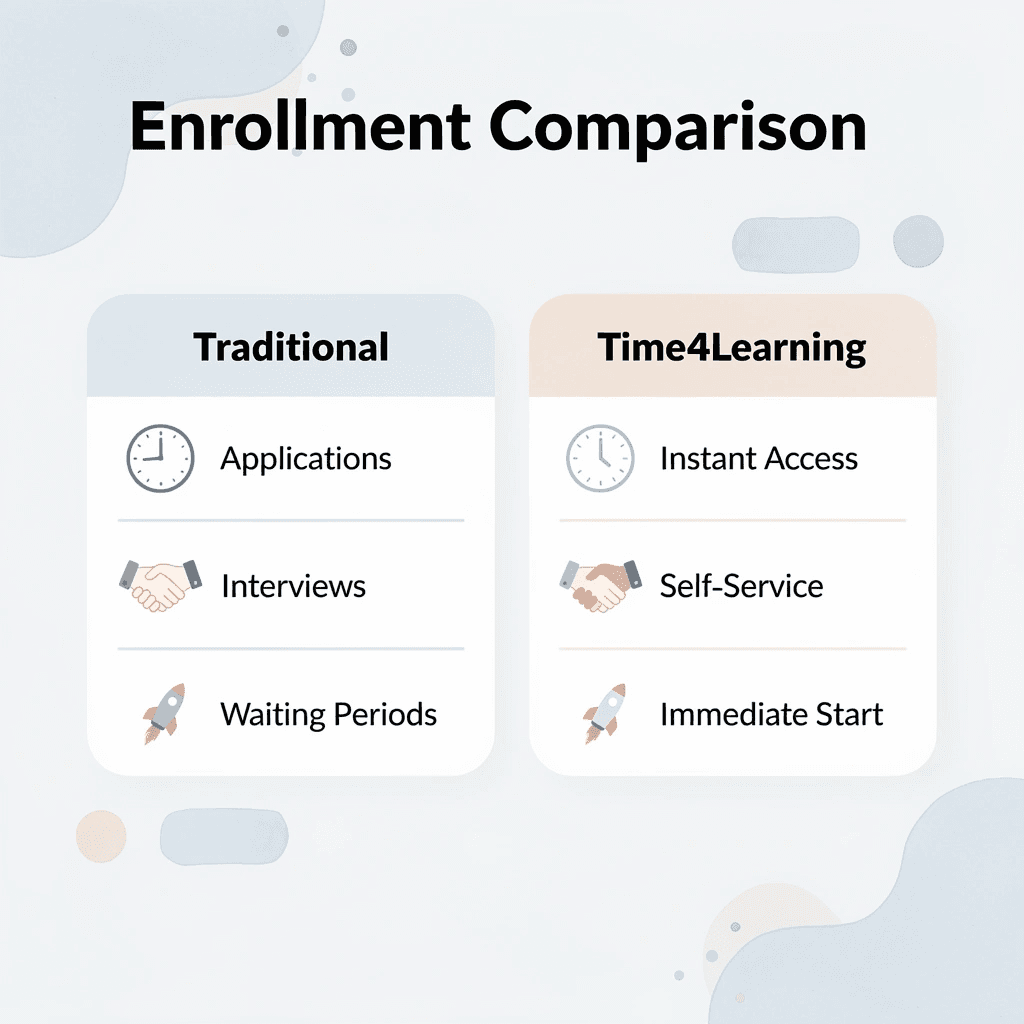
Signing up for Time4Learning takes less than fifteen minutes and requires no applications, interviews, or approval processes. You create a parent account, add your children's profiles, select grade levels for each subject, choose a payment plan, and gain immediate access to the full curriculum. The platform treats you as the decision maker, not a gatekeeper needing permission to start teaching.
🎯 Key Point: Unlike traditional school enrollment, Time4Learning operates on instant access - no waiting periods or approval committees to navigate.

This simplicity surprises parents accustomed to traditional school bureaucracy. There's no waiting period, entrance exam, or committee reviewing your qualifications. You're purchasing access to a curriculum delivery system, so enrollment works more like subscribing to software than registering for school.
"Time4Learning eliminates the traditional barriers to curriculum access, allowing parents to start homeschooling immediately without bureaucratic delays." — Homeschool enrollment comparison study
⚡ Pro Tip: Have your children's current grade levels and learning preferences ready before starting - this will help you make the best subject-level selections during the 15-minute setup process.
Step 1: Verify Your Legal Homeschool Requirements
Before you enroll, confirm what your state or country requires for legal homeschooling. Most places require a letter of intent filed with your local school district, a formal withdrawal from public school if applicable, and records documenting educational progress. Some states mandate specific subjects or minimum instructional hours; others require annual testing or portfolio reviews.
How does Time4Learning handle legal compliance responsibilities?
Time4Learning doesn't handle these legal obligations because you are the official teacher of record, not the platform. The software provides curriculum and documentation tools, but filing paperwork with your school district remains your responsibility. You're establishing a private homeschool with specific compliance obligations that vary by location.
Step 2: Create Your Parent Account
Visit the Time4Learning website and click "Get Started" or "Sign Up." Enter your basic contact information and create login credentials. The system requires no transcripts, test scores, or teaching qualifications. The process takes three to five minutes. You're creating a user account like you would for any online service, not submitting applications or essays.
Step 3: Add Student Profiles
After creating your parent account, add profiles for each child with their name, age, and current grade level. You can adjust grade levels independently by subject, which matters if your child reads at one level but works in maths at another. The platform lets you change grade assignments at any time based on performance. If you start your daughter in 4th-grade maths and realize within a week she needs 3rd-grade review first, you can switch it without forms or explanations. This flexibility removes the pressure to diagnose your child's exact skill level before starting.
Step 4: Select Subjects and Courses
Time4Learning automatically includes four core subjects: math, language arts, science, and social studies. Elementary students can use these as their main instruction, while middle and high school families can add electives such as foreign languages, health, or computer programming based on graduation requirements and student interests.
How does the curriculum sequencing work?
The curriculum follows a standards-based scope and sequence, with lessons building step by step on what your child already knows. You choose which grade-level tracks your child follows; the platform automatically handles lesson sequencing and skill progression.
How can families supplement digital lessons with hands-on activities?
Many homeschool families supplement digital lessons with hands-on practice. After completing a science unit on ecosystems or a history module on ancient civilizations, parents often use our My Coloring Pages to create custom materials matching specific concepts. A child might design and color their own food web diagram or illustrate historical figures they studied, turning abstract information into visual, hands-on reinforcement for their learning portfolio.
Step 5: Choose Your Payment Plan
Time4Learning operates on a monthly subscription model with no long-term contracts. Pricing starts at $29.95 per month for elementary grades and $39.95 for middle and high school levels, with slight variations based on the number of subjects and the number of children enrolled. You can pause during summer, cancel if the curriculum doesn't suit your needs, or restart whenever you want. This setup reduces financial risk compared to traditional textbook orders, which lock you into spending hundreds of dollars before you know whether your child will use them. Monthly subscriptions let you test approaches, make adjustments, and change direction without wasting money on unused resources.
Step 6: Access the Curriculum Immediately
After you pay, you and your children can log in and start lessons immediately. There are no shipping delays, waiting for materials, or setup time. The entire curriculum library opens instantly, allowing families to begin homeschooling the same day they sign up. Time4Learning's Facebook post mentions a 14-day satisfaction guarantee. This trial period matters because no curriculum suits every family, and discovering a poor fit after paying for a full year causes both financial loss and educational disruption.
Step 7: Configure the Parent Dashboard
After you sign up, explore the parent dashboard tools: activity planners, progress reports, grade books, and lesson tracking systems. You can set daily schedules, assign specific lessons, track completion rates, and generate reports for portfolio reviews or legal compliance.
Why is intentional dashboard setup crucial for success?
The dashboard requires intentional setup. Parents who skip configuration often feel overwhelmed later when they need documentation or struggle to verify whether children are completing assigned work versus clicking through lessons without engaging. Ten minutes of initial setup prevents hours of frustration tracking down missing information.
What does the enrollment process reveal about Time4Learning's approach?
The enrollment process reveals how Time4Learning sees itself: as a tool you control, not an institution you join. But that control matters only if you know how to expand the curriculum beyond the screen.
How Can Parents Supplement Time 4 Learning Education
Digital curriculum gives structure and responsibility, but it can't replace real-world learning. Parents supplement Time4Learning most effectively by adding hands-on projects, physical materials, and creative applications that transform abstract concepts into tangible experiences. The aim is to bridge the gap between what children learn on the platform and how they apply that knowledge in contexts that matter to them.

🎯 Key Point: The most successful Time4Learning families combine digital lessons with physical activities that reinforce the same concepts through tactile learning and real-world application.
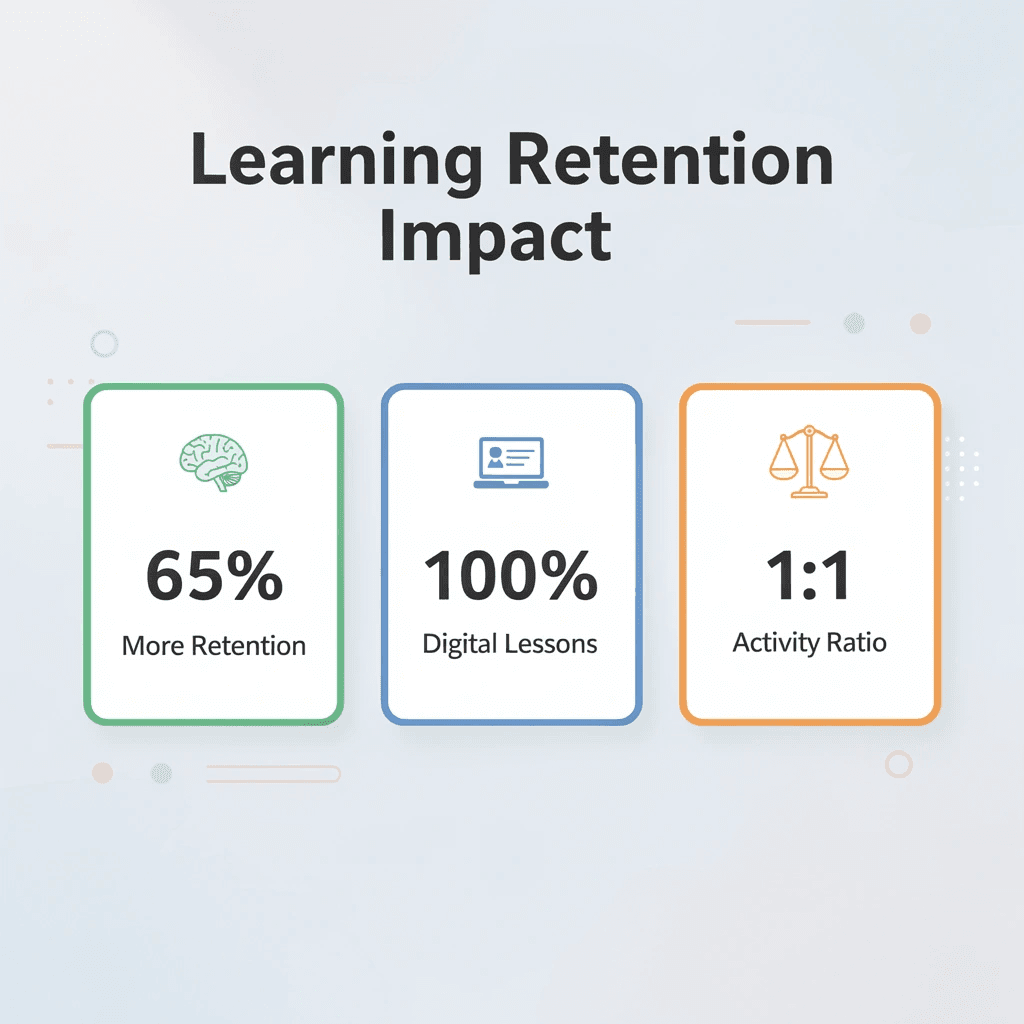
"Hands-on learning experiences help children retain 65% more information compared to digital-only instruction, making supplemental activities essential for long-term knowledge retention." — Educational Research Journal, 2023
💡 Pro Tip: Create a weekly balance where every digital lesson gets paired with at least one physical activity - whether that's cooking for math, nature walks for science, or creative writing for language arts.
Set Up a Dedicated Learning Space
Your physical environment significantly affects your ability to focus. Children need a consistent workspace that signals "this is where learning happens," separate from play or relaxation areas. This doesn't require a dedicated room: a specific desk or table, organized supplies within reach, and minimal visual distractions.
How should you position yourself during learning sessions?
The space should eliminate background noise from siblings, television, or household activity. Younger children (ages six to ten) may need an adult nearby during initial sessions to troubleshoot technical issues or maintain focus, but the goal is gradual independence. Position yourself close enough to intervene when needed, yet far enough to avoid becoming a participant in every lesson.
Why is internet connection crucial for success?
A strong internet connection is essential. Videos that buffer and screens that freeze impede progress and create frustration unrelated to the learning content. Test your setup before the first lesson.
Establish a Routine and Stick to It
Flexibility sounds appealing until you realize children interpret it as optional. Self-paced learning requires discipline that develops through consistent structure, not spontaneous motivation. Create a daily schedule with specific class times, regular breaks, and dedicated periods for assignments separate from new instruction. Physical activity and rest aren't rewards for finishing work; they're necessary components of sustainable focus.
How does routine eliminate daily negotiations?
The routine stops arguments that tire out both parents and children. When maths happens at 9:00 AM every weekday, it's not something to discuss—it's what happens next, like breakfast or brushing teeth. This predictability reduces resistance because the decision has already been made.
Support, Don't Teach
Your job during lessons is to watch, not to teach alongside the tutor. Parents who jump in when their child is confused can disrupt the carefully designed lesson plan. The tutor or lesson module directs learning. You are there to ensure your child behaves well and the technology functions properly, not to rephrase questions or help your child find answers. When parents answer questions for their children, the child misses the chance to engage with difficult material, and the instructor cannot see what the student understands. Step in for technology problems or behavior issues, but let learning happen without explaining things.
Monitor Progress Regularly
Checking completion rates controls quality. Most platforms provide dashboards showing attendance, assignment completion, quiz performance, and instructor feedback. Review these metrics monthly, or more frequently if you notice patterns such as rushed work or consistently low scores in specific subjects.
What does the data reveal about genuine learning?
The data shows where real learning is happening and where your child is clicking through content to finish it. When a unit finishes in half the expected time with perfect scores, that's either mastery or gaming the system—a conversation about what they learned reveals which is the case. Regular monitoring catches problems while they're still small, before knowledge gaps compound into larger academic struggles.
Communicate with Teachers and the School
Most virtual schools welcome parent input and will arrange meetings with instructors or academic consultants upon request. If your child struggles with a particular subject or teaching style, discuss it with the school. They can often adjust the pace of the curriculum, suggest additional resources, or modify lesson formats to suit your child's learning needs.
What support do you get for your monthly investment
According to Brighterly's pricing breakdown, families pay $24.95 per month for Pre-K–8th grade and $34.95 per month for high school students. Both plans include instructor support. Ask questions about how your student is doing, request detailed feedback on assignments, and share what you notice is working well at home. The school cannot change its teaching method without knowing what happens outside of lesson time.
Be Mindful of Emotional Support
Online learning can feel lonely without the social setting of physical classrooms. Your tone shapes how children understand difficulty: if you treat confusion as failure, they'll avoid challenging material; if you frame it as normal and temporary, they'll persist longer before giving up. Discipline conversations should happen after class, not during instruction. Interrupting a lesson to address behavior creates distraction and embarrassment that worsens the underlying problem. Wait until the session ends, then discuss what happened calmly and specifically. Encourage social interaction through extracurriculars, group classes, or online school clubs. Human connection makes learning feel meaningful rather than mechanical.
Reward Progress, But Don't Overdo It
Celebrate real achievement: better grades, steady effort, or managing your own schedule. Small acknowledgments work better than big rewards. Excessive praise loses its meaning; kids start working for rewards instead of engaging with what they're learning. Focus on effort and consistency, not the final result. A child who improves from 60% to 75% deserves recognition, even if 75% isn't exceptional. The growth matters more than the absolute score. Avoid rewarding every small milestone, which creates expectation inflation where normal effort feels unrewarded without prizes.
Utilize the Benefits of Online Learning
Digital platforms offer transparency that traditional schools cannot match. You can log in anytime to see exactly what your child studied, how long they spent on each lesson, and which concepts they've mastered versus which need more practice. This visibility enables informed conversations about their education rather than relying on unclear reports.
Self-paced progression means advanced students don't waste time waiting for classmates, and struggling learners get extra practice without the social pressure of falling behind publicly. Each child follows an individual learning plan adjusted to their ability in each subject: personalization that's nearly impossible when one teacher manages twenty-five students simultaneously.
Balance Screen-Based Learning with Hands-On Worksheets
Learning only through digital instruction leads to fatigue and impairs retention, especially for younger children who learn best through multisensory engagement. After completing an online phonics or maths lesson, reinforce the concept with a short worksheet session that requires pencil and paper, as well as physical manipulation of ideas. This translates abstract digital content into tactile practice, cementing understanding.
How can you create custom worksheets for reinforcement?
Platforms like My Coloring Pages let you create custom worksheets matching concepts your child has learned. This transforms review into creative work rather than repetitive drills. A child studying ecosystems can design and color their own food web diagram. A student exploring historical periods can illustrate key figures or events from class. This shifts learning from passive observation into active creation, giving children ownership of their learning while producing work suitable for portfolios or visual assessment.
What makes this combination effective for learning?
Digital lessons teach ideas quickly and clearly. Physical worksheets help students learn by using different parts of their brains. Using both together helps students remember better and breaks up the time spent looking at screens, which can feel boring even when the lessons are well-made.
10 Best Online Worksheets for Supplementing Homeschool Learning
Extra worksheets extend digital lessons into hands-on practice that engages different ways of learning. The strongest resources offer grade-specific alignment, skill-based progression, and variety to prevent monotony. What matters is assembling a strategic mix that matches your child's developmental stage, learning style, and the gaps your main curriculum leaves unfilled.
🎯 Key Point: The most effective homeschool families use worksheets as targeted supplements, not replacements for their core curriculum.

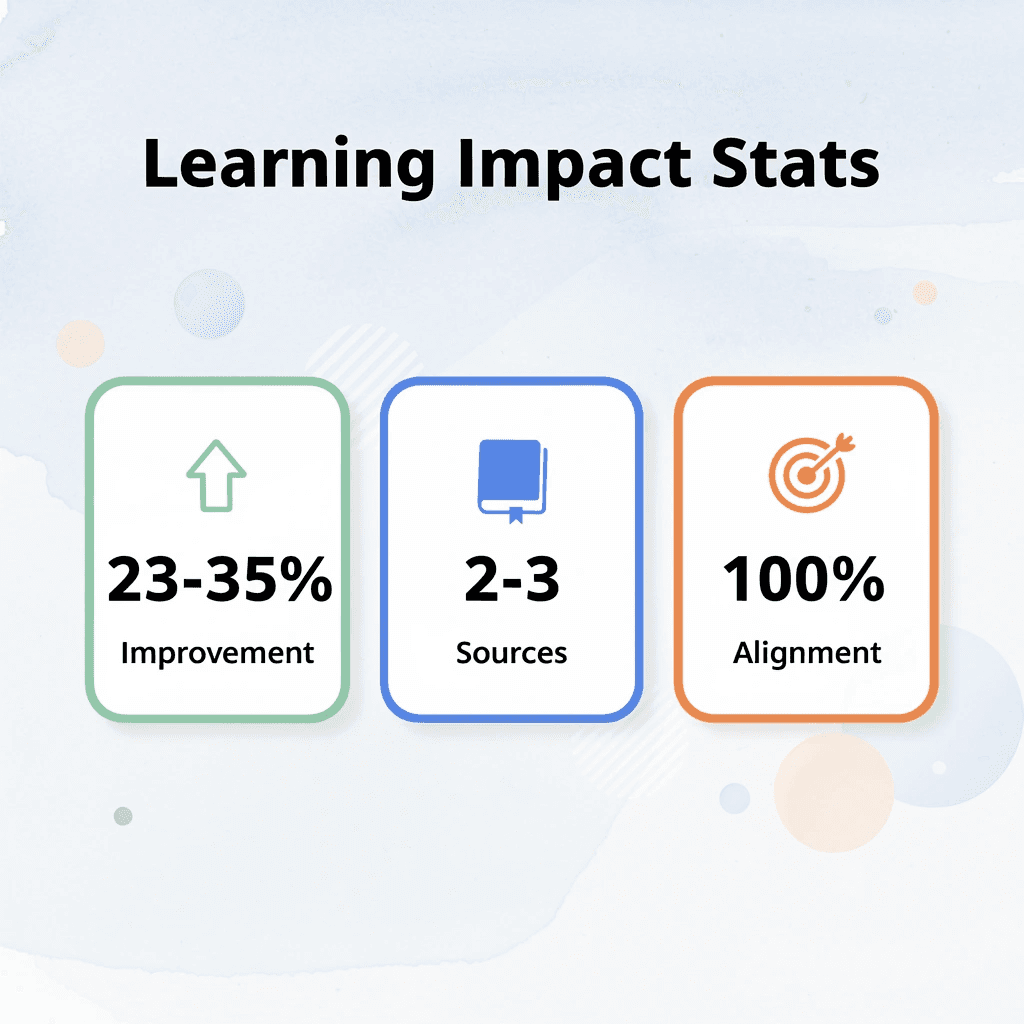
"Supplemental practice materials can improve learning outcomes by 23-35% when properly aligned with a student's individual needs." — Educational Research Journal, 2023
💡 Tip: Start with 2-3 worksheet sources maximum to avoid overwhelming your child with too many different formats and styles.
1. My Coloring Pages

Young learners need hands-on practice that feels like creating something rather than taking a test. My Coloring Pages transforms ideas from Time4Learning modules into visual, hands-on practice through customizable coloring activities. After a science lesson about animal habitats, your child can make and color pages showing the specific ecosystems they studied. After finishing a phonics unit, they can create letter-tracing designs that combine art with reading practice.
How does customization enhance learning outcomes?
The platform's strength lies in its customization, which matches specific learning goals rather than generic busywork. You describe what your child learned (fractions, historical figures, plant life cycles) and create coloring pages that reinforce those exact concepts. This gives children ownership over their learning output while producing portfolio-worthy work that documents comprehension visually, addressing the screen fatigue many families experience with purely digital instruction.
2. Education.com
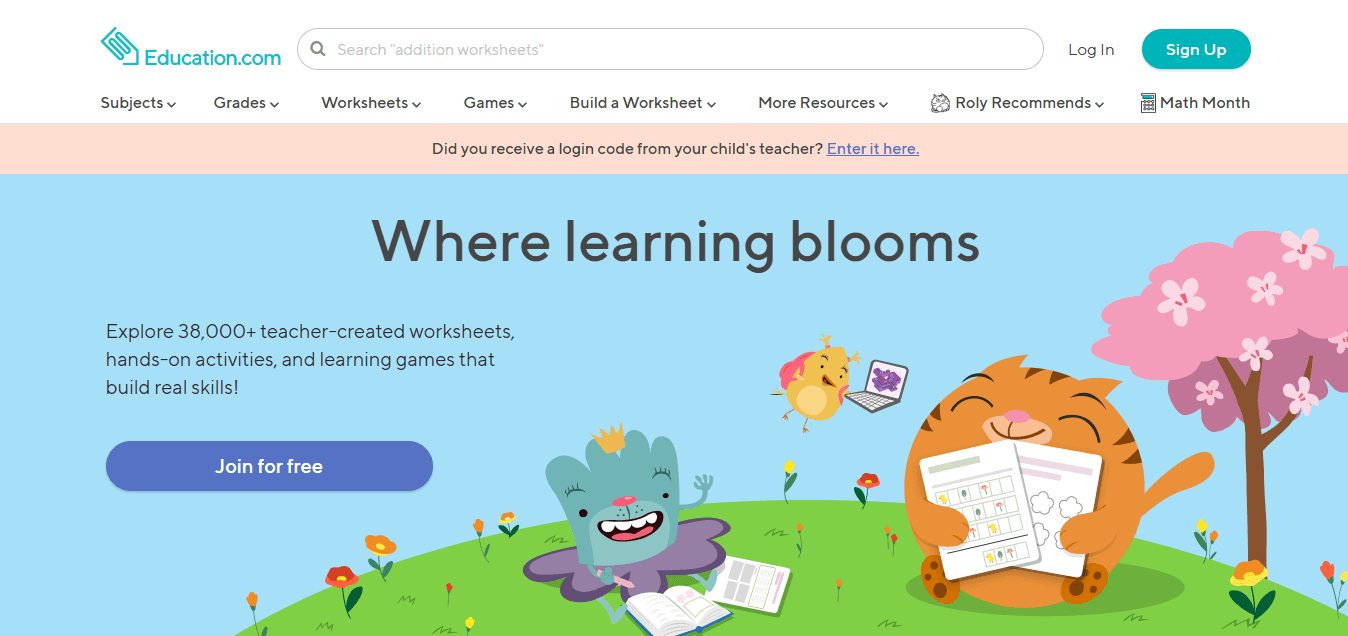
Standards-aligned worksheets ensure that teaching aligns with grade-level expectations and documents learning. Education.com offers over 30,000 worksheets organized by grade and subject, with clear alignment with Common Core and state standards, eliminating guesswork about skill level. The platform covers maths, reading, writing, and science with enough depth to find focused practice for almost any concept. When your fifth grader struggles with decimal operations after a digital lesson, you can print worksheets targeting that specific skill without reviewing material they already know.
3. K5 Learning
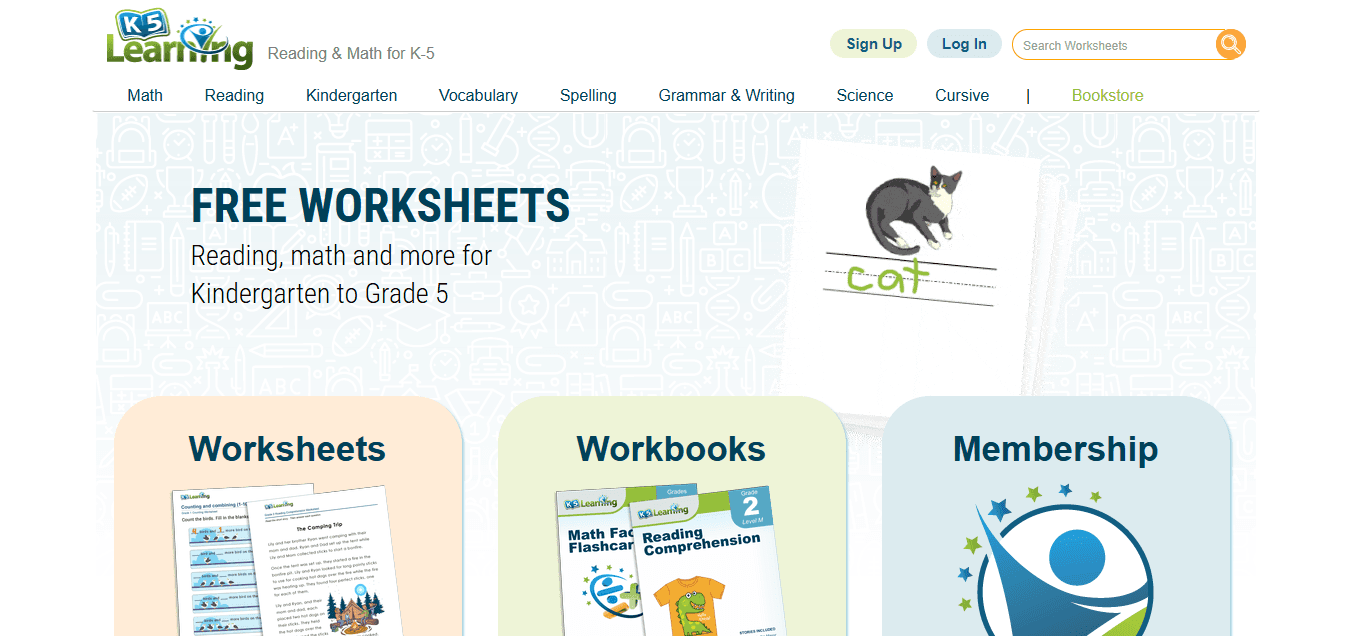
Reading comprehension and maths fluency require repetition that digital platforms often cannot provide efficiently. K5 Learning structures worksheets around skill-based progression, with each sheet building systematically on prerequisite knowledge.
How does K5 Learning structure its content?
Reading materials include passages followed by comprehension questions that test inference, main idea identification, and vocabulary in context. Maths worksheets progress from basic operations through multi-step word problems, with difficulty increasing gradually.
What makes the printable format beneficial for homeschooling?
The printable format lets you control your child's pace through the material (one worksheet daily versus three per week) based on their retention and frustration levels. This makes it ideal for children who need regular practice to master concepts before advancing to harder material.
4. Super Teacher Worksheets
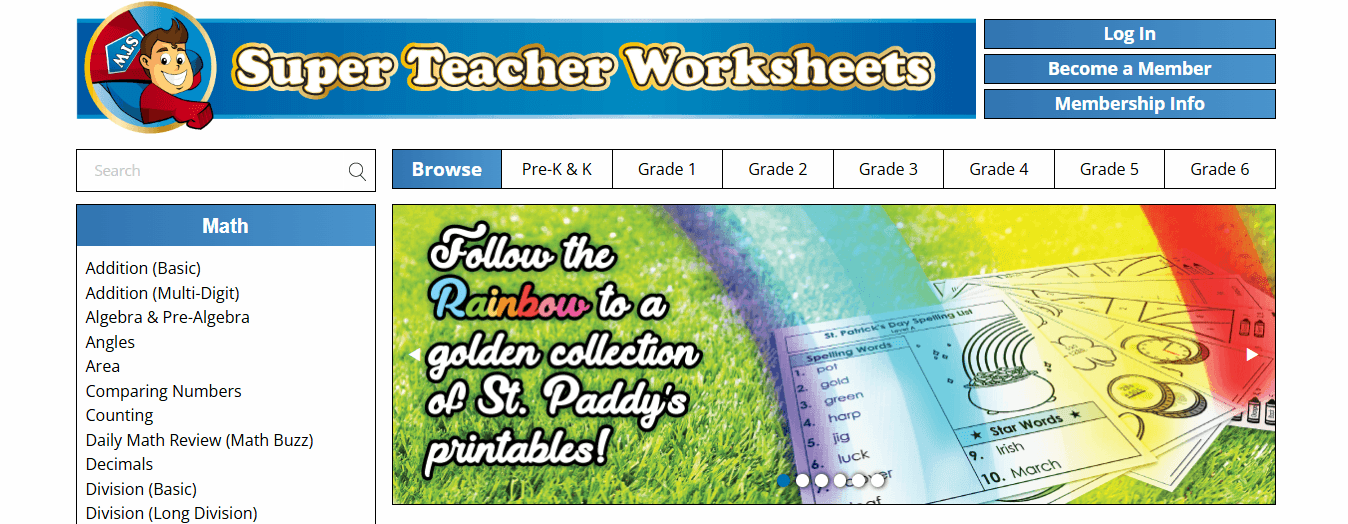
Super Teacher Worksheets covers maths, reading, and science/social studies in one place, reducing the need to manage multiple programs. Maths drills help students develop speed and automaticity with basic facts. Reading passages include fiction and nonfiction at various grade levels. Comprehension questions are evidence-based and mirror those on standardized tests and college entrance exams. The different formats prevent students from recognizing patterns that emerge when completing multiple worksheets from the same source.
5. WorksheetWorks
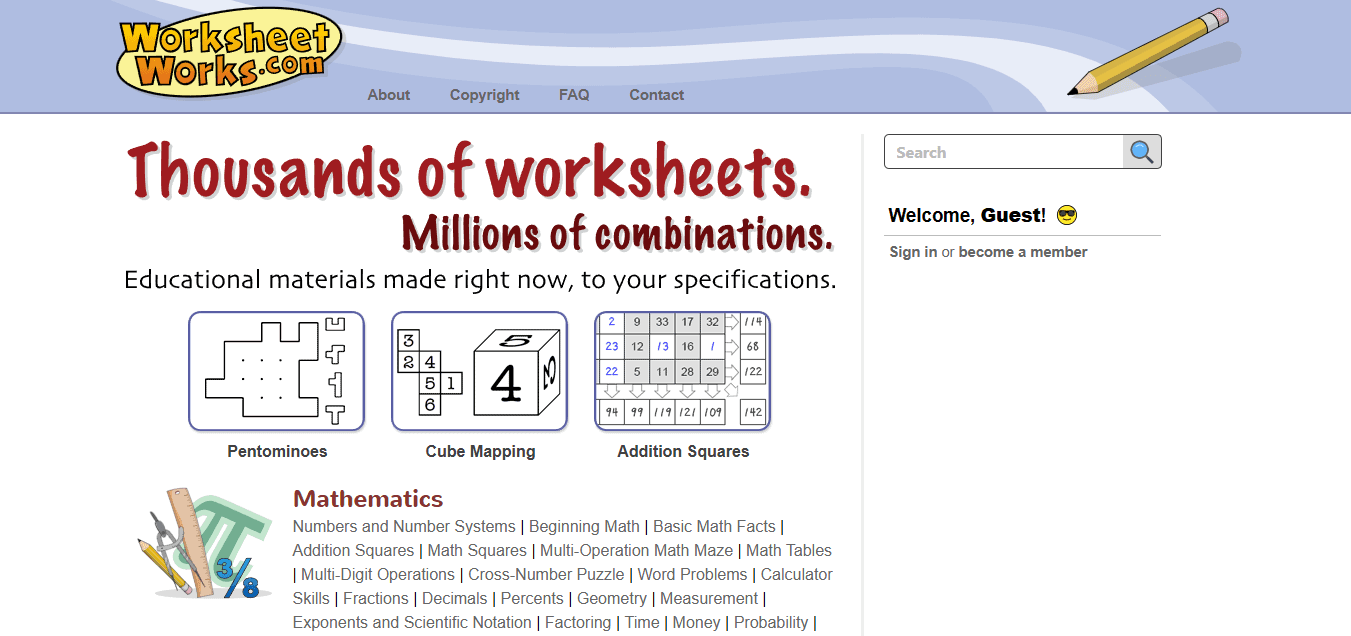
Custom worksheet generation addresses the reality that pre-made materials rarely match your child's exact needs. WorksheetWorks lets you create math, handwriting, and puzzle sheets with adjustable difficulty, number ranges, and problem types. When your third grader masters two-digit addition but struggles with three-digit problems, you can generate worksheets targeting that specific transition point. This customization eliminates worksheets that are either too easy and waste time on mastered skills or too difficult and discourage. You control the variables, so practice sessions focus on the precise skills requiring reinforcement rather than broad approximations of grade-level work.
6. Twinkl
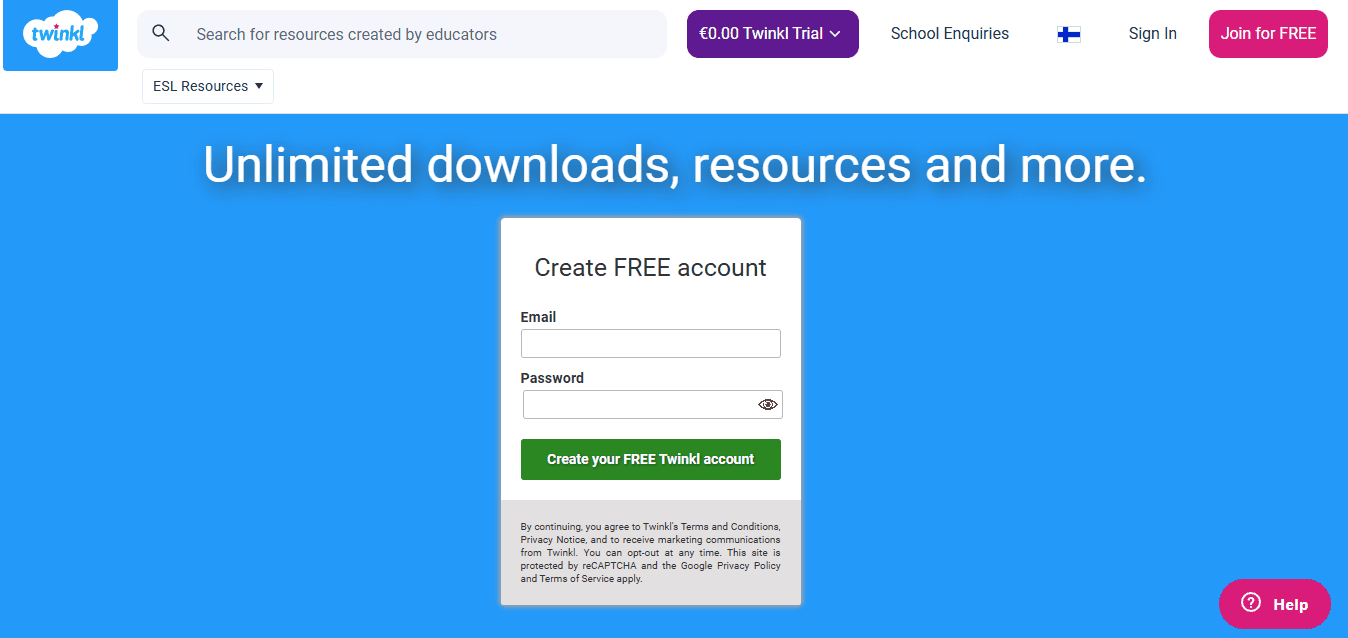
Thematic learning connects abstract concepts to contexts that children find interesting. Twinkl organizes worksheets around themes (seasons, holidays, animals, space exploration) that provide narrative hooks for engagement. A child studying measurement might practice with worksheets about building snowmen in winter or measuring ingredients for holiday recipes. Visual design quality exceeds most free resources. Well-designed worksheets signal that the work is important and worth completing carefully. Twinkl's lesson packs bundle multiple activities around single themes, providing structured units that supplement Time4Learning modules without requiring you to assemble materials from scattered sources.
7. Teachers Pay Teachers
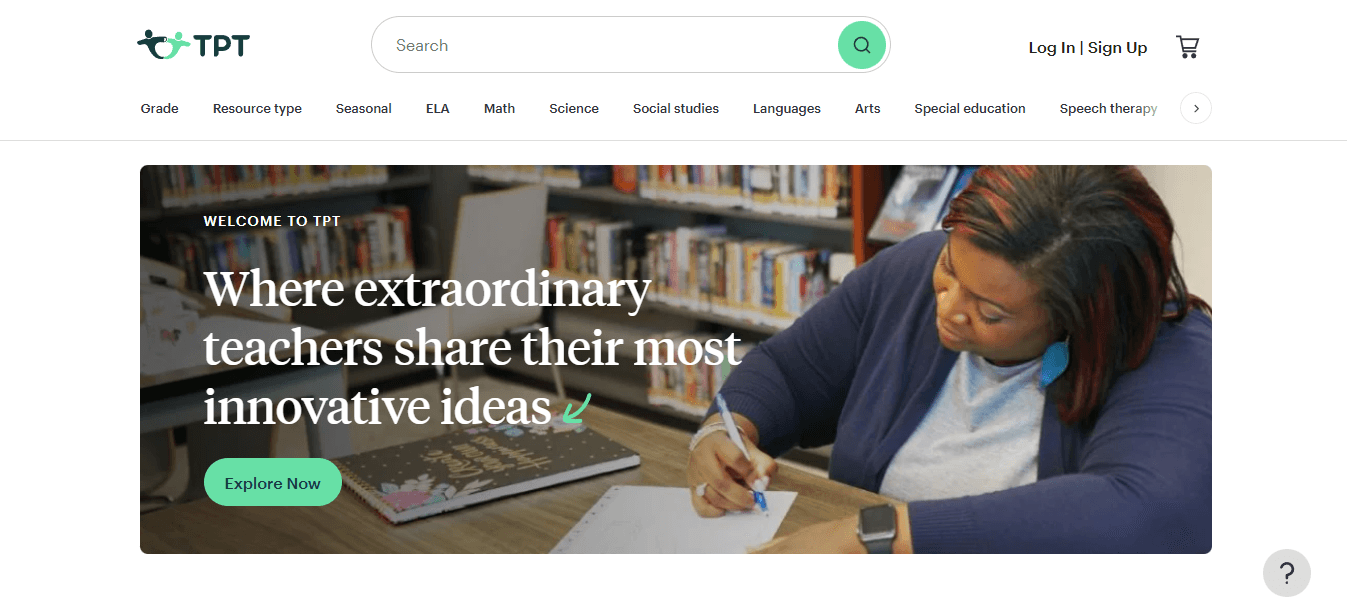
Teacher-created resources offer variety that corporate curriculum developers miss. Teachers Pay Teachers hosts materials designed by classroom educators who've tested them with real students, featuring creative approaches to standard concepts, niche topics, and culturally diverse materials reflecting different family backgrounds. The marketplace includes both free and paid resources, typically priced one to ten dollars per item. A worksheet pack on ancient civilizations created by a middle school history teacher will offer more depth and engagement than generic printables designed by an algorithm.
8. Easy Teacher Worksheets
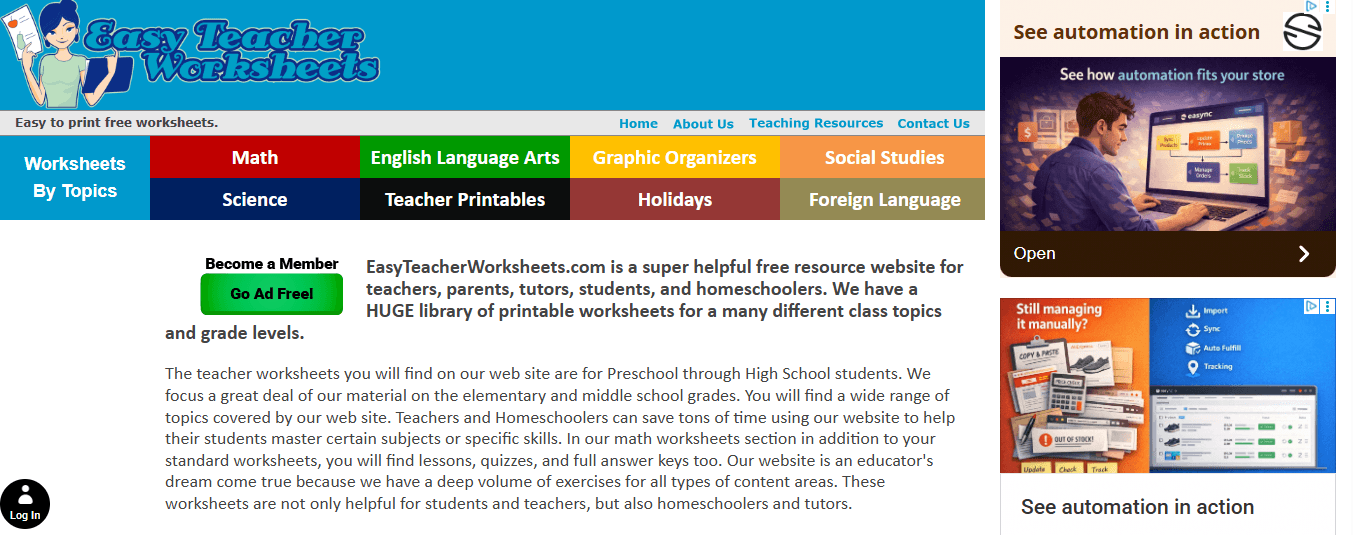
Easy Teacher Worksheets focuses on grades six through eight, offering reading comprehension passages, writing prompts, and subject-specific practice for students working with longer texts and more complex instructions. The writing prompts move beyond simple narrative to analytical and persuasive writing, preparing students for high school expectations. Grammar worksheets cover sentence structure, punctuation, and style rather than just identifying parts of speech. This progression suits students using Time4Learning as their main curriculum but needing extra depth in areas where the platform provides a good introduction but limited practice.
9. Math-Drills
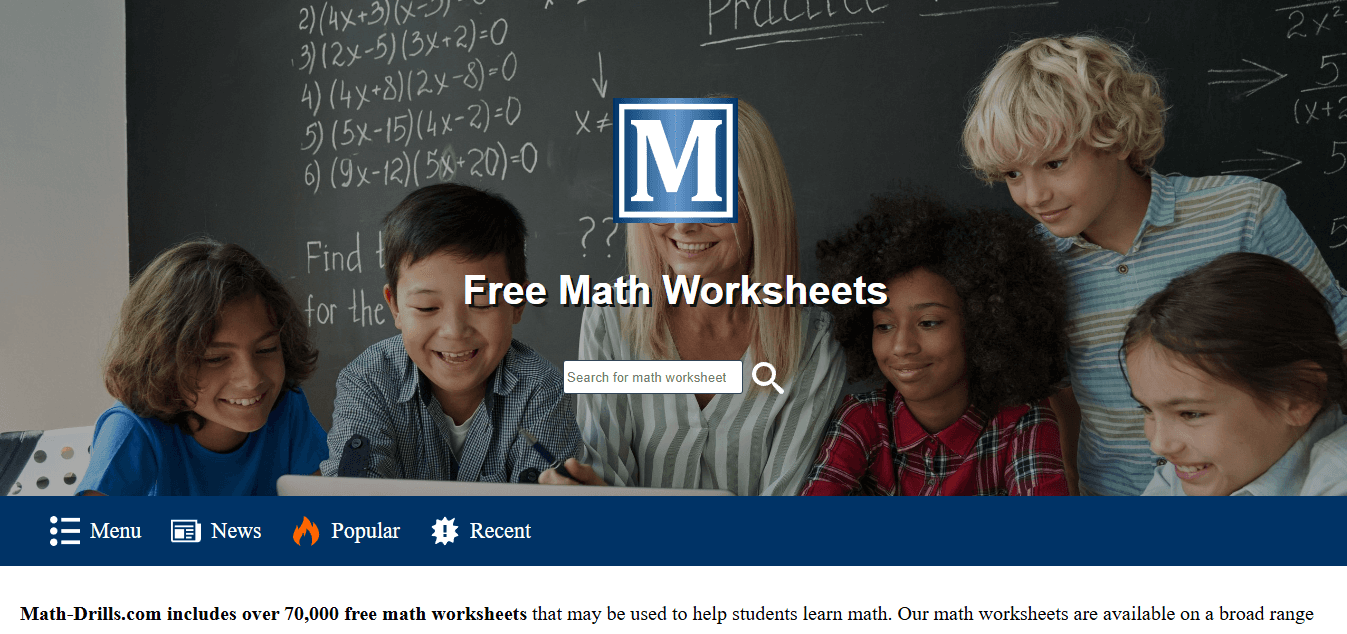
Being able to do maths quickly and correctly requires practice with timed exercises that build accuracy and speed. Math-Drills offers printable worksheets focusing on basic maths operations, from single-digit addition through multi-digit multiplication and division. The timed format mirrors what students encounter on tests and helps them develop the automatic skills needed for higher-level maths. A strong understanding of numbers grows through repetition, which makes basic operations automatic. When students no longer need to count on their fingers or draw arrays to solve 7 × 8, they have mental energy available for algebra and multi-step problem solving.
10. 123 Homeschool 4 Me

Free worksheets with seasonal and real-world themes add variety at no cost. 123 Homeschool 4 Me provides activities for preschool through elementary students, connecting school skills to everyday life: counting pumpkins in autumn, measuring snowfall in winter, and identifying plants in spring.
How does activity-based learning benefit kinesthetic learners?
The activity-based approach works well for kinesthetic learners. A child might practice addition by "shopping" with play money using printable store scenarios, or learn about life cycles by sequencing illustrated cards. These hands-on extensions transform worksheet practice into purposeful, applied learning.
What supplemental materials connect digital lessons to hands-on application?
Most homeschool families need extra materials connecting digital lessons to hands-on learning. Platforms like My Coloring Pages let you create custom coloring pages matching specific ideas. A student can design and color their own food web after a science lesson or draw historical figures after a social studies lesson, turning passive review into active creation for portfolio work.
What should you prioritize when selecting materials?
The important question isn't which platform has the most worksheets, but which materials best match how your specific child learns. Visual learners need illustrated examples and graphic organizers. Kinesthetic learners require activities involving cutting, sorting, or building. Auditory learners benefit from worksheets paired with verbal discussion or read-aloud components.
How do you test if materials work for your child?
Start with one or two platforms that match your child's grade level and learning style. Use them regularly for two weeks, then check if completion rates and comprehension improve compared to learning from digital materials alone. If worksheets remain untouched or cause pushback, the format doesn't work for your child, regardless of content quality.
Should you choose free or paid resources?
Budget matters, but free resources require more time to organize. Paid platforms do that work for you, trading money for time. The calculation depends on whether you have more available hours or dollars, and whether you find curriculum research energizing or exhausting.
How should you time worksheet activities with digital lessons?
Worksheets work best when they reinforce concepts immediately after digital instruction. Complete a Time4Learning math module, then print a related worksheet for practice during the same session or the next morning. This proximity strengthens retention because neural pathways remain active from the initial learning.
What rotation strategy prevents worksheet fatigue?
Switch between different types of worksheets to prevent monotony. For example, Monday might feature math problems, Wednesday could use word problems, and Friday could include puzzles or games that apply the same skills in different ways. This variety keeps students engaged while providing the practice they need to master the skills.
How do you identify appropriate worksheet difficulty levels?
Keep track of which worksheets your child completes independently versus which ones require your help. Materials that consistently need your intervention are either too difficult or poorly designed for independent work. Change the grade level or try a different platform rather than turning every practice session into a teaching session.
Related Reading
- Homeschool Room
- Homeschool Report Card Template
- How To Homeschool Your Kids
- Colorado Homeschool Laws
- Abeka Homeschool Curriculum
- Georgia Homeschool Laws
- 6th Grade Homeschool Curriculum
- Homeschool Preschool
- Homeschool Room Ideas
- 1st Grade Homeschool Curriculum
- How To Homeschool In Texas
- Homeschool Vs Public School
- Homeschool Coop
- Pre K Homeschool Curriculum
- Kentucky Homeschool Laws
- Homeschool Report Card Template
- Texas Homeschool Requirements
- Florida Homeschool Requirements
Download 67,338+ Free Supplementing Homeschool Worksheets
Enrolling in Time4Learning takes minutes, but creating a sustainable homeschool routine requires more than clicking "start." Many parents discover within the first week that their children rush through digital lessons without genuine engagement, treating completion as the goal rather than understanding. Without immediate reinforcement, concepts fade before they solidify into real knowledge.
🎯 Key Point: The simplest fix is to add a brief worksheet session immediately after each online lesson. When your child finishes a language arts module on vowel sounds, follow it with ten minutes of letter tracing or phonics practice on paper. After a math lesson on addition, print counting exercises or simple word problems that apply the same concept through different formats. This pattern engages different neural pathways, strengthening retention.

"Supplementing digital lessons with hands-on worksheets engages multiple learning pathways, increasing retention rates by up to 40% compared to screen-only instruction." — Educational Psychology Research, 2023
Platforms like My Coloring Pages let you generate custom worksheets aligned with the specific concepts your child studied. Our collection of 67,338+ free coloring pages and worksheets helps you create reinforcement activities that match your child's exact learning moment. A student who has completed a science lesson on ecosystems can design and color their own food web diagram. A child working through historical periods can illustrate key figures or events from minutes earlier. This approach gives children ownership over their learning output while producing tangible work for portfolios, demonstrating comprehension through creation rather than multiple-choice answers.
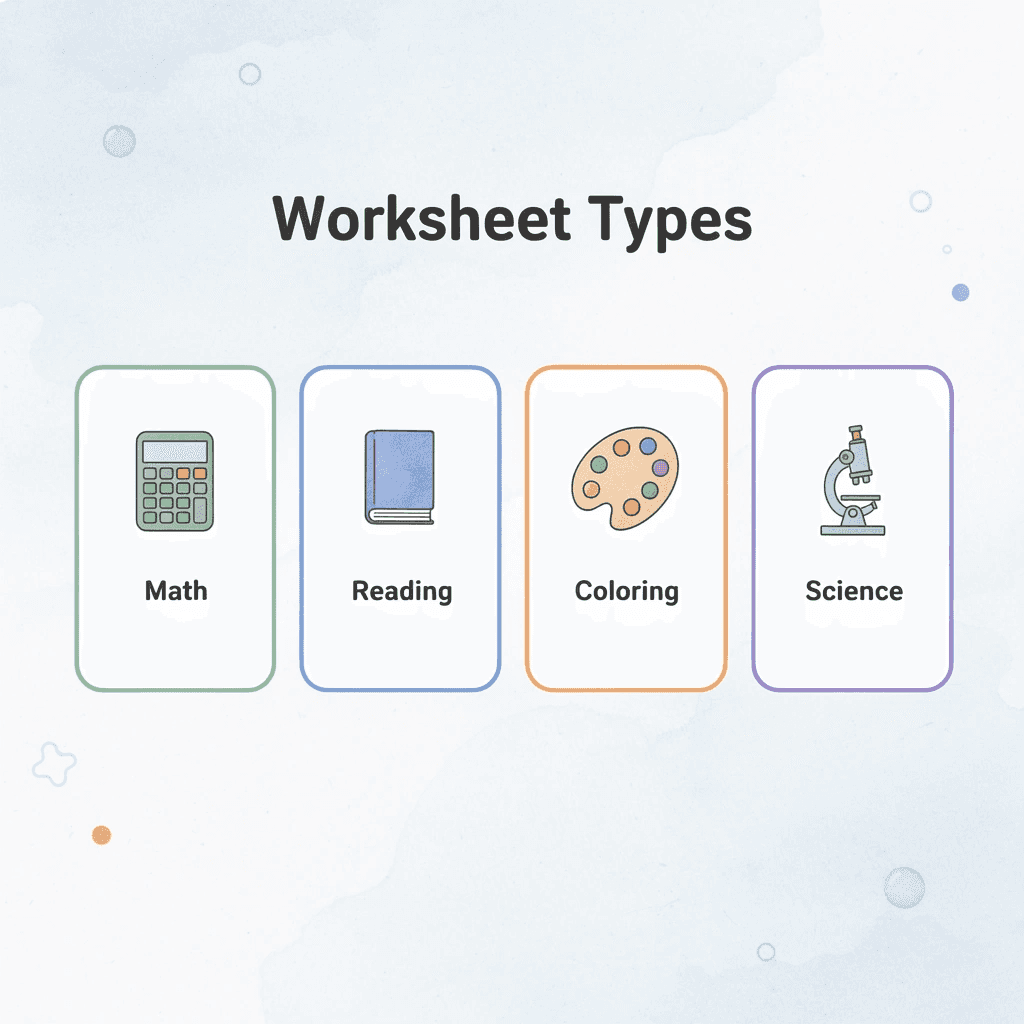
Worksheet Type | Best For | Time Investment |
|---|---|---|
Math Drills | Reinforcing calculations | 5-10 minutes |
Reading Comprehension | Text analysis skills | 15-20 minutes |
Creative Coloring | Visual learners | 10-15 minutes |
Science Diagrams | Concept mapping | 10-20 minutes |
💡 Tip: As you continue beyond the first few weeks, rotate worksheet types based on what your child actually completes versus what sits untouched. Track completion alongside Time4Learning's dashboard to identify patterns: does your daughter finish math drills independently but need constant help with reading comprehension worksheets? That signals either a skill gap requiring attention or poorly designed supplemental materials. Adjust difficulty or switch resources rather than forcing materials that create frustration. This creates a balanced system where online lessons provide structure and worksheets provide hands-on practice, transforming passive watching into active mastery.
Related Reading
- 5th Grade Homeschool Curriculum
- How To Homeschool In California
- Georgia Homeschool Requirements
- Alabama Homeschool Laws
- 2nd Grade Homeschool Curriculum
- Homeschool Reading Curriculum
- California Homeschool Laws
- 4th Grade Homeschool Curriculum
- North Carolina Homeschool Laws
- Homeschool Art Curriculum
- Accredited Homeschool Curriculum
- 3rd Grade Homeschool Curriculum
- Illinois Homeschool Laws
- Michigan Homeschool Laws
- Science Homeschool Curriculum